DUMCB40GY - Surveillance Camera NEDIS - Free user manual and instructions
Find the device manual for free DUMCB40GY NEDIS in PDF.


| Product type | Dummy surveillance camera |
| Brand | Nedis |
| Model | DUMCB40GY |
| Dimensions (length) | 17 cm |
| Diameter | 8 cm |
| Weight | 254 g |
| Power supply | 2 AA 1.5 V batteries (not included) |
| Protection rating | IP44 (splashes and dust) |
| Housing material | Plastic |
| Main functions | Flashing LED, deterrent effect |
| Installation | Mounting bracket included, wall mounting |
| Package contents | Dummy camera, mounting bracket, screws and wall plugs, manual |
| Care and cleaning | Dry cloth, no solvents or abrasive products |
| Warranty | Any modification voids the warranty |
| Waste disposal | Do not dispose of with household waste, appropriate collection point |
| Safety | Observe battery polarity, compartment protected from rain |
Frequently Asked Questions - DUMCB40GY NEDIS
User questions about DUMCB40GY NEDIS
0 question about this device. Answer the ones you know or ask your own.
Ask a new question about this device
Download the instructions for your Surveillance Camera in PDF format for free! Find your manual DUMCB40GY - NEDIS and take your electronic device back in hand. On this page are published all the documents necessary for the use of your device. DUMCB40GY by NEDIS.
USER MANUAL DUMCB40GY NEDIS
MANUAL DE USO (p. 17)
MANUAL (p. 20)
HASZNÁLATI ÚTMUTATÓ (o. 23.)
KÄYTTÖOHJE (s. 26)
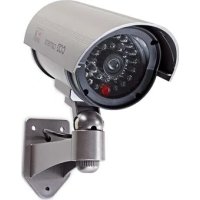
CCTV dummy camera in outdoor housing with (fake) IR LED. A professional design to give the impression of security. Includes a built-in flashing LED.
Mounting bracket included.
• We recommend that you read this manual before installing/using the camera system.
- Keep this manual in a safe place for future reference.
Packaging content:
• CCTV dummy camera
- Mounting screws and plugs
- Manual
Technical specifications:
- Housing: plastic
• IP protection: IP44 (splash & dust proof)
• Battery: 2x AA 1.5 V (not incl.) - Length: 17 ~cm
• Diameter: ∅ 8.00 cm - Weight: 254 g
User instructions:
Insert the batteries to activate the flashing LED.
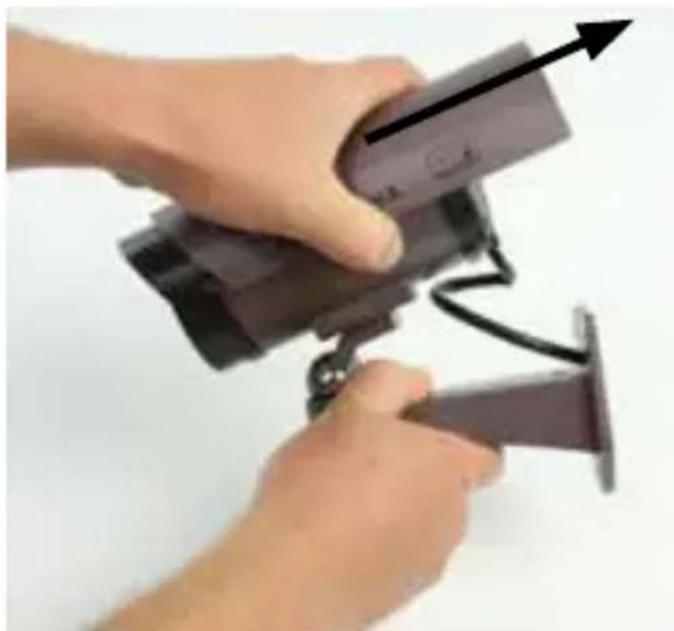
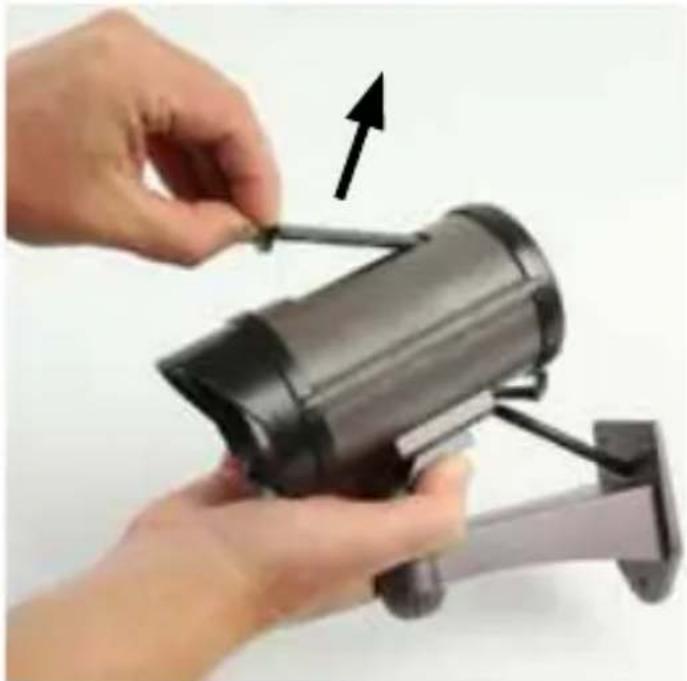
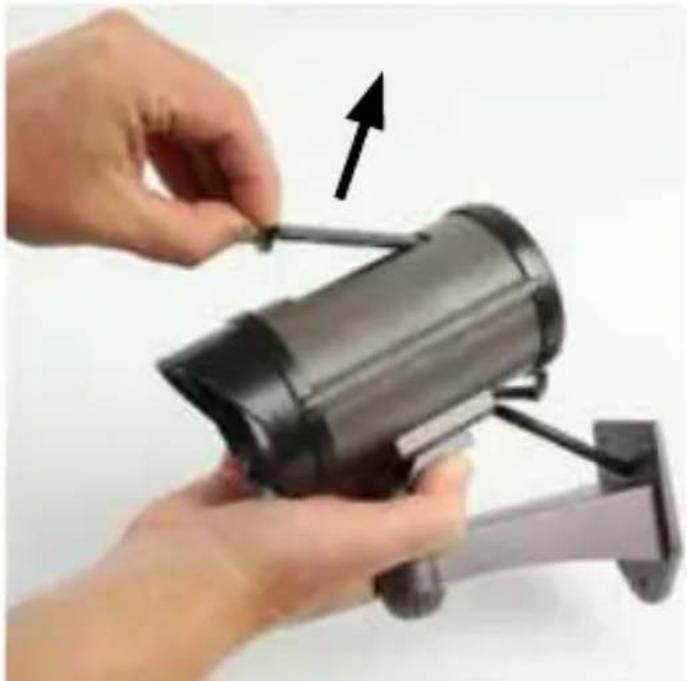
- Slide the rain cover backwards.
natural_image
Close-up of hands installing a security camera module with a black cable (no text or symbols visible)nedis
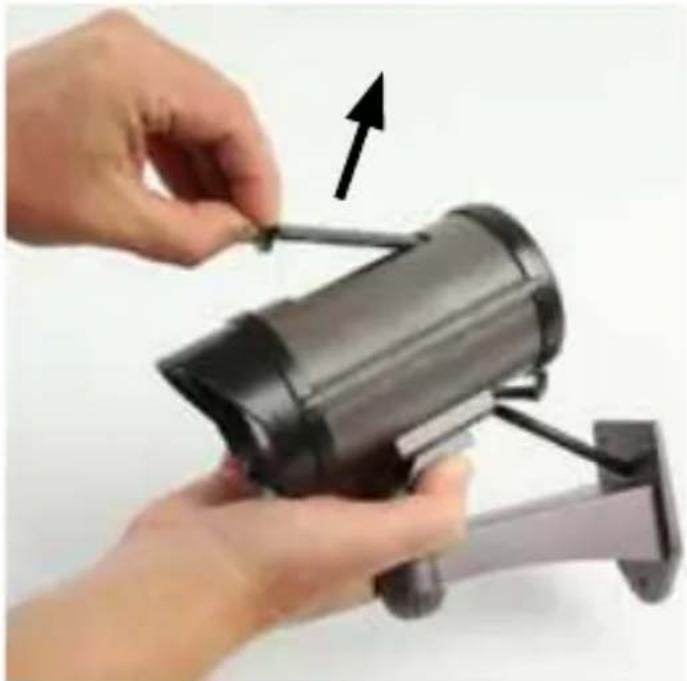
- Open the battery compartment.
natural_image
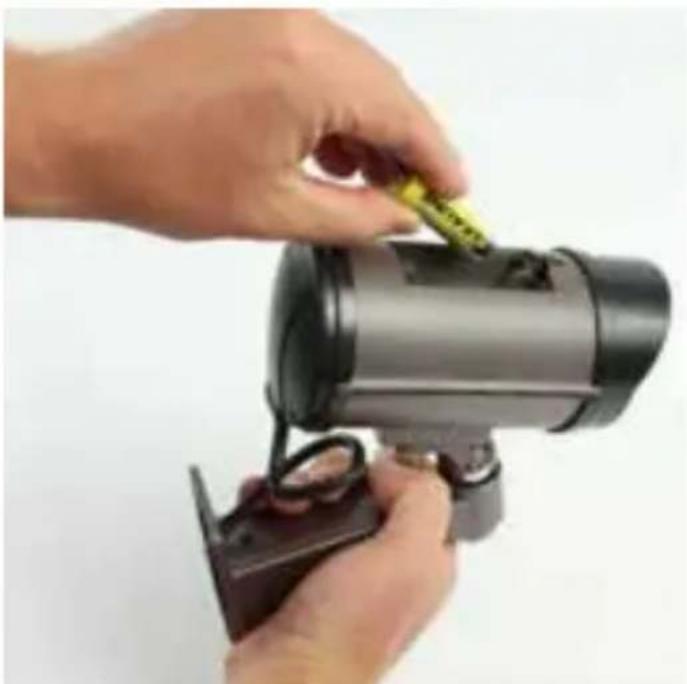
Close-up of hands installing a black cylindrical device with a cable, no visible text or symbols- Insert 2x AA 1.5 V batteries into the battery compartment, matching the polarity markings (+ and -), to activate the flashing LED.
natural_image
Close-up of hands using a handheld device to adjust a yellow cable or cable with a green cable (no text or symbols visible)- Close the battery compartment and slide the rain cover back after inserting the batteries.
Maintenance:
Clean the product only with a dry cloth.
Do not use cleaning solvents or abrasives.
Warranty:
Any changes and/or modifications to the product will void the warranty. We cannot accept any liability for damage caused by incorrect use of this product.
Disclaimer:
Designs and specifications are subject to change without notice. All logos, brands and product names are trademarks or registered trademarks of their respective holders and are hereby recognized as such.
Disposal:

- This product is designated for separate collection at an appropriate collection point. Do not dispose of this product with household waste.
- For more information, contact the retailer or the local authority responsible for waste management.
This product has been manufactured and supplied in compliance with all relevant regulations and directives, valid for all member states of the European Union. It also complies to all applicable specifications and regulations in the country of sales.
Formal documentation is available upon request. This includes, but is not limited to: Declaration of Conformity (and product identity), Material Safety Data Sheet, product test report.
Please contact our customer service desk for support:
via website: http://www.nedis.com/en-us/contact/contact-form.htm
via e-mail: service@nedis.com
via telephone: +31 (0)73-5991055 (during office hours)
NEDIS B.V., De Tweeling 28, 5215 MC 's-Hertogenbosch, THE NETHERLANDS
Einführung:
natural_image
Close-up of hands installing a security camera module with a black arrow indicating motion (no text or symbols visible)nedis
natural_image
Close-up of hands installing a black cylindrical device with a cable, no visible text or symbolsnatural_image
Close-up of hands using a handheld device to adjust a yellow cable or cable with a green cable (no text or symbols visible)natural_image
Close-up of hands using a surveillance camera to adjust a wall-mounted device (no text or symbols visible)natural_image
Close-up of hands installing or adjusting a black cylindrical device with a cable, no visible text or symbolsnatural_image
Close-up of hands using a handheld device to adjust a yellow cable or cable with a green cable (no text or symbols visible)natural_image
Close-up of hands using a security camera to lift a mounted device (no visible text or symbols)natural_image
Close-up of hands installing a black cylindrical device with a cable, no visible text or symbolsnatural_image
Close-up of hands using a handheld device to adjust a yellow cable or cable with a green cable (no text or symbols visible)natural_image
Close-up of hands installing a security camera module with a black cable (no text or symbols visible)natural_image
Close-up of hands installing a black cylindrical device with a cable, no visible text or symbolsnatural_image
Close-up of hands using a handheld device to adjust a yellow cable or cable with a green cable (no text or symbols visible)natural_image
Close-up of hands installing a security camera module with a black cable (no text or symbols visible)natural_image
Close-up of hands installing a black cylindrical device with a cable, no visible text or symbolsnatural_image
Close-up of hands using a handheld device to adjust a yellow cable or cable with a green cable (no text or symbols visible)natural_image
Close-up of hands using a security camera to lift a device (no visible text or symbols)natural_image
Close-up of hands installing a black cylindrical device with a cable, no visible text or symbolsnatural_image
Close-up of hands using a handheld device to adjust a yellow cable or cable with a green cable (no text or symbols visible)natural_image
Close-up of hands holding a black mechanical device with a white cable, no visible text or symbolsnatural_image
Close-up of hands installing or adjusting a black cylindrical device with a cable, no visible text or symbolsnatural_image
Close-up of hands using a handheld device to adjust a yellow cable or cable with a green cable (no text or symbols visible)natural_image
Close-up of hands installing a security camera module with a black arrow indicating motion (no text or symbols visible)nedis
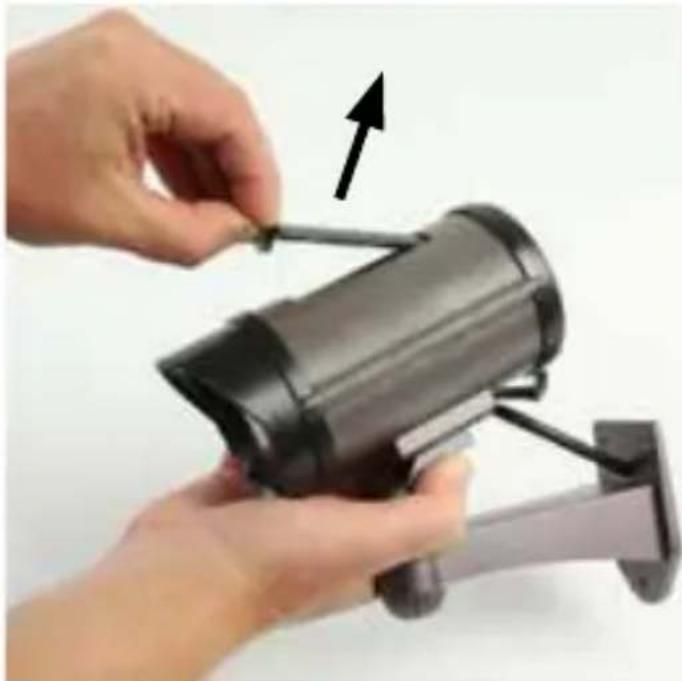
- Avaa paristokotelo.
natural_image
Close-up of hands installing a black cylindrical security camera module with an arrow indicating the component (no text or symbols visible)natural_image
Close-up of hands using a handheld device to adjust a camera lens (no text or symbols visible)natural_image
Close-up of hands installing a security camera module with a black arrow indicating motion (no text or symbols visible)natural_image
Close-up of hands installing or adjusting a black cylindrical device with a cable, no visible text or symbolsnatural_image
Close-up of hands using a handheld device to adjust a yellow cable or cable with a green cable (no text or symbols visible)natural_image
Close-up of hands installing a security camera module with a black arrow indicating motion (no text or symbols visible)nedis
natural_image
Close-up of hands installing or adjusting a black cylindrical device with a cable, no visible text or symbolsnatural_image
Close-up of hands using a handheld device to adjust a yellow cable or cable with a green cable (no text or symbols visible)natural_image
Close-up of hands using a security camera to lift a wall-mounted device (no text or symbols visible)natural_image
Close-up of hands installing a black cylindrical device with a cable, no visible text or symbolsnatural_image
Close-up of hands using a handheld device to adjust a yellow cable or cable with a green cable (no text or symbols visible)natural_image
Close-up of hands using a security camera to lift a mounted device (no visible text or symbols)nedis
natural_image
Close-up of hands installing a black cylindrical device with a cable, no visible text or symbols- Εισάγετε 2x AA
natural_image
Close-up of hands using a handheld device to adjust a yellow cable or cable with a green cable (no text or symbols visible)natural_image
Close-up of hands using a security camera to lift a wall-mounted device (no text or symbols visible)nedis
- Åbn batterirummet.
natural_image
Close-up of hands installing a black cylindrical device with a cable, no visible text or symbolsnatural_image
Close-up of hands using a handheld device to adjust a yellow cable or cable with a green cable (no text or symbols visible)natural_image
Close-up of hands installing a security camera module with a black arrow indicating motion (no text or symbols visible)- Skyv regnvernet bakover.
nedis
- Åpne batterirommet.
natural_image
Close-up of hands installing a black cylindrical device with a cable, no visible text or symbolsnatural_image
Close-up of hands using a handheld device to adjust a yellow cable or cable with a green cable (no text or symbols visible)natural_image
Close-up of hands using a surveillance camera to lift a mounted device (no visible text or symbols)natural_image
Close-up of hands installing or adjusting a black cylindrical device with a cable, no visible text or symbolsnatural_image
Close-up of hands using a handheld device to adjust a yellow cable or cable with a green cable (no text or symbols visible)natural_image
Close-up of hands using a surveillance camera to adjust a device (no visible text or symbols)natural_image
Close-up of hands installing or adjusting a black cylindrical device with a cable, no visible text or symbolsnatural_image
Close-up of hands using a handheld device to adjust a component (no visible text or symbols)natural_image
Close-up of hands using a security camera to lift a wall-mounted device (no text or symbols visible)- Pil bölmesini açın.