 ManualGo.com
RLV4305A1000E1 - Thermostat HONEYWELL - Free user manual and instructions
Find the device manual for free RLV4305A1000E1 HONEYWELL in PDF.


Download the instructions for your Thermostat in PDF format for free! Find your manual RLV4305A1000E1 - HONEYWELL and take your electronic device back in hand. On this page are published all the documents necessary for the use of your device. RLV4305A1000E1 by HONEYWELL.
USER MANUAL RLV4305A1000E1 HONEYWELL
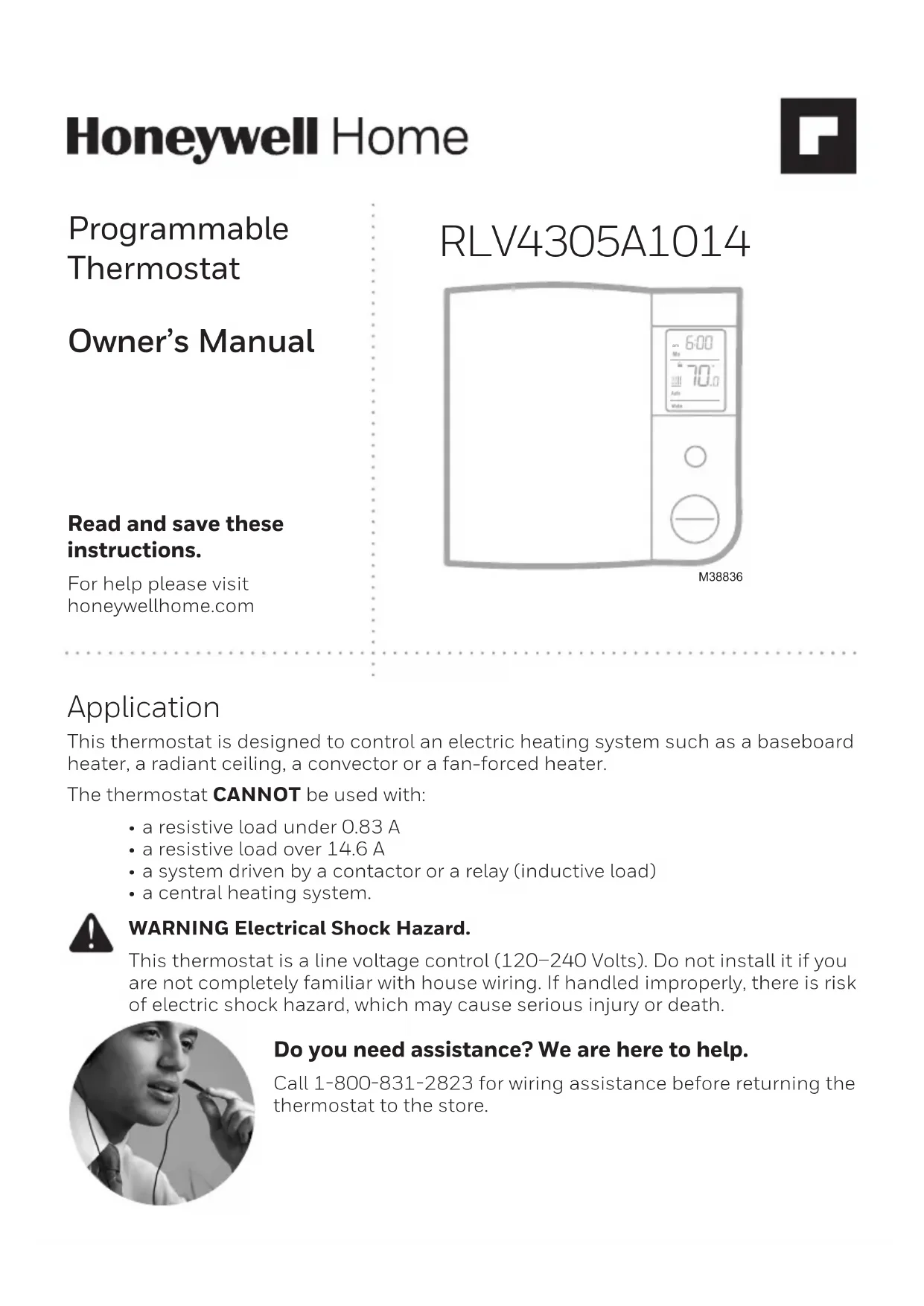
Owner’s Manual Read and save these instructions. For help please visit honeywellhome.com RLV4305A1014 Programmable Thermostat M38836
Application This thermostat is designed to control an electric heating system such as a baseboard heater, a radiant ceiling, a convector or a fan-forced heater. The thermostat CANNOT be used with:
- a resistive load under 0.83 A• a resistive load over 14.6 A• a system driven by a contactor or a relay (inductive load)• a central heating system. WARNING Electrical Shock Hazard. This thermostat is a line voltage control (120240 Volts). Do not install it if you are not completely familiar with house wiring. If handled improperly, there is risk of electric shock hazard, which may cause serious injury or death. Do you need assistance? We are here to help. Call 18008312823 for wiring assistance before returning the thermostat to the store.2
ATTENTION: MERCURY RECYCLING NOTICE
This product does not contain mercury. However, this product may replace a product that contains mercury. Mercury and products containing mercury should not be discarded in household trash. For more information on how and where to properly recycle a thermostat containing mercury in the United States, please refer to the Thermostat Recycling Corporation at www.thermostat-recycle. org. For mercury thermostat recycling in Canada, please refer to Switch the Stat at www.switchthestat.ca NO MERCURY
- One (1) thermostat• Two (2) 632 mounting screws• Two (2) solderless connectors Installation TURN OFF POWER TO THE HEATING SYSTEM AT THE MAIN POWER PANEL TO AVOID ELECTRICAL SHOCK.
- All cables and connections must comply with local electrical codes.• This thermostat has tinned copper wires for line and load connections.• Special CO/ALR solderless connectors must be used if these wires will be connected to aluminium conductors.
- Install the thermostat onto an electrical box.• Install the thermostat about 5 ft. (1.5 m) high, on an inside wall facing the heater.
- Avoid locations where there are air drafts (such as the top of a staircase or an air outlet), dead air spots (such as behind a door), or direct sunlight.
- Do not install the thermostat on a wall that conceals chimney or stove pipes.
- The thermostat wires are not polarized; either wire can be connected to the load or to the power supply.
CAUTION: ELECTRONIC WASTE NOTICE
The product should not be disposed of with other household waste. Check for the nearest authorized collection centers or authorized recyclers. The correct disposal of end-of-life equipment will help prevent negative consequences for the environment and human health.3 Wiring Connect the thermostat wires to the power and to the load using solderless connectors for copper wires. 4-wire Installation2-wire Installation M38834 Thermostat mounting
the provided screws.
3. Insert the screws through either the right or left
pair of mounting holes on the thermostat. NOTE: If there is a protective film or sticker on the thermostat’s screen, peel it off.
4. Apply power to the heating system. Verify the
installation by checking that the heater can be turned on by raising the setpoint using the Up button and off by lowering the setpoint using the Down button. WARNING Keep the thermostat’s air vents clean and free from obstructions. M388354 M38825 M38837 Clock and day setting
1. Press the Day button to set the day.
2. Use the Hour and Min buttons to
3. Press the button to exit.
The clock must be set when the time is incorrect or flashes on the screen. Controls Day button Hour button Minute button Program button Return button Mode button (see pages 5 and 6) Backlit screen* Up and Down buttons
- To display the set temperature (setpoint), press the Up or Down button once. The thermostat will display the setpoint instead of the clock for 5 seconds. Display Setpoint temperature* Time and day Indicates that the settings are locked (see page 8) Room temperature Mode indicator (see pages 5 and 6) Period indicator (see page 5) Heating intensity indicator Appears when power to the thermostat is cut off (see page 9) Appears if the thermostat is configured for a fan-forced heater (see page 7) Automatic mode In Automatic mode, the thermostat adjusts its temperature setpoint according to the period of the day. To place the thermostat in this mode, press the Mode button until Auto appears on the screen. The current period name also appears (unless the thermostat has not been programmed with a schedule). You can program up to 4 periods (Wake, Leave, Return or Sleep) in a day. You can set 2 different programs: one for the weekdays (Monday to Friday) and another one for the weekend (Saturday and Sunday). The thermostat uses the following default schedule: Monday to Friday Saturday & Sunday Period Start Time Temperature Start Time Temperature Wake 6:00 am 70°F (21.0°C) 6:00 am 70°F (21.0°C) Leave 8:00 am 62°F (16.5°C) --:-- - - Return 6:00 pm 70°F (21.0°C) --:-- - - Sleep 10:00 pm 62°F (16.5°C) 10:00 pm 62°F (16.5°C) Temporary Override You can temporarily modify the setpoint temperature while the thermostat is in Automatic mode using the Up or Down button. The new setpoint will be used until the beginning of the next period. During the override, Auto flashes on the screen. You can cancel the override by pressing the button. M38839 am6 M38829 Manual (Man) mode To place the thermostat in Manual mode, press the Mode button until Man appears on the screen. In this mode, any modification to the temperature setpoint must be done manually. To set the temperature, press the Up or Down button. The default setting is 70°F (21.0°C). Away mode To place the thermostat in Away mode, press the Mode button until Away appears on the screen. This mode is a quick way to lower the temperature to a predetermined setting before you go away for an extended length of time. The temperature is 59 °F (15.0 °C) by default and can be modified using the setup menu (see page 7). Standby mode To disable heating, press the Mode button until Standby appears on the screen. In this mode, the setpoint temperature cannot be displayed or modified. For frost protection, heating will turn on only to prevent the room temperature from dropping below 41 °F (5 °C).
2. Press the Hour and Min buttons to set the
start time of the displayed period. NOTE: To cancel the period, press the Mode button. Instead of displaying the start time of the period, the thermostat will display --:--. During operation, the thermostat will skip over that period.
3. Press the Up or Down button to set the
button and repeat steps 2 and 3.
5. Press the button to return to normal
displays one of the periods of the schedule in the following order: Weekdays (MO TU WE TH FR) Weekend (SA SU)
1. Press the Pgm button for 3 seconds.
Fan Place at Yes if you have a fan-forced heater (to prevent premature burnout of the motor). Leave at No for better temperature regulation if you do not have a fan-forced heater.8
Away temperature Set the temperature you wish to use when the thermostat is in Away mode (see page 6).
Daylight Saving Time When the Daylight Saving Time function is enabled (On), the thermostat au- tomatically switches to Daylight Saving Time on the second Sunday of March and to normal time on the first Sunday of November.
Early Start Early Start is used in Automatic mode only. When Early Start is enabled (On), the thermostat determines when to start heating so the desired temperature is attained at the beginning of Wake and Return periods. When Early Start is disabled (Off), heating starts only at the beginning of Wake and Return peri- ods; thus there is a delay before you reach the desired temperature.
Keypad lock The settings are locked. The temperature adjustment buttons only allow you to view the temperature setpoint. Troubleshooting Your thermostat requires little or no attention. Most problems can generally be traced to the following: Problem Solution(s) Thermostat is hot. This condition is normal. Ensure that the heater capacity does not exceed the thermostat’s maximum load. Wrong temperature is displayed. Correct it if any of the following situations exists:
- The thermostat is exposed to an air draft.
- The thermostat is located near or above a heat source such as a light dimmer Wrong time is displayed. The thermostat was without power for more than 5 hours. Temperature does not change according to the programmed schedule. Check that the thermostat is in Automatic mode. Check the schedule and clock settings. If the thermostat is configured in 12-hour format, ensure that PM appears on the screen when afternoon times are displayed. LP appears on the screen or the screen is blank despite there is no power outage. The thermal circuit breaker in the heater is opened. This can happen if the heater is obstructed by furniture or curtain and has overheated, or if the thermal circuit breaker is defective or too sensitive. The settings cannot be changed. The settings are locked (see page 7).9 LO is displayed The measured temperature is below the display range. Heating is activated. HI is displayed The measured temperature is above the display range. E1, E2 is displayed The thermostat performance is reduced due to a sensor error. Please contact technical support for more information. Resetting the thermostat (default settings) NOTE: All parameters, except the clock (time and day), return to their default settings when the thermostat is reset.
1. Press the Mode button until Standby appears on the screen.
2. Press the button for 6 seconds.
3. The thermostat will display rSt (reset) for 2 seconds to indicate it is reset
and will then return to normal display. Power outage During a power outage, LP (low power) appears for the first minute. Then the screen becomes blank. The settings are stored in memory. After the initial installation, product must be connected to power for a minimum of two hours to enable the power outage feature. However, if the power failure exceeds 4 hours, the thermostat’s clock must be readjusted and, if you are using the automatic Daylight Saving Time changeover function, it must be re-enabled. When power returns, the thermostat will return to the mode of operation active prior to the power failure. Specifications Supply: 120/240 VAC, 60 Hz Minimum load:
0.83 A (resistive only)
200 W @ 240 V AC 100 W @ 120 V AC Maximum load: 14.6 A (resistive only) 3500 W @ 240 V AC 1750 W @ 120 V AC Display range: 32 °F to 99 °F (0 °C to 50.0 °C) Setpoint range: 41 °F to 86 °F (5.0 °C to 30.0 °C) Resolution: 1 °F (0.5 °C) Storage temperature: 4 °F to 120 °F (20 °C to 50 °C) 273699www.resideo.com © 2022 Resideo Technologies, Inc. All rights reserved. The Honeywell Home trademark is used under license from Honeywell International, Inc. This product is manufactured by Resideo Technologies, Inc. and its affiliates. Tous droits réservés. La marque de commerce Honeywell Home est utilisée avec l’autorisation d’Honeywell International, Inc. Ce produit est fabriqué par Resideo Technologies, Inc. et ses sociétés affiliées. Resideo Technologies, Inc. 1985 Douglas Drive North, Golden Valley, MN 5542233-00147EF—05 M.S. Rev. 03-22 | Printed in United States 33-00147EF-05 ICES003 Class B Notice - Avis NMB3, Classe B This Class B digital apparatus complies with Canadian ICES003. FCC statement at: https://customer.resideo.com/enUS/support/residential/codes-and- standards/FCC15105/Pages/default.aspx 1-year limited warranty Resideo warrants this product, excluding battery, to be free from defects in the workmanship or materials, under normal use and service, for a period of one (1) year from the date of first purchase by the original purchaser. If at any time during the warranty period the product is determined to be defective due to workmanship or materials, Resideo shall repair or replace it (at Resideo’s option). If the product is defective, (i) return it, with a bill of sale or other dated proof of purchase, to the place from which you purchased it; or (ii) call Resideo Customer Care at 18008312823. Customer Care will make the determination whether the product should be returned to the following address: Resideo Return Goods, Dock 4 MN103860, 1985 Douglas Dr. N., Golden Valley, MN 55422, or whether a replacement product can be sent to you. This warranty does not cover removal or reinstallation costs. This warranty shall not apply if it is shown by Resideo that the defect was caused by damage which occurred while the product was in the possession of a consumer. Resideo’s sole responsibility shall be to repair or replace the product within the terms stated above. RESIDEO SHALL NOT BE LIABLE FOR ANY LOSS OR DAMAGE OF ANY KIND, INCLUDING ANY INCIDENTAL OR CONSEQUENTIAL DAMAGES RESULTING, DIRECTLY OR INDIRECTLY, FROM ANY BREACH OF ANY WARRANTY, EXPRESS OR IMPLIED, OR ANY OTHER FAILURE OF THIS PRODUCT. Some states do not allow the exclusion or limitation of incidental or consequential damages, so this limitation may not apply to you. THIS WARRANTY IS THE ONLY EXPRESS WARRANTY RESIDEO MAKES ON THIS PRODUCT. THE DURATION OF ANY IMPLIED WARRANTIES, INCLUDING THE WARRANTIES OF MERCHANTABILITY AND FITNESS FOR A PARTICULAR PURPOSE, IS HEREBY LIMITED TO THE ONEYEAR DURATION OF THIS WARRANTY. Some states do not allow limitations on how long an implied warranty lasts, so the above limitation may not apply to you. This warranty gives you specific legal rights, and you may have other rights which vary from state to state. If you have any questions concerning this warranty, please write Resideo Customer Relations, 1985 Douglas Dr, Golden Valley, MN 55422 or call 18008312823.RLV4305A1014 M38836