 EasyManual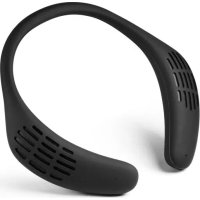
BTX50 - Speaker MusicMan - Free user manual and instructions
Find the device manual for free BTX50 MusicMan in PDF.



User questions about BTX50 MusicMan
0 question about this device. Answer the ones you know or ask your own.
Ask a new question about this device
Download the instructions for your Speaker in PDF format for free! Find your manual BTX50 - MusicMan and take your electronic device back in hand. On this page are published all the documents necessary for the use of your device. BTX50 by MusicMan.
USER MANUAL BTX50 MusicMan
- User Manual Neckband Speaker BT-X50 The Portable Surround Experience The manufacturer Technaxx Deutschland GmbH & Co.KG hereby declares that this device, to which this user manual belongs, complies with the essential requirements of the standards referred to the Directive RED 2014/53/EU. The Declaration of Conformity you find here: www.technaxx.de/ (in bar at the bottom “Konformitätserklärung”). Before using the device the first time, read the user manual carefully. This device has a rechargeable battery. It must be fully charged before first use. NOTE: Charge the battery of the device every 2–3 month if it is not used! Turn OFF nearby Bluetooth devices to avoid signal interference! WARNING: DO NOT TURN THE VOLUME TOO HIGH – HEARING LOSS MIGHT BE THE RESULT! Service phone No. for technical support: 01805 012643 (14 cent/minute from German fixed-line and 42 cent/minute from mobile networks). Free Email: support@technaxx.de Keep this user manual for future reference or product sharing carefully. Do the same with the original accessories for this product. In case of warranty, please contact the dealer or the store where you bought this product.Warranty 2 years Enjoy your product * Share your experience and opinion on one of the well-known internet portals. Features
- Listen to music while hearing the world around you
- Connect any sound source with AUX-cable
- Built-in microphone for telephone calls
- Ideal for sport activities, gaming and other activities
- Flexible silicone housing for pleasant wearing comfortTechnical specifications Bluetooth Version Version 5.0 Loudspeakers 2*3W (6W RMS) Frequency range 20Hz~20kHz Bluetooth Transmitting distance ~10m (open space) Frequency band 2.4GHz Radiated transmission power max.2.5mW Power supply 500mAh lithium polymer battery 3.7V / charging via Micro USB connector Modes Bluetooth, AUX-In, SD-card Charging time ~3 hour (DC 5V/1A) Playing / Talking time ~4 hours (max. VOL) / ~4.5 hours Standby time ~27 hours (BT connection, no music) SNR / THD / Impedance 90dB / 0.1% / 4Ω Operating temperature –10°C up to +50°C Storage temperature –10°C up to +50°C Protection class IPX5 (splash water proofed) Material PC / ABS / Silicon Weight / Dimensions 256g / (L) 246 x (W) 208 (H) 41cm Package Contents MusicMan® BT-X50, Micro USB charging cable, Audio cable (3.5mm), user manualProduct overview
Next track / volume up
Charging indicator LED
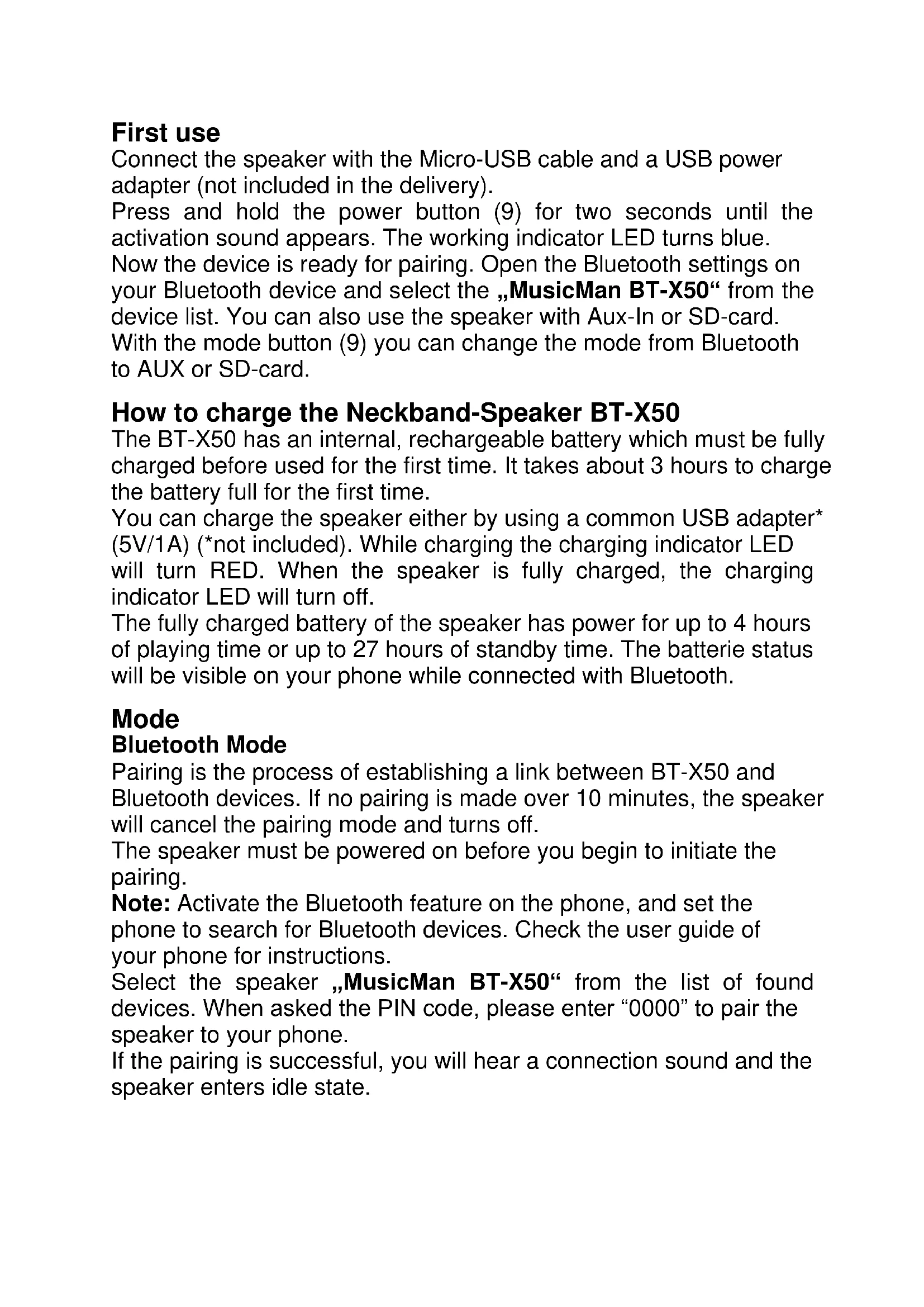
1 2 3 4 5 6 7 8 9 10First use Connect the speaker with the Micro-USB cable and a USB power adapter (not included in the delivery). Press and hold the power button (9) for two seconds until the activation sound appears. The working indicator LED turns blue. Now the device is ready for pairing. Open the Bluetooth settings on your Bluetooth device and select the „MusicMan BT-X50“ from the device list. You can also use the speaker with Aux-In or SD-card. With the mode button (9) you can change the mode from Bluetooth to AUX or SD-card. How to charge the Neckband-Speaker BT-X50 The BT-X50 has an internal, rechargeable battery which must be fully charged before used for the first time. It takes about 3 hours to charge the battery full for the first time. You can charge the speaker either by using a common USB adapter* (5V/1A) (*not included). While charging the charging indicator LED will turn RED. When the speaker is fully charged, the charging indicator LED will turn off. The fully charged battery of the speaker has power for up to 4 hours of playing time or up to 27 hours of standby time. The batterie status will be visible on your phone while connected with Bluetooth. Mode Bluetooth Mode Pairing is the process of establishing a link between BT-X50 and Bluetooth devices. If no pairing is made over 10 minutes, the speaker will cancel the pairing mode and turns off. The speaker must be powered on before you begin to initiate the pairing. Note: Activate the Bluetooth feature on the phone, and set the phone to search for Bluetooth devices. Check the user guide of your phone for instructions. Select the speaker „MusicMan BT-X50“ from the list of found devices. When asked the PIN code, please enter “0000” to pair the speaker to your phone. If the pairing is successful, you will hear a connection sound and the speaker enters idle state.Auto reconnection When the BT-X50 is in off state, switch them on and it will reconnect automatically to the last connected device if it is reachable. SD-card mode Insert a Micro-SD card (max. 32GB) in the device in on state. The speaker will automatically play the songs from the SD-card. You can also change the mode by press and hold the mode button (9). AUX-Mode Connect the AUX-cable to any sound-source you will operate with. You can also change the mode by press and hold the mode button (9) after the device is in on state. In AUX-Mode just the play/pause button is useable. For changing tracks please use the source device. How to use device functions Make a call: to make a call, use your phone in the normal way when the speaker is connected to your phone. The sound will be transmitted to the speaker automatically. Answer a call: when there is an incoming call, press the play/pause button (9) of the speaker, or use the phone keys to answer the call. End a call: after finishing the call, press the play/pause button (9) of the speaker, or use the phone keys to end the call. Play/Pause music: short press the play/pause button (9) to play or pause music. The speaker cannot play music by itself. If you want to hear music via the speaker, you have to start the music track on your Bluetooth device (e.g. Smartphone). Troubleshooting If you cannot connect the speaker to your phone, do as follows: ●Ensure that the speaker is charged and switched on. ●Ensure that the Bluetooth feature is activated on your phone. ●Check that the speaker is within 10m of your phone and that there are no obstructions between the speaker and the phone, such as walls or other electronic devices. ●The BT-X50 powers off or does not turn on again could be either a low battery or a problem with the power supply charge the BT-X50. (We suggest charging the BT-X50 all 2–3 months if it is not used for a long time.)●Noises are heard from the BT-X50 could be a poor Bluetooth signal to avoid noise, stay within the Bluetooth range of ~10m. Warnings ●Only charge the BT-X50 through the DC 5V Micro USB port by using the provided Micro USB charging cable. You also can use a USB charging adapter but ONLY (!) up to DC 5V/1A. Do not (!) charge the BT-X50 with more power! ●If the BT-X50 fails to link to your mobile device or if it fails to play music after being connected, the user shall check if your mobile device supports A2DP. ●Do not disassemble the BT-X50, it may result in short-circuit or damage. ●Do not drop or shake the BT-X50, it may break internal circuit boards or mechanics. ●Keep the BT-X50 in a dry and ventilated environment. Avoid high humidity and high temperature. Also batteries should not be exposed to excessive heat or direct sunlight. ●This BT-X50 is not water resistant; therefore keep it away from moisture. ●Keep the BT-X50 away from little children.
Hints for Environment Protection: Packages materials are raw materials and can be recycled. Do not disposal old devices or batteries into the domestic waste. Cleaning: Protect the device from contamination and pollution (use a clean drapery). Avoid using rough, coarse-grained materials or solvents/aggressive cleaner. Wipe the cleaned device accurately. Distributor: Technaxx Deutschland GmbH & Co.KG, Kruppstr. 105, 60388 Frankfurt a.M., GermanyMusicMan