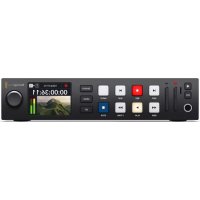
HyperDeck Studio HD Plus - VCR Blackmagic Design - Free user manual and instructions
Find the device manual for free HyperDeck Studio HD Plus Blackmagic Design in PDF.

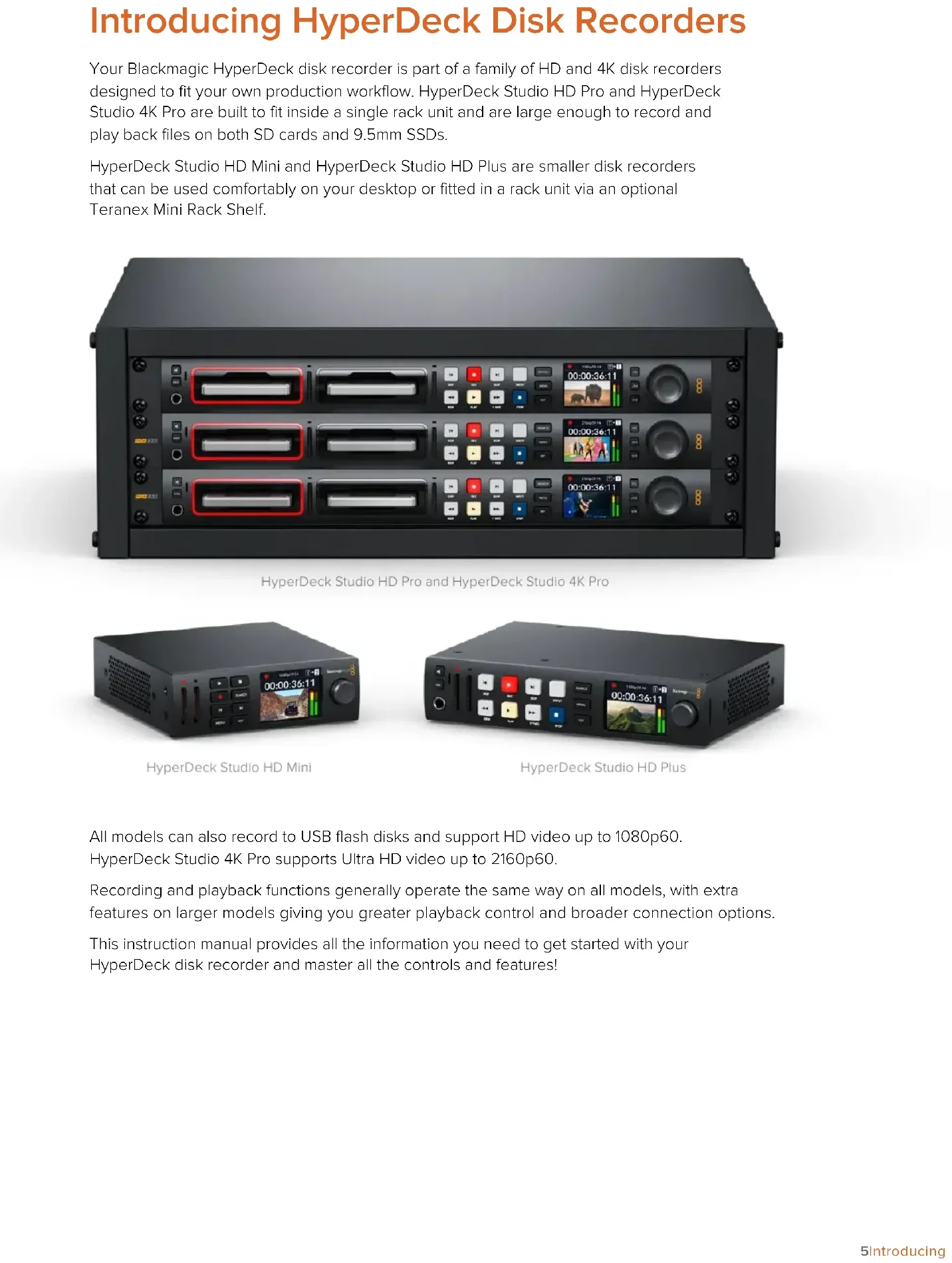


| Product Type | Professional VTR (broadcast recorder/player) |
| Brand | Blackmagic Design |
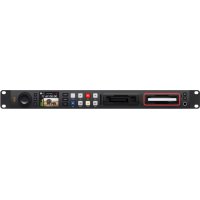
| Model | HyperDeck Studio HD Plus |
| Dimensions (W x D x H) | 483 x 185 x 45 mm (1U rack format) |
| Weight | 3.2 kg |
| Power | 100-240 V AC, 50/60 Hz, 50 W consumption |
| Storage Media | 2 bays for 2.5-inch SSDs (SATA) |
| Recording Formats | ProRes, DNxHD, and other broadcast codecs |
| Video Inputs/Outputs | 3G-SDI (input/output), HDMI (input/output) |
| Audio Inputs/Outputs | Embedded audio via SDI/HDMI; headphone jack output |
| Frame Rates | 23.98, 24, 25, 29.97, 30, 50, 59.94, 60 fps |
| Supported Resolutions | SD, HD (720p, 1080i, 1080p), 2K (2048 x 1080) |
| Display | Built-in LCD screen for monitoring |
| Control | Push button, rotary encoder, RS-422 remote control |
| Network Connectivity | Ethernet 10/100/1000 BaseT for control and file transfer |
| Main Functions | Recording, playback, loop, frame-by-frame scrubbing, LTC timecode, bars generation |
| Care and Cleaning | Clean the exterior with a soft, dry cloth. Do not use solvents. |
| Safety | Use only the provided power supply. Do not open the case. Avoid shocks. |
| Spare Parts and Repairability | SSDs are user-replaceable. For repairs, contact an authorized Blackmagic Design service center. |
| General Information | 1-year warranty (depending on country). Manual available online in PDF format. |
Frequently Asked Questions - HyperDeck Studio HD Plus Blackmagic Design
User questions about HyperDeck Studio HD Plus Blackmagic Design
0 question about this device. Answer the ones you know or ask your own.
Ask a new question about this device
Download the instructions for your VCR in PDF format for free! Find your manual HyperDeck Studio HD Plus - Blackmagic Design and take your electronic device back in hand. On this page are published all the documents necessary for the use of your device. HyperDeck Studio HD Plus by Blackmagic Design.
USER MANUAL HyperDeck Studio HD Plus Blackmagic Design
Brand : Blackmagic Design
Model : HyperDeck Studio HD Plus
Category : VCR