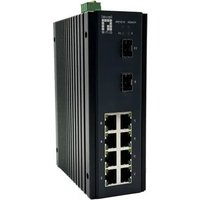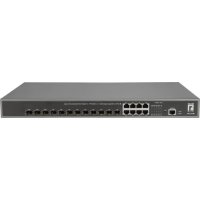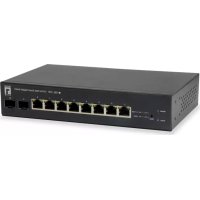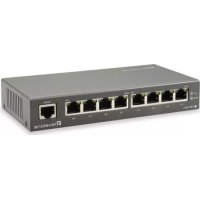
FEP0931 - Switch LEVELONE - Free user manual and instructions
Find the device manual for free FEP0931 LEVELONE in PDF.


| Product type | Network switch (Switch) |
| Brand | LevelOne |
| Model | FEP0931 |
| Number of ports | 5 Ethernet ports 10/100/1000 Mbps |
| Power supply | External power adapter 5V/1A |
| Dimensions (L x D x H) | 15 cm x 10 cm x 3.5 cm |
| Weight | 0.4 kg |
| Power consumption | 5 W (max) |
| Operating temperature | 0 °C to 40 °C |
| Operating humidity | 10% to 90% (non-condensing) |
| Cooling method | Passive (fanless) |
| Recommended cable | Cat5e or higher Ethernet cable |
| Key features | Gigabit switching, Plug-and-Play, Auto MDI/MDI-X, Flow control |
| Maintenance and cleaning | Unplug before cleaning, use a soft dry cloth. Do not use solvents. |
| Safety | Use only the supplied adapter. Do not expose to water or heat source. |
| Spare parts and repairability | No user-serviceable parts. Contact LevelOne technical support if defective. |
| General information | 2-year warranty. Compliant with CE, RoHS standards. |
Frequently Asked Questions - FEP0931 LEVELONE
User questions about FEP0931 LEVELONE
0 question about this device. Answer the ones you know or ask your own.
Ask a new question about this device
Download the instructions for your Switch in PDF format for free! Find your manual FEP0931 - LEVELONE and take your electronic device back in hand. On this page are published all the documents necessary for the use of your device. FEP0931 by LEVELONE.
USER MANUAL FEP0931 LEVELONE
text_image
level® oneFEP-0931
Quick Installation Guide
| English | Português |
| Deutsch | Svenska |
| Français | Slovenščina |
| Español | 繁體中文 |
| Nederlands | 한국어 |
| Dansk | Русский |
| Italiano | Polski |
| Ελληνικά |
Package Content
| FEP-0931 | x 1 |
| AC/DC adapter | x 1 |
| x 1AC power line |

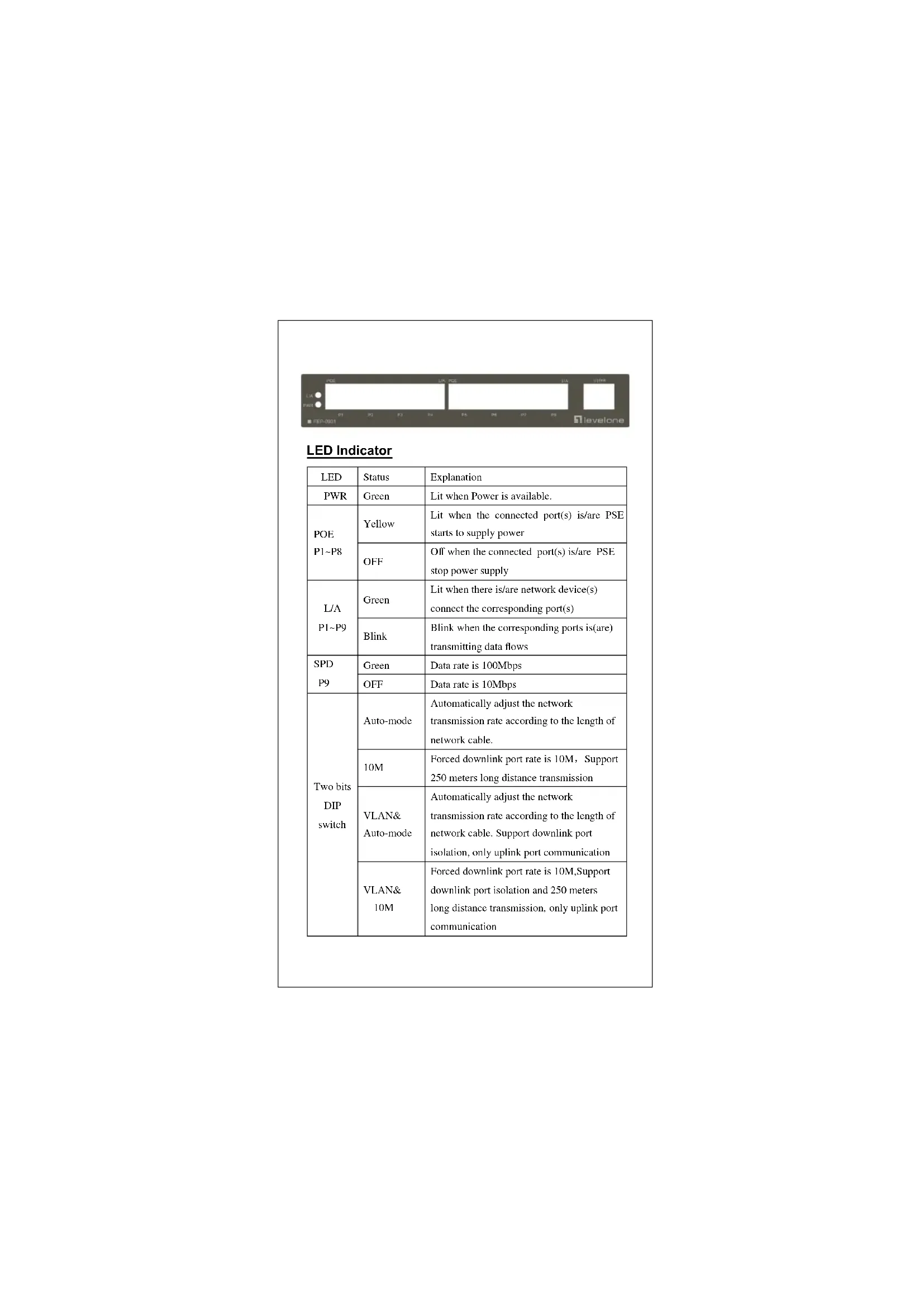
| LED | Status | Explanation |
| PWR | Green | Lit when Power is available. |
| POE P1~P8 | Yellow | Lit when the connected port(s) is/are PSE starts to supply power |
| OFF | Off when the connected port(s) is/are PSE stop power supply | |
| L/A P1~P9 | Green | Lit when there is/are network device(s) connect the corresponding port(s) |
| Blink | Blink when the corresponding ports is(are) transmitting data flows | |
| SPD P9 | Green | Data rate is 100Mbps |
| OFF | Data rate is 10Mbps | |
| Two bits DIP switch | Auto-mode | Automatically adjust the network transmission rate according to the length of network cable. |
| 10M | Forced downlink port rate is 10M, Support 250 meters long distance transmission | |
| VLAN& Auto-mode | Automatically adjust the network transmission rate according to the length of network cable. Support downlink port isolation, only uplink port communication | |
| VLAN& 10M | Forced downlink port rate is 10M,Support downlink port isolation and 250 meters long distance transmission, only uplink port communication |
ENGLISH
Installation
text_image
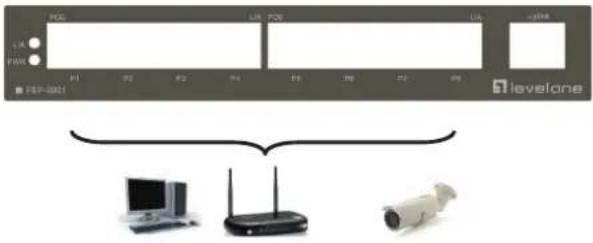
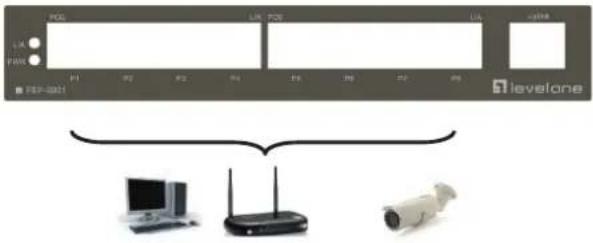
IRL ILS ILS IWS levelone IPL IPL IPL IPL IPL IPL IPL IPL IPL IPL IPL IPL IPL IPL IPL IPL IPL IPL IPL IPL IPL IPL IPL IPL IPL IPL IPL IPL IPL IPL IPL IPL IPL IPLConnecting Equipment
Step1. Inspect the Power Adapter carefully, and make sure that it is properly connected to a power source.
Step2. Plug-in the Power Adapter to the Switch.
Step3. Connect your network devices with the switch by using Ethernet cable. (e.g. Cat-5e)
Deutsch
Installation