TFit 250 GPS - Smartwatch Trevi - Free user manual and instructions
Find the device manual for free TFit 250 GPS Trevi in PDF.

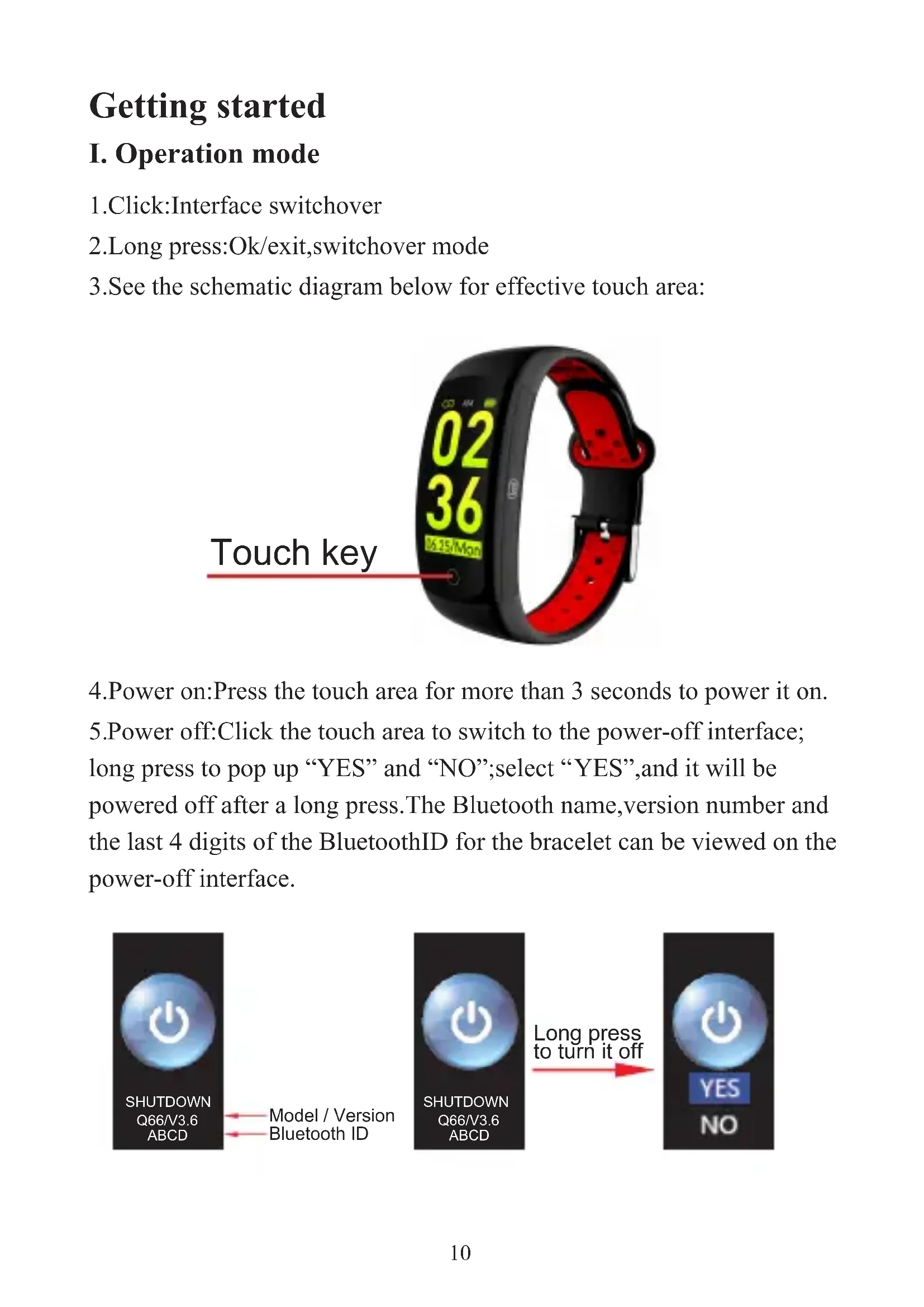


| Product type | Smart bracelet |
| Brand | Trevi |
| Model | TFit 250 GPS |
| Screen | 0.96" LCD |
| Weight | 24.3 g |
| Bracelet length | 25 cm |
| Bracelet material | Silicone |
| Water resistance rating | IP68 |
| Battery capacity | 90 mAh |
| Charging time | About 1 h 30 |
| Bluetooth | 4.0 |
| Required operating system | Android 4.4 or higher, iOS 8.2 or higher |
| Main functions | Pedometer, distance, calories, heart rate, sleep, notifications, sports mode, stopwatch, phone finder, remote photo |
| Package contents | Device, charging cable, instructions |
| Care and cleaning | Clean with a soft, dry cloth. Avoid harsh chemicals. |
| Safety | Do not expose to heat sources, flammable gases, or violent shocks. Keep out of reach of children. |
| Spare parts and repairability | Contact Trevi after-sales service for any repairs or parts. |
| General information | WearHealth app required for connection. Discover customizable watch face options. |
Frequently Asked Questions - TFit 250 GPS Trevi
User questions about TFit 250 GPS Trevi
0 question about this device. Answer the ones you know or ask your own.
Ask a new question about this device
Download the instructions for your Smartwatch in PDF format for free! Find your manual TFit 250 GPS - Trevi and take your electronic device back in hand. On this page are published all the documents necessary for the use of your device. TFit 250 GPS by Trevi.
USER MANUAL TFit 250 GPS Trevi
- Click: Interface switchover
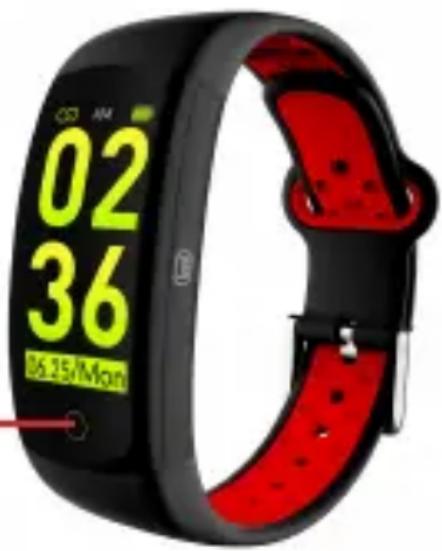
2.Long press:Ok/exit,switchover mode - See the schematic diagram below for effective touch area:
Touch key
- Power on: Press the touch area for more than 3 seconds to power it on.
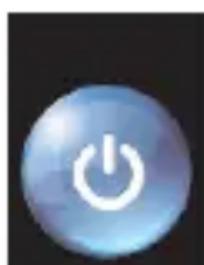
5.Power off:Click the touch area to switch to the power-off interface; long press to pop up "YES" and "NO";select "YES",and it will be powered off after a long press.The Bluetooth name,version number and the last 4 digits of the BluetoothID for the bracelet can be viewed on the power-off interface.

SHUTDOWN
Q66/V3.6
ABCD
Model / Version
Bluetooth ID
SHUTDOWN
Q66/V3.6
Long press to turn it off
YES
NO
- In case of low battery and only one red grid is left , a vibration will occur to indicate that the voltage is low and recharging shall be made promptly so as to avoid the loss of sports data due to automatic shutdown caused by low battery.
- The recharging duration is about 1.5 hours. It will go to the time interface after the recharging is finished. If it is not used for a long time, it shall be powered off and recharged once every month.
II. App download and connection
- An App is required to connect the bracelet with a smart phone. You can download relevant App by scanning one of the QR codes below.
Google Play App
IOS App

Android App
- Android users can download the App by searching "WearHealth" through Google play; IOS users may download the APP by searching "WearHealth" through App Store. The minimum requirements for smart phone operating systems are Android 4.4 and IOS 8.2 and above.
3.Connection between bracelet and App:
Step 1: Open the Bluetooth on your smart phone;
Step 2: Download the "WearHealth" App; redister your personal account as instructed or use a third-party account to log in;
Step 3: Open the application interface of "WearHealth" App; click "connecting bracelet" on "My options" interface to search Bluetooth devices for the bracelet. Find and click the Bluetooth name "TFit250" for connection; the time interface of the bracelet will display a "Bluetooth icon" after a successful connection; the bracelet will synchronize the time of your smart phone as well as various sports data. If you are uncertain about the Bluetooth name, you may switch to the power-off interface to view the Bluetooth name and address (a Bluetooth icon will not be displayed on the bracelet if it is not connected to your smart phone).
III. Unbinding App
- Unbinding for Android phones: Click "Disconnect bracelet connection" on the management interface of the "WearHealth" App.
- Unbinding for IOS phones: After clicking "Disconnect bracelet connection" on the management interface of the "WearHealth" APP, go to system settings ->Bluetooth -> click the exclamation mark behind the device name -> ignore the device to completely unbind relevant Bluetooth.
Functions
IV. Main display interfaces
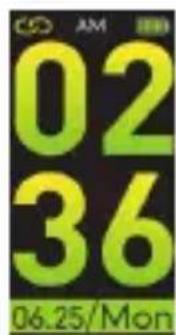
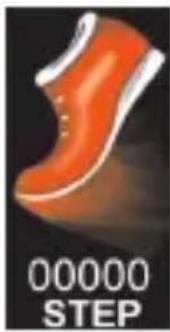
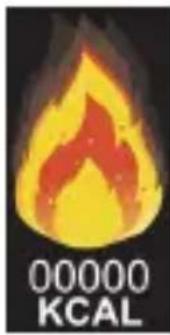
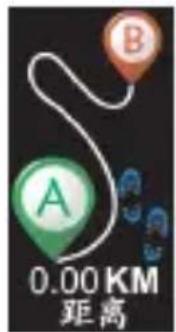
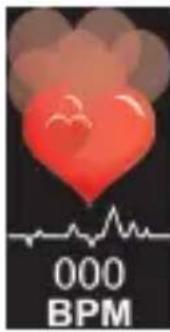
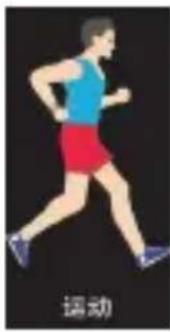
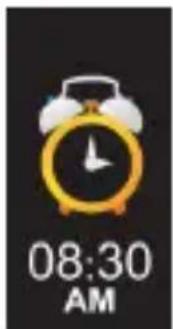
Dial plate Steps Caloric Distance Heart rate Sport mode
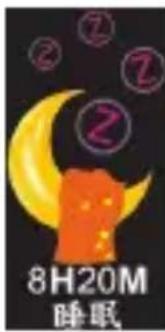
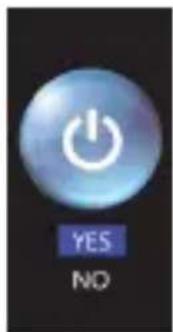
Alarm clock Sleep duration Messages Find my phone Stopwatch On/Off
V. Illustrations on main functions
- Dial plate: It displays time. It can be changed by touching the touch area for 2 seconds. Shortly press the touch area to select relevant dial plate, and press the touch area for 2 seconds to confirm after selecting the dial plate.
2.Step counting: It can record the number of your steps within one day. The steps will return to zero at 00:00 of each day to start the record of the new day. - Calorie: It can record the calories consumed by you within one day.
- Distance: It can display the distance accumulated within one day (Metric units or British units can be set up in the App as per requirements).
- Heart rate: Your heart rate can be tested 1 second after it is switched to the heart rate interface. It will vibrate and display the test result.
Note: Always consult your doctor before starting an exercise program. TREVI T-Fit 250 GPS is not a medical device but a device that can measure and display on an LCD display the heart rate of the wearer.
6. Sport mode: Switch to the sport mode interface and enable sport mode after long pressing the touch area, and you will exit from the function after making a second long press. The sport mode only displays current sports information. Relevant sports data will not be saved after exiting from the function after a long press.
7. Sleep testing: It can display the total duration of your sleep last night. The duration for sleep testing is from 22:00 of day 1 to 08:00 of day 2. Relevant sleeping data will be displayed after 08:00.
Note: The sleeping data tested during any period other than the above duration will not be recorded.
8. Messages: The latest three messages will be stored. Long press it to view these messages and clear the record after viewing them.
9. Find my phone: Long press it to enter "Find my phone" interface(It is not allowed to set your phone as mute and your phone needs to stay connected to the bracelet).
10. Stopwatch: Long press it to enter "Stopwatch". Shortly press once to start the function and shortly press it again to pause the function. Long press it to exit from the function.
- Remote photographing: Open the WearHealth App on your smartphone. Find the shake camera function to shake your smartphone and control mobile phone photographing. (The WearHealth App shall be authorized to have photographing permission. Your smartphone shall be connected to the bracelet when the function is used).
- Care: Click "Care" on the WearHealth App to enter the interface. Click the "+" mark on the top right corner to add any registered user of WearHealth App. You can view the sports data, health and sleeping conditions of the user after he or she adds you as a friend.
- Reminder: You can set up various reminders such as incoming calls, SMS, alarm clocks, sedentary warnings, meetings, taking medicine, and drinking water.
- Lighting up screen by turning wrist: The function of enabling or disabling lighting up screen by turning wrist can be set up on the App. The display screen will automatically light up by turning your wrist when checking the time.
VI. FQA
- You cannot find the bracelet when pairing it?
A: Please make sure that the Bluetooth has been enabled on your smartphone and the version of your smartphone system is "supported". Please make sure the distance between your smartphone and the bracelet is within 0.5m when pairing. The effective communication range of Bluetooth is within 10m after the pairing is finished.
B. When pairing, please make sure that the Bluetooth for your smartphone and the bracelet is not engaged or connected to any other device. You can try a new connection after getting rid of any other paired device.
- Sometimes the Bluetooth cannot be connected or have no response? C. The Bluetooth services of some smartphones may occasionally have abnormal conditions after being started again. Generally speaking, a normal connection may be established by turning on and off the Bluetooth or restoring relevant smartphone and bracelet.
3.The device cannot be recharged?
D. Please select a suitable recharger. In general, a recharger of 5V voltage and 0.5-1A current shall be selected for recharging the bracelet. The recharging current for the device is small, while some power banks need large currents to start recharging. As a result, such power banks are not suitable for recharging the bracelet.
- The battery life is short and the power consumption is fast?
E. If the sport mode is enabled for a long term, the functions such as continuous heart rate monitoring or lighting up screen by turning wrist are enabled, or various reminders of messages and alarm clock reminders are set up, power consumption will be increased to reduce standby time. Please disable some functions with high power consumption as appropriate to extend standby time.
- It fails to measure heart rate results?
F. For regular wearing, it is suggested that you wear it on the top of your habitual wrist. Do not cover the bracelet with any garment or article. The watchband shall properly cling to your wrist for the accuracy of your heart rate may be affected by any loose or tight wearing. The accuracy of the test may be affected if your skin is relatively dark or you have thick hairs on your hand.
Features
Device Type: Smart bracelet
Display: 0,96" LCD
Weight: 24.3g
Length: 25cm
Strap Material: Silicone
Water resistance Index: IP68
Battery capacity: 90mAh
Charging time: maximum 1 hour and 30 minutes
Bluetooth: 4.0
Peak of Bluetooth transmission power: 2,5mW
Maximum Bluetooth transmission power: 1,9mW
Bluetooth Transmission Band: 2,4GHz
Supported operating system: Android 4.4, iOS 8.2 or above
Included in the package: device, charging cable, instructions
(* Because of the continuous update of the functions, the details are in the WearHealth APP manual)
Warnings
This device is an electronic instrument of high precision; therefore, avoid using it in the following cases:
- Close to strong heat sources such as heaters and stoves.
- In environments that are too cold or too hot or very dusty.
- The appliance must not be exposed to dripping or splashing water. No liquid-filled objects, such as vases, must be placed on the appliance.
- If liquids penetrate into the device, bring the device to the nearest authorized TREVI service Centre.
- Do not use the device near flammable or explosive gases, this may cause a malfunction of the device or a fire hazard.
- No naked flame sources, such as lighted candles, must be placed on the appliance.
- Keep the device out of reach of children. The device is not a toy. The device is made up of small removable parts which, if ingested, can cause suffocation.
- Do not expose the device to strong shocks.
- Store the product in a dry place when you are not using it.
- Keep this instruction manual.
Precautions for correct disposal of the product
The symbol shown on the equipment indicates that waste must be disposed of in "separate collection" and so the product must not be disposed of together with urban waste.
The user must take the product to special "separate waste collection centres" provided by local government, or deliver it to the retailer against the purchase of a new product.
Separate collection of waste and subsequent treatment, recycling and disposal operations promotes the production of equipment with recycled materials and limits negative effects on the environment and on health caused by improper handling of waste.
Illegal disposal of the product leads to the enforcement of administrative penalties.
For additional information and updates of this product see: www.trevi.it
Pour plus d'informations et mises à jour de ce produit, voir: www.trevi.it
Weitere Informationen und Updates zu diesen Produkt finden Sie unter: www.trevi.it
Para Obtener informacion adiconal yactualizaciones de este producto, consulte: www.trevi.it
Simplified EU Declaration Of Conformity
Hereby Trevi Spa declares that the equipment T-Fit 250 GPS is in compliance with Directive 2014/53/EU. The full text of the EU declaration of conformity is available at the following internet address
https://www.trevi.it/dms/zidi/TREVI/DOCTFIT250GPS.pdf
Brand : Trevi
Model : TFit 250 GPS
Category : Smartwatch