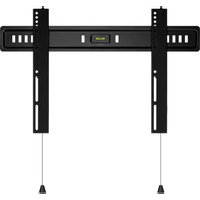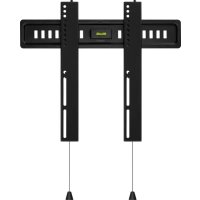
BBUSWM3255 - Flat screen mount BlueBuilt - Free user manual and instructions
Find the device manual for free BBUSWM3255 BlueBuilt in PDF.



| Product type | Wall mount for flat screen |
| Brand | BlueBuilt |
| Model | BBUSWM3255 |
| Material | Steel |
| Color | Black |
| VESA compatibility | Up to 400x400 mm |
| Compatible screen size | 32 to 65 inches (estimate) |
| Maximum load capacity | 25 kg (estimate) |
| Distance from wall | Adjustable, approximately 50-100 mm |
| Tilt | Yes (up to 15°) |
| Swivel/Pivot | Yes (up to 180°) |
| Integrated spirit level | Yes, on the wall plate |
| Cable management | Yes, via integrated cable guides |
| Package contents | Wall plate, TV brackets, bag A (washers and spacers), bag B (Allen key, screws, wall plugs), installation template |
| Required tools | Crosshead screwdriver, stud finder, 5 and 10 mm drill bits, pencil, tape measure, hammer, hammer drill |
| Recommended wall types | Solid brick, solid concrete, plaster wall with studs (check with stud finder) |
| Care and cleaning | Clean with a soft, dry cloth |
| Safety | Always use the supplied wall plugs suitable for the wall; do not exceed the maximum load; check wall solidity before installation |
| Repairability | Spare parts available on request (screws, wall plugs, Allen key) |
| Warranty | 2 years (standard) |
Frequently Asked Questions - BBUSWM3255 BlueBuilt
User questions about BBUSWM3255 BlueBuilt
0 question about this device. Answer the ones you know or ask your own.
Ask a new question about this device
Download the instructions for your Flat screen mount in PDF format for free! Find your manual BBUSWM3255 - BlueBuilt and take your electronic device back in hand. On this page are published all the documents necessary for the use of your device. BBUSWM3255 by BlueBuilt.
USER MANUAL BBUSWM3255 BlueBuilt
text_image
blue builtFLYING START.
Whoooo.


brand
Ultra Slim Wall Mount
Ultra Slim Muurbeugel
Ultra Slim Support Mural
natural_image
3D rendering of a mechanical device with vertical connectors and a central display (no text or symbols visible)V1.0
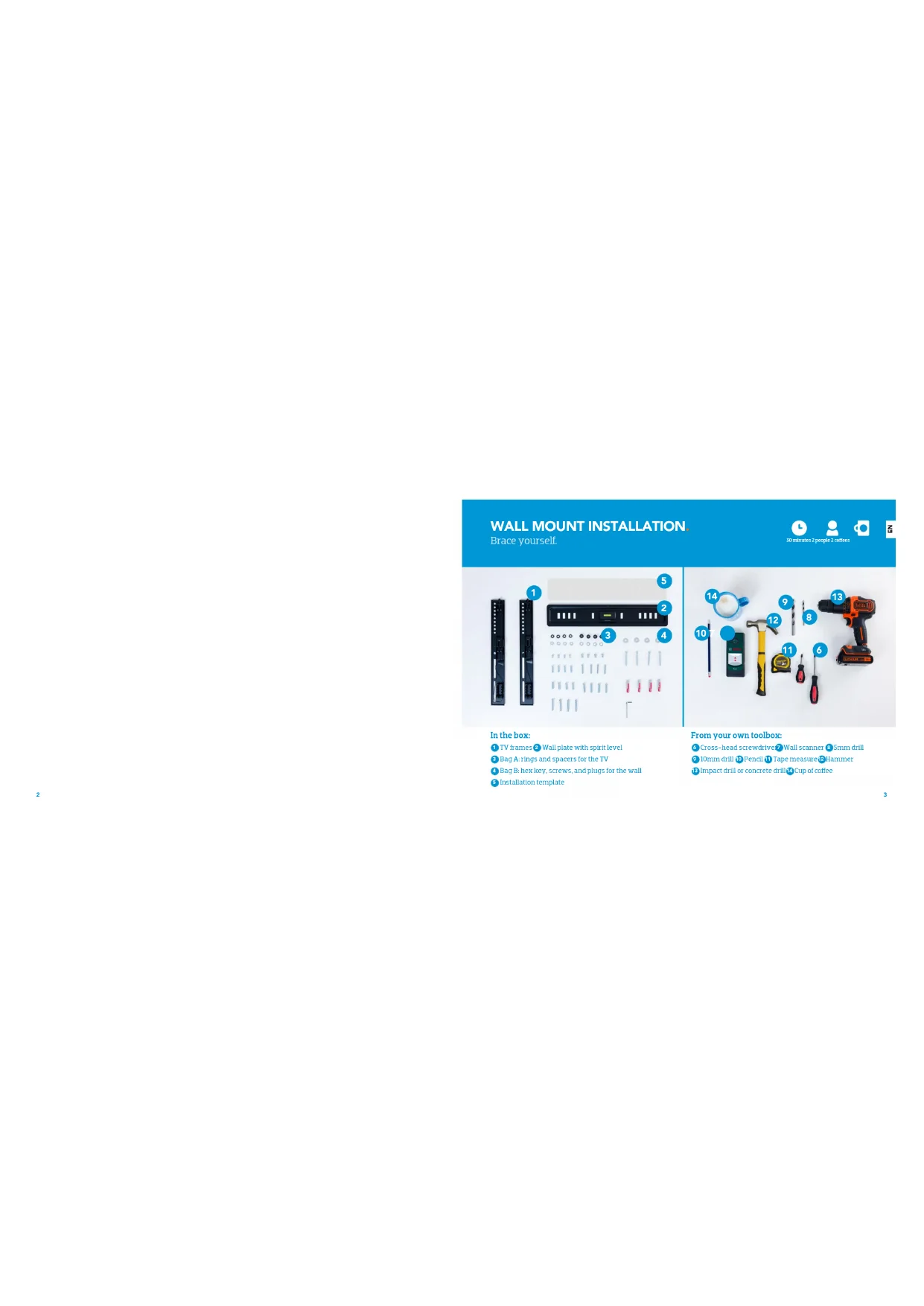
WALL MOUNT INSTALLATION
Brace yourself.

30 minutes 2 people 2 coffees


text_image
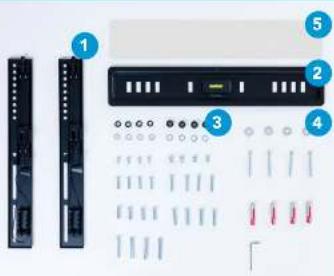
Diagram showing labeled components of a device rack with connectors and pin layouts, including numbered callouts.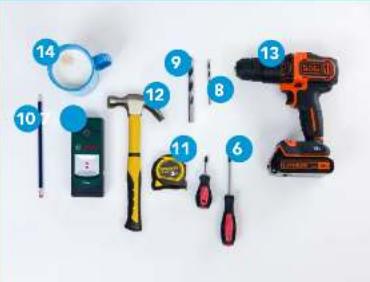
text_image
Labeled image of various hand tools including a power tool, screwdriver, hammer, and wrenches with numbered parts.In the box:
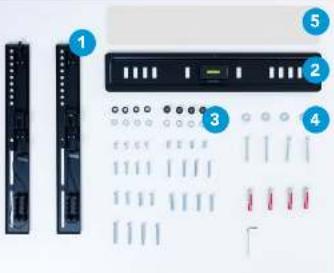
TV frames 2 Wall plate with spirit level
3 Bag A: rings and spacers for the TV
4 Bag B: hex key, screws, and plugs for the wall.
5. Installation template
From your own toolbox:
6 Cross-head screwdrive 7 Wall scanner 8 Small drill
9 10mm drill 10 Pencil 11 Tape measure 12 Hammer
13 Impact drill or concrete drill 14 Cup of coffee
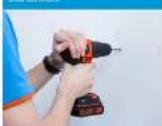
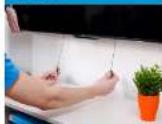
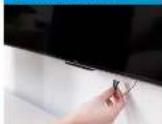
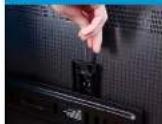
MUURBEUGEL PLAATSEN
Geen orthodontist nodig

30 minutes 2 personen 2 welle
text_image
Diagram showing labeled components of a device panel with numbered parts and component layoutsIn de doos:
text_image
Labeled photo of various office supplies including a power drill, tools, and a motor with numbered partsUit eigen doos:
It comes. Let be a bit of the _1 is a bit of the _2 .
text_image
Diagram showing labeled components of a remote control panel with numbered parts and internal connectorsDans la boite :
text_image
Labeled photo of various office tools including a power tool, screwdriver, and hand tools with numbered labels.m = 311
Avant de percet
The course are in options.
"Vest en nu or be sold."
Continued as responsible
des alasques durumanes cu
[Unreadable due to extreme blurriness]
Gains per time information
4.1 quillies, girls, convlennent, 5 wane TV
Yoga, P. Boxer herein due to seul rel
10.5% (2.5%) (3.5%)
ÉTAPE 4
[Unreadable]
2014.11.2023 by 10/17, p.m. at 15:
1.2.3.12.13.14.15.16.17.18.19.20.21.22.23.24.25.26.27.28.29.30.31.32.33.34.35.36.37.38.39.40.41.42.43.44.45.46.47.48.49.50.51.52.53.54.55.56.57.58.59.60.61.62.63.64.65.66.67.68.69.70.71.72.73.74.75.76.77.78.79.80.81.82.83.84.85.86.87.88.89.90.91.92.93.94.95.96.97.98.99.100
Trick A is hence quite weak. Very little
ÉTAPE 2
Roules Castreets TV.
prove in the 2014 Q3 performance
entirelease (in such set a) will resist to
[Unreadable]
ÉTAPE 5
No. 10-10
laudine in anvendrable class out point of
to the office is available.
ÉTAPE 3
New manufacture
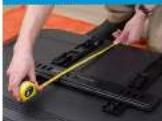
in 14.856,000 persons of the largest
(No text)
Nocxia distance, cm
ÉTAPE 6
Environ.
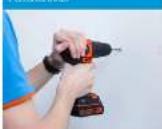
In millions of dollars
ÉTAPE 7
A. 2023-05-19

text_image
Diagram of a device panel with labeled components including connectors, buttons, and indicator lightstext_image
Labeled photo of various household cleaning tools including a power tool, screwdriver, and hand tools with numbered labels.BlueBuilt is a registered trademark of Coolbue B.V., Weena 664, 3012 CN Rotterdam, The Netherlands.