ManualGo.com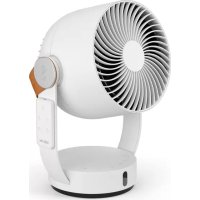
Leo - Fan STADLER FORM - Free user manual and instructions
Find the device manual for free Leo STADLER FORM in PDF.



Download the instructions for your Fan in PDF format for free! Find your manual Leo - STADLER FORM and take your electronic device back in hand. On this page are published all the documents necessary for the use of your device. Leo by STADLER FORM.
USER MANUAL Leo STADLER FORM
READ AND SAVE THESE INSTRUCTIONS
3. Connection for network adapter
5. Button for the selection of the speed level: 1–4
6. Button for vertical swing mode: -5° – 85°
9. Button for the selection of timer function: 1–7 h
11. Infrared receiver
12. Battery compartment remote control (type CR2032)
14. Air outlet with removable grille
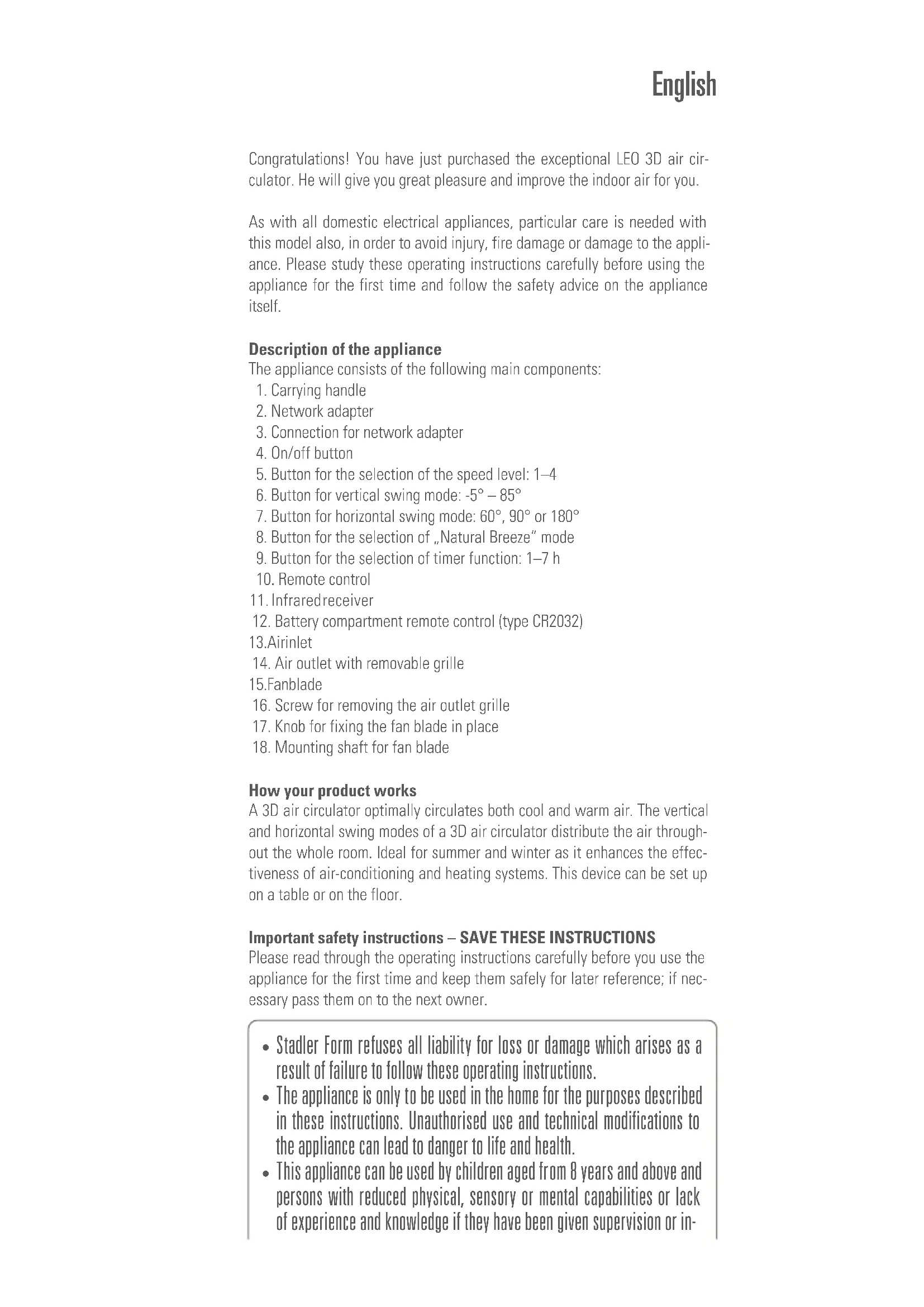
How your product works A 3D air circulator optimally circulates both cool and warm air. The vertical and horizontal swing modes of a 3D air circulator distribute the air through- out the whole room. Ideal for summer and winter as it enhances the effec- tiveness of air-conditioning and heating systems. This device can be set up on a table or on the floor. Important safety instructions – SAVE THESE INSTRUCTIONS Please read through the operating instructions carefully before you use the appliance for the first time and keep them safely for later reference; if nec- essary pass them on to the next owner. English
- Stadler Form refuses all liability for loss or damage which arises as a result of failure to follow these operating instructions.
- The appliance is only to be used in the home for the purposes described in these instructions. Unauthorised use and technical modifications to the appliance can lead to danger to life and health.
- This appliance can be used by children aged from 8 years and above and persons with reduced physical, sensory or mental capabilities or lack of experience and knowledge if they have been given supervision or in-• Assemble the appliance in accordance with the instructions for Assembly. Follow the instructions for assembly exactly and ensure that all screws are firmly tightened so as to avoid damage and hazards.
- Never insert objects into the grille of the fan. Do not cover the appliance during operation.
- Always disconnect the power cord from the socket before removing the protection grille.
- Only connect the cable to alternating current. Observe the voltage infor- mation given on the appliance.
- Do not use damaged extension cords.
- Do not run the power cord over sharp edges and make sure that it does not get trapped.
- Do not pull the plug from the socket with wet hands or by holding on to the power cord.
- Do not use the appliance in immediate vicinity of a bath tub, a shower or a swimming pool (observe a minimum distance of 3 m). Place the appliance such that a person in the bath tub cannot touch the appliance.
- Do not place the appliance near a heat source. Do not subject the power cord to direct heat (such as a heated hotplate, open flames, hot iron sole plates or heaters for example). Protect power cords from oil.
- See to it that the appliance is properly positioned to ensure a high stabil- ity during its operation and make sure that no one can trip over the power cord.
- The appliance is not splash-proof.
- For indoor use only.
- Do not store the appliance outdoors.
- Store the appliance in a dry place inaccessible to children (pack the ap- pliance).
- Prior to any maintenance, cleaning and after each use, switch off the ap- pliance and unplug the mains cable from the socket.
- Repairs to electrical appliances must only be carried out by a qualified electrical technician.
- Only use the adapter provided by the manufacturer. Setting up / operation
1. To pick up Leo, push the carrying handle (1) upwards. Place Leo in the
desired location on a flat surface. Connect the power adapter (2) to the appliance (3) and insert the adapter into a suitable mains socket.
2. Switch on the appliance by pressing the on/off button (4). The appliance
gives an audible signal when a setting is changed via the control panel.
3. Press the button for the selection of the speed level (5) to change the
fan speed (levels 1–4). Pressing once increases the speed by one level. struction concerning use of the appliance in a safe way and understand the hazards involved. Children shall not play with the appliance. Cleaning and user maintenance shall not be made by children without supervision.
- Never leave any parts of the packing within the reach of children.
- If the supply cord is damaged, it must be replaced by the manufacturer, or its service agent, or a qualified person in order to avoid a hazard.If you would like to increase the speed by another level, press again. The setting chosen is indicated by the number of LEDs illuminated under- neath the button (5).
4. Activate swing mode by pressing the vertical swing mode button (6).
The appliance now swings at an angle of approx. -5°–85° to ensure optimum distribution of cooling air throughout the room. Press the swing mode button (6) again if the appliance is to remain at a certain angle. When the vertical swing function is activated, the LED underneath the button (6) will light up.
5. For optimum distribution of cooling air from left to right, activate the
horizontal swing function (7). Together with the vertical swing function, this will create 3D air circulation throughout the whole room. There are 3 angle settings to choose from for the horizontal swing function: 60°, 90° or 180°. To select a setting, press the button for the horizontal swing function (7) until the LED underneath your chosen angle setting lights up. If the LED underneath the button (7) is not illuminated, the horizontal swing function is deactivated.
6. Press the button for the selection of “Natural Breeze” mode (8) for natu-
ral wind conditions. The blue LED beneath the button (8) will now light up. This mode provides an even more pleasant cooling effect, simulat- ing a natural breeze. The fan speed of this breeze automatically varies depending on the selected speed level.
7. By pressing the button for the timer (9) you can set the operating time
for between 1 and 7 hours (for example, 3 h = 1 h and 2 h LEDs lit, 7 h = 1 h, 2 h and 4 h LEDs lit). The selected time is displayed below the timer button (9) with blue LEDs. Press once to set the operating time to 1 h, press the button again for 2 h, and so on. The remaining time is indicated by the illuminated LEDs below the timer button (9). The unit switches off automatically after the set operating time has elapsed. If no LEDs are lit below the timer button (9), the unit is set to continuous operation.
8. Switch off the appliance by pressing the on/off button (4).
9. The remote control (10) is magnetically attached to the right-hand side
of the device. It operates via infrared – for this purpose, point the remote control at the infrared receiver (11) on the front of the unit. The battery compartment (12) is on the back of the remote control (10). Press the safety slider first of all and then pull down to open the battery com- partment. Cleaning Prior to any maintenance, cleaning and after each use, switch off the appli- ance and unplug the mains cable (3) from the socket. Attention: Never submerge the appliance in water (danger of short-circuit).
- For external cleaning, rub with a damp cloth and then dry thoroughly.
- Make sure that the air inlet (13) and air outlet (14) are cleaned regularly to prevent the build-up of dust. The air inlet (13) can be cleaned with a dry brush or a vacuum cleaner.
- The air outlet grille (14) can be removed, making the fan blade (15) easy to clean. Before doing so, make sure that the device is disconnected from the mains. Gently turn the housing to a vertical position (see photo on page 6). First of all, remove the screw (16) underneath on the housing.Then turn the grille (14) anti-clockwise and remove it. Turn the knob un- derneath (17) clockwise and remove it. The fan blade (15) can now be taken out of the housing. Clean the fan blade (15) with a damp cloth and a drop of detergent and then dry it thoroughly. Then clean the air outlet grille (14) and dry it carefully. Now push the fan blade (15) back onto the shaft (18) in the housing first of all, then tighten the knob (17) by turning it anti-clockwise, replace the grille (14) and finally, tighten the screw (16) back up again. Make sure that the grille (14) and the fan blade (15) are completely dry and that the screw (16) underneath on the housing is firmly tightened before using the device again. Repairs
- Repairs to electrical appliances must only be carried out by a qualified electrical technician. If improper repairs are carried out, the warranty lapses and all liability is refused.
- Never operate the appliance if the adaptor or plug is damaged, after it has malfunctioned, if it has been dropped or has been damaged in any other way (cracks/breaks in the casing).
- Do not push any object into the appliance.
- If the appliance is beyond repair, make it unusable immediately by cutting through the cable and hand it in at the collection point provided for the purpose. Disposal
- Do not dispose of electrical appliances in the domestic waste. Please use the communal collection points.
- Ask your local authority if you do not know where the communal collec- tion points are located.