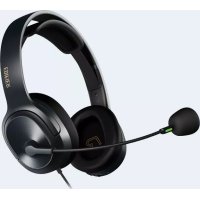
K6500 - Headphones EDIFIER - Free user manual and instructions
Find the device manual for free K6500 EDIFIER in PDF.



| Product Type | USB Wired Headset |
| Brand | Edifier |
| Model | K6500 |
| Primary Use | Use with computer for listening, learning and exams |
| Dimensions (approx.) | 200 x 180 x 80 mm |
| Weight (approx.) | 200 g |
| Power Supply | USB 5 V (cable included) |
| Connectivity | USB-A (fixed cable) |
| Cable Length | Approximately 1.8 m |
| Operating Modes | Exam, Training, Music |
| Volume Adjustment | + and - buttons; in exam mode, disabled |
| Microphone Adjustment | Hold volume buttons in training or music mode |
| LED Indicator | Turns on when connected; flashes if mic muted |
| Audio Notification | Yes, when the microphone is muted |
| Transducer Type | Dynamic (estimated) |
| Frequency Response | 20 Hz - 20 kHz (estimated) |
| Impedance | 32 Ω (estimated) |
| Sensitivity | 100 dB (estimated) |
| Headband Material | Plastic (estimated) |
| Ear Pad Material | Leatherette (estimated) |
| Care and Cleaning | Wipe with a soft, dry cloth |
| Safety | Do not use outdoors; moderate volume to protect hearing |
| Spare Parts and Repairability | Not specified; non-detachable cable |
| Compatibility | Windows, Mac OS, Linux (with USB port) |
| Package Contents | Headset with USB cable, manual |
Frequently Asked Questions - K6500 EDIFIER
User questions about K6500 EDIFIER
0 question about this device. Answer the ones you know or ask your own.
Ask a new question about this device
Download the instructions for your Headphones in PDF format for free! Find your manual K6500 - EDIFIER and take your electronic device back in hand. On this page are published all the documents necessary for the use of your device. K6500 by EDIFIER.
USER MANUAL K6500 EDIFIER
USB Computer Headset
EN
Product description
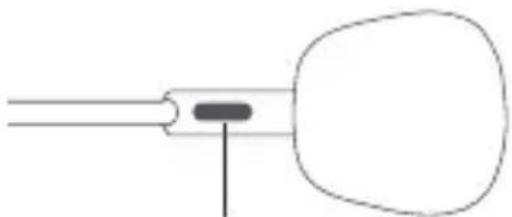
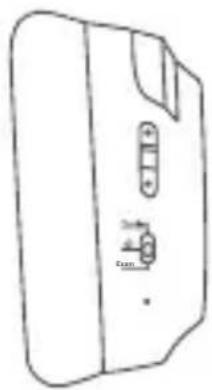
Fluorescent mark
To obtain the qualified recording quality, please let the side with the green fluorescent mark face outwards.
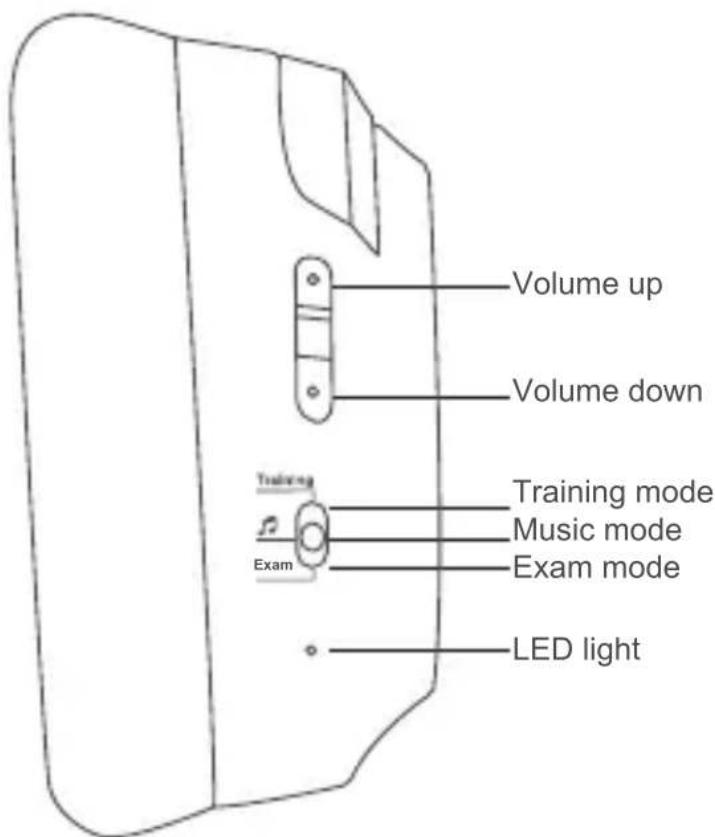
Note: Images are for illustrative purposes only and may differ from the actual product.
Power on/off
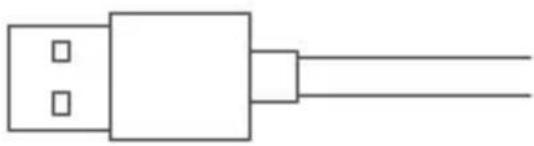
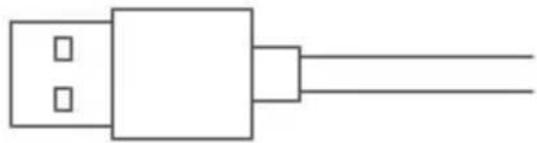
Insert the USB plug into a computer
Power on: Insert the USB plug into a computer, the headset should be ready to go and LED light will be lit.
Power off: Unplug the USB plug from the computer, the headset will power off and LED light will be off.
■ Modes description
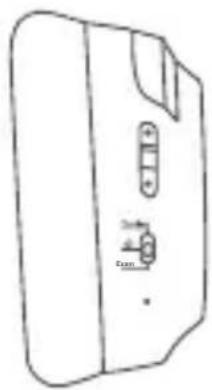
Exam mode: Volume buttons cannot function in this mode, please adjust volume level via the connected computer.
Training mode: Press volume buttons to adjust the headset volume level; press and hold volume buttons to adjust voice feedback and microphone volume level.
Music mode: Press volume buttons to adjust the headset volume level; press and hold volume buttons to adjust microphone volume level.
Note:
- In Training mode or Music mode, if microphone volume level is adjusted to zero via the headset or the connected computer, or microphone on the connected computer is muted, LED light will flash with a prompt tone.
- In Exam mode, if microphone volume level is adjusted to zero via the connected computer, or microphone on the connected computer is muted, LED light will flash with a prompt tone.
FR
Collegare la spina USB a computer
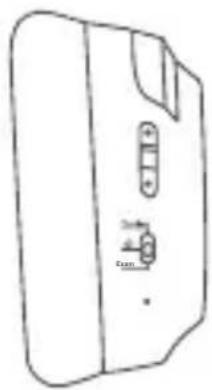
Marca fluorescente
Insira a ficha USB num computador
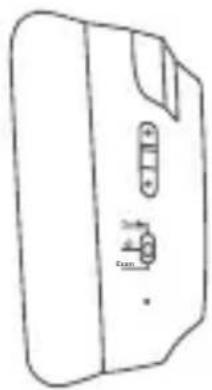
Флуоресцентна позначка
Φωσφορίζον σημάδι
علامة فلوزية
熒光標記
USB插頭接入電腦設備
© 2020 Edifier International Limited. All rights reserved.
Printed in China
NOTICE:
For the need of technical improvement and system upgrade, information contained herein may be subject to change from time to time without prior notice.
Products of EDIFIER will be customized for different applications.
Pictures and illustrations shown on this manual may be slightly different from actual product. If any difference is found, the actual product prevails.
IB-200-K65000-00 V1.0



Brand : EDIFIER
Model : K6500
Category : Headphones