
iSommelier Pro DO33 - Wine cellar iFavine - Free user manual and instructions
Find the device manual for free iSommelier Pro DO33 iFavine in PDF.


User questions about iSommelier Pro DO33 iFavine
0 question about this device. Answer the ones you know or ask your own.
Ask a new question about this device
Download the instructions for your Wine cellar in PDF format for free! Find your manual iSommelier Pro DO33 - iFavine and take your electronic device back in hand. On this page are published all the documents necessary for the use of your device. iSommelier Pro DO33 by iFavine.
USER MANUAL iSommelier Pro DO33 iFavine
Make Wine Business Easy
EU
QUICK INSTALLATION GUIDE
text_image
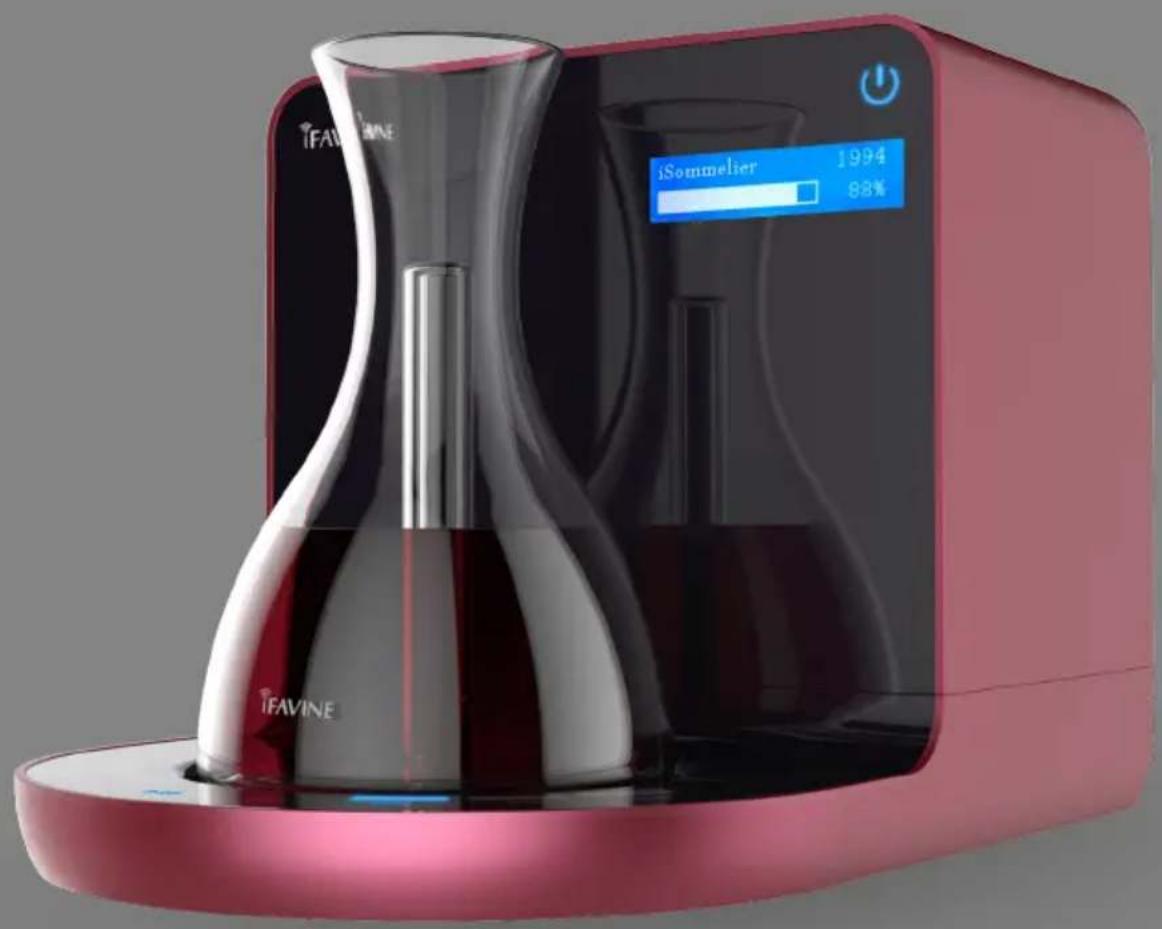
iFAVINE iSommelier 1994 88% iFAVINED033


iSommeter
Smart Decanter
www.ifavine.com
SAFETY PRECAUTION
WARNING

When using electric appliance, basic precautions should always be followed, including the following:
- Read all the instructions before using the appliance.
- Do not overfill the glass wine decanter above the “Max” marking.
- To reduce the risk of injury, close supervision is necessary when an appliance is used near children.
- Always ensure the power button ⏻ has been pressed to OFF (the power button turns red), then turn the power off at the power outlet and remove the plug from the power outlet before attempting to move the appliance, when the appliance is not in use and before cleaning and storing.
- Do not contact moving parts.
- Only use power cable and accessories recommended or sold by the manufacturer.
- Do not unplug by pulling on cord. To unplug, grasp the plug, not the cord.
- Unplug from outlet when not in use and before serving or cleaning.
- Do not operate any appliance with a damaged cord or plug, or after the appliance malfunctions or is dropped or damaged in any manner. Contact official iFavine support for examination, repair, or electrical or mechanical adjustment.
- Do not place or store appliance where it can fall or be pulled into a tub or sink.
- Connect to a properly grounded outlet only. See Grounding Instructions.
- Children should be supervised to ensure that they do not play with the appliance.
- Do not clean the appliance with abrasive cleaners, steel wool, or other abrasive materials.
· Do not expose to fire, heat, rain or sun. - Do not place the appliance near the edge of the table or surface during operation.
-
Do not place anything on top of the appliance.
-
Use cautionly when pouring wine from the glass wine decanter.
- To protect against electric shock, do not immerse the power cord, power plug or appliance in water or any other liquid.
- Do not use this appliance for anything other than its intended use.
- Do not use in moving vehicles or boats. Misuse may cause injury.
- The appliance should be used under a clean, free of dust, non-corrosive, and non-toxic gas environment.
- Make sure the bottom of the appliance is properly ventilated during operation, otherwise it may cause overheating.
- Keep the appliance clean.
This appliance can be used by children aged from 8 years and above and persons with reduced physical, sensory or mental capabilities or lack of experience and knowledge if they have been given supervision or instruction concerning use of the appliance in a safe way and understand the hazards involved. Children shall not play with the appliance. Cleaning and user maintenance shall not be made by children without supervision.
Correct Disposal of this product
This marking indicates that this product should not be disposed with other household wastes throughout the EU. To prevent possible harm to the environment or human health from uncontrolled waste disposal, recycle it responsibly to promote the sustainable reuse of material resources. To return your used device, please contact official iFavine support. They can take this product for environmental safe recycling.
If the supply cord is damaged, it must be replaced by the manufacturer or its service agent in order to avoid a hazard.

GROUNDING INSTRUCTIONS
DANGER

This appliance must be grounded. In the event of malfunction or breakdown, grounding provides a path of least resistance for electric current to reduce the risk of electric shock. This appliance is equipped with a cord having an equipment-grounding conductor and a grounding plug. The plug must be plugged into an appropriate outlet that is properly installed and grounded in accordance with all local codes and ordinances. Improper connection of the equipment-grounding conductor can result in a risk of electric shock. The conductor with insulation having an outer surface that is green with or without yellow stripes is the equipment-grounding conductor. If repair or replacement of the cord or plug is necessary, do not connect the equipment-grounding conductor to a live terminal.
Check with a qualified electrician or serviceman if the grounding instructions are not completely understood, or if in doubt as to whether the appliance is properly grounded. Do not modify the plug provided with the appliance — if it will not fit the outlet, have a proper outlet installed by a qualified electrician.
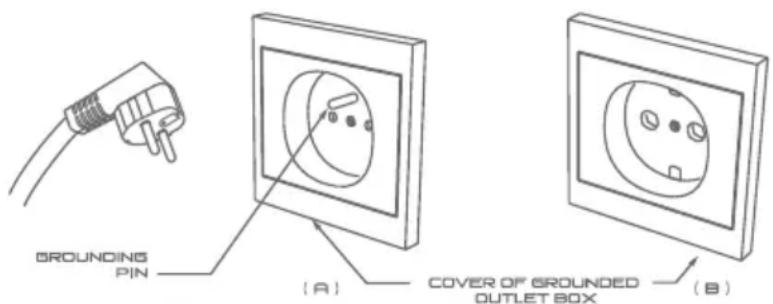
This appliance is for use on a nominal 220-240V circuit, and has a grounding plug that looks like the plug illustrated in sketch (A).
A temporary adaptor, which looks like the adaptor illustrated in sketches (B) if a properly grounded outlet is not available.
The temporary adaptor should be used only until a properly grounded outlet can be installed by a qualified electrician. The green colored rigid ear, lug, and the like, extending from the adaptor must be connected to a permanent ground such as a properly grounded outlet box cover.
Whenever the adaptor is used, it must be held in place by the metal screw.
text_image
GROUNDING PIN (A) COVER OF GROUNDED OUTLET BOX (B)CONTENTS
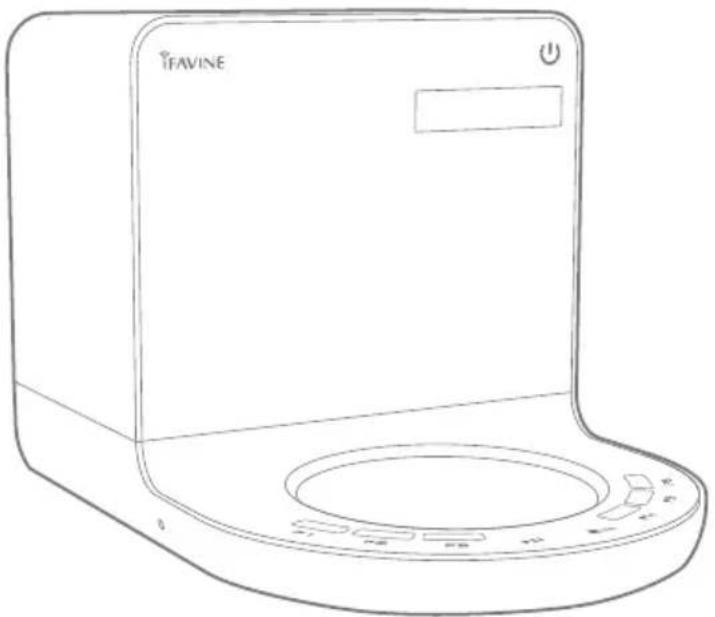
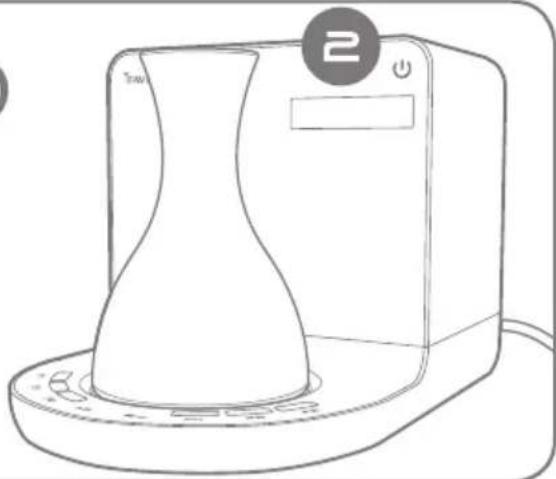
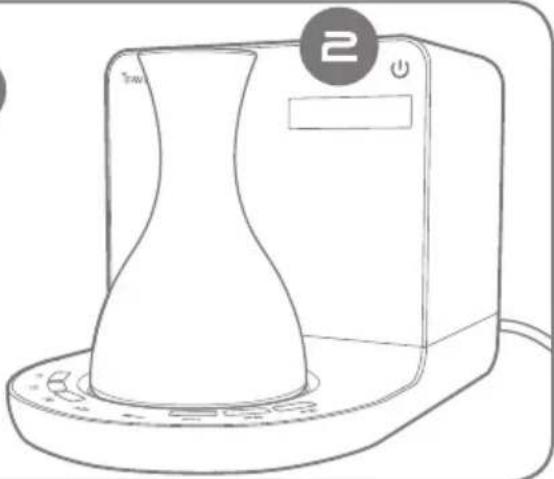
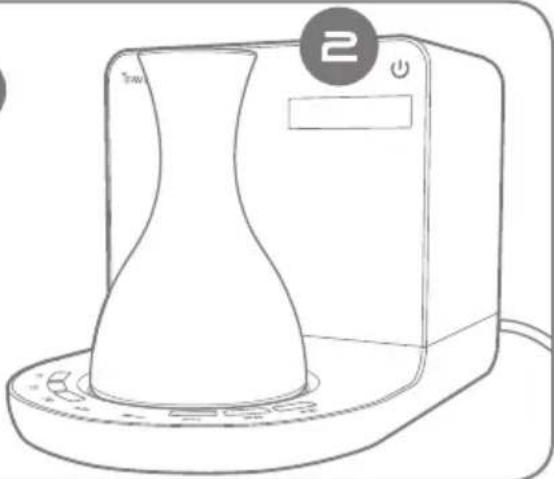
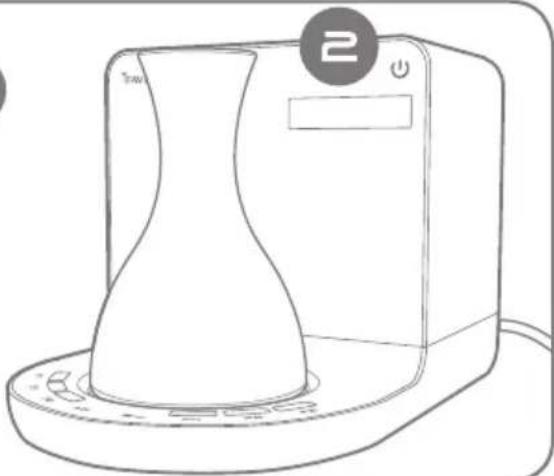
1) ISOMMELIER
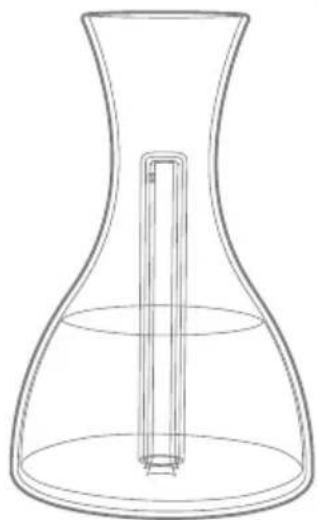
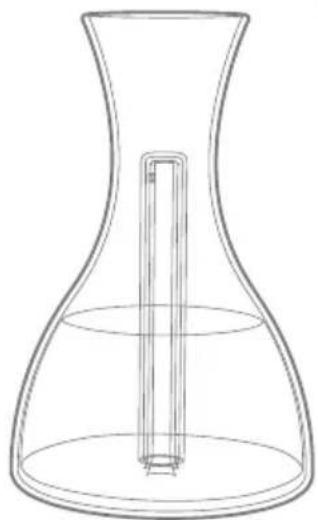
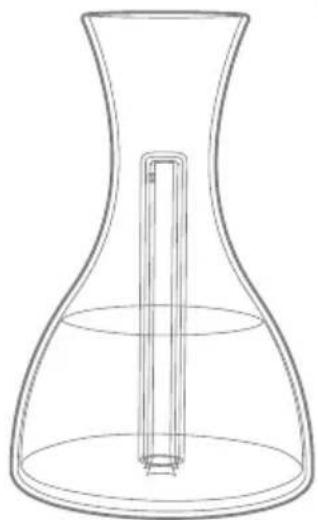
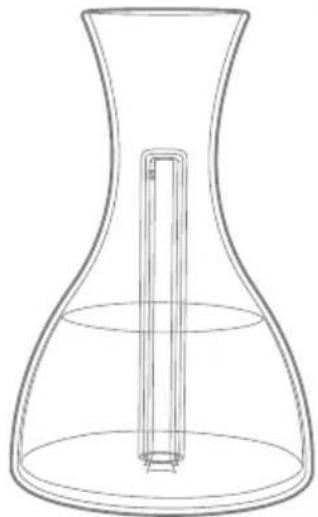
2) DECANTER
OPEN THE BOX
1
natural_image
Line drawing of a TiFAVINE brand appliance with control panel and display (no text or symbols on body)2
natural_image
Line drawing of a laboratory flask with a vertical rod inserted into the liquid (no text or symbols)CONNECTING POWER
PROCEDURE
natural_image
Line drawing of a plug and a wall socket (no text or symbols)[Non-Text]
natural_image
Line drawing of a portable kitchen appliance with a conical lid and control panel (no text or symbols)INTRODUCTION
iSommelier is a wine accessory that assists the connoisseur with properly aerating and advancing the enjoyment of fine wine. The iSommelier reinvents the decanting experience to enhance the flavors and aromas of your wines, while also softening tannis and transporting the wine to a stage of maturity that would otherwise require years of cellaring. When used in conjunction with the WineCloud, the connoisseur can explore various stages of a wine's evolution and compare and share their tasting experiences with professional sommeliers and consumers alike through an online forum.

text_image
WINE CLOUDBENEFITS
1 Purified Oxygen
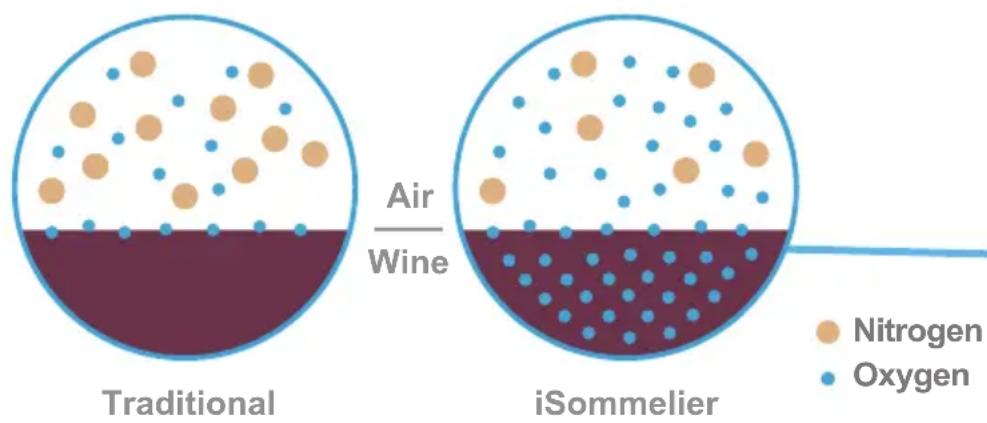
iSommelier aerates wine with a constant flow of high concentration of oxygen. This significantly increases the efficiency of decanting a wine in terms of both time and quality. Traditional decanting takes much longer and also exposes the wine to potentially damaging dust and contaminants found in air, as well as naturally occurring nitrogen and carbon dioxide.
text_image
Air Wine Traditional iSommelier Nitrogen OxygenBy infusing a high concentration of oxygen, the aeration process happens much more quickly and the purity of the infused air preserves and enhances flavors and aromas in a manner that is superior to traditional decanting.

Enhance Flavors
Winemakers often use barrel fermentation or barrel aging in the cellar to enhance the quality of their wines. The oak barrel is porous and allows the wine to interact with oxygen, softening tannins and bringing complexity to the wine. iSommelier allows the connoisseur to oxygenate their wines when opening the bottle to bring out the full potential of the wine's flavors and aromas, creating a richer tasting experience.

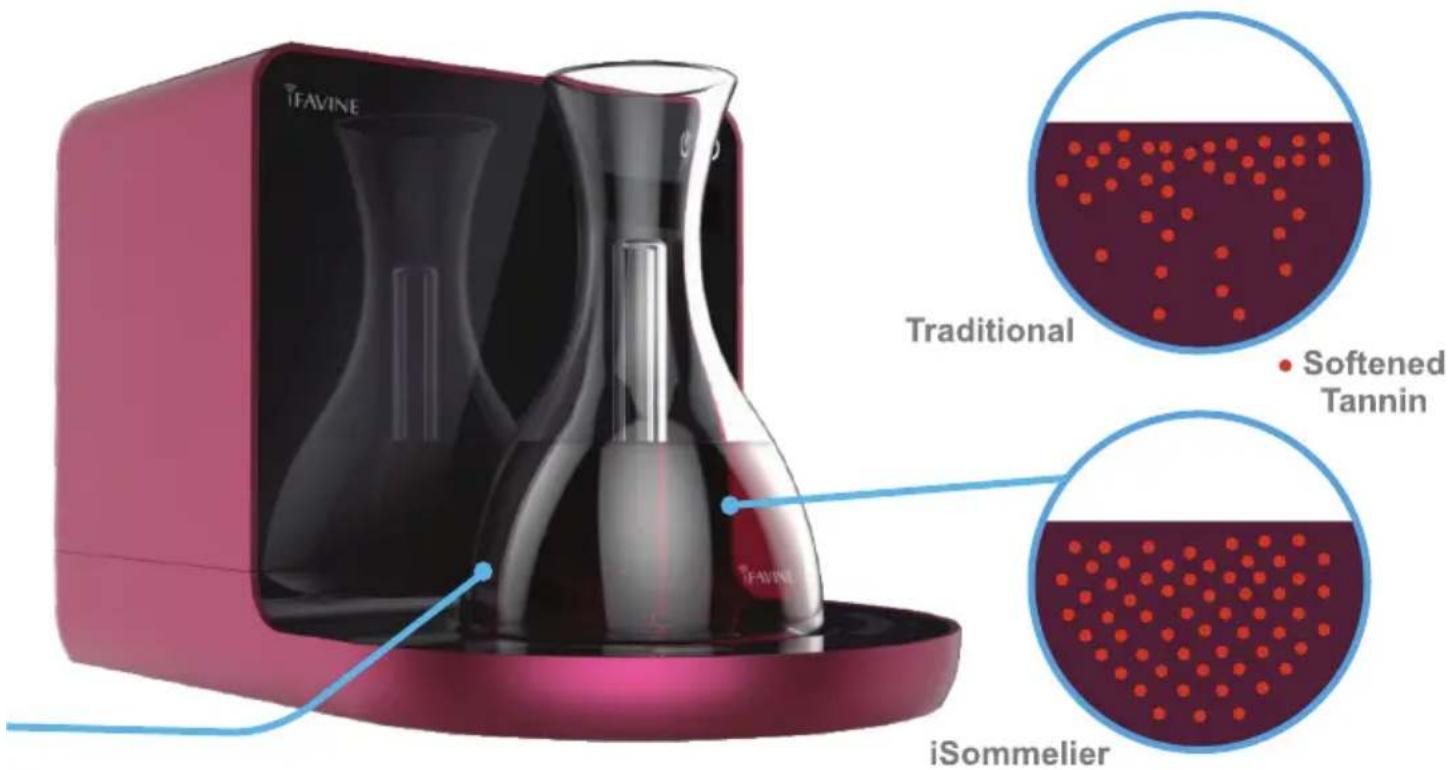
Oxygenate Tannin Evenly
The custom designed glass decanter infuses oxygen throughout the entire volume of wine, rather than just the surface. This full oxygenation rounds out and softens the tannins, providing a smoother mouthfeel.
text_image
iFAVINE Traditional Softened Tannin iSommelierADVANTAGES
Wine enthusiasts will experience a softer, rounder and more complex flavor profile. Oxygenation will soften acidity and reduce the presence of angular, harsh tannins. Even very young wines will be enjoyable without years of cellaring, and all wines benefit from enhanced flavors.
OVERVIEW
text_image
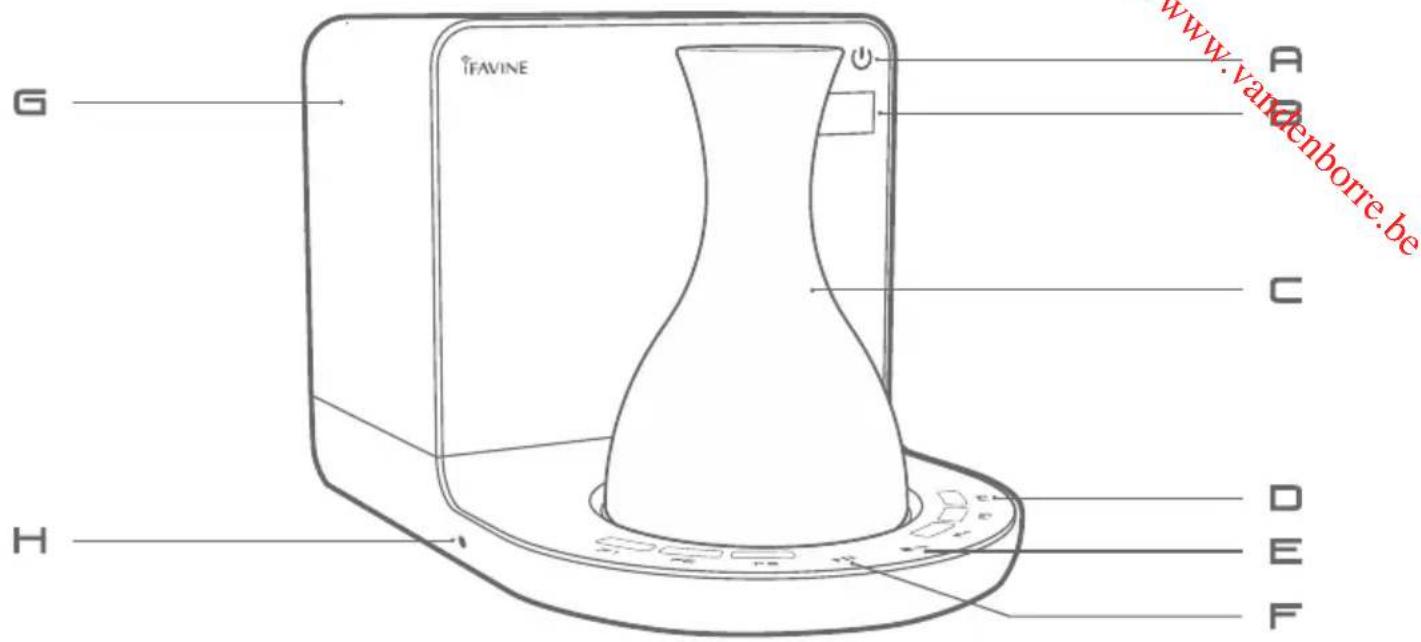
www.vanenborre.be G TIFAVINE A C H D E FFor further information on setup, operating iSommelier and app control, please go to www.ifavine.com
- Images may vary from actual product.
- Features are subject to change or improvement via app updates
OPERATION
The Touch Panel
allows you to calibrate the oxygenation process to suit your favorite settings for future case.
- Press “▶II” to start or pause decanting.
- Press “ ■ “ to stop decanting.
- Press "RESET" to release smart devices control.
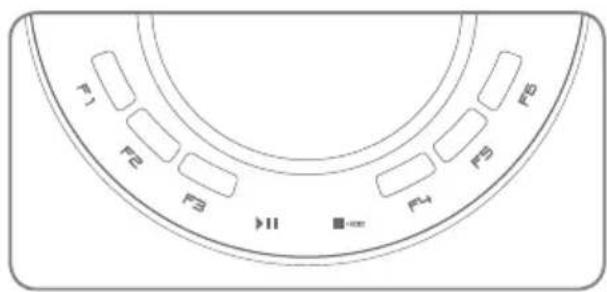
text_image
F1 F2 F3 F4 F5 F6 II ■=orINFORMATION DISPLAY
Display the name of your selected wine, vintage and progress bar.
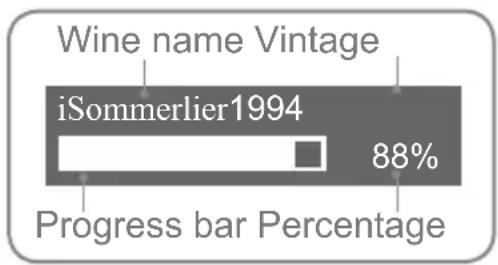
bar
| Category | Value (%) | |---|---| | Wine name Vintage | | | iSommerlier1994 | 88 | | Progress bar Percentage | |TECHNICAL DATA
Voltage: 220-240V\~
Frequency: 50/60Hz
Power: 80-90W
Connectivity:
Wireless 802.11b/gx
Requires a 2.4GHz router
Device Compatibility:
iOS, Andriod 4+
TROUBLESHOOTING
PROBLEM SOLUTION
| Smart device cannot control the appliance. | Check if smart device is connected to the factory preset SSID.(iFavine_setup) |
| iSommelier has connected to wrong network settings. | Press the “Full Reset” button located on the left of the appliance. |
| No oxygen flows into the decanter. Make sure the decanter is positioned properly on the platform. | |
| iSommelier does not operate while the power button and touch panel are lit up or the appliance was shut off for 10 minutes then operates. | The appliance is equipped with a self-protection mechanism. If the appliance has been operated for a substantial amount of time or under a high operating temperature, the appliance may shut down for 10 minutes to recalibrate its system. Recommend to operate the appliance in a cool and an adequate air circulation environment. |
| During the operation, the appliance vibrates and makes abnormal noise. | Check if the appliance is set up on a stable surface or if any of the nonslip rubber pad is missing. |
* For further support and troubleshooting, please contact support@ifavine.com
MISURE DI SICUREZZA
AVVISO

natural_image
Line drawing of a TiFAVINE brand appliance with control panel and display (no text or symbols on device body)2
natural_image
Line drawing of a laboratory flask with a vertical tube inserted into the liquid (no text or symbols)natural_image
Line drawing of a hand holding an electrical outlet with a circular socket (no text or symbols)[Non-Text]
natural_image
Line drawing of a portable kitchen appliance with a conical lid and control panel (no text or symbols)INTRODUZIONE
natural_image
Line drawing of a TiFAVINE digital kitchen appliance with control panel and display (no text or symbols on device body)2
natural_image
Line drawing of a laboratory flask with a vertical rod inserted into the liquid (no text or symbols)ANSCHLUSSLEISTUNG
VORGANG
1) STECKEN SIE DAS NETZKABEL IN DIE NETZSTECKDOSE.
natural_image
Line drawing of a hand holding an electrical outlet with a bulb, next to a wall socket (no text or symbols)[Non-Text]
natural_image
Line drawing of a portable kitchen appliance with a conical lid and control panel (no text or symbols)EINFÜHRUNG
natural_image
Line drawing of a TiFAVINE appliance with control panel and display (no text or symbols on body)2
natural_image
Line drawing of a laboratory flask with a vertical tube inside, no text or symbols presentCONECTAR A LA RED ELÉCTRICA
PROCEDIMIENTO
natural_image
Line drawing of a hand holding an electrical outlet with a bulb, next to a wall socket (no text or symbols)[Non-Text]
natural_image
Line drawing of a kitchen appliance with a conical lid and base (no text or symbols)INTRODUCCIÓN
natural_image
Line drawing of a TiFAVINE appliance with control panel and display (no text or symbols on body)2
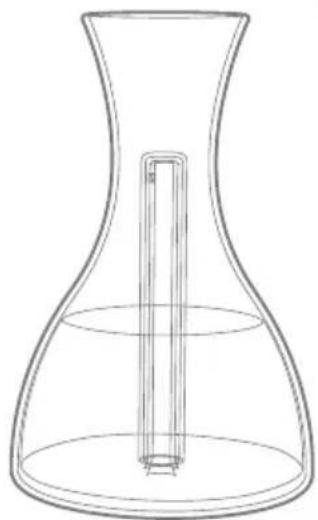
natural_image
Line drawing of a laboratory flask with a vertical rod inserted into the liquid (no text or symbols)DE BRANCHER L'ALIMENTATION
PROCÉDURE
1) BRANCHEZ LE CORDON D'ALIMENTATION DANS LA PRISE DE COURANT.
2) APPUYEZ SUR LE BOUTON ET L'ISOMMELIER S'ALLUME.
1

natural_image
Line drawing of a hand holding an electrical outlet with a screwdriver (no text or symbols)[Non-Text]
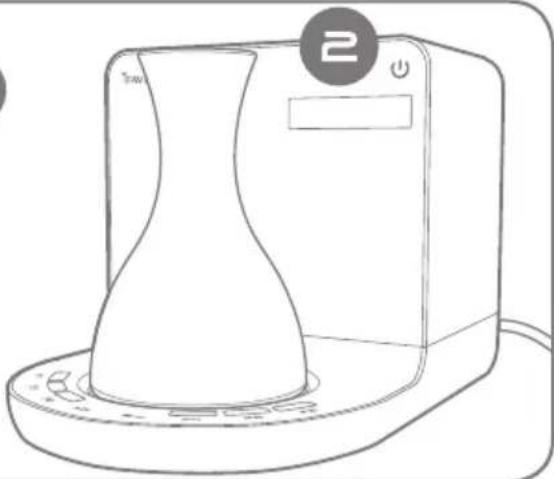
natural_image
Line drawing of a portable kitchen appliance with a conical lid and control panel (no text or symbols)INTRODUCTION
Downloaded from www.vandenborre.be

text_image
iFAVINE™Make Wine Business Easy
Downloaded from www.vandenborre.be
www.ifavine.com
Downloaded from www.vandenborre.be

FAVINE
Suite 5, 1 Chaplin Drive,
2700 Napa Valley Corporate Drive Suite I,
33800 Bordeaux,
Lane Cove West, NSW 2066
Napa, CA 94558
France
Australia
USA
iFAVINE Group
www.ifavine.com