AUFrequency ANC - Earphones Ausounds - Free user manual and instructions
Find the device manual for free AUFrequency ANC Ausounds in PDF.


User questions about AUFrequency ANC Ausounds
0 question about this device. Answer the ones you know or ask your own.
Ask a new question about this device
Download the instructions for your Earphones in PDF format for free! Find your manual AUFrequency ANC - Ausounds and take your electronic device back in hand. On this page are published all the documents necessary for the use of your device. AUFrequency ANC by Ausounds.
USER MANUAL AUFrequency ANC Ausounds
Ausounds Intelligence, LLC.
15300 Ventura Blvd., Suite 214
Sherman Oaks, California 91403, USA
www.ausounds.com
Designed by Ausounds in California | Made in China
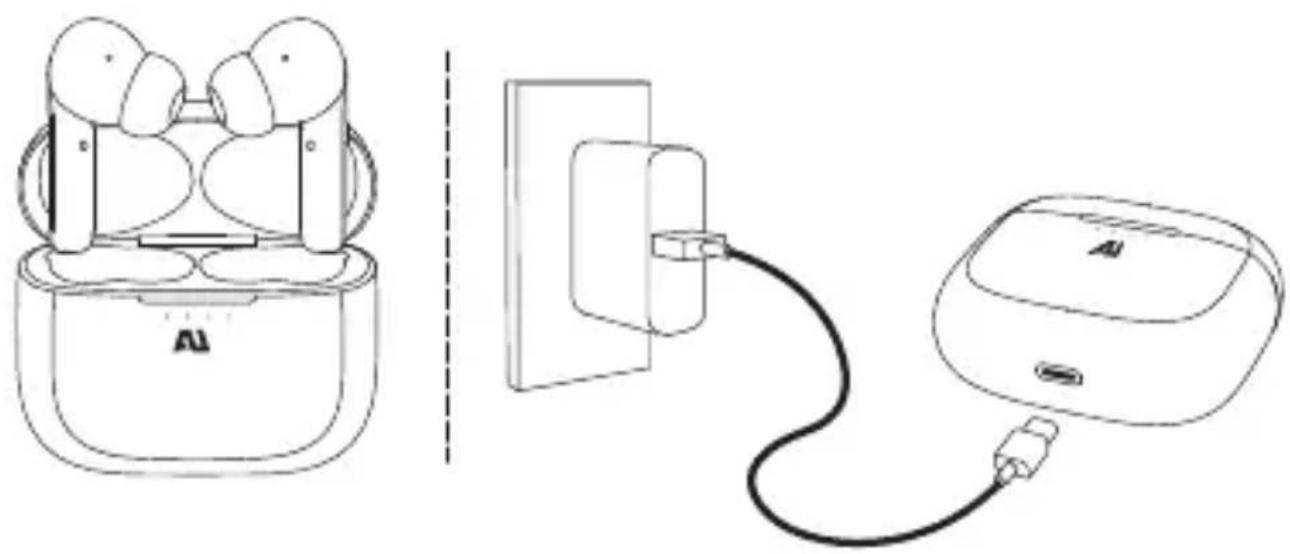
natural_image
Line drawing of a smart earbuds with charging cable, showing front and side views (no text or symbols)FIND YOUR FIT
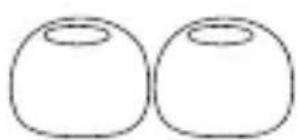
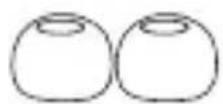
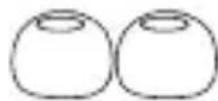
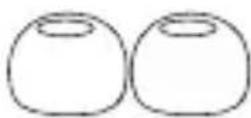
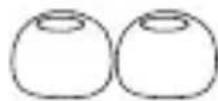
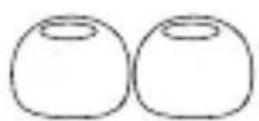
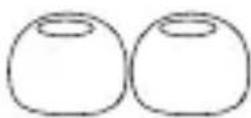
Choose the size of silicone ear tips that provides a secure and comfortable fit for the perfect audio seal.
natural_image
Two identical rounded oval shapes with no text or symbolsL
M
S
PAIRING
- Open the charging case and remove the earbuds. The earbuds will automatically turn on and enter pairing mode.
Only remove the right earbud to use independently.
The right earbud LED indicator will flash red and green while in pairing mode.
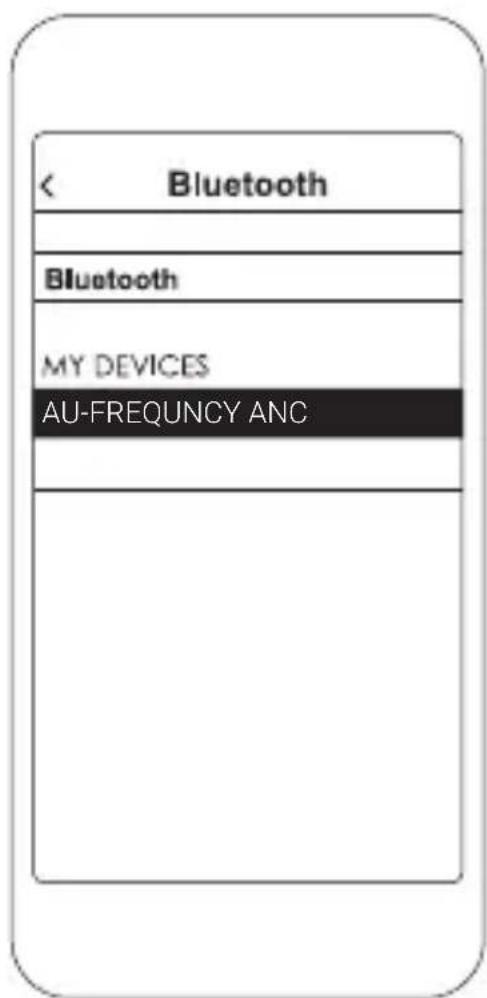
- Enable Bluetooth® on your device and enter Bluetooth pairing mode.
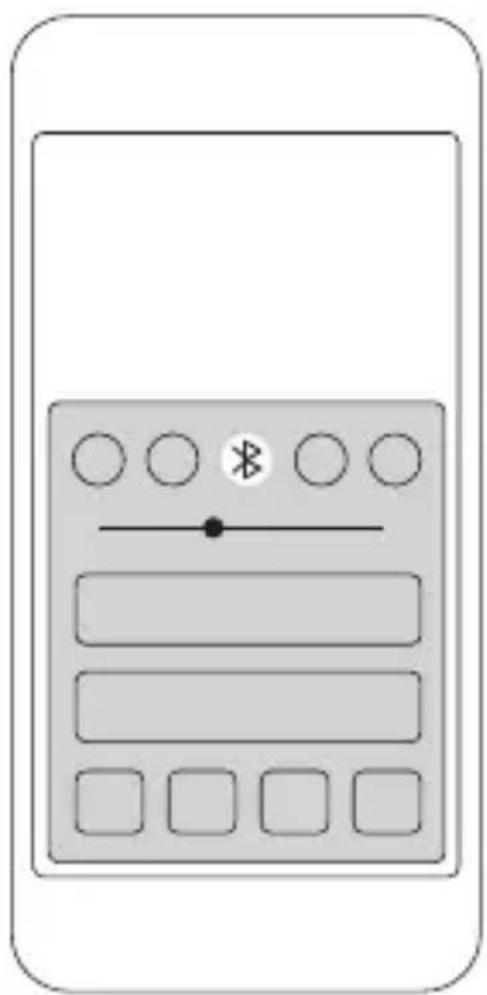
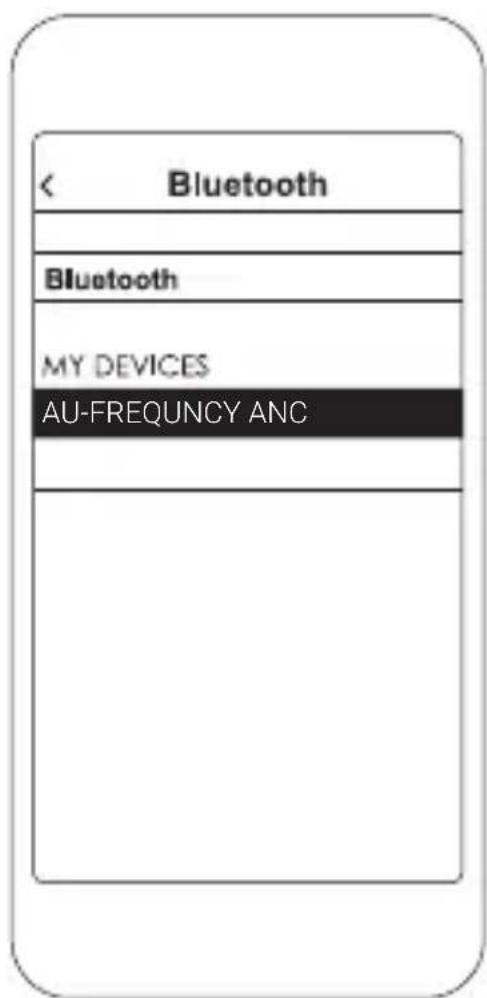
- Select AU-FREQUENCY ANC.
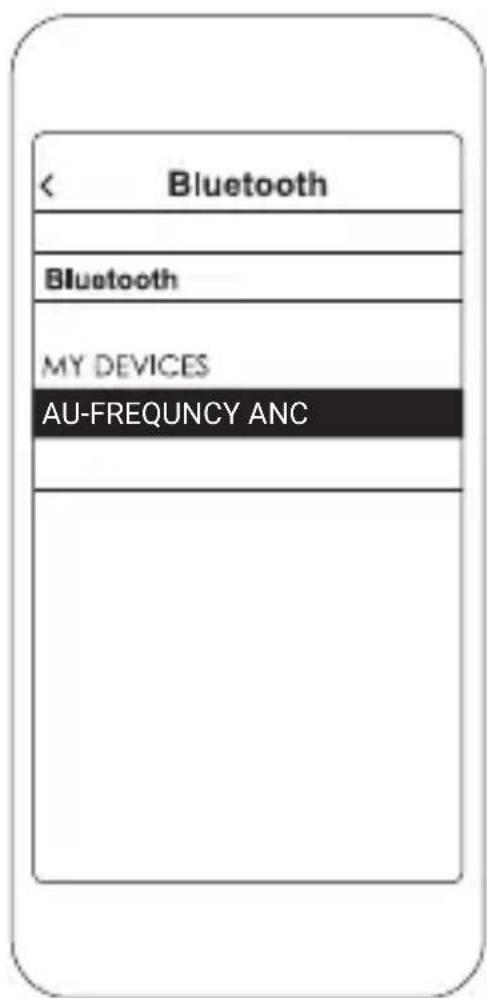
Not pairing with your device?
Try restarting your device; then repeat pairing process.
CONTROLS
On the left or right earbud
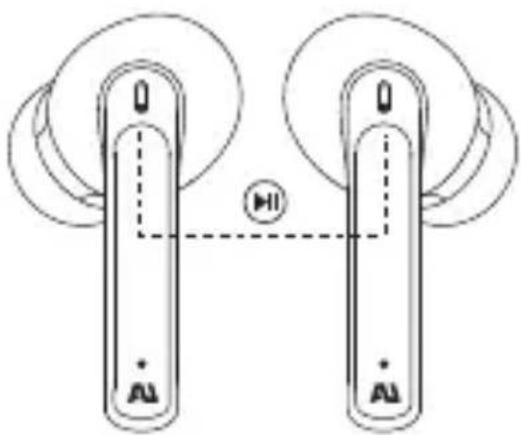
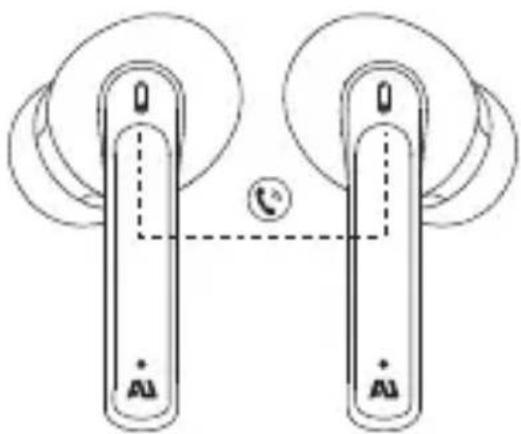
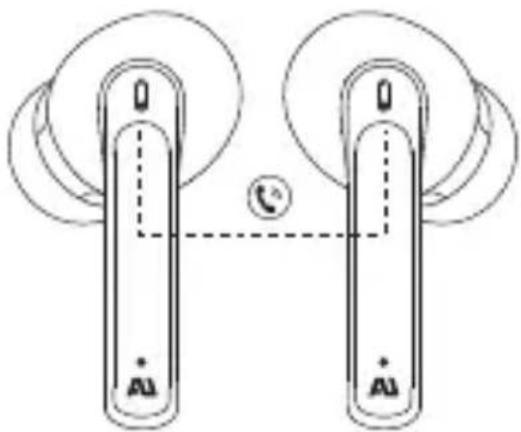
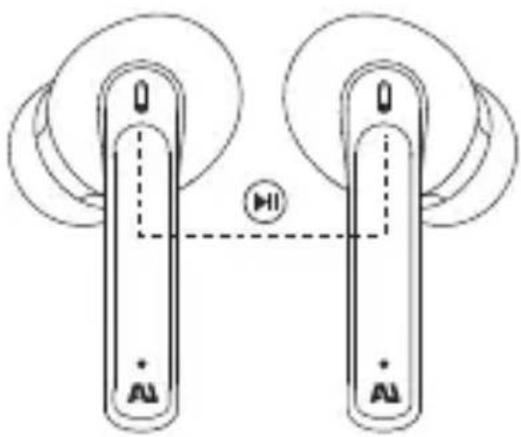
Play/Pause music
natural_image
Diagram of two identical electronic devices with circular components and a central circle labeled 'HI' (no text or symbols on devices)Tap once
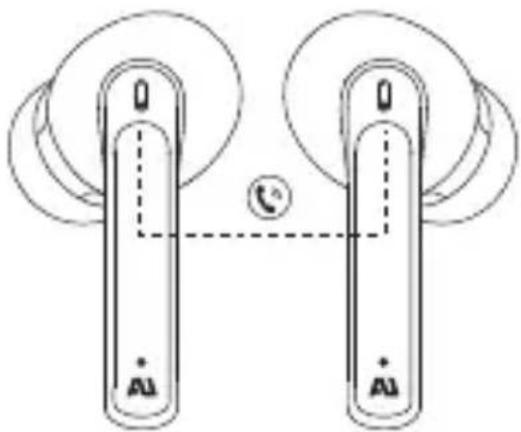
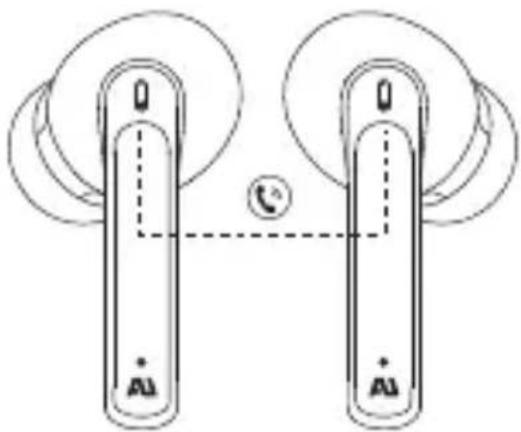
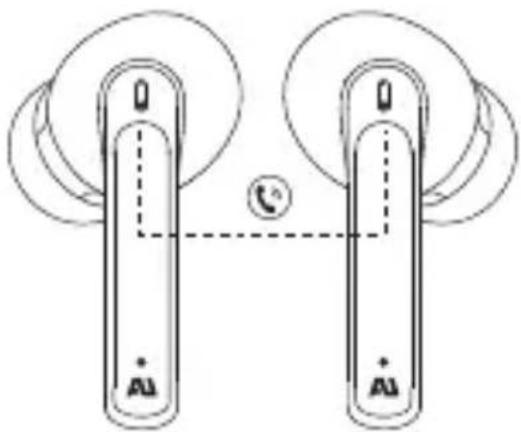
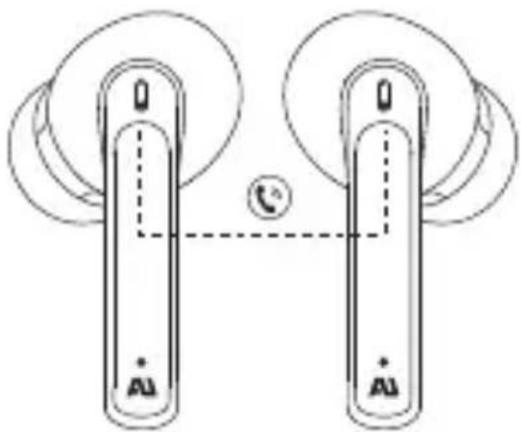
Answer
natural_image
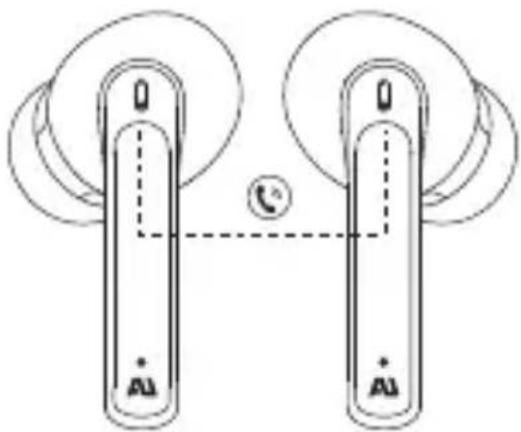
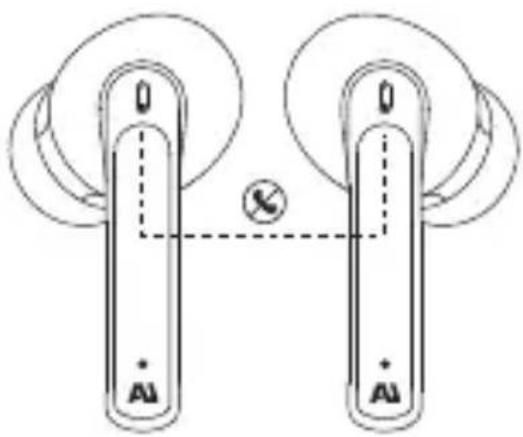
Diagram of two connected devices with circular components and a central telephone icon (no text or symbols)Tap once
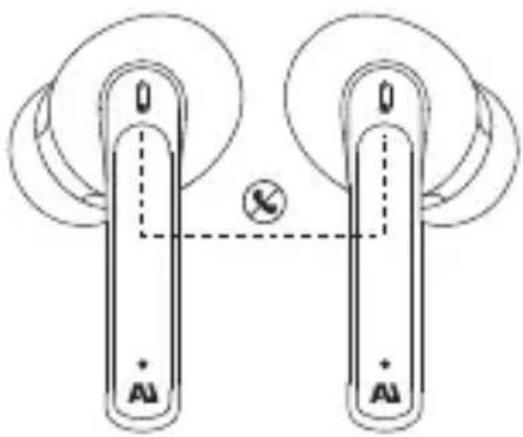
Decline/End call
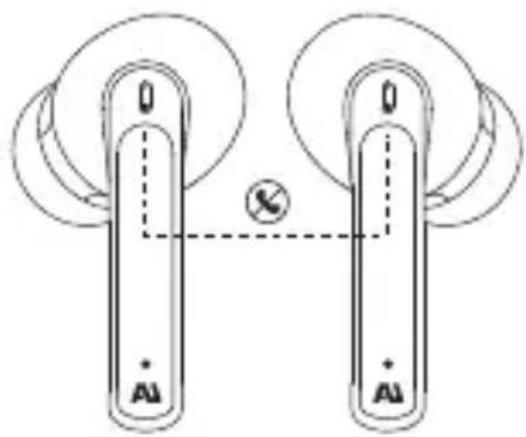
Long press for 2 second
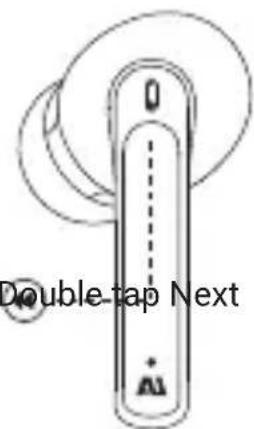
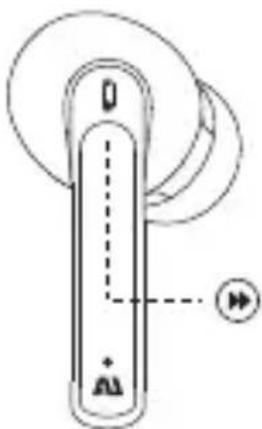
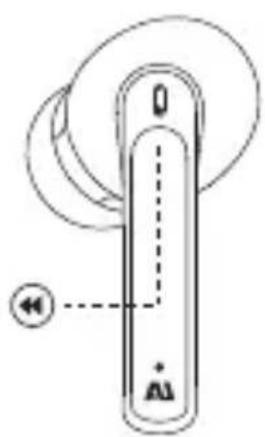
Skipping tracks
Double tap Previous Double tap Next
natural_image
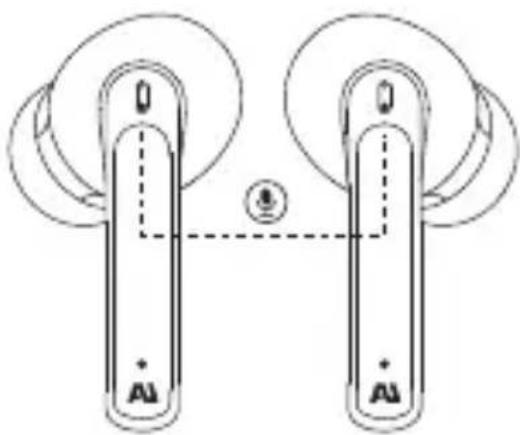
Pure mechanical component diagram without any text, numbers, or symbolsDouble tap
Activate Siri or other voice assistants
natural_image
Diagram of two identical mechanical components with circular ends and a central connection point (no text or symbols)Tap 3 times
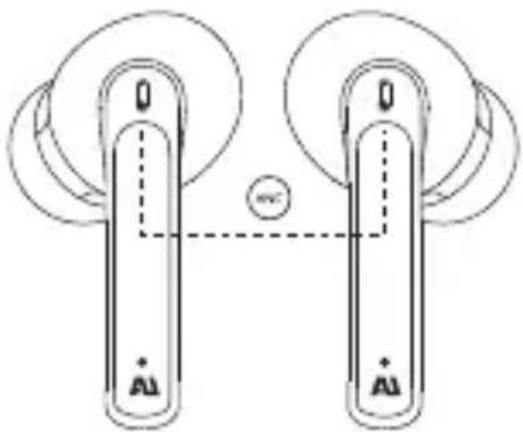
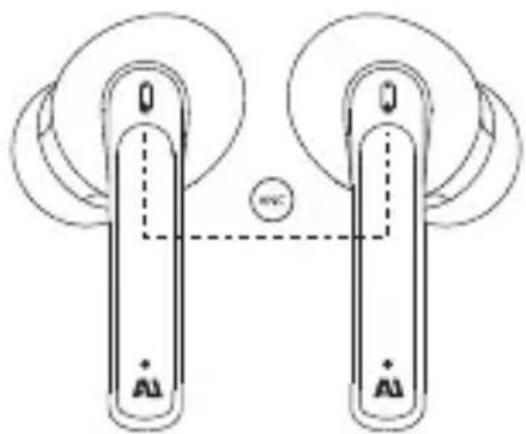
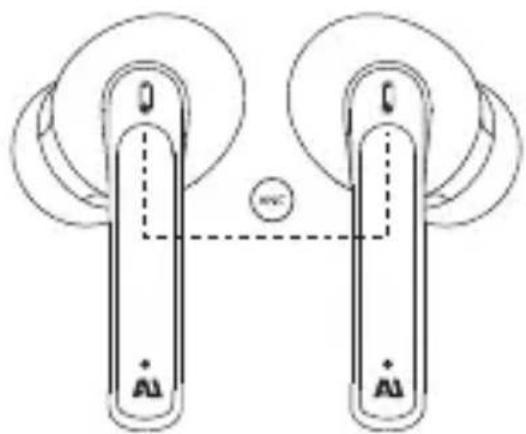
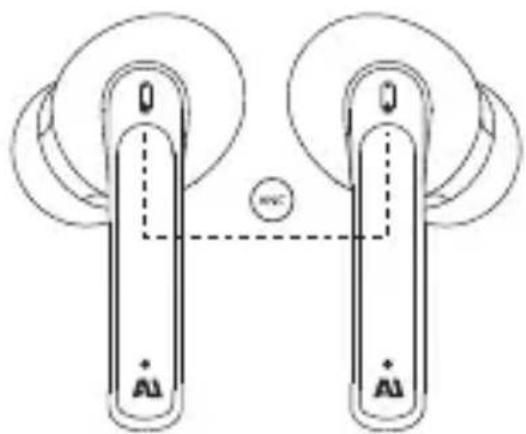
ANC on/off
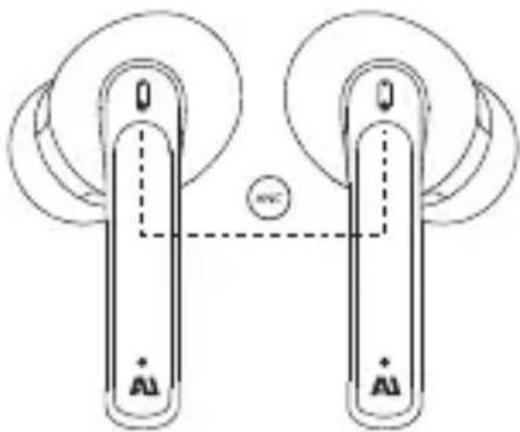
natural_image
Diagram of two identical devices with 'AI' labels and circular components, connected by a dashed line (no text or symbols)Long press for 3 second
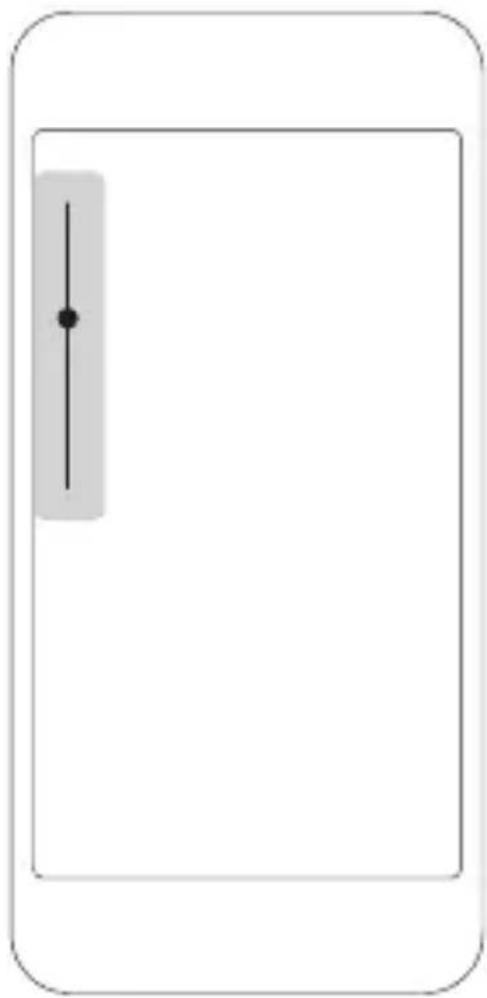
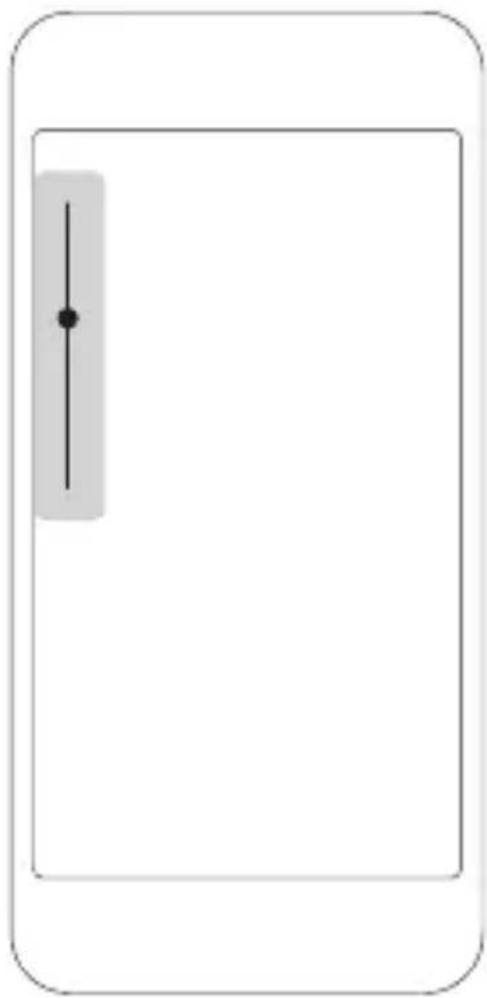
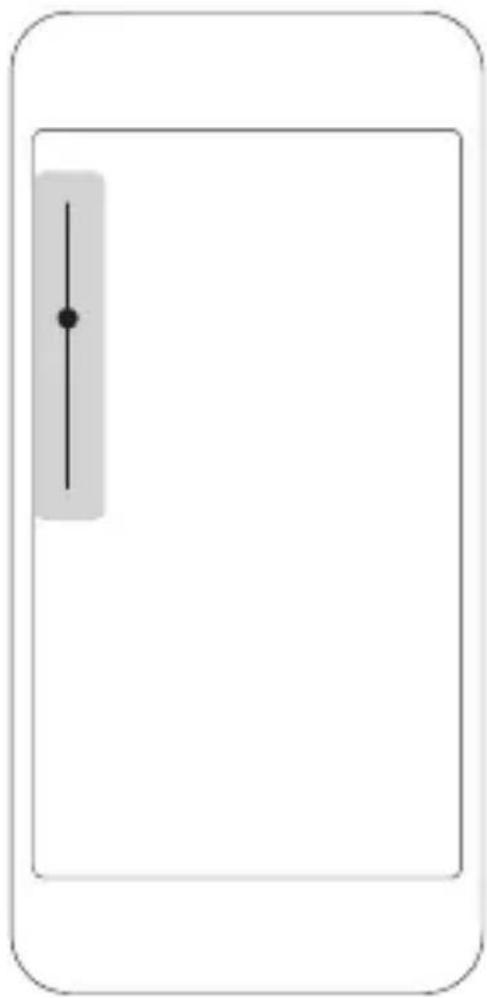
Volume control
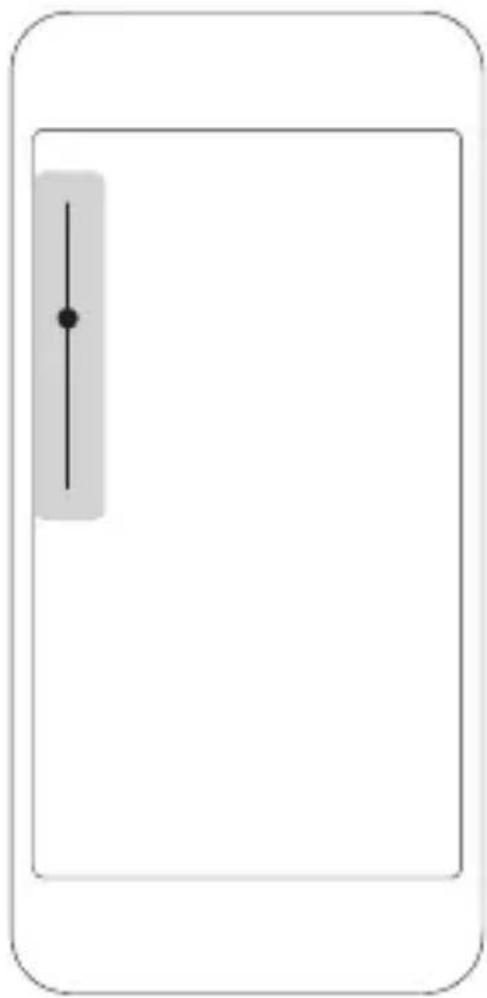
natural_image
Simple line diagram of a device with a vertical slider and dot on the left side (no text or symbols)Adjust music and call volume from your device only
CHARGEZ LES ÉCOUTEURS PENDANT 1 HEURE AVANT LA PREMIÈRE UTILISATION
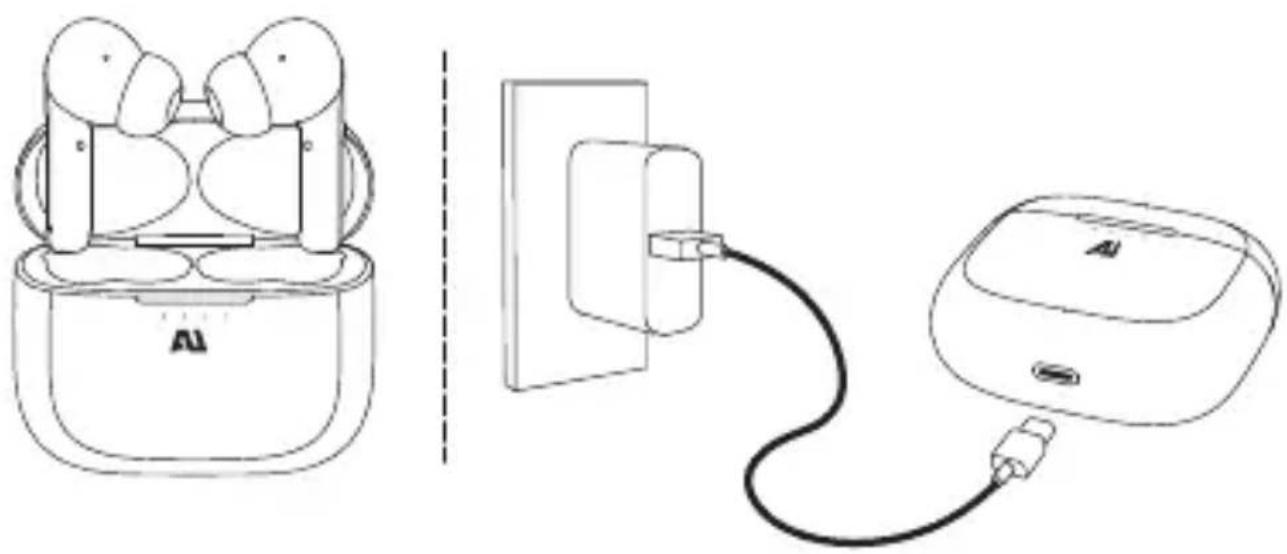
natural_image
Line drawing of a smart earbuds with charging cable, showing front and side views (no text or symbols)TROUVEZ VOTRE TAILLE
natural_image
Two identical rounded oval shapes with no text or symbolsL
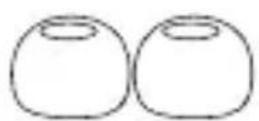
M
S
APPARIEMENT
natural_image
Line drawing of a pair of wireless earbuds with exposed internal components (no text or symbols)natural_image
Diagram of two identical cylindrical devices with circular wheels and a central circle labeled 'HI' (no text or symbols on the devices themselves)Appuyez une fois
Répondre
natural_image
Diagram of two connected devices with circular components and a central telephone icon (no text or symbols)Appuyez une fois
natural_image
Diagram of two identical devices with labeled 'AI' and a central symbol, connected by dashed lines (no text or symbols beyond labels)natural_image
Diagram of two identical mechanical components with circular and rectangular features, no text or symbols presentAppuyez deux fois
natural_image
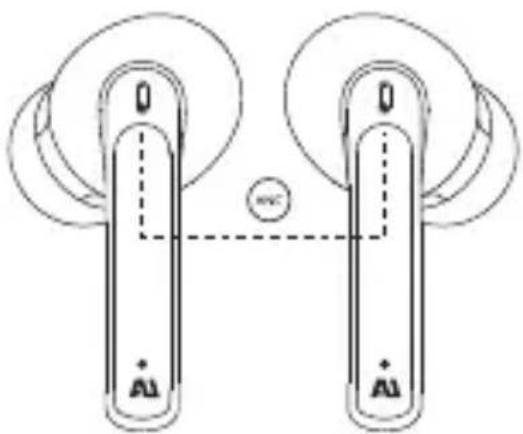
Pure mechanical diagram showing two vertical supports connected by a dashed line, with no text or symbols present.Appuyez 3 fois
Activer/Désactiver la suppression active du bruit (ANC)
natural_image
Diagram of two identical electronic devices with gold contacts and circular components, connected by a dashed line (no text or symbols)natural_image
Simple line diagram of a device with a vertical slider and dot on the left side (no text or symbols)natural_image
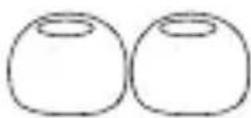
Line drawing of a smart earbuds with charging cable, showing front and side views (no text or symbols)ENCONTRE O SEU ENCAIXE
natural_image
Two identical rounded oval shapes with no text or symbolsG
M
P
EMPARELHAMENTO
natural_image
Line drawing of a wireless earbuds with two earphones and a base case (no text or symbols)natural_image
Diagram of two identical cylindrical devices with labeled terminals and a central circle containing 'HI' (no text or symbols on devices)Toque uma vez
Atender

natural_image
Diagram of two connected devices with circular components and a telephone icon (no text or symbols)Toque uma vez
natural_image
Diagram of two identical cylindrical devices connected by a dashed line, with no text or symbols present.natural_image
Diagram of two identical mechanical components with circular motion indicators and directional arrows, no text or symbols present.Toque duplo
natural_image
Diagram of two identical mechanical components with circular ends and a central connection point, no text or symbols present.Toque 3 vezes
ANC ligado/desligado
natural_image
Diagram of two identical devices with circular components and a central circle, no text or symbols presentnatural_image
Simple line diagram of a device with a vertical slider and dot on the left side (no text or symbols)natural_image
Line drawing of a smart earbuds with charging cable, showing front and side views (no text or symbols)SCELTA DELLA MISURA PIÙ ADATTA
natural_image
Two identical rounded oval shapes with no text or symbolsL
M
S
ABBINAMENTO
natural_image
Line drawing of a pair of wireless earbuds with exposed internal components (no text or symbols)natural_image
Diagram of two identical electronic devices with circular components and a central button labeled 'HI' (no text or symbols on devices)Toccare una volta
Rispondi
natural_image
Diagram of two connected devices with circular components and a central telephone icon (no text or symbols)Toccare una volta
natural_image
Diagram of two identical devices with labeled terminals and a central connection point (no text or symbols beyond terminal labels)natural_image
Diagram of two identical electronic devices with circular components and labeled ports (no text or symbols beyond basic labels)Toccare due volte
natural_image
Diagram of two identical mechanical components with circular heads and a central dashed line, no text or symbols present.Toccare 3 volte
natural_image
Diagram of two identical mechanical components with circular ends and a central circle, no text or symbols presentnatural_image
Simple line diagram of a device with a vertical slider and dot on the left side (no text or symbols)natural_image
Line drawing of a smart earbuds with charging cable, showing front and side views (no text or symbols)FINDEN SIE IHRE GRÖSSE
natural_image
Two identical rounded oval shapes with no text or symbolsL
M
S
KOPPLUNG
natural_image
Line drawing of a pair of wireless earbuds with exposed internal components (no text or symbols)natural_image
Diagram of two identical electronic devices with circular components and a central indicator symbol (no text or labels)Einmal tippen
Anrufe annehmen
natural_image
Diagram of two connected devices with circular components and a central telephone icon (no text or symbols)Einmal tippen
natural_image
Diagram of two identical mechanical components with circular heads and a central connection point, no text or symbols present.natural_image
Diagram of two identical mechanical components with circular ends and a central circle, no text or symbols presentnatural_image
Simple line diagram of a device with a vertical slider and control knob, no text or symbols present.natural_image
Line drawing of a smart earbuds with charging cable, showing front and side views (no text or symbols)natural_image
Two identical rounded oval shapes with no text or symbolsG
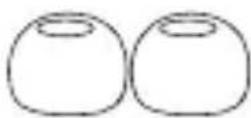
M
C
EMPAREJAMIENTO
natural_image
Line drawing of an AI earbuds with two earphones and a base case (no text or symbols)natural_image
Diagram of two identical electronic devices with circular components and a central button labeled 'H', no text or symbols present.Toque una vez
Responder
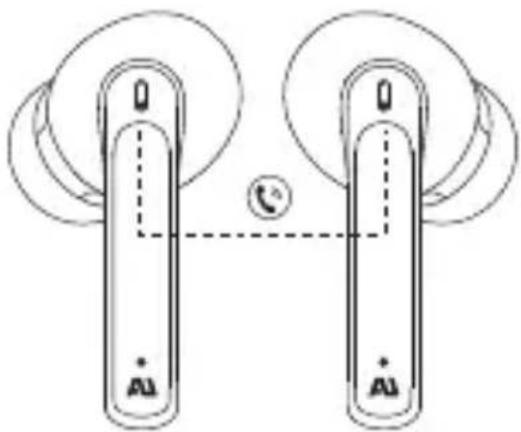
natural_image
Diagram of two connected devices with circular components and a dial indicator (no text or symbols)Toque una vez
natural_image
Diagram of two identical devices with labeled 'AI' and a central symbol, connected by dashed lines (no text or symbols beyond labels)Presione prolongadamente durante 2 segundos
Saltear pistas
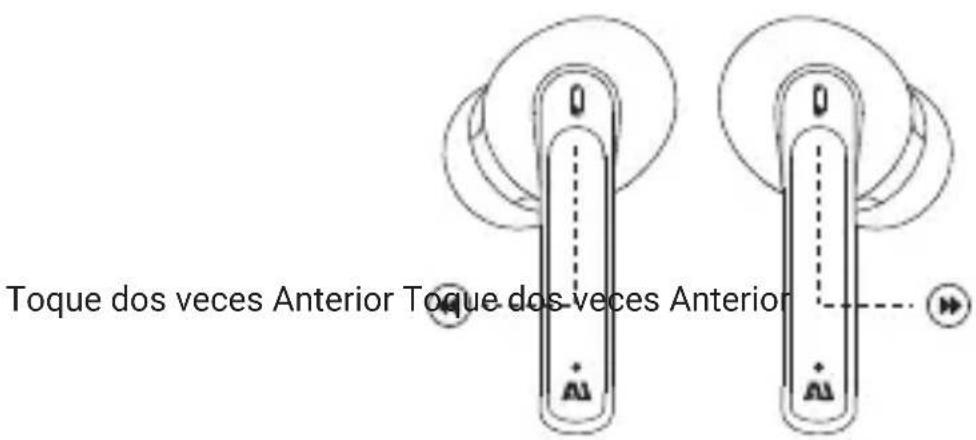
natural_image
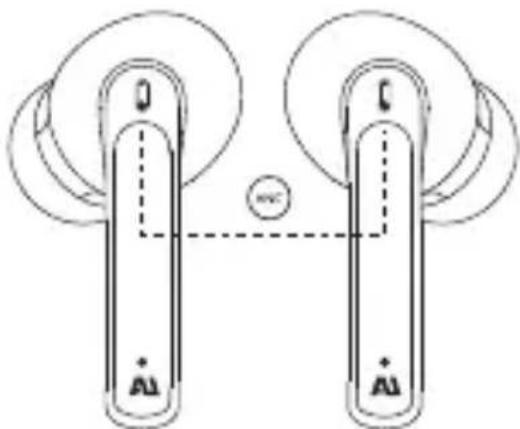
Diagram of two identical mechanical components with circular ends and a central connection point (no text or symbols)Toque 3 veces
Encender/apagar ANC
natural_image
Diagram of two identical mechanical components with circular ends and a central dashed line, no text or symbols present.Presione prolongadamente durante 3 segundos
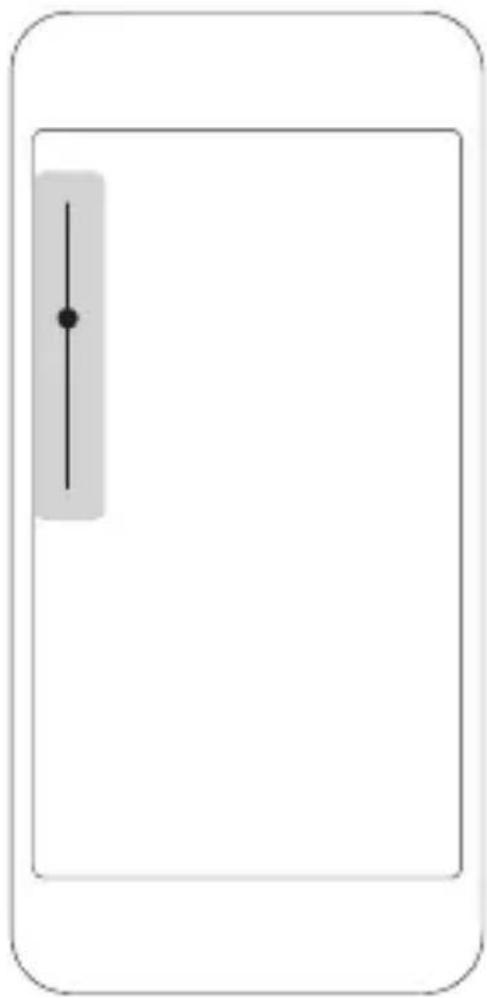
control de volumen
natural_image
Simple line diagram of a device with a vertical slider and control knob, no text or symbols present.natural_image
Line drawing of a smart earbuds with charging cable, showing front and side views (no text or symbols)맞는 핍 찾기
natural_image
Two identical rounded objects with circular tops, no text or symbols presentL
M
S
페어링
natural_image
Line drawing of an Al Dubai Bluetooth device with two earbuds and a central display case (no text or symbols)natural_image
Diagram of two identical devices with circular components and a central circle labeled 'H', connected by dashed lines (no text or symbols beyond basic labels)한 번 탑
전화 받기
natural_image
Diagram of two connected devices with circular components and a telephone icon (no text or symbols)한 번 탱
수신 전화 거절/끝기
2초 동안 길게 누르기
트랙 건너뛰기
이전을 두 번 탱
natural_image
Diagram of a vertical device with circular components and a speaker icon, no readable text or symbols present.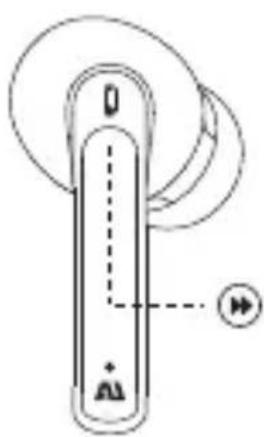
natural_image
Pure diagram of a vertical device with circular components and directional arrows, no text or symbols present다음을 두 번 탱
두 번 탭
natural_image
Diagram of two identical mechanical components with circular ends and a central connection point, no text or symbols present.세 번 탭
ANC 켜기/끄기
natural_image
Diagram of two identical mechanical components with circular ends and a central circle labeled 'HV', no text or symbols present.3초 동안 길게 누르기
볼륨 조절
natural_image
Simple line diagram of a device with a vertical slider and control knob, no text or symbols present.장치에서만 음악 및 통화 볼륨 조정
初次使用前请给耳机充电1小时
natural_image
Line drawing of a smart earbuds with charging cable, showing front and side views (no text or symbols)找到适合你的尺寸
natural_image
Two identical rounded oval shapes with no text or symbolsL
M
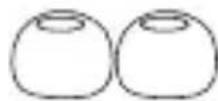
S
配对
natural_image
Line drawing of a pair of wireless earbuds with exposed internal components (no text or symbols)如要单独使用请仅取出右耳
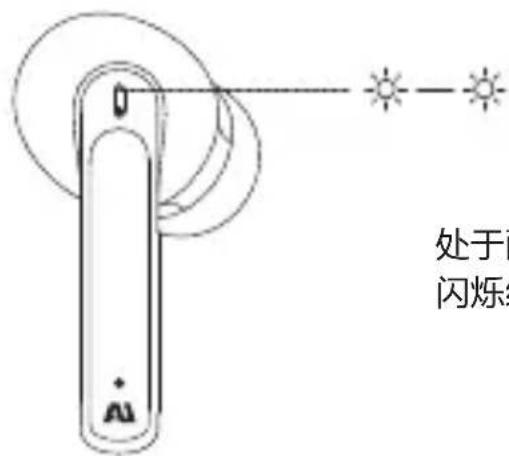
3. 选择AU-FREQUENCY ANC
无法与您的设备配对?
尝试重新启动设备;然后重复配对过程。
控制项
在左或右耳塞上
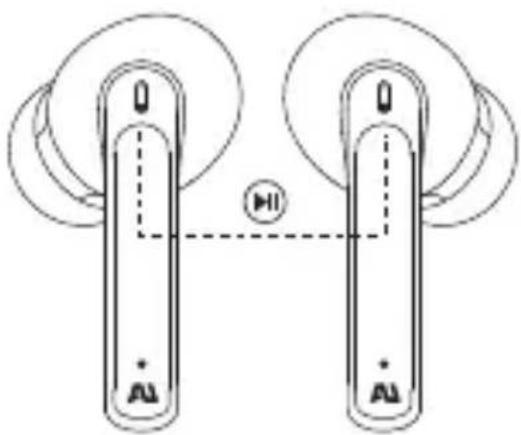
播放/暂停音乐
natural_image
Diagram of two identical cylindrical devices with circular ends and a central circle labeled 'HI' connected by dashed lines (no text or symbols on devices)轻触左/右触键1次
接听挂断电话
natural_image
Diagram of two connected devices with circular components and a telephone icon (no text or symbols)轻触一次
拒绝来电
natural_image
Diagram of two identical mechanical components with circular heads and a central connection point, no text or symbols present.三击左/右耳触键
降噪开关
natural_image
Pure mechanical diagram showing two vertical supports connected by a central circle, with no text or symbols present.长按左/右触键3秒
音量控制
natural_image
Simple line diagram of a device with a vertical slider and control knob, no text or symbols present.仅通过设备调整音乐和通话音量
初次使用前請給耳機充電1小時
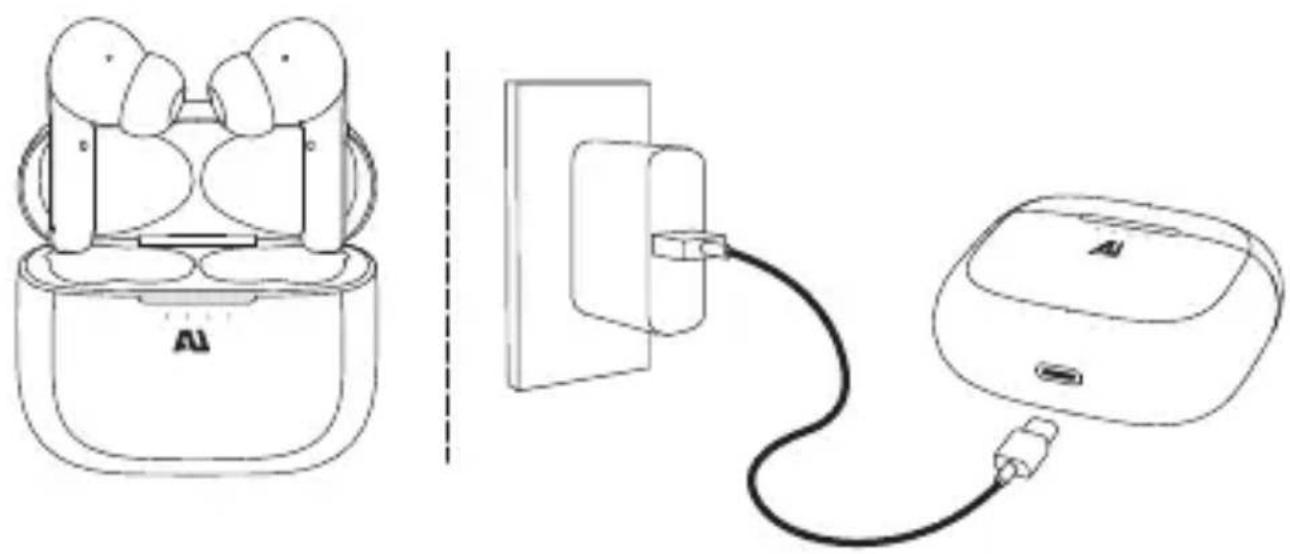
natural_image
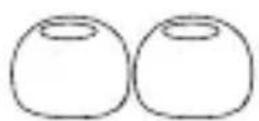
Line drawing of a smart earbuds with charging cable, showing front and side views (no text or symbols)找到適合你的尺寸
natural_image
Two identical rounded oval shapes with no text or symbolsL
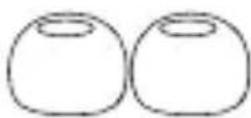
M
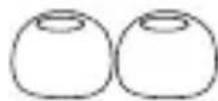
S
配對
natural_image
Line drawing of a pair of wireless earbuds with exposed internal components (no text or symbols)如要單獨使用請僅取出右耳
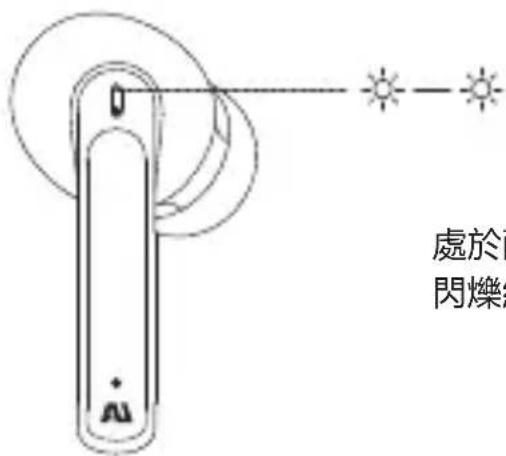
3. 選擇AU-FREQUENCY ANC
無法與您的設備配對?
嘗試重新啟動設備;然後重複配對過程。
控制項
在左或右耳塞上
播放/暫停音樂
natural_image
Diagram of two identical devices with circular components and a central circle labeled 'H', connected by dashed lines (no text or symbols beyond basic labels)輕觸左/右觸鍵1次
接聽掛斷電話
natural_image
Diagram of two connected devices with circular components and a central telephone icon (no text or symbols)輕觸一次
拒絕來電
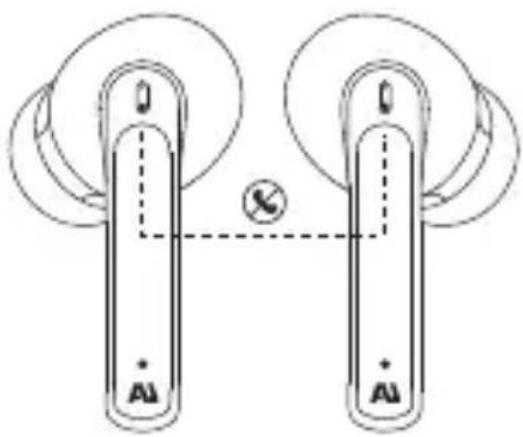
接聽過程中長按2秒左/右Touch鍵掛斷
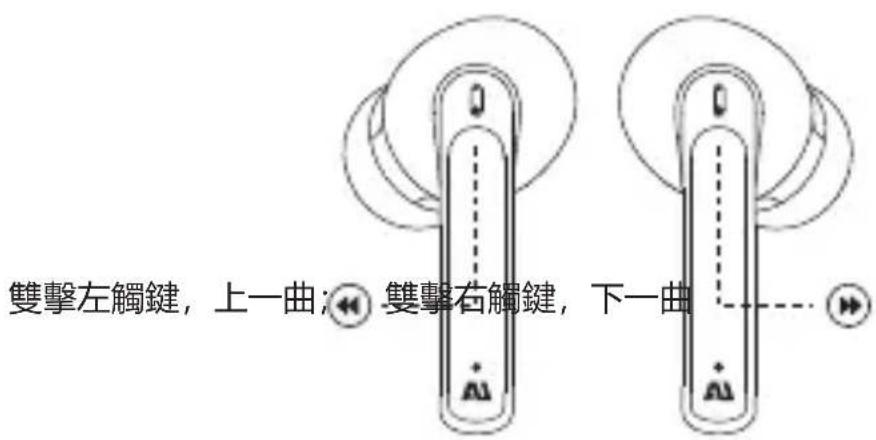
切换上下曲
natural_image
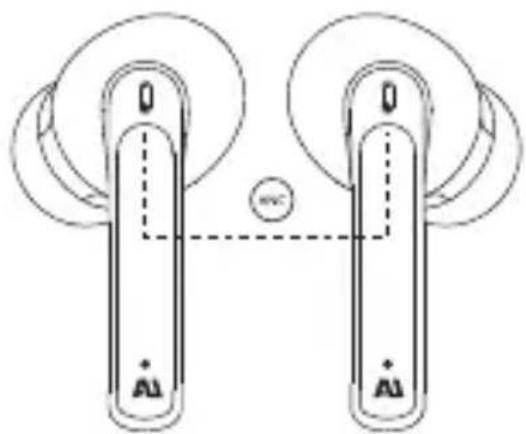
Diagram of two identical mechanical components with circular ends and a central connection point, no text or symbols present.三擊左/右耳觸鍵
降噪開關
natural_image
Diagram of two identical mechanical components with circular ends and a central circle containing 'HV' (no text or symbols on components)長按左/右觸鍵3秒
音量控制
natural_image
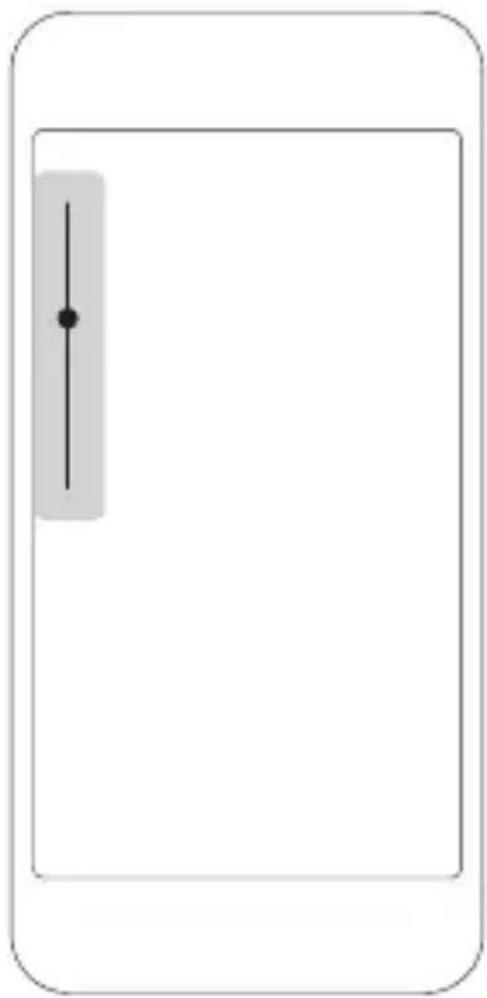
Simple line diagram of a device with a vertical slider and dot on the left side (no text or symbols)僅通過設備調整音樂和通話音量
natural_image
Line drawing of a smart earbuds with charging cable, showing front and side views (no text or symbols)ぴったりのサイズを見つける
natural_image
Two identical rounded oval shapes with no text or symbolsL
M
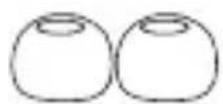
S
ペアリング
natural_image
Line drawing of a pair of earbuds with charging case, no text or symbols presentnatural_image
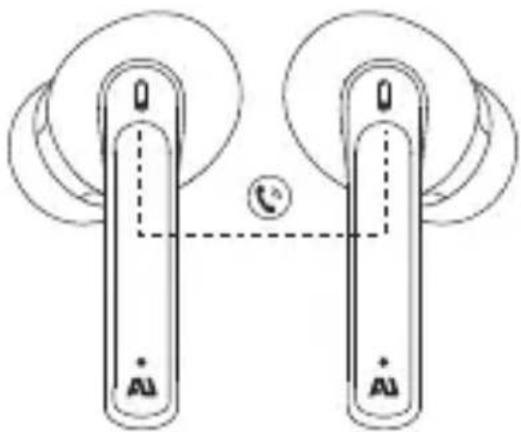
Diagram of two identical cylindrical devices with circular wheels and a central circle labeled 'HI' (no text or symbols on devices)1回タップ
電話に出る
natural_image
Diagram of two connected devices with circular components and a central telephone icon (no text or symbols)1回タップ
着信を拒否する/通話を切る
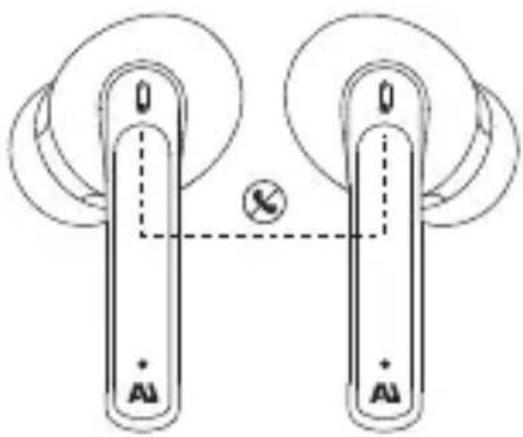
2秒長押し
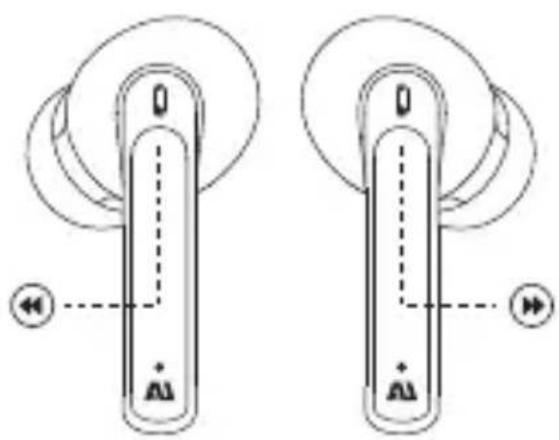
曲のスキップ
「前の曲」を2回タップ
natural_image
Diagram of two identical mechanical components with circular and rectangular features, no text or symbols present「次の曲」を2回タップ
2回タップ
natural_image
Diagram of two identical mechanical components with circular ends and a central connection point, no text or symbols present.3回タップ
ANCオン/オフ
natural_image
Diagram of two identical mechanical components with circular ends and a central circle, no text or symbols present3秒長押し
音量調整