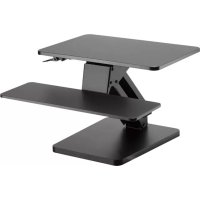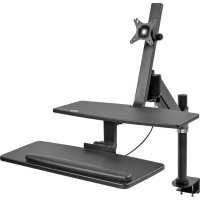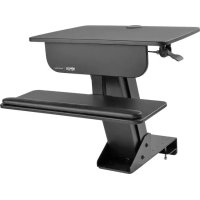
WorkWise WWSSDC - Desktop computer Tripp Lite - Free user manual and instructions
Find the device manual for free WorkWise WWSSDC Tripp Lite in PDF.


| Product Type | Clamp-on sit-stand workstation for desk |
| Brand | Tripp Lite |
| Model | WorkWise WWSSDC |
| Maximum Load Capacity | 13 kg (29 lb) |
| Main Components | Keyboard panel, lifting mechanism, keyboard tray, clamp plate, keyboard support, work surface, support bearing |
| Power Supply | None (mechanical) |
| Main Functions | Monitor and keyboard support, height adjustment with gas lift mechanism, desk clamp |
| Care and Cleaning | Clean with a soft, dry cloth. Do not use abrasive cleaners or solvents. |
| Safety | Do not exceed the maximum load of 13 kg. Ensure the clamp is properly tightened. Keep out of reach of children. |
| Spare Parts and Repairability | Parts available from Tripp Lite. Professional repair recommended. |
| Warranty | 5-year limited warranty |
Frequently Asked Questions - WorkWise WWSSDC Tripp Lite
User questions about WorkWise WWSSDC Tripp Lite
0 question about this device. Answer the ones you know or ask your own.
Ask a new question about this device
Download the instructions for your Desktop computer in PDF format for free! Find your manual WorkWise WWSSDC - Tripp Lite and take your electronic device back in hand. On this page are published all the documents necessary for the use of your device. WorkWise WWSSDC by Tripp Lite.
USER MANUAL WorkWise WWSSDC Tripp Lite
Register your product for quicker service and ultimate peace of mind. You could also win an IS0BAR6ULTRA surge protector—a $100 value! www.triplite.com/warranty


1111 W. 35th Street, Chicago, IL 60609 USA • www.triplite.com/support
Copyright © 2016 Tripp Lite. All rights reserved.
Component Checklist

IMPORTANT: Ensure all parts according to the component checklist have been received prior to installation. If any parts are missing or faulty, visit www.triplite.com/support for service.
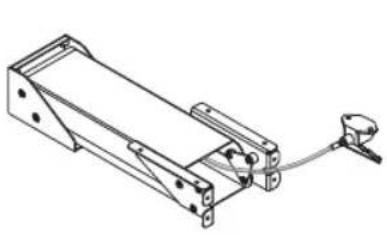
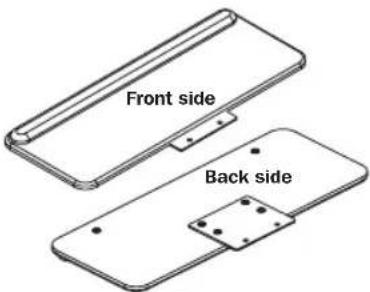
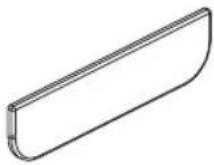
A Lift Mechanism
x1
Keyboard Tray x1
Keyboard Panel x1
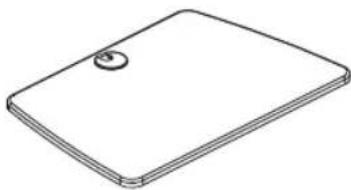
D
Work Surface
x1
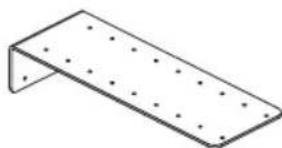
E
Clamp Plate
x1
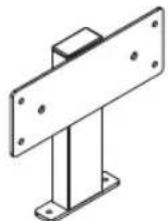
F
Keyboard Bracket
x1
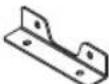
Support Bracket
x1
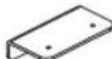
H
Clamp Bracket
x1

Pressure Plate
x1
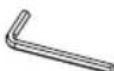
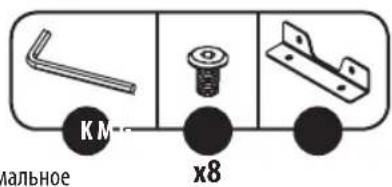
M6 Hex Key
x1

M4 Hex Key
x1
L
M8 x 70.5
x2

M6x8
x10

M6 x 10
x2

M6 x 12
x10

M6 x 15
x2

Hole Plug
x2
Assembly

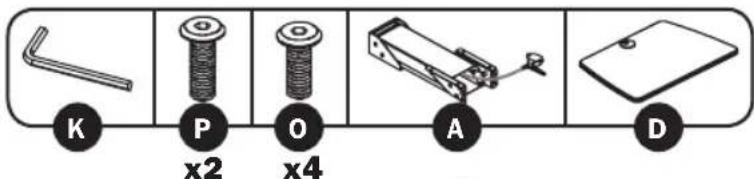
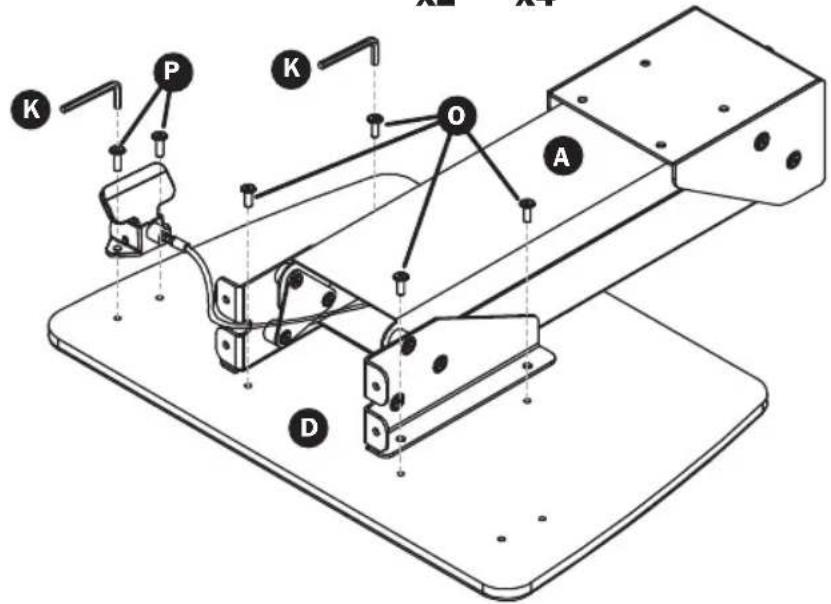
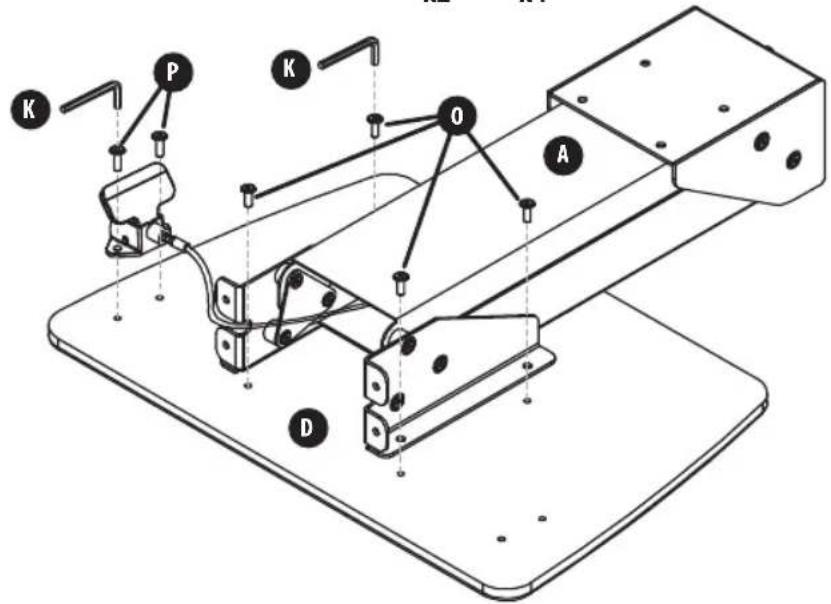
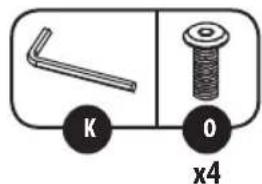
Attach the Lift Mechanism to the Work Surface.

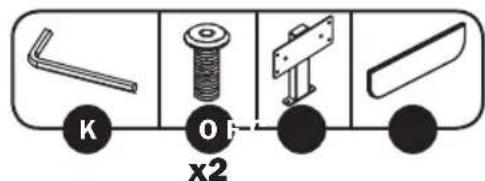
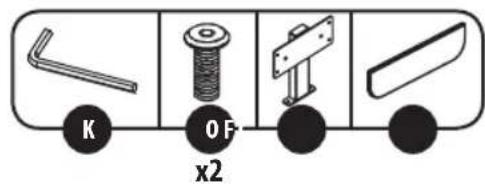
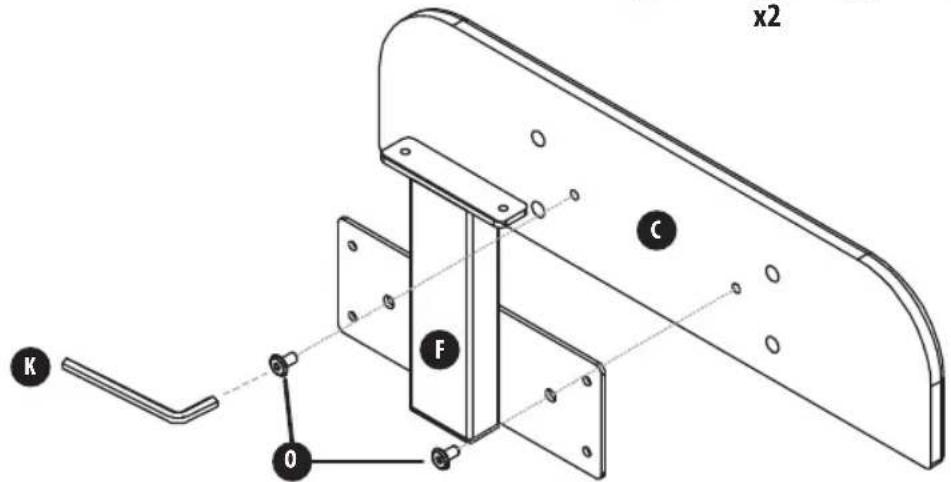
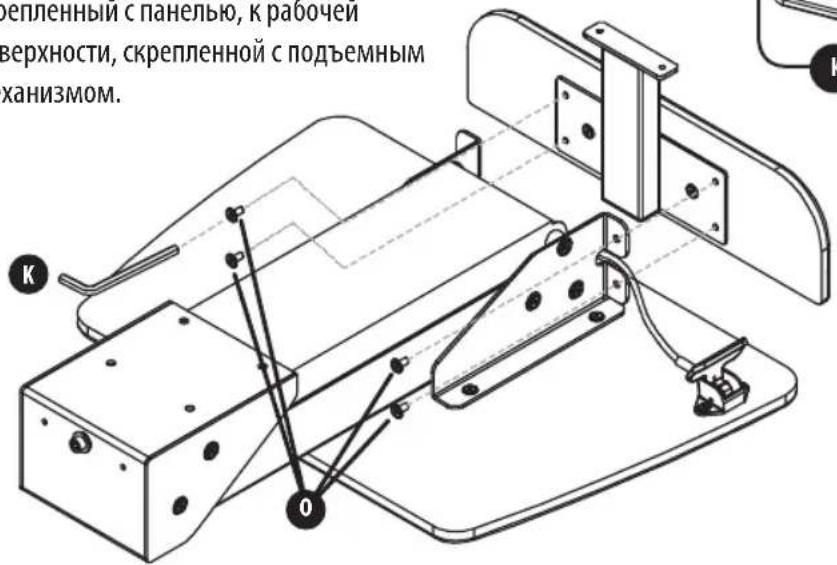
Attach the Keyboard Bracket to the Keyboard Panel.
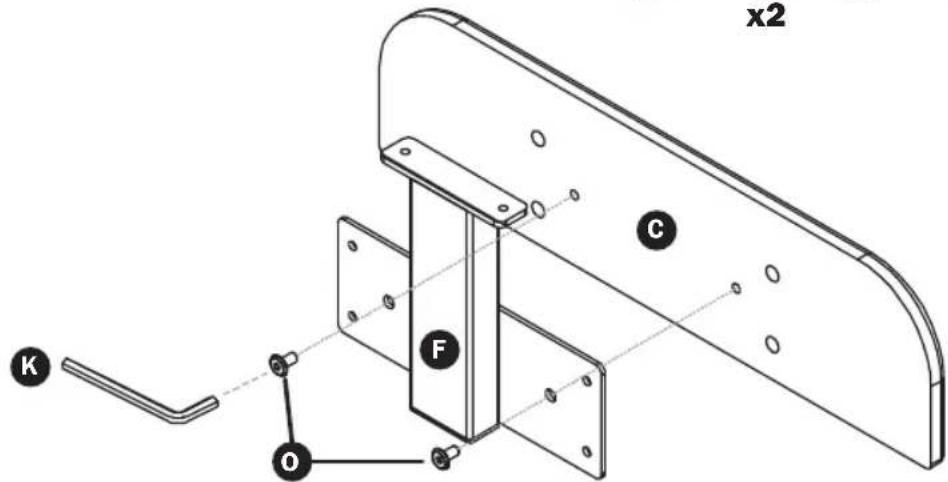
Assembly

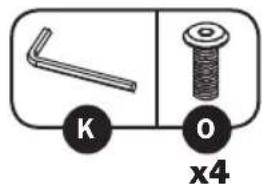
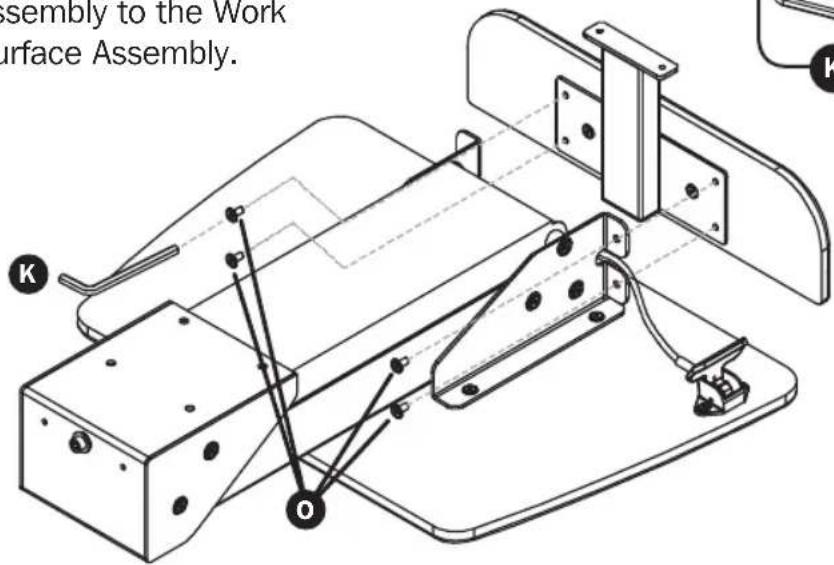
Attach Keyboard Bracket Assembly to the Work Surface Assembly.

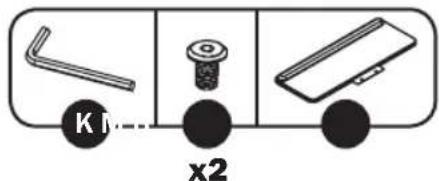
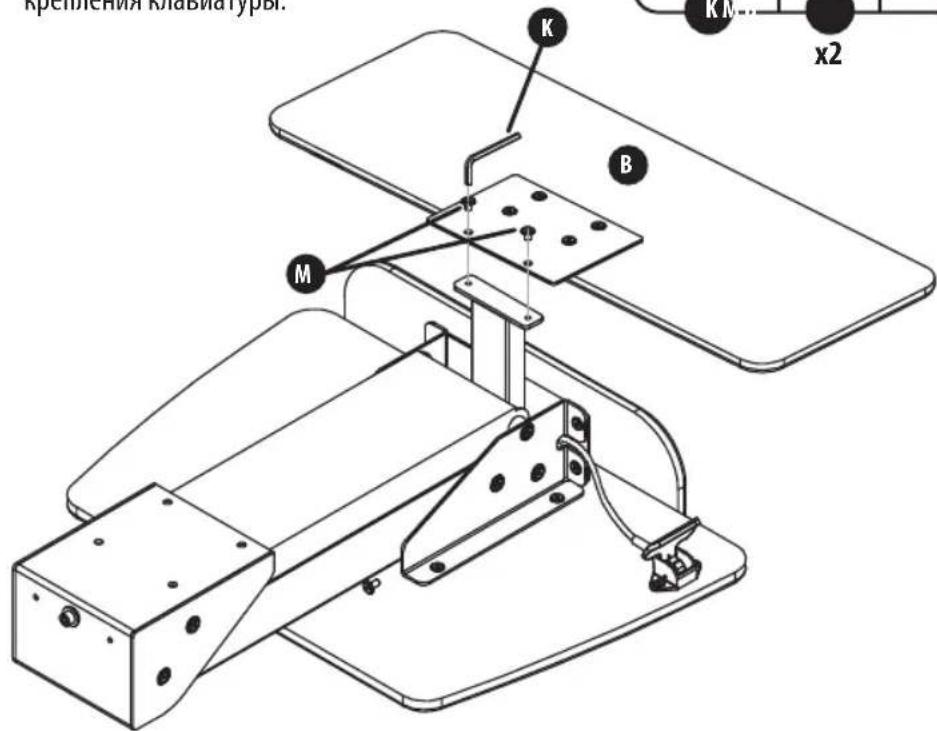
Attach the Keyboard Tray (with the back side facing upward) to the Keyboard Bracket.
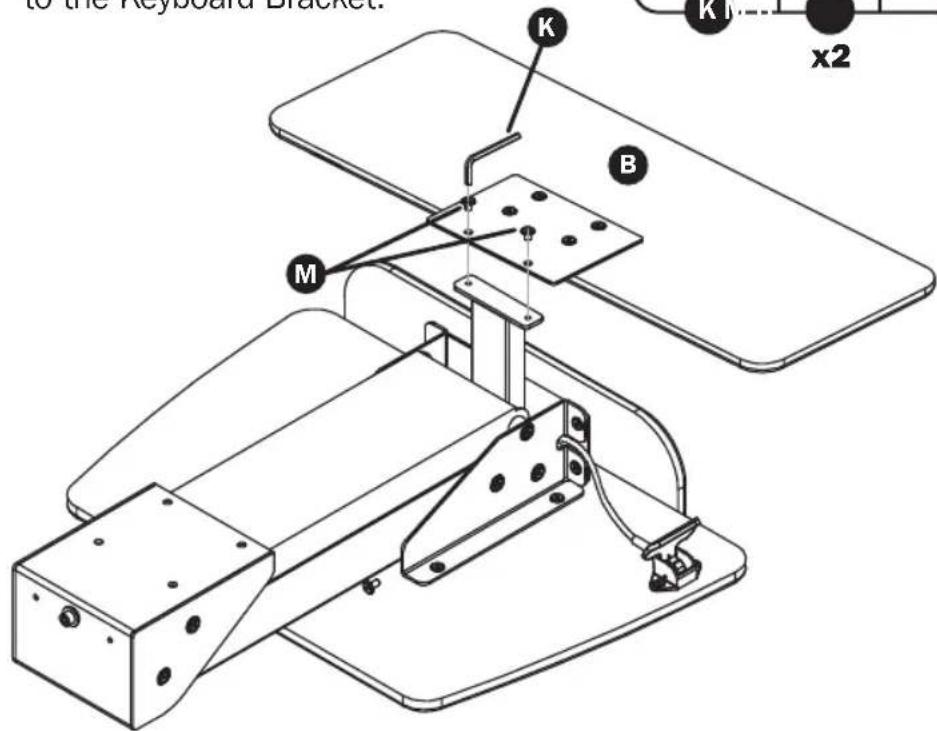
Assembly

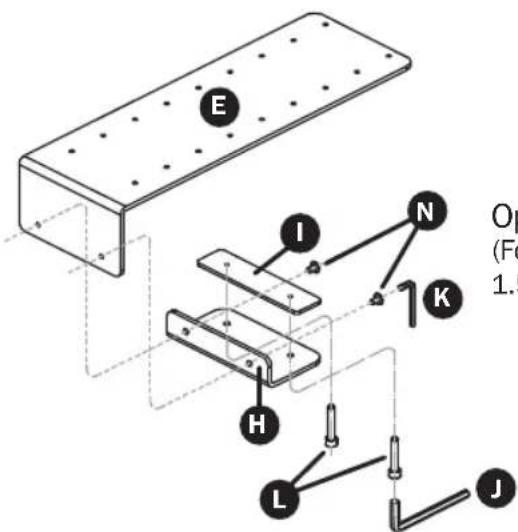
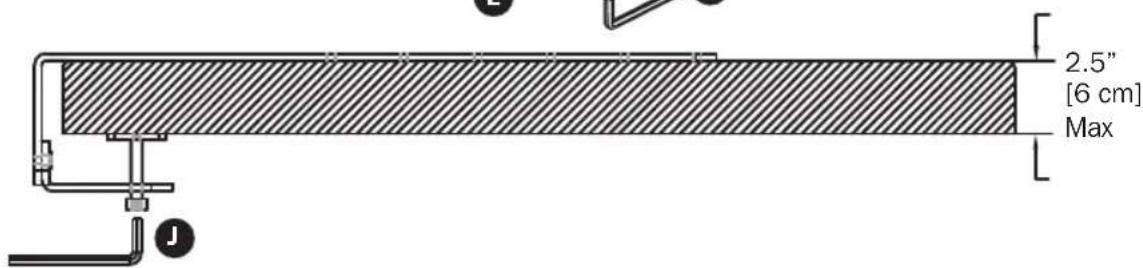
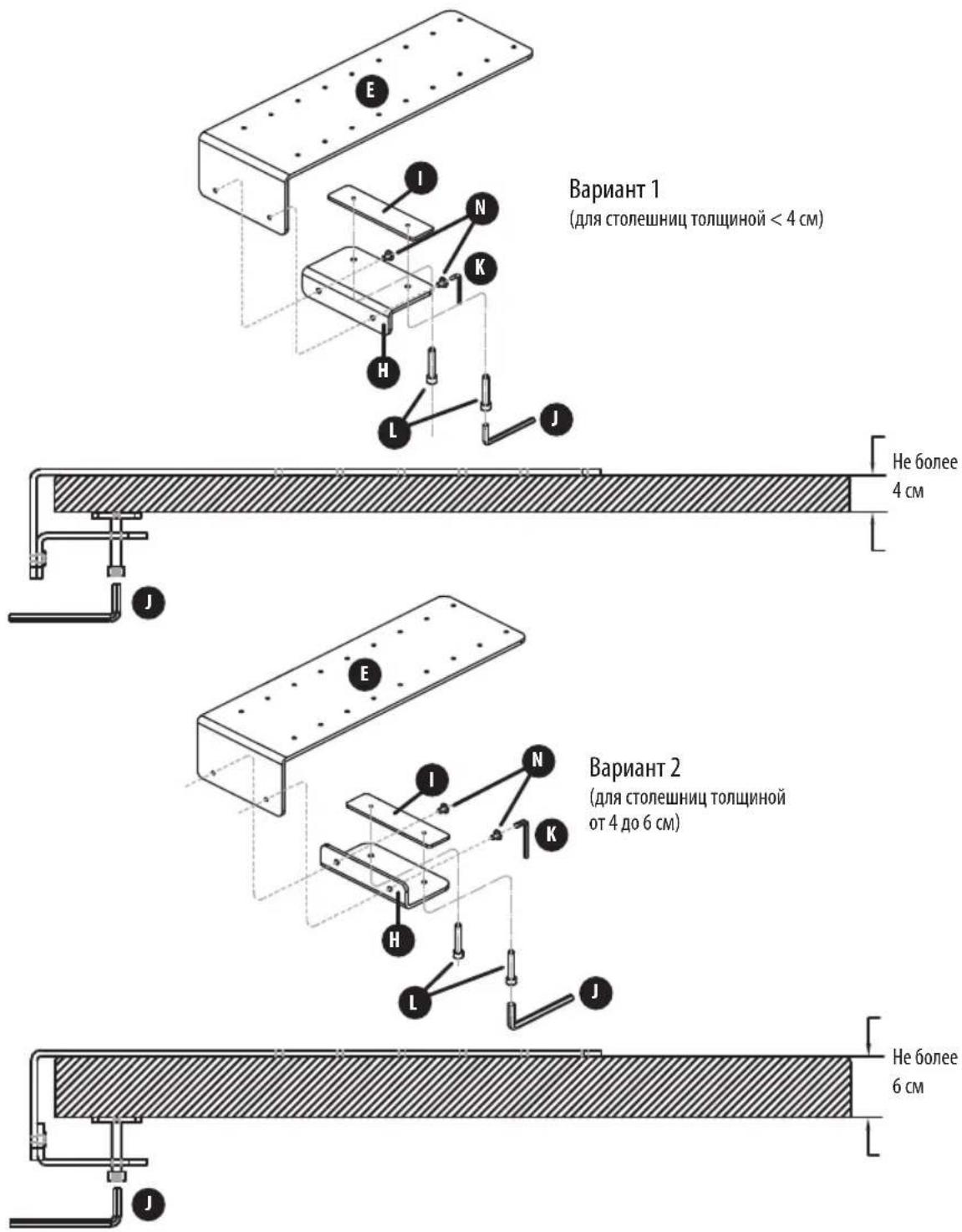
Attach the Clamp Bracket and Pressure Plate to the Clamp Plate.
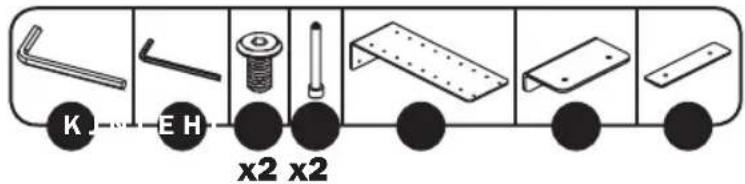
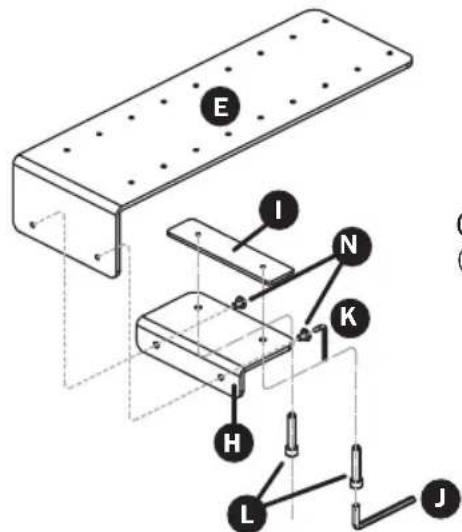
Option 1 (For Desk Thickness < 1.5 [4 cm])
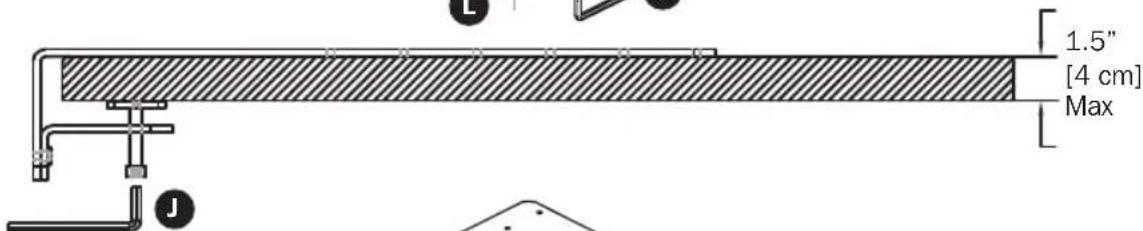
Option 2 (For Desk Thickness 1.5 to 2.5^ [4 to 6 cm])
Assembly

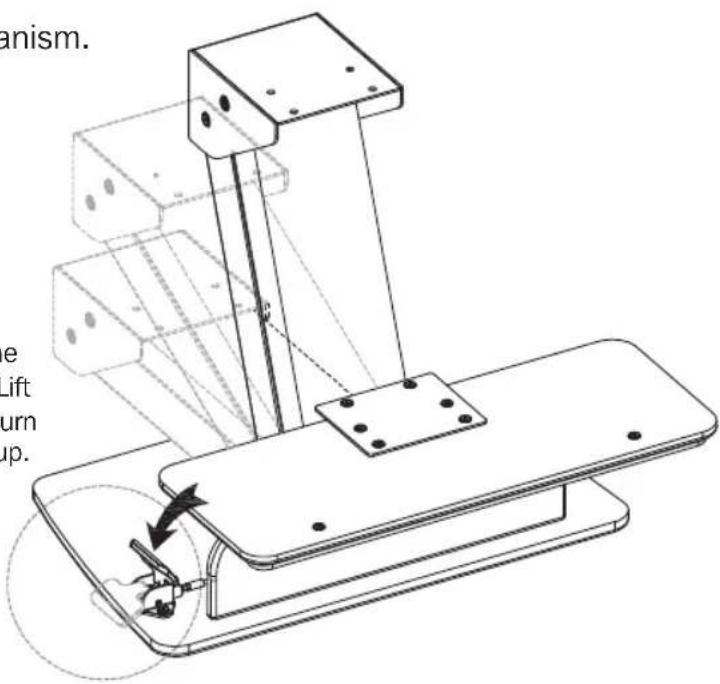
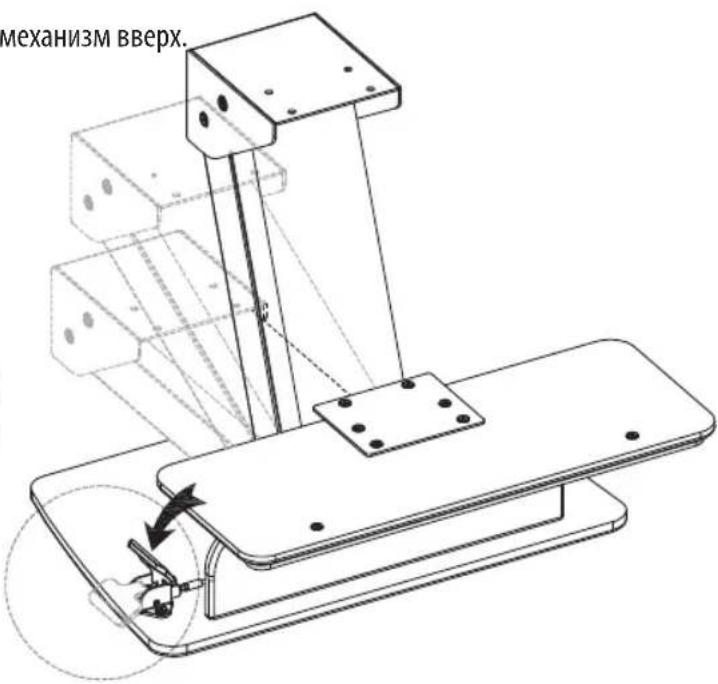
Raise the Lift Mechanism.
Push the paddle to raise the Lift Mechanism. Once the Lift Mechanism fully extends, turn the Workstation right side up.
Attention: The pneumatic arm will rise when the paddle is pressed down.

Attach the Workstation Assembly to the Clamp Plate.
Minimum Setting for 24"
(61 cm) Desk Depth
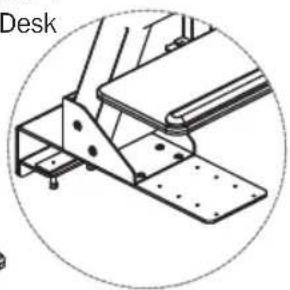
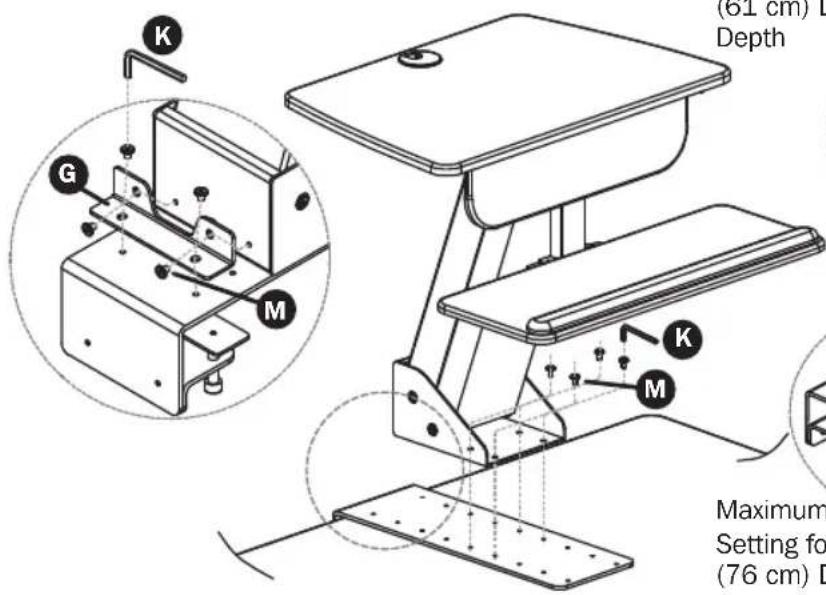
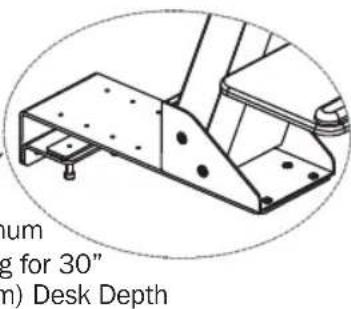
Assembly
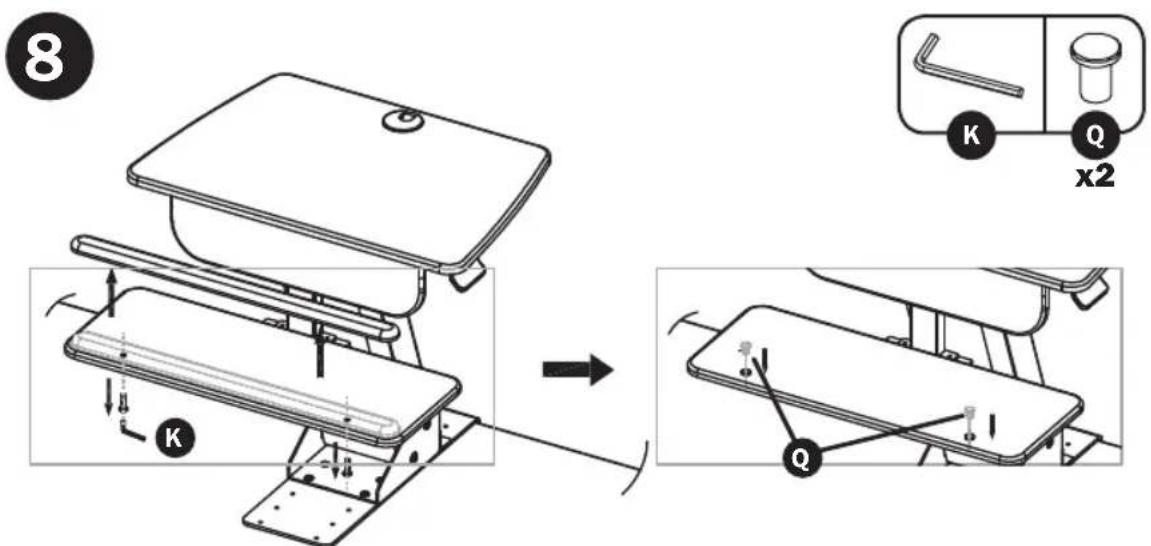
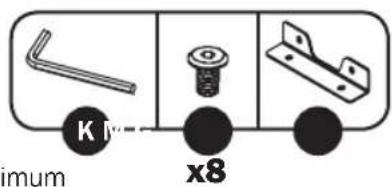
The Wrist Rest is pre-installed to the Keyboard Tray. To remove the Wrist Rest, remove the screws using the Small Hex Key and insert the Plugs to fill the holes.
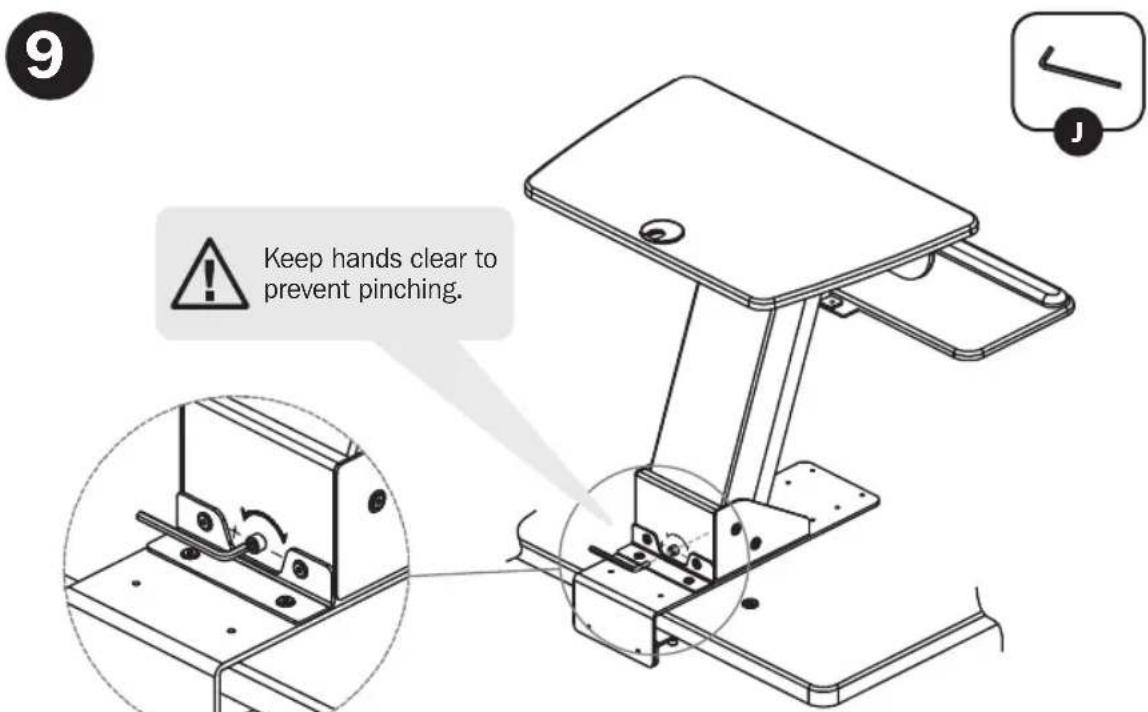
Raise the Workstation to a 45^ angle. At the rear of the Workstation, use the Large Hex Key to adjust the tension (add more tension for heavier items and less tension for lighter items).
Warranty and Product Registration
5-Year Limited Warranty
Seller warrants this product, if used in accordance with all applicable instructions, to be free from original defects in material and workmanship for a period of 5 years from the date of initial purchase. If the product should prove defective in material or workmanship within that period, Seller will repair or replace the product, in its sole discretion.
THIS WARRANTY DOES NOT APPLY TO NORMAL WEAR OR TO DAMAGE RESULTING FROM ACCIDENT, MISUSE, ABUSE OR NEGLECT. SELLER MAKES NO EXPRESS WARRANTY OTHER THAN THE WARRANTY EXPRESSLY SET FORTH HEREIN. EXCEPT TO THE EXTENT PROHIBITED BY APPLICABLE LAW, ALL IMPLIED WARRANTYIES, INCLUDING ALL WARRANTYES OF MERCHANTABILITY OR FITNESS, ARE LIMITED IN DURATION TO THE WARRANTY PERIOD SET FORTH ABOVE; AND THIS WARRANTY EXPRESSLY EXCUSES ALL INCIDENTAL AND CONSEQUENTIAL DAMAGES. (Some states do not allow limitations on how long an implied warranty lasts, and some states do not allow the exclusion or limitation of incidental or consequential damages, so the above limitations or exclusions may not apply to you. This warranty gives you specific legal rights, and you may have other rights which vary from jurisdiction to jurisdiction).
WARNING: The individual user should take care to determine prior to use whether this device is suitable, adequate or safe for the use intended. Since individual applications are subject to great variation, the manufacturer makes no representation or warranty as to the suitability or fitness of these devices for any specific application.
PRODUCT REGISTRATION
Visit www.triplite.com/warranty today to register your new Tripp Lite product. You'll be automatically entered into a drawing for a chance to win a FREE Tripp Lite product!*
- No purchase necessary. Void where prohibited. Some restrictions apply. See website for details.
Tripp Lite has a policy of continuous improvement. Specifications are subject to change without notice.


1111 W. 35th Street, Chicago, IL 60609 USA • www.triplite.com/support
Lhave Hexagonal M6 x1

Llave Hexagonal M4 x1
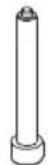

M8 x 70.5


M6×8


M6 x 10


M6 x 12


M6 x 15



Excelceleration Manufacturing.
1111 W. 35th Street, Chicago, IL 60609 EE. UU. • www.triplite.com/support
1111 W. 35th Street, Chicago, IL 60609 USA • www.triplite.com/support
1111 W. 35th Street, Chicago, IL 60609 USA • www.triplite.com/support
PykoBODCTBO N0JIb30BaTeJЯ

WorkWiseTM
IeCTnIRpaHnhB KJIIOU
M6
x1


WeetnirpaHHbKJIou
M4
x1
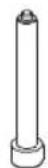

M8x70.5
x2

M6x8
x10


M6x10
x2


M6x12
x10


M6x15
x2


3aRnyuKa
x2
C6opka

PpKpEnTb noDbemHbIMexaHn3M K pa6oey NOBepxHOCTN.
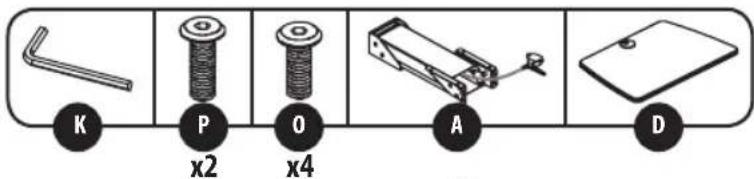

PpKpEnTb KPOHHTeH nI KpENnH NkAIBNaTpybl K naHenn IJN KJIaBnaTpybl.
C6opka

PnKpEnntb KpoHtTeH dIy KnaBuaTpybl,CKpeNHeHbI C NaHebIO,KpaOoyeINOBepxHOCTN,CKpeNHeHHoC NOpBeMHbIMMexaHN3MOM.

PnKpEnTb NotOK dJa KnaBnAtypbl (TbInbHoi CTopoHOu BBepx) K KpoHHTeHy dJa KpenneHn KaBnAtypbl.
C6opka

PpKpeNTb npJxMmHO KPOHHTeH n pJxMmHyo PnactHy K 3aXMMHO nnahke.
C6opka

IpepeMeCTuB noDbeMHbI MExaHn3M BBepx.
Ia nepemeueHnnoBemHOro
MexAH3Ma BBePx HaxMMTe Ha
paUar. Iocne noHOrO bIDBHXKeHHa
noBemHOro MExAH3Ma NOBEPHtE
paOuyIO CTAHIO npABOCTOPHOH
BBePx.
BHHaHHe!PnHaxaTnHa pbyar npocxOHT noDbem nHeBMATWueCKORo pbuara.

PpKpeNtbpaooyo cTahuHOBcOpeK 3aXMMHOIIaHKe.
MHHMaJIbHoe BbIbIMKeHne
1111 W. 35th Street, Chicago, IL 60609 USA - www.triplite.com/support
Bedienungsanleitung

WorkWise
1111 W. 35th Street, Chicago, IL 60609 USA • www.triplite.com/support
1111 W. 35th Street, Chicago, IL 60609 USA • www.triplite.com/support