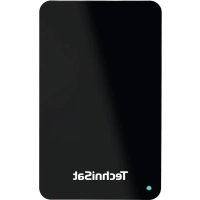
STREAMSTORE 24 1TB USB 3.2 - External hard drive TECHNISAT - Free user manual and instructions
Find the device manual for free STREAMSTORE 24 1TB USB 3.2 TECHNISAT in PDF.



User questions about STREAMSTORE 24 1TB USB 3.2 TECHNISAT
0 question about this device. Answer the ones you know or ask your own.
Ask a new question about this device
Download the instructions for your External hard drive in PDF format for free! Find your manual STREAMSTORE 24 1TB USB 3.2 - TECHNISAT and take your electronic device back in hand. On this page are published all the documents necessary for the use of your device. STREAMSTORE 24 1TB USB 3.2 by TECHNISAT.
USER MANUAL STREAMSTORE 24 1TB USB 3.2 TECHNISAT
Transferrate max. 5 Gbit/s (USB 3.2 Gen. 1x1)
Operating instructions
STREAMSTORE 24 1TB USB 3.2
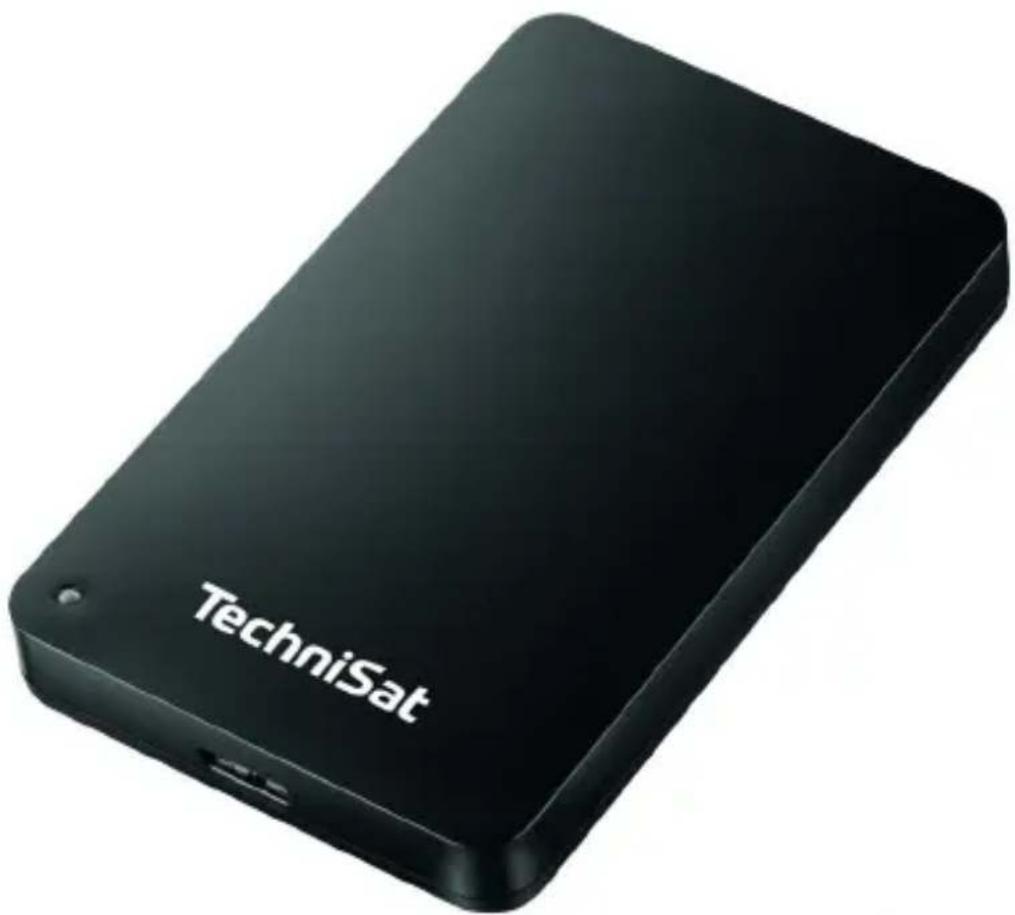
2.5 inch USB 3.2 Gen 1x1 hard disc Ideal for TechniSat DVRready devices
TechniSat
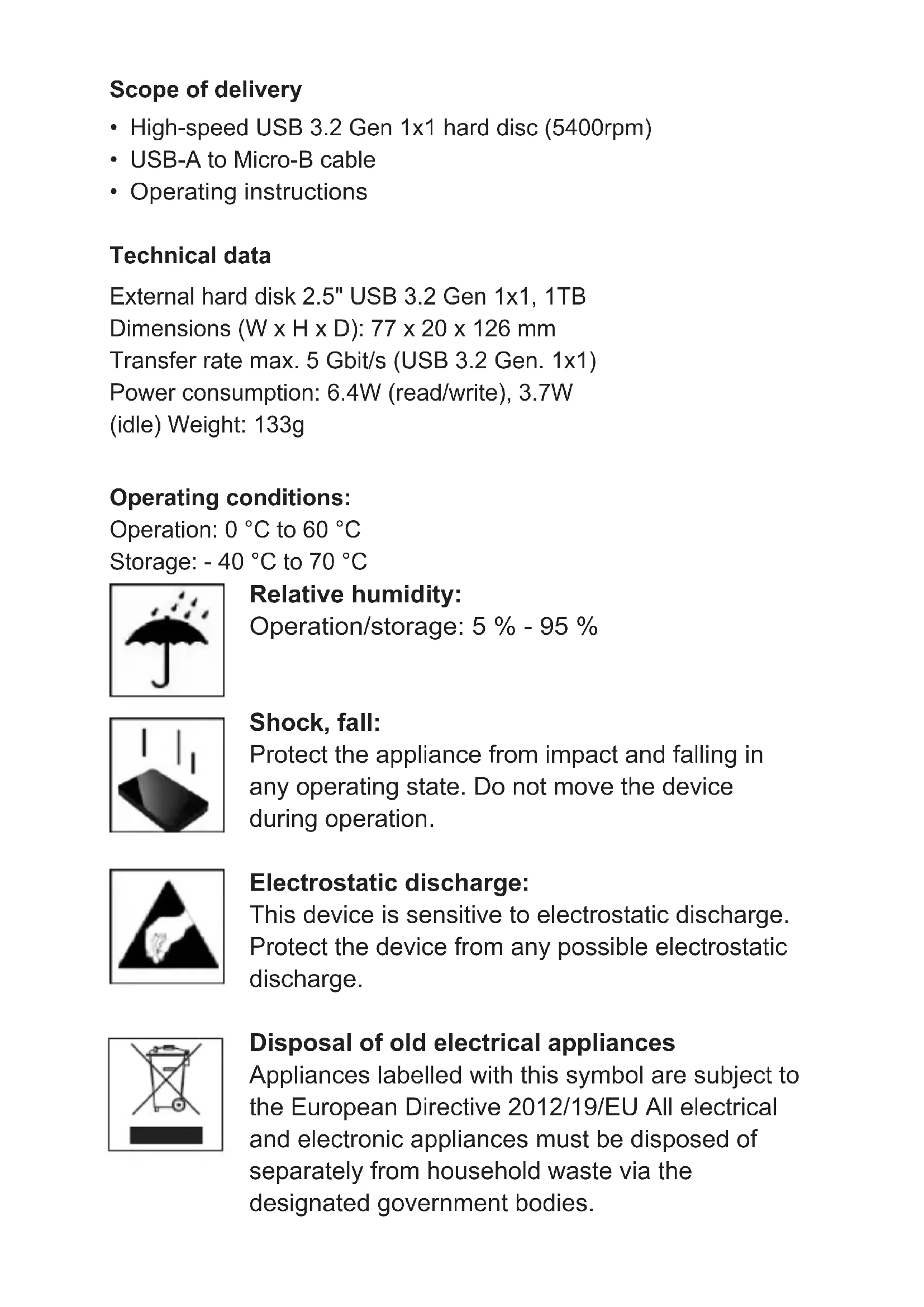
Scope of delivery
High-speed USB 3.2 Gen 1x1 hard disc (5400rpm)
USB-A to Micro-B cable
- Operating instructions
Technical data
External hard disk 2.5" USB 3.2 Gen 1x1, 1TB
Dimensions (W x H x D): 77 x 20 x 126 mm
Transfer rate max. 5 Gbit/s (USB 3.2 Gen. 1x1)
Power consumption: 6.4W (read/write), 3.7W
(idle) Weight: 133g
Operating conditions:
Operation: 0^ to 60^
Storage: - 40 °C to 70 °C
Relative humidity:
Operation/storage: 5% - 95%
Shock, fall:
Protect the appliance from impact and falling in any operating state. Do not move the device during operation.
Electrostatic discharge:
This device is sensitive to electrostatic discharge.
Protect the device from any possible electrostatic discharge.
Disposal of old electrical appliances
Appliances labelled with this symbol are subject to the European Directive 2012/19/EU All electrical and electronic appliances must be disposed of separately from household waste via the designated government bodies.
By disposing of old electrical appliances properly, you can prevent damage to the environment.

System requirements:
This hard disc is compatible with the operating systems: Windows 8 or newer (32-Bit/64-Bit), MacOS X 10.x or newer
Note: The hardware configuration of your TV set / receiver / PC and the operating system used can affect the compatibility of the hard disc.
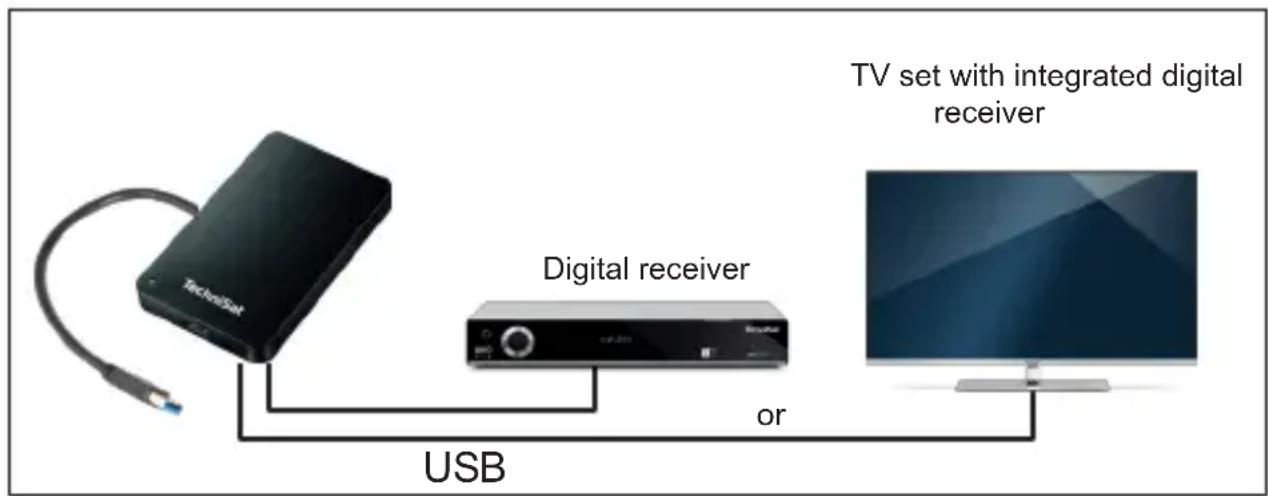
Connecting the fixed plate:
To connect the external hard disc to your television/receiver / PC, please use only the supplied cable.
te USB cable. The television / receiver / computer recognises the "As soon as the external hard disk is connected to the end device, the LED lights up. The LED flashes when a write or read operation is being carried out. If the hard disc is operated on a USB 3.0 port: LED blue and on a USB 2.0 port: LED green.
Safety instructions
Intended use
The purpose of this external hard disc is to store data. This product is not intended for commercial use or for medical and special applications where failure of the product could cause injury, death or significant property damage.
In the event of use that is not in accordance with the intended use, the warranty expires. Do not open or modify the appliance or use accessories that have not been authorised by us. Do not use the appliance in extreme ambient conditions and observe the safety instructions. Failure to comply with the information and safety instructions in this manual is considered non-compliance with the intended use and will invalidate the warranty and may result in personal injury or damage to property.
Changes may be made to the firmware and/or hardware at any time and without prior notice. For this reason, it is possible that parts of the instructions, technical data and images in this documentation may differ slightly from the product you have. All points described in this manual are for illustrative purposes only and do not necessarily correspond to a specific situation. No legal claims can be made on the basis of these instructions.
Dangers for children and persons with limited physical, sensory or mental abilities:
Children often underestimate dangers or do not even recognise them. This appliance is not intended for use by persons (including children) with reduced sensory, physical or mental capabilities, or lack of experience and/or knowledge, unless they have been given supervision or instruction concerning use of the appliance by a person responsible for their safety and understand the hazards involved. Unsupervised children should not have access to the appliance. Ensure that children do not play with the appliance.
Choking hazard!
Children can put the packaging film or small parts in their mouths and choke on them.
Danger of short circuit!
To avoid injury, do not operate this appliance with wet hands. Do not insert any objects that are not intended for use into the o p e n i n g s of the appliance. This could result in injury due to an electrical short circuit and/or a resulting fire.
Never use the device if there is visible damage to the device itself or to the USB cable, as this may result in injury or damage.
The appliance must not be exposed to splashing or dripping water.
Containers filled with liquid (vases, glasses or similar) must not be placed on the appliance or in its immediate vicinity. There is a risk that the container could tip over and the liquid could impair electrical safety.
Danger of tripping!
When positioning the appliance, make sure that nobody can step on or trip over the cable. Do not place any objects on the cable.
Damage!
Do not drop the appliance or expose it to shocks or impacts, especially during transport. Do not move the device during operation. Hard discs are very fragile and the data on them can be irretrievably destroyed. Such damage is not covered by the warranty. To avoid overheating, do not block or cover the openings of the product. Do not cover the appliance completely during operation to ensure heat dissipation. Keep the appliance away from any moisture and avoid dust, heat and direct sunlight. Do not open the housing of the device and do not disassemble the device into its individual parts. Do not attempt to repair it yourself. This will invalidate the warranty. Avoid using the device in strongly magnetised fields, such as in the direct vicinity of TV sets, loudspeakers, etc., in order to prevent data loss or other malfunctions. Ensure that the device is placed on a vibration-free surface during operation to prevent damage.
Data loss!
Carry out regular data backups on another data storage device to avoid possible data loss if this device fails.
Data recovery is not covered by the warranty and cannot be carried out by our Service Centre!
We hereby advise you to delete all personal data stored on the device on your own responsibility before disposing of the device.
Trademarks: Windows 8 are registered trademarks of Microsoft Corporation. Macintosh and MAC are registered trademarks of Apple Computer. All DriGer brands and names are the property of their respective users.
Important note!
Dear customer,
The initialisation of the hard disk on your device may take several minutes. This is not a malfunction of the hard disk or the device. Do not switch off the device during the initialisation process!
Your TechniSat team
TechniSat sees itself as a full service provider. Our customer service, as a competent and central contact point for our customers, is available Monday to Sunday.
You can reach our customer service:
Monday - Friday from 08:00-17:00 under the telephone number:
03925 9220 1800

Cher client, chere clientele,