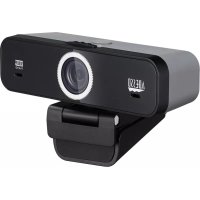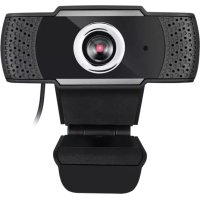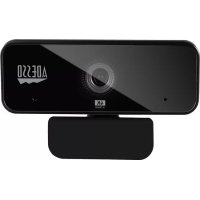
CyberTrack H6 - Webcam Adesso - Free user manual and instructions
Find the device manual for free CyberTrack H6 Adesso in PDF.


User questions about CyberTrack H6 Adesso
0 question about this device. Answer the ones you know or ask your own.
Ask a new question about this device
Download the instructions for your Webcam in PDF format for free! Find your manual CyberTrack H6 - Adesso and take your electronic device back in hand. On this page are published all the documents necessary for the use of your device. CyberTrack H6 by Adesso.
USER MANUAL CyberTrack H6 Adesso
1080P HD Auto Focus Webcam with Built-in Dual Microphone, Tripod mount and Privacy Shutter Cover
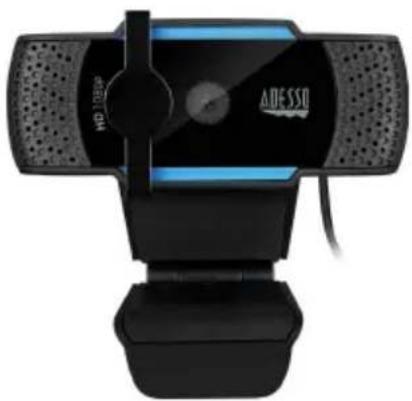
Model: Cybertrack H5
QuickGuide
www.adesso.com
Contents
English 3
Japanese 4
French 5
German 6
Spanish 7
Portuguese 8
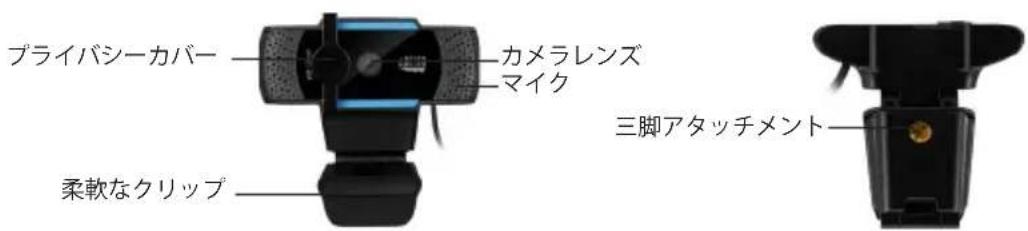
Description
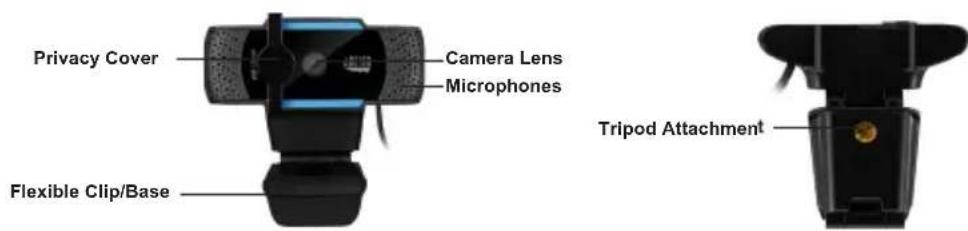
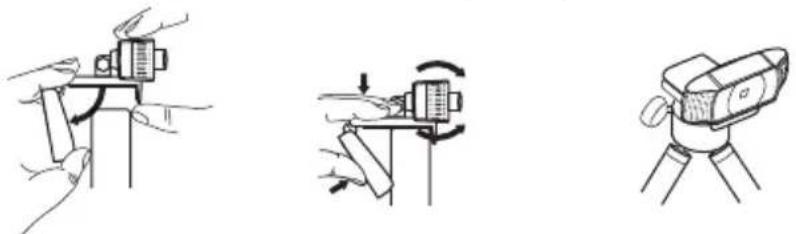
Setting Up Webcam
- Place your webcam on a computer monitor, desktop, or tripod.
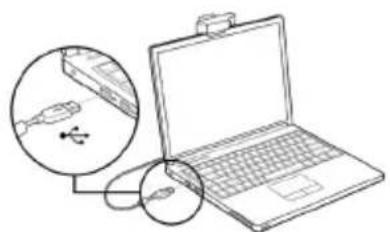
- Plug in the USB cable to the USB port, and your Operation system will detect the device, then the webcam will work automatically with all camera apps.
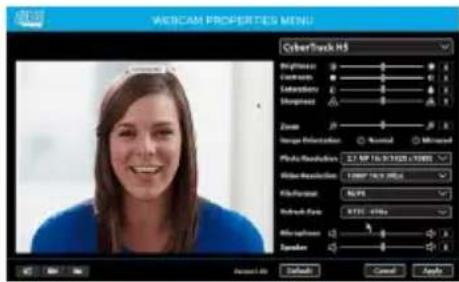
- (Optional) With our advanced driver you can easily adjust our webcams settings such as brightness, contrast, saturations, sharpness, zoom in/zoom out and image orientation to your preference. Our driver is available from: adesso.com/downloads
説明