SHA150 - Alarm system DENVER - Free user manual and instructions
Find the device manual for free SHA150 DENVER in PDF.



User questions about SHA150 DENVER
0 question about this device. Answer the ones you know or ask your own.
Ask a new question about this device
Download the instructions for your Alarm system in PDF format for free! Find your manual SHA150 - DENVER and take your electronic device back in hand. On this page are published all the documents necessary for the use of your device. SHA150 by DENVER.
USER MANUAL SHA150 DENVER
natural_image
Product photo of a white smart home device with a remote control panel, no visible text or symbolsSHA-150
denver.eu
Safety information
Please read the safety instructions carefully before using the product for the first time and keep the instructions for future reference
- This product is not a toy. Keep it out of reach of children.
- Keep product out of the reach of children and pets to avoid chewing and swallowing.
- Never use old and new batteries or different types of batteries together. Remove the batteries when you are not using the system for a longer period of time. Check the polarity (+/-) of the batteries when inserting them in the product. Wrong positioning can cause an explosion.
- Product operating and storage temperature is from 0 degree Celsius to 40 degree Celsius. Under and over this temperature might affect the function.
- Never open the product. Touching the inside electrics can cause electric shock. Repairs or service should only be performed by qualified personnel.
- Do not expose to heat, water, moisture, direct sunlight!
- The unit is not waterproof. If water or foreign objects enter the unit, it may result in fire or electric shock. If water or a foreign object enters the unit, stop use immediately.
- Only use with supplied Adaptor. The direct plug-in adapter is used as disconnect device, the disconnect device shall remain readily operable. So, make sure there is space around the power outlet for easy access.
- Do not use non original accessories together with the product as this can make the product functionality abnormal.
- Warning: This product includes lithium-Ion battery.
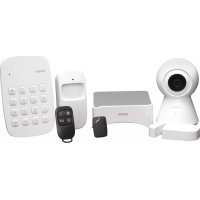
1. Included in the package is:
- 1 x control panel
- 1 x keypad
- 1 x PIR motion senso
- 1 x door/window sensor
- 1 x remote controls
- 1 x passive RFID tag
- 1 x IP camera
- 1 x burglar preventive warning sign
- 3 x burglar preventive warning stickers
All the accessories are paired with the control panel, except the IP camera.
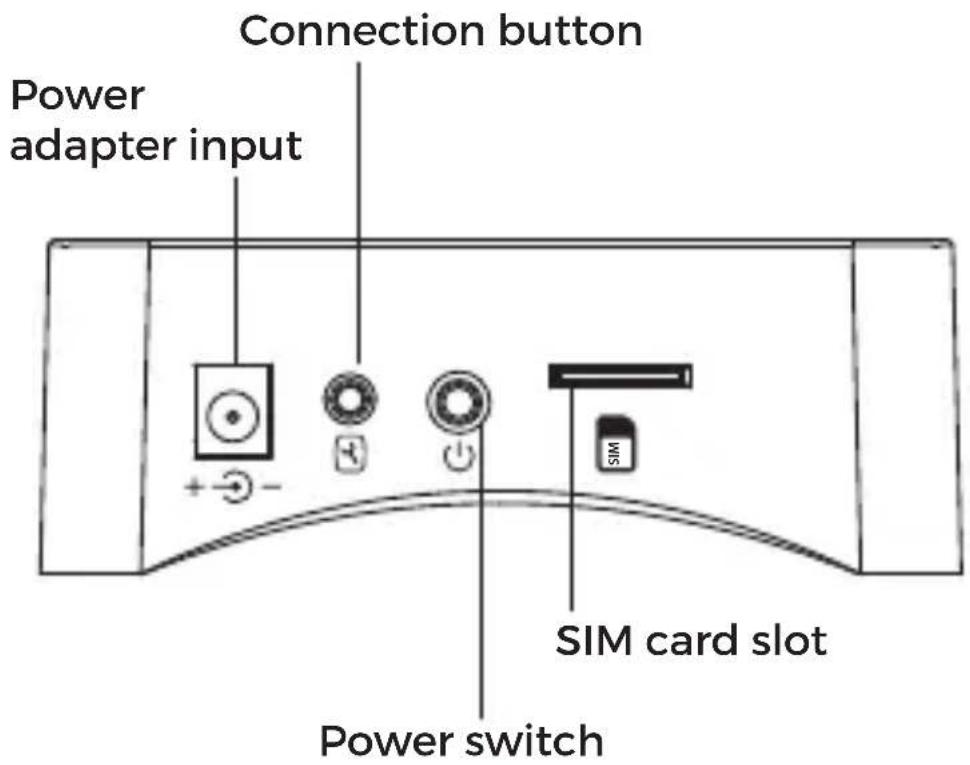
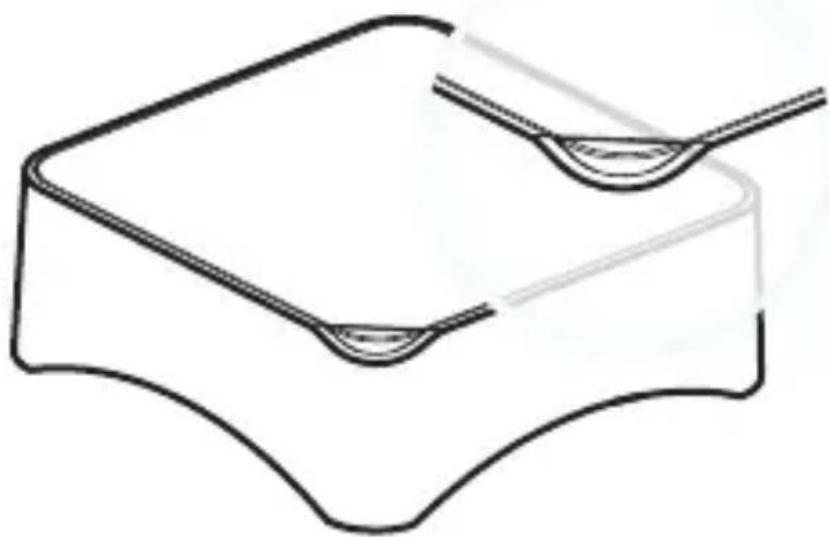
2. Design
natural_image
Pure line drawing of a mechanical component with no text, numbers, or symbolsLED indications
- Red Blink/fixed: System Armed
- Blue Blink/fixed: System armed in home mode
- Green Blink/fixed: System disarmed
- Red/Blue/Green fixed: Connected to the server
- Red/Blue/Green Blink Slowly: Wi-Fi network disconnected
- Green Blink Fast: Wi-Fi network settings EZ mode
- Blue Blink Fast: Wi-Fi network settings AP mode
- White fixed: RF connection mode
3. Get started
Download the app called "DENVER SMART HOME" on your smart phone. It is available on Appstore and Google play.
The app will ask you to register a user. Please do this by using your mobile number or email address, and then log into the app. You will be asked to create a "family". This is to make it easy to have several systems in the app at the same time.
Now you need to add the alarm system to the app.
First, unpack control panel and all accessories, make sure to pull out any battery savers and turn on the control panel by pushing the power switch (use a pen or a toothpick or similar small product to push the power switch)
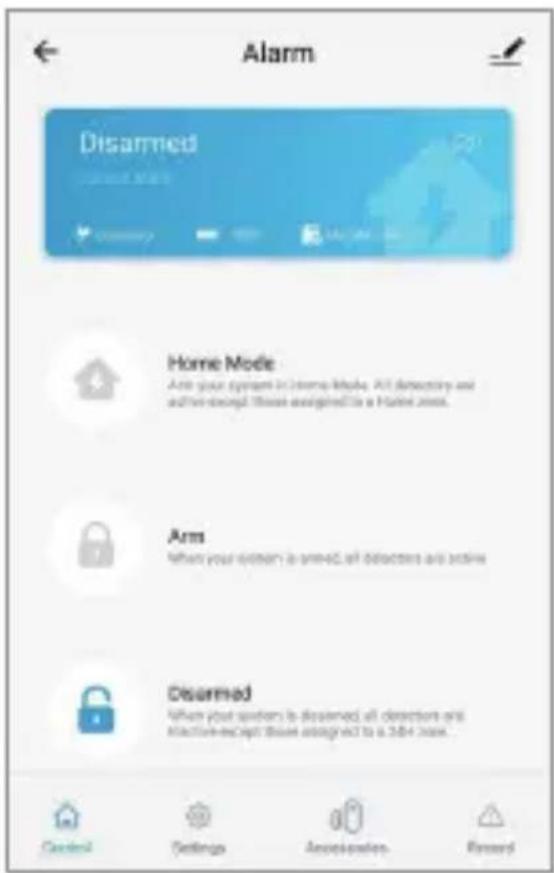
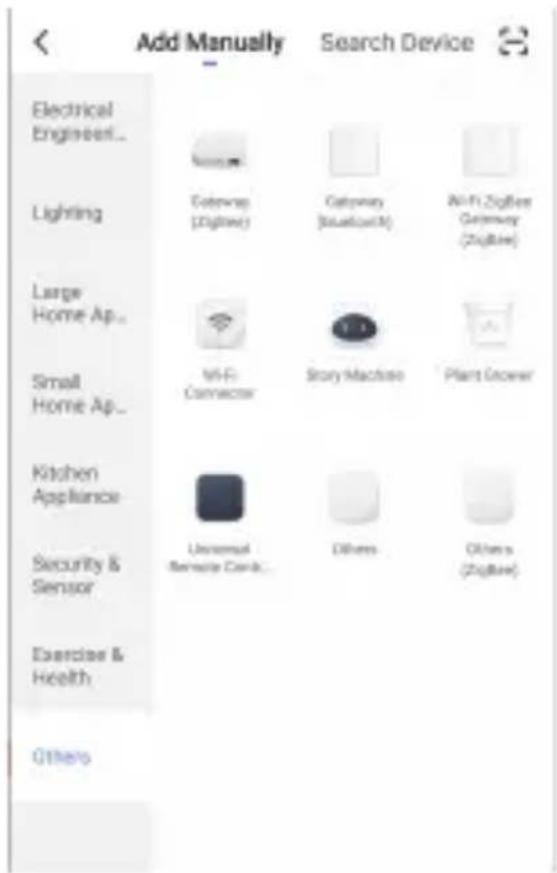
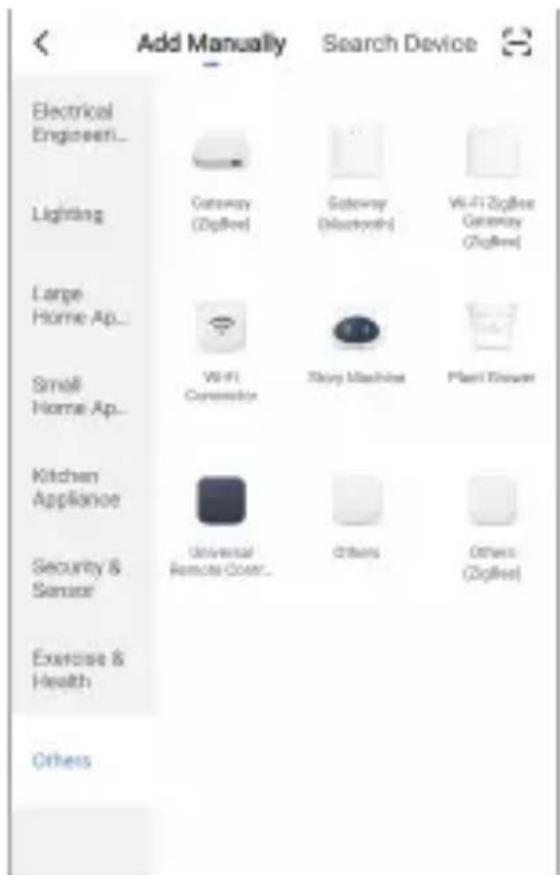
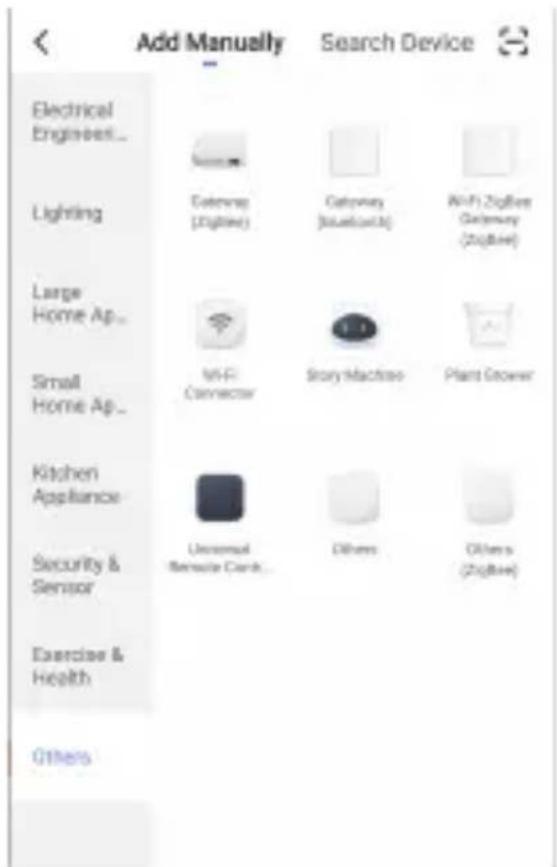
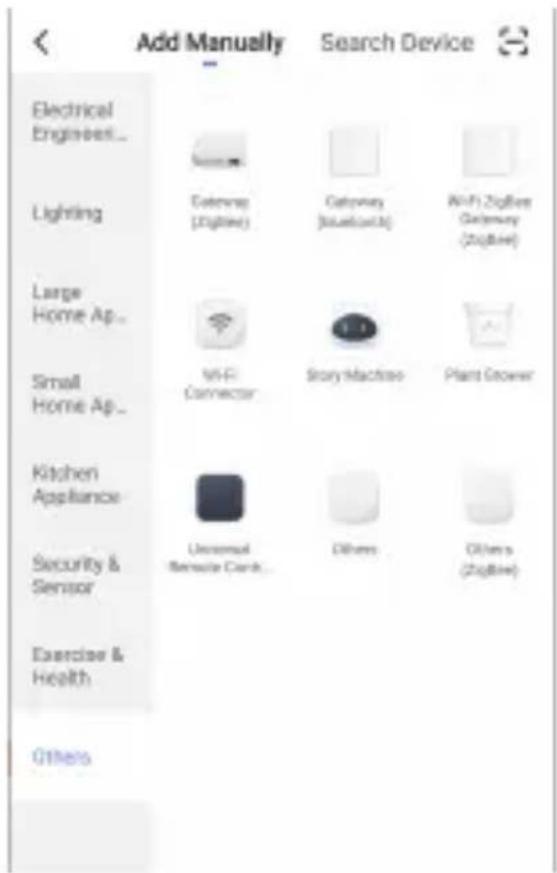
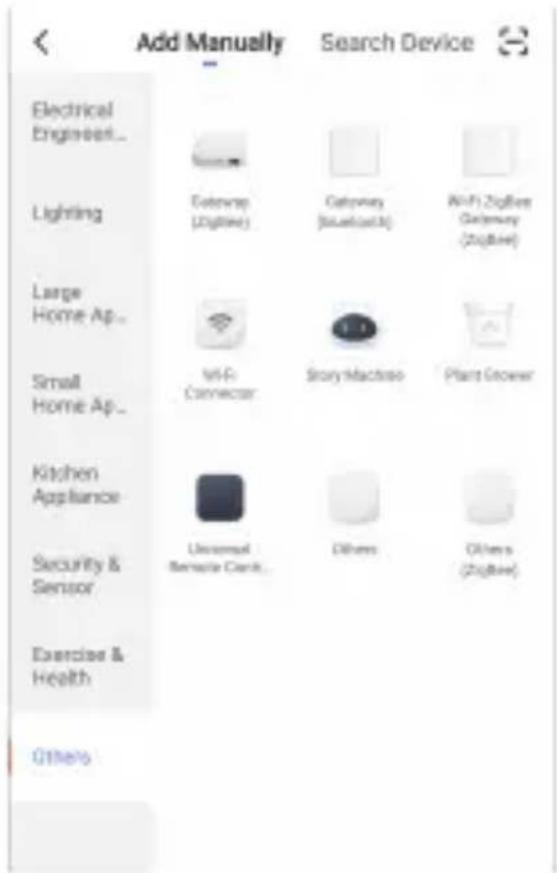
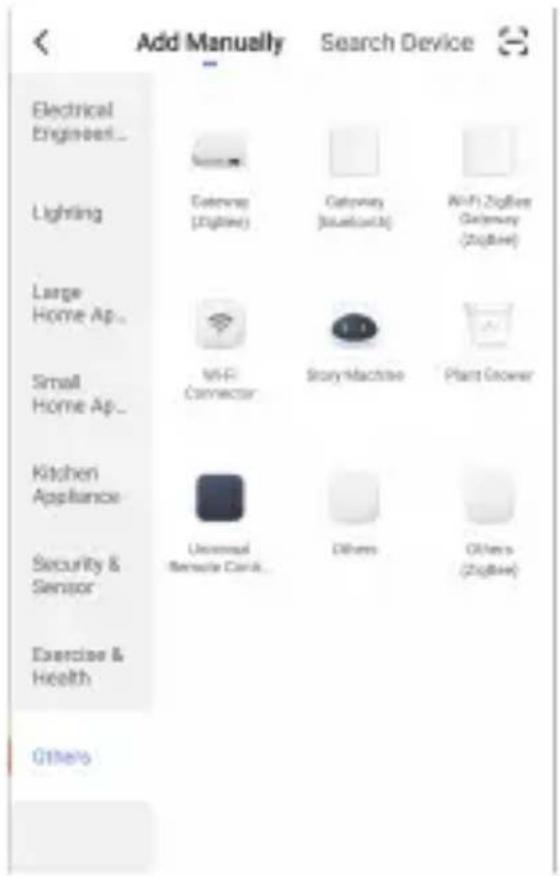
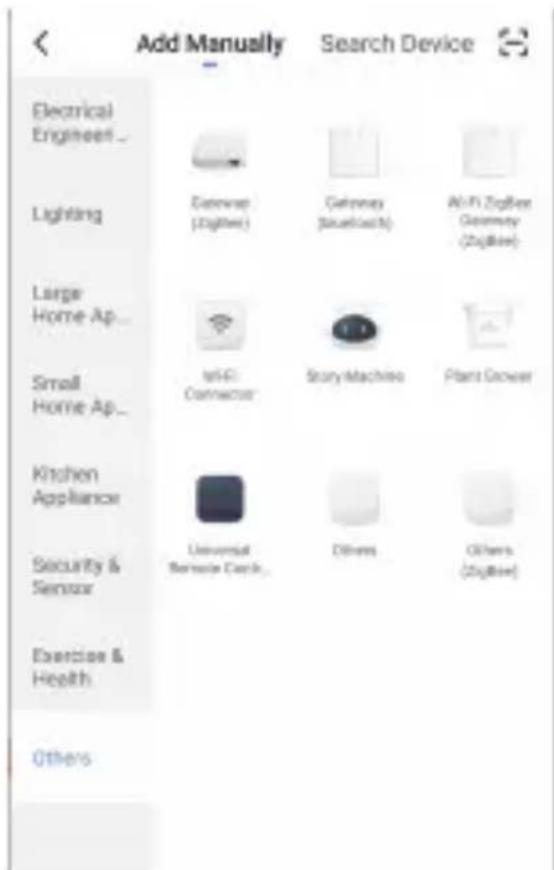
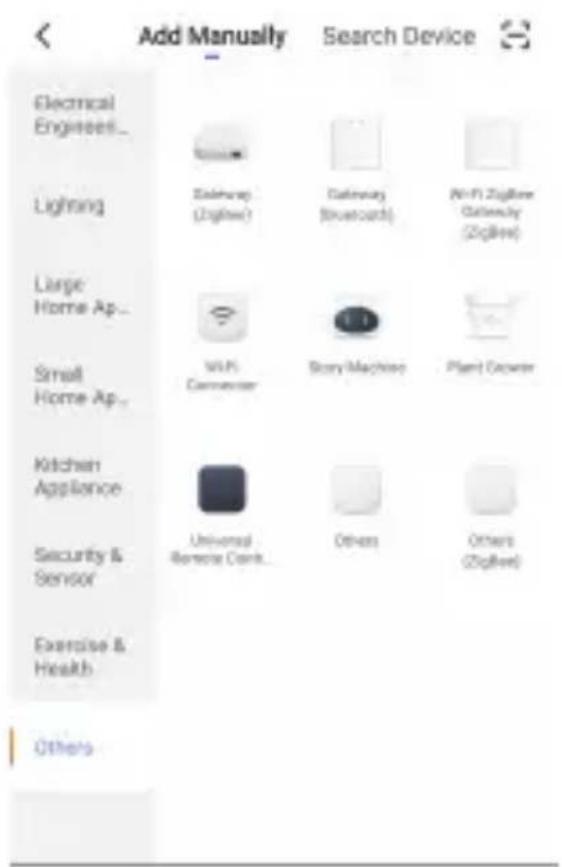
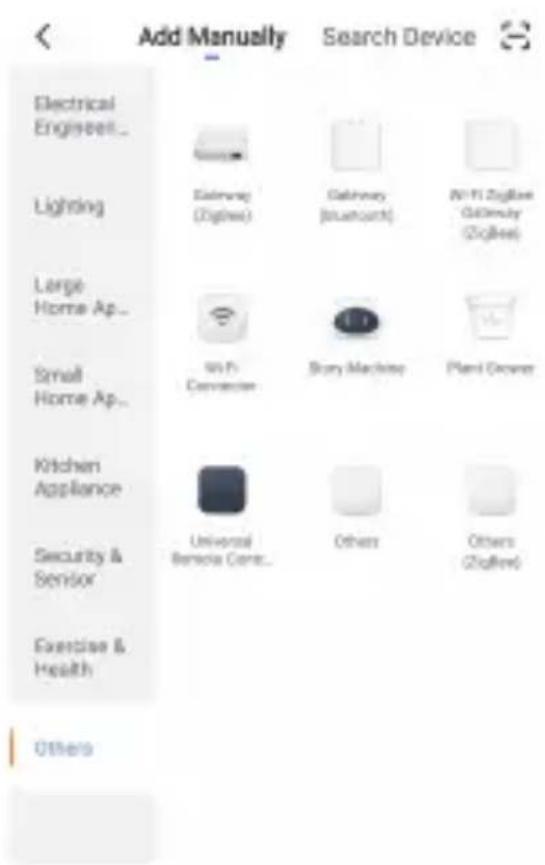
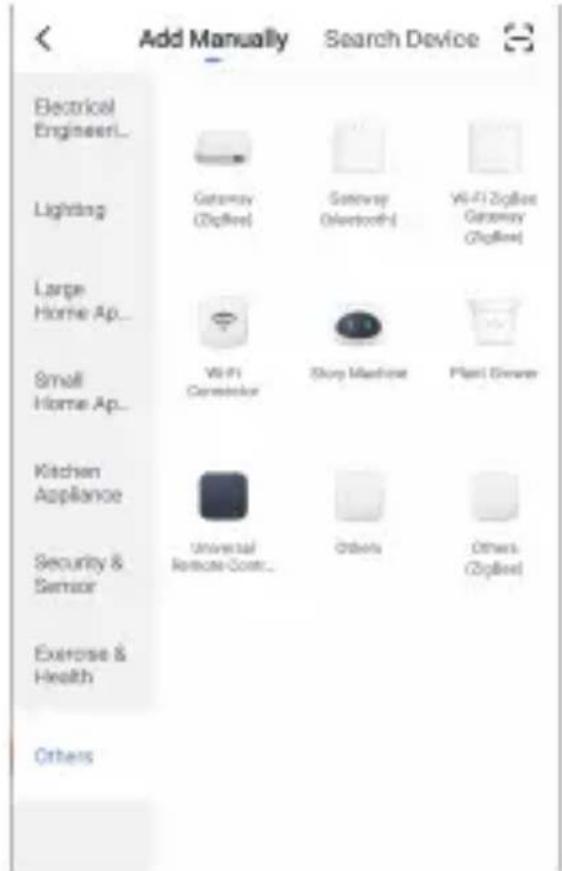
Push “Add Device”, go to “Others” and choose “Wi-Fi connector!, and follow on screen instructions. It will guide you through the whole setup.
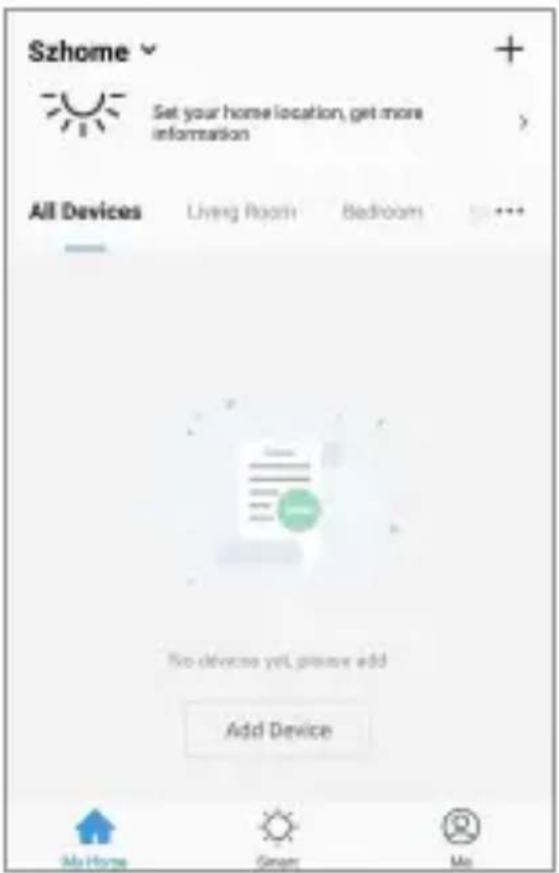
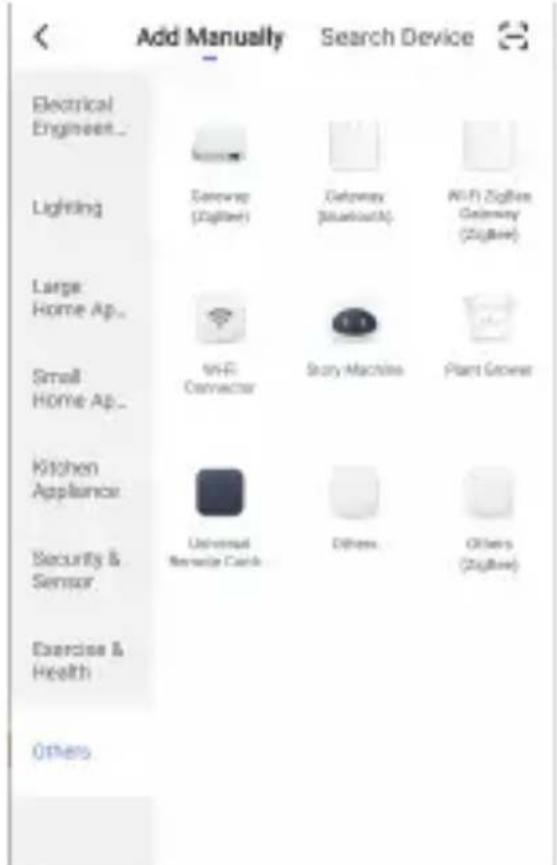
Now the alarm system is connected and you can put your sensors etc. where you want them.
You need to connect the IP camera separately. To do that, repeat the “add new” instructions and choose
"security & sensor" and then choose "smart camera" and follow on screen instructions.
4. Daily use
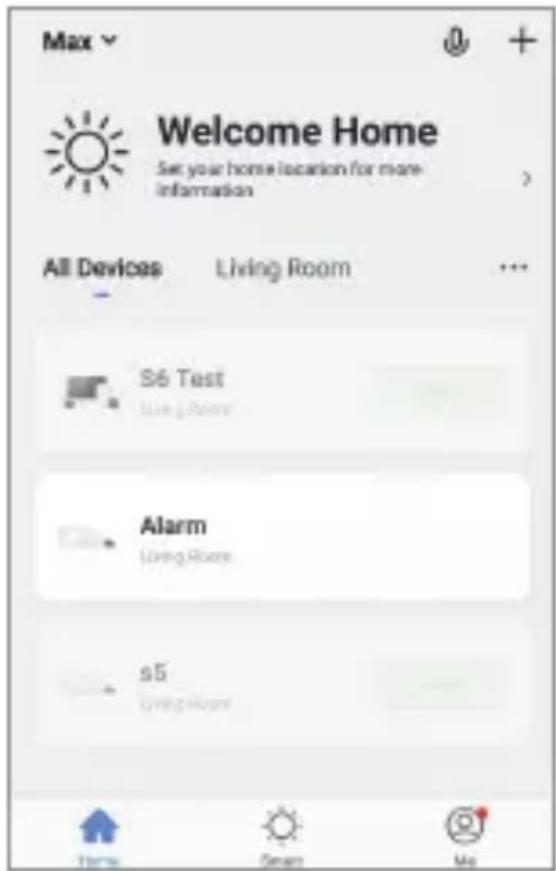
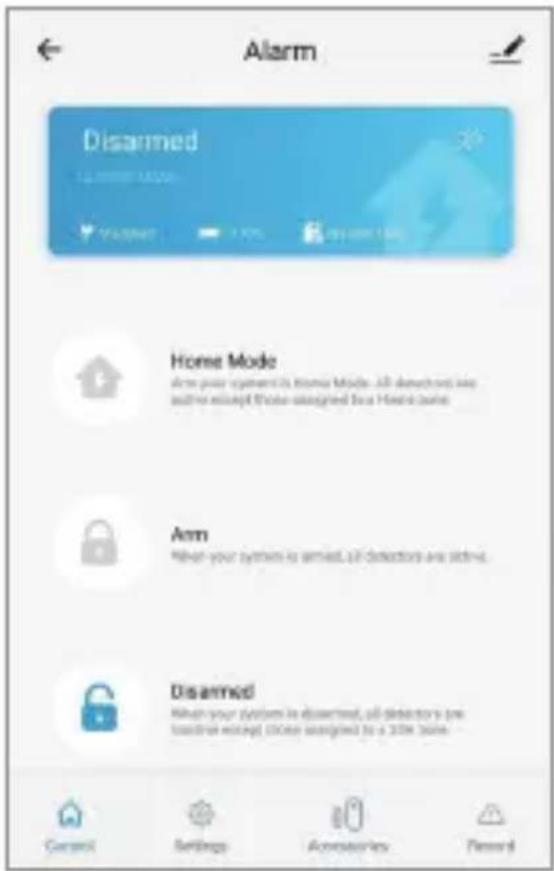
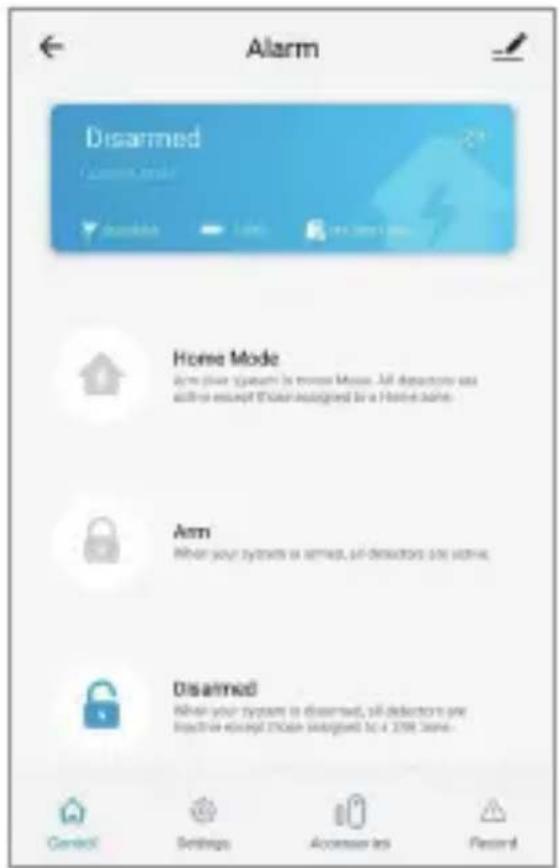
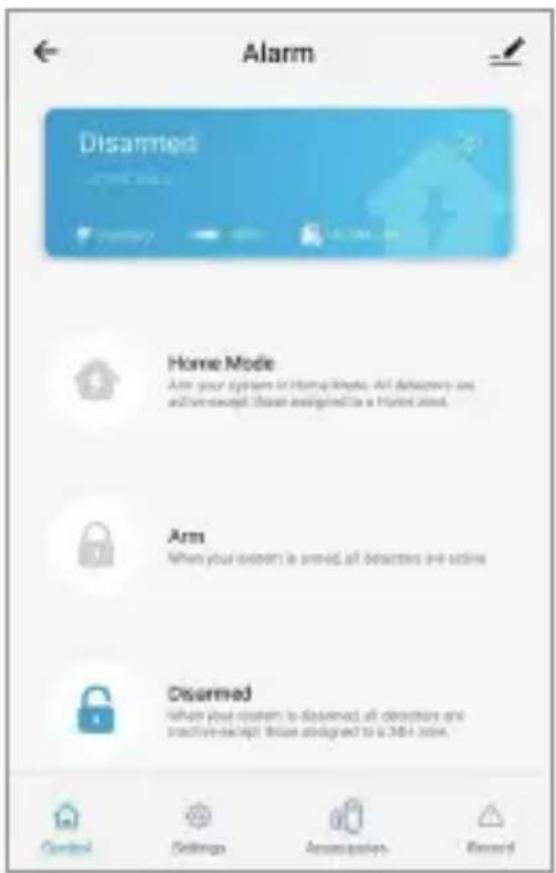
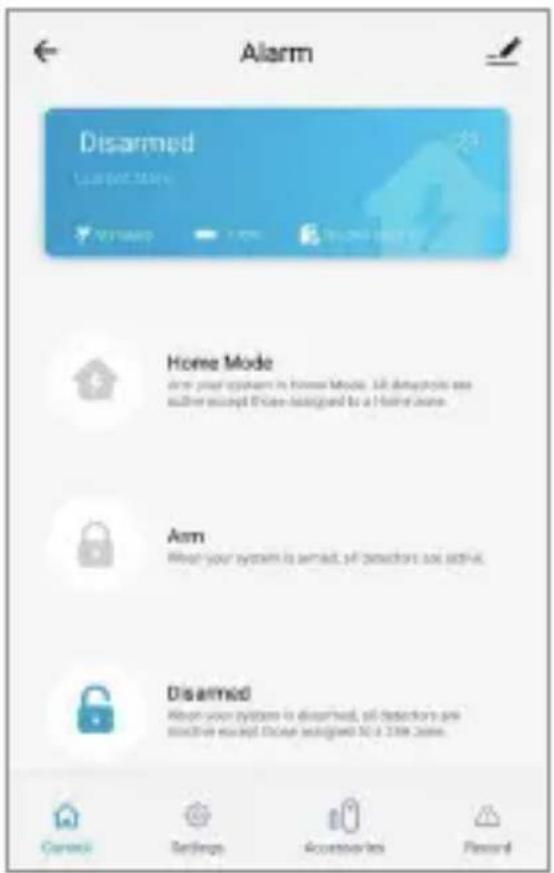
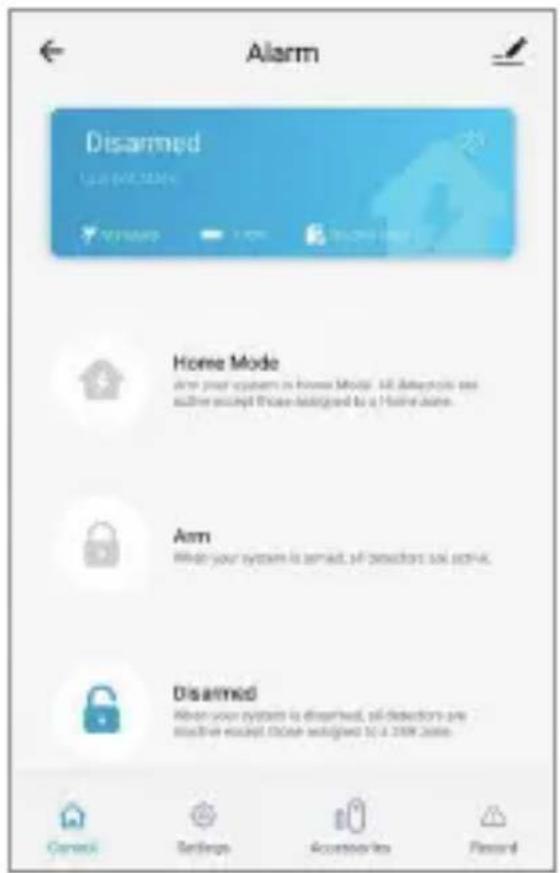
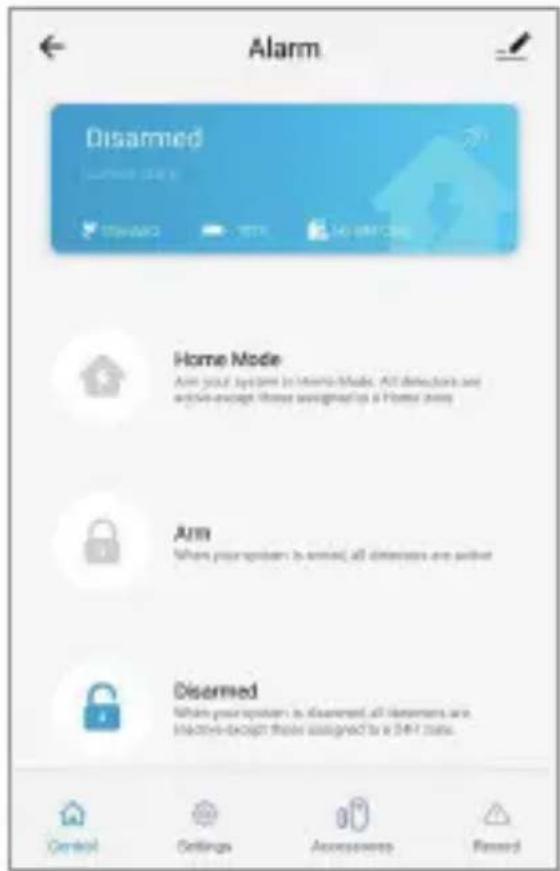
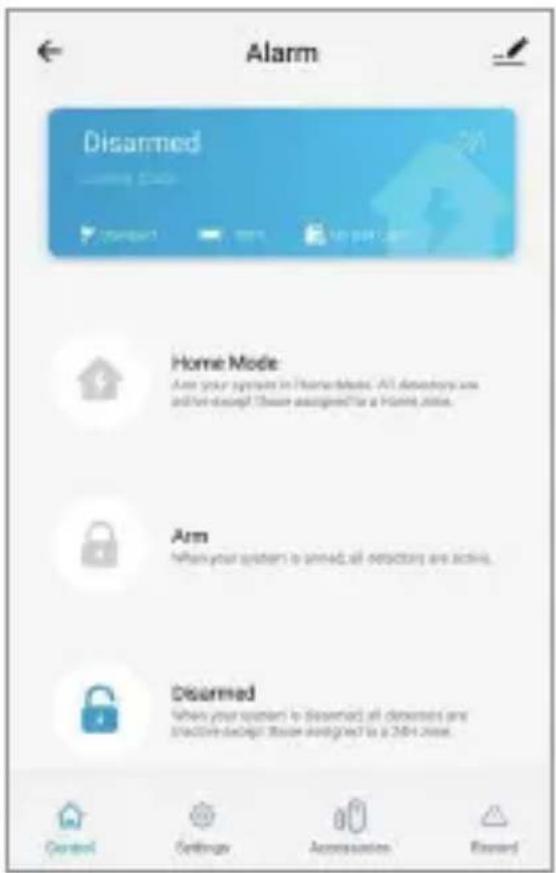
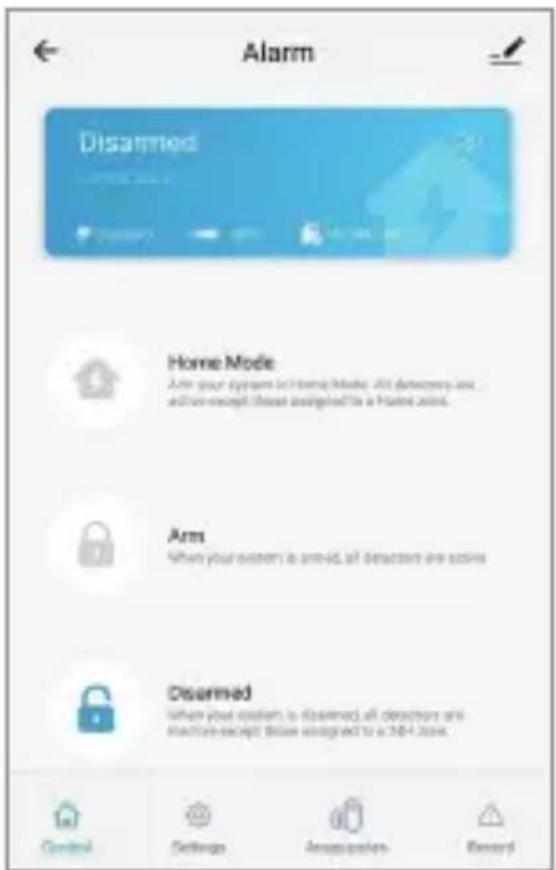
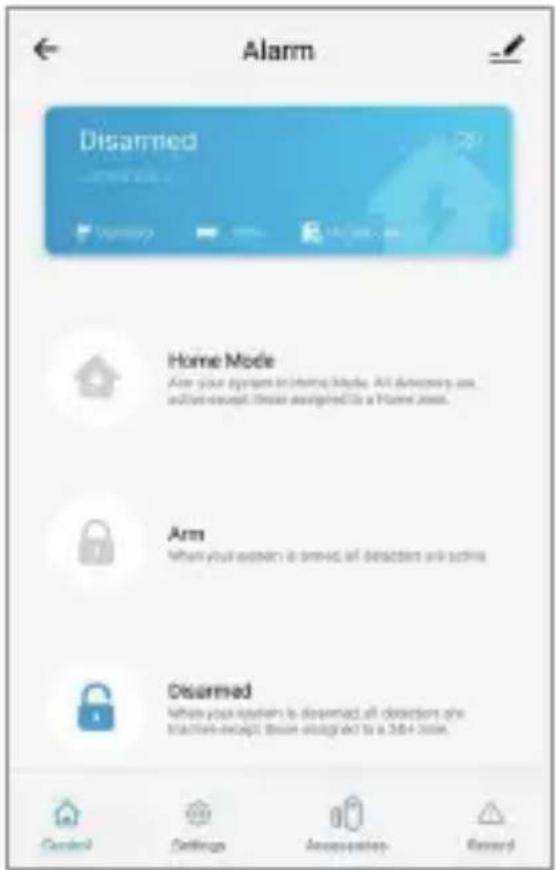
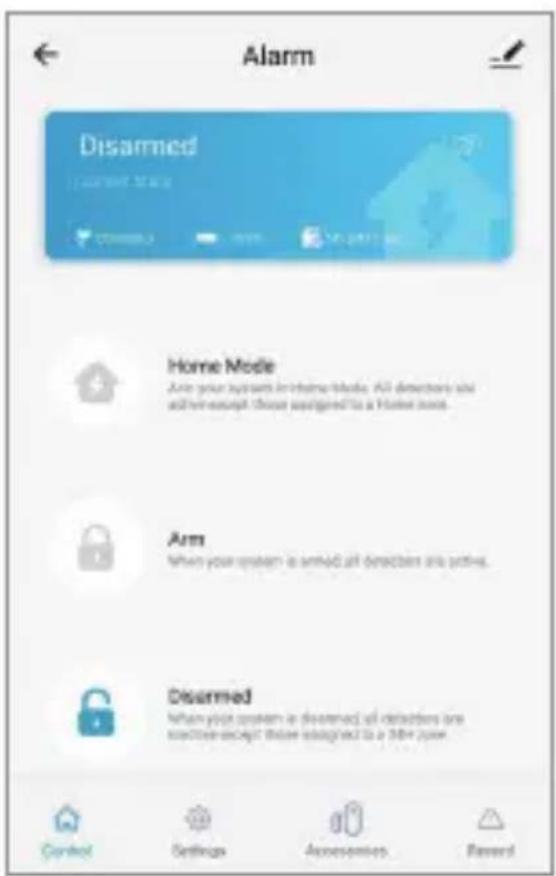
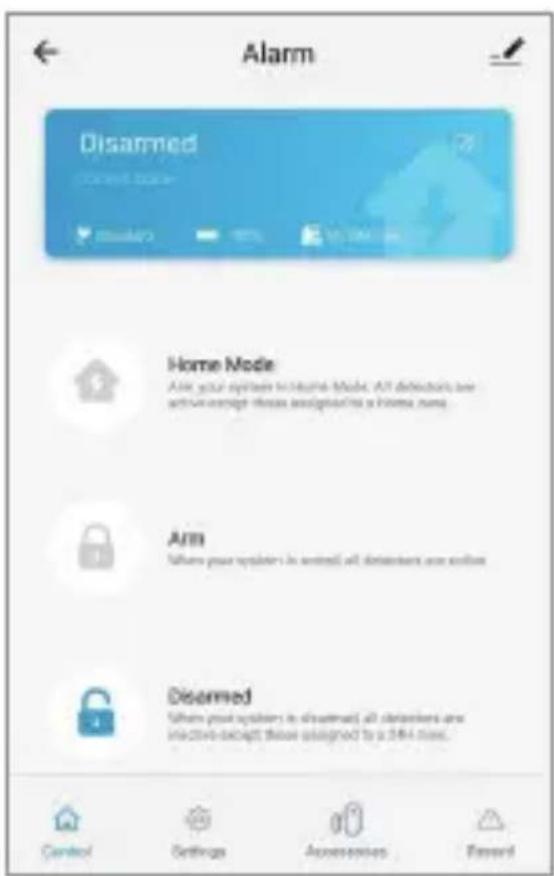
In your home screen of the app you can now find your alarm. Push this and you will get to alarm setting page. Here you can arm, disarm, put in home mode etc. This is also where you add sensors and accessories if you get more of them. You can also adjust delay time, automated arm/disarm times etc.
You can also use the remote control to arm/disam alarm system. And also the keypad that are included.
When using the keypad, push the code (standard 1234, which can of course be changed) and then the lock to arm it, do the same thing and the open lock to disarm)
The RFID tag can be used to disarm the alarm system. This is done by holding it up against the keypad. (you can only disarm this way, not arm)
The smartest & easiest way to use DENVER SHA-150 is with this smartphone app, and the alarm system on Wi-Fi, but It is possible to use the alarm system with SMS commands or phone call as well. Instructions to do this can be found in the full manual, available on our website. Please enter denver.eu and use the search function to find SHA-150.
Here you can find the full manual in English.
If you by any means need to reset the control panel this is done by pushing the connection button 5 times within 5 seconds, after turning on the control panel.
This will set it back to factory default. (Please notice that all pairing with sensors and accessories are also deleted then. Please check the full manual to see how to add sensors again.
Please notice - All products are subject to change without any notice. We take reservations for errors and omissions in the manual.
ALL RIGHTS RESERVED, COPYRIGHT DENVER A/S
| Manufacturer's name or trade mark, commercial registration number and address | Dongguan Jiayi Electric Co., Ltd Add: 356# Fuli West Road, Libeiling, Dalang Town, 523770 Dongguan, Guangdong, CHINA | SHENZHEN XED POWER SUPPLY CO., LTD Add: 3F & 4F, No. 2 Building, No. 3 West Area, ShangXue Science and Technology Park, BanTian, LongGang District, ShenZhen, 518100 Guangdong, P.R. China |
| Model identifier | JY18-120-100 XED | -CE050100CU |
| Input voltage | 100-240V | 100-240V |
| Input AC frequency | 50/60Hz | 50/60Hz |
| Output voltage | 12.0V | 5V |
| Output current | 1.0A | 1.0A |
| Output power | 12.0W | 5W |
| Average active efficiency | 83.95% | 76.69% |
| Efficiency at low load (10%) | 80.16% | 76.95% |
| No-load power consumption | ≤0.1W ≤0.1W |
Warning!
- Lithium battery inside!
- Do not try to open the product!
- Do not expose to heat, water, moisture or direct sunlight!
- Only charge with the original charger supplied with this product!

denver.eu

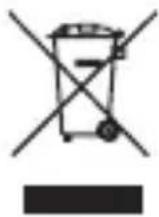
Electric and electronic equipment and included batteries contains materials, components and substances that can be hazardous to your health and the environment, if the waste material (discarded electric and electronic equipment and batteries) is not handled correctly.
Electric and electronic equipment and batteries is marked with the crossed out trash can symbol, seen above. This symbol signifies that electric and electronic equipment and batteries should not be disposed of with other household waste, but should be disposed of separately.
As the end user it is important that you submit your used batteries to the appropriate and designated facility. In this manner you make sure that the batteries are recycled in accordance with legislature and will not harm the environment.
All cities have established collection points, where electric and electronic equipment and batteries can either be submitted free of charge at recycling stations and other collection sites, or be collected from the households. Additional information is available at the technical department of your city.
Hereby, Denver A/S declares that the radio equipment type SHA-150 is in compliance with Directive 2014/53/EU. The full text of the EU declaration of conformity is available at the following internet address: denver.eu and then click the search ICON on topline of website. Write model number: SHA-150. Now enter product page, and red directive is found under downloads/other downloads.
Operating Frequency Range: 433MHz(±75KHz) Max Output Power: 20dB
DENVER A/S Omega 5A, Soeften DK-8382 Hinnerup Denmark denver.eu
Sicherheitshinweise
natural_image
Simple line drawing of a mechanical component with two curved surfaces and a central rod (no text or symbols)LED-Anzeigen
natural_image
Pure line drawing of a mechanical component or bracket with no text, numbers, or symbolsLED indikationer
- Rødt blink/fast: System aktiveret
- Blåt blink/fast: System aktiveret i home tilstand
- Grønt blink/fast: System deaktiveret
- Rødt/Blåt/Grønt fast: Tilsluttet til server
- Rødt/Blåt/Grønt langsomt blink: Wi-Fi netværk afbrudt
- Grønt hurtigt blink: Wi-Fi indstilling EZ tilstand
- Blåt hurtigt blink: Wi-Fi indstilling AP tilstand
- Hvidt fast lys: RF tilslutnings tilstand
3. Kom godt i gang
natural_image
Pure technical line drawing of a mechanical component with no text or symbolsLED indicaties
natural_image
Simple line drawing of a mechanical component with two curved surfaces and a central notch (no text or symbols)Témoins
natural_image
Simple line drawing of a mechanical component with two curved surfaces and a central indentation (no text or symbols)Indicaciones LED
natural_image
Pure line drawing of a mechanical component or bracket with no text, numbers, or symbolsIndicazioni LED
natural_image
Pure technical line drawing of a mechanical component with no text or symbolsIndicações do LED
natural_image
Pure technical line drawing of a mechanical component with no text or symbolsLED-indikationer
natural_image
Simple line drawing of a mechanical component with two curved surfaces and a central notch (no text or symbols)LED-merkkivalot
natural_image
Simple line drawing of a mechanical component with two curved surfaces and a central indentation (no text or symbols)LED-indikasjoner
natural_image
Pure technical line drawing of a mechanical component with no text or symbolsWskaźniki LED
(Push "2" for support)
For technical questions, please write to: support@denver.eu
For all other questions please write to: denver@denver.eu
Benelux/France
Denver Benelux BV
Barwoutswaarder 13C+D
3449 HE Woerden
The Netherlands
Phone: +31 348 420 029
E-Mail: support-nl@denver.eu
Spain/Portugal
Denver AS Spain S.A.
Denver Germany GmbH Service
Gutenbergstrasse 1
94036 Passau
Phone: +49 851 379 369 40
repair-germany@denver.eu
Fairfixx GmbH
Repair and service
(for TV, E-Mobility/Hoverboards/Balanceboards,
Smartphones & Tablets)
Tel.: +49 851 379 369 69
If your country is not listed above,
please write an email to
support@denver.eu

denver
Denver A/S
Omega 5A, Soeften
DK-8382 Hinnerup
Denmark
denver.eu
facebook.com/denver.eu