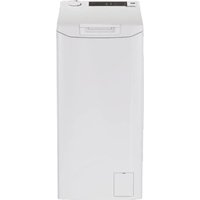
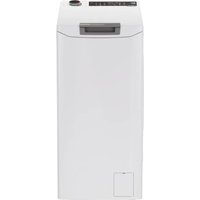
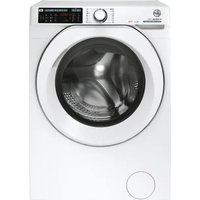
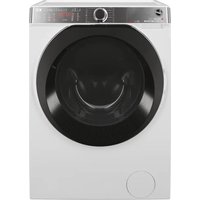
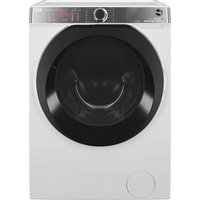
How to install the HWASH 500 HWP 414AMBC1S washing machine correctly?
Place the machine on a flat and stable surface. Remove the transport screws at the back. Connect the water inlet and drain hoses according to the diagram in the manual. Plug the power supply into a grounded outlet.
What wash programmes are available on this model?
The programmes include Cotton, Synthetic, Delicate, Quick, Eco, Wool, Silk, Sports and Drum Clean. Use the programme suited to your laundry.
How to start a cycle with delayed start?
Select the desired programme, then press the Delayed start button. Use the dial to set the number of hours delay. Press Start to confirm.
What to do if the machine displays an error code?
Check the 'Error codes' section in the manual. Common codes include E01 (water inlet problem) or E02 (drain blocked). Check the filters and taps.
How to clean the pump filter?
Unplug the appliance. Open the hatch at the bottom right. Place a container, unscrew the filter and remove debris. Clean and reinstall.
How much detergent to use?
Follow the doses indicated on the detergent packaging. Do not use too much detergent, as it may cause excessive foam and residues.
Can wool and silk garments be washed?
Yes, use the Wool and Silk programmes. These cycles are gentle and suitable for delicate fabrics. Use a laundry bag for extra protection.
How to activate the child lock?
Press and hold the Child lock button for 3 seconds until the icon lights up. To deactivate, repeat the operation.
The machine does not start, what to check?
Check that the door is properly closed, the water tap is open, the plug is connected, and the machine is not in pause mode. Consult the manual for possible causes.
Where to find spare parts for this model?
Spare parts are available on the official Hoover website and from authorized dealers. Use the model number to find the exact part.