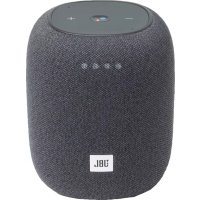
ManualGo.com
Link Portable - Speaker JBL - Free user manual and instructions
Find the device manual for free Link Portable JBL in PDF.

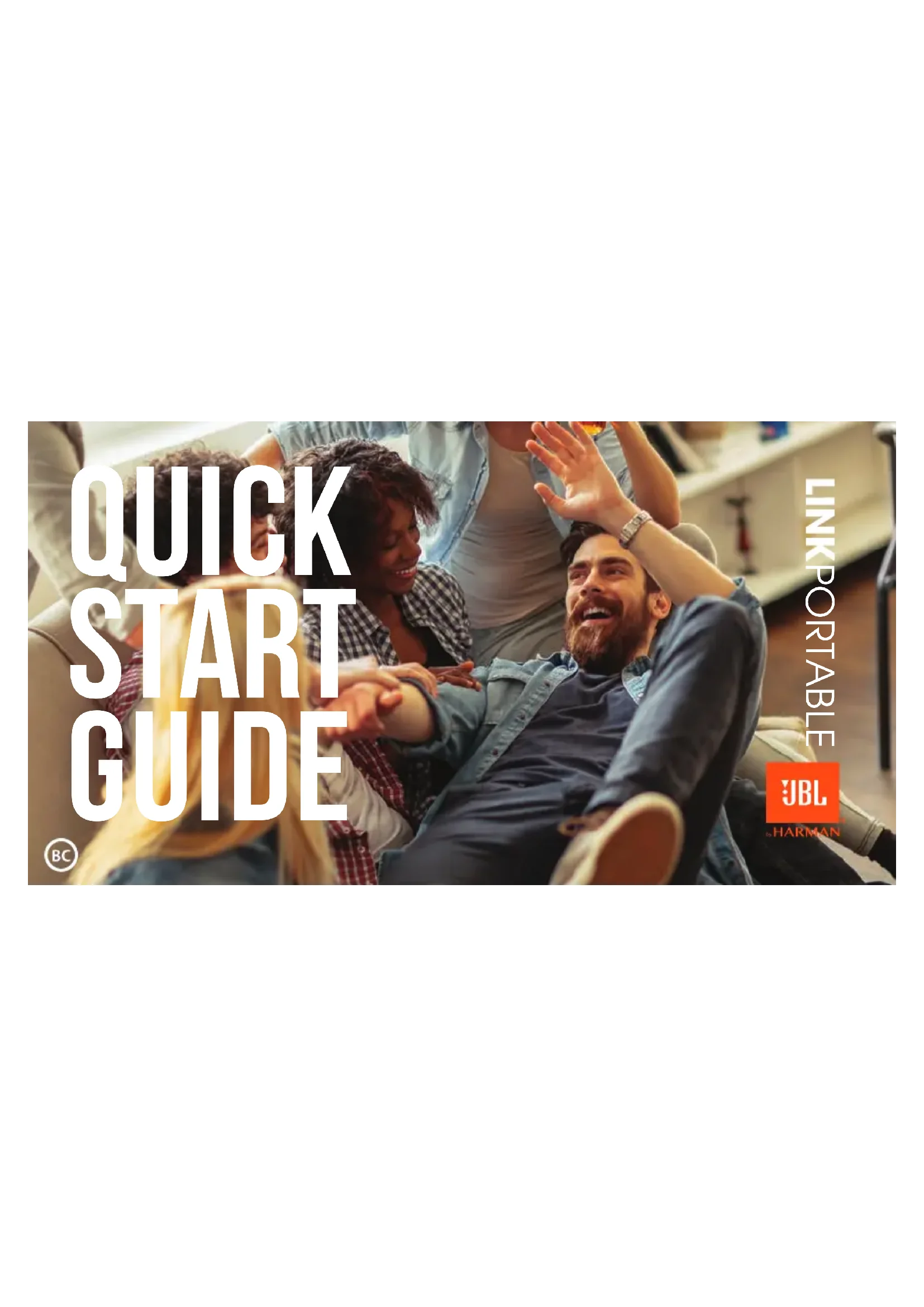

Download the instructions for your Speaker in PDF format for free! Find your manual Link Portable - JBL and take your electronic device back in hand. On this page are published all the documents necessary for the use of your device. Link Portable by JBL.
USER MANUAL Link Portable JBL
WHAT’S IN THE BOX quick START GUIDE Power on charging back RESET speaker PORTABLE >10S The Google Assistant setup AirPiay setup For AirPlay 2 only users, Link Portable can be setup using the Apple Home app. Apple home GOOGLE HOME top & front Light up when active Wi-Fi indicatorBluetooth pairingMic mute/unmuteChargePower on/offBattery level indicatorPress >2s to activate your Google AssistantPress to stop audio, timer, alarms and responses Download the Google Home app and set up your Link Portable.1. Open the Home app, tap , then tap Add Accessory.
2. Tap Don’t have a Code or Can’t Scan, then tap the speaker.
3. Wait for your speaker to be added. Give your speaker a name and choose a room where it's located.4. Tap Done.
30 mins 0 m IPX7 WATERPROOF IPX7 20% 50% 100%WHAT’S IN THE BOX quick START GUIDE Power on charging back RESET speaker PORTABLE >10S The Google Assistant setup AirPiay setup For AirPlay 2 only users, Link Portable can be setup using the Apple Home app. Apple home GOOGLE HOME top & front Light up when active Wi-Fi indicatorBluetooth pairingMic mute/unmuteChargePower on/offBattery level indicatorPress >2s to activate your Google AssistantPress to stop audio, timer, alarms and responses Download the Google Home app and set up your Link Portable.1. Open the Home app, tap , then tap Add Accessory.
2. Tap Don’t have a Code or Can’t Scan, then tap the speaker.
3. Wait for your speaker to be added. Give your speaker a name and choose a room where it's located.4. Tap Done.
30 mins 0 m IPX7 WATERPROOF IPX7 20% 50% 100%WHAT’S IN THE BOX quick START GUIDE Power on charging back RESET speaker PORTABLE >10S The Google Assistant setup AirPiay setup For AirPlay 2 only users, Link Portable can be setup using the Apple Home app. Apple home GOOGLE HOME top & front Light up when active Wi-Fi indicator Bluetooth pairingMic mute/unmuteChargePower on/offBattery level indicator Press >2s to activate your Google AssistantPress to stop audio, timer, alarms and responses Download the Google Home app and set up your Link Portable.1. Open the Home app, tap , then tap Add Accessory.
2. Tap Don’t have a Code or Can’t Scan, then tap the speaker.
3. Wait for your speaker to be added. Give your speaker a name and choose a room where it's located.4. Tap Done.
30 mins 0 m IPX7 WATERPROOF IPX7 20% 50% 100%WHAT’S IN THE BOX quick START GUIDE Power on charging back RESET speaker PORTABLE >10S The Google Assistant setup AirPiay setup For AirPlay 2 only users, Link Portable can be setup using the Apple Home app. Apple home GOOGLE HOME top & front Light up when active Wi-Fi indicator Bluetooth pairingMic mute/unmuteChargePower on/offBattery level indicator Press >2s to activate your Google AssistantPress to stop audio, timer, alarms and responses Download the Google Home app and set up your Link Portable.1. Open the Home app, tap , then tap Add Accessory.
2. Tap Don’t have a Code or Can’t Scan, then tap the speaker.
3. Wait for your speaker to be added. Give your speaker a name and choose a room where it's located.4. Tap Done.
30 mins 0 m IPX7 WATERPROOF IPX7 20% 50% 100%WHAT’S IN THE BOX quick START GUIDE Power on charging back RESET speaker PORTABLE >10S The Google Assistant setup AirPiay setup For AirPlay 2 only users, Link Portable can be setup using the Apple Home app. Apple home GOOGLE HOME top & front Light up when active Wi-Fi indicatorBluetooth pairingMic mute/unmuteChargePower on/offBattery level indicatorPress >2s to activate your Google AssistantPress to stop audio, timer, alarms and responses Download the Google Home app and set up your Link Portable.1. Open the Home app, tap , then tap Add Accessory.
2. Tap Don’t have a Code or Can’t Scan, then tap the speaker.
3. Wait for your speaker to be added. Give your speaker a name and choose a room where it's located.4. Tap Done.
30 mins 0 m IPX7 WATERPROOF IPX7 20% 50% 100%WHAT’S IN THE BOX quick START GUIDE Power on charging back RESET speaker PORTABLE >10S The Google Assistant setup AirPiay setup For AirPlay 2 only users, Link Portable can be setup using the Apple Home app. Apple home GOOGLE HOME top & front Light up when active Wi-Fi indicatorBluetooth pairingMic mute/unmuteChargePower on/offBattery level indicatorPress >2s to activate your Google AssistantPress to stop audio, timer, alarms and responses Download the Google Home app and set up your Link Portable.
1. Open the Home app, tap , then tap Add Accessory.
2. Tap Don’t have a Code or Can’t Scan, then tap the speaker.
3. Wait for your speaker to be added. Give your speaker a name and choose a room where it's located.4. Tap Done.
30 mins 0 m IPX7 WATERPROOF IPX7 20% 50% 100%WHAT’S IN THE BOX quick START GUIDE Power on charging back RESET speaker PORTABLE >10S The Google Assistant setup AirPiay setup For AirPlay 2 only users, Link Portable can be setup using the Apple Home app. Apple home GOOGLE HOME top & front Light up when active Wi-Fi indicatorBluetooth pairingMic mute/unmuteChargePower on/offBattery level indicatorPress >2s to activate your Google AssistantPress to stop audio, timer, alarms and responses Download the Google Home app and set up your Link Portable.
1. Open the Home app, tap , then tap Add Accessory.
2. Tap Don’t have a Code or Can’t Scan, then tap the speaker.
3. Wait for your speaker to be added. Give your speaker a name and choose a room where it's located.4. Tap Done.
30 mins 0 m IPX7 WATERPROOF IPX7 20% 50% 100%WHAT’S IN THE BOX quick START GUIDE Power on charging back RESET speaker PORTABLE >10S The Google Assistant setup AirPiay setup For AirPlay 2 only users, Link Portable can be setup using the Apple Home app. Apple home GOOGLE HOME top & front Light up when active Wi-Fi indicatorBluetooth pairingMic mute/unmuteChargePower on/offBattery level indicatorPress >2s to activate your Google AssistantPress to stop audio, timer, alarms and responses Download the Google Home app and set up your Link Portable.
1. Open the Home app, tap , then tap Add Accessory.
2. Tap Don’t have a Code or Can’t Scan, then tap the speaker.
3. Wait for your speaker to be added.
Give your speaker a name and choose a room where it's located.
30 mins 0 m IPX7 WATERPROOF IPX7 20% 50% 100%WHAT’S IN THE BOX quick START GUIDE Power on charging back RESET speaker PORTABLE >10S The Google Assistant setup AirPiay setup For AirPlay 2 only users, Link Portable can be setup using the Apple Home app. Apple home GOOGLE HOME top & front Light up when active Wi-Fi indicatorBluetooth pairingMic mute/unmuteChargePower on/offBattery level indicatorPress >2s to activate your Google AssistantPress to stop audio, timer, alarms and responses Download the Google Home app and set up your Link Portable.
1. Open the Home app, tap , then tap Add Accessory.
2. Tap Don’t have a Code or Can’t Scan, then tap the speaker.
3. Wait for your speaker to be added.
Give your speaker a name and choose a room where it's located.
30 mins 0 m IPX7 WATERPROOF IPX7 20% 50% 100%WHAT’S IN THE BOX quick START GUIDE Power on charging back RESET speaker PORTABLE >10S The Google Assistant setup AirPiay setup For AirPlay 2 only users, Link Portable can be setup using the Apple Home app. Apple home GOOGLE HOME top & front Light up when active Wi-Fi indicatorBluetooth pairingMic mute/unmuteChargePower on/offBattery level indicatorPress >2s to activate your Google AssistantPress to stop audio, timer, alarms and responses Download the Google Home app and set up your Link Portable.
1. Open the Home app, tap , then tap Add Accessory.
2. Tap Don’t have a Code or Can’t Scan, then tap the speaker.
3. Wait for your speaker to be added.
Give your speaker a name and choose a room where it's located.
Google, Google Play, Google Home and Chromecast built-in are trademarks of Google LLC. The Google Assistant is not available in certain languages and countries. Requires Internet connection. Requires Chromecast or Chromecast built-in device. Availability of services varies by country and language. Subscriptions for services may be required. Apple®, AirPlay®, iPad®, iPad Air®, iPad Pro®, iPhone® are trademarks of Apple Inc., registered in the U.S. and other countries. Use of the Works with Apple badge means that an accessory has been designed to work specically with the technology identied in the badge and has been certied by the developer to meet Apple performance standards. To control this AirPlay 2–enabled speaker, iOS 11.4 or later is required. The Wi-Fi CERTIFIED™ Logo is a certification mark of the Wi-Fi Alliance
word mark and logos are registered trademarks owned by the Bluetooth SIG, Inc. and any use of such marks by HARMAN International Industries, Incorporated is under license. Other trademarks and trade names are those of their respective owners.