ManualGo.com
Link Music - Speaker JBL - Free user manual and instructions
Find the device manual for free Link Music JBL in PDF.

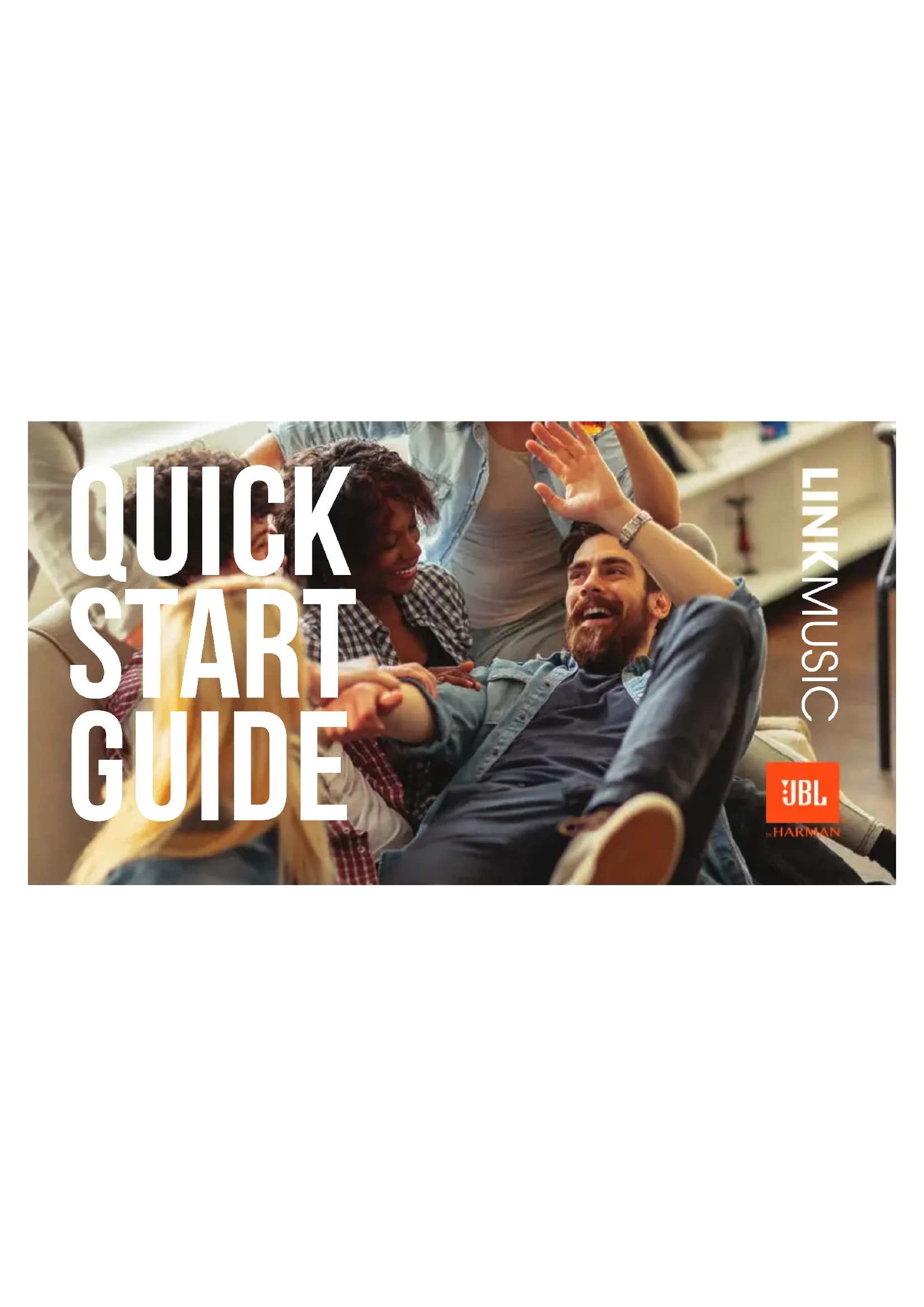

Download the instructions for your Speaker in PDF format for free! Find your manual Link Music - JBL and take your electronic device back in hand. On this page are published all the documents necessary for the use of your device. Link Music by JBL.
USER MANUAL Link Music JBL
1. Open the Home app, tap , then tap Add Accessory.
2. Tap Don’t have a Code or Can’t Scan, then tap the speaker.
3. Wait for your speaker to be added. Give your speaker a name and choose a room where it's located.4. Tap Done.
Download the Google Home app and set up your Link Music. top & front Press >2s to activate your Google Assistant Press to stop audio, timer, alarms and responsesWHAT’S IN THE BOX quick START GUIDE Power on back RESET speaker MUSIC >10S Bluetooth pairing Mic mute/unmute Power connector Light up when active The Google Assistant setup AirPlay setup For AirPlay 2 only users, Link Music can be setup using the Apple Home app. Apple home GOOGLE HOME
1. Open the Home app, tap , then tap Add Accessory.
2. Tap Don’t have a Code or Can’t Scan, then tap the speaker.
3. Wait for your speaker to be added. Give your speaker a name and choose a room where it's located.4. Tap Done.
Download the Google Home app and set up your Link Music. top & front Press >2s to activate your Google Assistant Press to stop audio, timer, alarms and responsesWHAT’S IN THE BOX quick START GUIDE Power on back RESET speaker MUSIC >10S Bluetooth pairing Mic mute/unmute Power connector Light up when active The Google Assistant setup AirPlay setup For AirPlay 2 only users, Link Music can be setup using the Apple Home app. Apple home GOOGLE HOME
1. Open the Home app, tap , then tap Add Accessory.
2. Tap Don’t have a Code or Can’t Scan, then tap the speaker.
3. Wait for your speaker to be added. Give your speaker a name and choose a room where it's located.4. Tap Done.
Download the Google Home app and set up your Link Music. top & front Press >2s to activate your Google Assistant Press to stop audio, timer, alarms and responsesWHAT’S IN THE BOX quick START GUIDE Power on back RESET speaker MUSIC >10S Bluetooth pairing Mic mute/unmute Power connector Light up when active The Google Assistant setup AirPlay setup For AirPlay 2 only users, Link Music can be setup using the Apple Home app. Apple home GOOGLE HOME
1. Open the Home app, tap , then tap Add Accessory.
2. Tap Don’t have a Code or Can’t Scan, then tap the speaker.
3. Wait for your speaker to be added. Give your speaker a name and choose a room where it's located.4. Tap Done.
Download the Google Home app and set up your Link Music. top & front Press >2s to activate your Google Assistant Press to stop audio, timer, alarms and responsesWHAT’S IN THE BOX quick START GUIDE Power on back RESET speaker MUSIC >10S Bluetooth pairing Mic mute/unmute Power connector Light up when active The Google Assistant setup AirPlay setup For AirPlay 2 only users, Link Music can be setup using the Apple Home app. Apple home GOOGLE HOME
1. Open the Home app, tap , then tap Add Accessory.
2. Tap Don’t have a Code or Can’t Scan, then tap the speaker.
3. Wait for your speaker to be added. Give your speaker a name and choose a room where it's located.4. Tap Done.
Download the Google Home app and set up your Link Music. top & front Press >2s to activate your Google Assistant Press to stop audio, timer, alarms and responsesWHAT’S IN THE BOX quick START GUIDE Power on back RESET speaker MUSIC >10S Bluetooth pairing Mic mute/unmute Power connector Light up when active The Google Assistant setup AirPlaysetup For AirPlay 2 only users, Link Music can be setup using the Apple Home app. Apple home GOOGLE HOME
1. Open the Home app, tap , then tap Add Accessory.
2. Tap Don’t have a Code or Can’t Scan, then tap the speaker.
3. Wait for your speaker to be added. Give your speaker a name and choose a room where it's located.4. Tap Done.
Download the Google Home app and set up your Link Music. top & front Press >2s to activate your Google Assistant Press to stop audio, timer, alarms and responsesWHAT’S IN THE BOX quick START GUIDE Power on back RESET speaker MUSIC >10S Bluetooth pairing Mic mute/unmute Power connector Light up when active The Google Assistant setup AirPlay setup For AirPlay 2 only users, Link Music can be setup using the Apple Home app. Apple home GOOGLE HOME
1. Open the Home app, tap , then tap Add Accessory.
2. Tap Don’t have a Code or Can’t Scan, then tap the speaker.
3. Wait for your speaker to be added. Give your speaker a name and choose a room where it's located.4. Tap Done.
Download the Google Home app and set up your Link Music. top & front Press >2s to activate your Google Assistant Press to stop audio, timer, alarms and responsesWHAT’S IN THE BOX quick START GUIDE Power on back RESET speaker MUSIC >10S Bluetooth pairing Mic mute/unmute Power connector Light up when active The Google Assistant setup AirPlay setup For AirPlay 2 only users, Link Music can be setup using the Apple Home app. Apple home GOOGLE HOME
1. Open the Home app, tap , then tap Add Accessory.
2. Tap Don’t have a Code or Can’t Scan, then tap the speaker.
3. Wait for your speaker to be added.
Give your speaker a name and choose a room where it's located.