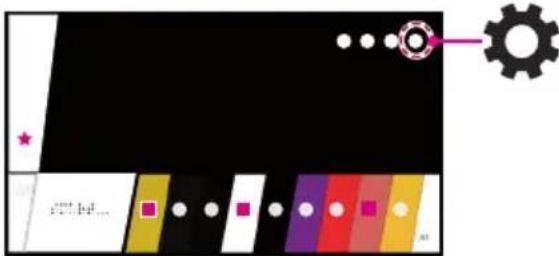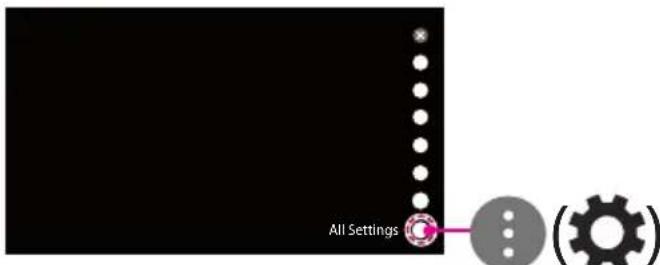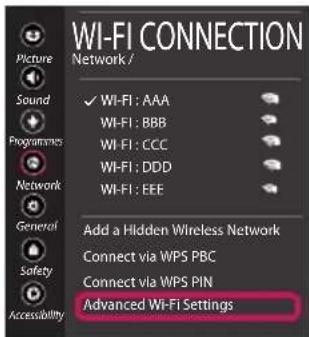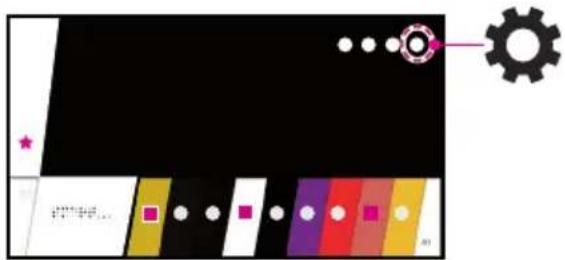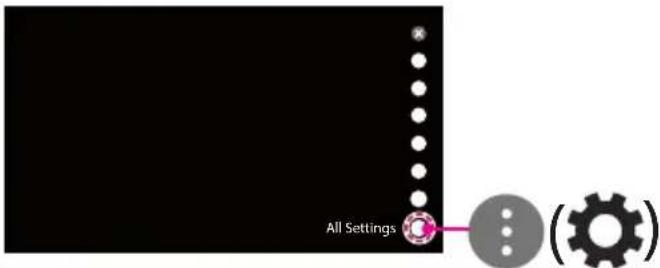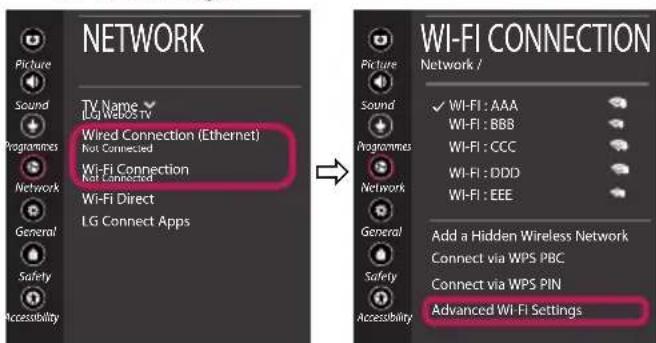


To achieve the best picture quality on your LG 55UK6470PLC 4K UHD TV, start by accessing the picture settings. Press the Settings button on your remote, select All Settings, then navigate to Picture to access the picture quality settings. Your TV has several predefined picture modes suitable for different uses.
Choose a picture mode suitable for your content and environment. The Standard mode offers an optimal balance for most daily uses. For watching movies and series, select the Cinema mode which displays more natural and less harsh colors for the eyes. The Sport mode enhances sharpness and fluidity of fast movements, ideal for matches or sporting events. If you are watching from a very bright room, the Extreme mode increases brightness and contrast for better visibility.
Once you have selected your mode, refine the individual settings according to your preferences. Increase the brightness for clearer images, but be careful not to lose details in dark areas. Adjust the contrast to enhance the difference between light and dark areas without creating artifacts. The color (saturation) should be set moderately to achieve natural colors. You can also modify the tint to correct red or blue hues according to your visual preference.
Set the color temperature according to your personal taste. A warmer temperature gives reddish and yellowish tones, softer on the eyes, while a cooler temperature produces blue tones for a more vivid image. Avoid excessively increasing sharpness as this can create an artificial effect or add visual noise.
Ensure that the aspect ratio matches your content: generally, use the 16:9 format for movies and TV shows. Your 55UK6470PLC model displays HDR (High Dynamic Range) quality when watching compatible content via HDMI 1, which significantly enhances the dynamic range of the image. To make the most of this feature, connect HDR-compatible devices to HDMI port 1.
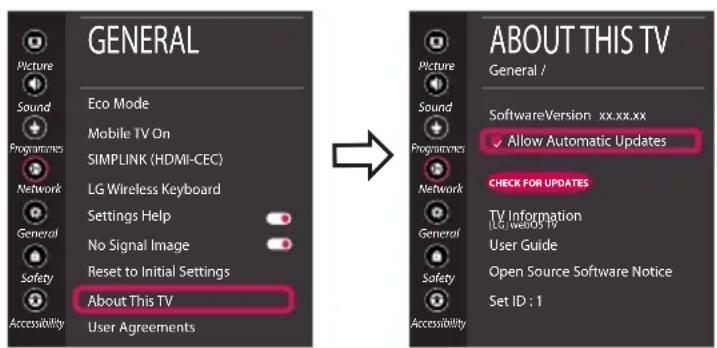
Regularly check for firmware updates for your TV. Go to Settings > All Settings > General > About this TV > Check for Updates. Updates can improve display quality and overall performance. You can also enable automatic updates to stay up to date without manual intervention.
Optimize your viewing environment for a better experience. Position your screen to minimize reflections from light sources. Maintain an appropriate viewing distance (about 1.5 to 2.5 meters for a 55-inch screen) to fully enjoy the 4K UHD resolution. With the Direct LED backlighting of your TV, you benefit from better brightness uniformity and contrast than with conventional screens.