Biorit ICD - Microscope BRESSER - Free user manual and instructions
Find the device manual for free Biorit ICD BRESSER in PDF.



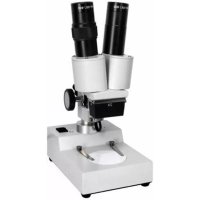
| Product type | Binocular magnifier (stereomicroscope) |
| Brand | BRESSER |
| Model | Biorit ICD |
| Use | Nature observation, image magnification |
| Power supply | Power adapter included and/or batteries (not included) |
| Eyepiece magnification | 10x |
| Objective zoom | 1x to 4x (total magnification 10x-40x) |
| Lighting | Integrated LED (incident and/or transmitted) |
| Focusing | Rack and pinion with adjustment knobs |
| Dimensions (approx.) | 200 x 150 x 300 mm |
| Weight (approx.) | 1.5 kg |
| Material | Metal and ABS plastic |
| Maximum operating temperature | 60°C |
| Care and cleaning | Clean lenses with a soft, dry cloth; do not use solvents |
| Safety | Never look at the sun through the device; keep out of reach of children |
| Spare parts and repairability | Contact the specialized dealer; do not disassemble yourself |
Frequently Asked Questions - Biorit ICD BRESSER
User questions about Biorit ICD BRESSER
0 question about this device. Answer the ones you know or ask your own.
Ask a new question about this device
Download the instructions for your Microscope in PDF format for free! Find your manual Biorit ICD - BRESSER and take your electronic device back in hand. On this page are published all the documents necessary for the use of your device. Biorit ICD by BRESSER.
USER MANUAL Biorit ICD BRESSER
About this Instruction Manual
Please read the safety instructions in this manual carefully. To avoid damage to the unit and the risk of injury, only use this product as described in the manual.
Keep the instruction manual handy so that you can easily look up information on all the functions.

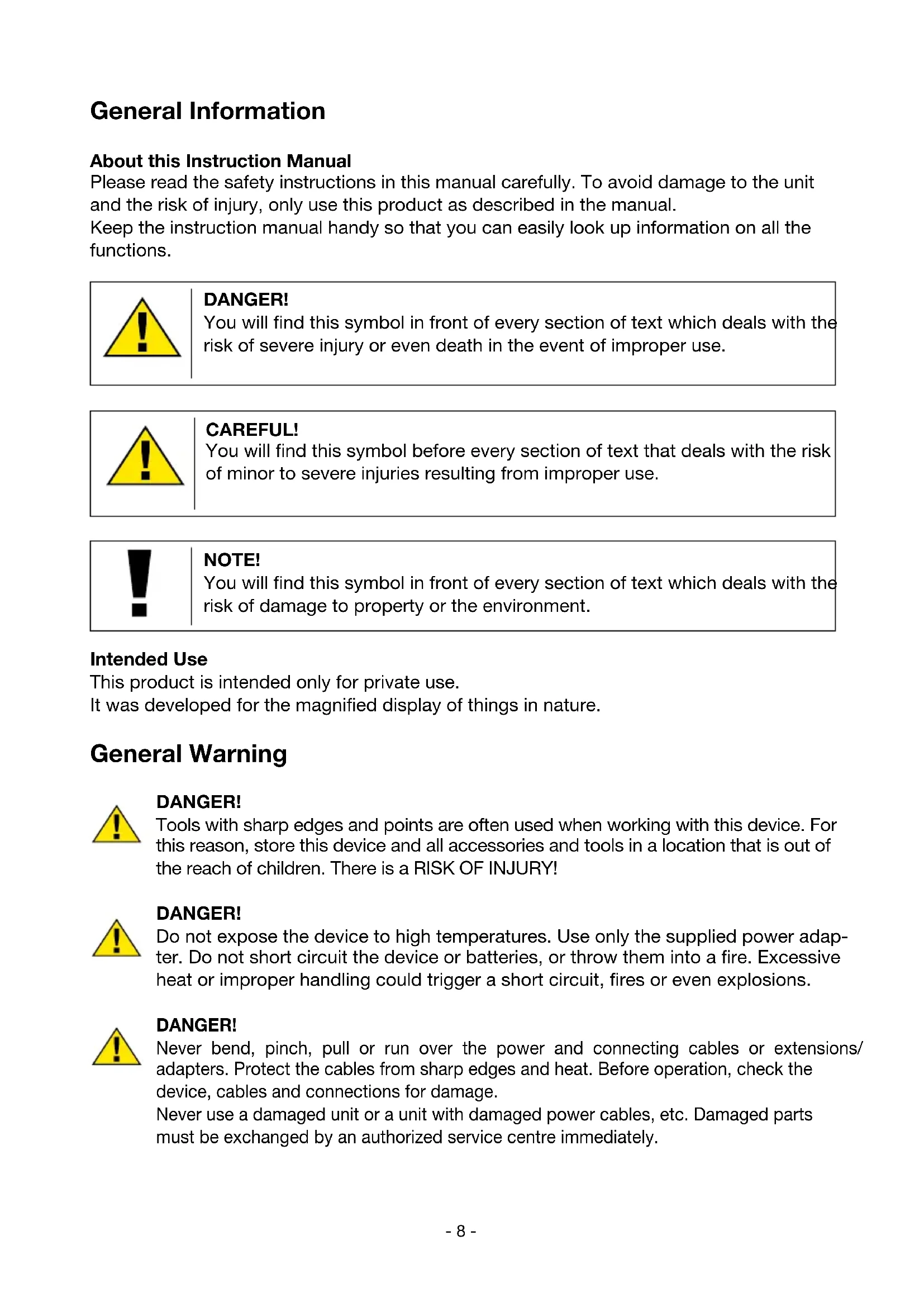
DANGER!
You will find this symbol in front of every section of text which deals with the risk of severe injury or even death in the event of improper use.

CAREFUL!
You will find this symbol before every section of text that deals with the risk of minor to severe injuries resulting from improper use.

NOTE!
You will find this symbol in front of every section of text which deals with the risk of damage to property or the environment.
Intended Use
This product is intended only for private use.
It was developed for the magnified display of things in nature.
General Warning

DANGER!
Tools with sharp edges and points are often used when working with this device. For this reason, store this device and all accessories and tools in a location that is out of the reach of children. There is a RISK OF INJURY!

DANGER!
Do not expose the device to high temperatures. Use only the supplied power adapter. Do not short circuit the device or batteries, or throw them into a fire. Excessive heat or improper handling could trigger a short circuit, fires or even explosions.

DANGER!
Never bend, pinch, pull or run over the power and connecting cables or extensions/ adapters. Protect the cables from sharp edges and heat. Before operation, check the device, cables and connections for damage.
Never use a damaged unit or a unit with damaged power cables, etc. Damaged parts must be exchanged by an authorized service centre immediately.

DANGER!
Children should only use the device under adult supervision. Keep packaging material (plastic bags, rubber bands, etc.) out of the reach of children! There is a RISK OF CHOKING!
Children must not have access to the included chemicals and liquids. Do not drink the chemicals. Wash hands thoroughly with running water after use. In the event of contact with the eyes or mouth, rinse thoroughly with water. In the event of pain, contact a doctor immediately and take the substances with you.

DANGER!
Children should only use the device under adult supervision. Keep packaging material (plastic bags, rubber bands, etc.) out of the reach of children! There is a RISK OF CHOKING!

CAREFUL!
Children must not have access to the included chemicals and liquids. Do not drink the chemicals. Wash hands thoroughly with running water after use. In the event of contact with the eyes or mouth, rinse thoroughly with water. In the event of pain, contact a doctor immediately and take the substances with you.

NOTE!
Do not disassemble the device. In the event of a defect, please contact your dealer. He will contact the Service Centre and can send the device in to be repaired, if necessary.
Do not expose the device to temperatures above 40^ .


Informations generales
Errors and technical changes reserved.

Brand : BRESSER
Model : Biorit ICD
Category : Microscope