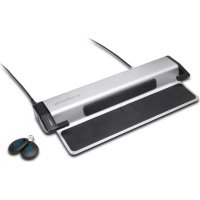
K66636M - Lock KENSINGTON - Free user manual and instructions
Find the device manual for free K66636M KENSINGTON in PDF.



User questions about K66636M KENSINGTON
0 question about this device. Answer the ones you know or ask your own.
Ask a new question about this device
Download the instructions for your Lock in PDF format for free! Find your manual K66636M - KENSINGTON and take your electronic device back in hand. On this page are published all the documents necessary for the use of your device. K66636M by KENSINGTON.
USER MANUAL K66636M KENSINGTON
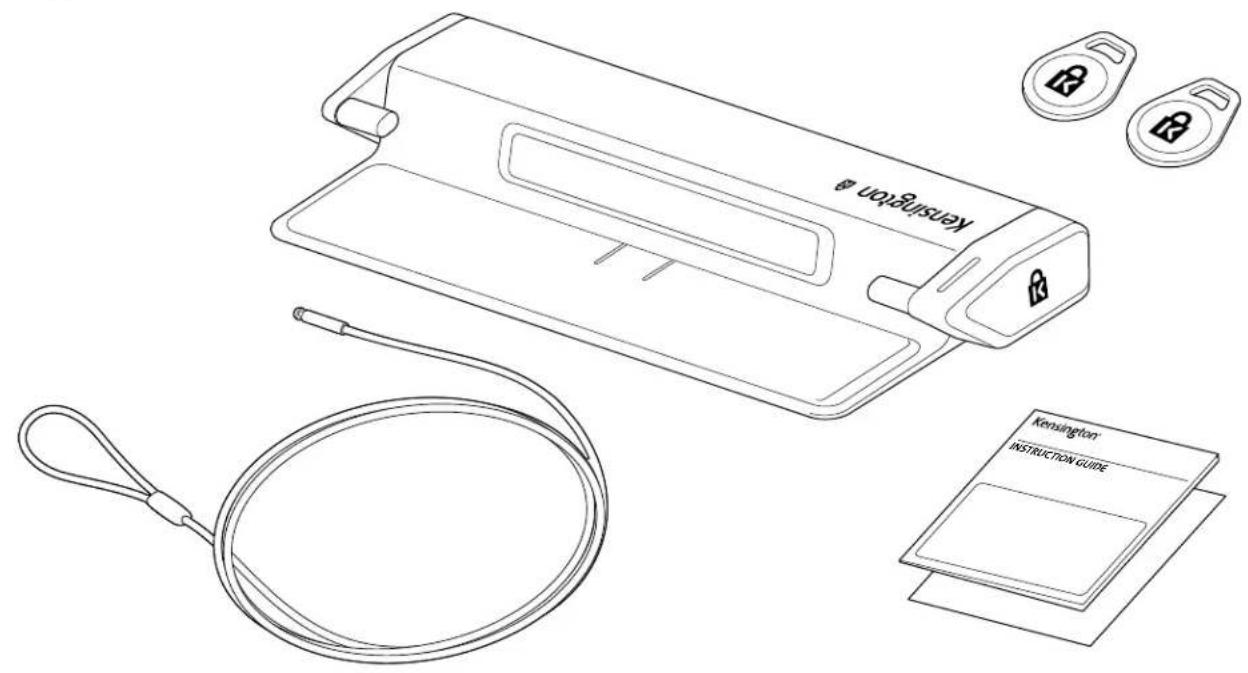
Electronic Laptop Locking Station with K-Fob™ Smart lock
GB QUICK START GUIDE 3
DE KURZANLEITUNG 12
FR GUIDE DE DÉMARRAGE RAPIDE 21
N L SNELSTARTGIDS 30
ES GUIA DE INICIO RAPIDO 39
GUIDA DI RIFERIMENTO RAPIDO 47
PT GUIA RAPIDO 57
DK VEJLEDNING TIL HURTIG OPSTART 66
NO HURTIGSTARTSVEILEDNING 75
SE SNABBSTARTSGuide 84
PIKAOPAS 93
EE LuhjuhEND 102
LV ISAROKASGRAMATA 111
LT TRUMPAS NAUDOJIMO VADOVAS 120
PL SKROCONA INSTRUUKCJA OBSLUGI 129
CZ STRUÇNÁVOD KE ZPROVOZNÉNÍ 138
SK PRIRUČKA PRE RYCHLY ZACIATOK 147
HU RÖVID UTMUTATÓ 156
RO GHID DE PORNIRE RAPIDA 165
RU PYKOBODCTBO IIO BbICTPOMU HauJIY PABOTbl 174
UAKOPOTKIMIOCIBHUK 183
KZ XblIaAM XYMbICTbl BACTAY HYCKAYbIfbl 192
TR HIZLI BASHLANGIC KILAVUZU 201
GR O△HΓOΣ ΓPHΓOPHΞ EKKINHΞHΞ 210
CN 快速入门指南 219
JA イイック スたーツガイド 228
AE 237

GB Register Now!
Detzt registrierten!
FR Enregistrez-vous des maintainant!
NU Registreeer nu!
ES Registrese awhile!
Effettua adesso la registrazione
PT Registe-se ja!
DK Tilmeld dig nu!
NO Registrar na!
SE Registrar dig nu!
F1 Rekisteröidy nyt!
EE Registreerige kohe!
IV Registrejieties tulit!
Uzsiregistruokite=DBAR!
PL Zarejestruj sie!
Cz Registrujte se!
SK Zaregistrujte sa!
HU Regisztraljon most!
RO Inregistrati-vacum!
RU 3apernctpnpuyTecb ceuac!
UA 3apeectpyBaTncr
KZ Ka3ip tipkeny!
TR Simdi Kaydolun!
GR Eyypaon Tupa!
CN立即注册!
JA今升登録!
AE !D YA
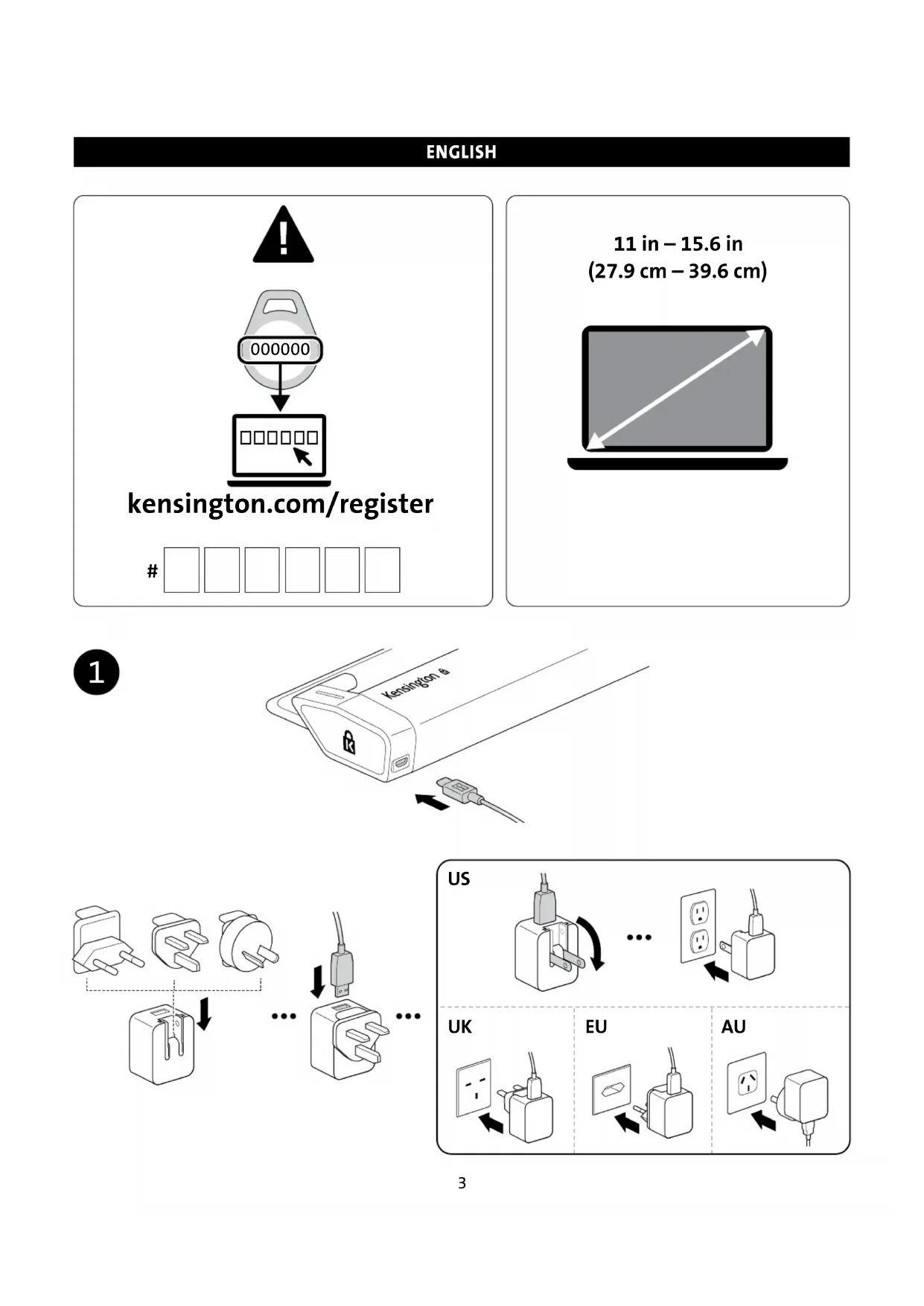
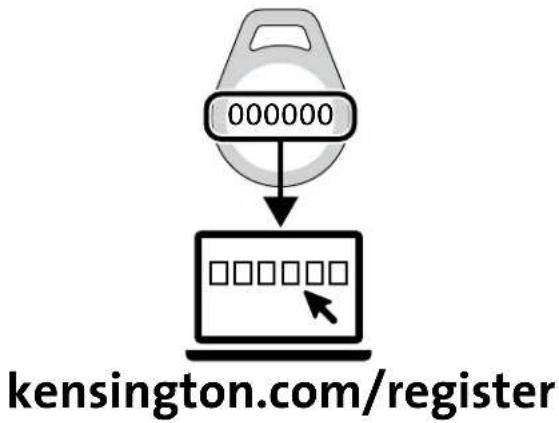
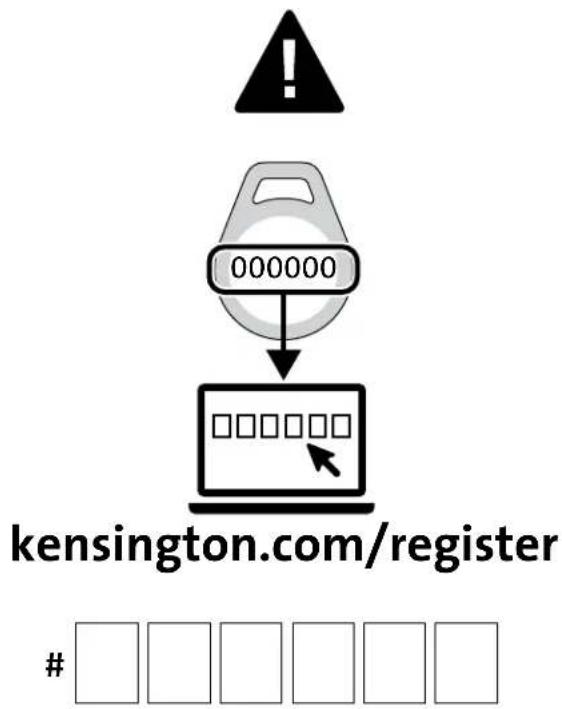
www.kensington.com/register
ENGLISH

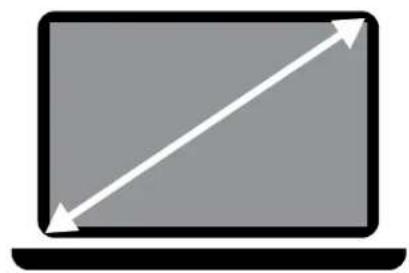
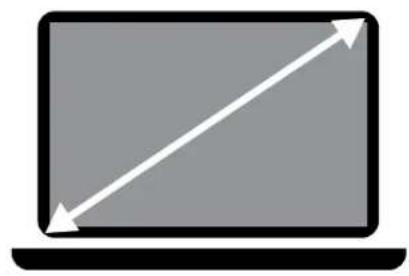
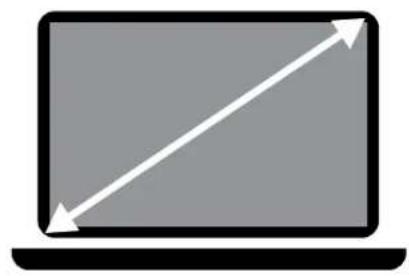
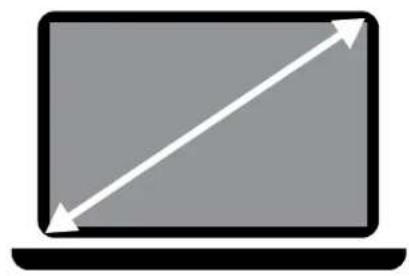
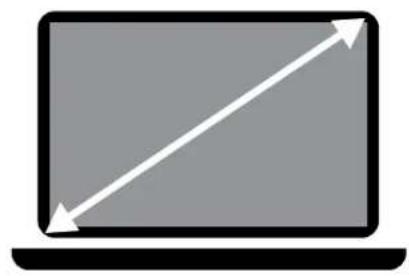
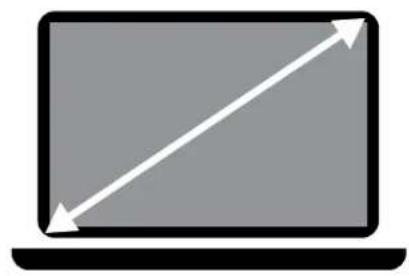
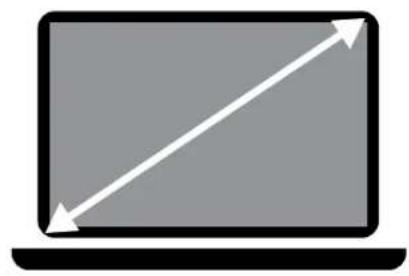
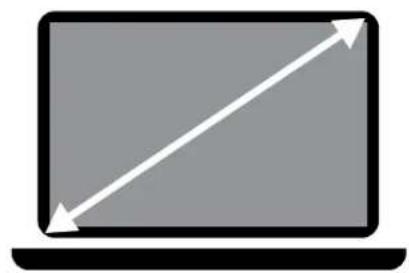
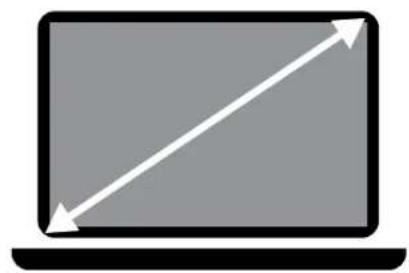
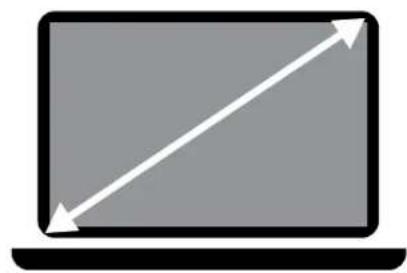
11 in - 15.6 in
(27.9 cm - 39.6 cm)
1
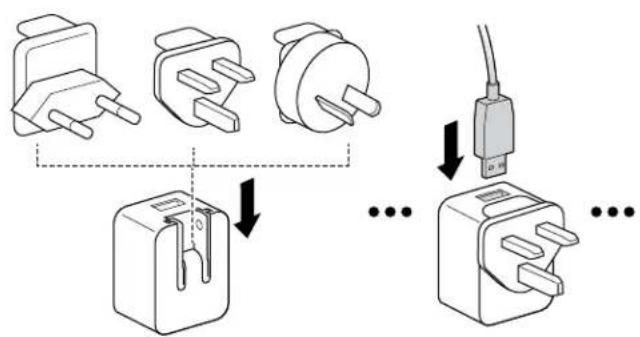
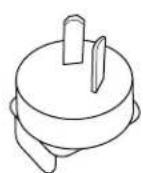
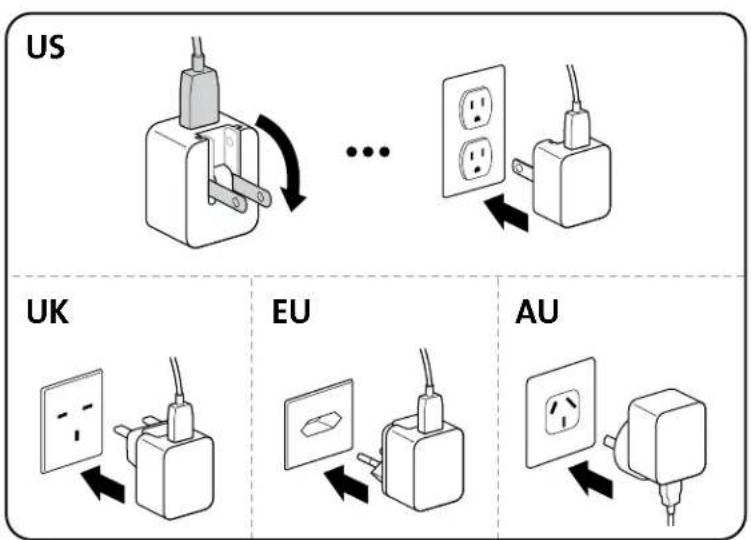
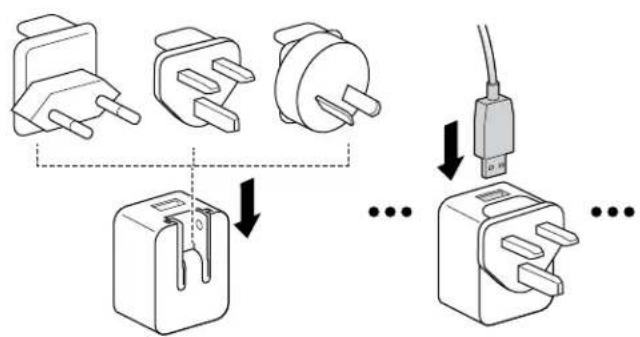
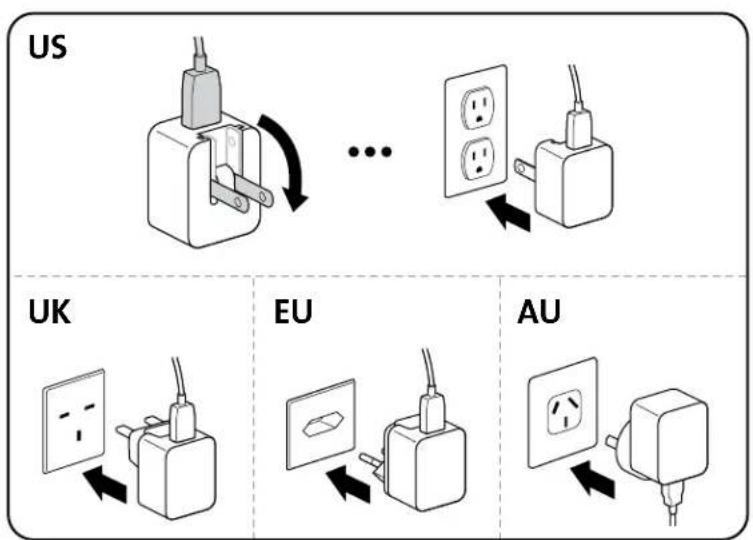
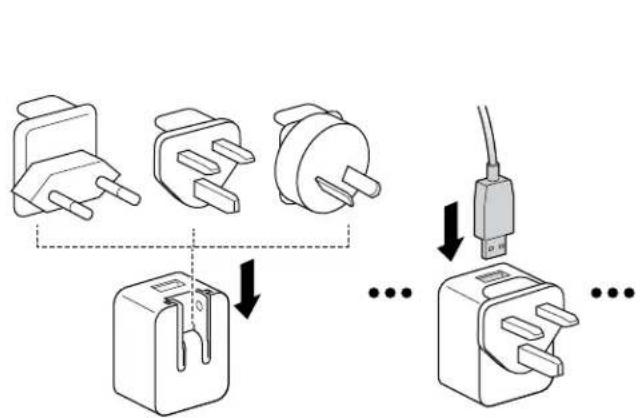
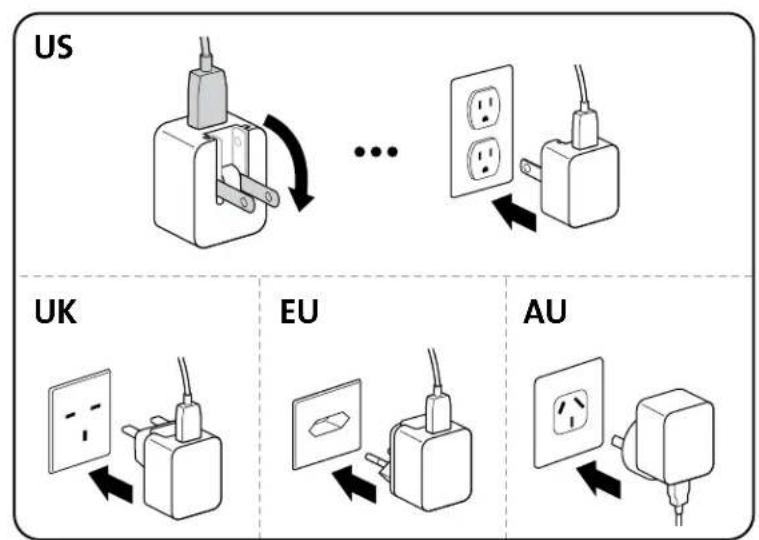
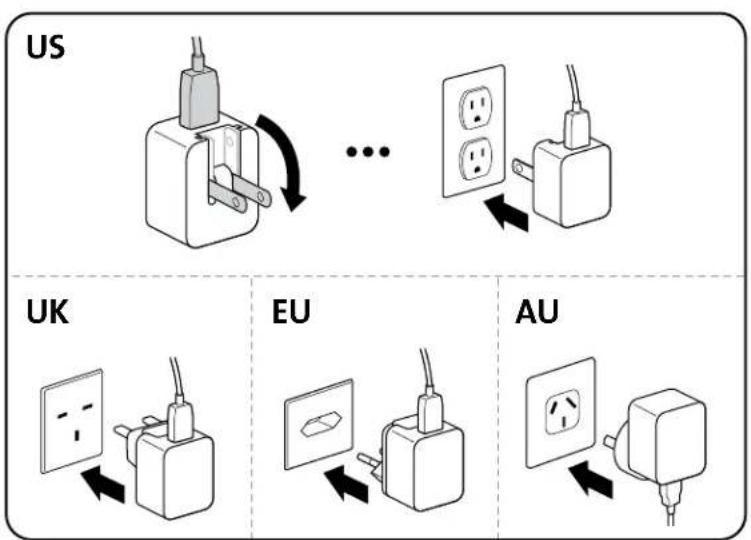
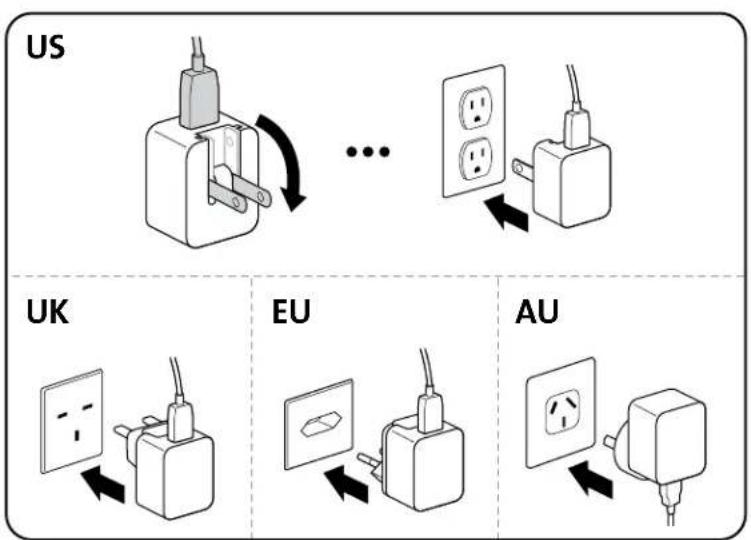
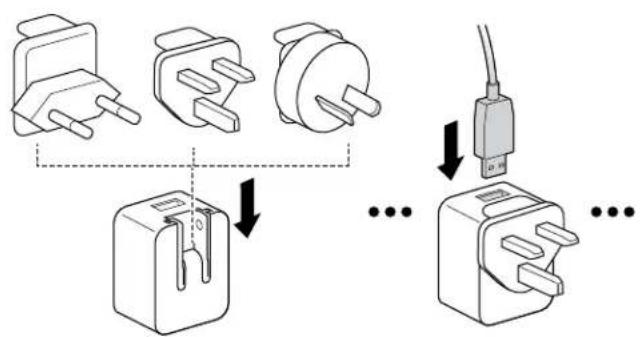
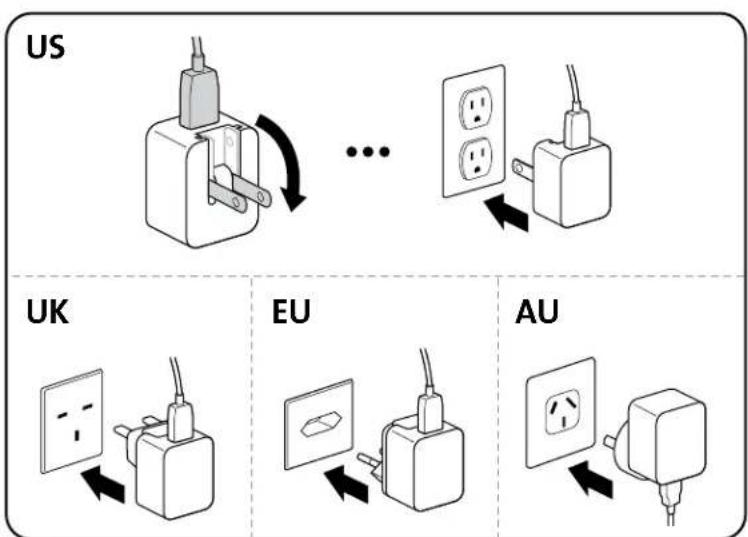
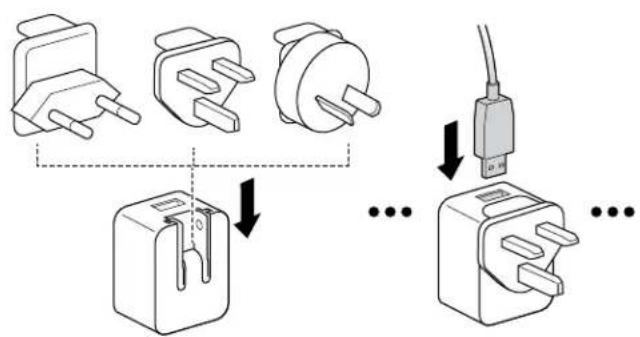
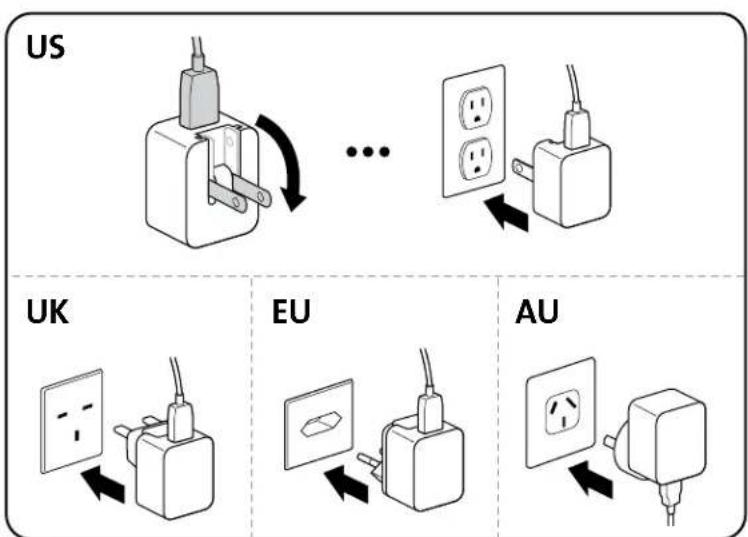
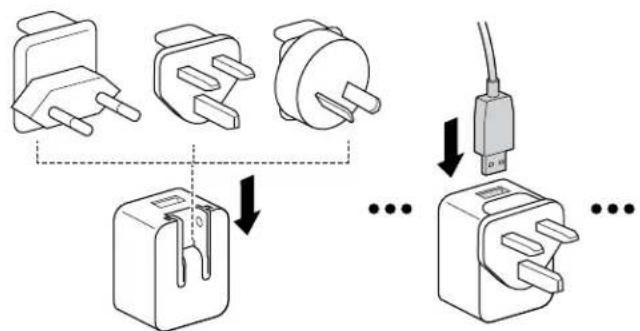
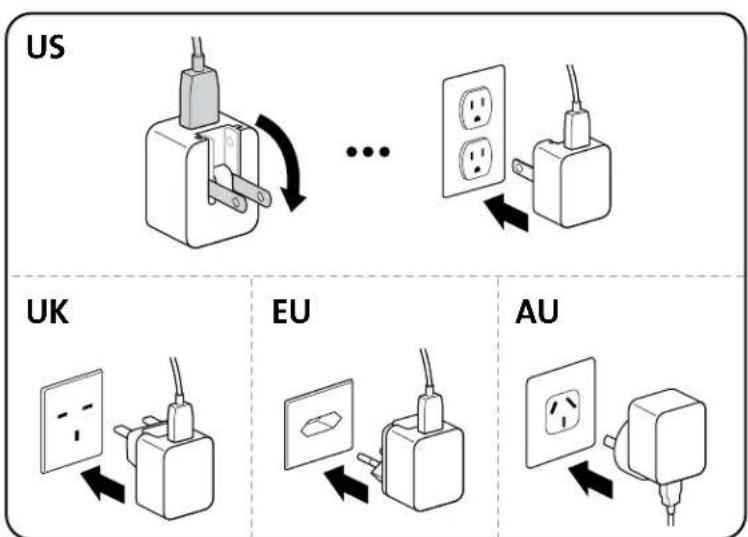
US
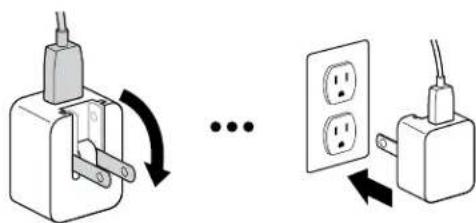
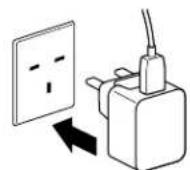
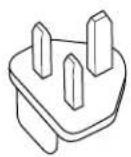
UK
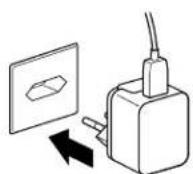
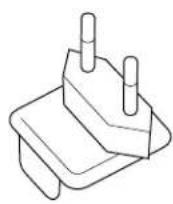
EU
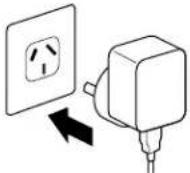
AU

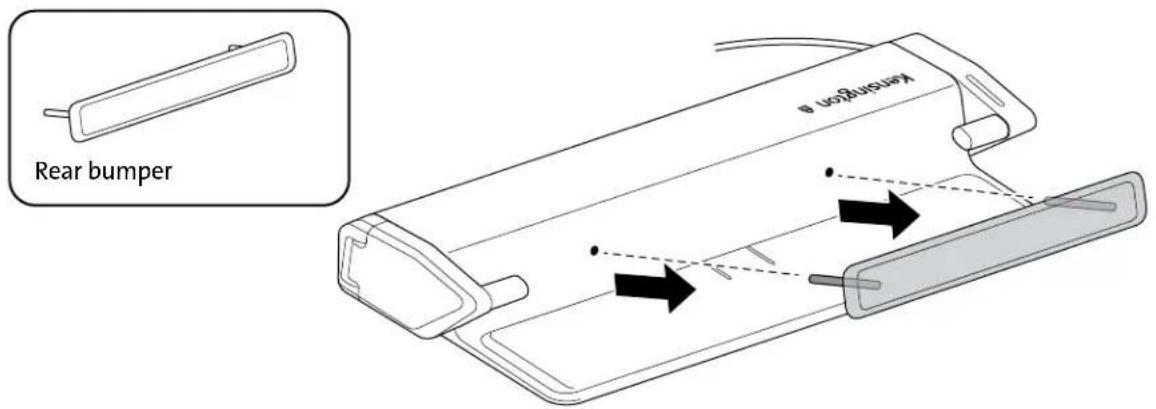
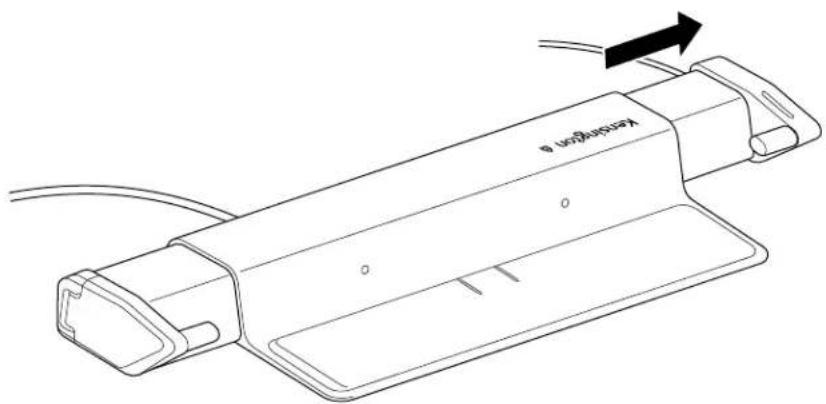
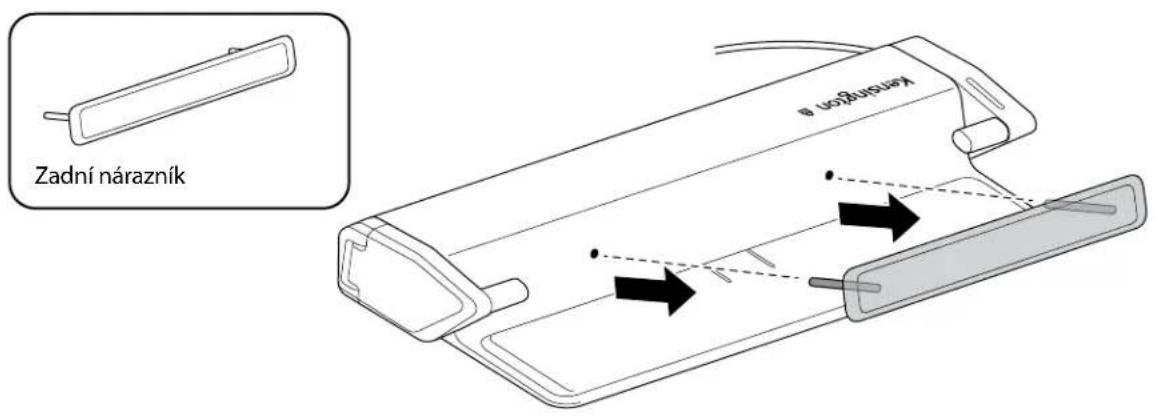
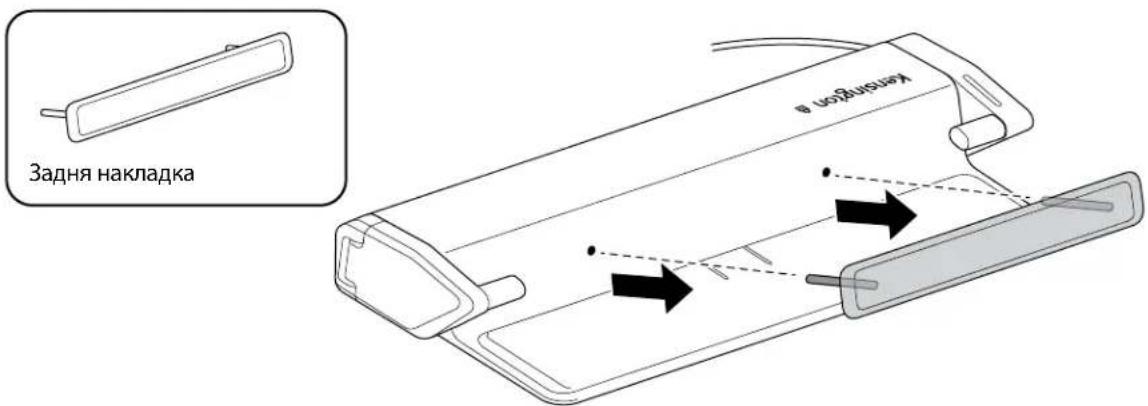
For initial setup, remove rear bumper from the unit to configure the laptop device width. To remove the rear bumper, grab the sides with your fingertips and pull towards you.

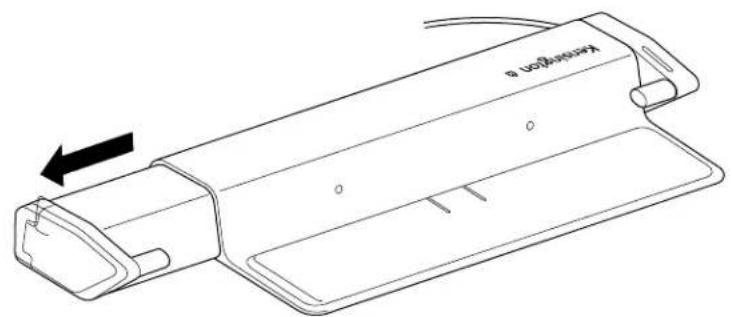
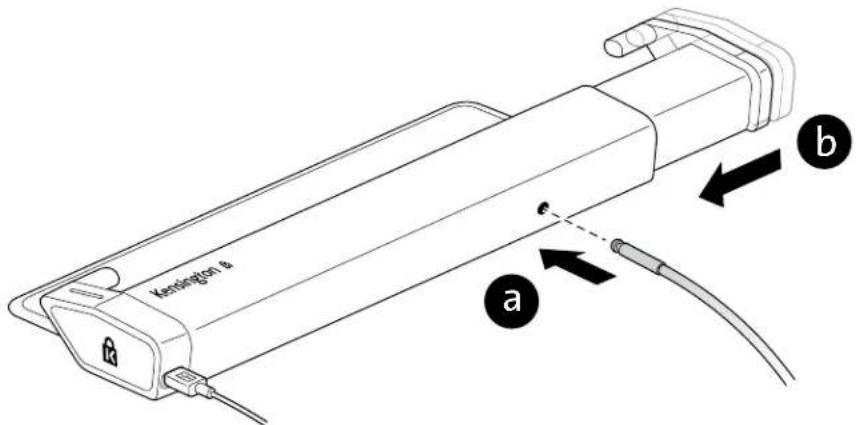
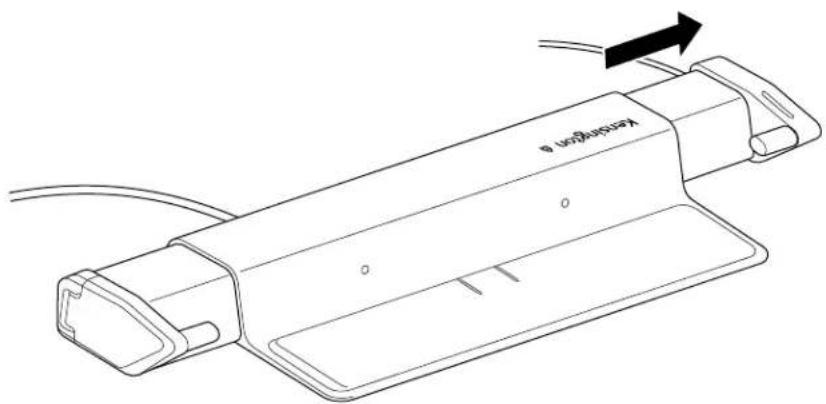
Gently pull the left arm out to its maximum position to install the security cable.

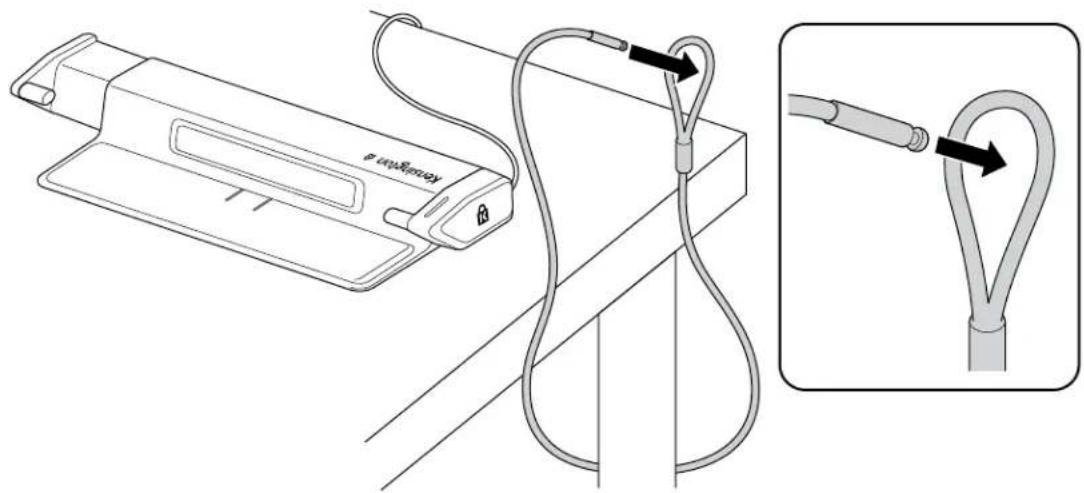
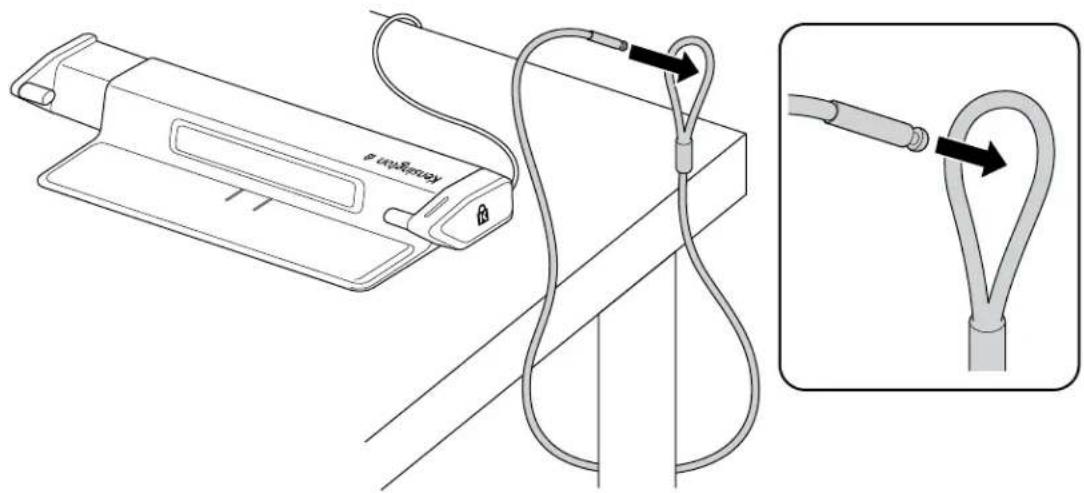
Insert the security cable into the loop hole around an immovable object.

Insert the security cable into the hole and gently slide the left arm in one knotted position.
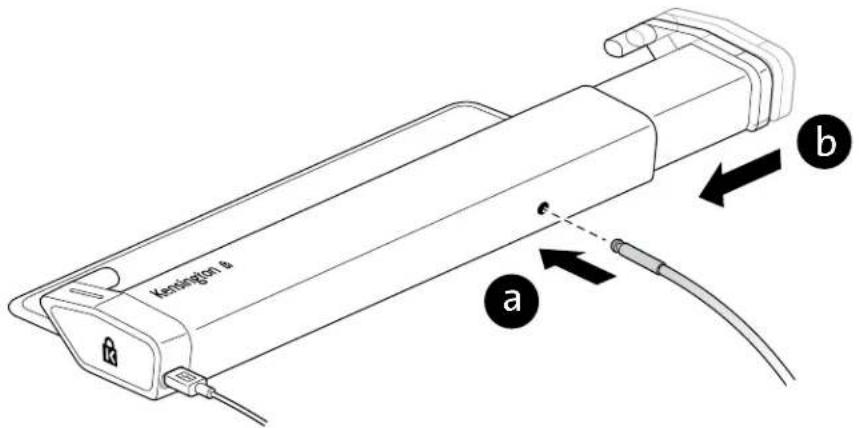

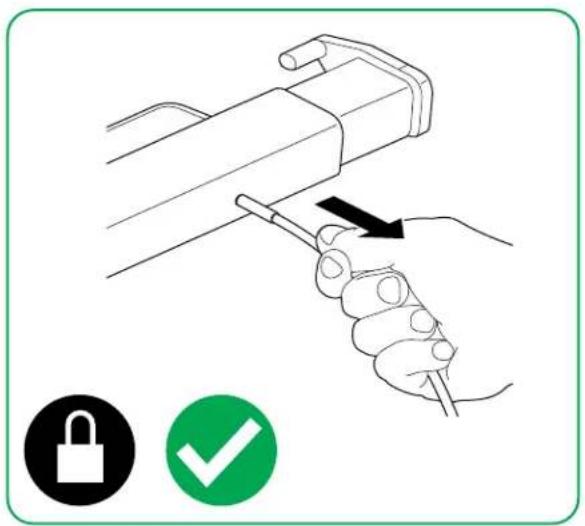
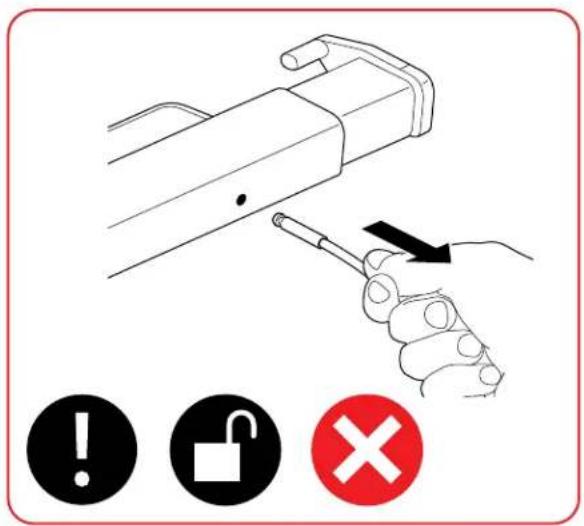
Pull on the security cable to ensure proper installation.
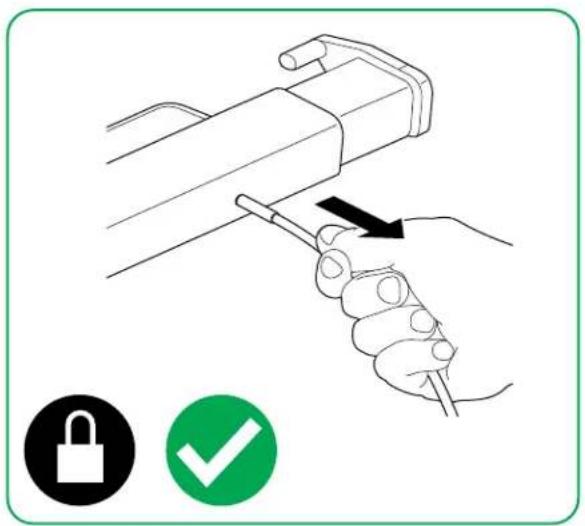
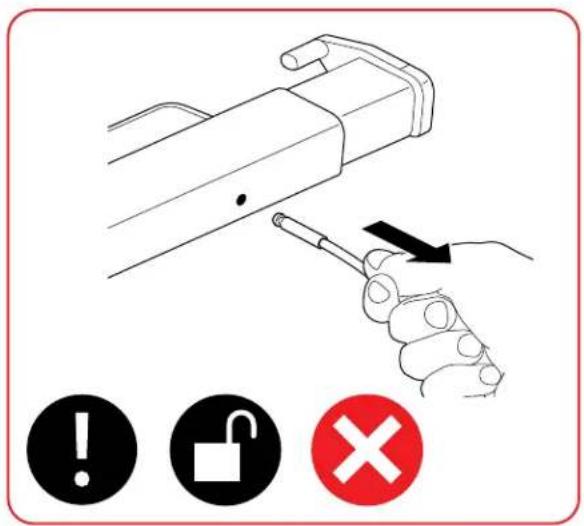

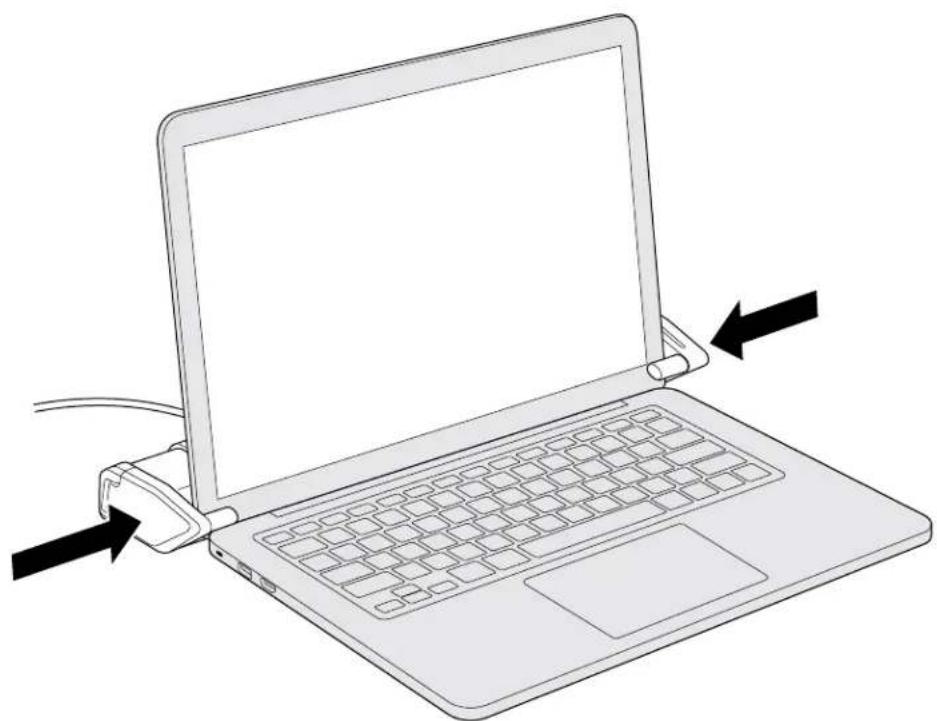
Gently adjust the right arm outward to its widest position.
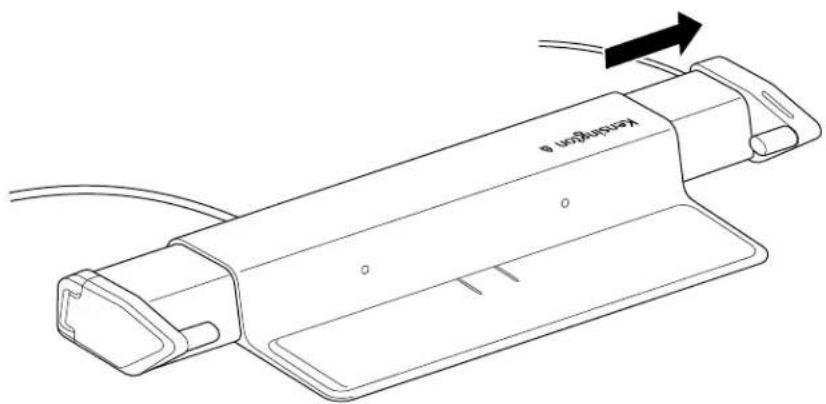

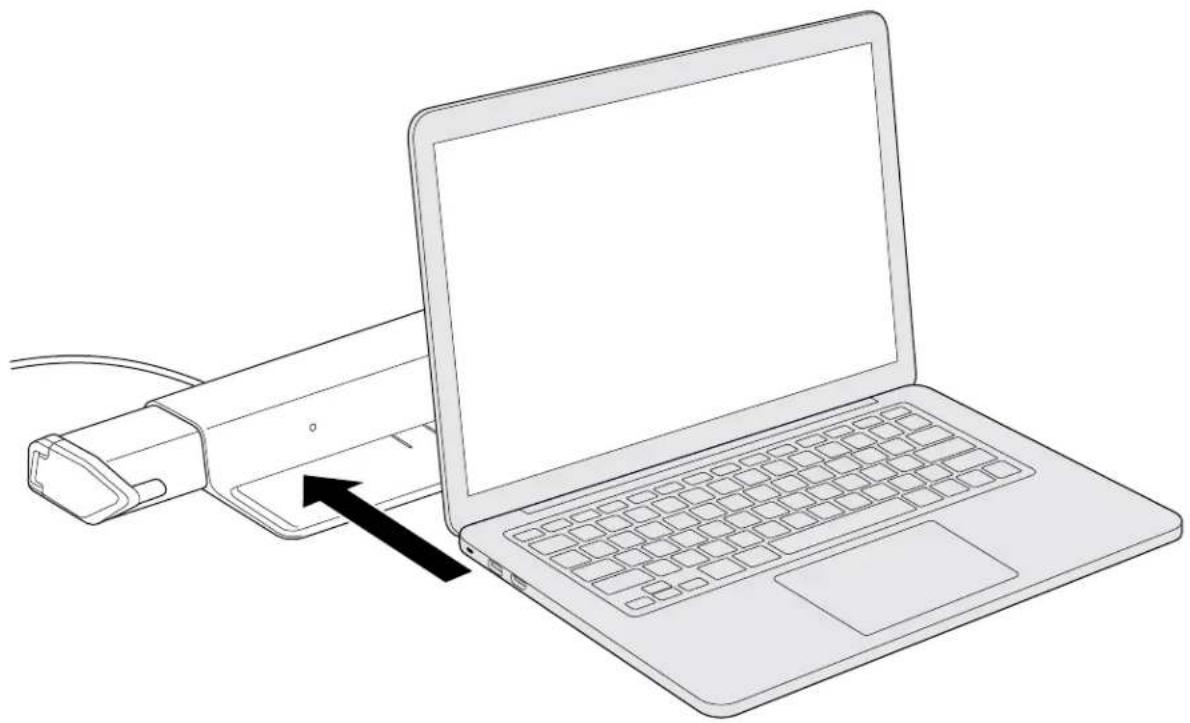

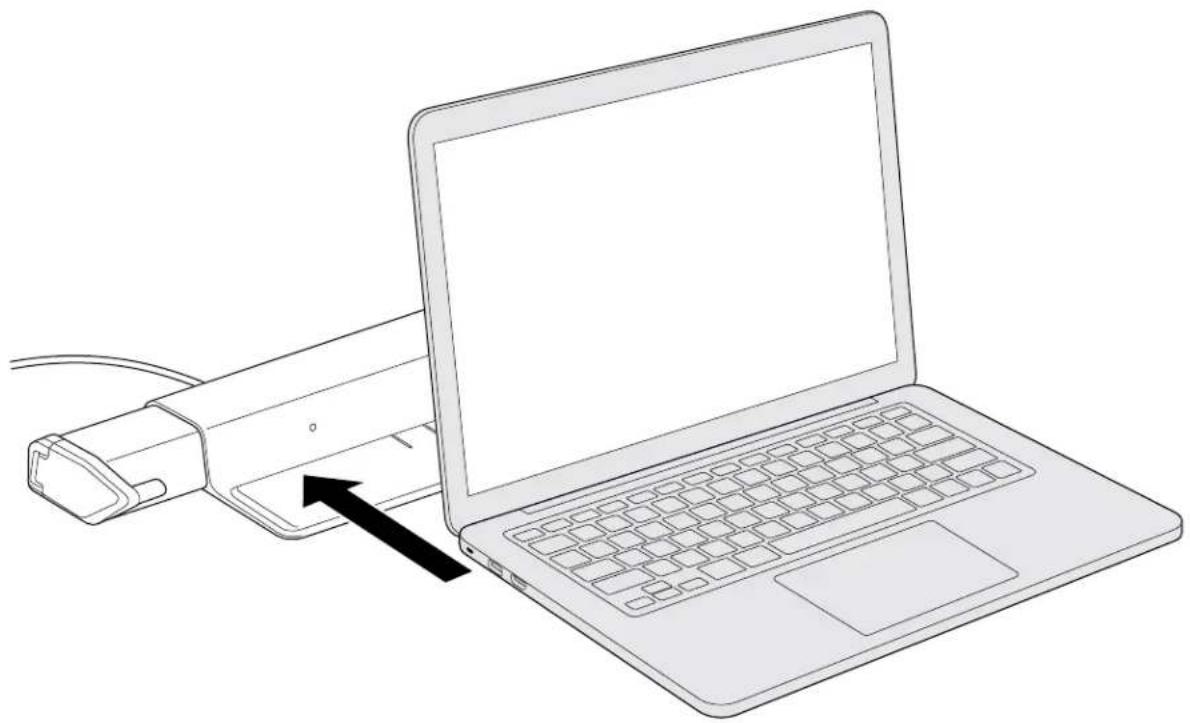
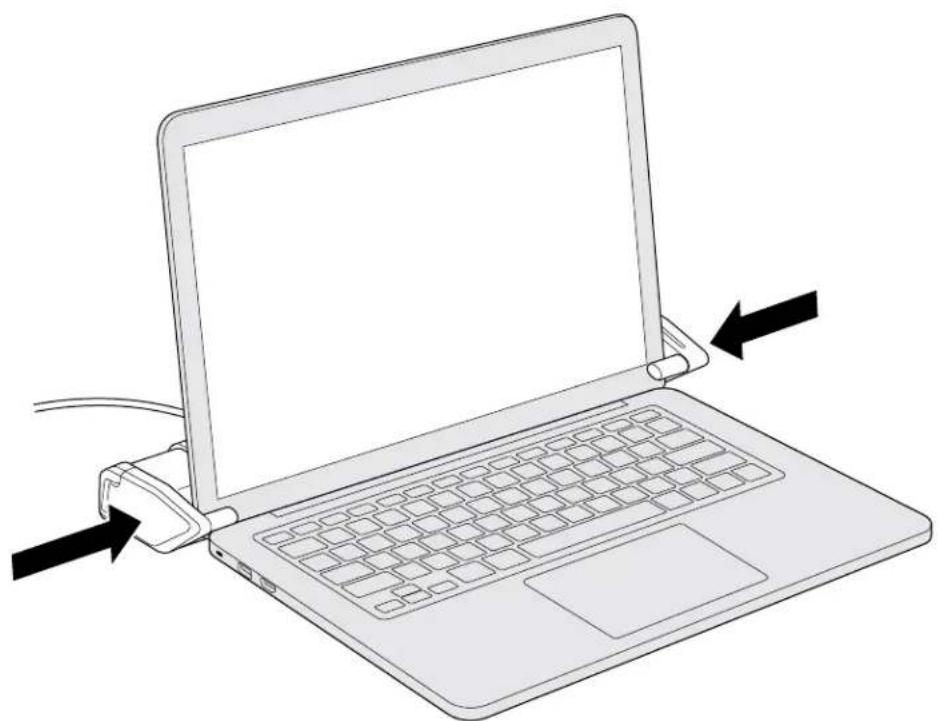
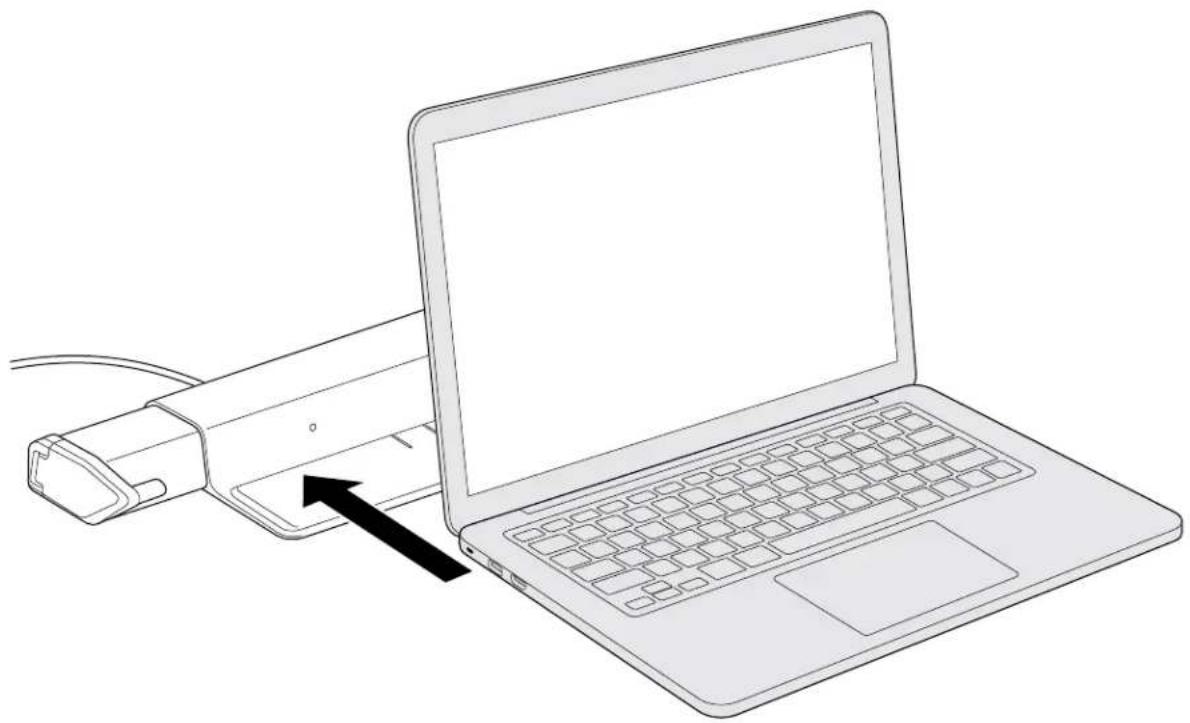
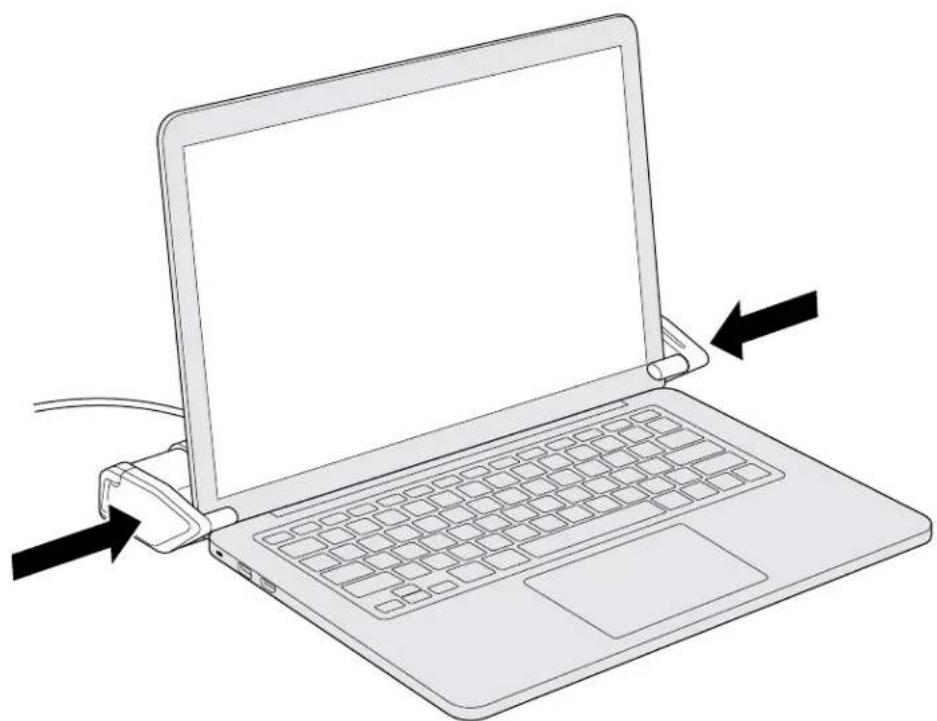
Place your laptop on to the product. Slowly move each arms inward towards the edge of the laptop screen.

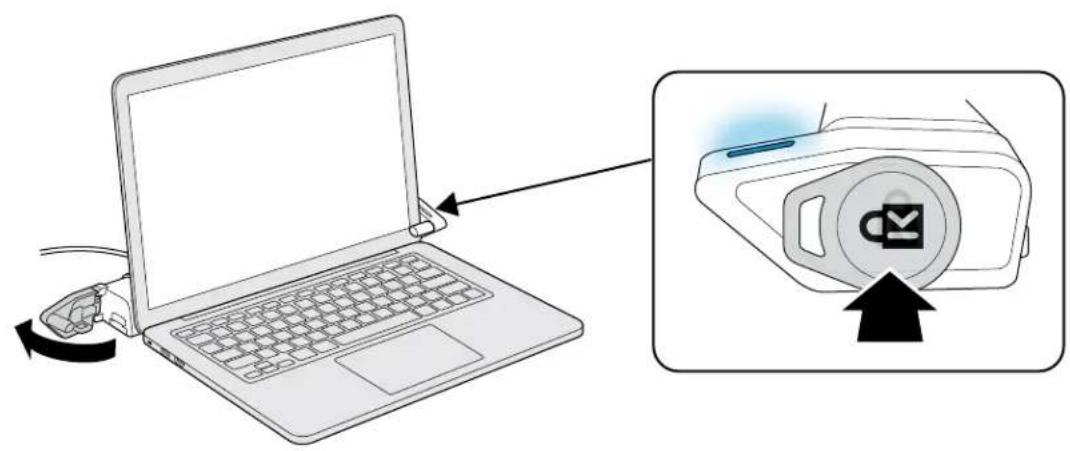
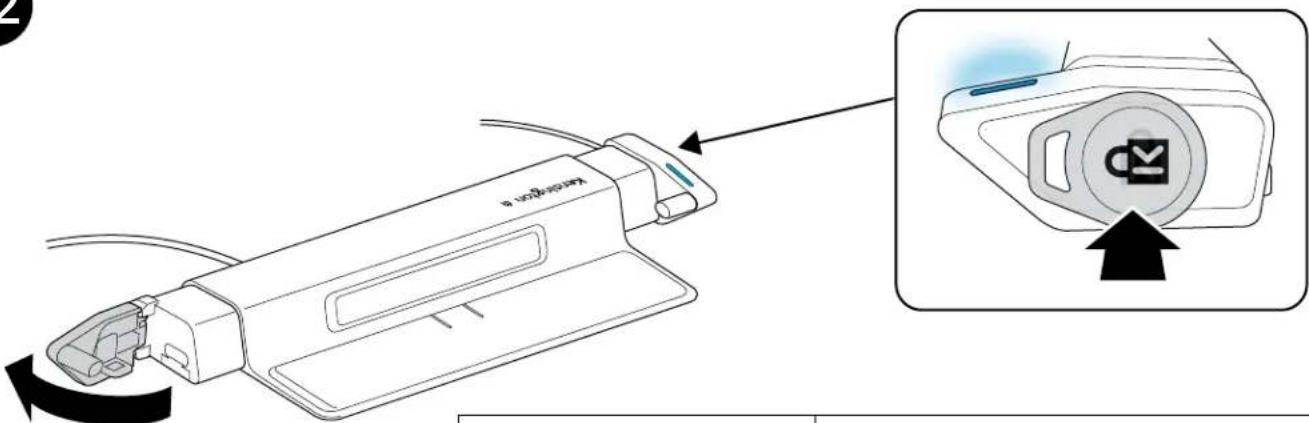
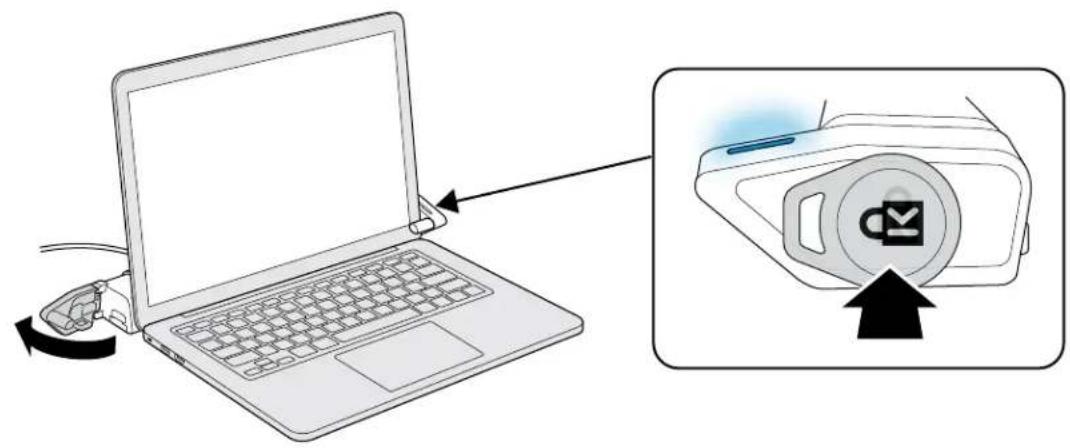
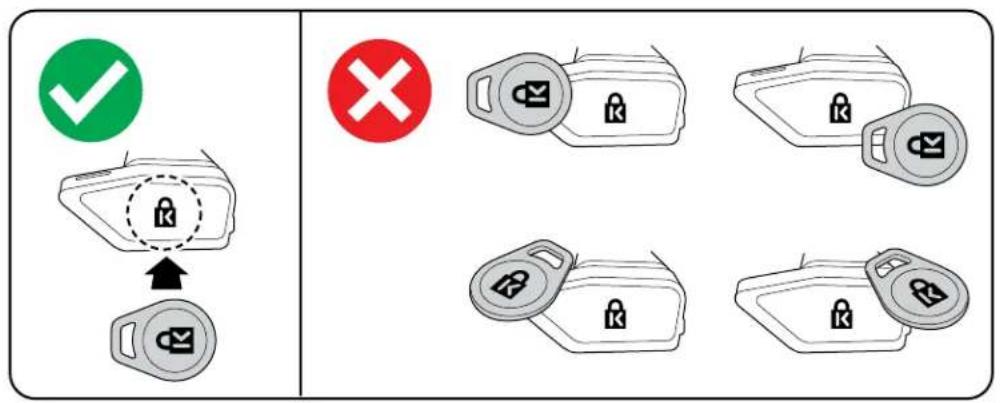
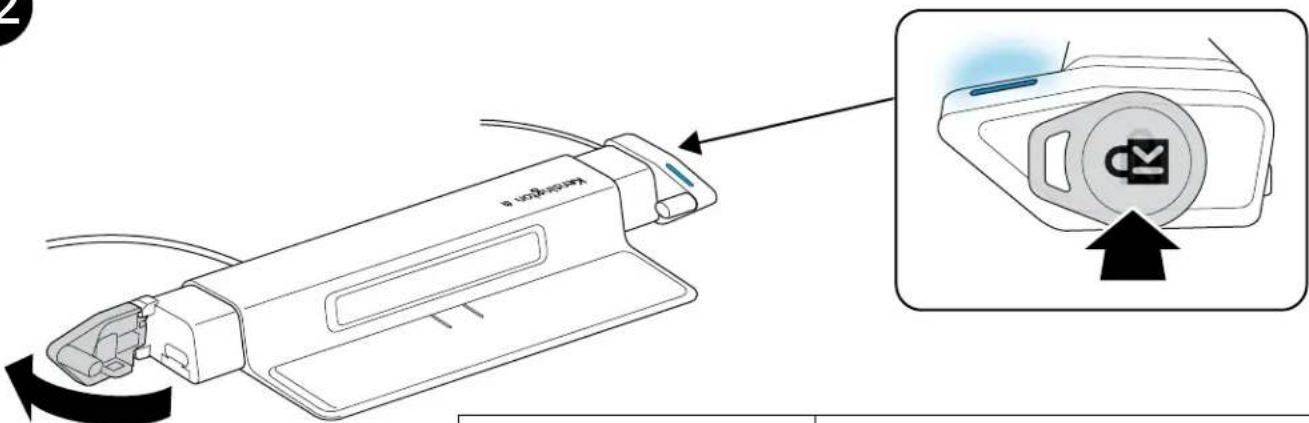
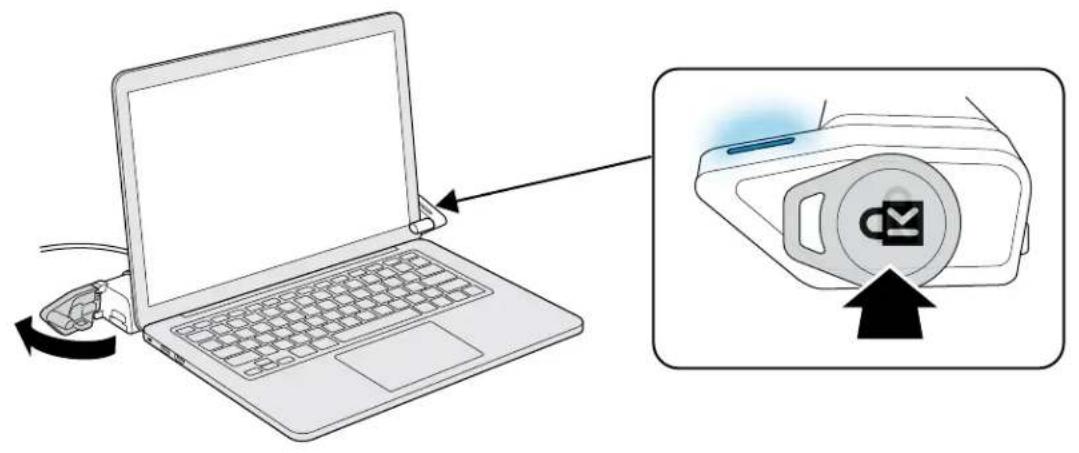
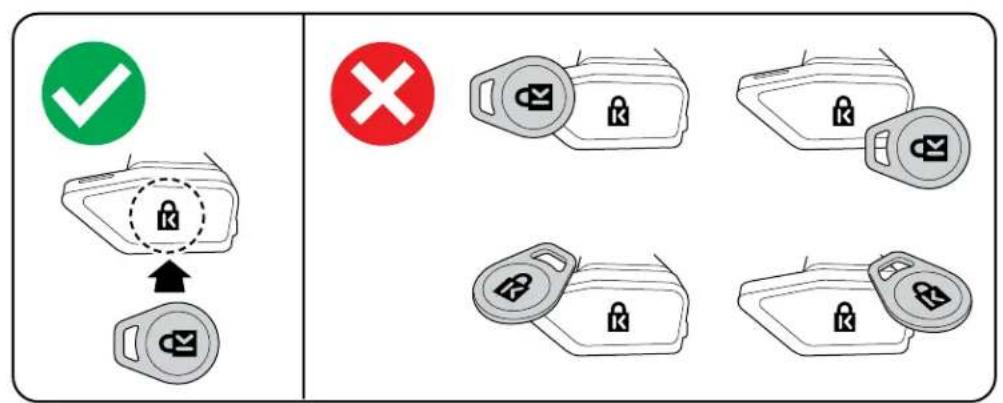
To unlock the device, place your key fob on the Kensington logo located on the right arm.
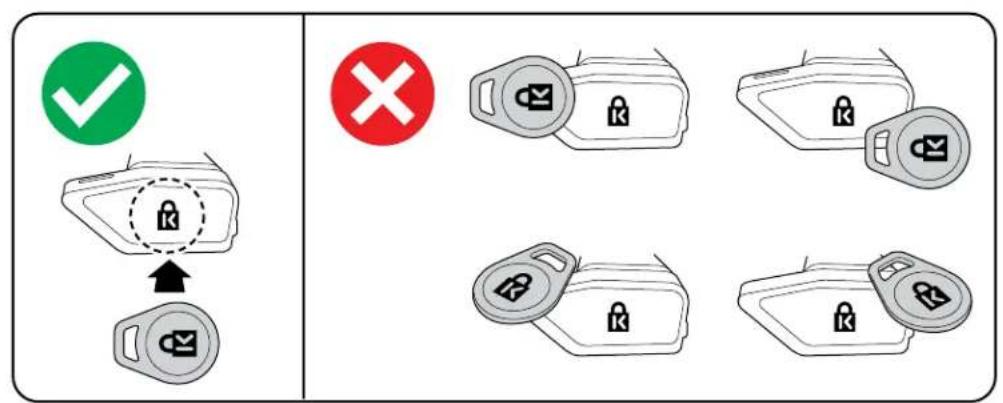

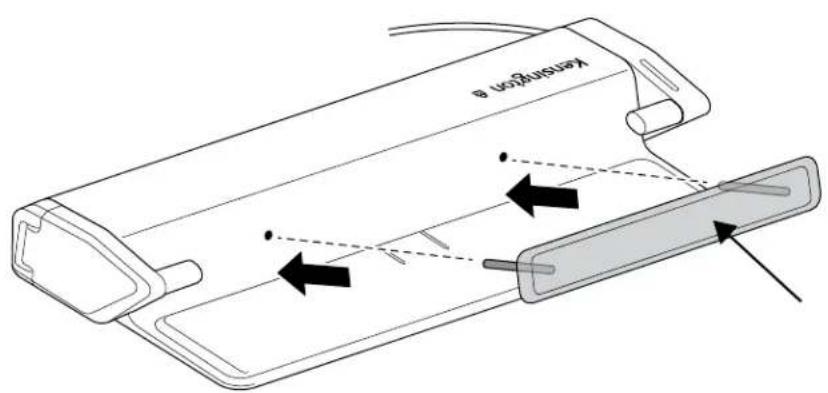
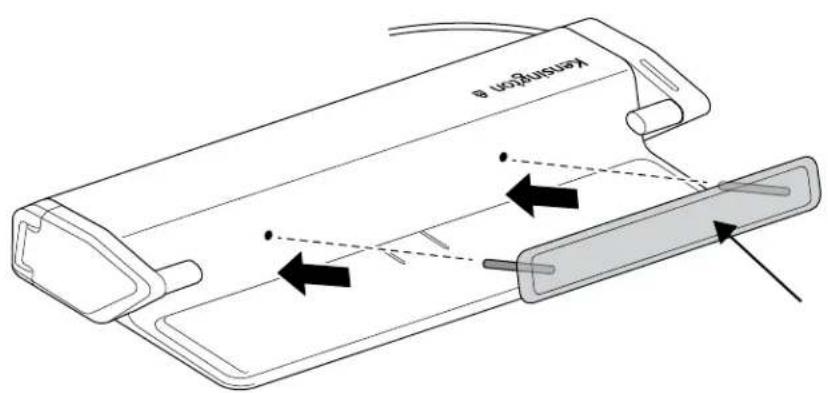
After your laptop has been removed, make sure the holes are aligned correctly in order to re-install the rear bumper.
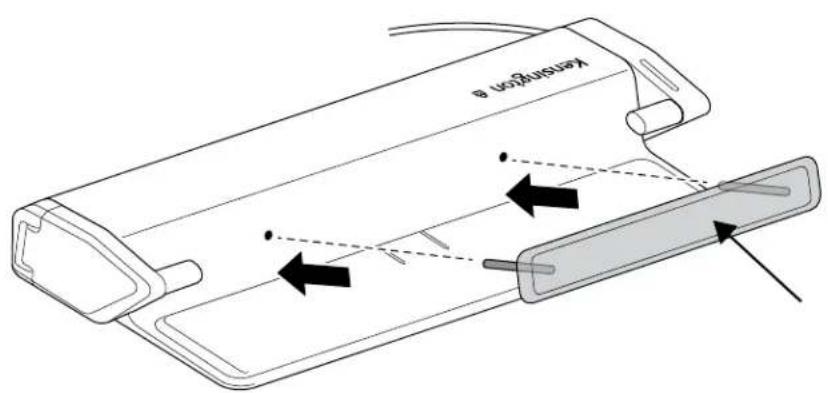
Optional
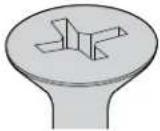
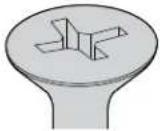
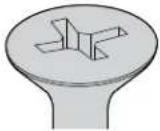
8/M4
* Not included


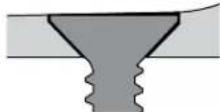

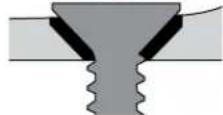
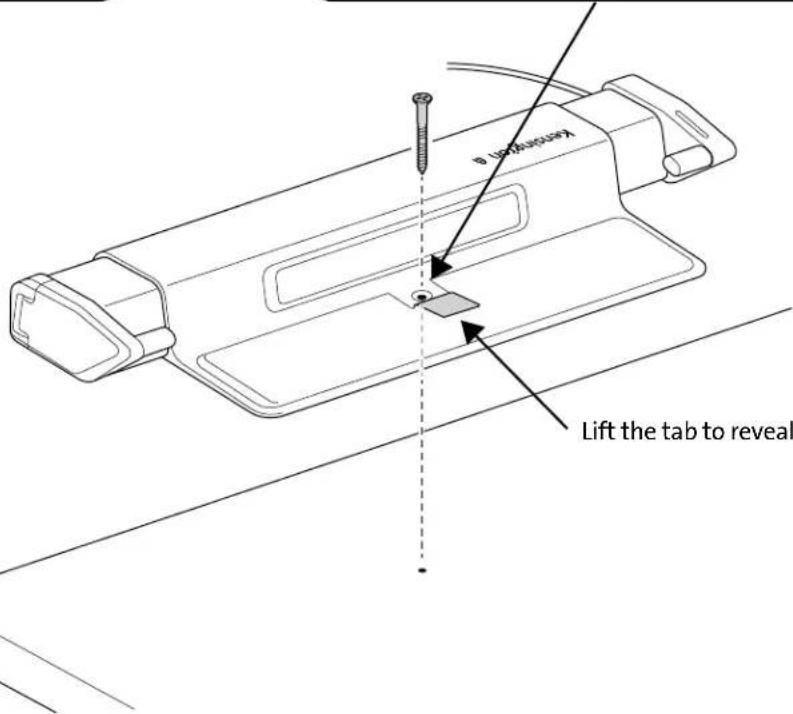
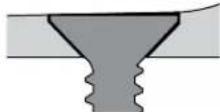
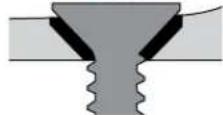
Lift the tab to reveal the mounting hole.
12
| Open (Correct Key Fob) |
| (Flashing) Error (Incorrect Key Fob) |


NOTE: The laptop lid cannot be closed in locked position.
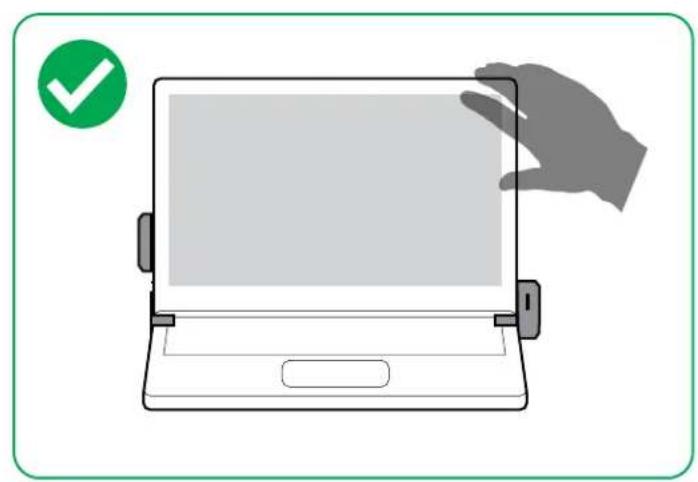
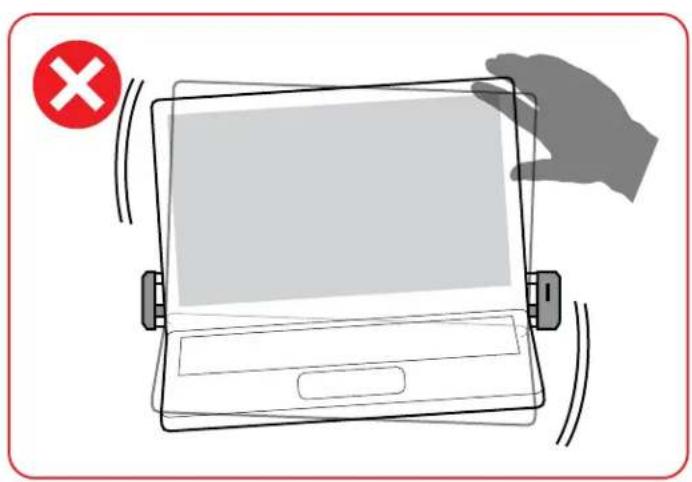

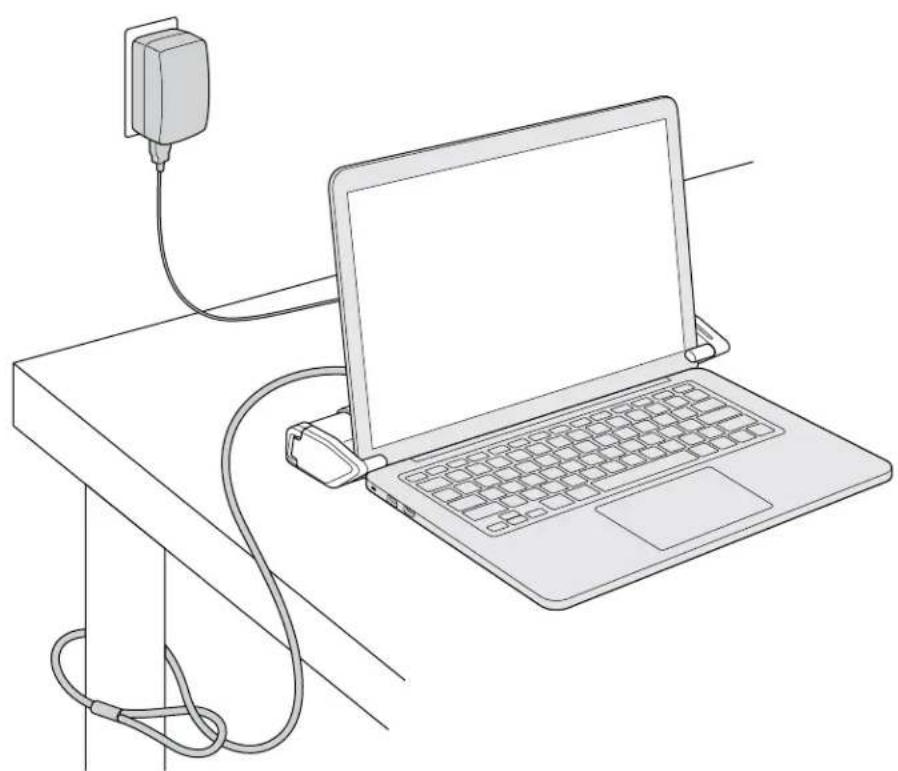
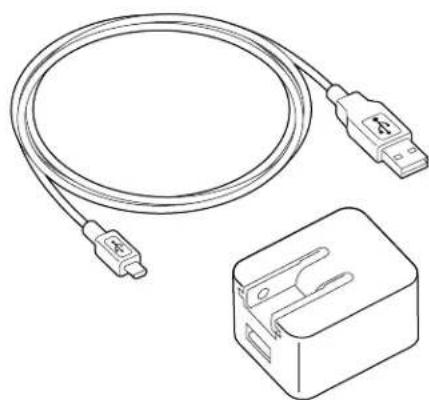
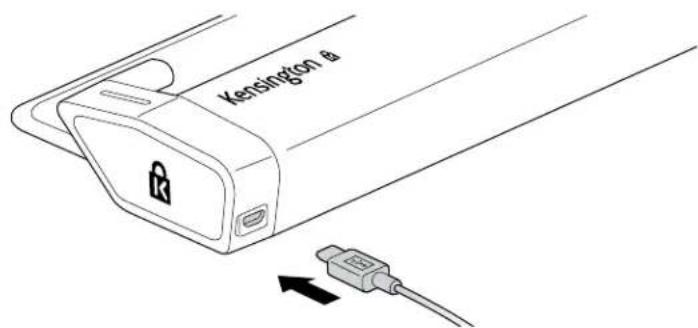
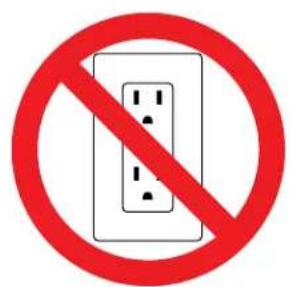
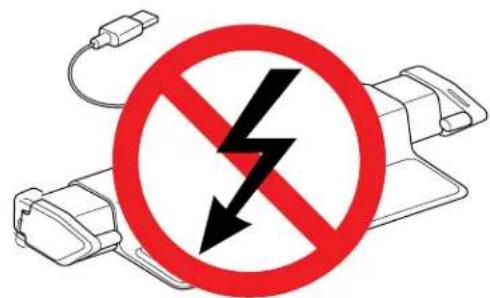
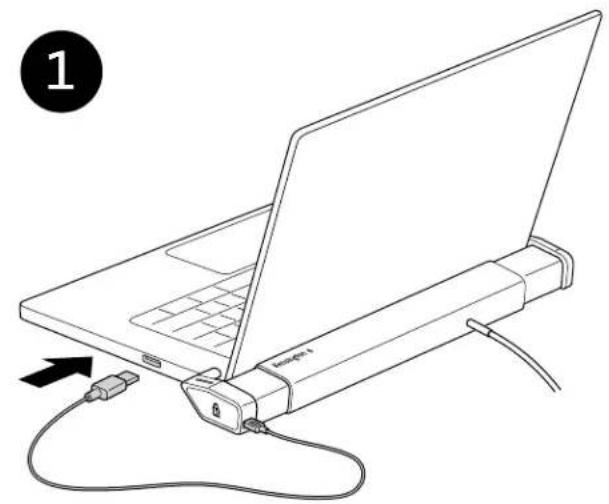
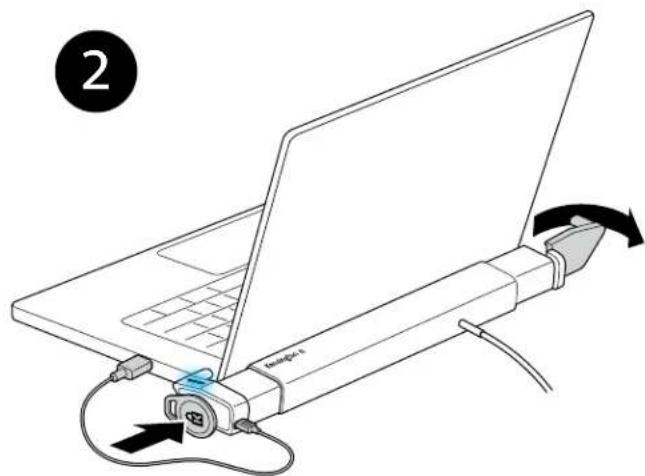
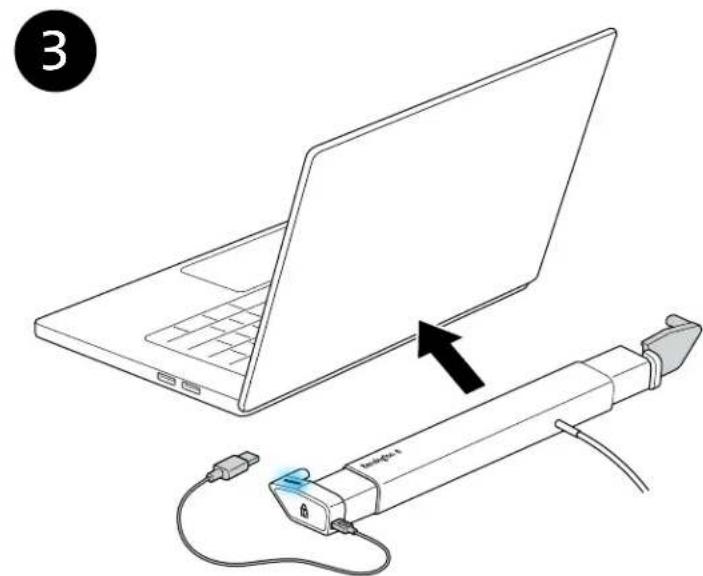
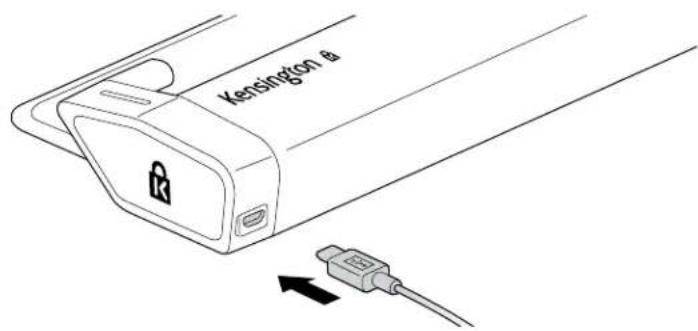
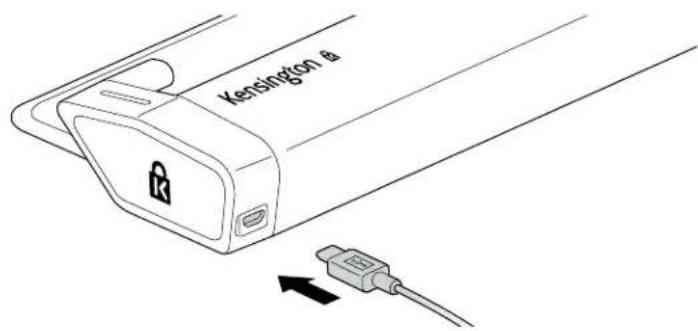
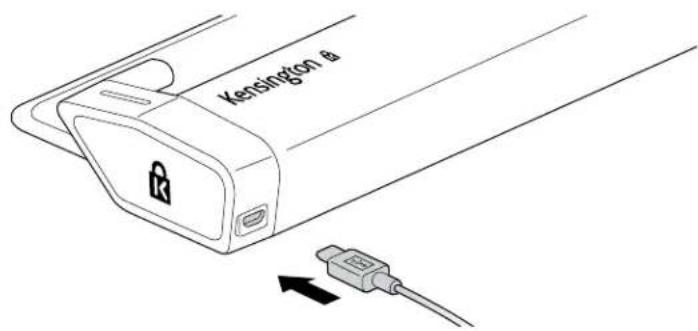
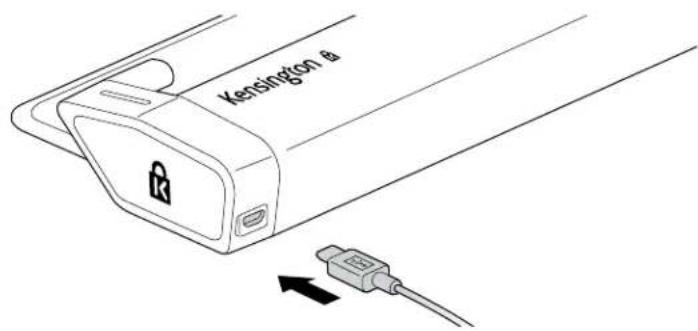
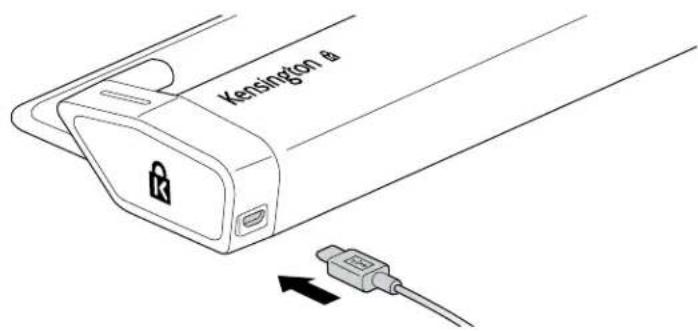
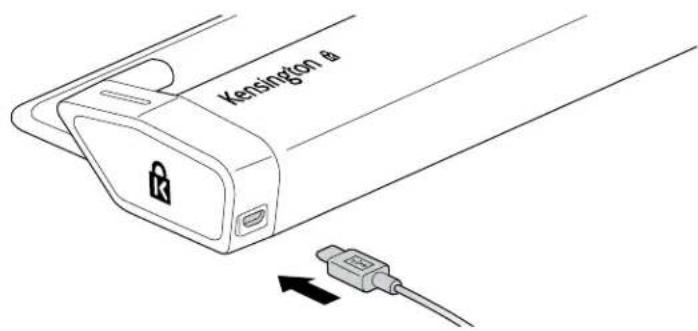
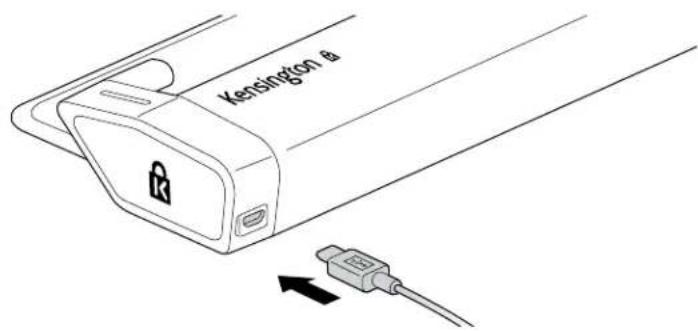
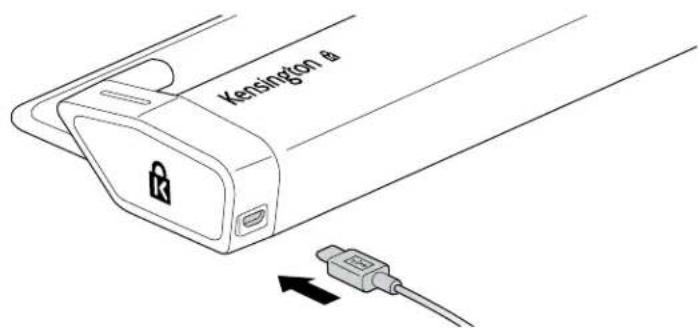
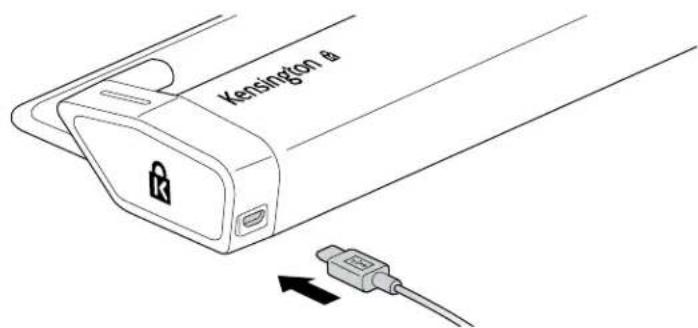
In the event of a power outage, plug the USB-A end of the power cable into the laptop, and use the K-Fob to disengage the laptop from the locking station.
FEDERAL COMMUNICATION COMMISSION INTERFERENCE STATEMENT
Note: This equipment has been tested and found to comply with the limits for a Class B digital device, Pursuant to Part 15 of the FCC Rules. These limits are designed to provide reasonable protection against harmful interference in a residential installation. This equipment generates, uses and can radiate radio frequency energy and, if not installed and used in accordance with the instructions, may cause harmful interference to radio communications. However, there is no guarantee that interference will not occur in a particular installation. If this equipment does cause harmful interference to radio or television reception, which can be determined by turning the equipment off and on, the user is encouraged to try to correct the interference by one or more of the following measures:
Reorient or relocate the receiving antenna
- Increase the separation between the equipment and receiver
- Connect the equipment into an outlet on a circuit diff erent from that to which the receiver is connected
- Consult the dealer or an experienced radio/TV technician for help
Modifications: Modifications not expressly approved by Kensington may void the user's authority to operate the device under FCC regulations and must not be made.
Shielded Cables: In order to meet FCC requirements, all connections to equipment using a Kensington input device should be made using only the shielded cables. This product complies with Part 15 of the FCC rules. Operation is subject to the following two conditions: (1) This device may not cause harmful interference, and (2) This device must accept any interference received, including interference that may cause undesired operation.
IC STATEMENT
This device has been tested and found to comply with the limits specified in RSS-210. Operation is subject to the following two conditions: (1) This device may not cause interference, and (2) This device must accept any interference, including interference that may cause undesired operation of the device.
CE DECLARATION OF CONFORMITY
Kensington declares that this wireless product model is in compliance with the essential requirements and other relevant provisions of RED (2014/53/EU) and other applicable EC directives.
For Europe, a copy of the Declaration of Conformity for this product may be obtained by clicking on the Compliance Documentation' link at www.support. kensington.com
INFORMATION FOR EU MEMBER-STATES ONLY
The use of the symbol indicates that this product may not be treated as household waste. By ensuring
this product is disposed of correctly, you will help prevent potential negative consequences for the environment and human health, which could otherwise be caused by inappropriate waste handling of this product. For more detailed information about recycling of this product, please contact your local city office, your household waste disposal service, or the shop where you purchased the product.
DEUTSCH
11 in - 15.6 in (27.9 cm - 39.6 cm)


INDUSTRY CANADA CONFORMITY STATEMENT
11 in - 15.6 in (27.9 cm - 39.6 cm)


11 in - 15.6 in (27.9 cm - 39.6 cm)


11 in - 15.6 in (27.9 cm - 39.6 cm)


Note: Anything applicable to this document is the property of the author(s) and may not be copied or used without written permission.
11 in - 15.6 in (27.9 cm - 39.6 cm)


VAID EL-I LIIKMESRIIKIDELE MOELDUD TEAVE

11 in - 15.6 in (27.9 cm - 39.6 cm)

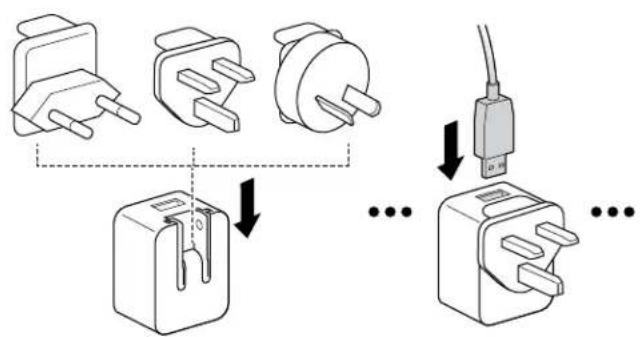
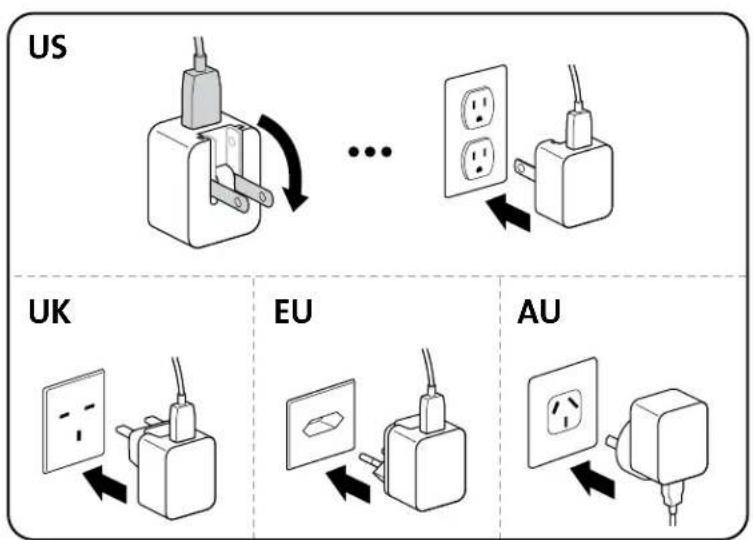

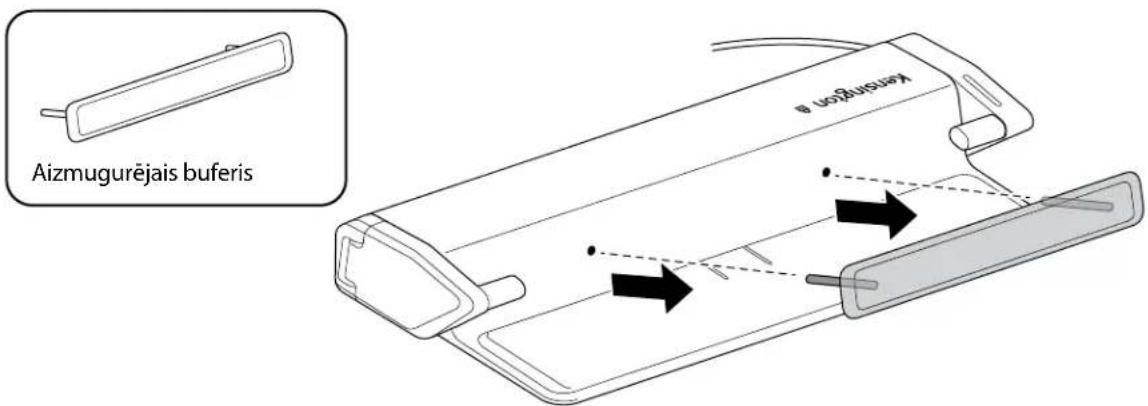
Sakotnejuszstadisanas veiksanai nonemiet noierces aizmugurejo buferi, lai pielagotu klpejdatora iceres platumu. Lai nonemtu aizmugurejo buferi, ar pirkstu galiem satveriet t ana n un pa velciet pret sevi.

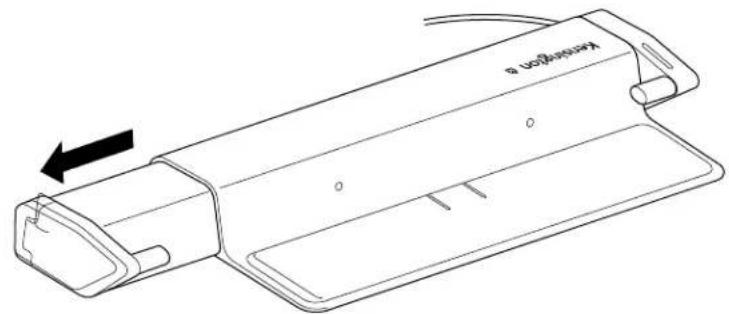
Viegli pilniba izvelciet ara kreiso kaju, lai uzstaditu drosihas kabeli.

levietojiet drošibas kabeli cilpas caurumā, apliekot to ap nekustigu objektu.

levietojiet drośibas kabeli caurumā un viegli iebidiet kreiso kaju lidz sakeres pozicjai.

Pavelciet drošibas kabeli, lai parliecinātos, ka tas uzstadits pareizi.

Viegl maksimali izvelciet aralabo kaju.


Novietojiet klepjdatoru uz produkta. Lenam bidiet ieksa katru kaju virziena uz klepjdatora ekrana malu.

Lai atbloketu ierici, novietojiet atslegas breloku uz Kensington logotipa, kas atrodas uz labas kajas.

Kad klcpjdtators ir nonemts, parliecinieties, vai caurumi atrodas vien aleni, lai atkal uzstaditu azmugurejo buferi.
Neobligats
8/M4
* Navietverts



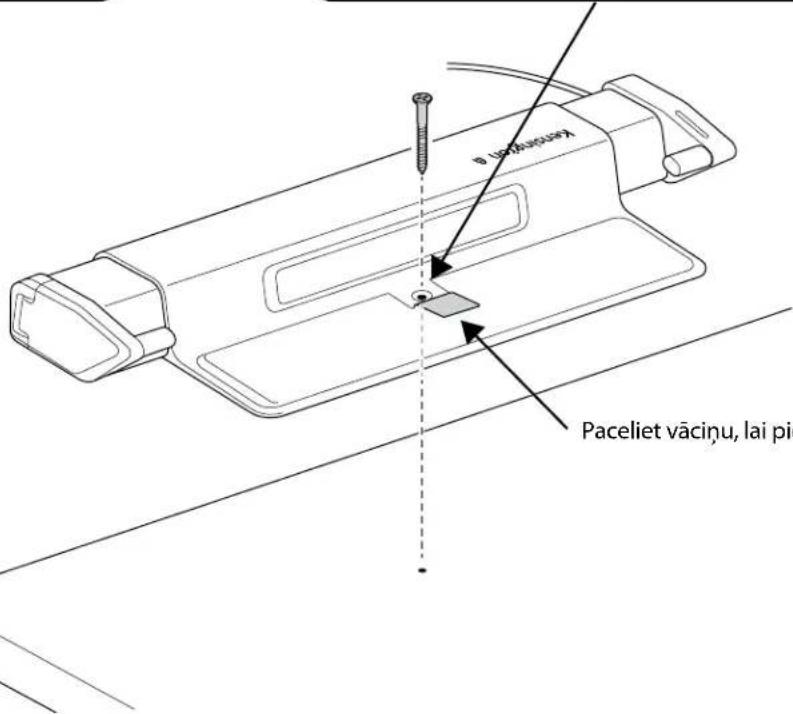
Paceliet vacinu, lai piekjutu montaas atverei.
12
DEKLARACJA ZGODNOSCI WE
11 in - 15.6 in (27.9 cm - 39.6 cm)


Chcete-li provest prvni nestaveni, demontujte z Jednotky zadni naraznik a nestavte sirku notebookku. Chcete-li demontovat zadni naraznik, uchopte okraje konecky prstu a zatahnete smerek k sobe.

11 in - 15.6 in (27.9 cm - 39.6 cm)


11 in - 15.6 in (27.9 cm - 39.6 cm)


Akuo BCTAHOBIOTe Bnepue, 3HIMtB 3aHIO HaKnaIa npncpoU, 06b BipepyIIOBaTN Ioro BiINOBiHO Do HUPHN HOyT6yka. 3O6 3HTN 3aHIO HaKnaIky, BiMItbcra 3a He nlaumn 3 06ox 60kIB i notarHITb Ha ce6e.

MaKcImaJIbHO BnTgHiTb npaBy pyKy Ha3OBHI.


IocTabe HOyT6yK Ha Bnpi6. NobiJbHo pyxaIte pykN i3 cepeDInH IO kpaIO ekpaHa HOyT6yKa.

Ioo6 po36nokybaTn npicrtpi, npKnaidt bKnou-6peoK do IoroTuna KOMnahii Kensington, po3aioBaHoro npabOpuy.

Picra BttarHnHOy6yka nepekoHaItecra, 0o OTbOp npe6ybaOt b Ha OndHompyiHi, 3HOBy BCTaHOBIn 3aHIO HAKnlaIky.
DogaTkoBO
8/M4
*He BxOaNtB y KOMnJIneKT


algaiyaiyaiyaiyaiyaiyaiyaiyaiyaiyaiyaiyaiyaiyaiyaiyaiyaiyaiyaiyaiyaiyaiyaiyaiyaiyaiyaiyaiyaiyaiyaiyaiyaiyaiyaiyaiyaiyaiyaiyaiyaiyaiyaiyaiyaiyaiyaiyaiyaiyai
| x - 2x| = 1| x| · | r1^2 + r2^2 + r3^2| = 12| r1| · | r_2| = 12| r| .
JUaunuJ1g0g2g2g 1 a
juaaui jagg jgal jy alalai aalld slyj
JlauuJIg JauIaI JauIaI JauIaI aIauia 8JauIaI JauIaI JauIaI JauIaI
gagdallylllalil gglgagglg jalalalalalal alal alkng kengton gaiy
心y