Mellow - Docking station Ednet - Free user manual and instructions
Find the device manual for free Mellow Ednet in PDF.


| Brand | Ednet (Assmann Electronic) |
| Model | Mellow |
| Product type | Laptop Docking Station |
| Host connection | USB (USB-A or USB-C depending on version) |
| OS compatibility | Windows 10/11, macOS |
| Plug and Play | Yes (driverless for basic functions) |
Frequently Asked Questions - Mellow Ednet
User questions about Mellow Ednet
0 question about this device. Answer the ones you know or ask your own.
Ask a new question about this device
Download the instructions for your Docking station in PDF format for free! Find your manual Mellow - Ednet and take your electronic device back in hand. On this page are published all the documents necessary for the use of your device. Mellow by Ednet.
USER MANUAL Mellow Ednet
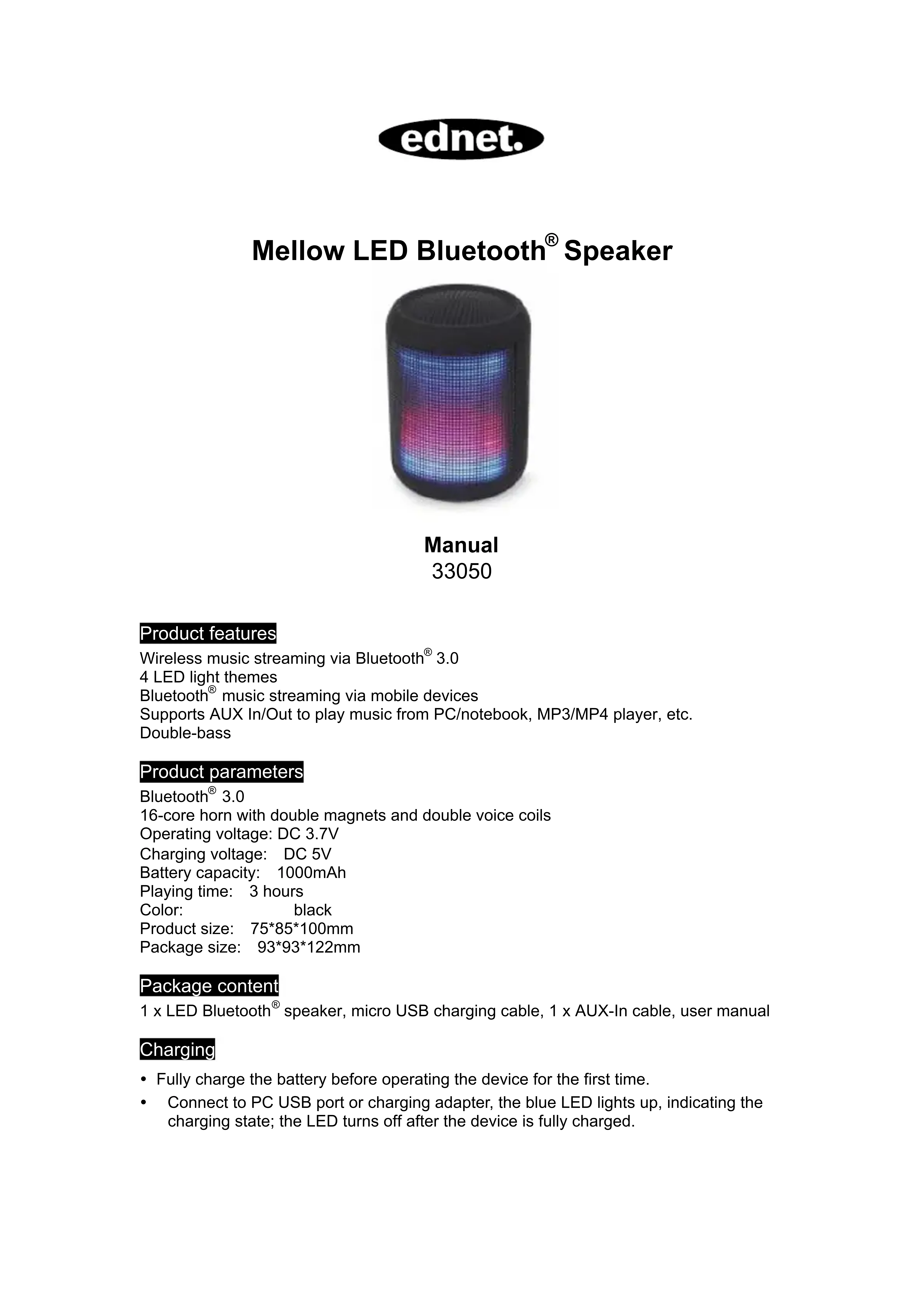
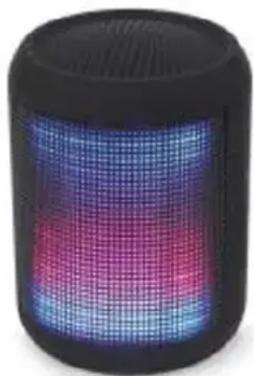
Mellow LED Bluetooth® Speaker
Manual
33050
Product features
Wireless music streaming via Bluetooth® 3.0
4 LED light themes
Bluetooth® music streaming via mobile devices
Supports AUX In/Out to play music from PC/notebook, MP3/MP4 player, etc.
Double-bass
Product parameters
Bluetooth® 3.0
16-core horn with double magnets and double voice coils
Operating voltage: DC 3.7V
Charging voltage: DC 5V
Battery capacity: 1000mAh
Playing time: 3 hours
Color:
black
Product size:
7585100mm
Package size:
9393122mm
Package content
1 x LED Bluetooth® speaker, micro USB charging cable, 1 x AUX-In cable, user manual
Charging
- Fully charge the battery before operating the device for the first time.
- Connect to PC USB port or charging adapter, the blue LED lights up, indicating the charging state; the LED turns off after the device is fully charged.
Caution
The speaker is equipped with a built-in lithium battery. Do not disassemble or replace the battery. Do not leave the speaker in high temperatures or dispose of in fire.
Note
a. This Bluetooth speaker can only connect to one Bluetooth device at a time; if it is to be connected to another device, power off the speaker and repeat the pairing steps below.
b. This Bluetooth speaker can only connect to one Bluetooth device at a time. If you do not know if the speaker is connected to another device, first disconnect and then connect to the desired device. The maximum distance between the 2 Bluetooth devices is 10m .
c. If there is another Bluetooth device in operation nearby, interference may occur. In case of interferences move the Bluetooth device away.
Bluetooth connection
- Power the speaker on, the LED lights up and you hear the voice prompt "Bluetooth® mode".
- Turn on the Bluetooth® function in your mobile device to search the model ednet 33050 in the device list and click to connect the Bluetooth® device with the speaker. When hearing the door gong, pairing is completed.
- Press the button once to play/pause music and press the « button to skip to the next song; press and hold this button to increase the volume. Press the » button to skip to the previous song; press and hold this button to decrease the volume.
Audio connection (AUX in)
- Power the speaker on and connect an Aux-in cable to Audio In of the speaker and Audio Out of your mobile device or PC/notesbook, etc.
- Press the button to mute the sound; press and hold the button to increase the volume and the button to decrease the volume.
FM mode
- Connect the micro USB cable to be used as antenna.
- Power the speaker on and press and hold the M button to switch to FM mode; you hear the voice prompt "FM mode".
- Press the button once to play/pause the radio channel. Press the button to select the next channel; press the button to select the previous channel. Press and hold the button to increase the volume and the button to decrease the volume.
Mode switch
a. Power the Bluetooth® speaker on. Default mode is Bluetooth® connection.
b. Press and hold the M button to cycle through the 3 modes: Bluetooth®/FM radio/AUX-In.
Hereby ASSMANN Electronic GmbH, declares that this device is in compliance with the requirements of Directive 2014/53/EU and the Directive 2011/65/EU for RoHS compliance. The complete declaration of conformity can be requested by post under the below mentioned manufacturer address.
Warning:
This device is a class B product. This equipment may cause some radio interference in living environment. In this case, the user can be requested to undertake appropriate measures to prevent interference.
www.assmann.com
Assmann Electronic GmbH
Auf dem Schuffel 3
58513 Lüdenscheid
Germany
CE