
EJFT820 - Cellphone SAMSUNG - Free user manual and instructions
Find the device manual for free EJFT820 SAMSUNG in PDF.
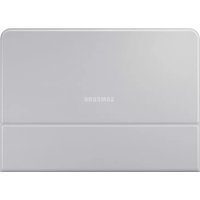



| Product type | Keyboard with tablet case |
| Brand | Samsung |
| Model | EJFT820 |
| Compatibility | Samsung Galaxy Tab S3 |
| Dimensions (approx.) | 250 x 185 x 6 mm |
| Weight (approx.) | 300 g |
| Power supply | Powered by the tablet via connectors |
| Main functions | Text input, tablet stand, S Pen storage |
| Box contents | Keyboard, S Pen holder, quick start guide |
| Material | Plastic |
| Care and cleaning | Wipe with a soft dry cloth. Do not use liquids. |
| Safety | Contains magnets. Keep at least 15 cm away from medical devices. |
| Spare parts and repairability | Not user repairable. No spare parts available. |
| General information | Use only with Samsung approved accessories. Do not expose to extreme temperatures. |
Frequently Asked Questions - EJFT820 SAMSUNG
User questions about EJFT820 SAMSUNG
0 question about this device. Answer the ones you know or ask your own.
Ask a new question about this device
Download the instructions for your Cellphone in PDF format for free! Find your manual EJFT820 - SAMSUNG and take your electronic device back in hand. On this page are published all the documents necessary for the use of your device. EJFT820 by SAMSUNG.
USER MANUAL EJFT820 SAMSUNG
Copyright © 2017 Samsung Electronics
- Please read this guide before using the device to ensure safe and proper use.
- Images may differ in appearance from the actual product. Content is subject to change without prior notice. Visit www.samsung.com to view device information, the latest guide, and more.
- The keyboard is optimised to connect with the SAMSUNG Galaxy Tab S3 and may not be compatible with other devices. Before connecting the keyboard with devices other than the SAMSUNG Galaxy Tab S3, make sure they are compatible with the keyboard.
- Your consumer rights are governed by the law of the country in which you purchased the product. Please contact your service provider for more information.
Package contents
Keyboard, S Pen holder, Quick start guide
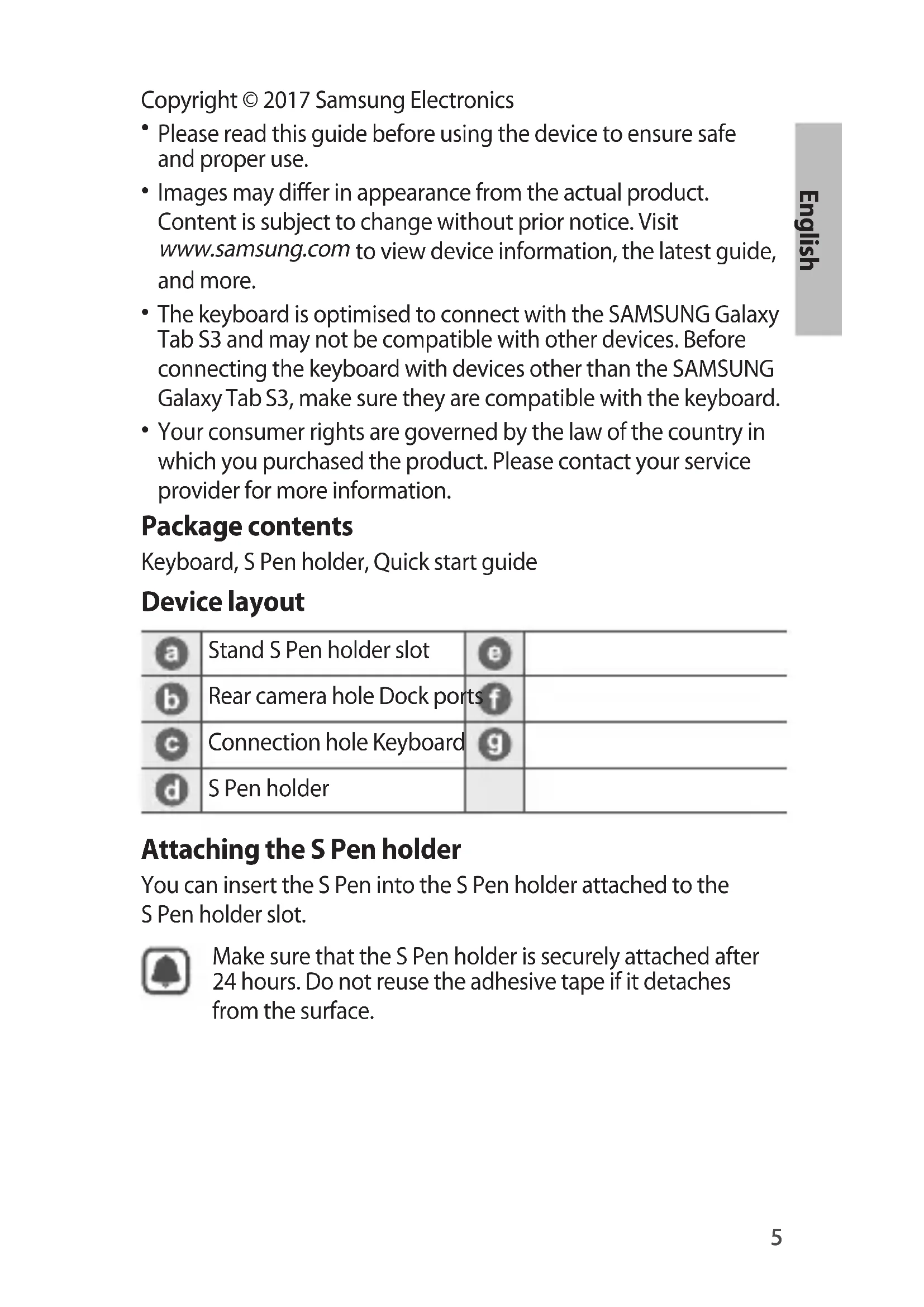
Device layout
| a | Stand S Pen holder slot | e | |
| b | Rear camera hole Dock ports | f | |
| c | Connection hole Keyboard | g | |
| d | S Pen holder |
Attaching the S Pen holder
You can insert the S Pen into the S Pen holder attached to the S Pen holder slot.

Make sure that the S Pen holder is securely attached after 24 hours. Do not reuse the adhesive tape if it detaches from the surface.
Connecting the keyboard
When you connect the keyboard to a tablet, you can enter characters without pressing the tablet's screen. You can also use the keyboard as a cradle for the tablet by using its stand.
- Position the tablet's rear camera to insert it into the rear camera hole and attach the tablet to the stand. (A)
- Insert the tablet into the connection hole to meet the tablet's connectors and the dock ports. (B)

Make sure not to disconnect the tablet and the keyboard accidentally or drop them while moving.
Safety information
Read all safety information before using the device to ensure safe and proper use. To view the full safety information, refer to the Samsung website.
The device contains magnets. The American Heart Association (US) and the Medicines and Healthcare Products Regulatory Agency (UK) both warn that magnets can affect the operation of implanted pacemakers, cardioverters, defibrillators, insulin pumps or other electro medical devices (collectively, "Medical Device") within the range of 15 cm (6 inches). If you are a user of any of these Medical Devices, DO NOT USE THIS DEVICE UNLESS YOU HAVE CONSULTED WITH YOUR PHYSICIAN. Use manufacturer-approved accessories and supplies.
Do not touch the device with wet hands.
Do not drop or cause an impact to the device.
The device can be used in locations with an ambient temperature of 0°C to 35°C. You can store the device at an ambient temperature of -20°C to 50°C. Using or storing the device outside of the recommended temperature ranges may damage the device.
Prevent the dock ports from contact with conductive materials, such as liquids, dust, metal powders, and pencil leads.
Do not allow children or animals to chew or suck the device. Do not disassemble, modify, or repair your device.
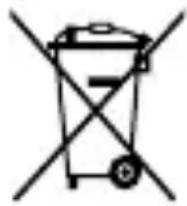
Correct disposal
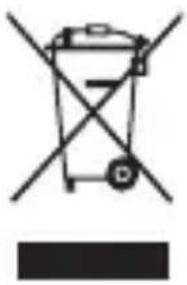
This marking on the product, accessories or literature indicates that the product and its electronic accessories (e.g. charger, headset, USB cable) should not be disposed of with other household waste.
This product is RoHS compliant.
For information on Samsung's environmental commitments and product-specific regulatory obligations, e.g. REACH, WEEE, Batteries, visit samsung.com/uk/aboutsamsung/samsungelectronics/corporatecitizenship/data-corner.html
Samsung Electronics (UK) Ltd, Euro QA Lab. Blackbushe Business Park. Saxony Way, Yateley, Hampshire, GU46 6GG, United Kingdom
CE
Battery and accessories, approved by the manufacturer. Do not expose the device to moisture.
Do not drop or hit the device.
The device can be used in places with ambient temperature between 0°C and 35°C. You can store the device at ambient temperature between -20°C and 50°C. Using or storing the device outside these temperature ranges may damage the device.
Prevent contact of the ports on the docking station with conductive materials such as liquids, dust, metal dust, and graphite. Do not allow pets or liquids to touch or damage the device.
Do not disassemble, modify, or repair the device yourself.
Correct disposal
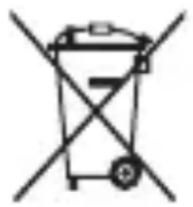
This marking on the product, accessories, or literature indicates that the product and its electronic accessories (for example, charger, headset, USB cable) should not be disposed of with other household waste.
For information on Samsung's environmental commitments and regulatory compliance, such as REACH, WEEE, batteries, visit samsung.com/uk/aboutsamsung/ samsungelectronics/corporatecitizenship/data-corner.html
- Before using the device, carefully read this manual to ensure safe and proper use.
- Images may differ from the actual product. Content is subject to change without prior notice. Visit www.samsung.com for device information, latest instructions, and more.
- The keyboard is optimized for connection with the SAMSUNG Galaxy Tab S3 device and may not be compatible with other devices. Before connecting the keyboard to devices other than the SAMSUNG Galaxy Tab S3, check if they are compatible with the keyboard.
- Your consumer rights are governed by the laws of the country in which you purchased the product. For more information, contact your service provider.
Package contents
Keyboard, holder for S Pen, quick start guide
Device layout
Keyboard, S Pen holder, quick start guide
Device appearance

www.samsung.com 4


Brand : SAMSUNG
Model : EJFT820
Category : Cellphone