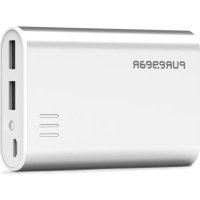
61182PG - Power bank PureGear - Free user manual and instructions
Find the device manual for free 61182PG PureGear in PDF.


| Product type | Portable battery (power bank) |
| Brand | PureGear |
| Model | 61182PG (PureJuice 10K) |
| Battery technology | Lithium-polymer |
| Battery capacity | 10,400 mAh |
| Input voltage | 5 V DC - 1 A |
| Output voltage | 5.1 V DC - 2.1 A (USB 2.0 port) |
| Battery recharge time | Approximately 5.5 hours (with 5V/2A adapter) |
| Estimated number of charges (smartphone) | Up to 3 charges |
| LED indicators | 4 LED indicators for charge level (25%, 50%, 75%, 100%) |
| Charge out of the box | 75% pre-charged |
| Housing material | Durable plastic |
| Safety specifications | Short-circuit protection; do not disassemble; avoid exposure to heat and moisture |
| Warranty | 1-year limited (manufacturing defects and materials) |
| Compliance | FCC Class B |
| Included accessories | USB 2.0 to micro USB cable |
Frequently Asked Questions - 61182PG PureGear
User questions about 61182PG PureGear
0 question about this device. Answer the ones you know or ask your own.
Ask a new question about this device
Download the instructions for your Power bank in PDF format for free! Find your manual 61182PG - PureGear and take your electronic device back in hand. On this page are published all the documents necessary for the use of your device. 61182PG by PureGear.
USER MANUAL 61182PG PureGear
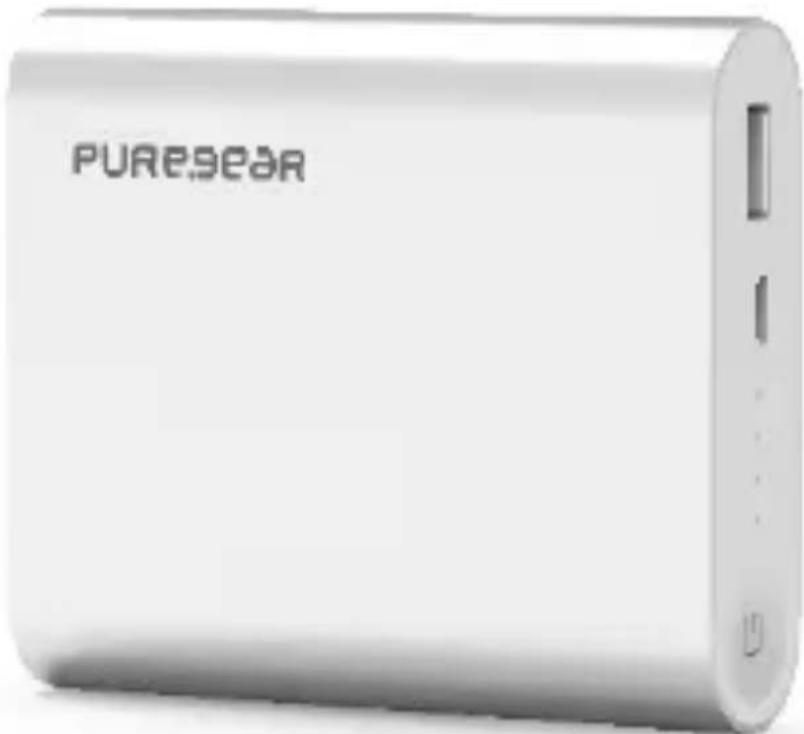
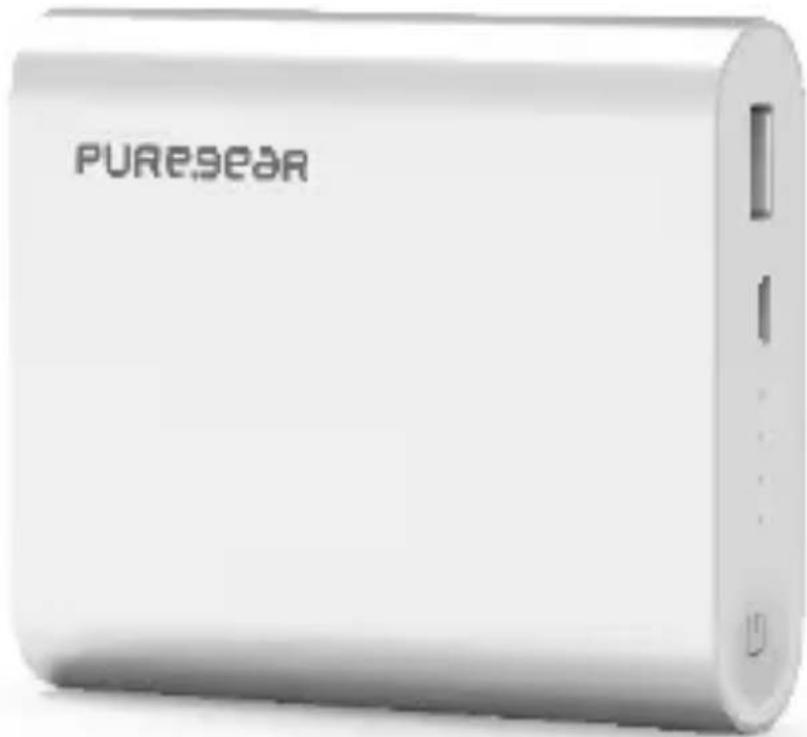
Portable Charger 10,400 mAh
Specifications:
Input: DC 5V - 2A | Output: DC 5.1V - 2.1A
Lithium-ion polymer battery - 10,400 mAh
Charge time approximately 5.5 hours using a 5V/2A adapter
CAUTION:
Do not attempt to disassemble the portable battery charger. Keep this product in a dry and ventilated space. Do not place in direct heat or use in high humidity environments. To protect the battery from short circuits, do not place inside a drawer or enclosed space. If unused for a long period of time, the battery may require a few full charging cycles to work at maximum efficiency. This battery can only be charged using the provided cable.

Instructions:
The PureJuice 10K portable battery is currently 75% charged. Prior to use, please fully charge the battery by following the steps below.
To charge the PureJuice 10K using a WALL CHARGER, CAR CHARGER or COMPUTER:
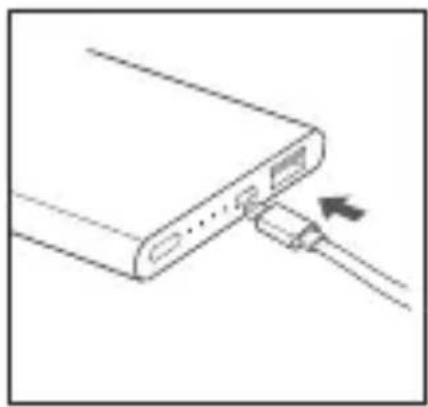
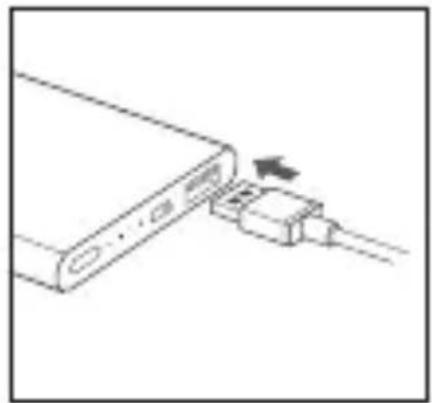
- Use the provided USB 2.0 to Micro USB cable and insert the Micro plug into the port on the battery as shown.
- Plug the USB 2.0 into your existing wall charger, car charger or computer. The status indicator lights will flash to show charging has begun. When battery is fully charged, the lights will stop flashing.
Note: Charging times vary based on the charger method and output amperage.
To charge your device:
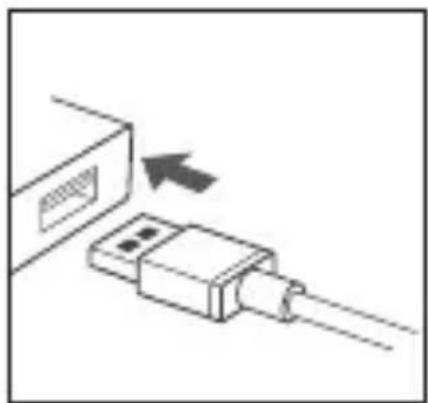
- Using your own USB charging cable, insert the USB 2.0 plug into the USB 2.0 port on the battery. Charging will automatically begin and the status lights will flash. If the lights do not flash, press the power button.
Provides up to 3 charges.
Charging Indicator Light Status:
4 lights - Full battery
3 lights – 75% battery remaining
2 lights - 50% battery remaining
1 light - 25% battery remaining
One Year Limited Warranty
This wireless product is covered by a limited warranty to the original purchaser only in that this product is free from defects in workmanship and materials for ONE YEAR from the date of purchase (damages through normal wear and tear, alteration, misuse, neglect, accident, service by anyone other than the authorized service center, or act of God not included). During the warranty period and upon verification of defects, this wireless product will be replaced when returned with proper proof of purchase. This limited warranty is in lieu of all other warranties, express or implied, including, but not limited to, implied warranty of merchantability or fitness for a particular use. For all warranty claims, the product must be returned with the proof of purchase to the retail store from which it was purchased.
FCC Interference Statement
This equipment has been tested and found to comply with the limits for a Class B digital device, pursuant to Part 15 of the FCC Rules. These limits are designed to provide reasonable protection against harmful interference in a residential installation. This equipment generates, uses and can radiate radio frequency energy and, if not installed and used in accordance with the instructions, may cause harmful interference to radio communications. However, there is no guarantee that interference will not occur in a particular installation. If this equipment does cause harmful interference to radio or television reception which can be determined by turning the equipment off and on, the user is encouraged to try to correct the interference by one or more of the following measures:
- Reorient or relocate the receiving antenna.
- Increase the separation between the equipment and receiver.
- Connect the equipment into an outlet on a circuit different from that to which the receiver is connected.
- Consult the dealer or an experienced radio/TV technician for help.
PURE.9ear
PUREJUICE 10K
Chargeur portatif
10 400 mAh
Specifications :
Entree:c.c.5V-2A Sortie:c.c.5,1V-2,1A