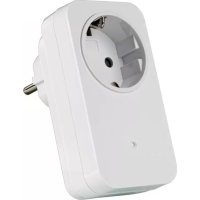
AC1000 - Smart Home TRUST - Free user manual and instructions
Find the device manual for free AC1000 TRUST in PDF.


| Product type | Remote controlled socket |
| Brand | Trust |
| Model | AC1000 |
| Dimensions (approx.) | 6 x 6 x 6 cm |
| Weight (approx.) | 100 g |
| Power supply | 230 V AC, 50 Hz |
| Maximum load | 1000 W |
| Operating frequency | 433 MHz |
| Number of sockets | 1 |
| Range (approx.) | 30 meters indoors |
| Housing material | ABS plastic |
| Color | White |
| Compatible system | Trust SmartHome |
| Code memory | Up to 6 transmitters |
| Functions | Remote on/off, pairing, code deletion |
| Indicator light | Status LED (searching, confirming) |
| Care and cleaning | Disconnect before cleaning. Use a dry cloth. |
| Safety | Do not exceed 1000 W. Indoor use only. |
| Spare parts | Not available separately. Contact customer service. |
| General information | Instructions in French available. 2-year warranty. |
Frequently Asked Questions - AC1000 TRUST
User questions about AC1000 TRUST
0 question about this device. Answer the ones you know or ask your own.
Ask a new question about this device
Download the instructions for your Smart Home in PDF format for free! Find your manual AC1000 - TRUST and take your electronic device back in hand. On this page are published all the documents necessary for the use of your device. AC1000 by TRUST.
USER MANUAL AC1000 TRUST
www.trustsmarthome.com
Trust
SMART Home
START-LINE
RECEIVER AC-1000
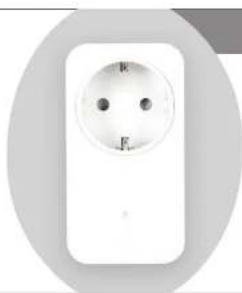
natural_image
White electrical socket with two black dots, no visible text or symbolsUSER MANUAL MULTI LANGUAGE
Item 71002 Version 1.0 Visit www.busena/buho.com for the latest instructions
MAINS SOCKET SWITCH
1
2
3
4
5
natural_image
Illustration of a lamp connected to a wall-mounted device with a hand holding a remote control (no text or symbols)7
6
flowchart
graph LR
    A["1 sec"] --> B["Time measurement"]
    B --> C["200s"]
    C --> D["Display"]
EN
AC-1000 MAINS SOCKET SWITCH AC-1000 MAINS SOCKET SWITCH
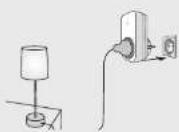
1. Connect lamp/device and place receiver
First check if the lamp or device is turned on. Then plug the lamp or device into the receiver and plug the receiver into a socket. Do not exceed the maximum load: 1000 W.
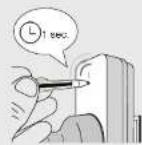
2. Activate learn-mode
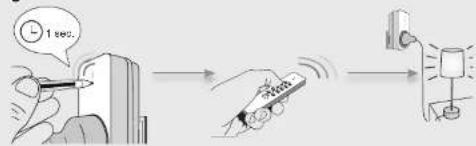
Press the learn-button on the receiver for 1 second. The learn-mode will be active for 15 seconds, during which the LED-indicator will blink slowly.
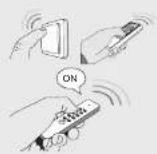
3. Assign transmitter code
Send an ON-signal with any Trust SmartHome transmitter while the learn-mode is active, to assign the code to the receiver's memory.
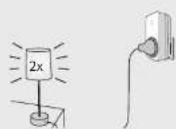
4. Code confirmation
The receiver will switch on/off 2 times to confirm the code has been received. The receiver can store up to 6 different transmitter codes in its memory. The memory will be preserved when the receiver is moved to another socket or in case of power failure.
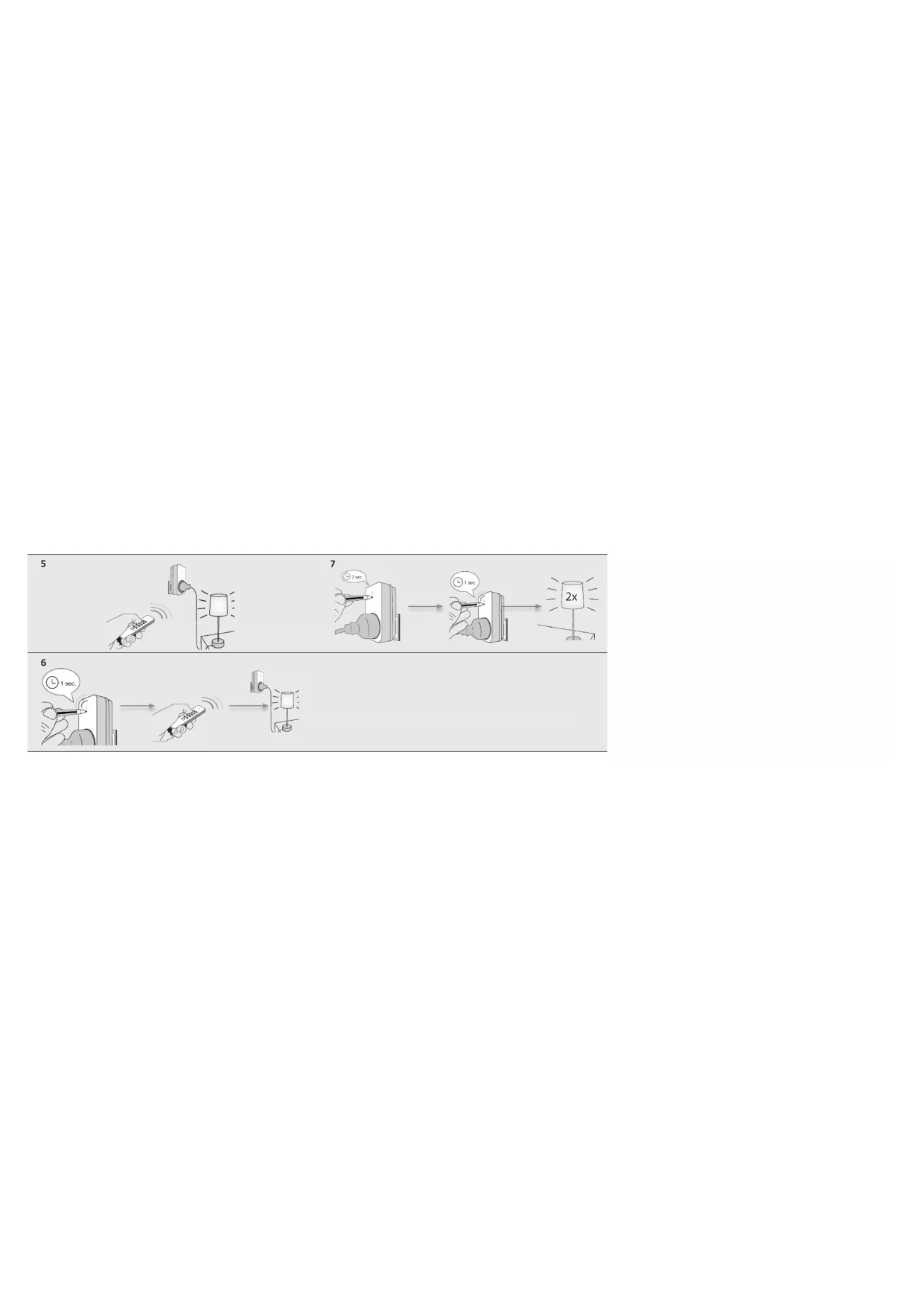
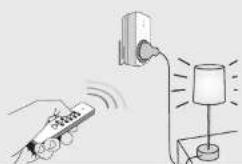
5. Manual operation with a Trust SmartHome transmitter
-
Press ON to switch the receiver on.
-
Press OFF to switch the receiver off.
6. Single code delete
-
Press the learn-button for 1 second. The learn-mode will be active for 15 seconds, during which the LED-indicator will blink slowly.
-
While the learn-mode is active, send an OFF-signal of a specific TRUST SMART Home transmitter to delete that code.
-
The receiver will switch on/off 2 times to confirm code deletion.
7. Full memory delete
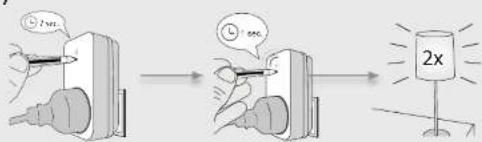
- Press and hold the learn-button of the receiver (approx. 7 sec.) until the LED-indicator starts blinking fast. The delete mode will be active for 15 seconds.
- Press the learn-button again for 1 second while the delete mode is active.
- The receiver will switch on/off 2 times to confirm memory deletion

DE
AC-1000 MAINS SOCKET SWITCH AC-1000 MAINS SOCKET SWITCH