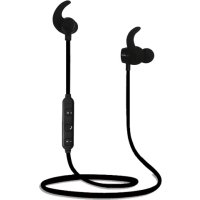
Active BT1 - Headphones 2GO - Free user manual and instructions
Find the device manual for free Active BT1 2GO in PDF.



| Product Type | Bluetooth Headset |
| Brand | 2GO |
| Model | Active BT1 |
| Wireless Technology | Bluetooth |
| Bluetooth Version | 4.0 |
| Bluetooth Range | Up to 10 meters |
| Pairing Code | 0000 |
| Charging Time | Approximately 2 hours |
| Talk Time | Approximately 6 hours |
| Standby Time | Approximately 100 hours |
| Battery Type | Built-in rechargeable lithium-ion |
| Battery Cut-off Voltage | 3.0 V (automatic shutdown) |
| Indicator Lights | Red (charging), blue (connected/call) |
| Main Functions | Hands-free calls, music streaming, volume control, forward/back, call reject, redial |
| Operating Temperature | -20°C to 60°C |
| Care | Clean with a soft, dry cloth. Do not use abrasive solvents. |
| Safety | Keep out of reach of children. Do not expose to excessive heat, water, or flames. |
| Certification | CE (Directive 2014/53/EU) |
| Weight | Approximately 10 g |
| Dimensions (L x W x H) | 5.0 x 1.5 x 1.0 cm |
Frequently Asked Questions - Active BT1 2GO
User questions about Active BT1 2GO
0 question about this device. Answer the ones you know or ask your own.
Ask a new question about this device
Download the instructions for your Headphones in PDF format for free! Find your manual Active BT1 - 2GO and take your electronic device back in hand. On this page are published all the documents necessary for the use of your device. Active BT1 by 2GO.
USER MANUAL Active BT1 2GO
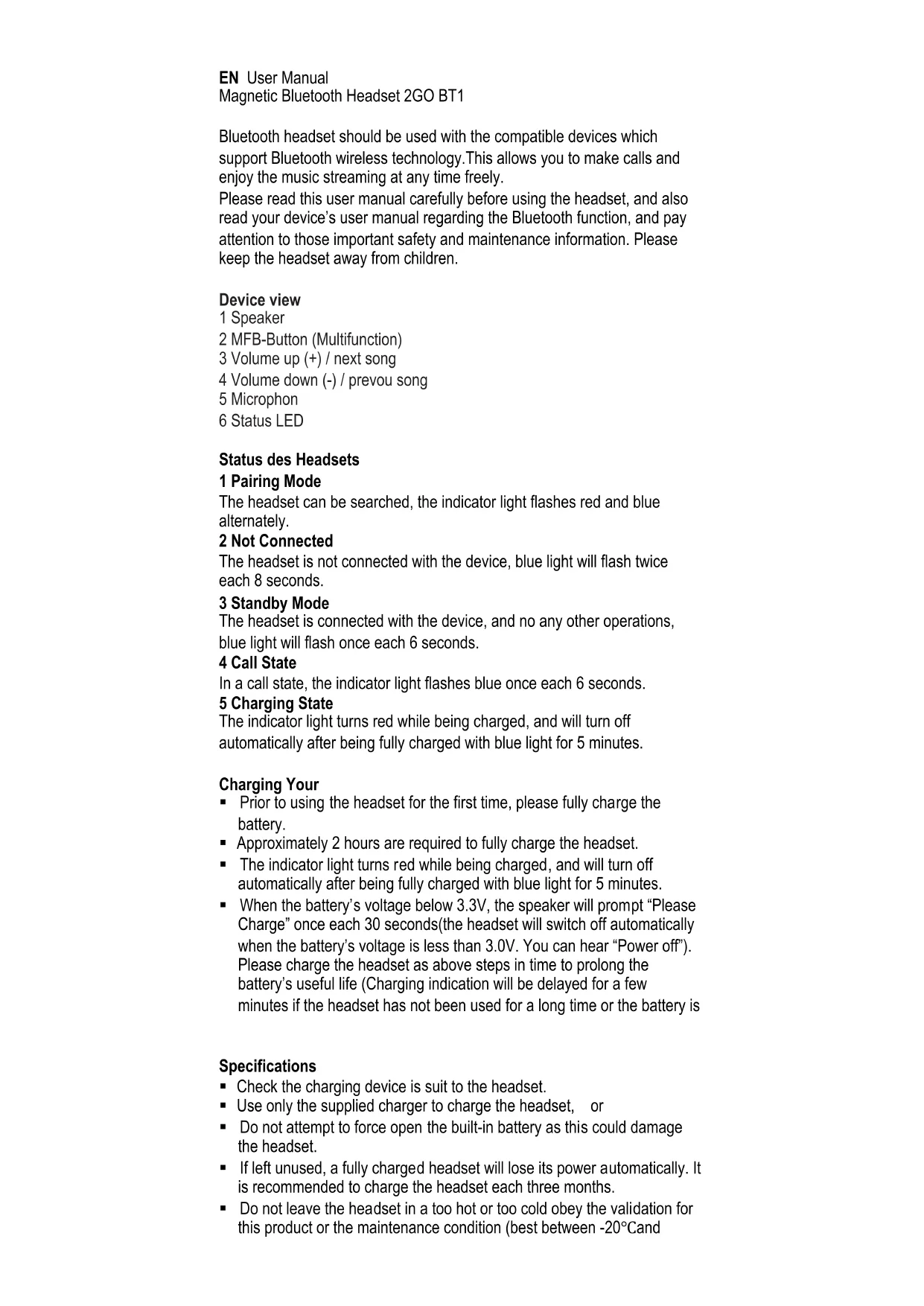
Bluetooth headset should be used with the compatible devices which support Bluetooth wireless technology. This allows you to make calls and enjoy the music streaming at any time freely.
Please read this user manual carefully before using the headset, and also read your device's user manual regarding the Bluetooth function, and pay attention to those important safety and maintenance information. Please keep the headset away from children.
Device view
1 Speaker
2 MFB-Button (Multifunction)
3 Volume up (+) / next song
4 Volume down (-) / prevou song
5 Microphon
6 Status LED
Status des Headsets
1 Pairing Mode
The headset can be searched, the indicator light flashes red and blue alternately.
2 Not Connected
The headset is not connected with the device, blue light will flash twice each 8 seconds.
3 Standby Mode
The headset is connected with the device, and no any other operations, blue light will flash once each 6 seconds.
4 Call State
In a call state, the indicator light flashes blue once each 6 seconds.
5 Charging State
The indicator light turns red while being charged, and will turn off automatically after being fully charged with blue light for 5 minutes.
Charging Your
- Prior to using the headset for the first time, please fully charge the battery.
Approximately 2 hours are required to fully charge the headset. - The indicator light turns red while being charged, and will turn off automatically after being fully charged with blue light for 5 minutes.
- When the battery's voltage below 3.3V , the speaker will prompt "Please Charge" once each 30 seconds (the headset will switch off automatically when the battery's voltage is less than 3.0V . You can hear "Power off"). Please charge the headset as above steps in time to prolong the battery's useful life (Charging indication will be delayed for a few minutes if the headset has not been used for a long time or the battery is
Specifications
- Check the charging device is suit to the headset.
- Use only the supplied charger to charge the headset, or
- Do not attempt to force open the built-in battery as this could damage the headset.
- If left unused, a fully charged headset will lose its power automatically. It is recommended to charge the headset each three months.
- Do not leave the headset in a too hot or too cold obey the validation for this product or the maintenance condition (best between -20°C and
60^) which may affect the headset's operations although it is fully charged.
- Do not dispose of the headset into a fire or water article and could be dangerous.
Turning On The Headset
In OFF MODE, press and hold MFB for 1 second, until you hear "Power on", the indicator light turns blue for 6 seconds, then the headset will enter into ON MODE.
Turning Off The Headset
In ON MODE (except call state), press and hold MFB for 3 seconds, until you hear "Power off", the indicator light turn red for 1 second, then the headset will enter into OFF MODE.
Note: Headset isn't connected with any devices within 7 minutes (including 1 minute searching time), it will automatically turn off.
Pairing Your Headset With A Bluetooth Phone
-
Ensure the headset is off, and the distance between your headset and phone is within 1 meter to activate the Bluetooth function on the phone.
-
Press and hold MFB until the indicator light flashes blue and red alternately and could hear "Bluetooth Mode" as PAIRING MODE.
-
Search Bluetooth devices (see the user guide of your phone for instructions).
-
Select headset "2GO BT2" from the found devices list of the phone.
-
After waiting for a few seconds, enter into pairing code "0000", you could hear "connected". It is connected successfully. (If the pairing cannot be completed within 1 minute, the headset will enter into disconnected standby mode, press MFB will enter into Pairing Mode again).
-
Ensure the distance between your headset and phone is within effective distance and there is no obstacle, you can use the headset to answer calls and do other operations.
-
When the headset is off, it will connect the paired phone automatically if you turn on the headset again within operation range.
Answering A Call
When a call is coming, you could hear the ring tone and incoming call numbers voice prompt, you can answer it with the ways as follows:
Method 1: Press MFB once.
Method 2: Answer the call with your phone.
Ending A Call
You can end the call you are answering with the ways as follows:
Method 1: Press MFB once, you will hear "Hang up".
Method 2: End the call with your phone.
Rejecting a Call
Press and hold MFB for 2 seconds to reject the call, you will hear "Call Rejected".
Adjusting The Volume
In call or playing music state, long press V+ or V- to adjust the volume. When the volume up to maximum, you could hear "Volume Maximum". When the volume down to minimum, you could hear "Di,Di". (There is no any voice prompt when you adjust the volume in the call.)
Last Number Redialing
In STANDBY MODE, press MFB twice, the headset will automatically redial phone last dial out the number. You will hear "Call back".
Forward/Backward
Shortly press "V+ or "V-" under music mode to forward the next song or to backward the last song.
Music Playing/Pause
In playing music state, shortly press MFB once, the indicator light flashes blue once each 6 seconds, it could remote playing and pause.
Forced to Disconnect Bluetooth
Connected with Bluetooth and pause the music, press "V+twice will forcibly disconnect, and you will hear "disconnected". When you press MFB again, it will connect the last connected device, and you will hear "connected".
Headset Resetting
In any state, as long as the headset is charging, it will be reset.
Disconnecting
To disconnect the paired headset from your phone, please turn off the headset or disconnect the headset from the Bluetooth menu of your phone. When disconnecting, could hear "Disconnected".
Maintenance
- Do not use abrasive cleaning solvents to clean the headset.
- Do not allow the headset to touch with any sharp objects as this will cause scratching and damage.
- Please keep headset away from high-temperature, humidity and dust.
CE certification and safety approval
We hereby declare that the device complies with the fundamental requirements set out in the European Directive 2014/53/EU. The full EU declaration of conformity can be obtained from the address given on the title.