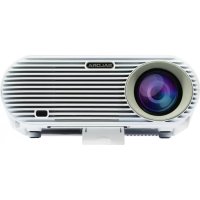
60BHD3500 - Projector SALORA - Free user manual and instructions
Find the device manual for free 60BHD3500 SALORA in PDF.


Pick your language and provide your email: we'll send you a specifically translated version.
| Product type | DLP Projector |
| Brand | Salora |
| Model | 60BHD3500 |
| Native resolution | 1920 x 1080 pixels (Full HD) |
| Brightness | 3,000 lumens |
| Lamp life | Up to 20,000 hours (Eco mode) |
| Dimensions (W x D x H) | 315 x 245 x 110 mm |
| Weight | 2.8 kg |
| Power supply | 100-240 V AC, 50/60 Hz |
| Power consumption | 250 W (max), < 0.5 W standby |
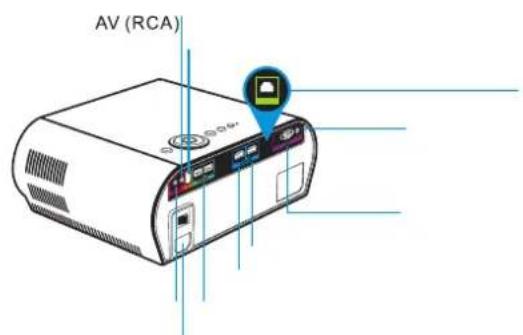
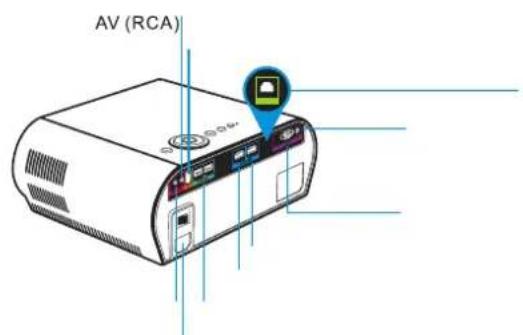
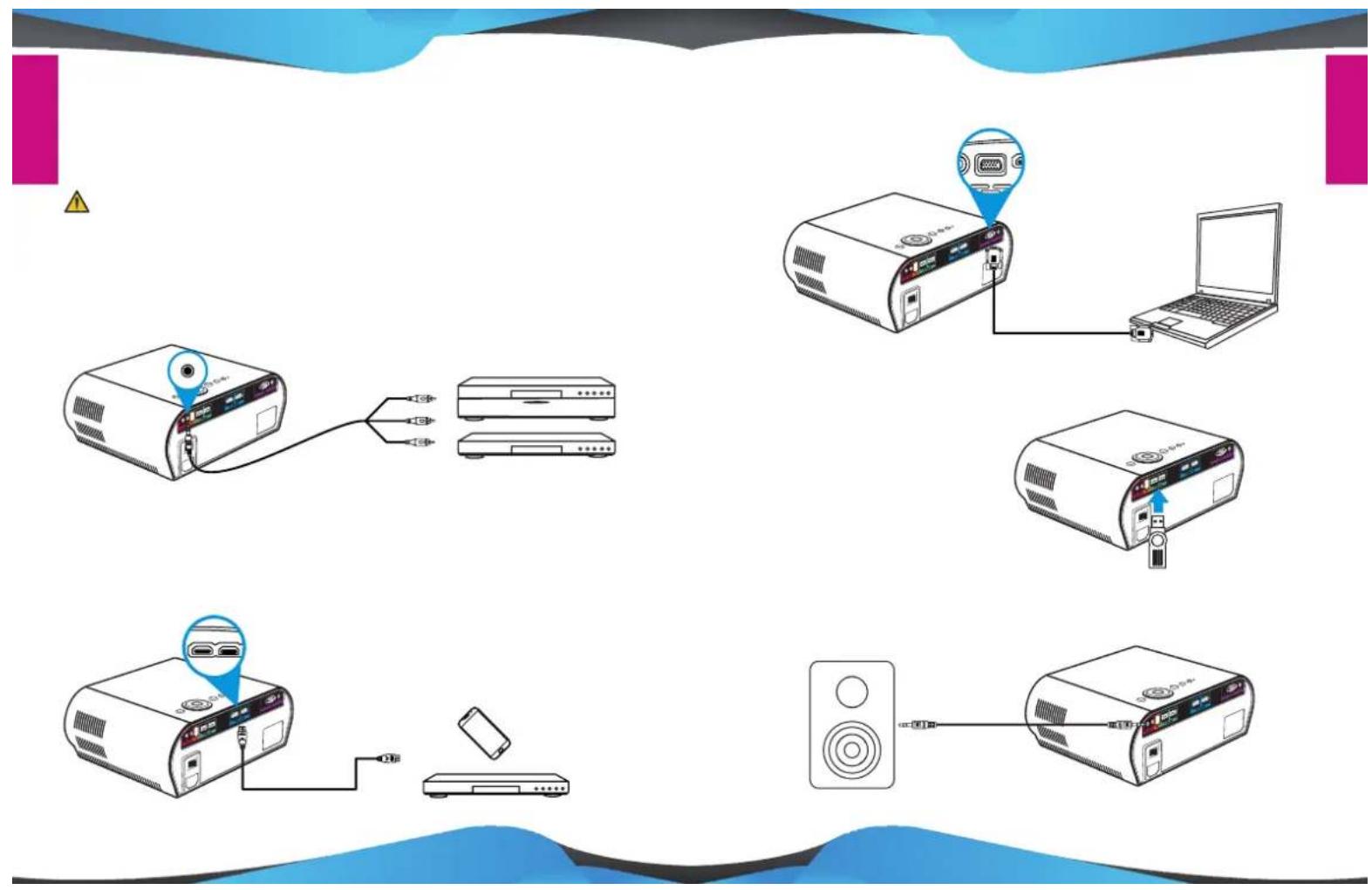
| Video inputs | HDMI, VGA, AV (RCA), USB |
| Audio output | 3.5 mm headphone jack, built-in speaker (2 x 5 W) |
| Main features | Keystone correction, digital zoom, Eco mode, Smart Engine, Office Viewer |
| Maintenance and cleaning | Clean air filter every 500 hours, dust the lens with a soft cloth |
| Safety | Do not look directly at the light beam, turn off before cleaning, use a grounded outlet |
| Spare parts and repairability | Replaceable lamp, accessible air filter; contact after-sales service for repairs |
| Operating temperature | 0°C to 40°C |
| Built-in speaker | Yes, 2 x 5 W stereo |
| Wireless connectivity | No (use with cable) |
| Wall mount support | Compatible with standard mount (not included) |
| Included accessories | Remote control, power cable, VGA cable, user manual |
Frequently Asked Questions - 60BHD3500 SALORA
How to turn the projector on and off?
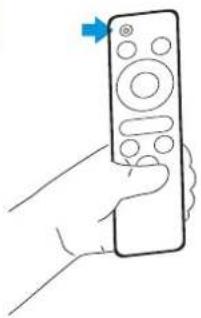
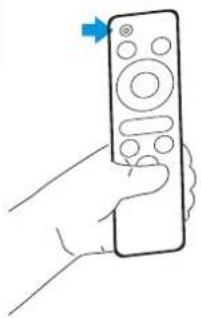
Press the Power button on top of the projector or on the remote control. To turn off, press twice quickly or hold until shutdown.
How to connect a laptop to the projector?
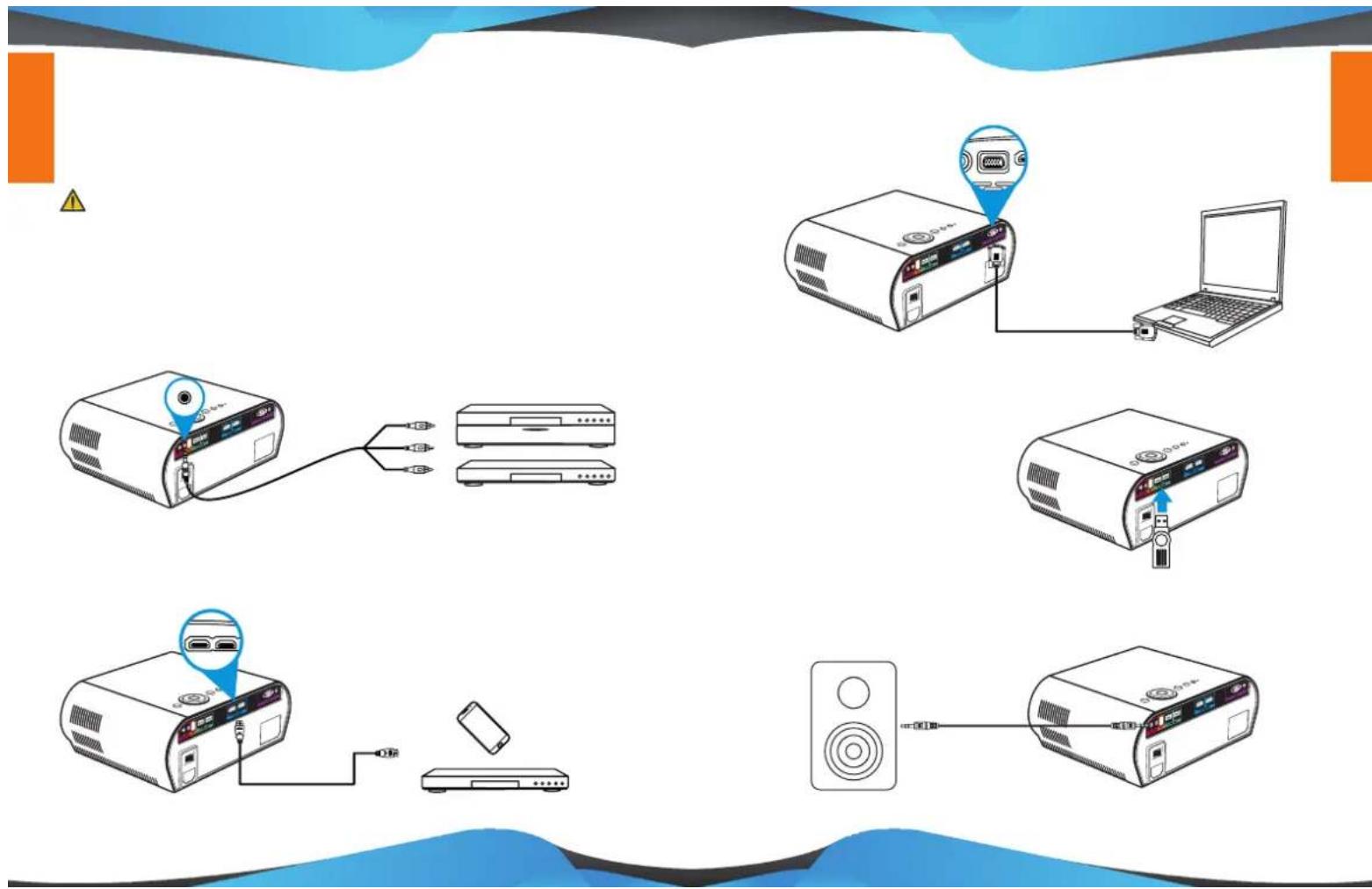
Use an HDMI or VGA cable (provided). Plug one end into the projector and the other into the laptop. Select the corresponding source with the Source button.
What to do if the image is blurry?
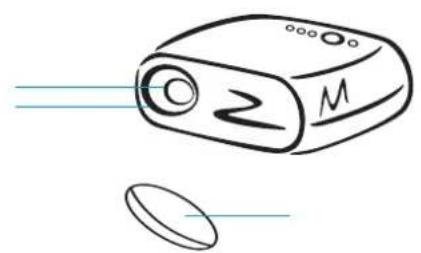
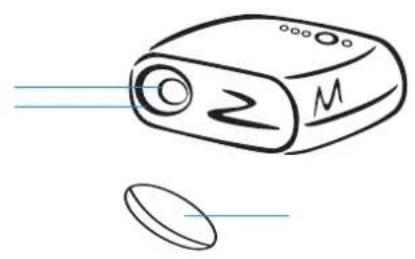
Turn the focus ring on the lens. Make sure the projection distance is adequate (see the table in the manual).
How to clean the air filter?
Turn off the projector and unplug it. Open the filter cover, remove the filter, and dust it with a vacuum cleaner or soft brush. Replace it after drying.
Why is the image upside down?
Go to Settings > Projection and select the correct orientation: front, rear, ceiling front, or ceiling rear depending on installation.
Can I use the projector without the remote control?
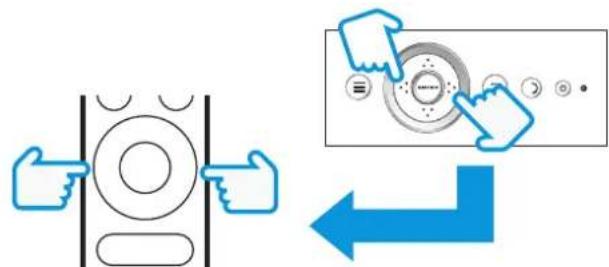
Yes, control buttons are located on top of the projector: Power, Menu, Source, navigation, and OK.
How to adjust brightness?
Press Menu, go to Image > Brightness, then adjust with + or - keys. You can also activate Eco mode to reduce brightness and extend lamp life.
The projector heats up, is that normal?
Yes, it produces heat. Ensure the ventilation openings are not blocked and the air filter is clean. Overheating may trigger automatic protection.
How to connect an external audio device?
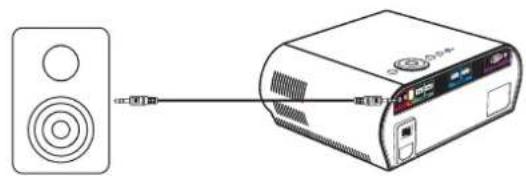
Plug an audio cable from the projector's Audio Out (headphone jack) to your audio system's input. You can also use the built-in speaker.
Where to find the replacement lamp?
Contact Salora after-sales service or an authorized dealer. Refer to model 60BHD3500 to order a compatible lamp.
User questions about 60BHD3500 SALORA
0 question about this device. Answer the ones you know or ask your own.
Ask a new question about this device
No questions yet. Be the first to ask one.
Download the instructions for your Projector in PDF format for free! Find your manual 60BHD3500 - SALORA and take your electronic device back in hand. On this page are published all the documents necessary for the use of your device. 60BHD3500 by SALORA.
USER MANUAL 60BHD3500 SALORA
natural_image
Red circular icon with a white stylized device resembling a camera or projector, no text or symbols present.
natural_image
Abstract geometric design with blue and gray triangular shapes on white background (no text or symbols)
natural_image
Illustration of a laptop with a red checkmark on the screen (no text or symbols)I






natural_image
Illustration of four electronic devices: a remote control unit, a closed folder, a remote control unit, and a connected cable (no text or symbols present)
natural_image
Simple line drawing of a device with lens and screen, no text or symbols present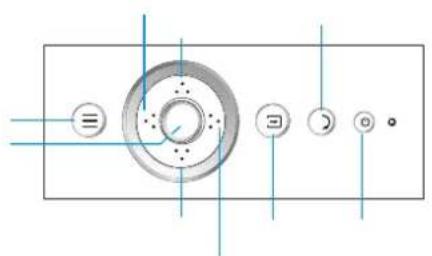
!
natural_image
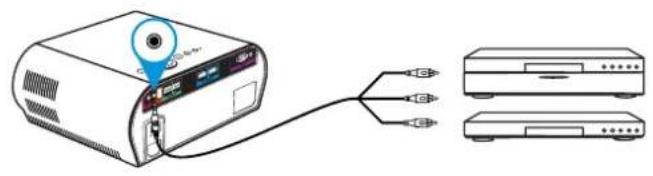
Diagram of a projector connected to two separate devices (no text or symbols present)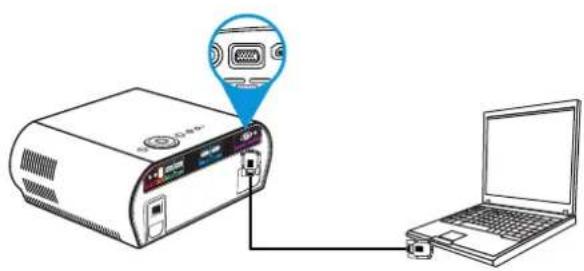
natural_image
Diagram showing a projector connected to a laptop via cable, with an icon highlighting the port (no text or symbols present)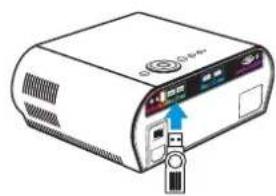
natural_image
Illustration of a computer monitor with an attached USB port and indicator lights (no text or symbols visible)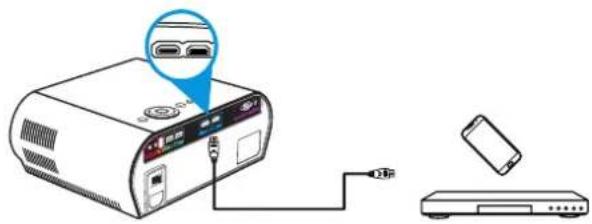
natural_image
Diagram showing a speaker connected to an electronic device (no text or symbols present)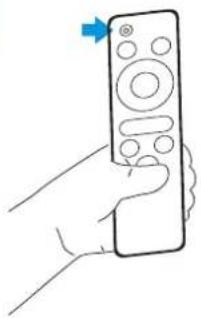
natural_image
Line drawing of a hand holding a remote control with a blue arrow pointing to the right (no text or symbols)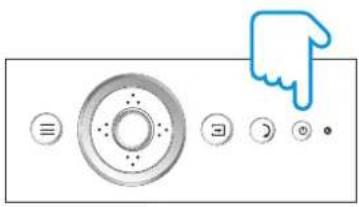
natural_image
Pure graphical icons of a control panel with circular buttons and a hand cursor, no text or symbols present.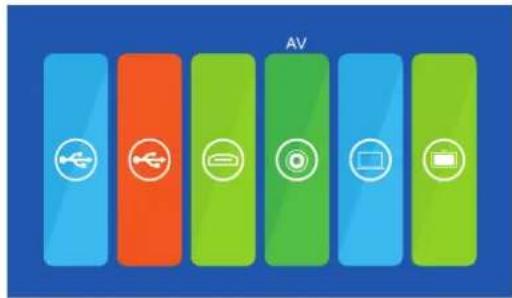
natural_image
Abstract graphic with four colored blocks (orange, blue, green, light green) and a small icon on the left, set against a blue background (no text or symbols)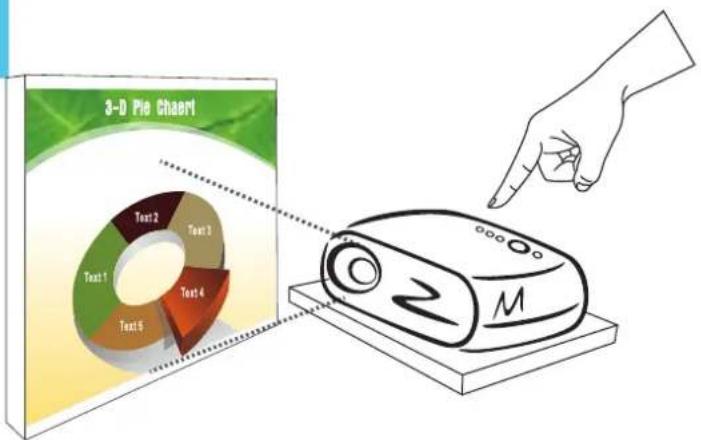





natural_image
Abstract geometric design with blue and orange shapes on white background (no text or symbols)
natural_image
Illustration of a laptop with a red checkmark on the screen (no text or symbols)
natural_image
Abstract blue wave-like shape with black outline and horizontal lines, no text or symbols present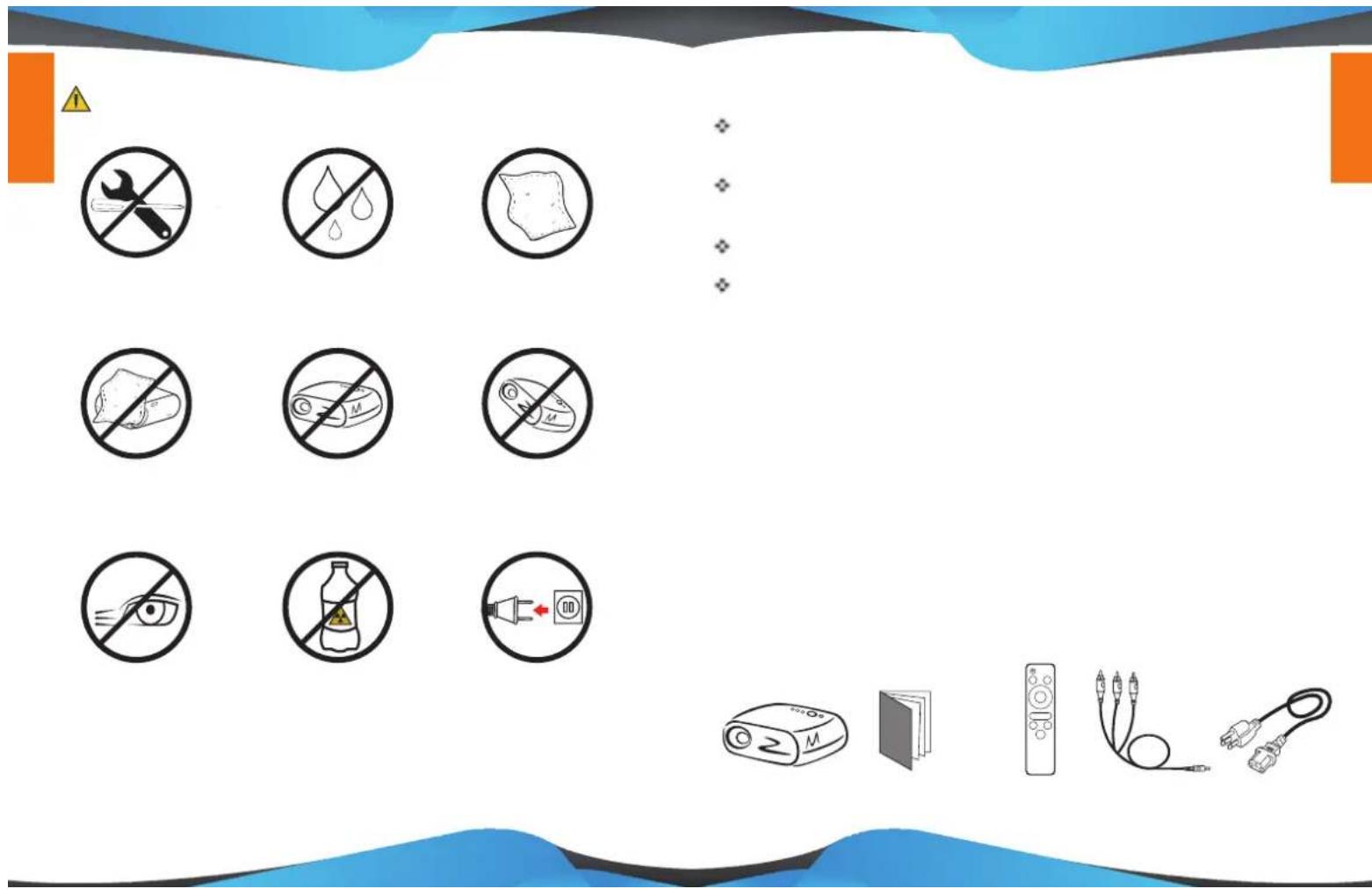
natural_image
Simple line drawing of a device with lens and screen, no text or symbols present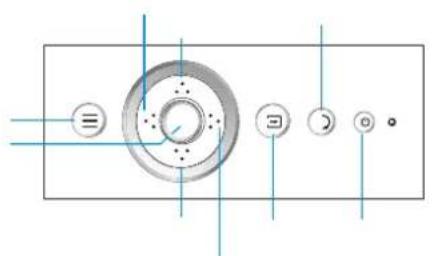
natural_image
Line drawing of a hand holding a remote control with a blue arrow pointing to the right (no text or symbols)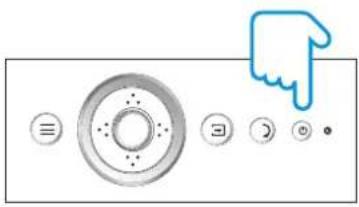
natural_image
Pure graphical icons of a computer control panel with no text or symbols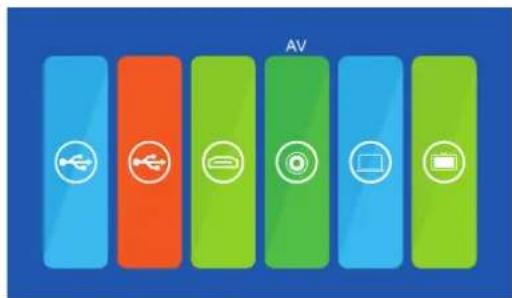
natural_image
Abstract graphic with four colored blocks (orange, blue, green, light blue) and a small icon on the top-left corner, set against a solid blue background (no text or symbols)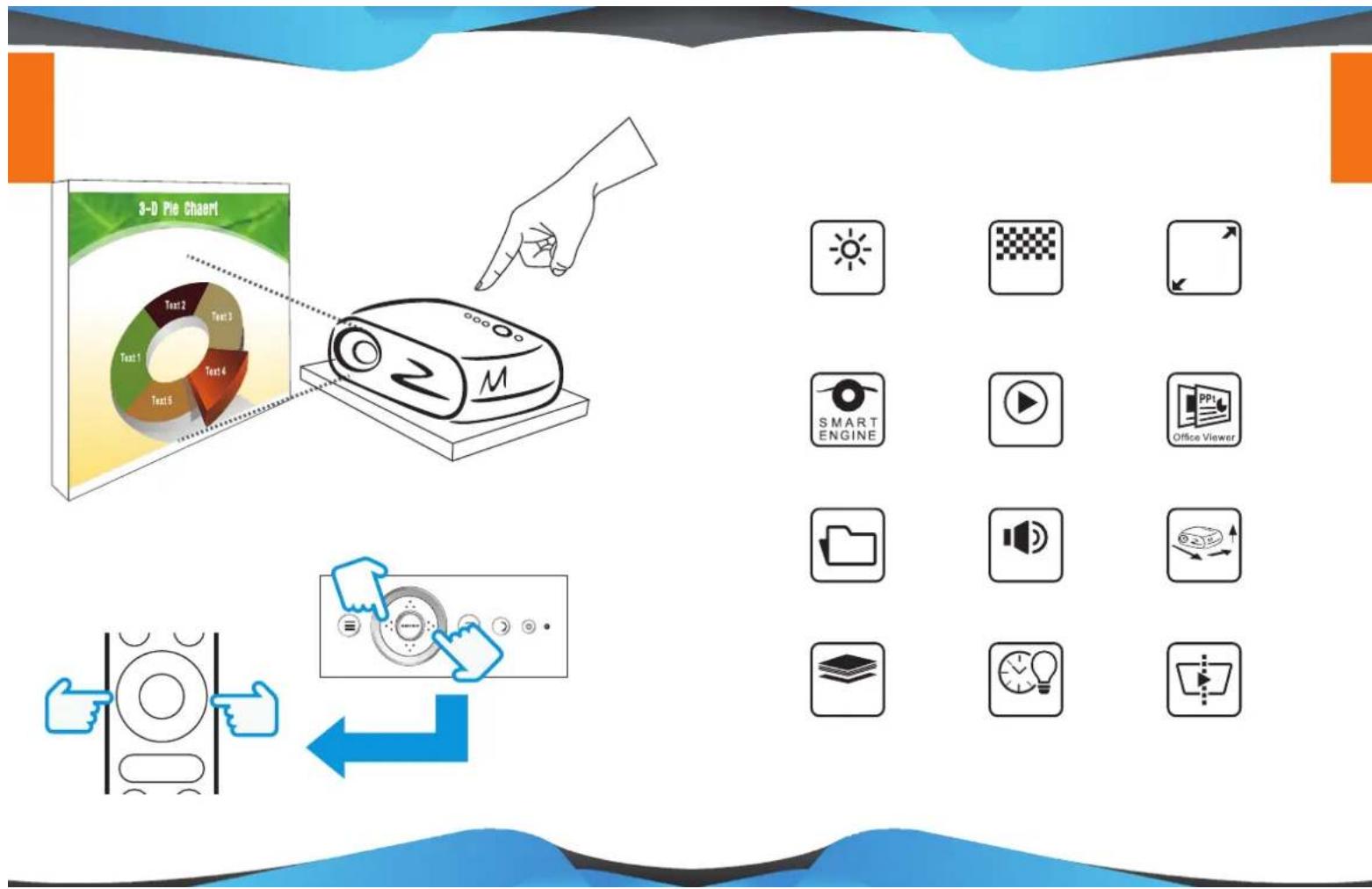

natural_image
Abstract geometric design with blue, gray, orange, and magenta blocks on white background (no text or symbols)
natural_image
Illustration of a laptop with a red checkmark on the screen (no text or symbols)
natural_image
Abstract blue wave-like shape with black edges and horizontal lines, no text or symbols present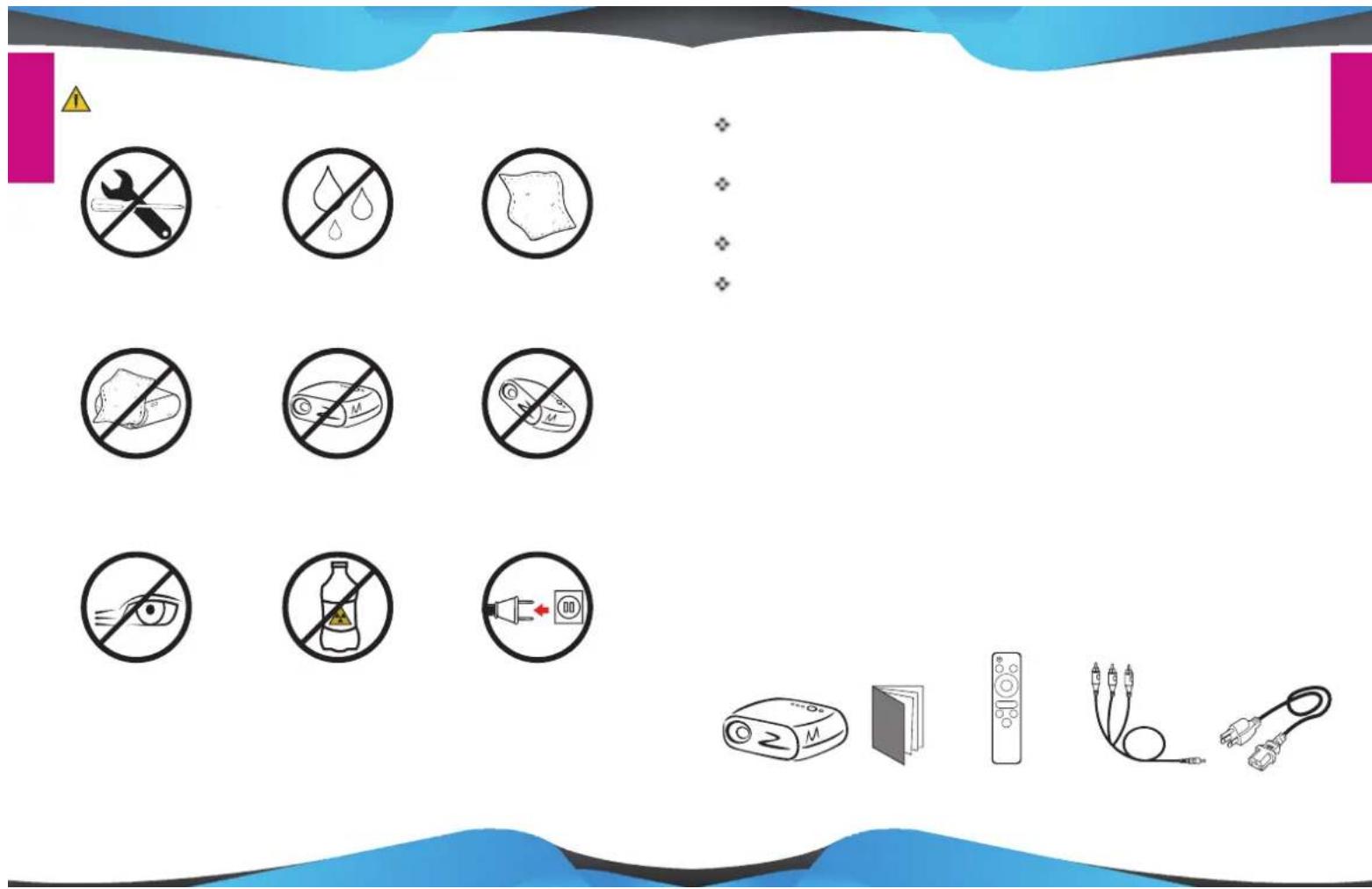
natural_image
Simple line drawing of a projector with lens and screen, no text or symbols present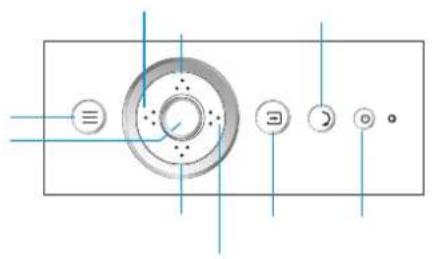
natural_image
Pure diagram of a circular mechanical component with internal holes and control buttons, no text or symbols present.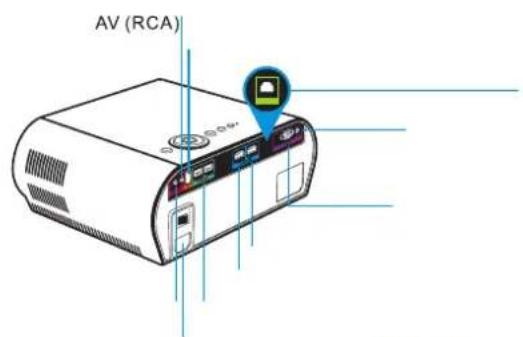
flowchart
graph TD
    A[" projector"] -->|Wireless cable to next port| B["PC"]
    B --> C["PC"]
    C --> D["Laptop"]
    D --> E["Pod with USB port"]
    E --> F["Speaker"]
    F --> G["Monitor"]
natural_image
Line drawing of a hand holding a remote control with a blue arrow pointing to the right (no text or symbols)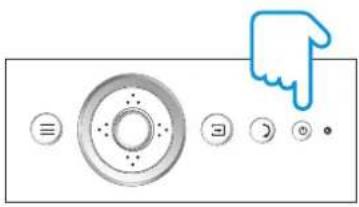
natural_image
Pure graphical icons of a control panel with circular buttons and a pointing hand (no text or symbols)
natural_image
Abstract graphic with four colored blocks (orange, blue, green, yellow) and a small icon on the top-left corner, set against a blue background (no text or symbols)
natural_image
Abstract geometric design with blue and gray shapes and horizontal lines (no text or symbols)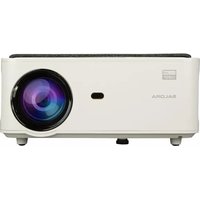
Manual assistant
Powered by Anthropic
Waiting for your message
Product information
Brand : SALORA
Model : 60BHD3500
Category : Projector