Smart Bike Monitor - Bike accessory SBS - Free user manual and instructions
Find the device manual for free Smart Bike Monitor SBS in PDF.



| Product type | Bluetooth speed and cadence sensor |
| Brand | SBS |
| Model | Smart Bike Monitor |
| Dimensions (L x H x D) | 88.4 x 68.1 x 27.1 mm |
| Battery | CR2032 (replaceable) |
| Battery life | Approximately 1 year |
| Material | Thermoplastic polymer |
| Accuracy | ±1 (unit not specified) |
| Water resistance | Weather resistant |
| Transmission range | Up to 10 m |
| Operating temperature | -10°C to 50°C |
| iOS compatibility | iOS 7.0 and later |
| Android compatibility | Android 4.3 and later |
| Compatible app | Go Fitness (free) |
| Box contents | Speed sensor, cadence sensor, 2 magnets, zip ties, rubber band, screwdriver |
| Installation | Mount on rear fork and crank arm, magnet-sensor gap 2-5 mm |
| Maintenance and cleaning | Clean with a soft dry cloth. Avoid solvents. |
| Safety | Use only CR2032 battery. Do not expose to extreme temperatures or excessive moisture. |
| Spare parts and repairability | CR2032 battery commercially available. Replacement magnets and zip ties available. Repair not intended. |
Frequently Asked Questions - Smart Bike Monitor SBS
User questions about Smart Bike Monitor SBS
0 question about this device. Answer the ones you know or ask your own.
Ask a new question about this device
Download the instructions for your Bike accessory in PDF format for free! Find your manual Smart Bike Monitor - SBS and take your electronic device back in hand. On this page are published all the documents necessary for the use of your device. Smart Bike Monitor by SBS.
USER MANUAL Smart Bike Monitor SBS
Cadence, speed and distance control
natural_image
Architectural line drawing of a staircase with windows and doors (no text or symbols)
Bluetooth™
TEBIKEMONITOR - User Manual
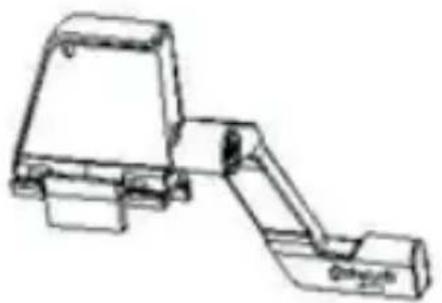
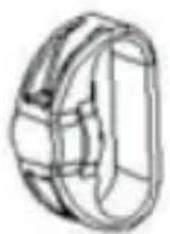
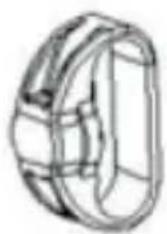
Accessories
natural_image
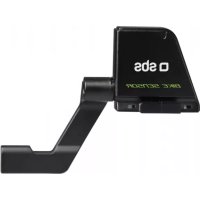
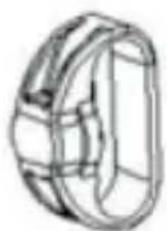
Line drawing of a mechanical device with no visible text or symbolsSpeed sensor
natural_image
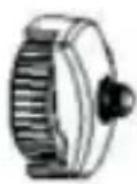
Line drawing of a mechanical component or housing (no text or symbols)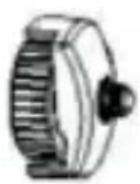
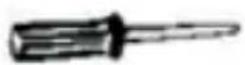
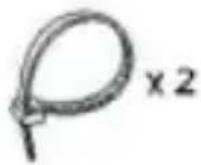
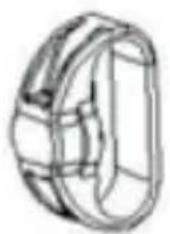
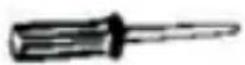
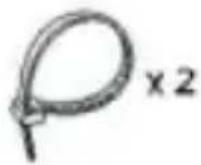
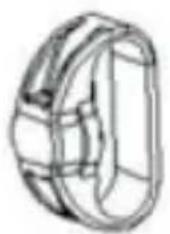
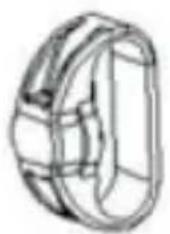
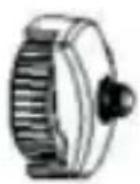
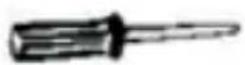
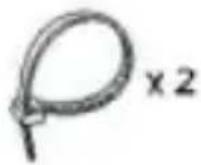
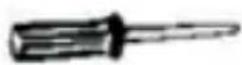
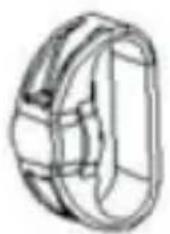
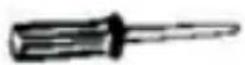
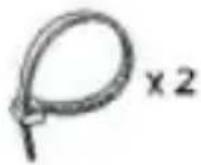
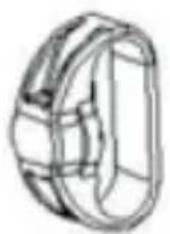
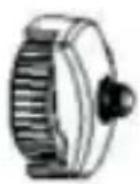
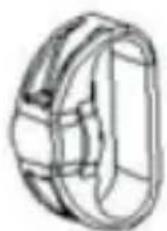
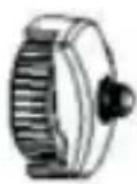
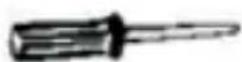
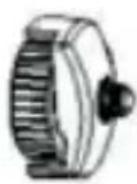
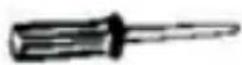
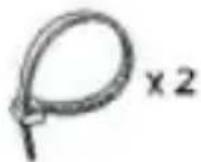
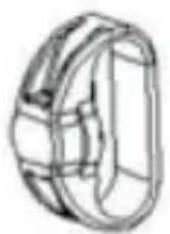
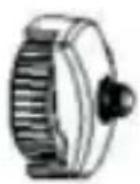
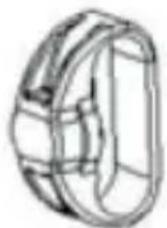
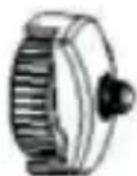
Cadence magnet Wheel magnet Screwdriver Nylon cable Rubber band
How to mount speed sensor and magnet
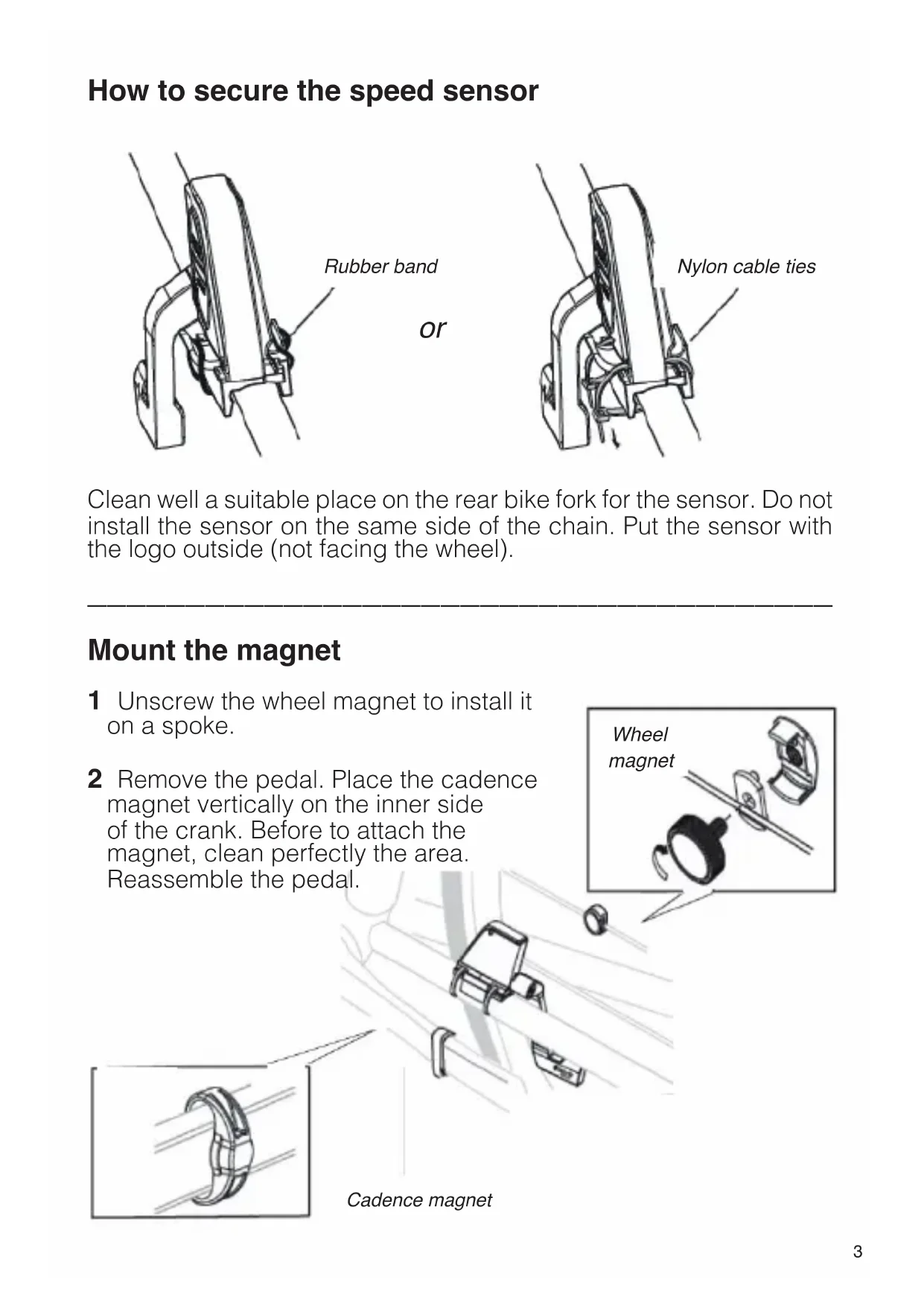
How to secure the speed sensor
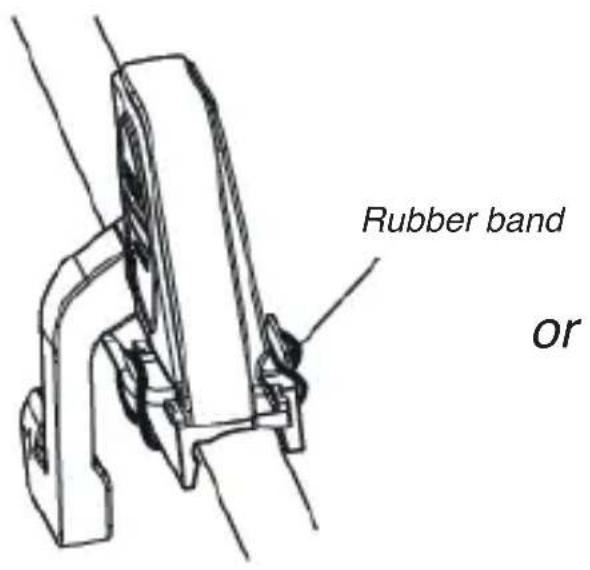
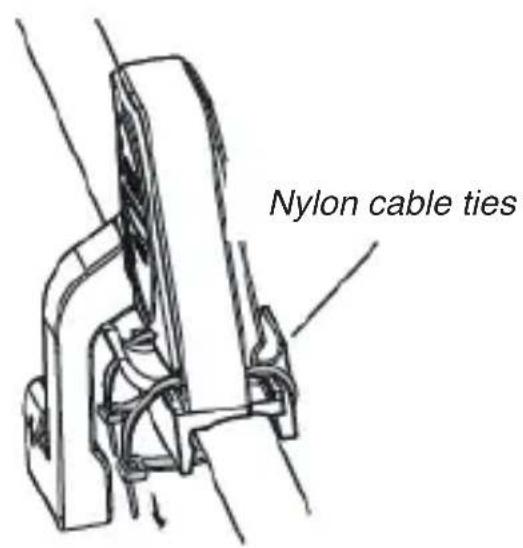
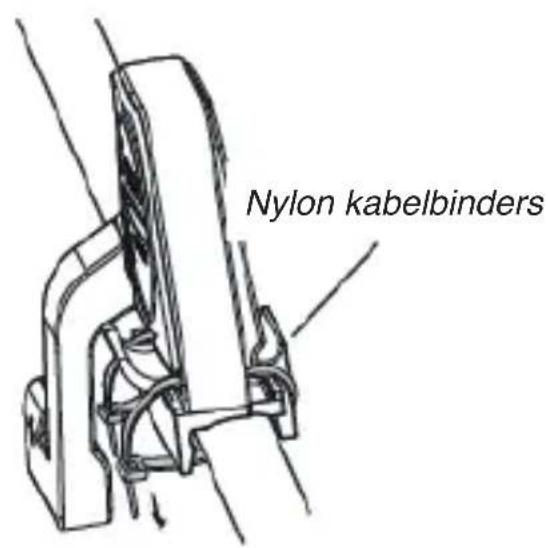
Clean well a suitable place on the rear bike fork for the sensor. Do not install the sensor on the same side of the chain. Put the sensor with the logo outside (not facing the wheel).
Mount the magnet
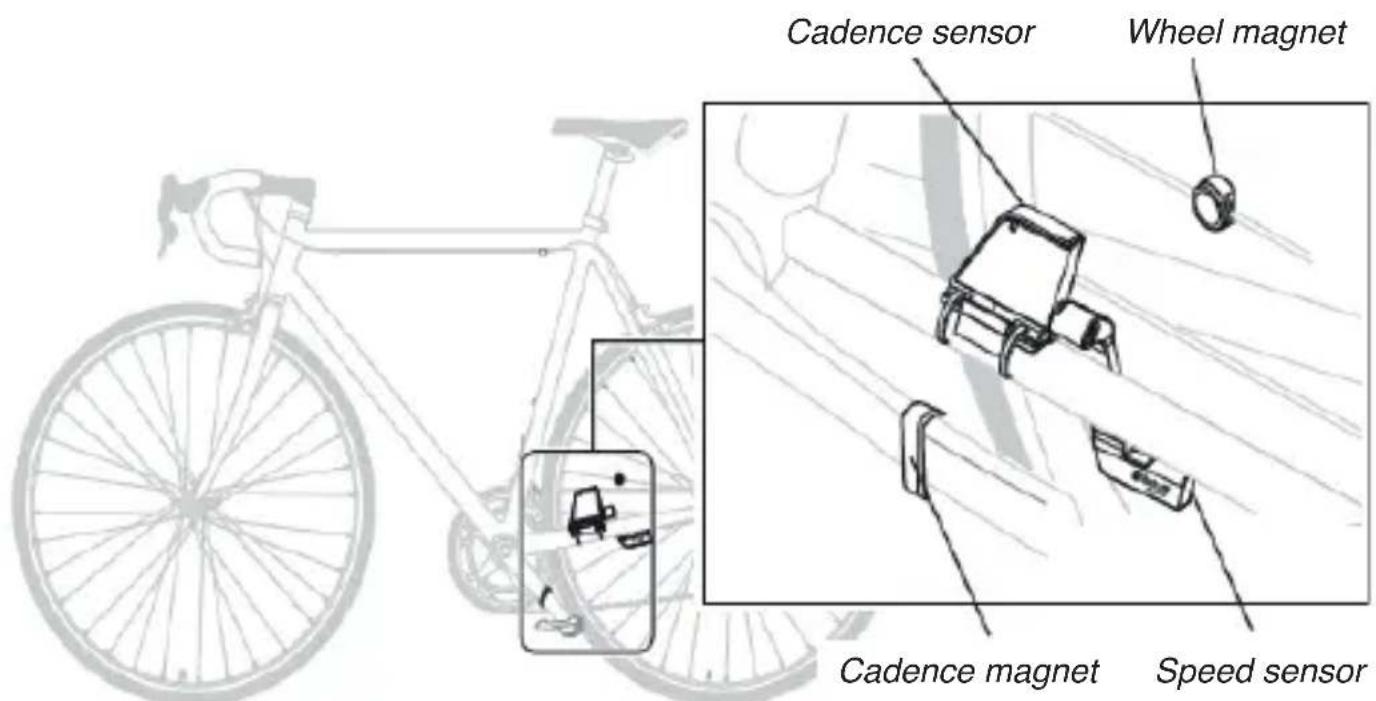
1 Unscrew the wheel magnet to install it on a spoke.
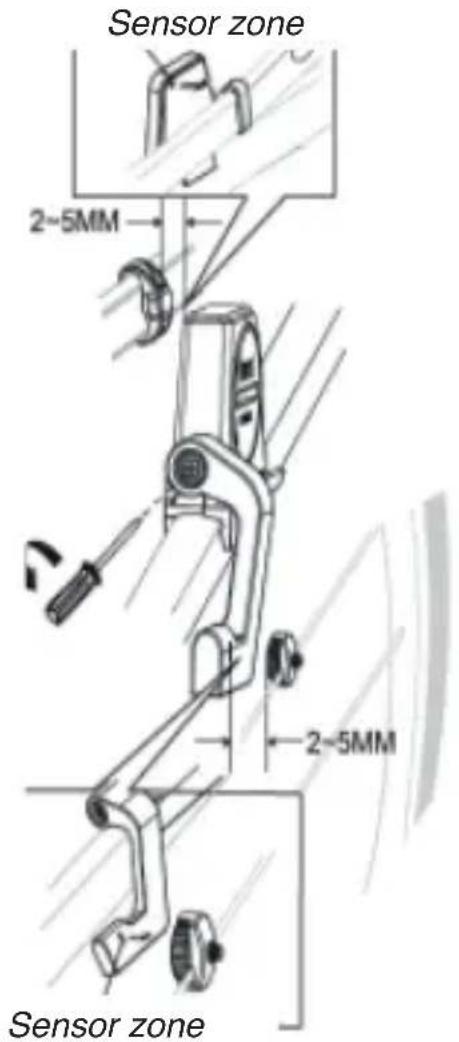
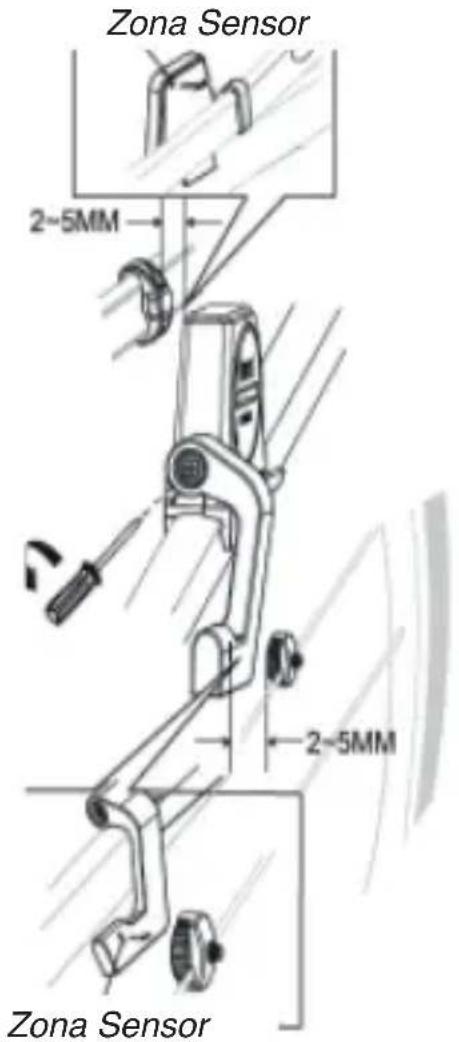
2 Remove the pedal. Place the cadence magnet vertically on the inner side of the crank. Before to attach the magnet, clean perfectly the area. Reassemble the pedal.
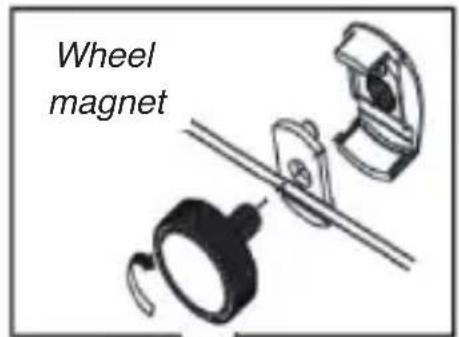
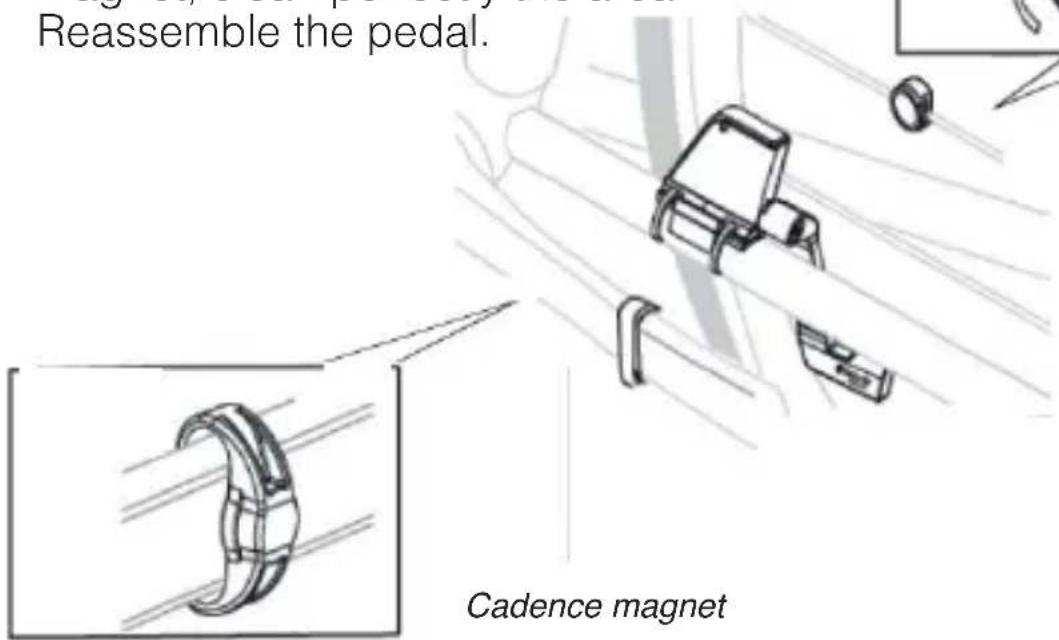
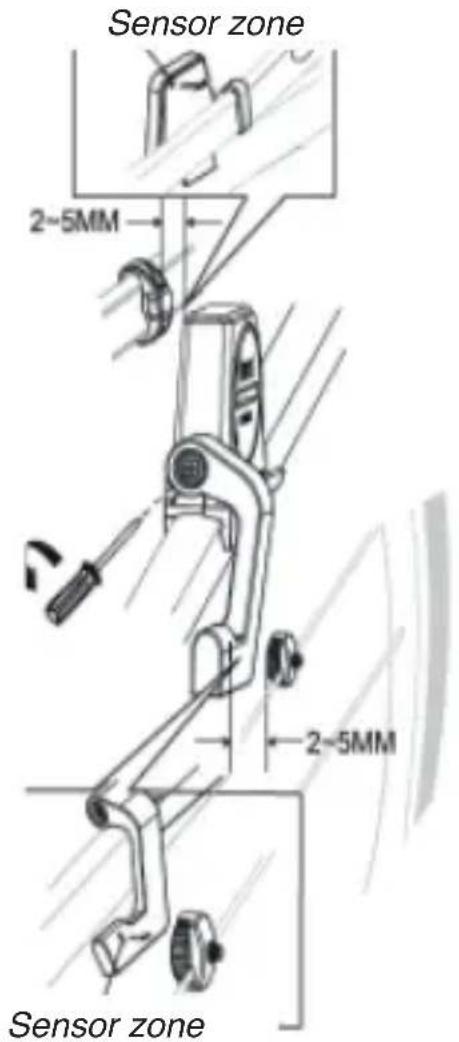
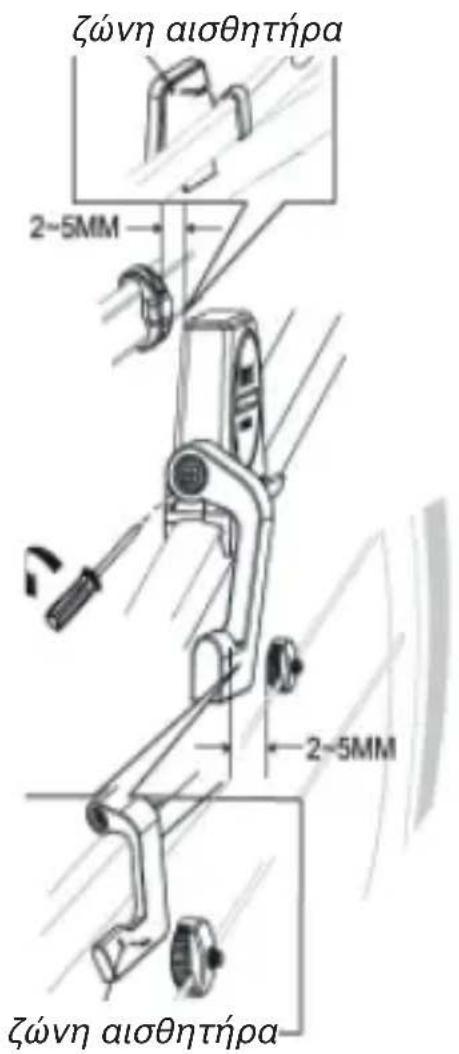
3 Adjust the position of cadence magnet and sensor so that the magnet passes close to the sensor without touching it. The gap between sensor and magnet should be between 2-5 mm.
4 Use the screwdriver to adjust the sensor position carefully.
5 The small caved dot in the sensor backside should indicate the right point where the magnet must be point at when in movement.
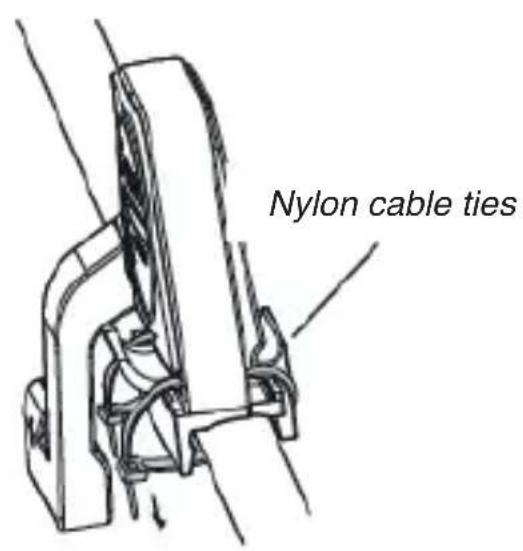
6 Try to rotate the crank to check the cadence sensor: when in correct position, fi x it using the nylon cables.
Battery replacement
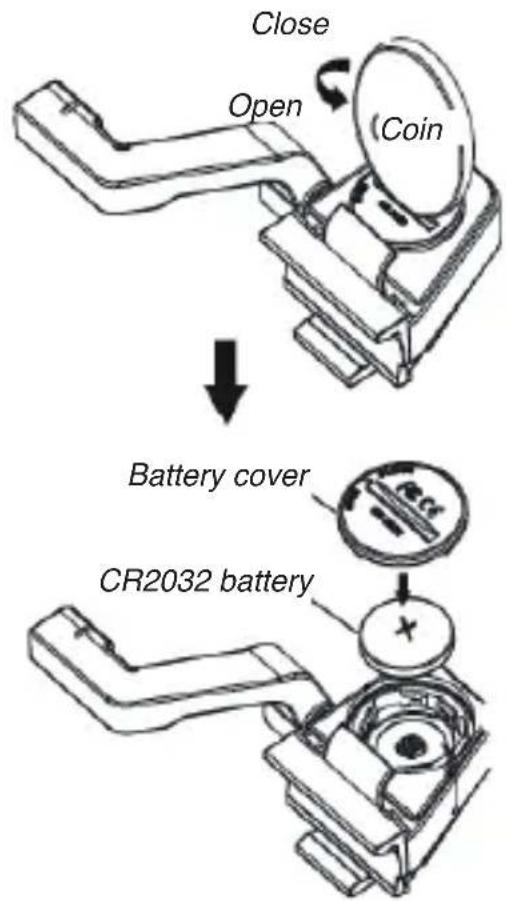
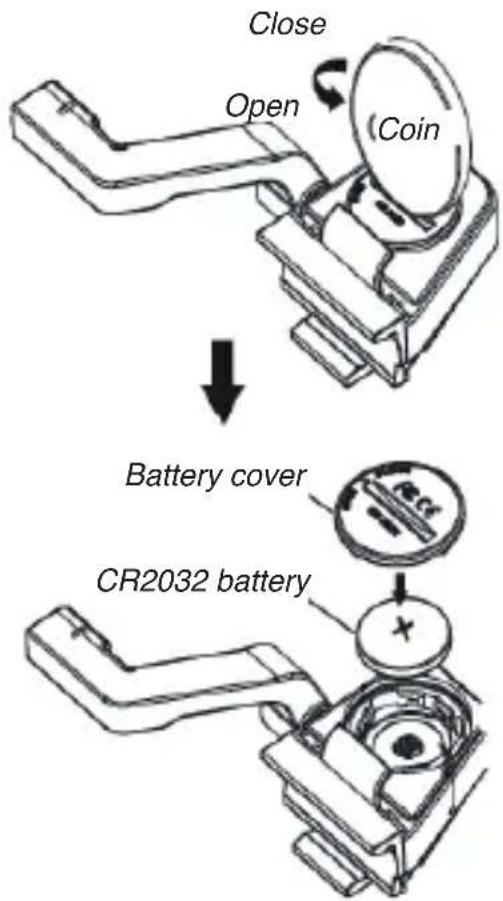
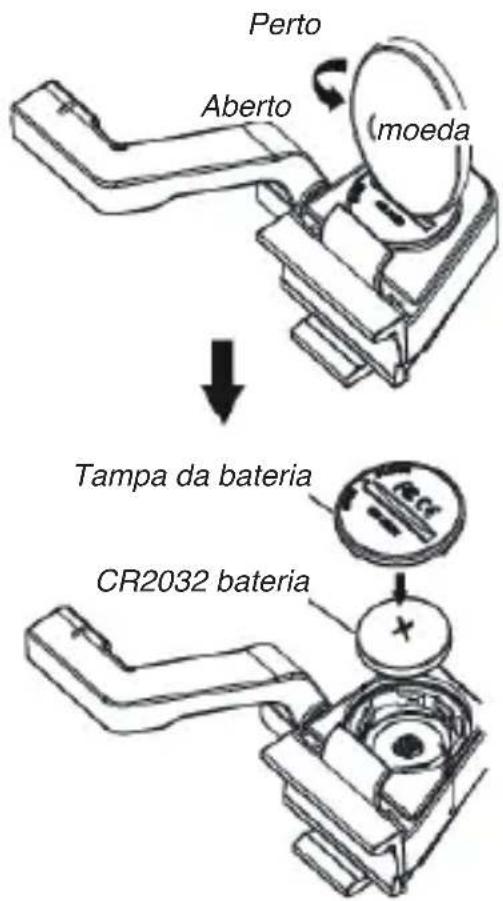
Speed/cadence sensor contains a replaceable CR2032 battery placed under the cover.
Once located the battery, to change it remove using a coin to open.
Remove cover and battery, wait 30 seconds, insert the new battery and close again using a coin.
Make sure to properly replace the protective O-ring inside.
Bike computer - Go Fitness instructions
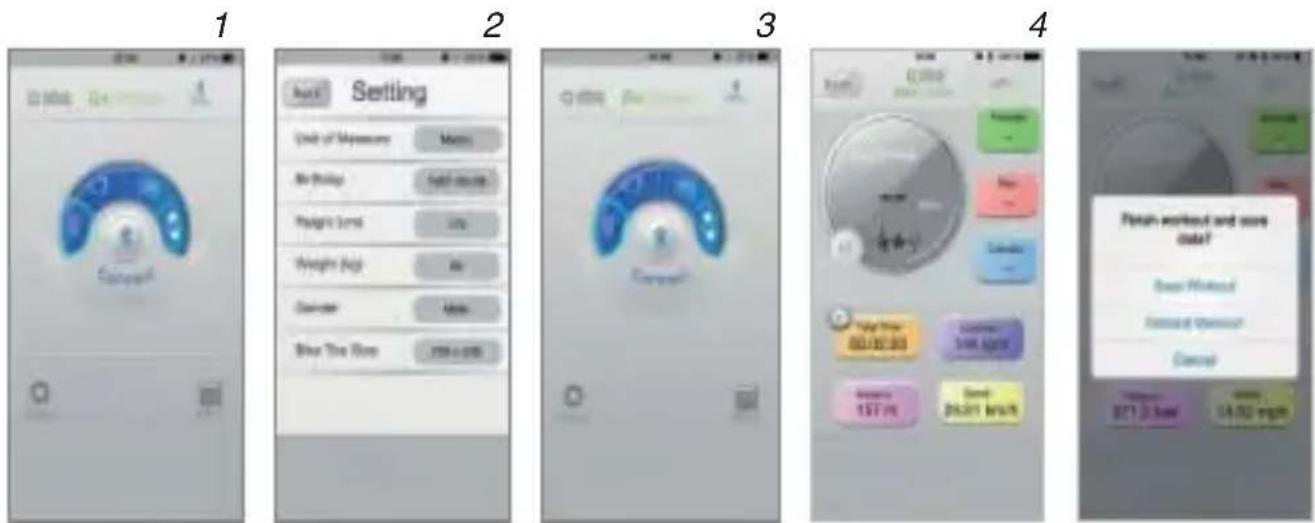
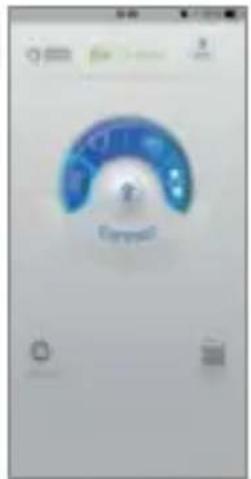
1 Download the Go Fitness app from App Store or Google Play.
2 Turn on Bluetooth® and the app on the phone. Set personal information.
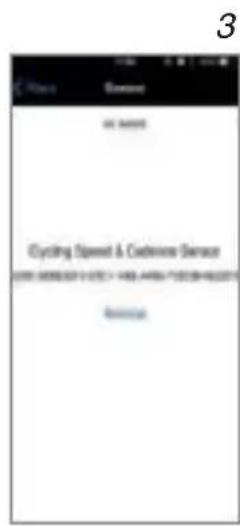
3 Touch the bike icon, then Bluetooth® icon on the interface to connect the App with the sensor.
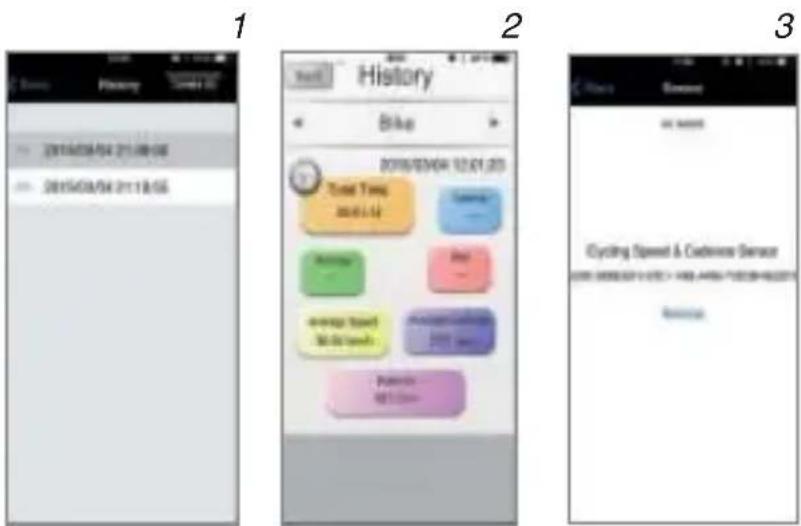
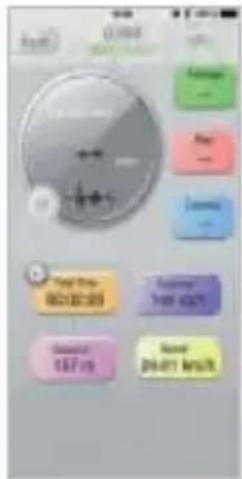
4 When the app is ready, check the exercise data on the interface like in the drawing.
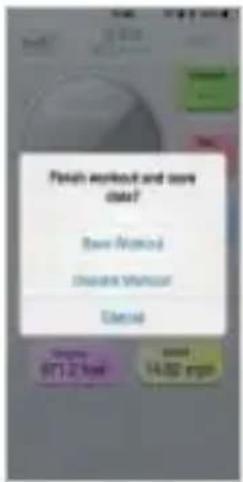
5 Touch Back icon, to save or discarded data workout.
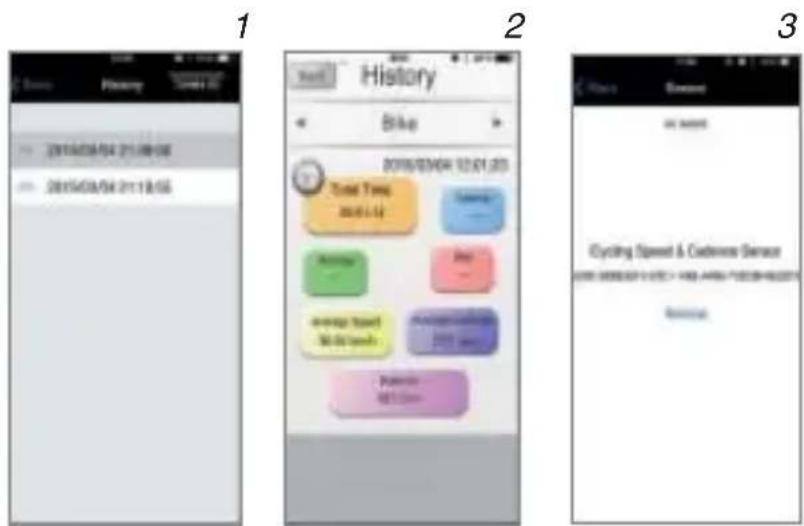
6 Touch history icon to review exercise data record. Choose the one with the bike icon to check.
7 If the bike sensor fail the connection to the app, please try to touch the Bluetooth® icon at the right top corner to manage the connection; remove the previous connection and try again to pair.
8 Compatibility: iOS 7.0 and over - Android 4.3 and over. Apps: Go Fitness.
Technical Specification
| Item Specifi cation | |
| Model TEBIKEMONITOR | |
| Physical sixe (WxHxD) 88.4 x 68.1 x27.1 mm | |
| Battery CR2032 | |
| Battery Life 1 Year | |
| Material Thermoplastic polymer | |
| Accuracy ± 1 | |
| Weather proof Weather proof structure | |
| Transmission range 10 m Max | |
| Operating temperature -10°C to 50°C / + 14°F to + 122°F | |
Compatibility
| Compatible System | |
| iOS System | iOS 7.0 and newer |
| Android System | Android 4.3 and newer |
| Compatible smart device | |
| iOS System | iPhone 4S, 5, 5C, 6 and newer, New iPad and newer |
| Android System | Most android devices, such as Samsung: Galaxy S3, S4, Note II, Note III, Google Nexus4, Google Nexus7, Huawei, Xiaomi |
| Compatible Apps |
| Go Fitness |
DIRECTIVE 2002/96/EC OF THE EUROPEAN PARLIAMENT AND OF THE COUNCIL of 27 January 2003 on waste electrical and
electronic equipment (WEEE)

Information for users
(a) the device requirement not to dispose of WEEE as unsorted municipal
waste and to collect such WEEE separately;
(b) the device must return and collection systems available to them;
(c) the device will be collected by the vendor in case of a new one is buyed
(d) the device not correctly disposed has potential effects on the environment and human health
as a result of the presence of hazardous substances in electrical and electronic equipment;
(e) The symbol indicating separate collection for electrical and electronic equipment consists of the crossed-out wheeled bin, as shown below. The symbol must be printed visibly, legibly and indelibly.
Accessori
natural_image
Line drawing of a mechanical device with no visible text or symbolsSensore velocità
natural_image
Line drawing of a mechanical component or housing (no text or symbols)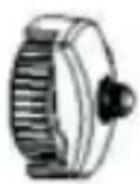
natural_image
Line drawing of a mechanical device with no visible text or symbolsSpeed sensor
natural_image
Line drawing of a mechanical component or housing (no text or symbols)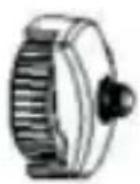
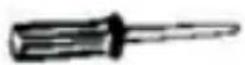
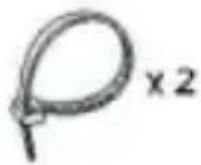
Cadence Magnet Speichenmagnet Screwdriver Nylon Kabel Gummi Band
natural_image
Technical line drawing of a mechanical bearing assembly (no text or symbols)Cadence magnet
Technische Daten
natural_image
Line drawing of a mechanical device with no visible text or symbolsCapteur de vitesse
natural_image
Line drawing of a mechanical component or housing (no text or symbols)Cadence aimant
Aimant de roue
Tournevis Mélange
Nylon câble
Caoutchouc bande
Applications: Go Fitness
natural_image
Line drawing of a mechanical device with no visible text or symbolsSensor de velocidad
Imán Cadencia
Imán Rueda banda
natural_image
Line drawing of a mechanical device with no visible text or symbolsnatural_image
Line drawing of a mechanical component or housing (no text or symbols)Cadence ímã
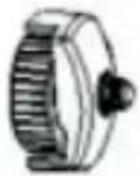
ímã Roda banda cabo
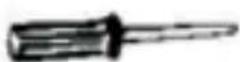
Screwdriver
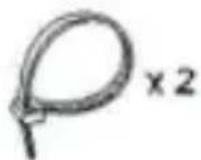
Nylon
Rubber
natural_image
Line drawing of a mechanical device with no visible text or symbolssnelheidssensor
natural_image
Line drawing of a mechanical component or housing (no text or symbols)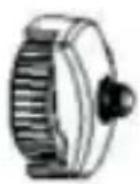
natural_image
Line drawing of a mechanical device with no visible text or symbolsдатчик скорости
natural_image
Line drawing of a mechanical component or housing (no text or symbols)Каденция магнит
колеса магнит
natural_image
Line drawing of a mechanical device with no visible text or symbolsHastighetssensor
kadens magneten
Hjulmagnet
natural_image
Line drawing of a mechanical device with no visible text or symbolsCzujnik prędkości
magnes kadencji
magnes koła
śrubokręt
przewód nylonowy
gumka recepturka
wymiana baterii
natural_image
Line drawing of a mechanical device with no visible text or symbolsnatural_image
Technical line drawing of a mechanical bearing assembly (no text or symbols)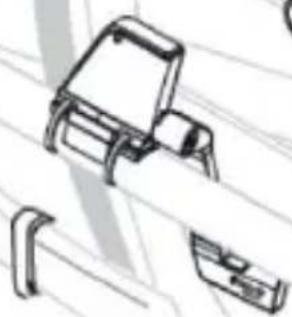
natural_image
Pure technical line drawing of a mechanical component without any text, numbers, or symbolsτην μαγνήτης
natural_image
Line drawing of a mechanical device with no visible text or symbolsHiz sensoru
natural_image
Line drawing of a mechanical component or housing (no text or symbols)Cadence miknatis Tekerlek miknatis Tornavida
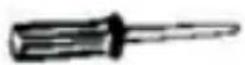
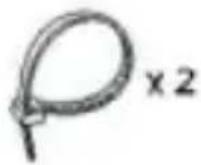
Naylon kablo
Lastik bant
natural_image
Line drawing of a mechanical device with no visible text or symbolsātruma sensors
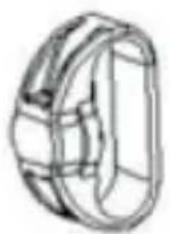
natural_image
Line drawing of a mechanical component or housing (no text or symbols)Kadence magnēts
Riteņu magnēts
Skrūvgriezis
Nylon kabelis
Gumiju
natural_image
Line drawing of a mechanical device with no visible text or symbolskiirus sensori
natural_image
Technical line drawing of a mechanical component (no text or symbols)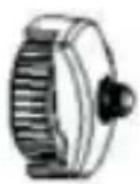
kadentsi magnetit Ratta magnetit kruvikeeraja Nylon kaabel kummipael
3
4
3
natural_image
Line drawing of a mechanical device with no visible text or symbolsGreitis jutiklis
natural_image
Line drawing of a mechanical device with no visible text or symbolsсензор Speed
Кейдънс магнит
колела магнит
отвертка
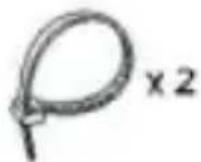
Nylon кабел
гуменото
Brand : SBS
Model : Smart Bike Monitor
Category : Bike accessory