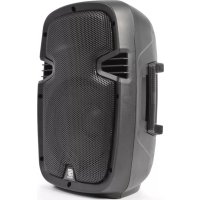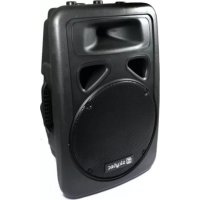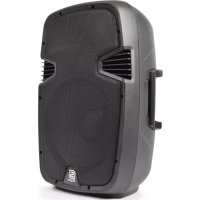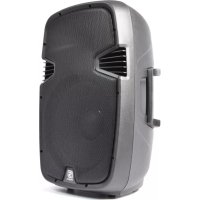
SPJ1200ABT - Sound system Skytec - Free user manual and instructions
Find the device manual for free SPJ1200ABT Skytec in PDF.



| Product type | Active sound system |
| Brand | Skytec |
| Model | SPJ1200ABT |
| Max power | 600 W |
| RMS power | 300 W |
| MP3 player | Yes (USB, SD, Bluetooth) |
| Bluetooth | Yes |
| Frequency response | 50 Hz - 18 kHz |
| Max SPL | 122 dB |
| Woofer | 12" (300 mm) |
| Impedance | 4 ohms |
| Horn type | High dynamic compression driver |
| Dimensions | 300 x 350 x 580 mm |
| Weight | 13.1 kg |
| Order code | 178.042 |
| Power supply | 220-240 V~ / 50 Hz with earth |
| Usage | Indoor only |
| Stand mount insert | 35 mm with clamping screw |
| Protection | Overload limiter for compression driver |
| Cabinet material | Molded professional ABS |
| Protective grille | Sturdy perforated metal grille |
| Maintenance and cleaning | Unplug before cleaning; do not use liquids; use a dry cloth. |
| Safety | Avoid exposure >90 dB SPL; do not place burning objects on top; do not open or repair yourself; unplug during storms. |
Frequently Asked Questions - SPJ1200ABT Skytec
User questions about SPJ1200ABT Skytec
0 question about this device. Answer the ones you know or ask your own.
Ask a new question about this device
Download the instructions for your Sound system in PDF format for free! Find your manual SPJ1200ABT - Skytec and take your electronic device back in hand. On this page are published all the documents necessary for the use of your device. SPJ1200ABT by Skytec.
USER MANUAL SPJ1200ABT Skytec
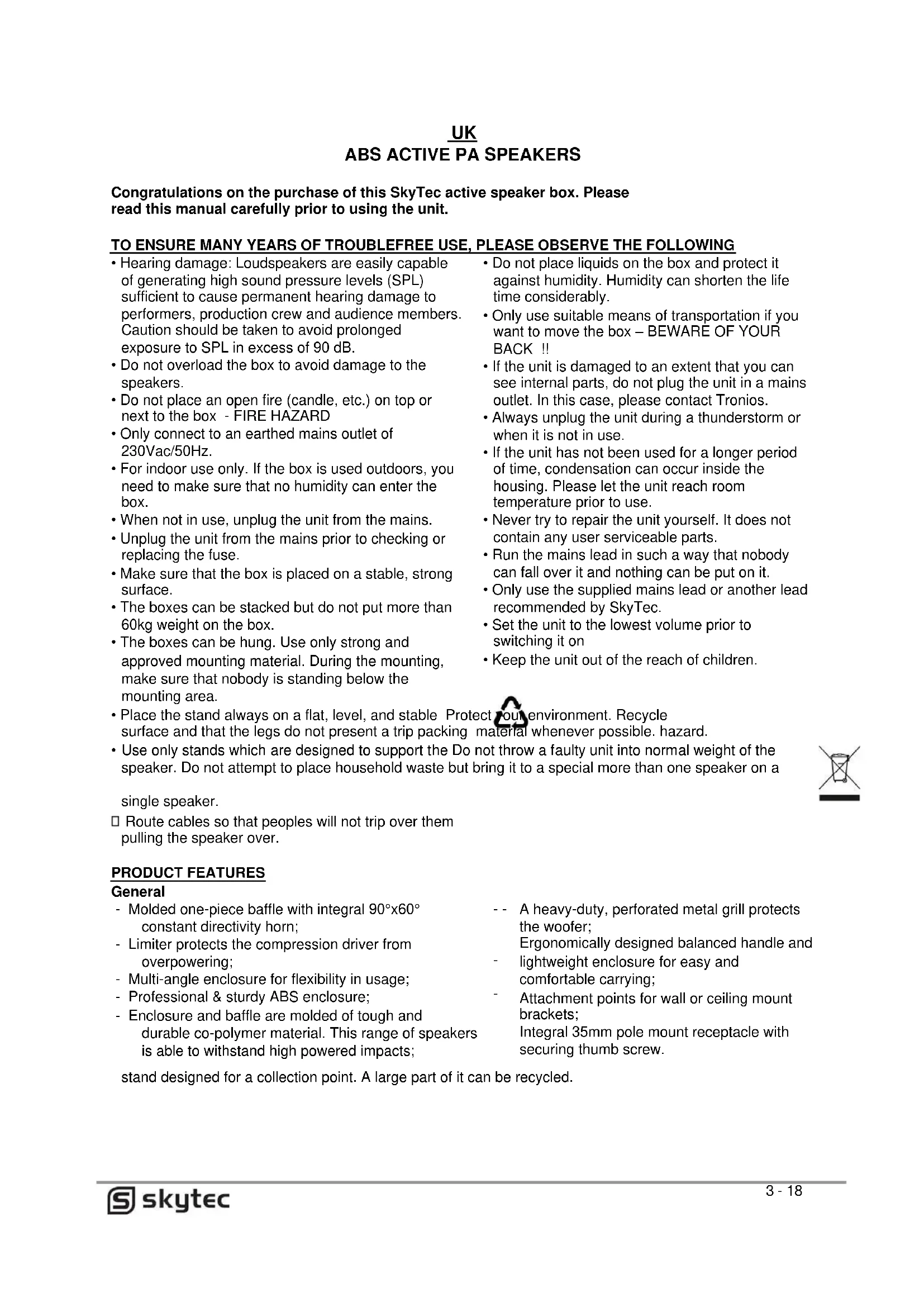
natural_image
Exterior view of a gray Skypec audio amplifier speaker with visible grille and ventilation slots (no text or symbols on body)

SPJ ACTIVE SPEAKER SERIES WITH BLUETOOTH & MP3 PLAYER
INSTRUCTION MANUAL HANDLEIDING MODE D'EMPLOI BEDIENUNGSANLEITUNG MANUAL DE INSTRUCCIONES
V1.1
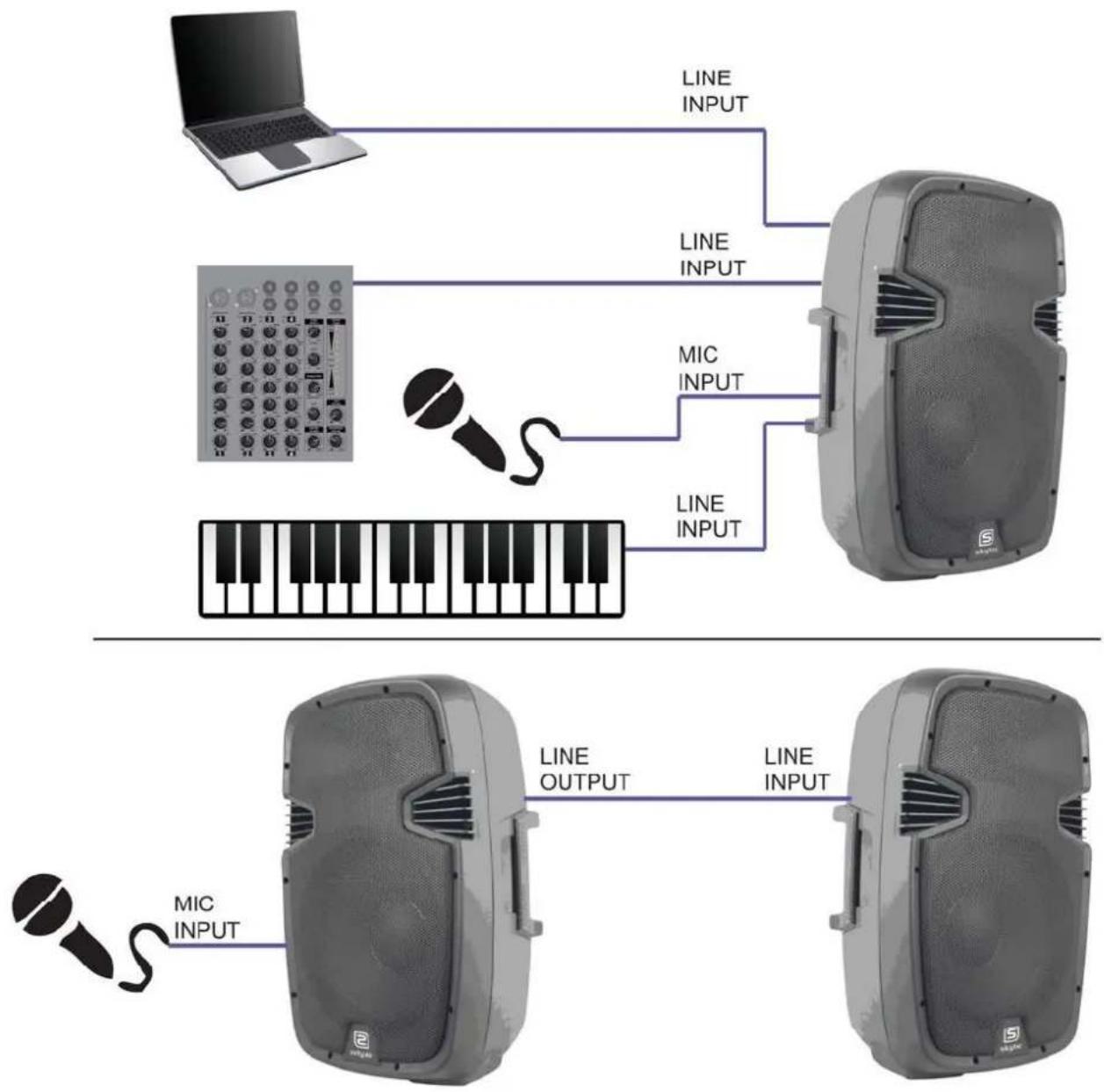
flowchart
graph TD
    A["Laptop"] -->|LINE INPUT| B["Speaker with keyboard"]
    C["Microphone"] -->|MIC INPUT| B
    D["Microphone"] -->|MIC INPUT| B
    B -->|LINE OUTPUT| E["Speaker with keyboard"]
    E -->|LINE INPUT| F["Speaker with Keyboard"]
    style A fill:#f9f,stroke:#333
    style C fill:#ccf,stroke:#333
    style D fill:#cfc,stroke:#333
    style E fill:#fcc,stroke:#333
    style F fill:#cff,stroke:#333
UK ABS ACTIVE PA SPEAKERS
Congratulations on the purchase of this SkyTec active speaker box. Please read this manual carefully prior to using the unit.
TO ENSURE MANY YEARS OF TROUBLEFREE USE, PLEASE OBSERVE THE FOLLOWING
- Hearing damage: Loudspeakers are easily capable of generating high sound pressure levels (SPL) sufficient to cause permanent hearing damage to performers, production crew and audience members. Caution should be taken to avoid prolonged exposure to SPL in excess of 90 dB.
- Do not overload the box to avoid damage to the speakers.
- Do not place an open fire (candle, etc.) on top or next to the box - FIRE HAZARD
- Only connect to an earthed mains outlet of 230Vac/50Hz.
- For indoor use only. If the box is used outdoors, you need to make sure that no humidity can enter the box.
- When not in use, unplug the unit from the mains.
- Unplug the unit from the mains prior to checking or replacing the fuse.
- Make sure that the box is placed on a stable, strong surface.
- The boxes can be stacked but do not put more than 60kg weight on the box.
- The boxes can be hung. Use only strong and approved mounting material. During the mounting, make sure that nobody is standing below the mounting area.
- Place the stand always on a flat, level, and stable Protect your environment. Recycle surface and that the legs do not present a trip packing material whenever possible. hazard.
- Use only stands which are designed to support the Do not throw a faulty unit into normal weight of the speaker. Do not attempt to place household waste but bring it to a special more than one speaker on a
single speaker.
☐ Route cables so that peoples will not trip over them pulling the speaker over.
PRODUCT FEATURES
General
- Molded one-piece baffle with integral 90°x60° constant directivity horn;
- Limiter protects the compression driver from overpowering;
- Multi-angle enclosure for flexibility in usage;
- Professional & sturdy ABS enclosure;
- Enclosure and baffle are molded of tough and durable co-polymer material. This range of speakers is able to withstand high powered impacts;
-- A heavy-duty, perforated metal grill protects the woofer;
Ergonomically designed balanced handle and
- lightweight enclosure for easy and comfortable carrying;
- Attachment points for wall or ceiling mount brackets;
Integral 35mm pole mount receptacle with securing thumb screw.
stand designed for a collection point. A large part of it can be recycled.
About the enclosure
The enclosure and baffle of this range of speakers are made of polypropylene co-polymer. The use of copolymer allows features such as stand mounting sockets, handholds, ports and high frequency horns to be molded directly into the cabinet. Not only do you get contemporary appearance, you also get lots of functionality.
INPUT PANEL
12" & 15" Versie:
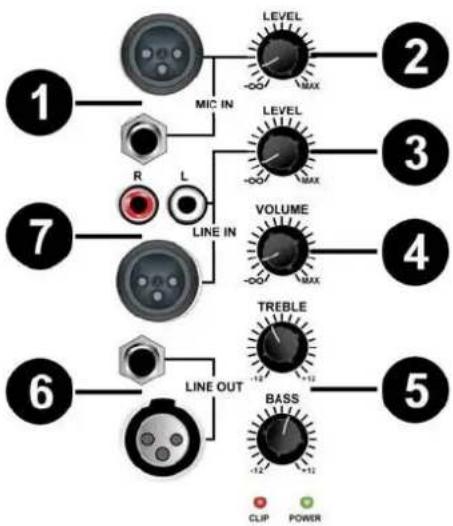
flowchart
graph TD
    A["1"] --> B["MIC IN"]
    B --> C["LEVEL MAX"]
    C --> D["2"]
    E["7"] --> F["R LINE IN"]
    F --> G["VOLUME MAX"]
    G --> H["3"]
    I["6"] --> J["LINE OUT"]
    J --> K["TREBLE +12"]
    K --> L["4"]
    M["5"] --> N["BASS -12 +12"]
    N --> O["5"]
    style A fill:#f9f,stroke:#333
    style E fill:#f9f,stroke:#333
    style I fill:#f9f,stroke:#333
    style M fill:#f9f,stroke:#333
-
Input connector for microphones
-
Volume control for the microphone
-
Volume control for the line input
-
Volume control for the output
-
Tone control for the output
-
Output connector to a second box or amplifier (line level)
-
Line input connector for the audio input source e.g. mixer, CD player, etc.
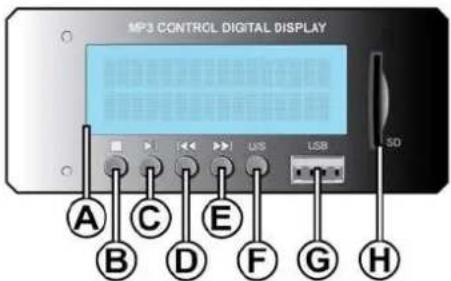
MP3 PANEL
A. DISPLAY
Shows MP3 information
B. STOP
Track stop playing
C. PLAY/PAUSE
Track play or pause mode
D. PREV
Play previous track
E. NEXT
Play next track
F. USB/SD / BLUETOOTH SWITCH
Use switch for playing from USB stick, SD card or Bluetooth
G. USB CONNECTION
For connection of a USB stick with MP3 files
H. SD CARD CONNECTION
For connection of a SD CARD with MP3 files
text_image
MP3 CONTROL DIGITAL DISPLAY A C E F G H B D F G HHow to connect with your Bluetooth device:
First turn on speaker, then press on "MODE" (F) till you see "AUX". Then use your mobile or computer to search a Bluetooth device. When you find the "SKYTEC PLAYER" then connect. The password is: 0000
TROUBLESHOOTING
One certain method of determining if a speaker is faulty is to substitute a speaker that is known to work correctly for the suspected problem speaker. If the “normally correct speaker” is experiencing the same difficulties or problems as the suspected problem speaker, use the information below to isolate the problem.
Possible cause No
Action
output
Cables
Reseat all connectors
Substitute known good cables
Check solder joins
Inspect cable for damage
Inspect wire or connector for stray strand that may short
Intermittent
Poor connections
While it is possible for a faulty speaker to exhibit intermittent output, it's more likely that an output cable/connector is the problem. Check the soldering on your connectors.
Constant noise, buzzing and/or humming
Faulty electronic Any constant noise originates in the amplifier, mixer, signal processing, source device in the signal devices, or line-level wiring. Check and correct system grounding as required. chain check for noisy sources or electronic components. Check wiring for shielding.
Poor low-frequency output
Improper polarity When two speakers in close proximity to each other are connected out-of-polarity, they can partially cancel each other out, especially at low frequencies. Check your speaker cables to be sure they are all identically wired and connected. Check the balanced line signal cables to be sure they are all correctly wired.
Do not attempt to make any repairs yourself. This would invalid your warranty. Do not make any changes to the unit. This would also invalid your warranty. The warranty is not applicable in case of accidents or damages caused by inappropriate use or disrespect of the warnings contained in this manual. Tronios cannot be held responsible for personal injuries caused by a disrespect of the safety recommendations and warnings. This is also applicable to all damages in whatever form.