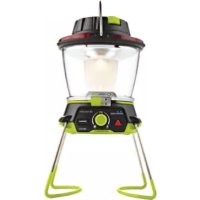
LightALife 350 - Camping GOAL ZERO - Free user manual and instructions
Find the device manual for free LightALife 350 GOAL ZERO in PDF.



| Brand | Goal Zero |
| Model | LightALife 350 |
| Product Type | Rechargeable LED camping lamp (lantern and floodlight) |
| Dimensions (compact) | 71 × 80 mm |
| Dimensions (extended) | 125 × 80 mm |
| Weight | 264 g |
| Power Supply | External via 6 mm 12 V port (Power Pack Sherpa or Yeti solar generator) |
| Power Consumption | 4.5 W max (12 V, 0.4 A) |
| Brightness (high mode) | 350 lumens (4.5 W) |
| Brightness (low mode) | 100 lumens (1 W) |
| Lighting Modes | Floodlight (wide beam) and Lantern (soft light) |
| Daisy-Chaining | Up to 8 lamps in series |
| Mounting | Carabiner and magnets |
| Cable Length | 2.4 m (adjustable via button and hook) |
| Weather Resistance | Designed for rain and snow (do not immerse) |
| Operating Temperature | -17 to 48 °C |
| Warranty | 12 months |
| Package Contents | LightALife 350 lamp, lampshade, 12 V car adapter |
| Care and Cleaning | Keep ports and plugs dry before use |
| Safety | Metal ring becomes hot during use; do not immerse |
| General Information | Product registration recommended at goalzero.com/support |
Frequently Asked Questions - LightALife 350 GOAL ZERO
User questions about LightALife 350 GOAL ZERO
0 question about this device. Answer the ones you know or ask your own.
Ask a new question about this device
Download the instructions for your Camping in PDF format for free! Find your manual LightALife 350 - GOAL ZERO and take your electronic device back in hand. On this page are published all the documents necessary for the use of your device. LightALife 350 by GOAL ZERO.
USER MANUAL LightALife 350 GOAL ZERO
| Technical Specifications 1 |
| Get To Know Your Gear 2 |
| How It Works 4 |
| Chaining 5 |
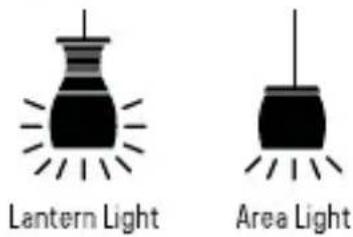
| Area Light 6 |
| Lantern Light 8 |
| Français 10-19 |
| 日本語 | 20-29 |
| Deutsch 30-39 |
| Español 40-49 |
TECHNICAL SPECIFICATIONS
Runtimes:
Sherpa 50 10 Hrs
Yeti 150 30 Hrs
Yeti 1250 250 Hrs
Light: (output) 5W warm white Cree LED
LED High Brightness: 4.5W, 350 Lumens
LED Low Brightness: 1W, 100 Lumens
Input: (6mm barrel jack) 12V, 0.4A (4.5W max)
General:
Chainable yes
Weight 9.3oz (264g)
Dimensions (compact) 2.8 x 3.2in (71 x 80mm)
Dimensions (extended) 4.9 x 3.2in (125 x 80mm)
Operating usage temp. 0-120 F (-17-48 C)
Certs
Warranty 12 months
Be sure to register your product at goalzero.com/support
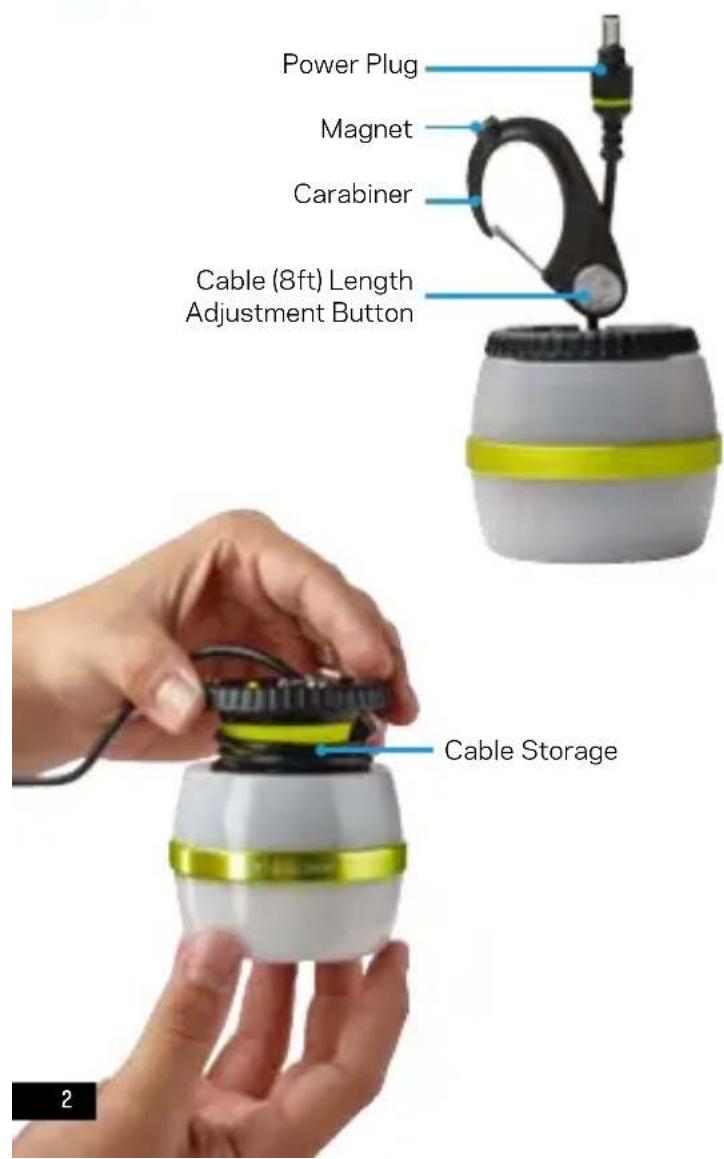
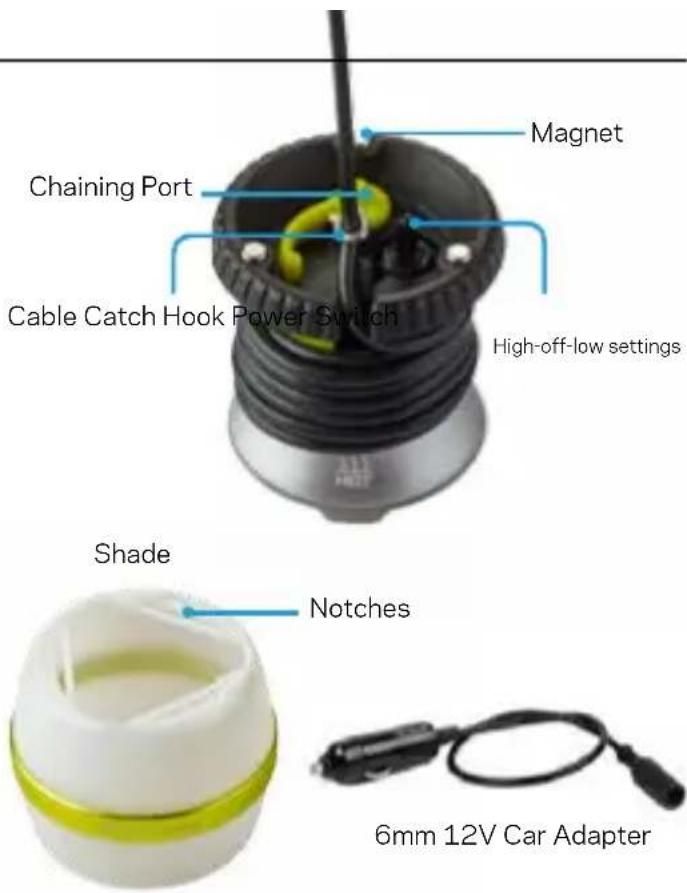
GET TO KNOW YOUR GEAR
Dual-mode LED Lantern
HOW IT WORKS
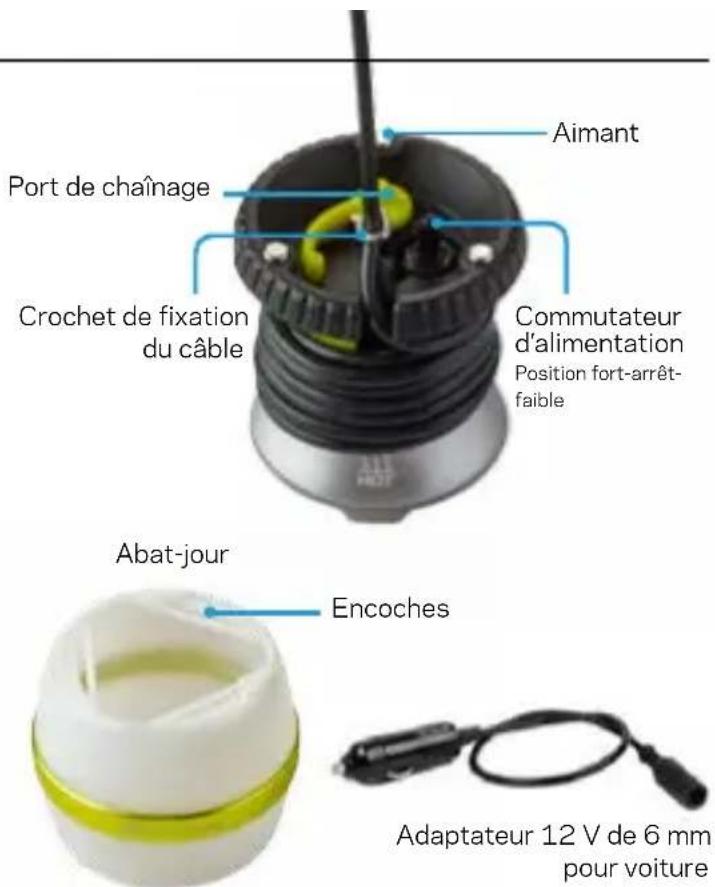
Your Light-a-Life LED light can power from a Sherpa® Power Pack or Goal Zero Yeti® Solar Generator.
- Insert the green plug into a 6mm 12V port on a Sherpa Power Pack or Yeti Solar Generator. Ensure the 12V port on your power source is turned on.
- Use the power switch on top of the Light-a-Life to turn it on. Toggle between high and low settings by moving the switch left or right.
- Hang with the carabiner or attach to a metal surface with the magnets.
You can also power the Light-a-Life from a 12V car port using the included adapter. Simply plug the Light-a-Life's blue connector into the matching end of the 12V adapter.
Unexpected rainstorms probably won't harm it. Ready for Outdoor Use: The Light-a-Life has been engineered to withstand the elements, including rain and snow. Although it's tough enough to withstand a storm, the Light-a-Life should not be submerged in water and all ports/plugs should be dry before turning on or chaining.
CHAINING
You can chain up to 8 Light-a-Lifes together.
- Begin chaining with the first light in your string that will plug into your Sherpa Power Pack or Yeti Solar Generator.
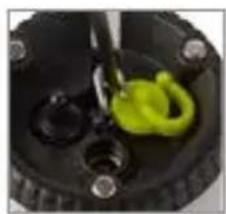
- Tug slightly on the green covering over the chaining port to expose the chaining port.
- Insert the green plug from
natural_image
Close-up of a mechanical component with a green circular spring-like feature and black circular holes (no text or symbols visible)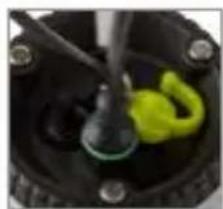
natural_image
Close-up of a mechanical component with a yellow-green knob and black base (no visible text or symbols)another Light-a-Life into the chaining port.
4. Continue on with the remainder of the lights in your string.
natural_image
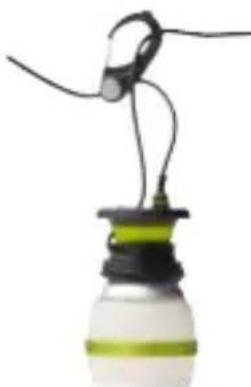
Close-up of a small light bulb with black and green casing, suspended by wires (no text or symbols visible)Helpful Hint: Ensure each light is turned on prior to hanging. This allows you to turn the entire string on/off by controlling the first light in the series.
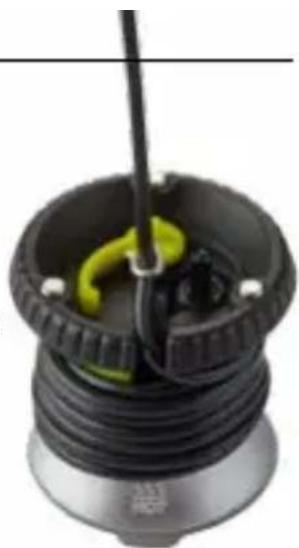
WARNING: While in use, the metal neck of the Light-a-Life will become hot to the touch. It is still safe to wrap the cable around the metal neck while in use.
AREA LIGHT
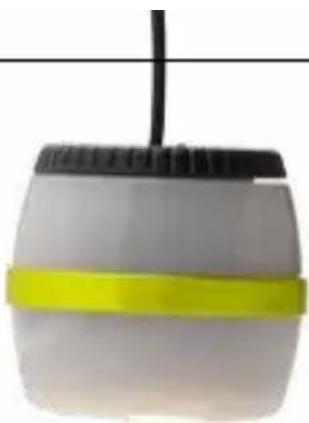
For broad, bright light, use the Light-a-Life in its area light mode.
This is a great mode for outdoor use and how the Light-a-Life is shipped in packaging.
natural_image
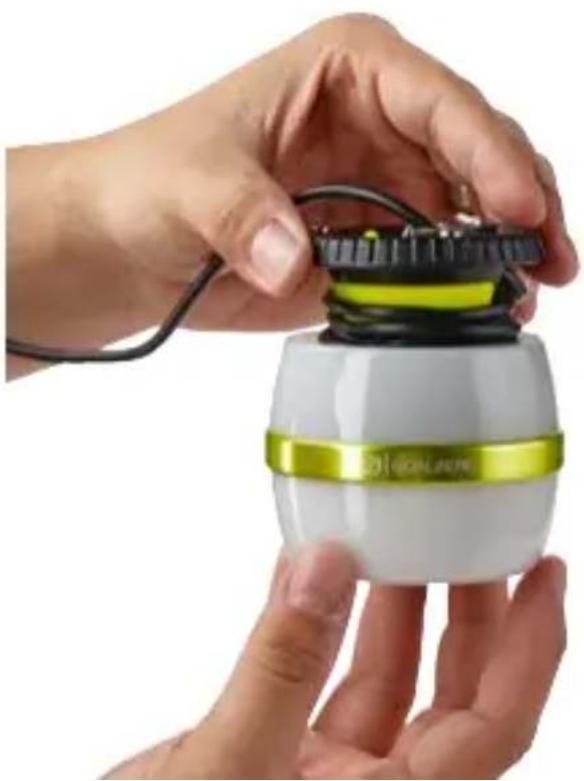
Close-up of a white cylindrical object with a yellow band and black top, suspended by a thin wire (no text or symbols visible)- While holding the shade in one hand, grasp the top of the light with your second hand and twist counter-clockwise. Slide the shade off to remove it.
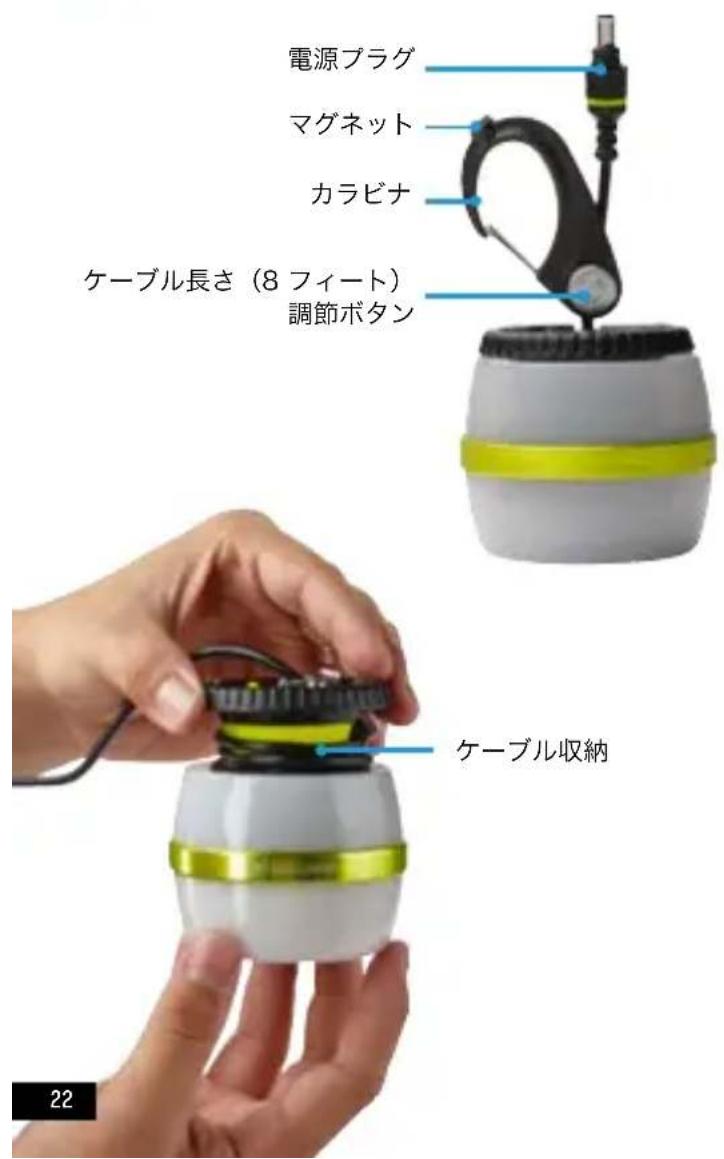
- With the shade off, determine your desired cable length. Adjust cable length by pushing the button on the carabiner and sliding the cable through.
a. Store excess cable by wrapping it around the metal neck of the Light-a-Life.
b. Use the cable catch hook to set length.
- With the notches of the shade touching your palm, slide the shade over the wrapped cable.
- Line up shade notches with the bottom of the light.
- Lock shade in place by turning the top of the light clockwise.
natural_image
Close-up of hands assembling a white and yellow electronic device with wires (no visible text or symbols)LANTERN LIGHT
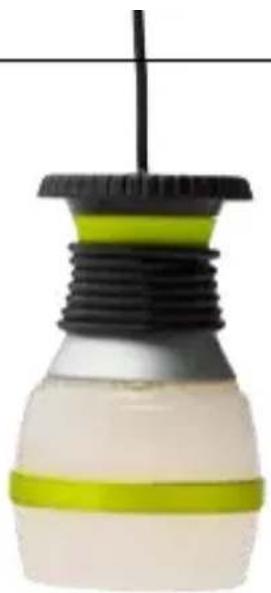
For soft, ambient light, use the Light-a-Life in its lantern mode. This is a great mode for indoor use.
- While holding the shade in one hand, grasp the top of the light with your second hand and twist counterclockwise. Slide the shade off to remove it.
natural_image
Close-up of a light bulb with black and green plastic layers, no visible text or symbols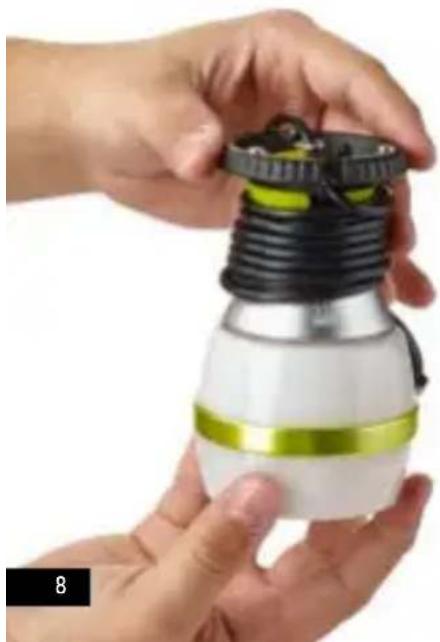
natural_image
Close-up of hands assembling a light bulb with black and white casing (no text or symbols visible)- With the shade off, determine your desired cable length. Adjust cable length by pushing the button on the carabiner and sliding the cable through.
a. Store excess cable by wrapping it around the metal neck of the Light-a-Life.
b. Use the cable catch hook to set length.
-
Flip the shade around so the notches are touching the light. Line up the shade notches with the bottom of the Light-a-Life.
-
Lock shade in place by turning the top of the light clockwise.
natural_image
Close-up of a black and yellow mechanical component with a green handle, mounted on a base (no visible text or symbols)FRANÇAIS
Table des matières
natural_image
Close-up of hands assembling a small electronic device with a green and yellow component (no visible text or symbols)Rangement du câble
natural_image
Two black silhouette icons of a lamp with radiating lines, no text or symbols presentnatural_image
Close-up of a mechanical component with black and green parts, no visible text or symbols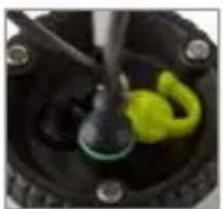
natural_image
Close-up of a mechanical component with a green and yellow part inserted, no visible text or symbols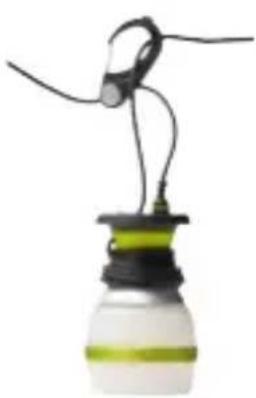
natural_image
Close-up of a lit bulb with black wires and green liquid, no visible text or symbolsnatural_image
Close-up of a small cylindrical object with a black cap and yellow band, suspended by a thin wire (no text or symbols visible)natural_image
Close-up of hands assembling a white and green robotic device with wires (no visible text or symbols)LANTERNE
natural_image
Close-up of a light bulb with black and green plastic components, no visible text or symbols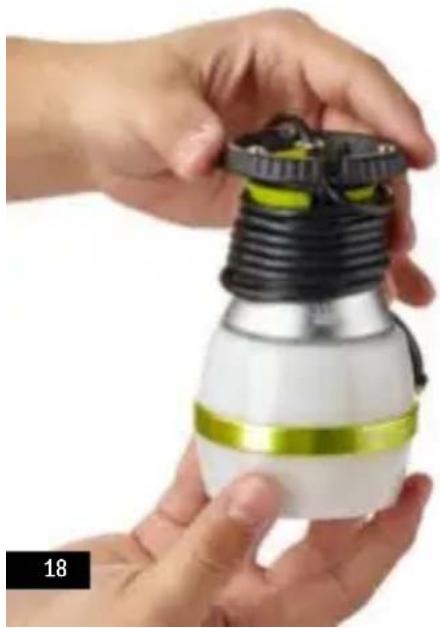
natural_image
Close-up of hands assembling a white and black cylindrical device with green accents (no text or symbols visible)natural_image
Close-up of a black and yellow mechanical component with a green handle, no visible text or symbols日本語
目次
goalzero.com/support
各部の名称
natural_image
Two black-and-white icons of a lamp with radiating lines, no text or symbols present.ランタン光 エリア光
使用方法
natural_image
Close-up of a light bulb with black and green casing, emitting wires (no text or symbols visible)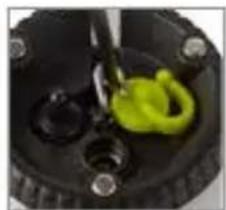
natural_image
Close-up of a mechanical component with a yellow plastic clip and black circular base (no visible text or symbols)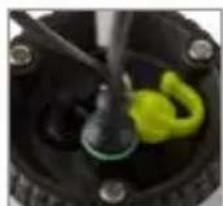
natural_image
Close-up of a mechanical component with a green and yellow plastic clip, no visible text or symbolsnatural_image
Close-up of a small electronic device with a yellow and black band, suspended by a thin wire (no visible text or symbols)natural_image
Close-up of hands assembling a white and black robotic device with visible wiring (no text or symbols)ランタン光
natural_image
Close-up of a light bulb with black and green plastic components, no visible text or symbols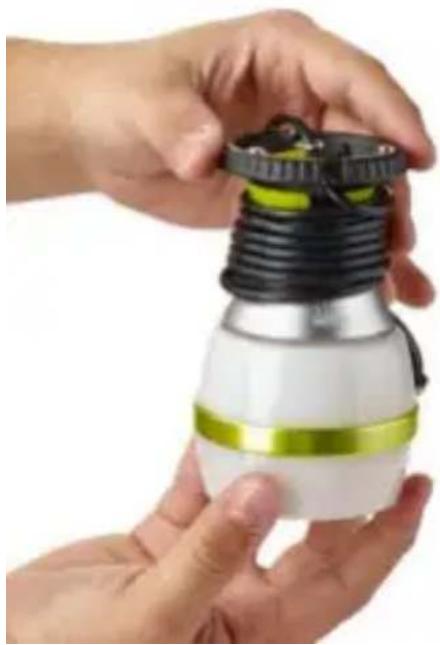
natural_image
Close-up of hands holding a light bulb with black and white casing, no visible text or symbolsnatural_image
Close-up of a mechanical device with a yellow-green handle and black plastic housing (no visible text or symbols)DEUTSCH
Inhaltsverzeichnis
natural_image
Two black silhouette icons of a lamp with radiating lines, no text or symbols presentnatural_image
Close-up of a black mechanical component with a green circular clip and screw holes, no visible text or symbols.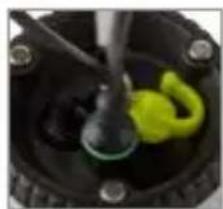
natural_image
Close-up of a mechanical component with a green and yellow plastic part inserted, no visible text or symbols.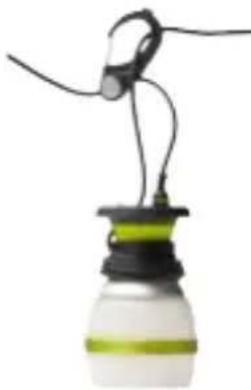
natural_image
Close-up of a small light bulb with black and green casing, suspended by wires (no text or symbols visible)FLÄCHENLEUCHTE
natural_image
Close-up of a cylindrical object with a yellow band and black top, suspended by a thin wire (no text or symbols visible)natural_image
Close-up of hands assembling a white and yellow robotic device with a black cap and cable (no visible text or symbols)LATERNENLICHT
natural_image
Close-up of hands assembling a light bulb with coiled black and green components (no text or symbols visible)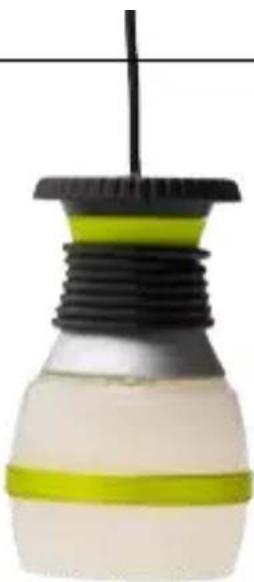
natural_image
Close-up of a light bulb with black and green plastic components, no visible text or symbolsnatural_image
Close-up of a mechanical component with black and yellow parts, no visible text or symbolsESPAÑOL
Tabla de contenido
natural_image
Two black silhouette icons of a lamp with radiating lines, no text or symbols presentnatural_image
Close-up of a mechanical component with black and yellow parts, no visible text or symbols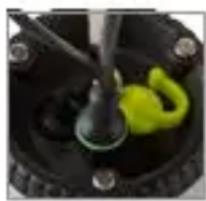
natural_image
Close-up of a mechanical component with a green and black part, no visible text or symbols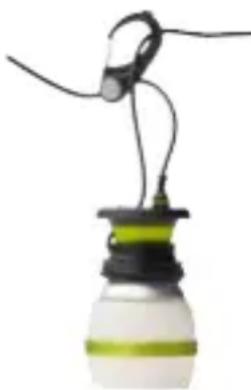
natural_image
Close-up of a small light bulb with black and green liquid, suspended by wires (no text or symbols visible)natural_image
Close-up of a cylindrical object with a yellow band and black top, suspended by a thin wire (no visible text or symbols)natural_image
Close-up of hands assembling a white and black spherical device with a yellow stripe, no visible text or symbols.MODO LUZ TIPO FAROL
natural_image
Close-up of hands assembling a light bulb with coiled black and green components (no text or symbols visible)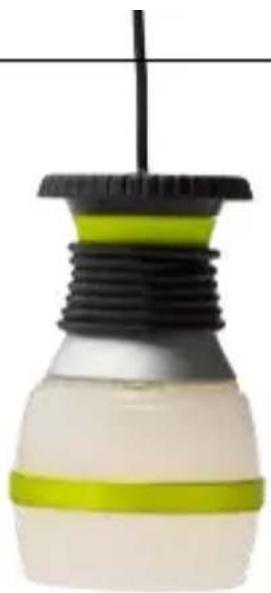
natural_image
Close-up of a light bulb with black and green plastic components, no visible text or symbolsnatural_image
Close-up of a car tire with a yellow handle and black body, no visible text or symbolsDesigned in the U.S.A.
Made in China
Goal Zero Yeti, Light-a-Life, and Sherpa are trademarks of Goal Zero LLC.
GOALZERO.COM
CA040915

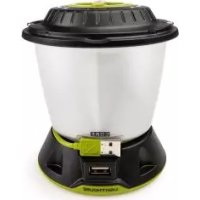
Brand : GOAL ZERO
Model : LightALife 350
Category : Camping