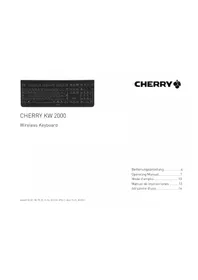
KW 200 - Keyboard Cherry - Free user manual and instructions
Find the device manual for free KW 200 Cherry in PDF.



| Product Type | Wireless Keyboard |
| Brand | Cherry |
| Model | KW 200 |
| Connection Technology | Radio frequency (wireless) up to 10 meters |
| Keyboard Power | 1 alkaline battery LR03 (AA) (0.9 to 1.65 V SELV) |
| Keyboard Consumption | typ. 3 mA |
| Receiver | Power 5 V/DC ±5% SELV, max. consumption 35 mA |
| Battery Status Indicator | Flashing red LED |
| Key Programming | KeyM@n software (free download on cherry-world.com) |
| Operating Temperature | 0 °C to +50 °C |
| Storage Temperature | -20 °C to +65 °C |
| Maintenance | Clean with a damp cloth and mild detergent; do not use solvents |
| Safety | Choking hazard (small parts); do not open the product |
| Warranty | Legal warranty; contact the retailer |
| Compliance | Directive 1999/5/EC (CE) |
| Manufacturer | ZF Friedrichshafen AG, Cherrystraße, 91275 Auerbach, Germany |
Frequently Asked Questions - KW 200 Cherry
User questions about KW 200 Cherry
0 question about this device. Answer the ones you know or ask your own.
Ask a new question about this device
Download the instructions for your Keyboard in PDF format for free! Find your manual KW 200 - Cherry and take your electronic device back in hand. On this page are published all the documents necessary for the use of your device. KW 200 by Cherry.
USER MANUAL KW 200 Cherry
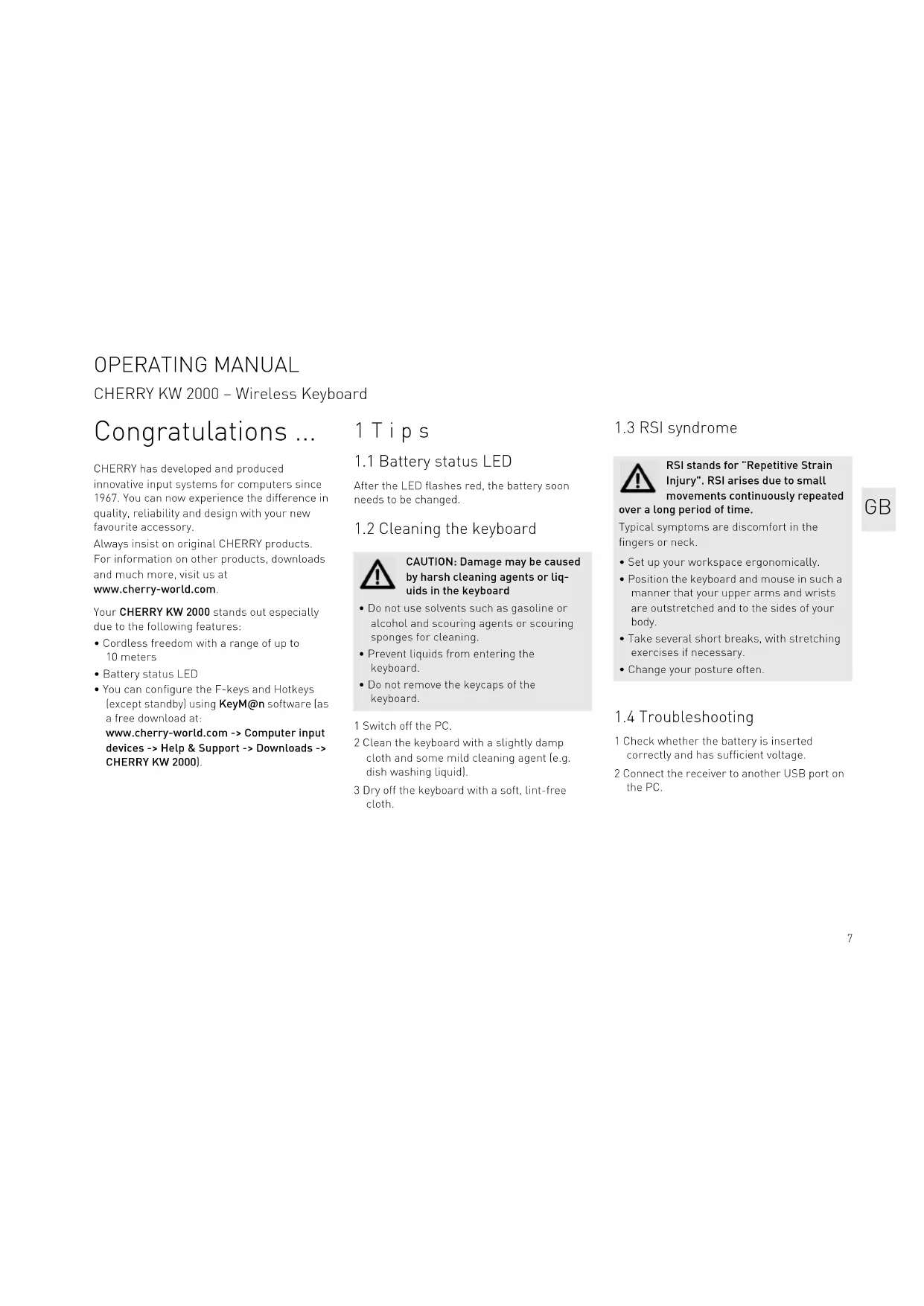
CHERRY has developed and produced innovative input systems for computers since 1967. You can now experience the difference in quality, reliability and design with your new favourite accessory.
Always insist on original CHERRY products. For information on other products, downloads and much more, visit us at www.cherry-world.com.
Your CHERRY KW 2000 stands out especially due to the following features:
- Cordless freedom with a range of up to 10 meters
Battery status LED - You can configure the F-keys and Hotkeys (except standby) using KeyM@n software [as a free download at: www.cherry-world.com -> Computer input devices -> Help & Support -> Downloads -> CHERRY KW 2000].
1 Tips
1.1 Battery status LED
After the LED flashes red, the battery soon needs to be changed.
1.2 Cleaning the keyboard

CAUTION: Damage may be caused by harsh cleaning agents or liquids in the keyboard
- Do not use solvents such as gasoline or alcohol and scouring agents or scouring sponges for cleaning.
- Prevent liquids from entering the keyboard.
- Do not remove the keycaps of the keyboard.
1 Switch off the PC.
2 Clean the keyboard with a slightly damp cloth and some mild cleaning agent (e.g. dish washing liquid).
3 Dry off the keyboard with a soft, lint-free cloth.
1.3 RSI syndrome

RSI stands for "Repetitive Strain Injury". RSI arises due to small movements continuously repeated
over a long period of time.
Typical symptoms are discomfort in the fingers or neck.
- Set up your workspace ergonomically.
- Position the keyboard and mouse in such a manner that your upper arms and wrists are outstretched and to the sides of your body.
Take several short breaks, with stretching exercises if necessary. - Change your posture often.
1.4 Troubleshooting
1 Check whether the battery is inserted correctly and has sufficient voltage.
2 Connect the receiver to another USB port on the PC.
OPERATING MANUAL
CHERRY KW 2000 - Wireless Keyboard
2 Disposal
2.1 Disposing of the device

Dispos of the used device at an official collection point for electronic waste or at your local dealer.
2.2 Disposing of the batteries

This device contains an alkaline battery.
Do not dispose of them in the
household waste. Batteries may contain pollutants which can harm the environment and health. Dispose of the batteries with the device in a retail outlet or at your local recycling depot. Returning the device is compulsory and free of charge.
All batteries are recycled. This enables valuable resources to be restored such as iron, zinc or nickel. Recycling batteries is the easiest contribution you can make towards environmental protection.
Thank you for your cooperation.
3 Technical data
| Designation Value | |
| Supply voltage Keyboard: | |
| 0.9 ... 1.65 V SELV | |
| Receiver: | |
| 5.0 V/DC ±5 % SELV | |
| Current | Keyboard: typ. 3 mA |
| consumption | Receiver: max. 35 mA |
| Battery 1 alkaline battery, type LR03 (AAA) | |
| Storage temperature -20 °C ... +65 °C | |
| Operating | 0 °C ... +50 °C |
| temperature | |
4 Contact
Please provide the following information about the device when you make an enquiry:
- Item and serial no. of the product
Name and manufacturer of your system - Operating system and, if applicable, installed service pack version
ZF Friedrichshafen AG
Electronic Systems
CherrystraBe
91275 Auerbach, Germany
Internet: www.cherry-world.com
E-mail: info@cherry.de
5 General advice
We reserve the right to make technical modifications which serve the development of our products. Improper use and storage can lead to faults and damage to the product.
The warranty expires completely once unauthorized modifications to the product have been carried out. Do not carry out any unauthorized repairs and do not open up the product. These instructions are only valid for the supplied product.
6 Warranty
The statutory warranty applies. Please contact your specialist dealer or contractual partner. You can find more information on the warranty under www.cherry-world.com.
7 Warning

CAUTION: Risk of choking from swallowing small parts
- Keep the device out of the reach of children under 6 years.
8 Certifications
8.1 CE Declaration of Conformity
Hereby, ZF Friedrichshafen AG, Electronic Systems business area, Auerbach/Opf., Germany, declares that this Radio-Frequency peripheral is in compliance with the essential requirements and other relevant provisions of Directive 1999/5/EC. The CE Declaration of Conformity can be retrieved by accessing the following internet address: www.cherry.de/compliance
Once accessed, click on the relevant product name to retrieve the CE Declaration of Conformity.
8.2 Federal Communications Commission (FCC) Radio Frequency Interference Statement
Information to the user: This equipment has been tested and found to comply with the limits for Class B digital device, pursuant to Part 15 of the FCC Rules. These limits are designed to provide reasonable protection against harmful interference in a residential installation. This equipment generates, uses and can radiate radio frequency energy and, if not installed and used in accordance with the instructions, may cause harmful interference to radio communications. However, there is no guarantee that interference will not occur in a
particular installation. If this equipment does cause harmful interference to radio or television reception, which can be determined by turning the equipment off and on, the user is encouraged to try to correct the interference by one or more of the following measures:
- Reorientate or relocate the receiving antenna.
- Increase the separation between the equipment and receiver.
- Connect the equipment into an outlet on a circuit different from that to which the receiver is connected.
- Consult the dealer or an experienced radio/ TV technician for help.
Caution: Any changes or modifications not expressly approved by the party responsible for compliance could void the user's authority to operate the equipment.
8.3 For UL
For use with Listed Personal Computers only!
MODED'EMPLOI
CHERRY KW 2000 - Wireless Keyboard
Felicitations...

- Tips
- Battery status LED
- Cleaning the keyboard
- CAUTION: Damage may be caused by harsh cleaning agents or liquids in the keyboard
- RSI syndrome
- RSI stands for "Repetitive Strain Injury". RSI arises due to small movements continuously repeated
- over a long period of time.
- Troubleshooting
- OPERATING MANUAL
- Disposal
- Disposing of the batteries
- Technical data
- Contact
- General advice
- Warranty
- Warning
- Certifications
- CE Declaration of Conformity
- Federal Communications Commission (FCC) Radio Frequency Interference Statement
- For UL
- MODED'EMPLOI
- CHERRY KW 2000 - Wireless Keyboard
- Felicitations...
Brand : Cherry
Model : KW 200
Category : Keyboard