 ManualGo.com
HD7692 - Coffee maker PHILIPS - Free user manual and instructions
Find the device manual for free HD7692 PHILIPS in PDF.



Download the instructions for your Coffee maker in PDF format for free! Find your manual HD7692 - PHILIPS and take your electronic device back in hand. On this page are published all the documents necessary for the use of your device. HD7692 by PHILIPS.
USER MANUAL HD7692 PHILIPS
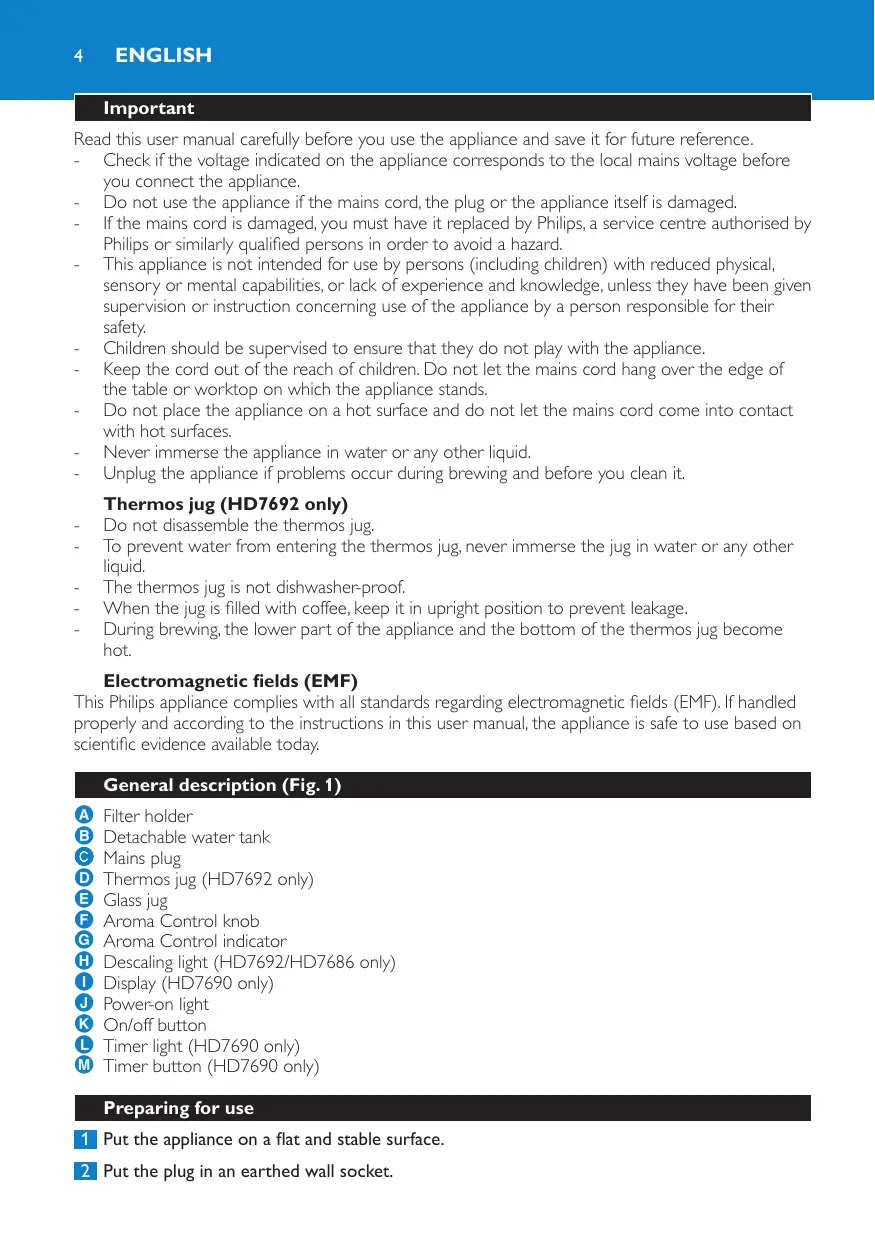
Read this user manual carefully before you use the appliance and save it for future reference. - Check if the voltage indicated on the appliance corresponds to the local mains voltage before you connect the appliance. - Do not use the appliance if the mains cord, the plug or the appliance itself is damaged. - If the mains cord is damaged, you must have it replaced by Philips, a service centre authorised by Philips or similarly qualified persons in order to avoid a hazard. - This appliance is not intended for use by persons (including children) with reduced physical, sensory or mental capabilities, or lack of experience and knowledge, unless they have been given supervision or instruction concerning use of the appliance by a person responsible for their safety. - Children should be supervised to ensure that they do not play with the appliance. - Keep the cord out of the reach of children. Do not let the mains cord hang over the edge of the table or worktop on which the appliance stands. - Do not place the appliance on a hot surface and do not let the mains cord come into contact with hot surfaces. - Never immerse the appliance in water or any other liquid. - Unplug the appliance if problems occur during brewing and before you clean it. Thermos jug (HD7692 only) Do not disassemble the thermos jug. To prevent water from entering the thermos jug, never immerse the jug in water or any other liquid. The thermos jug is not dishwasher-proof. When the jug is filled with coffee, keep it in upright position to prevent leakage. During brewing, the lower part of the appliance and the bottom of the thermos jug become hot.
Electromagnetic fields (EMF) This Philips appliance complies with all standards regarding electromagnetic fields (EMF). If handled properly and according to the instructions in this user manual, the appliance is safe to use based on scientific evidence available today. General description (Fig. 1)
Filter holder Detachable water tank Mains plug Thermos jug (HD7692 only) Glass jug Aroma Control knob Aroma Control indicator Descaling light (HD7692/HD7686 only) Display (HD7690 only) Power-on light On/off button Timer light (HD7690 only) Timer button (HD7690 only) Preparing for use 1 Put the appliance on a flat and stable surface. 2 Put the plug in an earthed wall socket. English
3 You can store excess cord by pushing it into the opening in the back of the coffee maker (Fig. 2). Setting the clock (HD7690 only) 1 After you have put the plug in the wall socket, the word ‘SET’ appears on the display (Fig. 3). 2 Press the ‘H’ button one or more times to set the hour (Fig. 4). , The display shows the set hour (e.g. 7:00). 3 Press the ‘M’ button one or more times to set the minutes (Fig. 5). , The display shows the set minutes (e.g. 7:20). Flushing the appliance 1 Remove the water tank and fill it with fresh, cold tap water (Fig. 6). HD7692 only: When you operate the appliance without ground coffee, do not fill the water tank beyond the 8-cup mark, otherwise the thermos jug will overflow. 2 Put the water tank back onto the appliance (Fig. 7). Do not put a filter and ground coffee in the filter holder. 3 Press the on/off button to switch on the appliance. , The power-on light goes on. 4 Let the appliance operate until the water tank is empty. , HD7692: The appliance switches off automatically after brewing. 5 HD7690/HD7686: Press the on/off button to switch off the appliance. The appliance switches off automatically after 2 hours. 6 Clean the jug and the filter holder (see chapter ‘Cleaning’). 7 Let the appliance cool down for at least 3 minutes before you start brewing coffee. Thermos jug (HD7692 only) Note:Always preheat the thermos jug with hot tap water before you start brewing coffee. 1 Rinse the thermos jug with hot tap water to preheat it (Fig. 8). To obtain the tastiest and hottest coffee, brew at least half a jug of coffee. 2 To pour out coffee, turn the lid to the right by its fin until the arrow on the jug points towards the ‘pour’ symbol on the lid. Always close the lid after pouring coffee to keep the coffee hot (Fig. 9). 3 To close the lid, turn it to the left by its fin until the arrow on the jug points towards the ‘closed/brewing’ symbol on the lid (Fig. 10). 4 To remove the lid from the thermos jug, turn it to the left by its fin until the arrow on the jug points towards the ‘remove lid’ symbol on the lid (Fig. 11). Using the appliance Brewing coffee This coffee maker is equipped with Aroma Control, which allows you to adjust the strength of the coffee to your own taste. Aroma Control also helps you determine the right balance between preground coffee and water. Note:When you use Aroma Control, always fill the water tank with water before you put ground coffee in the filter.
English 1 Make sure the plug is in the wall socket. 2 Make sure the glass jug or thermos jug (with the lid in the ‘closed/brewing’ position r) is under the filter holder. 3 Set the coffee strength you prefer with the Aroma Control knob. (Fig. 12) To increase the coffee strength, turn the knob to the right. To decrease the coffee strength, turn the knob to the left. Note:When you set the coffee strength, make sure that the filter holder is in the appliance. 4 Remove the water tank and fill it with fresh, cold tap water (Fig. 6). The level indications correspond to cups of 120ml. 5 Put the water tank back onto the appliance properly (Fig. 7). , The Aroma Control indicator moves upwards. 6 Take a paper filter (type 1x4 or no. 4) and fold the sealed edges to prevent tearing and folding. Note:If you want to use Aroma Control to determine the right balance between ground coffee and water, do not use a permanent filter. Due to its weight, a permanent filter disrupts the coffee-water balance of Aroma Control. 7 Open the filter holder lid and put a paper filter in the filter holder (Fig. 13). 8 Put pre-ground coffee (filter-fine grind) in the filter until the Aroma Control indicator is in the OK position and close the filter holder lid (Fig. 14). 9 Press the on/off button to switch on the appliance. , The red power-on light goes on. 10 When all the water has passed through the filter, you can remove the jug from the appliance. If you remove the jug for more than 30 seconds before all the water has passed through the filter, the filter may overflow.
HD7692: the appliance switches off automatically after brewing. The thermos jug keeps the coffee hot. HD7690/HD7686: the coffee is kept hot on the hotplate as long as you leave the appliance switched on. 11 HD7690/7HD7686: press the on/off button to switch off the appliance after use. The appliance switches off automatically after 2 hours. 12 Remove the filter holder (Fig. 15). 13 Throw away the paper filter. (Fig. 16) 14 Let the appliance cool down for at least 3 minutes before you start brewing coffee again. Timer (HD7690 only) You can use the timer to preset the time at which you want the coffeemaker to brew coffee. Note:If you want to use the timer function (HD7690 only), make sure the clock is set to the correct time. You can only set the current time when the appliance is switched off (see section ‘Setting the clock’ in chapter ‘Preparing for use’). Note:After a power failure, you have to set the clock and the timer again. 1 Press the timer button (Fig. 17). , The display shows the set auto-on time and the yellow timer light goes on. English
After you press the timer button, the normal time reappears if you stop pressing the hour button or minutes button for more than 5 seconds. In that case, the timer is set. 2 Press the ‘H’ button one or more times to set the hour (Fig. 4). 3 Press the ‘M’ button one or more times to set the minutes (Fig. 5). , 5 seconds after you stop pressing the hour button or minutes button, the normal time reappears. The yellow timer light goes on to indicate that the timer is set. 4 Follow steps 1 to 8 of section ‘Brewing coffee’ to prepare the appliance for brewing coffee. 5 The appliance starts brewing coffee at the preset time. , The yellow timer light goes off and the red power-on light goes on. If you want to check whether you have set the timer correctly, press the timer button. If you want to switch off the timer, press the on/off button. Cleaning Never immerse the appliance in water. 1 Unplug the appliance. 2 Clean the outside of the appliance with a moist cloth. 3 Remove the filter holder. 4 Clean the glass jug and the filter holder in hot water with some washing-up liquid or in the dishwasher. To clean the thermos jug, see section ‘Thermos jug (HD7692 only)’ in this chapter. 5 After cleaning, rinse the glass jug with fresh hot water. Water tank 1 Remove the water tank from the appliance. 2 Remove the cover from the water tank (Fig. 18). 3 Clean the water tank in hot water, if necessary with some washing-up liquid. Note:If you use a washing-up brush, be careful not to damage the valve in the bottom of the water tank. Do not use an object with sharp edges to clean the water inlet on the appliance. 4 Rinse the water tank with fresh water after cleaning and put it back onto the appliance. Thermos jug (HD7692 only)
Do not immerse the thermos jug in water or any other liquid and do not clean it in the dishwasher (Fig. 19). 1 Remove the lid of the thermos jug (Fig. 11). Turn the lid to the left by its fin until the arrow on the jug points towards the ‘remove lid’ symbol. 2 Clean the inside of the thermos jug with a soft brush, hot water and some washing-up liquid (Fig. 20). Tip: To remove stubborn brown deposits, fill the jug with hot water and add a spoonful of sodium carbonate. Let the sodium carbonate do its work for some time. 3 After cleaning, rinse the thermos jug with fresh, hot water (Fig. 8). 4 Put the lid back onto the thermos jug.
English Descaling Regular descaling prolongs the life of the appliance and guarantees optimal brewing results for a long time. the appliance measures the amount of scale and notifies you when the appliance needs to be descaled. - HD7690: The word CALC appears on the display when you need to descale the appliance (Fig. 21). - HD7692/HD7686: The yellow descaling light goes on when you need to descale the appliance (Fig. 22). To descale the appliance, perform the following steps: 1 Fill the water tank with white vinegar (4% acetic acid). Do not put a filter and ground coffee in the filter holder. 2 Let the appliance complete two brewing cycles. See chapter ‘Using the appliance’. Let the appliance cool down for 3 minutes before you start the second brewing cycle. 3 Let the appliance complete two more brewing cycles with fresh, cold water to remove all vinegar residues. , You can also use an appropriate liquid descaler. In this case, follow the instructions on the package of the descaler. Do not use a descaling powder. 4 Clean the separate parts (see chapter ‘Cleaning’). Replacement
You can order a new glass jug from your Philips dealer or a Philips service centre under type number HD7985/30 (dark grey) or HD7986/90 (black). You can order a new thermos jug from your Philips dealer or a Philips service centre under type number HD7988/90. Environment
Do not throw away the appliance with the normal household waste at the end of its life, but hand it in at an official collection point for recycling. By doing this, you help to preserve the environment (Fig. 23). Guarantee & service If you need information or if you have a problem, please visit the Philips website at www.philips.com or contact the Philips Customer Care Centre in your country (you find its phone number in the worldwide guarantee leaflet). If there is no Customer Care Centre in your country, go to your local Philips dealer or contact the Service Department of Philips Domestic Appliances and Personal Care BV.