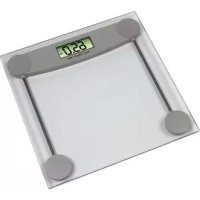
Melissa - Scale Xavax - Free user manual and instructions
Find the device manual for free Melissa Xavax in PDF.



| Product type | Bathroom scale |
| Brand | Xavax |
| Model | Melissa |
| Power supply | CR2032 button cell battery (included) |
| Main functions | Automatic weighing, auto-off, unit selection (kg, lb, stone) |
| Weight capacity | Up to 150 kg (estimate) |
| Display | LCD digital display |
| Care and cleaning | Clean with a slightly damp, lint-free cloth, without harsh detergent |
| Safety | Use on a flat, stable surface; do not overload; do not open; keep out of reach of children; remove battery if not used for an extended period |
| Spare parts and repairability | User-replaceable CR2032 button cell battery; no other spare parts provided |
| General information | Distributed by Hama GmbH & Co. KG; telephone support at +49 9091 502-115 (German/English); website: www.xavax.eu |
Frequently Asked Questions - Melissa Xavax
User questions about Melissa Xavax
0 question about this device. Answer the ones you know or ask your own.
Ask a new question about this device
Download the instructions for your Scale in PDF format for free! Find your manual Melissa - Xavax and take your electronic device back in hand. On this page are published all the documents necessary for the use of your device. Melissa by Xavax.
USER MANUAL Melissa Xavax
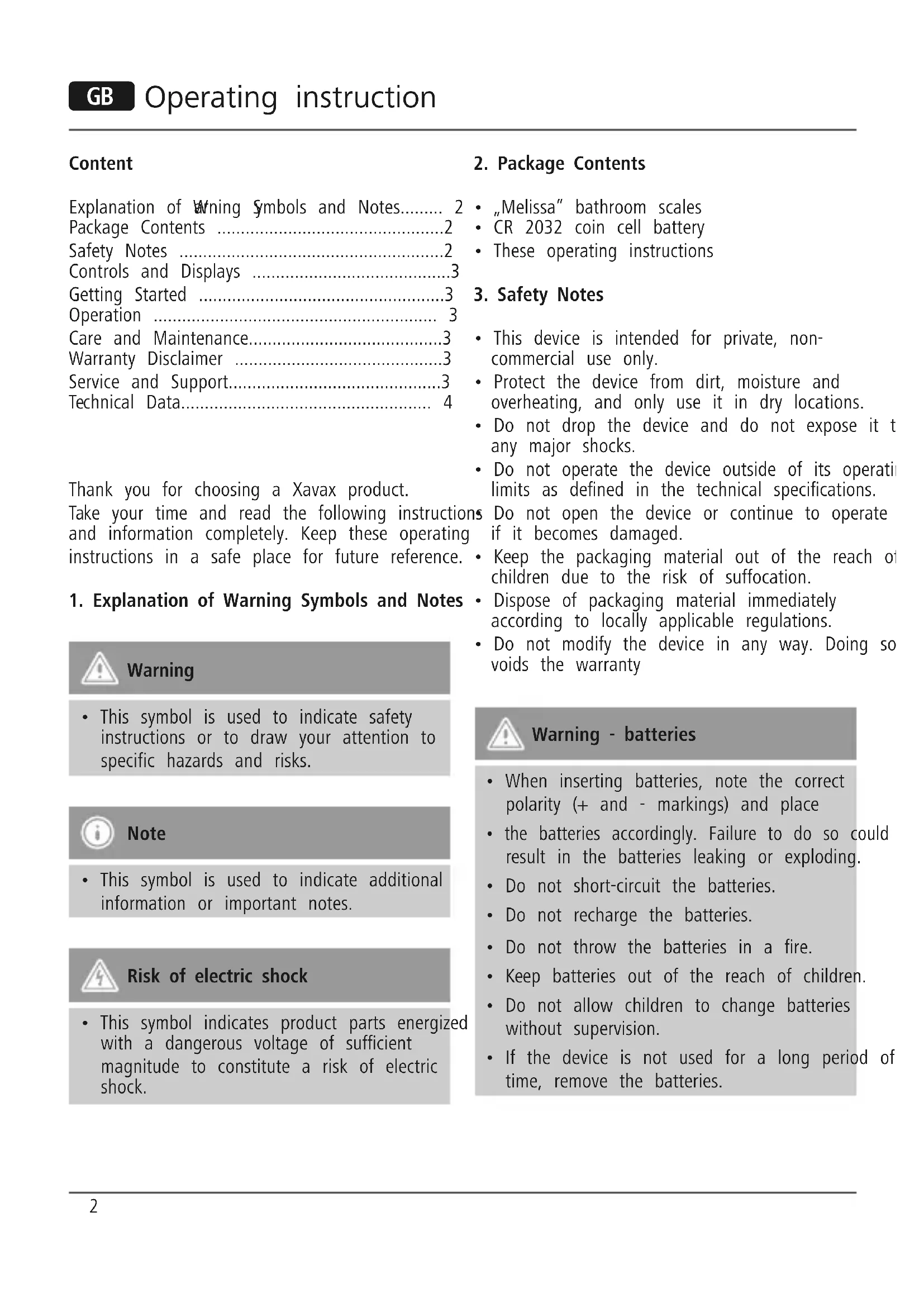
Explanation of Writing Symbols and Notes. 2
Package Contents 2
Safety Notes 2
Controls and Displays 3
Getting Started 3
Operation 3
Care and Maintenance. 3
Warranty Disclaimer 3
Service and Support. 3
Technical Data 4
Thank you for choosing a Xavax product.
Take your time and read the following instructions and information completely. Keep these operating instructions in a safe place for future reference.
1. Explanation of Warning Symbols and Notes

Warning
- This symbol is used to indicate safety instructions or to draw your attention to specific hazards and risks.

Note
- This symbol is used to indicate additional information or important notes.

Risk of electric shock
- This symbol indicates product parts energized with a dangerous voltage of sufficient magnitude to constitute a risk of electric shock.
2. Package Contents
"Melissa" bathroom scales
CR 2032 coin cell battery
- These operating instructions
3. Safety Notes
- This device is intended for private, non-commercial use only.
- Protect the device from dirt, moisture and overheating, and only use it in dry locations.
- Do not drop the device and do not expose it to any major shocks.
- Do not operate the device outside of its operat i
limits as defined in the technical specifications.
ns Do not open the device or continue to operate if it becomes damaged. - Keep the packaging material out of the reach o children due to the risk of suffocation.
- Dispose of packaging material immediately according to locally applicable regulations.
- Do not modify the device in any way. Doing so voids the warranty

Warning - batteries
- When inserting batteries, note the correct polarity (+ and - markings) and place
- the batteries accordingly. Failure to do so could result in the batteries leaking or exploding.
- Do not short-circuit the batteries.
- Do not recharge the batteries.
- Do not throw the batteries in a fire.
- Keep batteries out of the reach of children.
- Do not allow children to change batteries without supervision.
- If the device is not used for a long period of time, remove the batteries.
4. Controls and Displays
- UNIT button: for selecting the units of weight: kilograms (kg), pounds (lb) or stones (st:lb)
5. Getting Started
5.1 Insert the batteries:
- Use a PCS CR2032 coin cell battery.
- To change the battery, open the battery cover 7 on the back of the device, insert a CR2032 battery with the correct polarity into the battery compartment. Close the battery compartment fully
6. Operation
- Place the scale on a clean and level surface.
- Ensure that the scale is stable.
Weighing:
- The scale switches on automatically when you step on it. Your body weight flashes on the display during the weighing process.
- Wait until the displayed weight stops flashing. Once the weight has stabilised, it is displayed another ten seconds.
- The scale then switches off automatically. Error messages
- The error message "- - - - " is displayed when the scale is overloaded.
- The message "LO" indicates that the battery is nearly dead. Replace the battery as soon as possible.

Note
To ensure accurate measurements, we recommend that you weigh yourself at the same time each day (e.g. in the morning right after you wake up)

Note
- When the weight displayed by the scales seems to be incorrect, check that the contact between battery and the contacts is in proper working order. If you haven't used the scales in a long time, change the battery and try again
7. Care and Maintenance
Only clean this product with a slightly damp, lint-free cloth and do not use aggressive cleaning agents. Make sure that water does not get into the scales.
8. Warranty Disclaimer
Hama GmbH & Co. KG assumes no liability and provides no warranty for damage resulting from improper installation/mounting, improper use of the product or from failure to observe the operatir instructions and/or safety notes. for
9. Service and Support
Please contact Hama Product Consulting if you have any questions about this product.
Hotline: +49 9091 502-115 (German/English)
Further support information can be found here: www.xavax.eu
10. Technical Data
The high-precision sensors ensure accurate weighing to allow you to precisely monitor your weight.
| Max. weight 150 kg |
| Scale division 100 g |
| Units of measurement kilograms (kg), pounds (lb) or stones (st:lb) |
| Low battery and overload warning |
| Automatic shutdown |
| Function buttons: UNIT (underside) |
| Power supply One (1) CR 2032 coin cell battery |
Inhalt
9. Service and Support
Distributed by Hama GmbH & Co KG
D-86652 Monheim
+49 9091 502-0
www.xavax.eu


Brand : Xavax
Model : Melissa
Category : Scale