Canz XL - Loudspeaker 808 Audio - Free user manual and instructions
Find the device manual for free Canz XL 808 Audio in PDF.



| Brand | 808 Audio |
| Model | Canz XL |
| Product Type | Portable Bluetooth Speaker |
| Wireless Connectivity | Bluetooth |
| Bluetooth Range | Approximately 10 meters |
| Wired Connectivity | AUX Input (3.5 mm jack) |
| Power Supply | AC adapter (included), built-in rechargeable battery |
| Charge Indicator | Red LED (charging), Green (charged) |
| Bluetooth Indicator | Blue LED (pairing, connection), White (AUX) |
| Controls | Power On/Off, Volume +/-, Bass Boost |
| Bass Boost Function | Bass amplification, can be toggled on/off |
| Built-in Handle | Retractable handle with release tab |
| Included Accessories | AC adapter, user manual |
| Care and Cleaning | Clean with a dry, soft cloth |
| Safety | Do not expose to moisture or liquids |
| Operating Temperature | Normal room temperature |
| Repairability | Contact after-sales service |
| Customer Support | 1 800 732-6866 / 808Audio.com |
Frequently Asked Questions - Canz XL 808 Audio
User questions about Canz XL 808 Audio
0 question about this device. Answer the ones you know or ask your own.
Ask a new question about this device
Download the instructions for your Loudspeaker in PDF format for free! Find your manual Canz XL - 808 Audio and take your electronic device back in hand. On this page are published all the documents necessary for the use of your device. Canz XL by 808 Audio.
USER MANUAL Canz XL 808 Audio
Getting to know Bluetooth
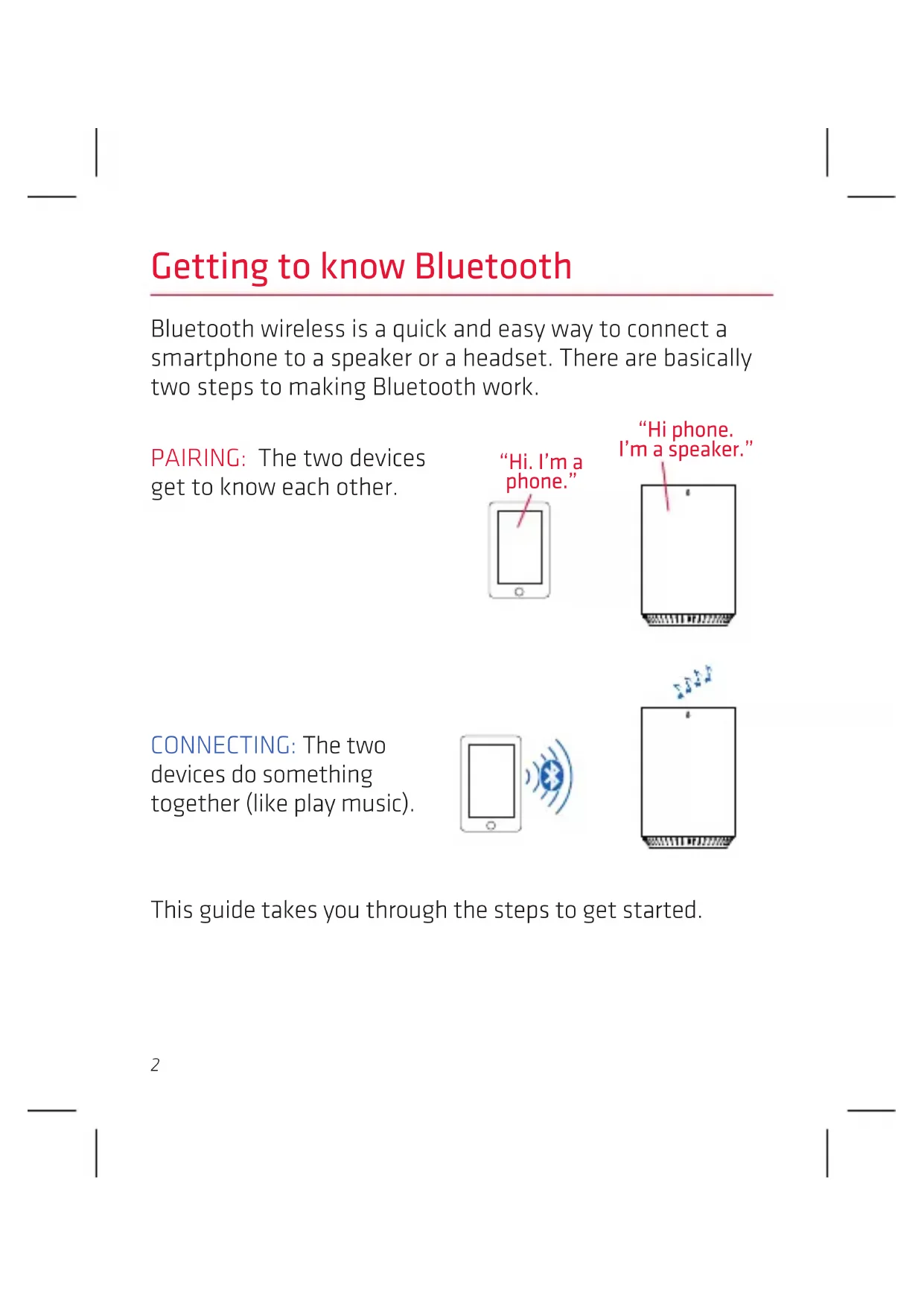
Bluetooth wireless is a quick and easy way to connect a smartphone to a speaker or a headset. There are basically two steps to making Bluetooth work.
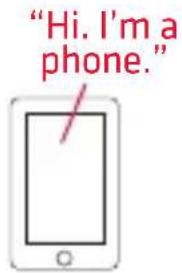
PAIRING: The two devices get to know each other.
"Hi phone. I'm a speaker."
CONNECTING: The two devices do something together (like play music).
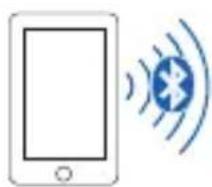
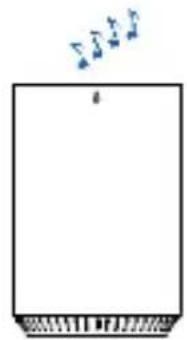
This guide takes you through the steps to get started.
Step 1: Unpack
Make sure the following items came in this package:
• the Canz XL speaker
- an AC adapter
Step 2: Charge the Canz XL
Before you start using the Canz XL speaker for the first time, it's a good idea to charge it completely.
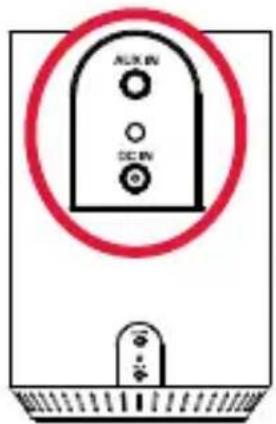
To charge the speaker: Plug the included AC adapter into the DC IN jack on the speaker's back panel.
Plug the other end of the AC adapter into an AC outlet or surge protector.
The charging indicator next to the DC IN jack is red while the speaker is charging. It turns green when the speaker is fully charged.
Note: You can use the speaker while it's charging.
Speaker back
Step 3: Turn on
Press and hold the ⏻ button on the top of the speaker.
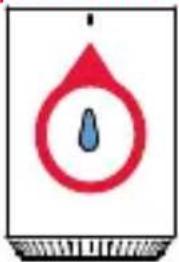
The power-up tone sounds and the indicator light on the front of the speaker starts blinking.
After a few seconds, the speaker goes to Bluetooth pairing mode to set up with your smartphone.
Speaker top

Speaker front
Step 4: Pair + Connect
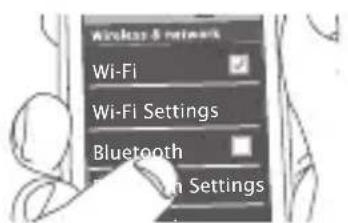
Enable Bluetooth on your smartphone or other device.
Make sure the indicator light on the front of the speaker is blinking rapidly. (If it isn't, give a short double-press on the button. The speaker gives an audio signal.)
Speaker front
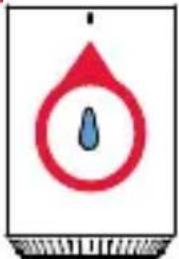
If you've previously paired your phone or other Bluetooth device with this speaker, the speaker will automatically attempt to reconnect to that device when you switch the speaker on. If you want to pair to a new device, give a short double-press to the ⏻ button. The speaker gives a signal and the indicator light on the front of the speaker starts blinking.
Choose 808 Canz XL from the pairing options on your smartphone. (If it's not in the list, choose "Scan" from your phone's Bluetooth menu.)
The speaker gives an audio signal when it's finished pairing and connecting to your smartphone. The indicator light on the front of the speaker turns solid blue.
Note: The process of enabling Bluetooth and connecting varies from device to device. See your device's owners manual for more information and specific instructions.
Bluetooth Wireless Connection Tips
• Make sure the Bluetooth capability of your device is turned on.
- Make sure there's nothing plugged into the speaker's AUX IN jack when you're trying to use Bluetooth.
- The Bluetooth wireless connection works up to a range of roughly 33 feet (10 meters). This range may vary, however, based on other factors, such as room layout, wall material, obstacles, your device's Bluetooth performance, etc. If you're having problems connecting to this speaker, move closer to it.
- If your device asks you for a password to connect, use "0000".
- If you've paired your device with the speaker before but you're having trouble reconnecting when you turn the speaker back on, give a short press to the button while the indicator light on the front of the speaker is flashing. The speaker will attempt to connect to a previously paired device.
Step 5: Play music
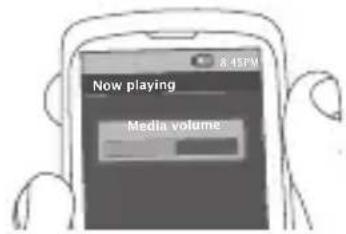
Set your device's volume for music to 50%.
Note: This is to make sure the sound from the speaker isn't too loud when you start streaming.
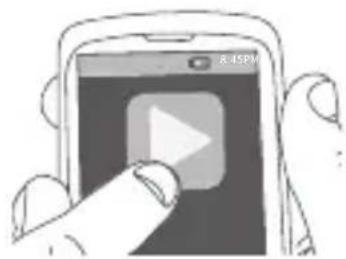
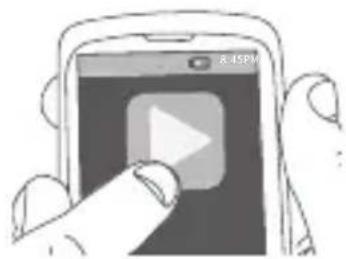
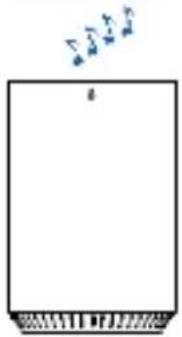
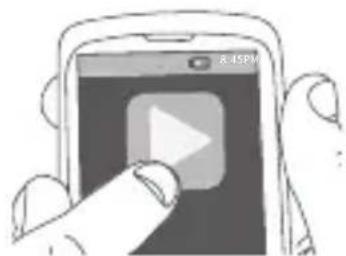
Start playing music or other audio on your device. Within seconds, the speaker starts streaming the audio wirelessly via Bluetooth.
To adjust the volume of your audio:
Press the + and -buttons on the top of the speaker (or use the volume controls on your phone).
Using Bass Boost
The Canz XL speaker has a Bass Boost feature that enhances the lower frequencies in your music. Bass Boost is turned on by default. Press the button on the top of the speaker to toggle Bass Boost on and off.
Using the Aux In input
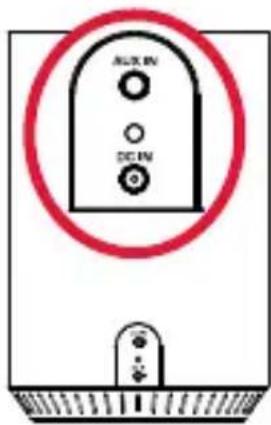
Use a 3.5mm audio cable (not included) to connect the audio output from your device to the AUX IN audio input on the speaker's back panel.
The speaker automatically switches to the AUX IN audio, and the indicator light on the front of the speaker turns solid white.
To listen to Bluetooth audio again, unplug the cable from the speaker's AUX IN jack. The speaker will try to reconnect to the last Bluetooth device.
Speaker back
Tour of the speaker
Top
button has three functions:
- it turns the speaker on and off (press and hold)
- it puts the speaker into pairing mode (short double-press when the speaker's on) to connect to a new Bluetooth device
- it attempts to reconnect to the last paired device (short single-press when the speaker's on).


++ button switches between bass boost and regular equalization.
- / + decrease or increase the volume of the speaker's audio.
Front
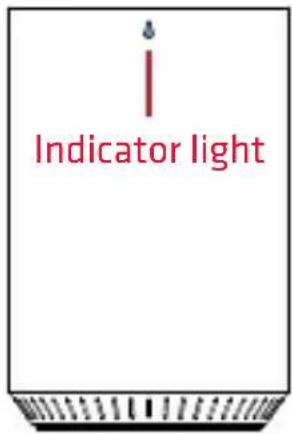
Indicator light shows the Bluetooth status of the speaker:
• fast blinking blue while pairing
- slow blinking blue while reconnecting
• solid blue when paired
• solid white when the AUX IN jack is in use
• off when the speaker's off.
Back
AUX IN jack lets you connect an audio device directly to the speaker using a 3.5mm audio cable.
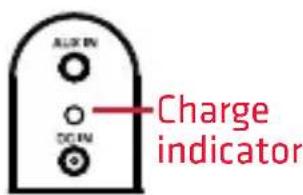
Charge indicator shows the charging status of the speaker:
• solid red while charging
- green when fully charged
DC IN jack connects to the provided AC adapter to plug the speaker into a wall outlet or surge protector.
Using the speaker handle
The Canz XL has a built-in handle that comes in the package latched closed. To unlatch the handle, press on the latch release on the speaker back and pull up on the handle. To latch the handle back in place, press on the latch release and push the handle back in.

CANZXL™
HAUT-PARLEUR SANS FIL
GUIDE DE DÉMARRAGE RAPIDE
English instructions......1
English instructions......1
Paso 3: Enciéndalo
Paso 4: Sincronice + Conecte
If you have any questions about this product, visit 808Audio.com or call our toll-free help line at 1-800-732-6866.
- GETTING TO KNOW BLUETOOTH
- STEP 1: UNPACK
- STEP 2: CHARGE THE CANZ XL
- STEP 3: TURN ON
- STEP 4: PAIR + CONNECT
- BLUETOOTH WIRELESS CONNECTION TIPS
- STEP 5: PLAY MUSIC
- TO ADJUST THE VOLUME OF YOUR AUDIO
- USING BASS BOOST
- USING THE AUX IN INPUT
- TOUR OF THE SPEAKER
- TOP
- FRONT
- BACK
- USING THE SPEAKER HANDLE
- CANZXL™
- GUIDE DE DÉMARRAGE RAPIDE
- PASO 3: ENCIÉNDALO
- PASO 4: SINCRONICE + CONECTE
Brand : 808 Audio
Model : Canz XL
Category : Loudspeaker