 ManualGo.com
HQ8870 - Shaver PHILIPS - Free user manual and instructions
Find the device manual for free HQ8870 PHILIPS in PDF.



Download the instructions for your Shaver in PDF format for free! Find your manual HQ8870 - PHILIPS and take your electronic device back in hand. On this page are published all the documents necessary for the use of your device. HQ8870 by PHILIPS.
USER MANUAL HQ8870 PHILIPS
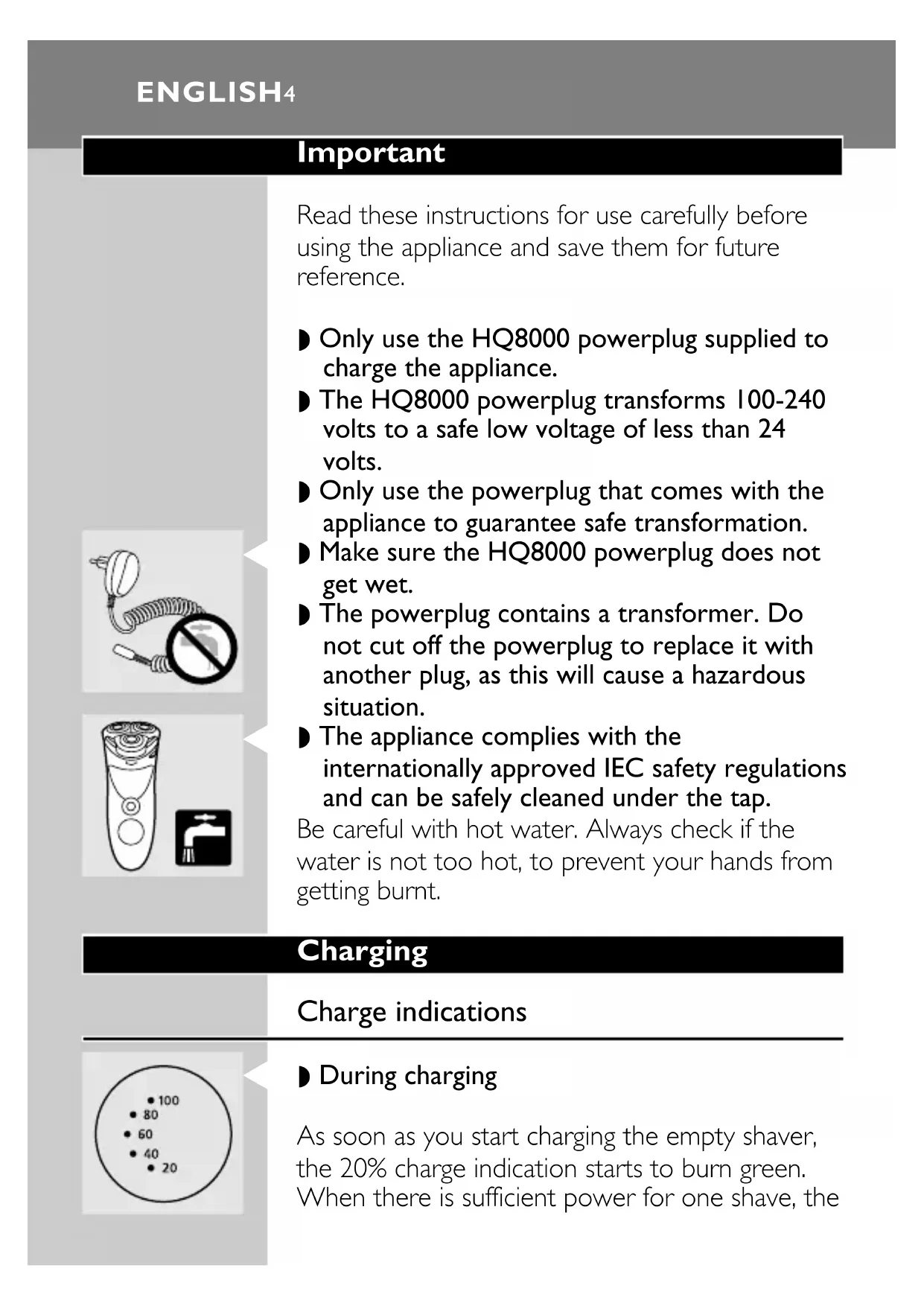
GDYQH»I 103 HQ8870 3Important Read these instructions for use carefully before using the appliance and save them for future reference. ◗ Only use the HQ8000 powerplug supplied to charge the appliance. ◗ The HQ8000 powerplug transforms 100-240 volts to a safe low voltage of less than 24 volts. ◗ Only use the powerplug that comes with the appliance to guarantee safe transformation.
◗ Make sure the HQ8000 powerplug does not get wet. ◗ The powerplug contains a transformer. Do not cut off the powerplug to replace it with another plug, as this will cause a hazardous situation.
◗ The appliance complies with the internationally approved IEC safety regulations and can be safely cleaned under the tap. Be careful with hot water. Always check if the water is not too hot, to prevent your hands from getting burnt. Charging Charge indications
◗ During charging As soon as you start charging the empty shaver, the 20% charge indication starts to burn green. When there is sufficient power for one shave, the ENGLISH420% indication starts blinking.As charging continues, more and more charge percentage indications will start to burn green to indicate to what level the batteries have been charged.
◗ Batteries fully charged As soon as the batteries have been fully charged, all charge percentage indications burn green.
◗ Remaining shaving time As the energy level of the batteries decreases, the number of charge percentage indications that burn green decreases too.
◗ Batteries running low When the batteries are running low, the 20% charge percentage indication turns red.When you switch the shaver off, the 20% charge indication blinks red for 4 seconds. Charging the appliance Recharge, store and use the appliance at a temperature between 5cC and 35cC. Charge the shaver before using it for the first time, when the shaver indicates that the battery is running low or when the motor stops running. When charging for the first time or after a long period of disuse: leave the shaver to charge continuously for 4 hours. Charging normally takes approx. 1 hour. ENGLISH 5You can also shave without charging by connecting the shaver to the mains. Do not leave the shaver connected to the mains continuously. Do not recharge the shaver in a closed pouch.
1 Insert the appliance plug into the appliance and insert the powerplug into the wall socket. 2 Remove the powerplug from the wall socket and pull the appliance plug out of the shaver when the batteries have been fully charged. ◗ Cordless shaving time A fully charged shaver has a cordless shaving time of up to 70 minutes. Using the appliance Shaving
◗ The Personal Comfort Control system allows you to adapt the shaver to your skin type. - You can set the shaver to 'Normal' for a fast and comfortable close shave. - You can set the shaver to 'Sensitive' for a comfortable close shave with optimal skin comfort. ENGLISH6C ◗ The … position is the neutral position.
◗ The 'S' position is best suited for sensitive skin.
◗ The 'N' position is best suited for normal skin. 1 Switch the shaver on by pressing the on/off button once.
2 Move the shaving heads quickly over your skin, making both straight and circular movements. Shaving on a dry face gives the best results. Your skin may need 2 or 3 weeks to get accustomed to the Philishave system. 3 Switch the shaver off.
4 Put the protection cap on the shaver every time you have used it, to prevent damage. ENGLISH 7
1 Open the trimmer by pushing the slide upwards. The trimmer can be activated while the motor is running. Cleaning and maintenance Regular cleaning guarantees better shaving performance. The easiest and most hygienic way to clean the appliance is to rinse the shaving unit and the hair chamber with hot water every time you have used the shaver. Hot water may cause burns.Always check if the water is not too hot before you start cleaning the shaver under the tap. Never dry the shaving unit with a towel or tissue as this may damage the shaving heads.
◗ For easy and optimal cleaning, the Philishave Action Clean (shaving head cleaner, type HQ100) is available.Ask your Philishave dealer for information. When you clean the appliance, it is not necessary to take the shaving heads (cutters and guards) apart. If you want to take them apart, be sure not to mix up the cutters and guards, since grinding of the cutters in the guards only guarantees optimal performance for each matching set. If you ENGLISH8accidentally mix up the sets, it could take several weeks before optimal shaving performance is restored. Every day: shaving unit and hair chamber 1 Switch the shaver off, remove the powerplug from the wall socket and pull the appliance plug out of the shaver.
2 Press the release button to open the shaving unit.
3 Clean the shaving unit and the hair chamber by rinsing them under a hot tap for some time. Make sure the inside of the shaving unit and the hair chamber have been cleaned properly. 4 Rinse the outside of the appliance. 5 Close the shaving unit and shake off excess water.
6 Open the shaving unit again and leave it open to let the appliance dry completely. ◗ You can also clean the shaving unit and hair chamber without water by using the brush supplied. - Carefully clean the top of the shaving unit with the brush. - Carefully clean the inside of the shaving unit and the hair chamber with the brush. ENGLISH 9Every six months: trimmer 1 Switch the shaver off, remove the powerplug from the wall socket and pull the appliance plug out of the shaver.
2 Clean the trimmer with the brush.
3 Lubricate the trimmer teeth with a drop of sewing machine oil every six months. Replacement Replace the shaving heads every 2 years for optimal shaving results. Replace damaged or worn shaving heads with HQ8 Philishave Sensotec shaving heads only. 1 Switch the shaver off, remove the powerplug from the wall socket and pull the appliance plug out of the shaver.
2 Press the release button to open the shaving unit.
4 Remove the shaving heads and place new ones in the shaving unit in such a way that the parts with the small holes point towards the centre of the shaving unit. Make sure that the projections of the shaving heads fit exactly into the recesses.
5 Put the retaining frame back into the shaving unit. Press the wheel and turn it clockwise. Storage
◗ Put the protection cap on the shaver to prevent damage. ◗ You can store the appliance in the pouch supplied. Environment Disposal of the batteries The built-in rechargeable batteries contain substances that may pollute the environment. Remove the batteries when you discard the shaver. Do not throw the batteries away with the normal household waste, but hand them in at an official collection point.You can also take the appliance to a Philips service centre, which will remove the batteries for you and will dispose of them in an environmentally safe way. ENGLISH 11
1Only remove the batteries if they are completely empty. 1 Remove the powerplug from the wal socket and pull the appliance plug out of the shaver.
2 Let the shaver run until it stops, undo the screws and open the shaver. 3 Remove the batteries. Do not connect the shaver to the mains again after the batteries have been removed. Accessories The following accessories are available: - HQ8000 powerplug. - HQ8 Philishave Sensotec shaving heads. - HQ100 Philishave Action Clean (shaving head cleaner). - HQ101 Philishave Action Clean refill (shaving head cleaning liquid). - HQ110 Philishave shaving head cleaner (shaving head cleaning spray). Guarantee & service If you need information or if you have a problem, please visit the Philips Web site at www.philips.com or contact the Philips Customer Care Centre in your country (you will find its ENGLISH12phone number in the worldwide guarantee leaflet). If there is no Customer Care Centre in your country, turn to your local Philips dealer or contact the Service Department of Philips Domestic Appliances and Personal Care BV. Troubleshooting 1 Reduced shaving performance
Cause 1: the shaving heads are dirty.
The shaver has not been rinsed long enough or the water used was not hot enough. ◗ Clean the shaver thoroughly before you continue shaving (see 'Cleaning and maintenance').
Cause 2: long hairs are obstructing the shaving heads. ◗ Clean the cutters and guards.
◗ Remove the retaining frame. Do not clean more than one cutter and guard at a time, since they are all matching sets. If you accidentally mix up the cutters and guards, it may take several weeks before optimal shaving performance is restored. ◗ Remove the hairs with the brush supplied. ◗ Put the retaining frame back into the shaving unit.
Cause 3: the shaving heads are damaged or worn. ENGLISH 13
2◗ Remove the retaining frame. ◗ Remove the old shaving heads from the shaving unit and replace them with new ones. Damaged or worn shaving heads (cutters and guards) may only be replaced with original HQ8 Philishave Sensotec shaving heads. ◗ Put the retaining frame back into the shaving unit. 2 The shaver does not work when the on/off button is pressed