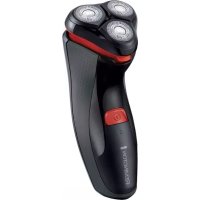
PowerSeries Aqua PR1370 - Shaver REMINGTON - Free user manual and instructions
Find the device manual for free PowerSeries Aqua PR1370 REMINGTON in PDF.


| Brand | Remington |
| Model | PowerSeries Aqua PR1370 |
| Product type | Cordless rechargeable electric shaver |
| Power supply | Rechargeable via mains adapter (100-240 V, 50-60 Hz) |
| Mains adapter | Model PA-0510E (Europe) or PA-0510U (UK), output 5 V DC, 1 A |
| Battery type | Rechargeable lithium-ion (built-in, not user-replaceable) |
| Charging time (first use) | 24 hours |
| Charging time (normal use) | 4 hours |
| Runtime | Approximately 40 minutes (estimate based on similar models) |
| Shaving head | 2 pivoting and flexible rotary heads |
| Integrated precision trimmer | Yes, retractable |
| Wet use | Yes, can be used in shower or bath (with shaving gel) |
| Cleaning | Rinse the head with hot water after each use; brush the blades |
| Trimmer lubrication | Every 6 months with one drop of sewing machine oil |
| Indicator lights | Green: charging (slow blinking), full charge (solid for 5 min then off), low battery (fast blinking) |
| Safety | Do not use if cord is damaged; keep adapter dry; use under supervision for children over 8 years |
| Included accessories | Adapter, cleaning brush, protective cap |
| Repairability | Battery not user-replaceable; disassembly recommended only for disposal |
Frequently Asked Questions - PowerSeries Aqua PR1370 REMINGTON
User questions about PowerSeries Aqua PR1370 REMINGTON
0 question about this device. Answer the ones you know or ask your own.
Ask a new question about this device
Download the instructions for your Shaver in PDF format for free! Find your manual PowerSeries Aqua PR1370 - REMINGTON and take your electronic device back in hand. On this page are published all the documents necessary for the use of your device. PowerSeries Aqua PR1370 by REMINGTON.
USER MANUAL PowerSeries Aqua PR1370 REMINGTON
natural_image
Black Remington electric shaver with three circular buttons and a power button (no text or symbols visible on the device body)PR1350
PR1370
Thank you for buying your new Remington® product. Please read these instructions carefully and keep them safe.
Remove all packaging before use.

IMPORTANT SAFEGUARDS
WARNING - TO REDUCE THE RISK OF BURNS, ELECTROCUTION, FIRE OR INJURY TO PERSONS:
1 This appliance can be used by children aged from 8 years and above and persons with reduced physical, sensory or mental capabilities or lack of experience and knowledge if they have been supervised/instructed and understand the hazards involved. Children shall not play with the appliance. Cleaning and user maintenance shall not be done by children unless they are older than 8 and supervised. Keep the appliance and cable out of reach of children under 8 years.
2 Use this appliance only for its intended use as described in this manual. Do not use attachments not recommended by Remington®.
3 Do not leave the appliance unattended while plugged in, except when charging.
4 Keep the power plug and cord away from heated surfaces.
5 Make sure the power plug and cord do not get wet.
6 Do not plug or unplug the appliance with wet hands.
7 Do not use the product with a damaged cord. A replacement adaptor can be obtained via our International Service Centres.
8 Do not twist or kink the cable, or wrap it around the appliance.
9 This appliance is not intended for commercial or salon use.
10 Suitable for use in a bath or shower.
11 This appliance should be supplied with approved safety isolating adaptors PA-0510E (for Europe), PA-0510K (for United Kingdom) with the output capacity of 5 Vdc; 1A (adaptor output).
natural_image
Close-up of a handheld electronic device with a button and indicator lights (no readable text or symbols)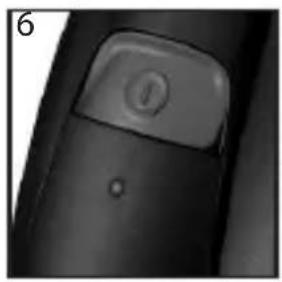
natural_image
Close-up of a black object with a button labeled 'J' and a small dot, no visible text or symbols.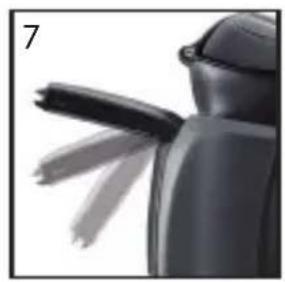
natural_image
Close-up of a black mechanical component with two blades extending outward (no visible text or symbols)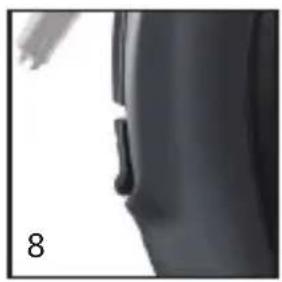
natural_image
Close-up of a dark, curved object with a small protrusion, possibly part of a device or tool (no visible text or symbols)12
natural_image
Black plastic object with 'REMINGTON 1' and a small arrow symbol on its surface (no additional text or symbols)
KEY FEATURES
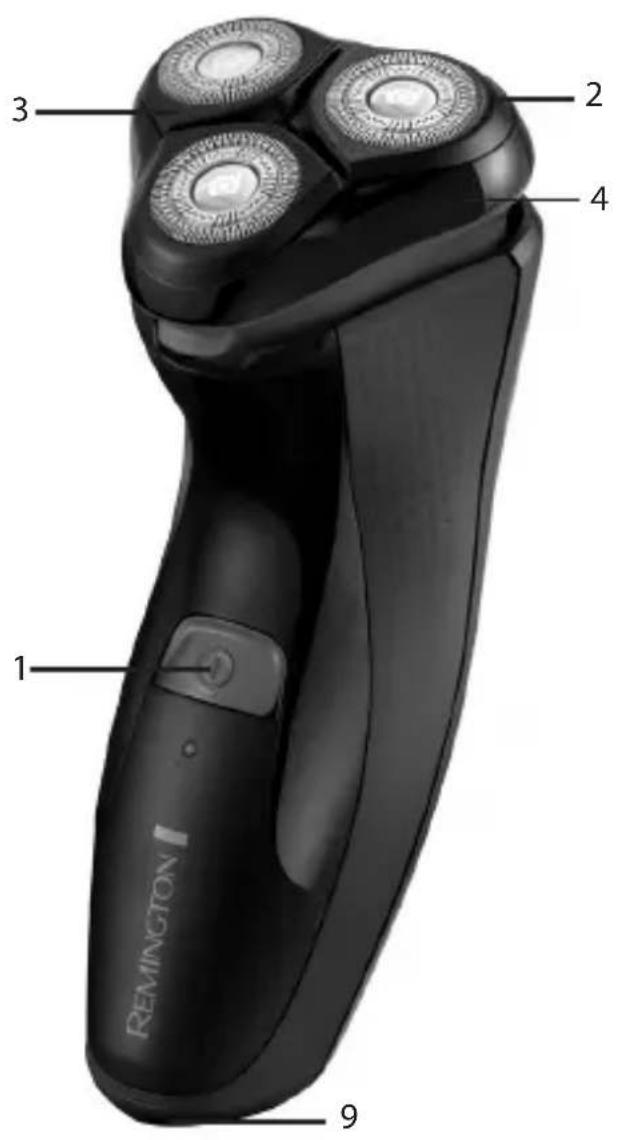
1 On/off switch 2 Pivoting head and cutter assembly
3 Flexing heads 4 Hairpocket
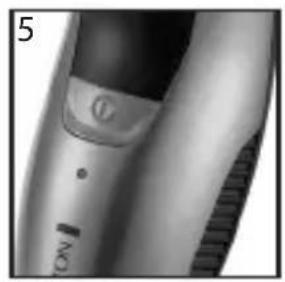
5 Charging indicator light 6 Low/Full/Charging indicator light
7 Detail trimmer 8 Trimmer release button
9 Power port 10 Adaptor (not shown)
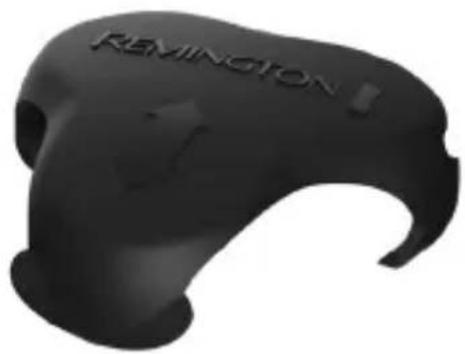
11 Cleaning brush (not shown) 12 Head guard

GETTING STARTED
It is recommended that you use your new shaver daily for up to four weeks to allow time for your beard and skin to become accustomed to the new shaving system.
To confirm the model number of your shaver, please refer to the packaging.

CHARGING YOUR SHAVER
- Ensure the appliance is turned off.
- Connect the shaver to the adaptor and then to the mains.
• Charge for at least 24 hours when using for the first time. - Allow 4 hours for a full charge.
- When charging, the green indicator light will show solid (PR1350) or slowly flash (PR1370). When fully charged, the green indicator light will turn off (PR1350) or the green indicator light will show solid for 5 minutes and then turn off (PR1370).
- The LED indicator on PR1370 will rapidly flash to indicate that the battery is running low.
- To preserve the life of your batteries, let them run out every 6 months then recharge for 24 hours.
• The shaver automatically adjusts to a mains voltage between 100V and 240V.

INSTRUCTIONS FOR USE

SHAVING
Note: PR1350 and PR1370 can only be used cordless.
• Make sure your shaver is properly charged.
- Switch the shaver on.
• Stretch the skin with your free hand so the hairs stand upright.
- Only apply light pressure on the shaving head while shaving (pressing too hard can damage the heads and make them vulnerable to breakage).
• Use short, circular strokes.

TRIMMING
- Slide the trimmer button to release the detail trimmer.
- Hold the trimmer at a right angle to your skin.
- Place the trimmer at desired trim line for a quick, easy, professional trim.
• To retract the trimmer, push down until it locks into position.
→ TIPS FOR BEST RESULTS
- Ensure your skin is dry. Always hold the shaver at right angles to the skin so that all three heads are touching the skin with equal pressure.
- Use moderate to slow stroking movements. The use of short circular motions in stubborn areas may obtain a closer shave, especially along the neck and chin line.
• DO NOT press hard against the skin in order to avoid damage to the rotary heads.
★ SHAVING WITH SHAVING GEL
- Follow the same instructions as dry shaving, noted above in the Shaving section, if using with gel.
Caution: After use with shaving gel, please rinse the head and cutters under warm water to clean away any excess gel and debris.
CARE FOR YOUR SHAVER
- Care for your appliance to ensure a long lasting performance. We recommend you clean your product after each use. The easiest and most hygienic way to clean the appliance is by rinsing the appliance head after use with warm water.
CLEANING CAUTIONS
- Ensure the appliance is switched off and unplugged from the mains before cleaning.
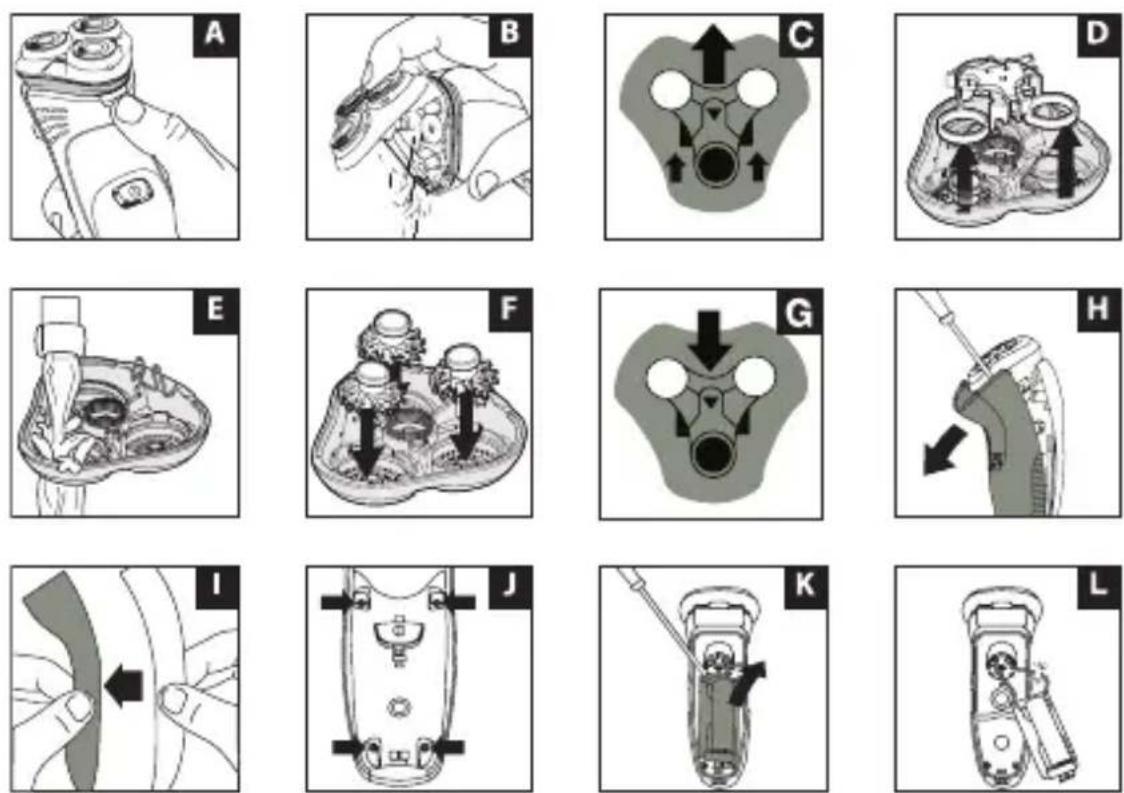
- Open the shaver head by pressing the release button on the front of the shaver (Fig. A).
- Locate the centre arrow and slide the carrier away from the arrow to release (Fig. C) and toward the arrow to snap back in place (Fig. G).
• Pull the inner cutter carrier away from the inner cutters (Fig. D). - Thoroughly brush hairs from the inner and outer cutters. Rinse out remaining debris (Fig. E).
- Place the inner cutter carrier back into position and lock into place (Fig. F-G).
- Align the spring hinge into the slot at the back of the hair pocket and press into place. Snap the head assembly closed.
- Please note this product is suitable for use in the bath or shower.
Caution: Keep the adaptor and cable dry.
CLEANING TRIMMER
- Lubricate the teeth of the trimmer every six months with a drop of sewing machine oil.

BATTERY REMOVAL
• The battery must be removed from the appliance before it is scrapped.
✿ DANGER: Once the shaver has been dismantled for disposal, do not attempt to reassemble and/or use.
• Unplug the shaver.
• Using a small screwdriver, pry the front cover from the shaver (Fig. H).
- Remove the rear cover (Fig. I).
- Remove the 4 screws located on the front of the shaver (Fig. J).
- Pry the battery carrier and circuit board from the shaver body then cut the wires (Fig. K-L).
- Dispose of the battery properly.

ENVIRONMENTAL PROTECTION
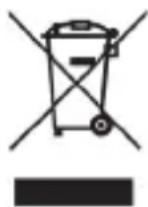
To avoid environmental and health problems due to hazardous substances in electrical and electronic goods, appliances marked with this symbol must not be disposed of with unsorted municipal waste, but recovered, reused or recycled.
→ RADY, JAK OSIĄGNAĆ NAJLEPSZY WYNIK
→ EN IYI SONUÇLAR IÇIN IPUÇLARI
Remington ^® is a Registered Trade Mark of Spectrum Brands, Inc.,
or one of its subsidiaries
VARTA Consumer Batteries GmbH & Co. KGaA, Alfred-Krupp-Str. 9, 73479 Ellwangen, Germany
www.remington-europe.com
© 2016 Spectrum Brands, Inc.