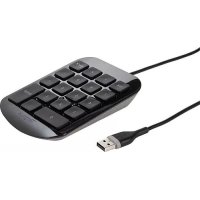
AKP10CA - Keyboard TARGUS - Free user manual and instructions
Find the device manual for free AKP10CA TARGUS in PDF.


| Product Type | Numeric Keypad |
| Brand | Targus |
| Model | AKP10CA |
| Connectivity | Wired USB |
| Power | Via USB port (5V) |
| Compatible Operating Systems | Windows 2000/XP/Vista/7, Mac OS X 10.4 and later |
| Installation | Plug & Play, no driver required |
| Main Functions | Numeric input, calculator keys |
| Warranty | 1 year (hardware and manufacturing defects) |
| Dimensions (estimated) | 8.5 x 14 x 2.5 cm |
| Weight (estimated) | 120 g |
| Box Contents | Numeric keypad, user manual |
| Maintenance | Clean with a soft, dry cloth |
| Operating Temperature | 5°C to 40°C |
| Certifications | FCC Class B, NMB-003 Canada |
Frequently Asked Questions - AKP10CA TARGUS
User questions about AKP10CA TARGUS
0 question about this device. Answer the ones you know or ask your own.
Ask a new question about this device
Download the instructions for your Keyboard in PDF format for free! Find your manual AKP10CA - TARGUS and take your electronic device back in hand. On this page are published all the documents necessary for the use of your device. AKP10CA by TARGUS.
USER MANUAL AKP10CA TARGUS
Thank you for your purchase of the Targus Numeric Keypad. This keypad requires no extra driver or additional software.
Contents
• Targus Numeric Keypad
- User Guide
System Requirements
Hardware
- USB interface
Operating System
• Microsoft Windows® 2000
- Microsoft Windows® XP
- Microsoft Windows Vista®
- Microsoft Windows®7
• Mac OS® X 10.4 or later
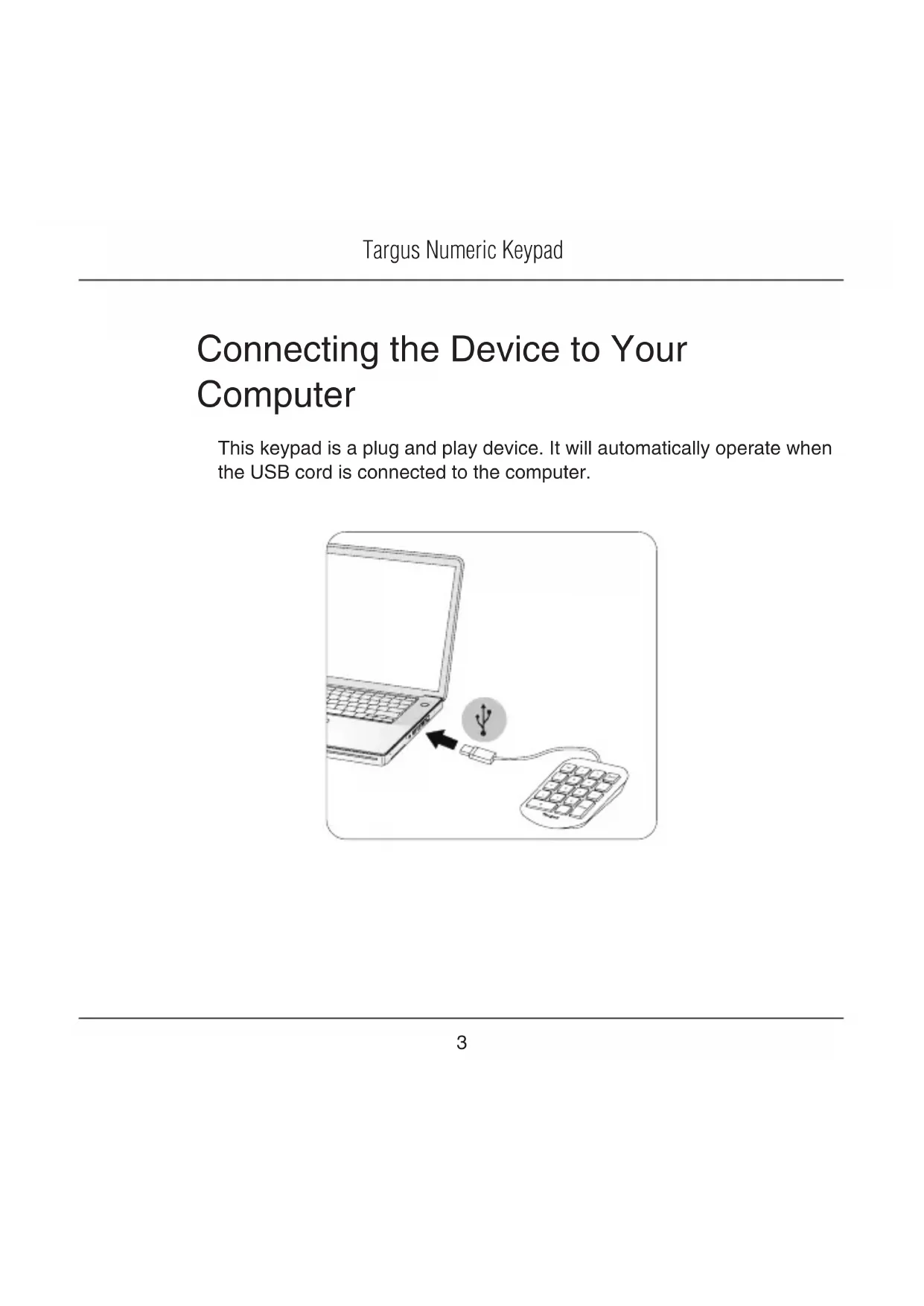
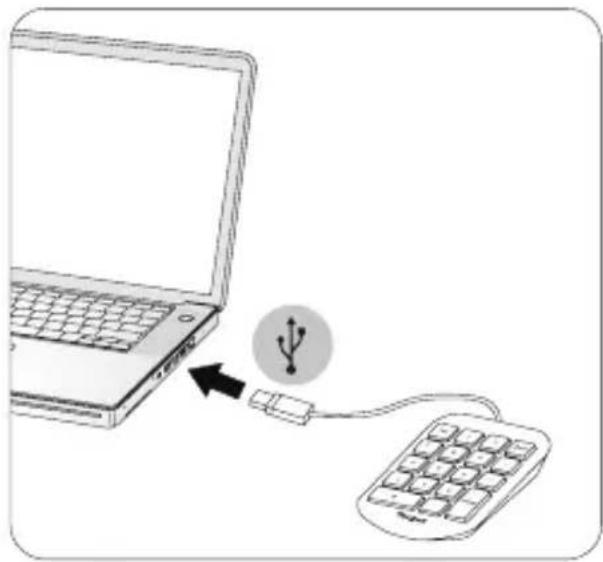
Connecting the Device to Your Computer
This keypad is a plug and play device. It will automatically operate when the USB cord is connected to the computer.
natural_image
Illustration of a laptop connected to a computer via a USB symbol (no text or labels)Technical Support
For technical questions, please visit:
Internet: www.targus.com/support.asp
Email: info.cn@targus.com
Product Registration
Targus recommends that you register your Targus accessory shortly after purchasing it. Go to:
http://www.targus.com/registration.asp
You will need to provide your full name, email address, country of residence and product information.
Warranty
Targus warrants this product to be free from defects in materials and workmanship for one year. If your Targus accessory is found to be defective within that time, we will promptly repair or replace it. This warranty does not cover accidental damage, wear and tear, or consequential or incidental loss. Under no conditions is Targus liable for loss of, or damage to devices; nor loss of, or damage to, programs, records, or data; nor any consequential or incidental damages, even if Targus has been informed of their possibility. This warranty does not affect your statutory rights.
Regulatory Compliance
This device complies with Part 15 of the FCC Rules. Operation is subject to the following two conditions: (1) This device may not cause harmful interference, and (2) This device must accept any interference received, including interference that may cause undesired operation.
This Class B digital apparatus complies with Canadian ICES-003.
FCC Statement
Tested to Comply
This equipment has been tested and found to comply with the limits of a Class B digital device, pursuant to Part 15 of the FCC Rules. These limits are designed to provide reasonable protection against harmful interference in a residential installation. This equipment generates, uses, and can radiate radio frequency energy and if not installed and used in accordance with the instructions, may cause harmful interference to radio communications. However, there is no guarantee that interference will not occur in a particular installation. If this equipment does cause harmful interference to radio or television reception, which can be determined by turning the equipment off and on, the user is encouraged to try to correct the interference by one or more of the following measures:
- Reorient or relocate the receiving antenna;
- Increase the separation between the equipment and receiver;
- Connect the equipment into an outlet on a circuit different from that to which the receiver is connected;
- Consult the dealer or an experienced radio/TV technician for help.
Changes or modifications not authorized by the party responsible for compliance could void the user's authority to operate this product.
Microsoft, Windows, and Windows Vista are either registered trademarks or trademarks of Microsoft Corporation in the United States and/or other countries. All trademarks and registered trademarks are the properties of their respective owners. All rights reserved.
Introduction
natural_image
Line drawing of a laptop connected to a computer via a USB symbol (no text or labels)Support technique
1 YEAR LIMITED WARRANTY: We pride ourselves on the quality of our products. For complete warranty details and a list of our worldwide offices, please visit www.targus.com. Features and specifications are subject to change without notice. Microsoft, Windows, Windows Vista, Excel and Access are registered trademarks or trademarks of Microsoft Corporation in the United States and/or other countries. Mac is a trademark of Apple Inc., registered in the U.S. and other countries. Intuit QuickBooks and Intuit TurboTax are registered trademarks of Intuit Inc. All trademarks and registered trademarks are the property of their respective owners. ©2009 Targus Group International, Inc.

Brand : TARGUS
Model : AKP10CA
Category : Keyboard