CMPMOUSE201 - Mouse KONIG - Free user manual and instructions
Find the device manual for free CMPMOUSE201 KONIG in PDF.


| Product Type | Wireless Touchscroll Mouse |
| Brand | Konig |
| Model | CMPMOUSE201 |
| Connectivity | Wireless with USB receiver (2.4 GHz) |
| Dimensions (L × W × H) | 90 × 54 × 16 mm |
| Power Supply | 2 AA batteries (not included) |
| Buttons | Left button, right button, ON/OFF key |
| Touch Surface | Touchscroll with vertical/horizontal scrolling and swipe |
| Special Functions | Zoom (with Ctrl key), power saving mode, sleep mode after 8 minutes |
| Indicator Light | Indicates activity and low battery |
| Compatibility | Windows Vista, Windows 7 and other Plug and Play compatible systems |
| Package Contents | Mouse, USB receiver, user manual |
| Receiver Storage | In the battery compartment |
| Care and Cleaning | Clean with a dry cloth, do not use solvents |
| Safety – Recycling | Do not dispose of with household waste, follow WEEE recycling instructions |
| Warranty | No liability in case of modification or incorrect use |
Frequently Asked Questions - CMPMOUSE201 KONIG
User questions about CMPMOUSE201 KONIG
0 question about this device. Answer the ones you know or ask your own.
Ask a new question about this device
Download the instructions for your Mouse in PDF format for free! Find your manual CMPMOUSE201 - KONIG and take your electronic device back in hand. On this page are published all the documents necessary for the use of your device. CMPMOUSE201 by KONIG.
USER MANUAL CMPMOUSE201 KONIG
MANUAL DE USO (p.24)
Description of each part:
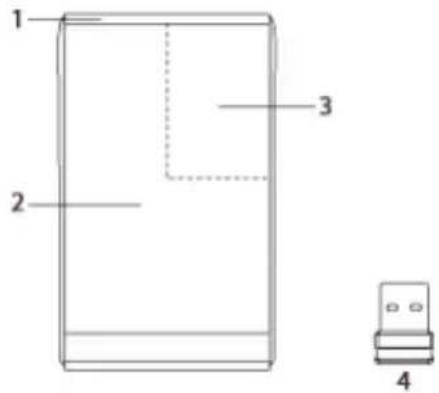
- Activity light
2.Left button - Right button
- USB receiver
Package contents:
- Touchscroll mouse
USB receiver - Manual
Features:
Power saving switch (ON/OFF) to save your batteries.
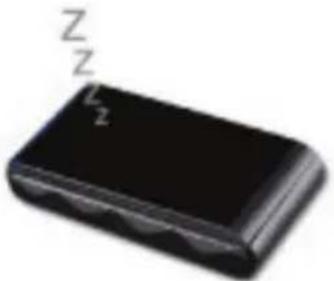
Sleep mode. After 8 minutes of inactivity, it automatically enters the sleep mode.
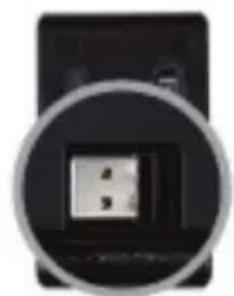
Smart storage of USB receiver. Open the battery cover and you can easily store the receiver.
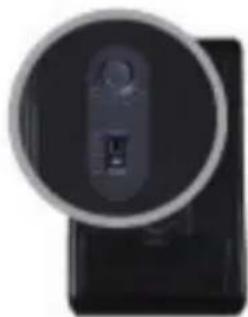
LED indicator. Shows activity when active, also flashes when batteries are almost empty.
Hardware installation:
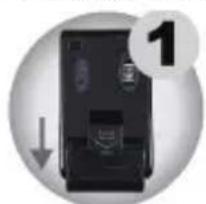
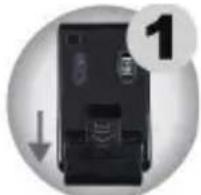
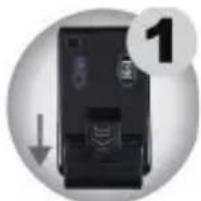
Step 1: Pull down the cover of the battery compartment to open it. Remove the USB receiver.
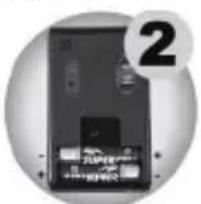
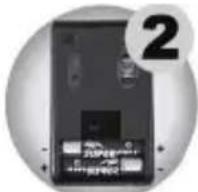
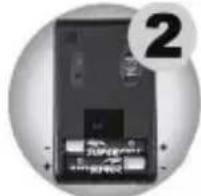
Step 2: Put two batteries in the compartment. Make sure the polarity is correct.
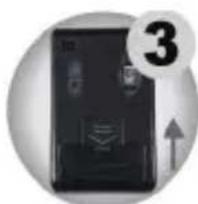
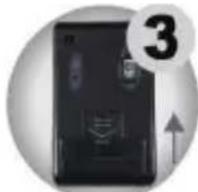
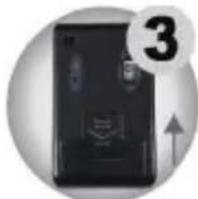
Step 3: Replace the cover on the compartment.
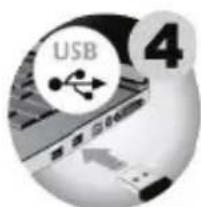
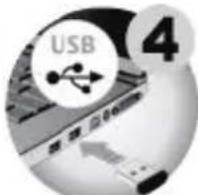
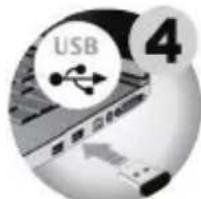
Step 4: Connect the USB receiver to the USB port of the computer or notebook.
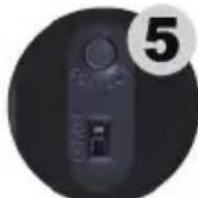
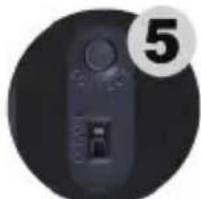
Step 5: Switch the ON/OFF button to ON, then you can start using the mouse.
(There is no need to set the channel, it is plug & play)
Gesture types:
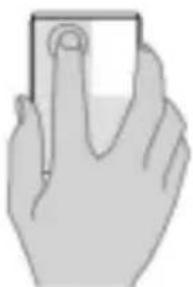
Click with your finger on the left button area, just like with other mice.
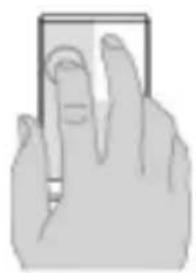
You can also place another finger next to your index finger.
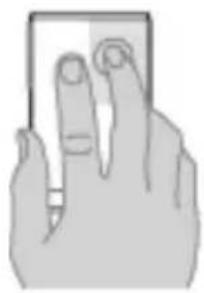
Click the right button with one finger only.
Attention! Click the right button with only one finger (on the top right side area of the mouse). Lift the index finger.

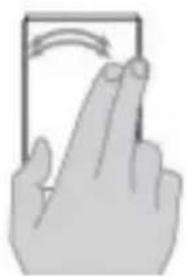
Using two fingers, sweep left or right to browse through pictures or pages.
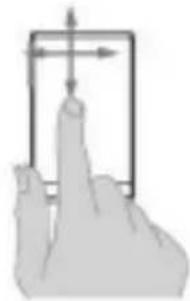
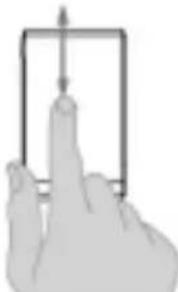
To scroll, slide one finger horizontally and vertically along the mouse surface.
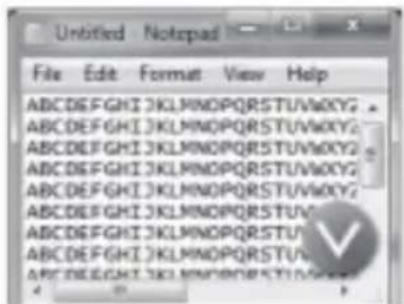
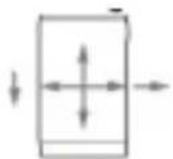
One finger
This function is compatible with Windows Vista and 7.
Screen zoom is possible with one finger on the mouse.
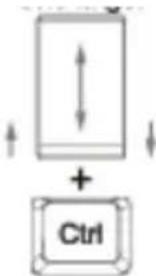
One finger
And press your CTRL key on your keyboard.
Specifications:
Connection: Wireless via USB receiver
Dimensions: 90 × 54 × 16 ~mm
Mouse type: Touch scroll
RF: 2.4 GHz
Control: Double lens technology
Maintenance:
Clean only with a dry cloth. Do not use cleaning solvents or abrasives.
Warranty:
No guarantee or liability can be accepted for any changes and modifications of the product or damage caused due to incorrect use of this product.
General:
Designs and specifications are subject to change without notice.
All logos brands and product names are trademarks or registered trademarks of their respective holders and are hereby recognized as such.
Keep this manual and packaging for future reference.
Attention:
This product is marked with this symbol. It means that used electrical and electronic products should not be mixed with general household waste. There is a separate collections system for these products.
DEUTSCH
Hardware installment:
Tipodel mouse:Touchscroll
RF: 2.4
GHz
Controllo: Tecnologia a dopbia lente
Manutenzione:
Conectare: Wireless, prin receptor USB
Dimensiuni: 90 × 54 × 16 ~mm
Tip mouse: Touchscroll
RF:
2,4
GHz
Comanda:
Tecnologie cu dubla lentilä
Intretinere:
Hardware-installation:
Trin 1 Trak batteridaekslet nedad for at abne batterirummet. Tag USB-modtageren ud.
Description: Touch scroll mouse
EMC: EN55022: 2006+A1:2007 Class B, EN55024: 1998+A1:2001+A2:2003, IEC61000-4-2: 2008, IEC61000-4-3: 2006+A1:2007, IEC61000-4-8: 2009.
EU Directive(s) / EG-Richtlinie(n) / Directive(s) EU / EU richtlijn(en) / Direttiva(e) EU / Directa(s) UE / EU direktivak / EU Toimintaohje(ET) / Eu Direktiv(en) / Smernice EU / Directa(e) UE / Odyia(ες) της EE / EU direktiv(er) / EU-direktiv(ene): 2004/108/EC, 2002/95/EC, Regulation EC1907/2006
's-Hertogenbosch, 19-11-2010
Mrs. / Mme. / Mevr. / Sig.ra / D. / Fru / Paní / Kα : J. Gilad
Purchase Director / Einkaufsleiterin / Directrice des Achats /
Director inkoop / Direttore agli acquisti / Director de compras /
ertékesitési igazgató / Ostojohtaja / Inköpsansvarig /
Obchodniředitelka / Director achizitji / Διευθυντής αγορών /
Indkøbschef / Innkjøpssjef
Copyright ©