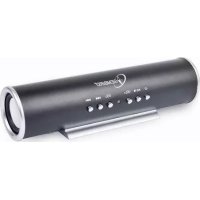
SPKBT01 - Docking station Gembird - Free user manual and instructions
Find the device manual for free SPKBT01 Gembird in PDF.


| Product Type | Bluetooth Docking Station |
| Brand | Gembird |
| Model | SPKBT01 |
| Dimensions | 15 x 8 x 4 cm |
| Weight | 250 g |
| Power Supply | USB-C, 5 V / 1 A |
| Built-in Battery | Lithium-ion 1200 mAh |
| Battery Life | Up to 8 hours |
| Bluetooth Version | 5.0 |
| Bluetooth Range | 10 meters |
| Main Functions | Wireless audio playback, hands-free kit, mobile device charging |
| Maintenance and Cleaning | Clean with a soft, dry cloth; avoid moisture |
| Safety | Do not expose to water or heat sources; use a certified power adapter |
| Spare Parts and Repairability | Not user-repairable; no spare parts available |
| General Information | 36-month warranty; customer support via Gembird Europe B.V. |
Frequently Asked Questions - SPKBT01 Gembird
User questions about SPKBT01 Gembird
0 question about this device. Answer the ones you know or ask your own.
Ask a new question about this device
Download the instructions for your Docking station in PDF format for free! Find your manual SPKBT01 - Gembird and take your electronic device back in hand. On this page are published all the documents necessary for the use of your device. SPKBT01 by Gembird.
USER MANUAL SPKBT01 Gembird
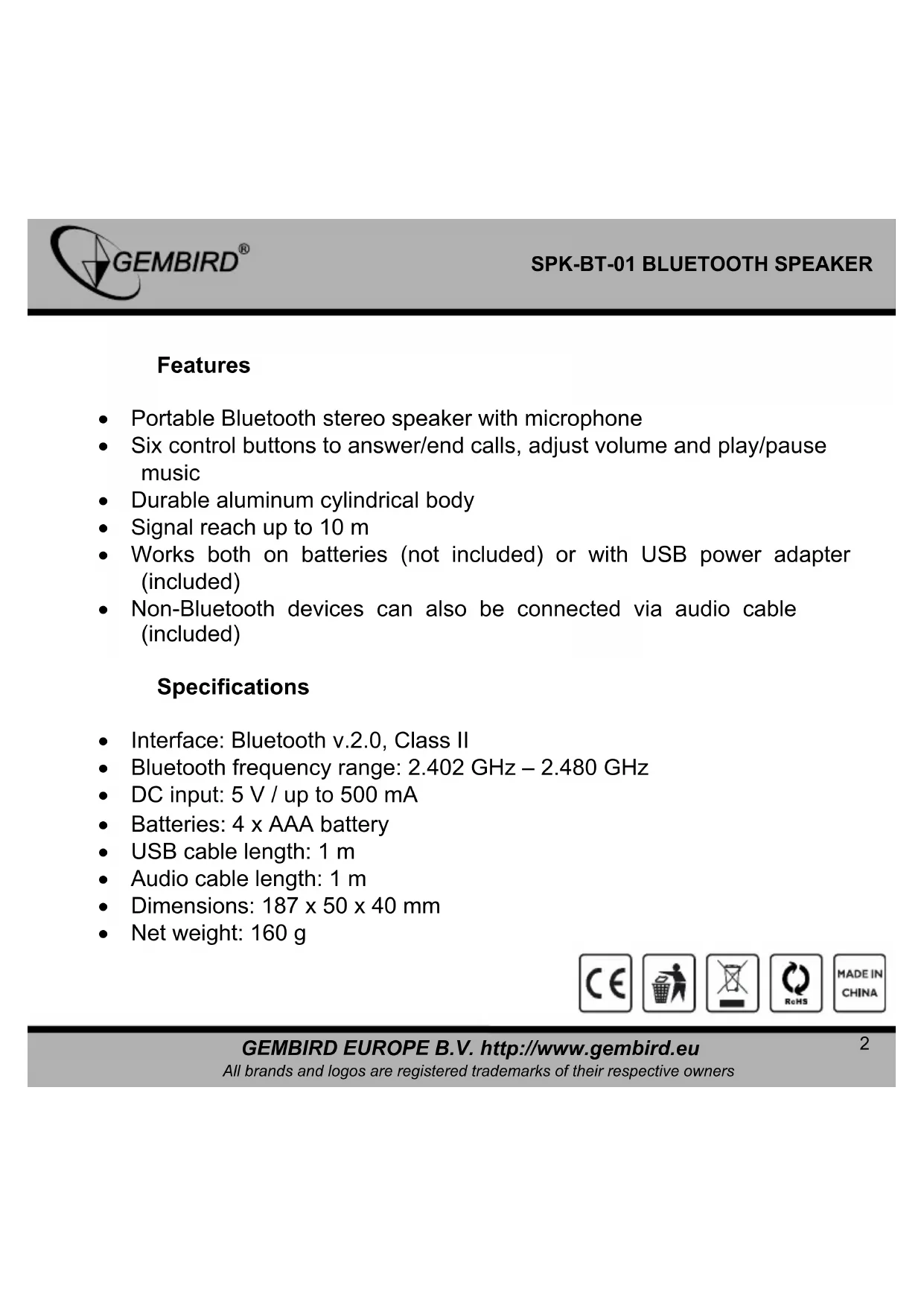
- Portable Bluetooth stereo speaker with microphone
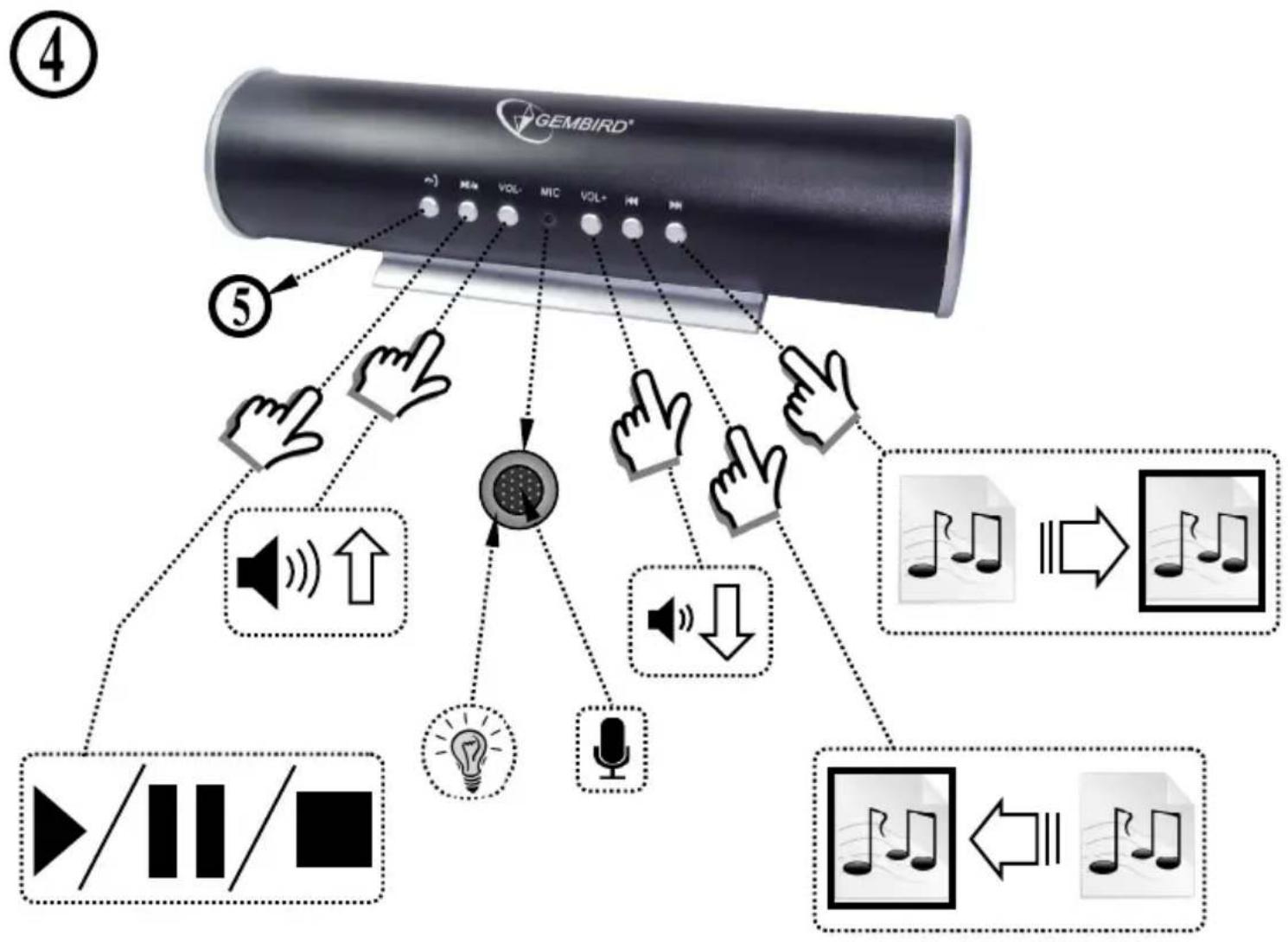
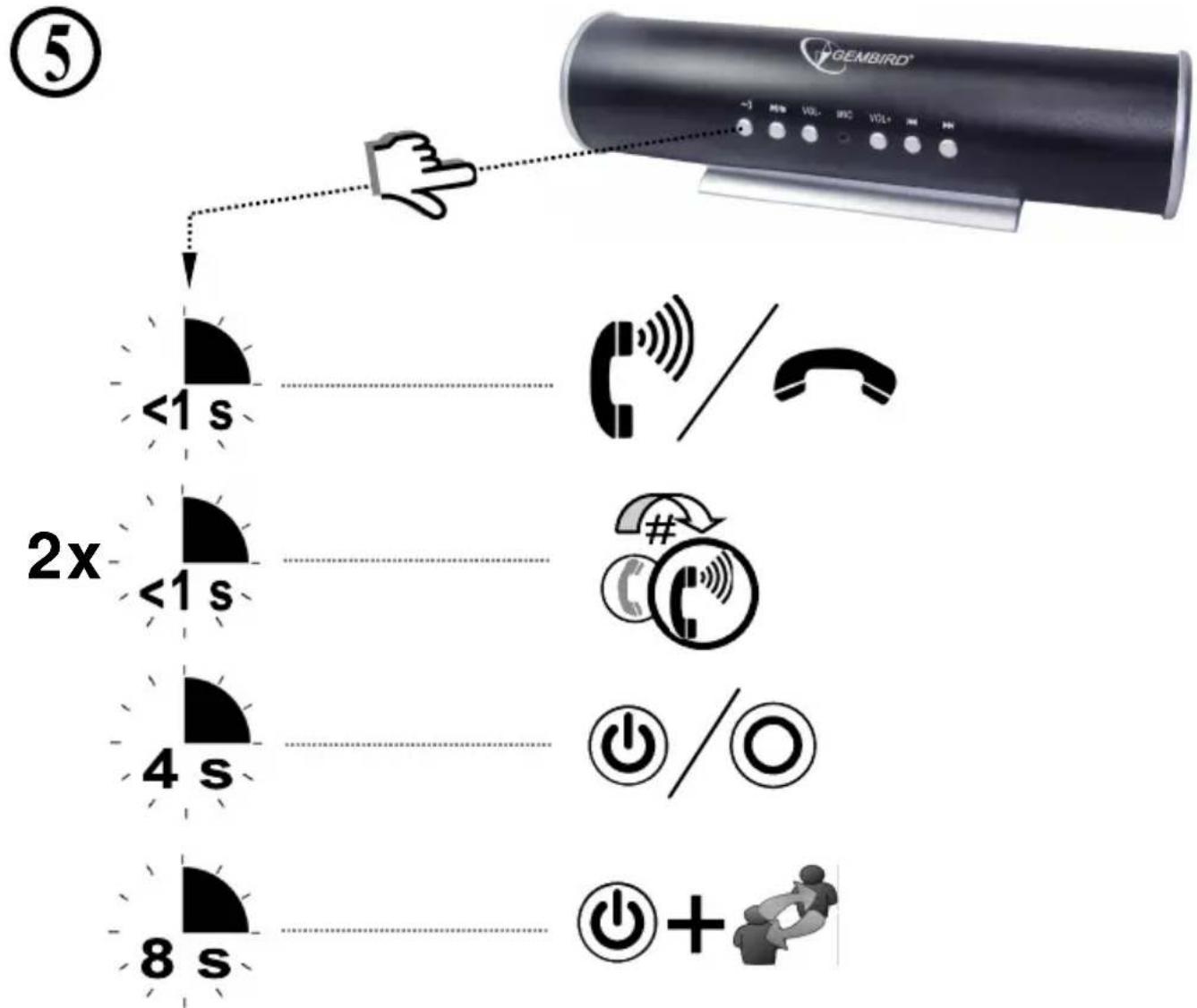
- Six control buttons to answer/end calls, adjust volume and play/pause music
• Durable aluminum cylindrical body
• Signal reach up to 10 m - Works both on batteries (not included) or with USB power adapter (included)
- Non-Bluetooth devices can also be connected via audio cable (included)
Specifications
• Interface: Bluetooth v.2.0, Class II
- Bluetooth frequency range: 2.402 GHz – 2.480 GHz
• DC input: 5 V / up to 500 mA
• Batteries: 4 x AAA battery
• USB cable length: 1 m
• Audio cable length: 1 m
• Dimensions: 187 x 50 x 40 mm
• Net weight: 160 g

①
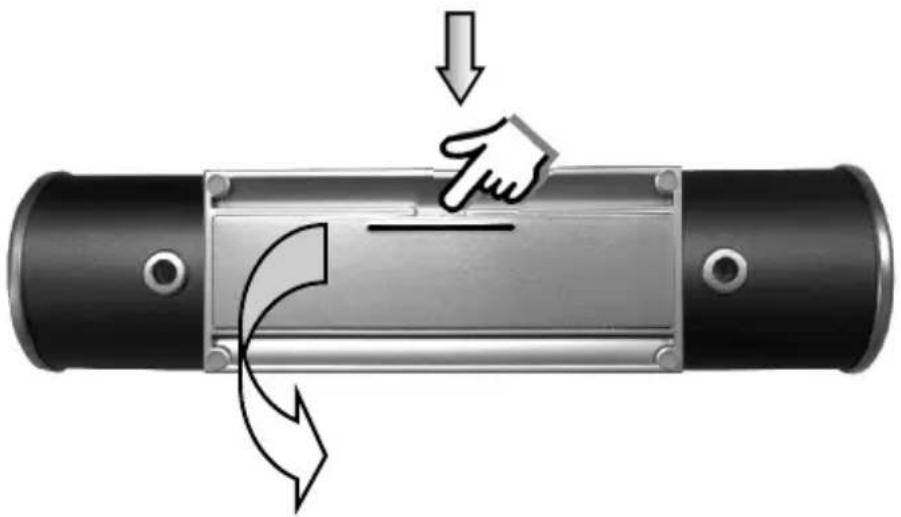
natural_image
Diagram of a mechanical component with directional arrows indicating force or motion (no text or symbols)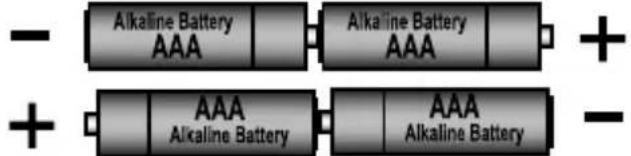

natural_image
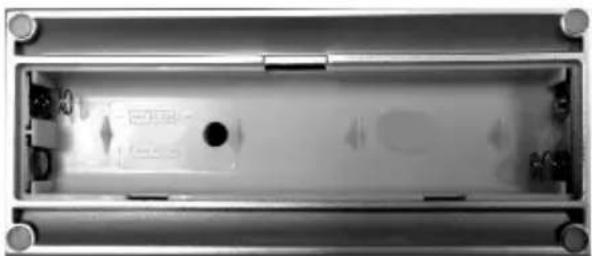
Interior view of a rectangular electronic device with mounting flanges and internal components (no visible text or symbols)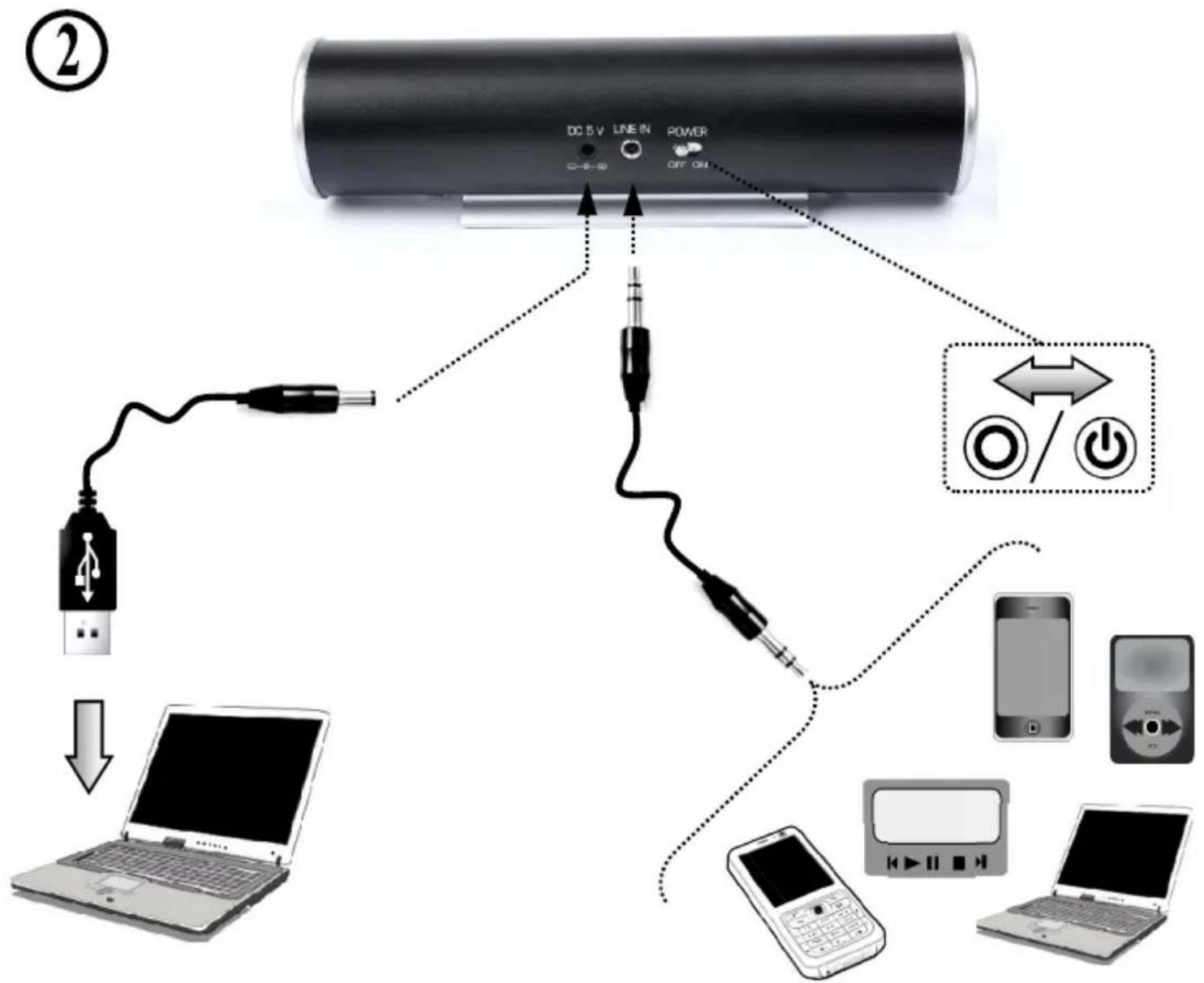
flowchart
graph TD
    A["CD5V"] -->|Power| B["USB"]
    A -->|Power| C["Phone"]
    A -->|Power| D["Desktop"]
    B --> E["Laptop"]
    C --> F["Laptop"]
    D --> G["Laptop"]
    style A fill:#f9f,stroke:#333
    style B fill:#ccf,stroke:#333
    style C fill:#cfc,stroke:#333
    style D fill:#fcc,stroke:#333
    style E fill:#ffc,stroke:#333
    style F fill:#cfc,stroke:#333
    style G fill:#fcc,stroke:#333
3.1
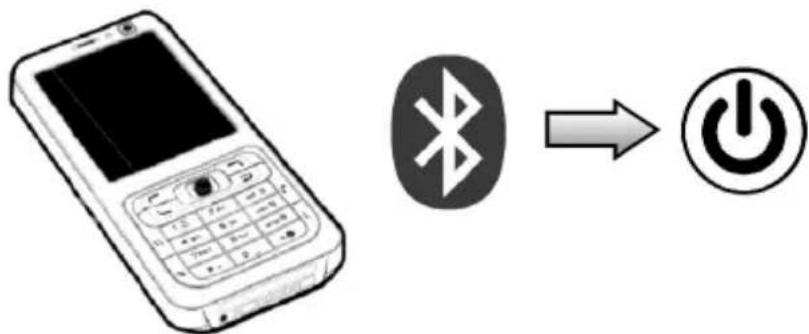
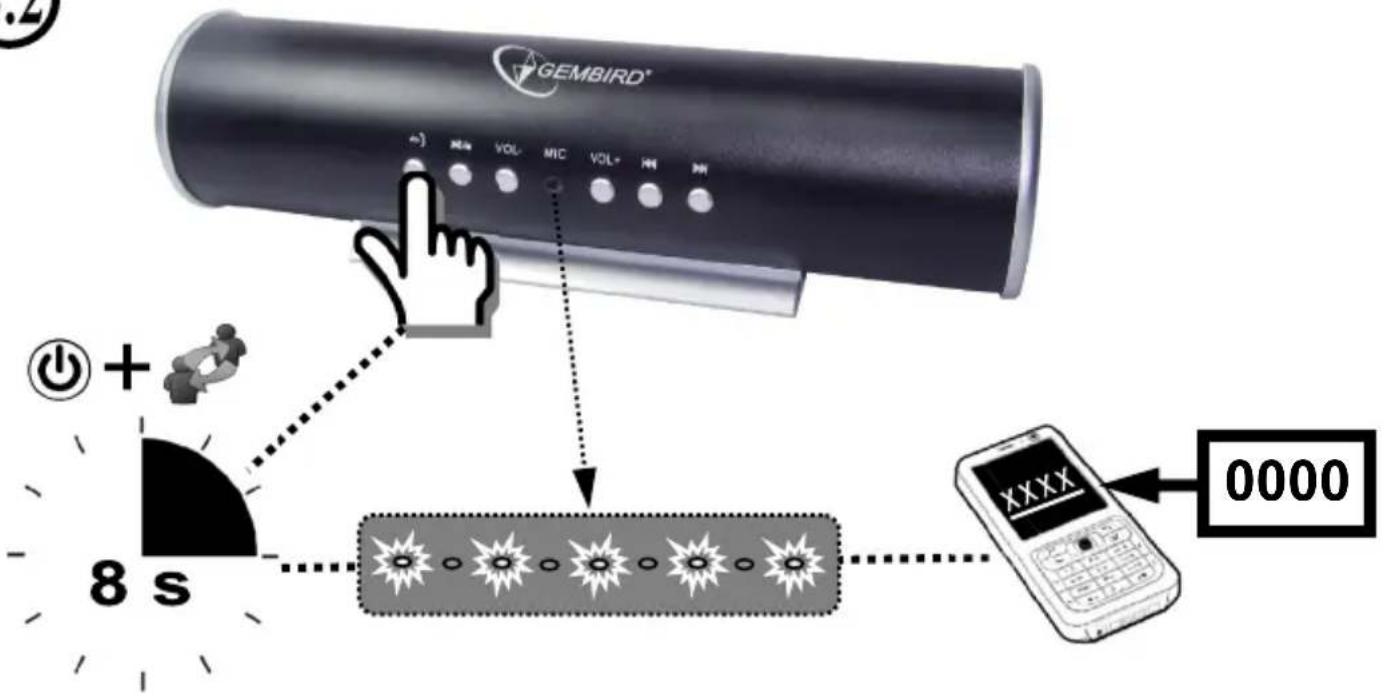
③.2
flowchart
graph TD
    A["Video Signal"] --> B["Speaker"]
    B --> C["Audio"]
    C --> D["Sound"]
    D --> E["Audio Signal"]
    E --> F["Audio Output"]
    style A fill:#f9f,stroke:#333
    style B fill:#ccf,stroke:#333
    style C fill:#cfc,stroke:#333
    style D fill:#fcc,stroke:#333
    style E fill:#cff,stroke:#333
    style F fill:#ffc,stroke:#333
flowchart
graph TD
    A["5"] --> B["2x <1 s"]
    B --> C["4 s"]
    C --> D["8 s"]
    D --> E["GEMBIRD"]
    E --> F["Hand pointing to <1 s"]
    F --> G["Phone / Telephone Icon"]
    G --> H["Power Rating / Power Symbol"]
    H --> I["+ + / / / / / / / / / / / / / / / / / / / / / / / / / / / / / / / / / / / / / / / / / / / / / / / / / / / / / / / / / / / / / / / / / / / / / / / / / / / / / / / / / / / / / / / / / / / / / / / / / / / / -"]

natural_image
Black circular warning icon with an exclamation mark (no text or symbols)
natural_image
Simple line drawing of a hand washing hands with water droplets falling (no text or symbols)

natural_image
Simple line drawing of a hand using a tool to cut a screw and nut (no text or symbols)
natural_image
Simple line drawing of a container with a crosshair and paperclip above it, no text or symbols present.EC Declaration of Conformity
We hereby certify that the following product complies with all the relevant
Safety Requirements of § 4 EMVG and of the Directives 2006/95/EC, 93/68/EEC and 2004/108/EC.
Applicant :
Gembird Europe BV
Wittevrouwen 56,
1358CD, Almere, The Netherlands
Equipment :
Computer parts
Model Nos. :
SPK-B1-01
Product description :
SPK-BT-01 Bluetooth speaker
European standards:
R&TTE ETSI 301489:2002; ETSI 30022:2000; 0 EN60950:2001; 1999/5/
EC; EN55022:2006; EN55024:1998+A1:2001+A2:2003;
EN61000-3-2:2000+A2:2005; EN61000-3-3:1995+A1:2001+A2:2005
The following manufacturer/WITHIN Europe is responsible for this declaration:
Gembird Europe BV
Wittevrouwen 56, 1358CD, Almere, The Netherlands
Tel: +31-(0)36-5211588. Fax: +31-(0)36-5347835
Director
Authorized signature
Waste disposal:

Do not deposit this equipment with the household waste. Improper disposal can harm both the environment and human health. For Information about waste collection facilities for used electrical and electronic devices, please contact your city council or an authorized company for the disposal of electrical and electronic equipment.


Brand : Gembird
Model : SPKBT01
Category : Docking station