WAP0508140R060 - Wireless Mouse PORSCHE - Free user manual and instructions
Find the device manual for free WAP0508140R060 PORSCHE in PDF.



Pick your language and provide your email: we'll send you a specifically translated version.
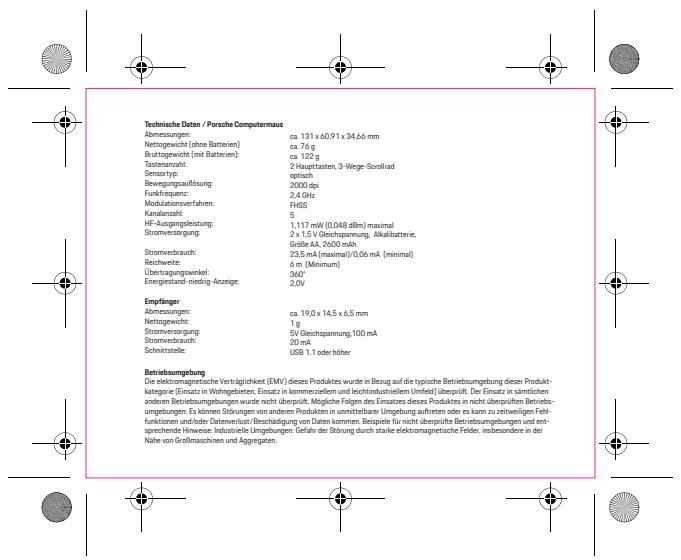
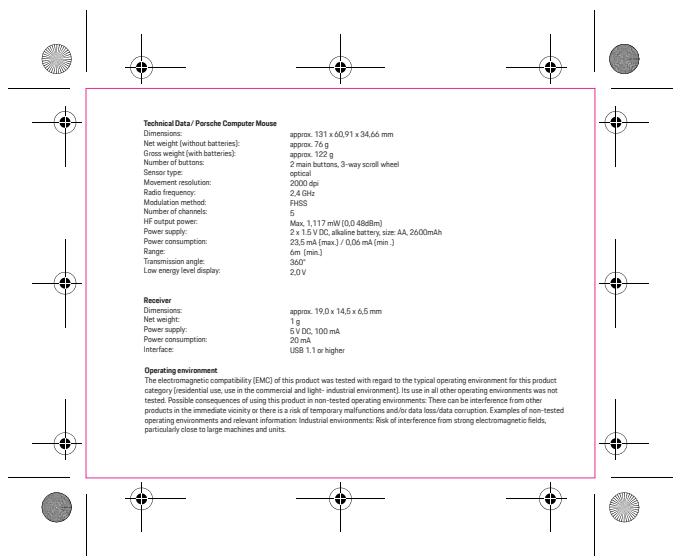
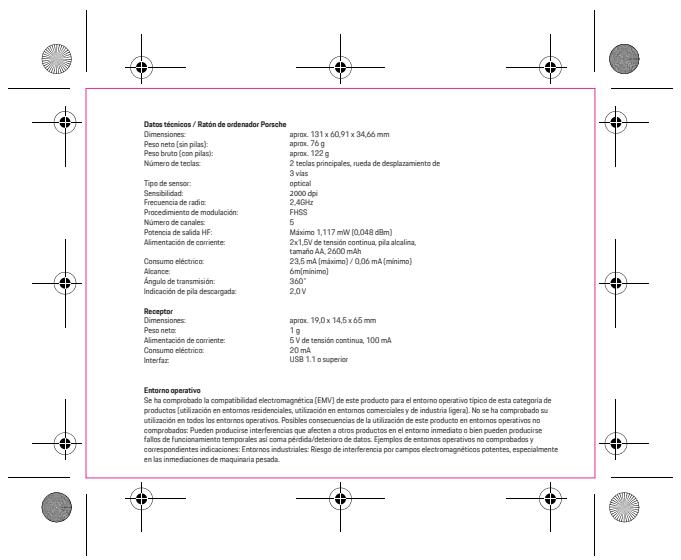
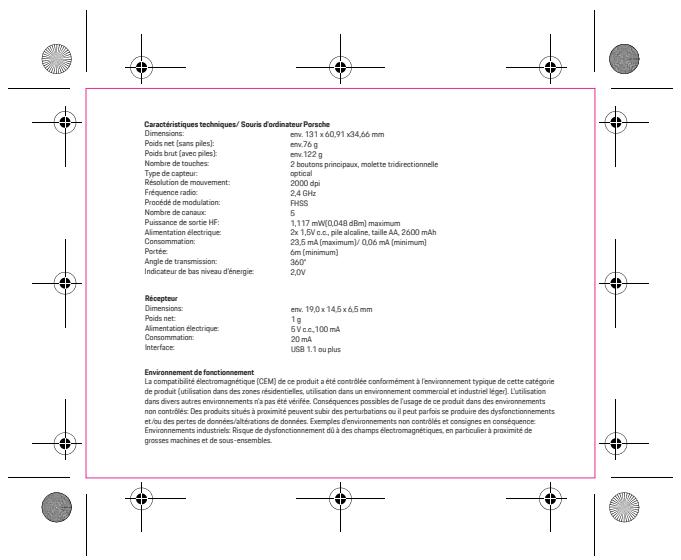
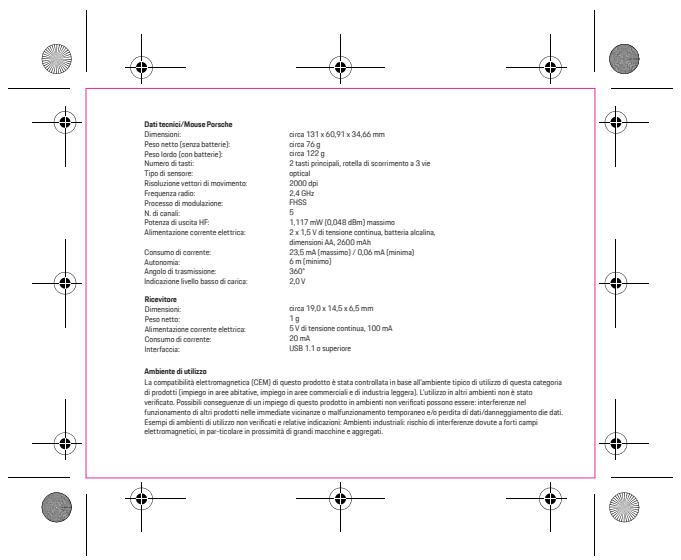
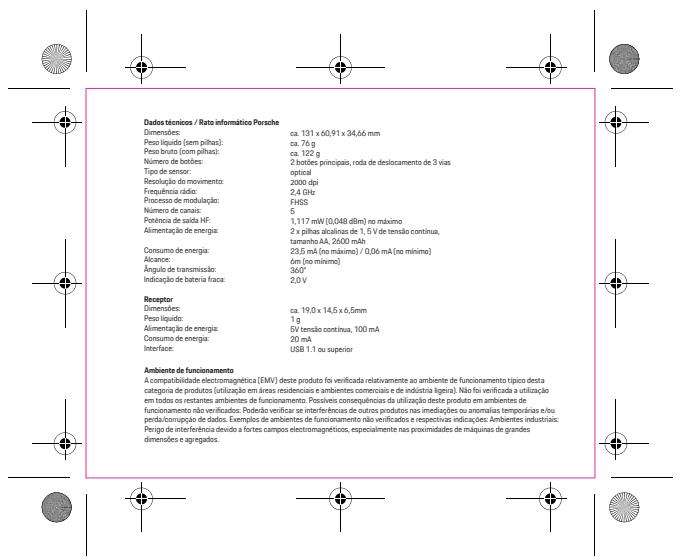
| Product Type | Wireless Mouse |
| Brand | Porsche |
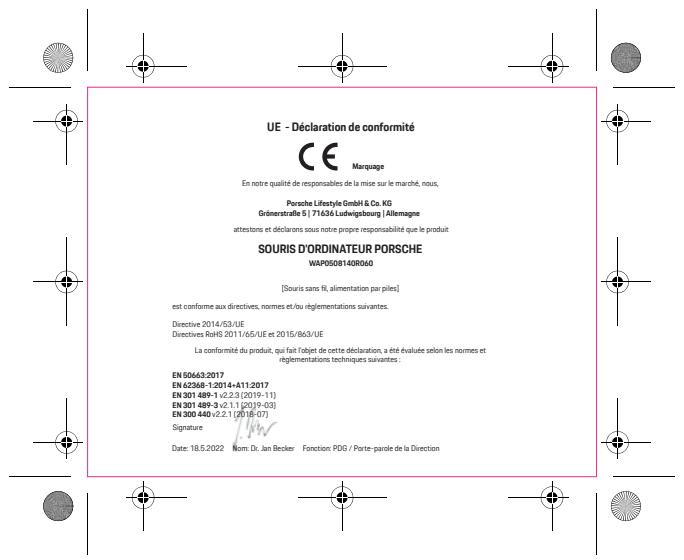
| Model | WAP0508140R060 |
| Connectivity Technology | RF 2.4 GHz with nano USB receiver |
| Range | Up to 10 meters |
| Optical Resolution | 1200 dpi (fixed or switchable) |
| Number of Buttons | 5 buttons (left, right, clickable wheel, forward, back) |
| Power Source | 1 AA battery (not included) |
| Battery Life | Approximately 12 months under normal use |
| Dimensions (L x W x H) | 115 x 66 x 38 mm |
| Weight (without battery) | 75 g |
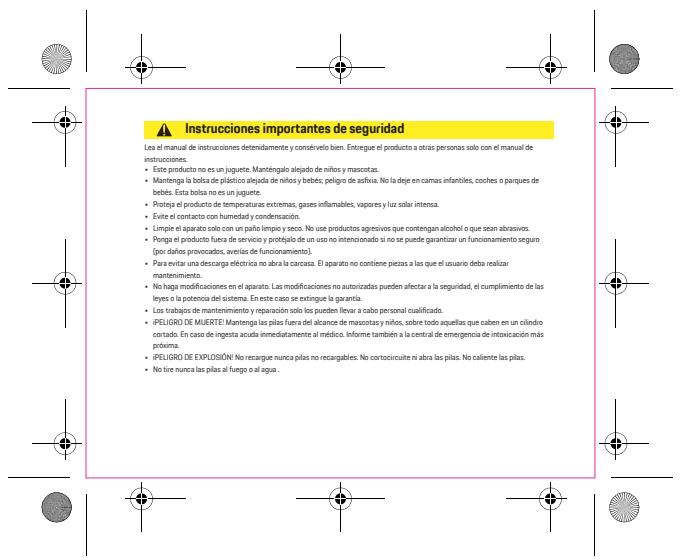
| System Compatibility | Windows 8/10/11, macOS 10.10+, Linux |
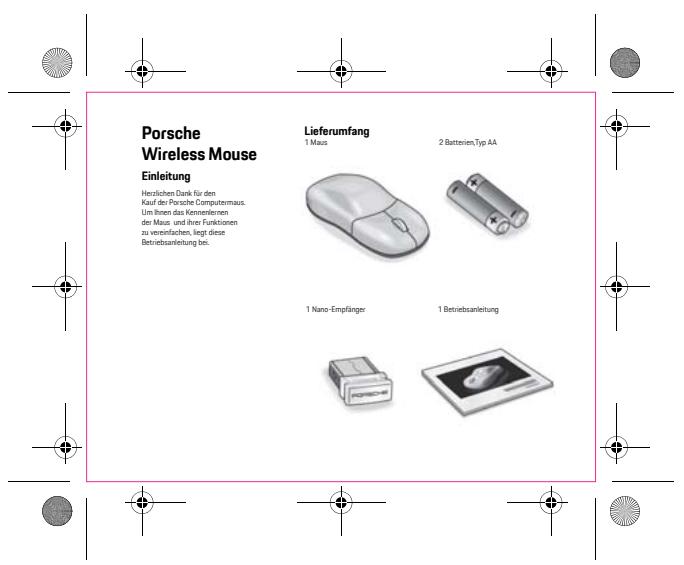
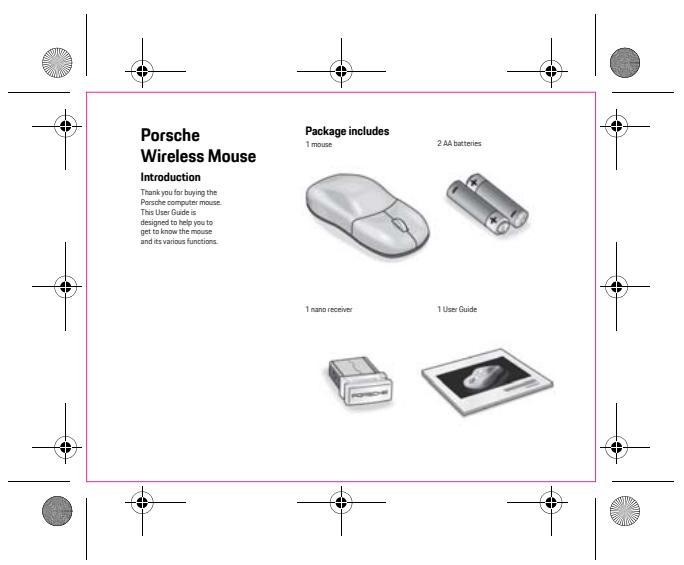
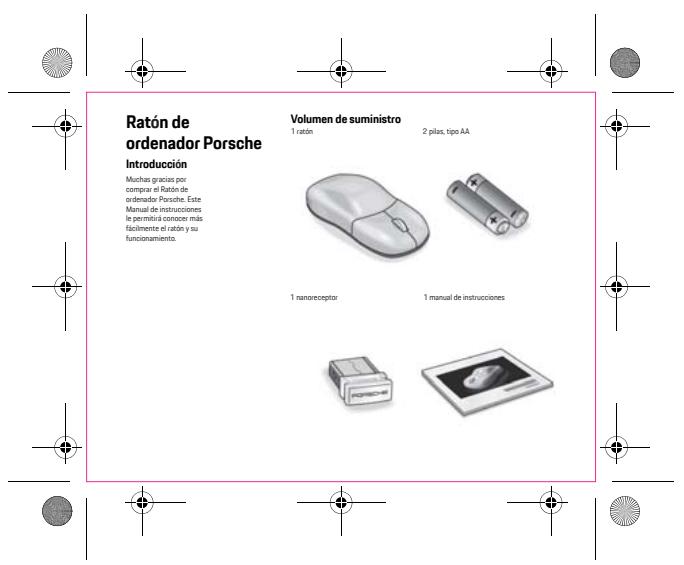
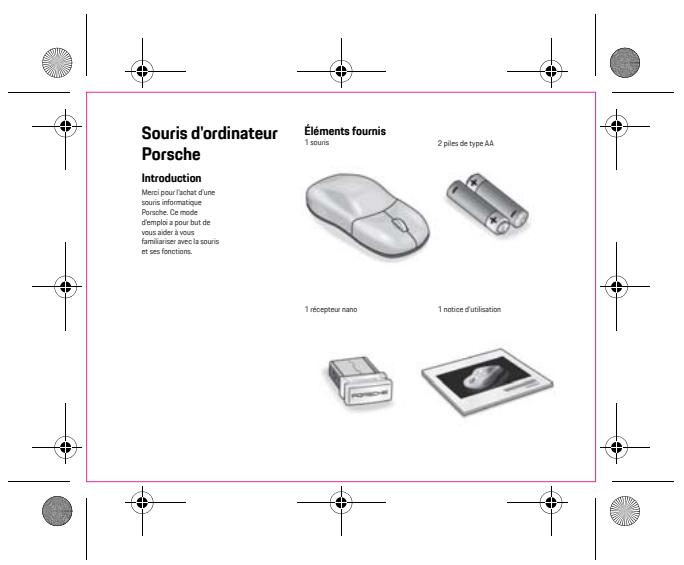
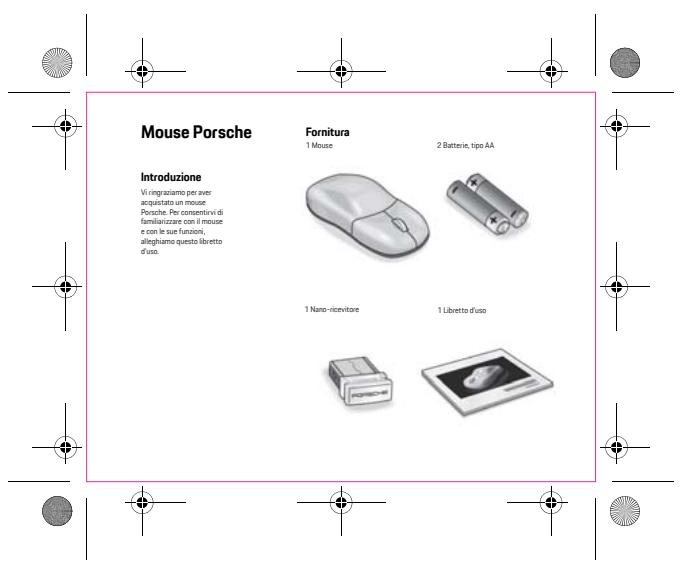
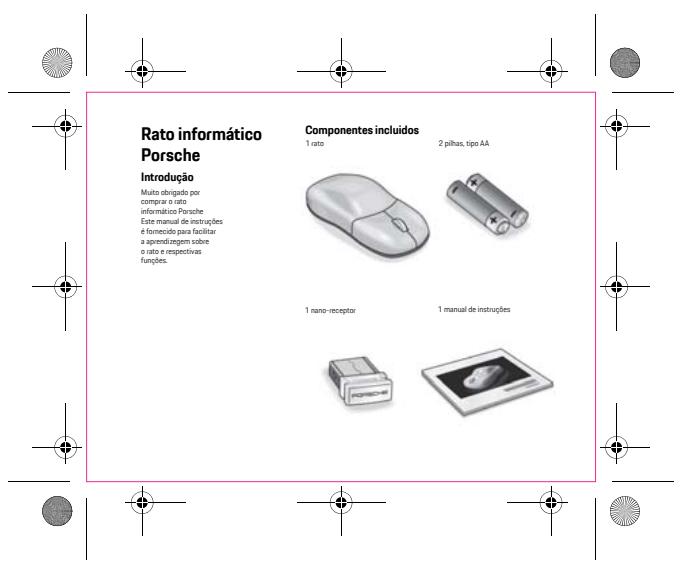
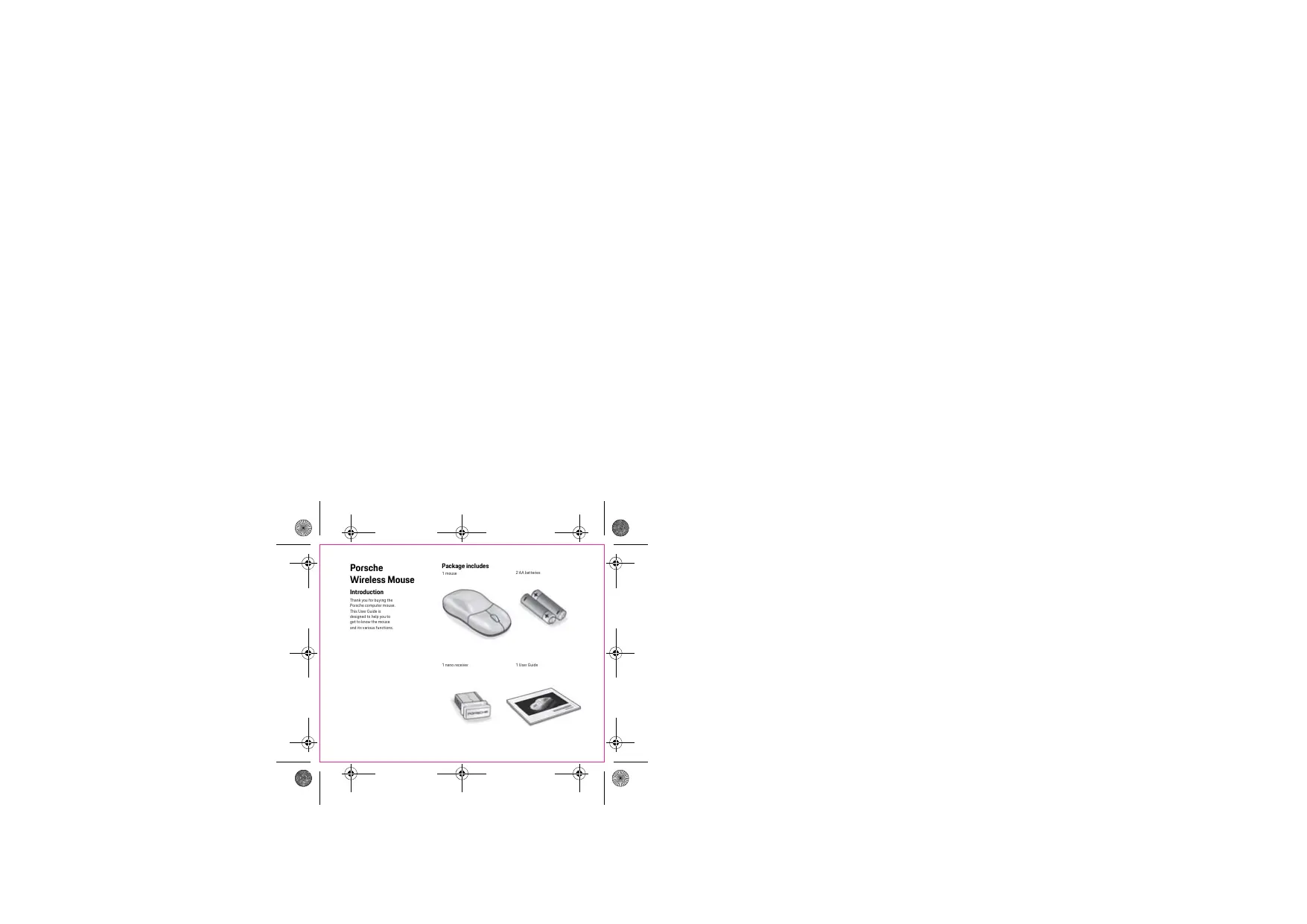
| Package Contents | Mouse, nano USB receiver, user manual |
| Care and Cleaning | Clean with a soft, slightly damp cloth. Do not use solvents. |
| Operating Temperature | 0°C to 40°C |
| Operating Humidity | 10% to 80% non-condensing |
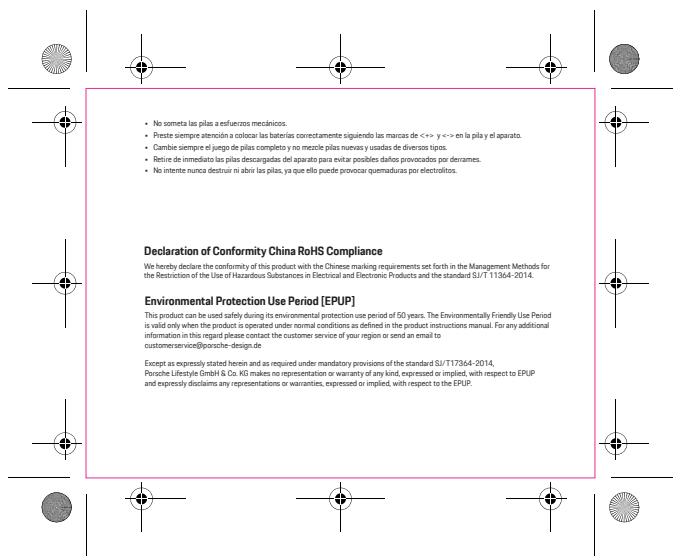
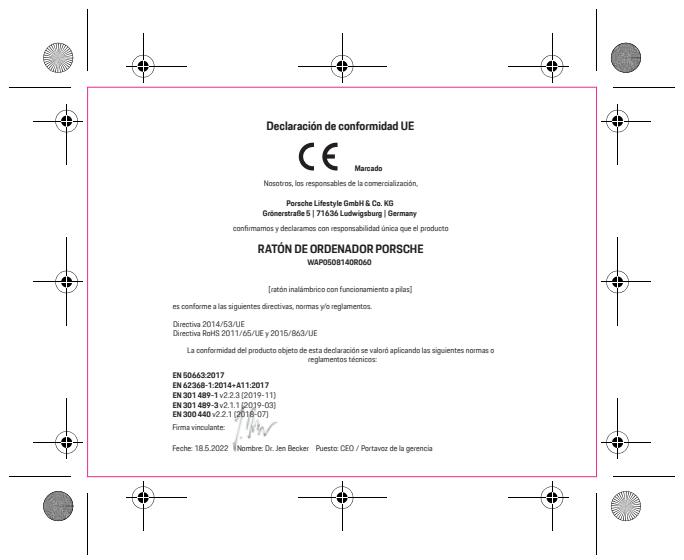
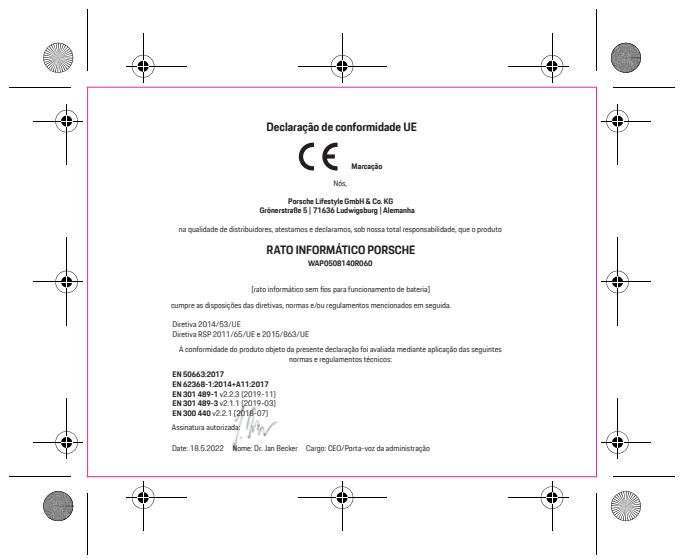
| Certifications | CE, FCC, RoHS |
| Warranty | 2 years |
Frequently Asked Questions - WAP0508140R060 PORSCHE
How to connect the Porsche WAP0508140R060 mouse to my computer?
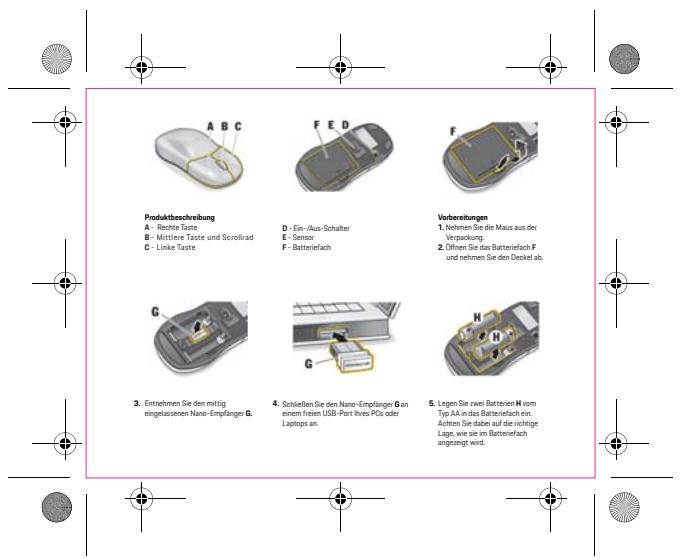
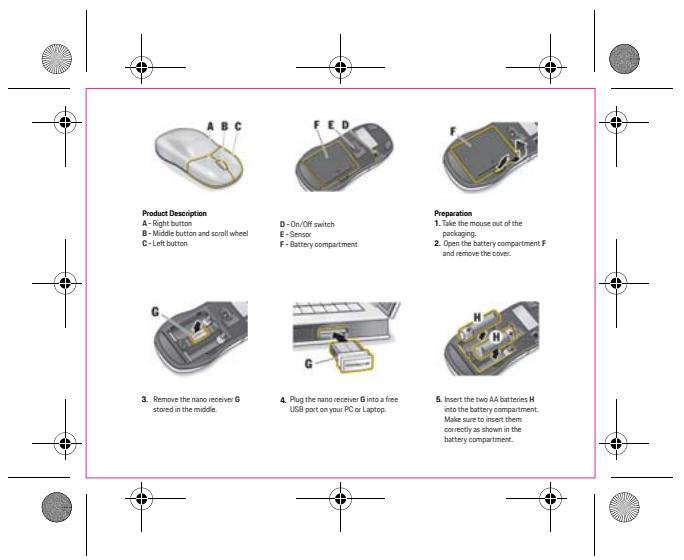
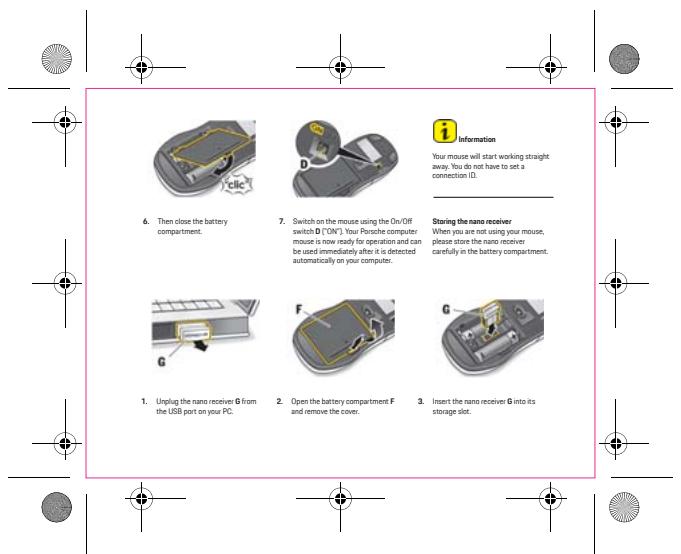
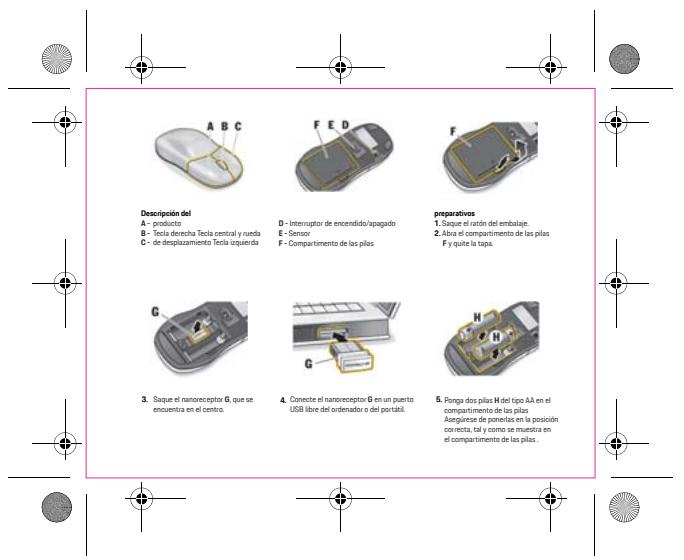
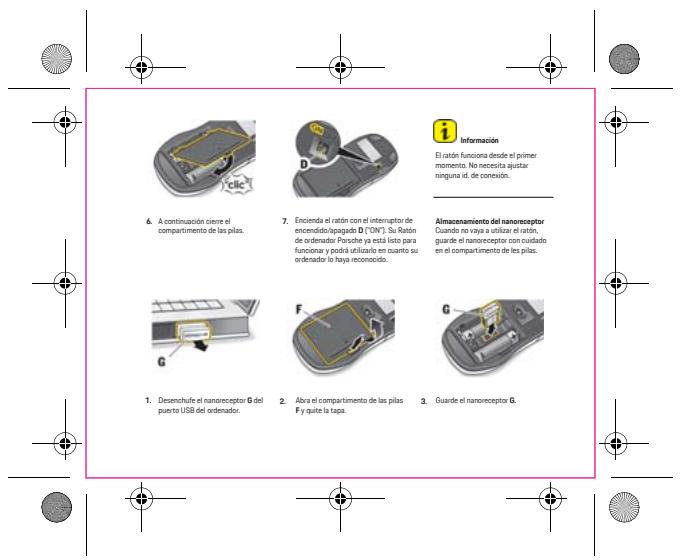
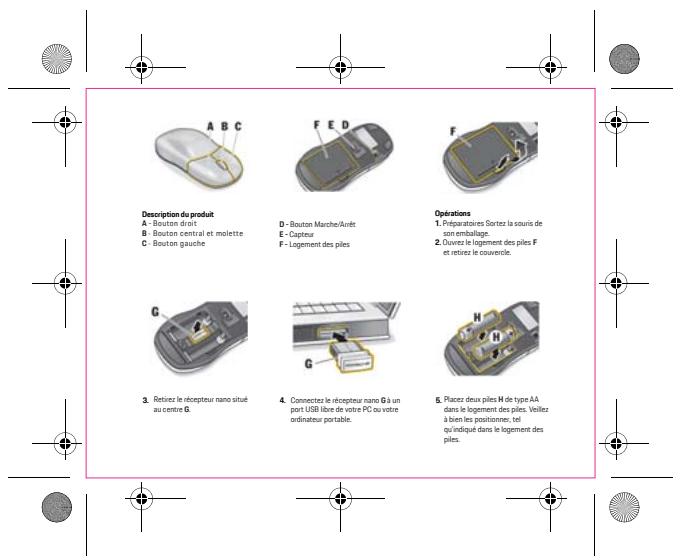
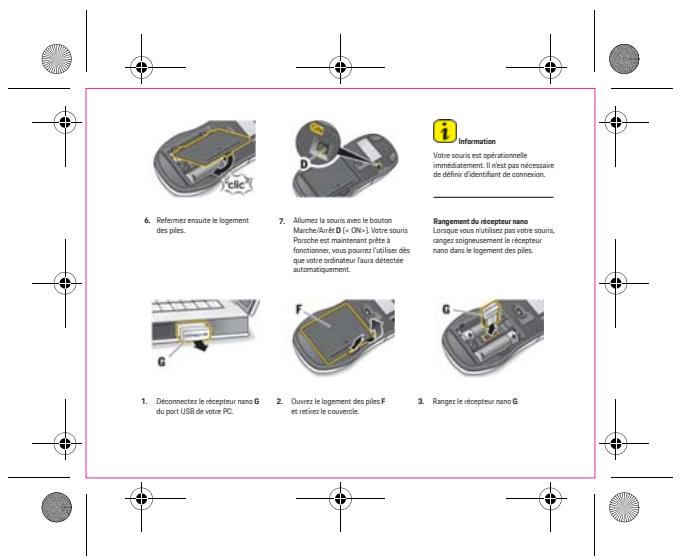
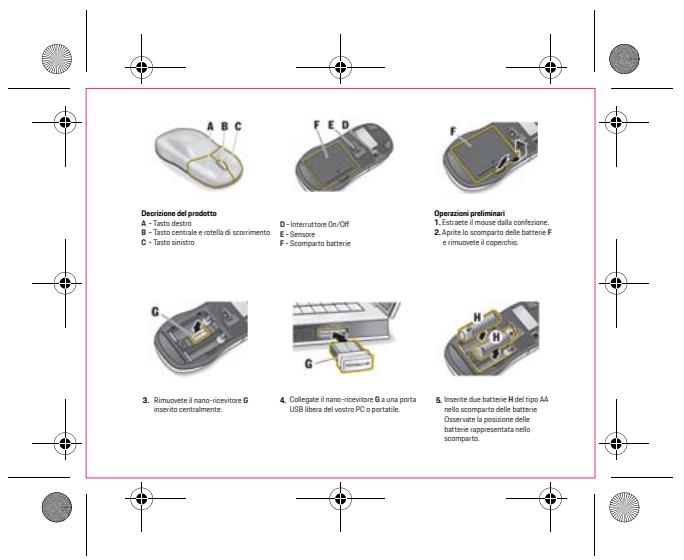
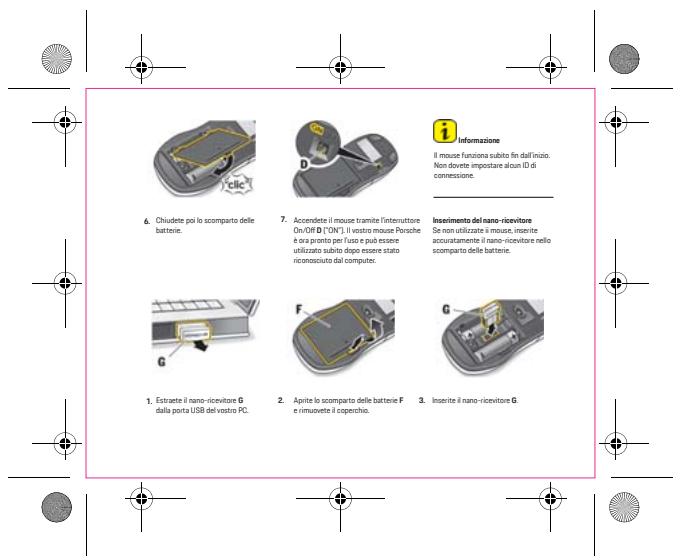
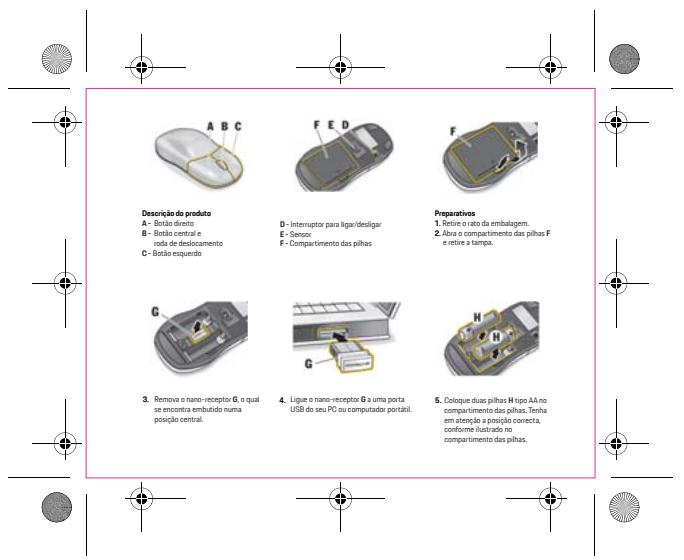
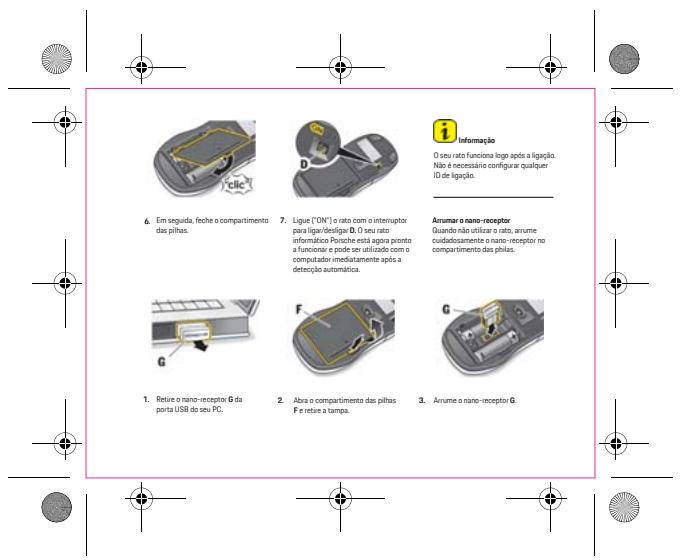
Insert the battery into the mouse, then plug the nano USB receiver into a free port on your computer. The mouse connects automatically. If necessary, press the pairing button under the mouse.
What to do if the mouse does not work?
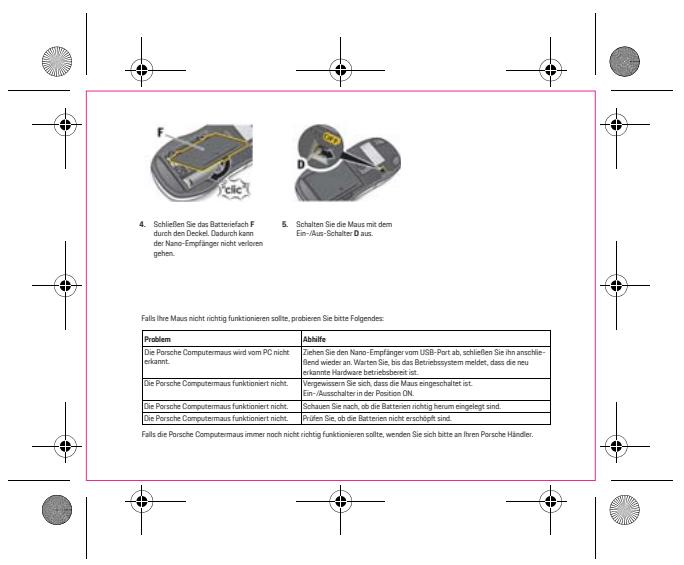
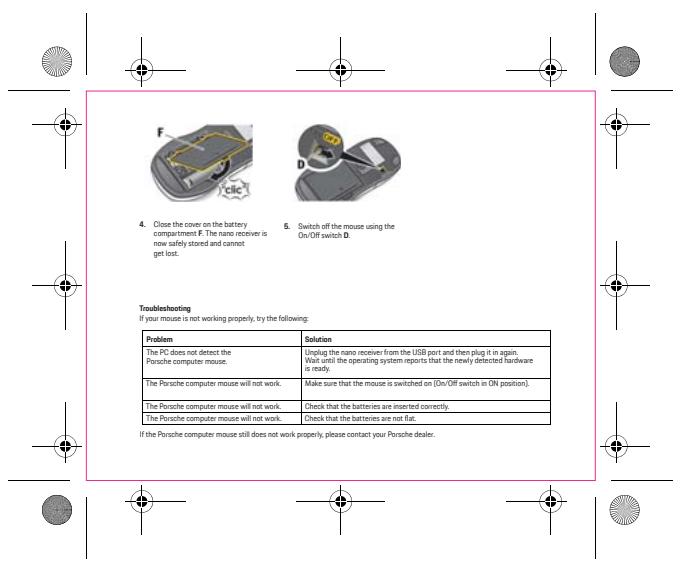
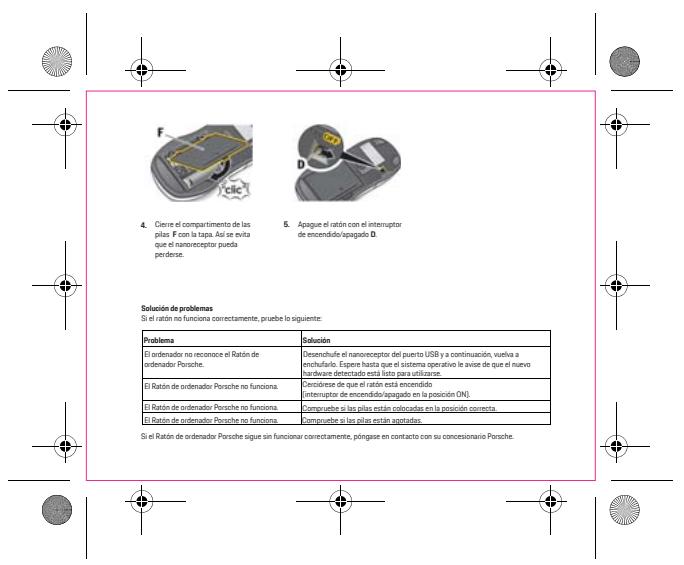
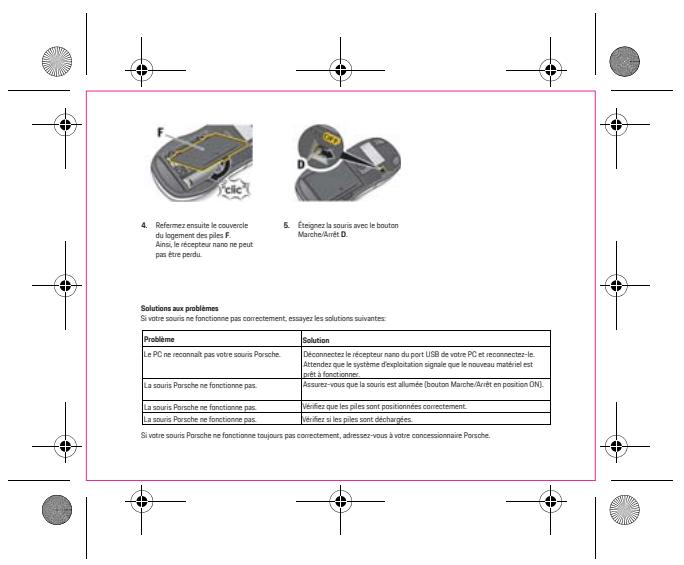
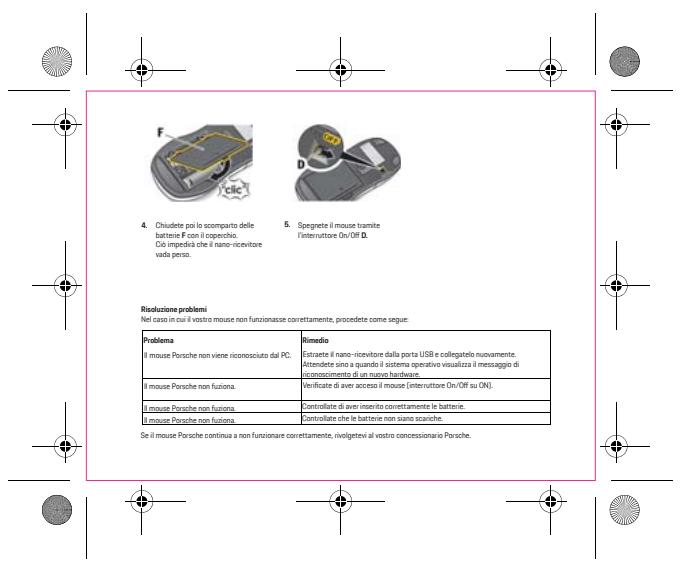
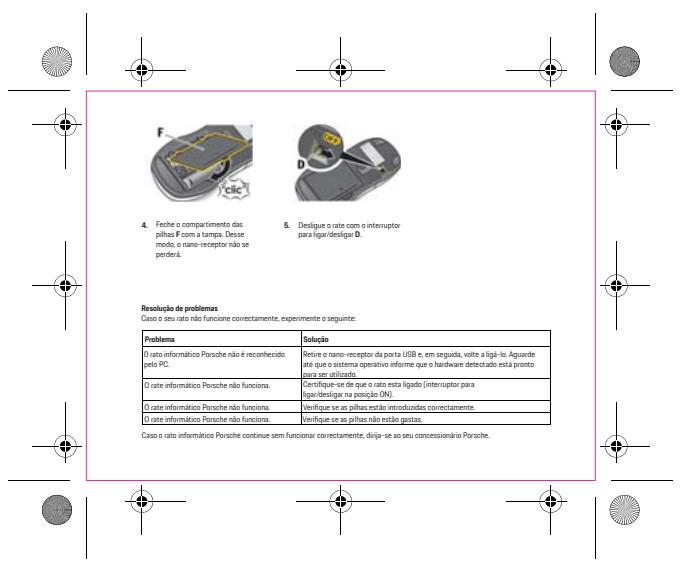
First, check that the battery is correctly inserted and not depleted. Try plugging the receiver into another USB port. Move the mouse away from any interference sources (speakers, phones). If the problem persists, contact customer service.
Does the mouse work with macOS?
Yes, the mouse is compatible with macOS 10.10 and later. The navigation buttons (forward/back) may require configuration in System Preferences.
How to clean the mouse?
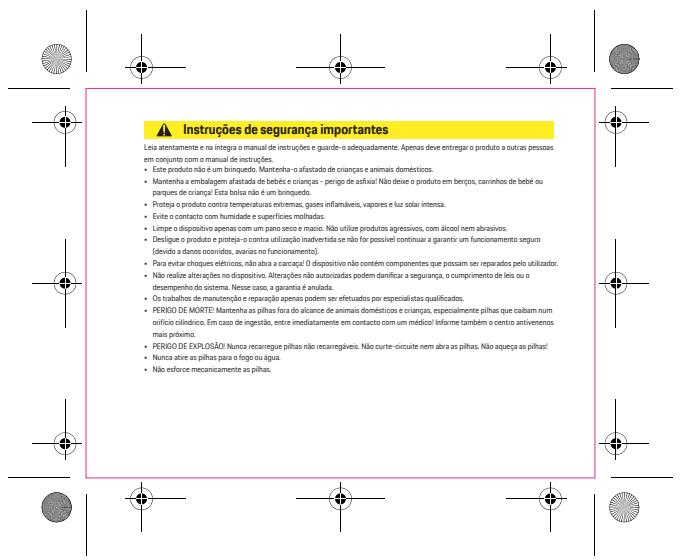
Use a soft cloth slightly dampened with water. Never use chemical or abrasive cleaners. Dry thoroughly before reuse.
What is the battery life?
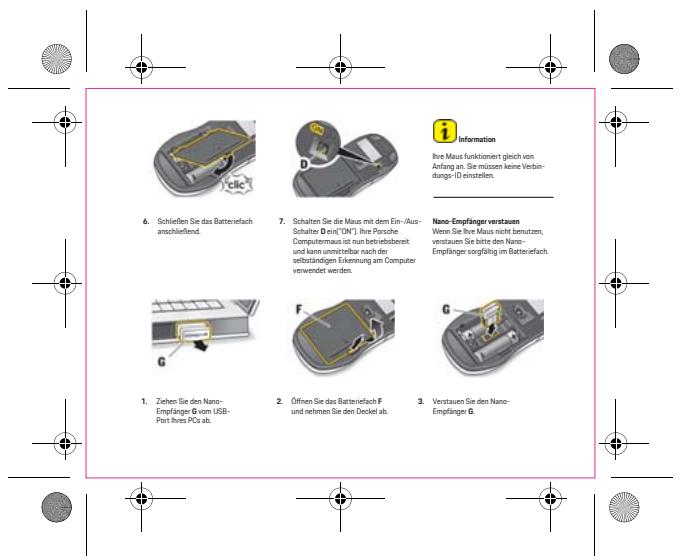
The battery life is approximately 12 months with a standard AA alkaline battery under normal use (8 hours/day). The mouse has an on/off switch to save power.
Can I use the mouse without the USB receiver?
No, this mouse uses an RF 2.4 GHz connection via the provided USB receiver. It is not Bluetooth compatible.
What to do if the mouse wheel stops responding?
Check that no debris is blocking the wheel. Gently clean with a dry cotton swab. If the problem persists, contact technical support.
Is the mouse compatible with game consoles?
The mouse is designed for PC/Mac. Some consoles (like PlayStation or Xbox) may not recognize it without a specific adapter. Check your console's manual.
How to adjust the mouse sensitivity (DPI)?
This mouse has a fixed DPI of 1200. There is no DPI switch button. If you need a different sensitivity, adjust the mouse settings in your operating system.
What to do if the cursor moves jerkily or is slow?
Ensure the surface is not reflective or transparent. Use a mouse pad. Also check that the battery is sufficiently charged and no interference is present.
User questions about WAP0508140R060 PORSCHE
0 question about this device. Answer the ones you know or ask your own.
Ask a new question about this device
No questions yet. Be the first to ask one.
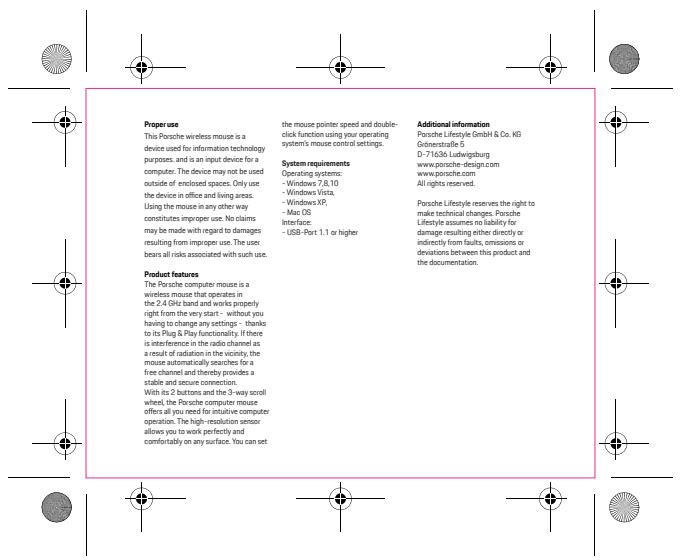
Download the instructions for your Wireless Mouse in PDF format for free! Find your manual WAP0508140R060 - PORSCHE and take your electronic device back in hand. On this page are published all the documents necessary for the use of your device. WAP0508140R060 by PORSCHE.
USER MANUAL WAP0508140R060 PORSCHE