
G203 - Mouse LOGITECH - Free user manual and instructions
Find the device manual for free G203 LOGITECH in PDF.



| Product Type | Wired gaming mouse |
| Brand | Logitech |
| Model | G203 (G102 LIGHTSYNC) |
| Dimensions | 116.6 x 62.15 x 38.2 mm |
| Weight | 85 g (without cable) |
| Power Supply | Via USB port (fixed 2.1 m cable) |
| Connection | USB 2.0 |
| Number of Buttons | 6 (fully programmable) |
| Main Functions | Programmable buttons, LIGHTSYNC RGB lighting (3 zones), optical sensor |
| Configuration Software | Logitech G HUB (free download) |
| Lighting | LIGHTSYNC RGB: 3 independent zones, dynamic effects (cycle, breathing, blinking) |
| Compatibility | Windows, macOS, Chrome OS; USB port required |
| Available Color | Black (depending on version) |
| Package Contents | G203 mouse, documentation |
| Care and Cleaning | Disconnect the mouse, clean with a soft slightly damp cloth; do not use solvents |
| Safety | Do not expose to moisture, shocks or excessive dust; respect operating temperatures 0-40°C |
| Spare Parts and Repairability | Product not user-repairable; contact Logitech customer service for assistance |
| Warranty | 2-year limited warranty (depending on country) |
| General Information | Manufacturer: Logitech Europe S.A.; indoor use only |
Frequently Asked Questions - G203 LOGITECH
User questions about G203 LOGITECH
0 question about this device. Answer the ones you know or ask your own.
Ask a new question about this device
Download the instructions for your Mouse in PDF format for free! Find your manual G203 - LOGITECH and take your electronic device back in hand. On this page are published all the documents necessary for the use of your device. G203 by LOGITECH.
USER MANUAL G203 LOGITECH
G102 | G203 LIGHTSYNC
Gaming Mouse
Gaming Mouse
SETUP GUIDE INSTALLATION GUIDE
logitech

Important Safety, Compliance and Warranty Information
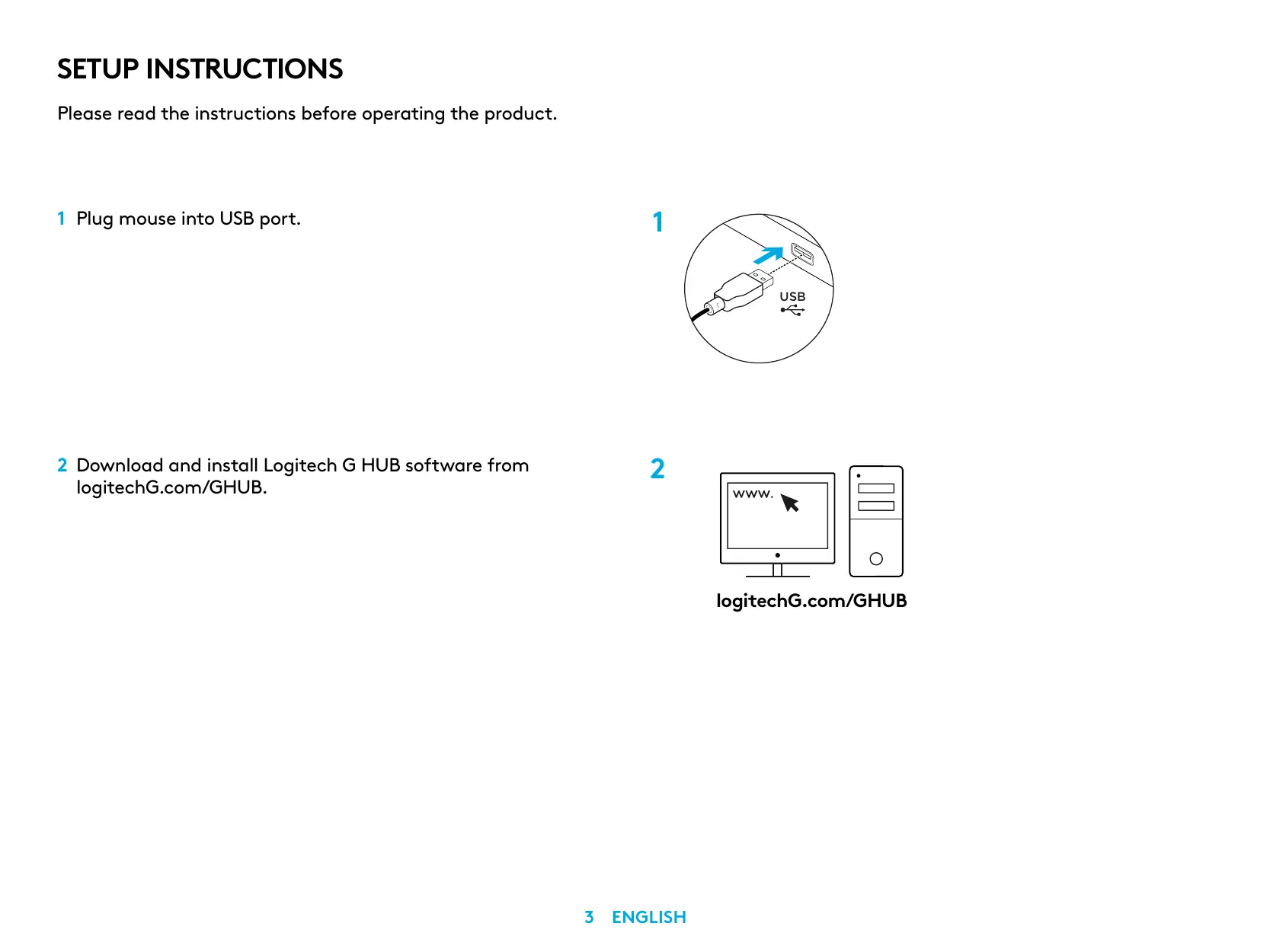
Please read the instructions before operating the product.
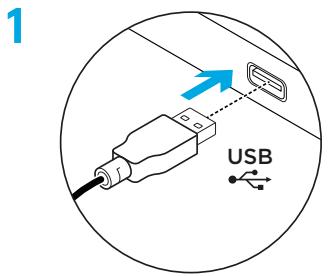
1 Plug mouse into USB port.
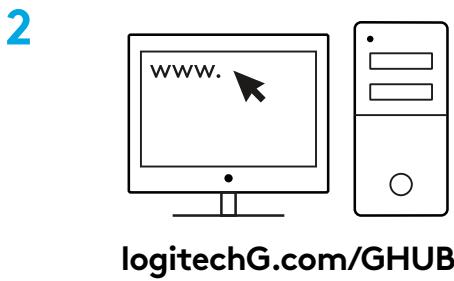
2 Download and install Logitech G HUB software from logitechG.com/GHUB.
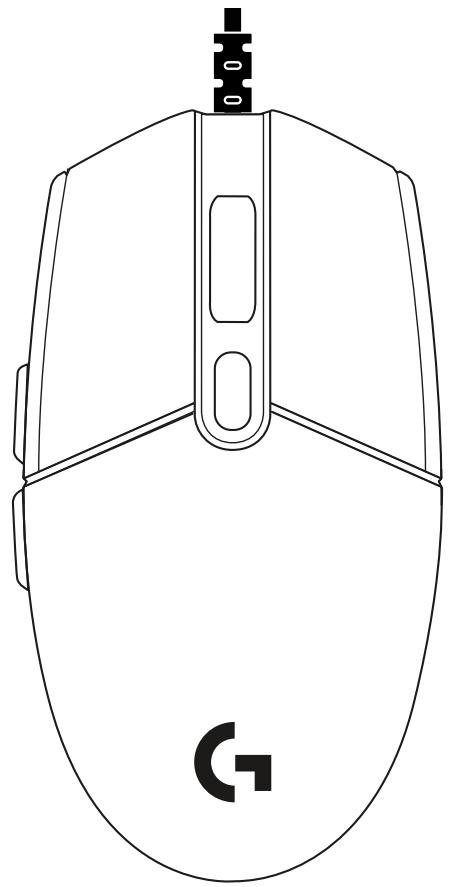
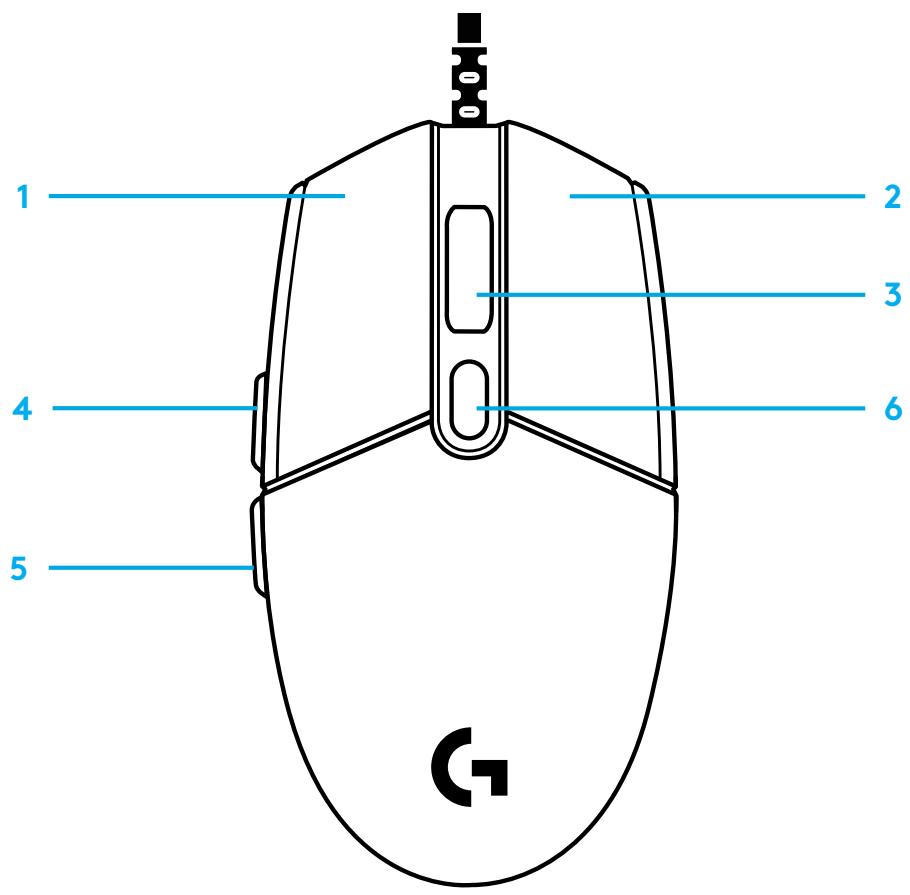
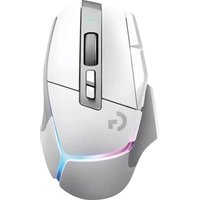
6 FULLY PROGRAMMABLE BUTTONS
By default these buttons are programmed:
1 Primary click 2 Secondary click 3 Wheel click 4 Forward 5 Back 6 DPI Cycle
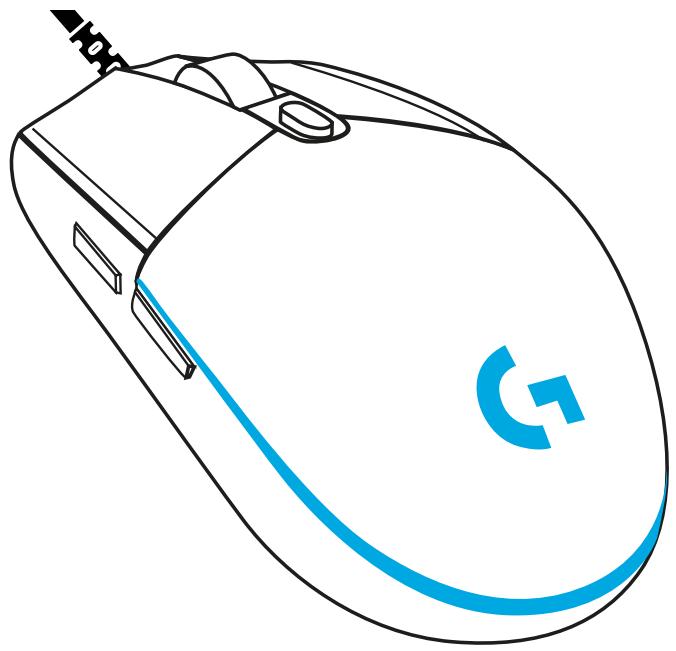
LIGHTSYNC RGB PROGRAMMABLE LIGHTING
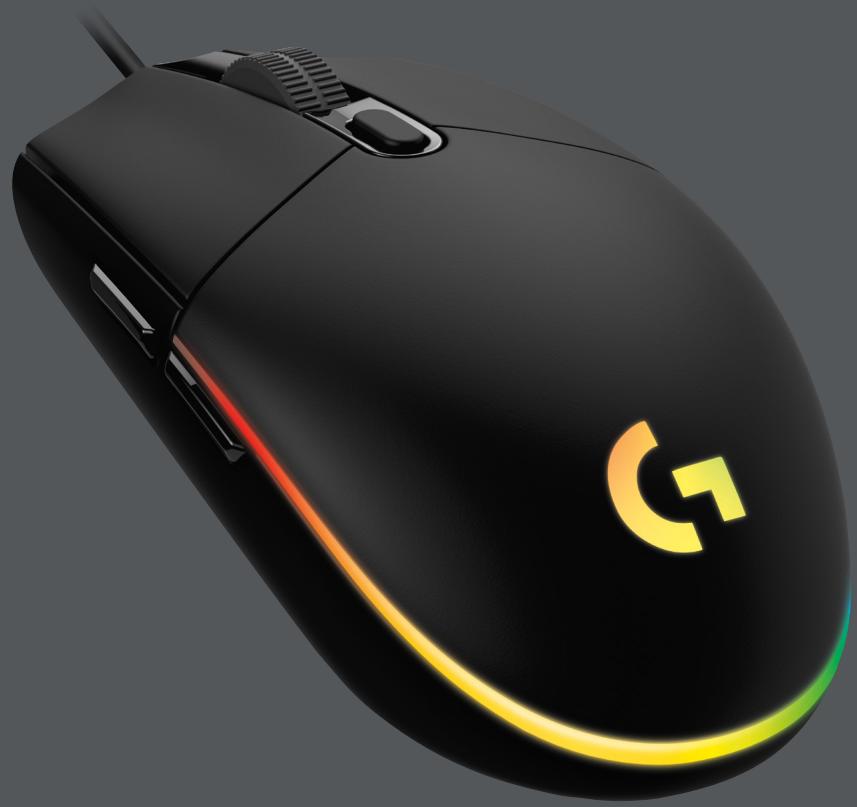
G102 / G203 LIGHTSYNC has 3 independent lighting zones that can be customized using the Logitech G HUB software to a variety of solid colors or animated effects like a color cycle or breathing/pulsing.
Lighting can be synchronized with other supported Logitech G devices using the Logitech G HUB software.
Learn more: logitechG.com/GHUB
INSTALLATION INSTRUCTIONS



Brand : LOGITECH
Model : G203
Category : Mouse