
XENON 64 PH 46B - Telephone ARCHOS - Free user manual and instructions
Find the device manual for free XENON 64 PH 46B ARCHOS in PDF.


| Brand | ARCHOS |
| Model | XENON 64 PH 46B |
| Product type | Mobile phone |
| Operating system | Android |
| Mobile network | 2G, 3G (micro SIM) |
| Connectivity | Wi-Fi 802.11 b/g/n, Bluetooth |
| Camera | Rear camera with flash, front camera |
| Ports | Micro-USB, 3.5mm headphone jack |
| Storage | microSD card slot |
| Power | Rechargeable lithium-ion battery (included) + mains charger |
| Box contents | Battery, hands-free kit, micro SIM adapter, USB cable, charger, quick start guide, warranty guide |
| Care and cleaning | Clean with a soft, dry cloth. Do not use abrasive products. |
| Security | Screen lock by pattern, PIN or password |
| Spare parts and repairability | Removable battery, removable back cover. Other parts: contact ARCHOS customer service. |
| General information | Usage: calls, SMS, Internet browsing, Google apps, media player. |
Frequently Asked Questions - XENON 64 PH 46B ARCHOS
User questions about XENON 64 PH 46B ARCHOS
0 question about this device. Answer the ones you know or ask your own.
Ask a new question about this device
Download the instructions for your Telephone in PDF format for free! Find your manual XENON 64 PH 46B - ARCHOS and take your electronic device back in hand. On this page are published all the documents necessary for the use of your device. XENON 64 PH 46B by ARCHOS.
USER MANUAL XENON 64 PH 46B ARCHOS
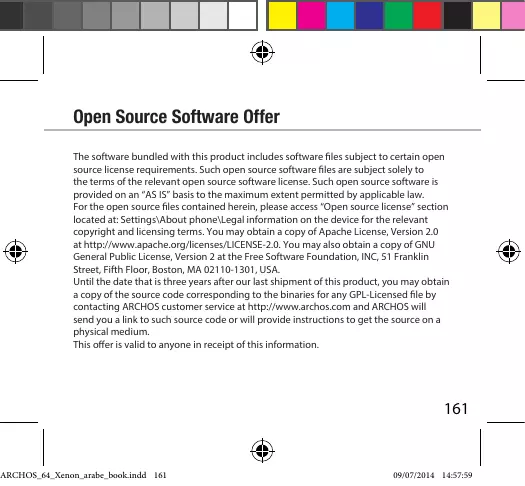
Open Source Software Offer
The software bundled with this product includes software files subject to certain open source license requirements. Such open source software files are subject solely to the terms of the relevant open source software license. Such open source software is provided on an "AS IS" basis to the maximum extent permitted by applicable law.
For the open source files contained herein, please access "Open source license" section located at: Settings\About phone\Legal information on the device for the relevant copyright and licensing terms. You may obtain a copy of Apache License, Version 2.0 at http://www.apache.org/licenses/License-2.0. You may also obtain a copy of GNU General Public License, Version 2 at the Free Software Foundation, INC, 51 Franklin Street, Fifth Floor, Boston, MA 02110-1301, USA.
Until the date that is three years after our last shipment of this product, you may obtain a copy of the source code corresponding to the binaries for any GPL-Licensed file by contacting ARCHOS customer service at http://www.archos.com and ARCHOS will send you a link to such source code or will provide instructions to get the source on a physical medium.
This offer is valid to anyone in receipt of this information.
National restrictions
This device is intended for home and office use in all EU countries (and other countries following the EU directive 1999/5/EC) without any limitation except for the countries mentioned below:
| Country | Restriction | Reason/remark |
| Bulgaria | None | General authorization required for outdoor use and public service |
| France | Outdoor use limited to 10 mW e.i.r.p. within the band 2454-2483.5 MHz | Military Radiolocation use. Refarming of the 2.4 GHz band has been ongoing in recent years to allow current relaxed regulation. Full implementation planned 2012 |
| Italy | None | If used outside of own premises, general authorization is required. |
| Luxembourg | None | General authorization required for network and service supply (not for spectrum) |
Norway
Implemented
This subsection does not apply for the geographical area within a radius of 20 km from the centre of Ny-Alesund
Russian Federation
None
Only for indoor applications
Note: Frequency 2454-2483.5MHZ are restricted to indoor use in France.
Consult the declaration of conformity on http://www.archos.com/products/ declaration_conformity.html
After the laboratory measurement, this mobile phone SAR value is:
Head: 0.87 W/kg
Body: 0.456 W/kg
Archos company declares that this device is in compliance with the essential requirements and other relevant provisions of Directive 1999/5/EC



Brand : ARCHOS
Model : XENON 64 PH 46B
Category : Telephone