
K50 - Digital SLR Camera PENTAX - Free user manual and instructions
Find the device manual for free K50 PENTAX in PDF.


| Product Type | Digital SLR Camera |
| Sensor | CMOS 23.7 x 15.7 mm (APS-C), 16.29 effective megapixels |
| Lens Mount | KAF2 mount (compatible with DA, DA L, D FA, FA J lenses and A rings) |
| Viewfinder | Optical, 100% coverage, 0.92x magnification, diopter adjustment |
| LCD Screen | 3 inches, 921,000 dots, brightness and color adjustable |
| ISO Sensitivity | 100 – 25600 (in 1, 1/2, or 1/3 EV steps) |
| Image Stabilization | Sensor shift (Shake Reduction), up to 3.5 EV |
| Exposure Modes | P, Av, Tv, TAv, Sv, M, B, AUTO, SCN (19 scene modes) |
| Built-in Flash | Guide number 12 (ISO 100), modes: auto, manual, red-eye reduction, slow sync, rear curtain |
| Video Recording | Full HD 1920x1080, 30p/25p/24p; HD 1280x720, 60p/50p; VGA |
| Storage Media | SD, SDHC, SDXC memory cards (UHS-I compatible) |
| Image Formats | JPEG (DCF 2.0), RAW (DNG, PEF) |
| Battery | Rechargeable lithium-ion D-LI109 (supplied) or 4 AA battery tray D-BH109 (optional) |
| Battery Life (CIPA) | Approx. 480 shots (with D-LI109, no flash); approx. 410 (with 50% flash) |
| Continuous Shooting | Up to 6 fps |
| Dimensions (W x H x D) | 129.0 x 96.5 x 70.0 mm (excluding protrusions) |
| Weight | Approx. 590 g (body only); approx. 650 g (with battery and SD card) |
| Power Supply | D-LI109 battery or K-AC128 AC adapter (optional) |
| Main Features | Scene modes, lens correction, HDR, digital filters, button customization, optional GPS |
| Maintenance and Cleaning | Clean exterior with a dry cloth; for sensor, contact PENTAX service center (fee-based) |
| Safety Precautions | Do not disassemble, avoid shocks and extreme temperatures, use designated charger |
| Spare Parts and Repairability | Contact an authorized PENTAX repair center; battery, charger, and AC adapter available as options |
| General Information | 12-month warranty; SILKYPIX Developer Studio 3.0 LE software included |
Frequently Asked Questions - K50 PENTAX
User questions about K50 PENTAX
0 question about this device. Answer the ones you know or ask your own.
Ask a new question about this device
Download the instructions for your Digital SLR Camera in PDF format for free! Find your manual K50 - PENTAX and take your electronic device back in hand. On this page are published all the documents necessary for the use of your device. K50 by PENTAX.
USER MANUAL K50 PENTAX

Batterie lithium-ion rechargeable D-L1109
① Bouton (Correction IL)
① Bouton (Correction IL)
14 Sur-impression (p.138)
| Increments IL | Valeur de correction de l'exposition |
| 1/3 IL | ±0,3; ±0,7; ±1,0; ±1,3; ±1,7; ±2,0; ±2,3; ±2,7; ±3,0; ±3,3; ±3,7; ±4,0; ±4,3; ±4,7; ±5,0 |
| 1/2 IL | ±0,5; ±1,0; ±1,5; ±2,0; ±2,5; ±3,0; ±3,5; ±4,0; ±4,5; ±5,0 |
Affichage 4/9/16/36/81 imagettes
Amplification des tons
Assistance AF 19, 70, 112
AUTO (Image auto.),
mode 68,90
rechargeables Ni-MH .... 52
( ) 22, 24, 41, 80
Bouton vert 21, 179
INFO (Bouton INFO) .... 21, 24, 25, 31, 200
Info/optionsprograme 243
(Bouton Lecture) ..21, 24, 76
MENU (Bouton
MENU) 22, 24, 44
Mer & Neige 92
Portrait nocturne 90, 91
RAW/Fx, bouton 21, 182
Réglages capture image ....154
Réglages capture video 141
Réglages plaque dynamiq ....164
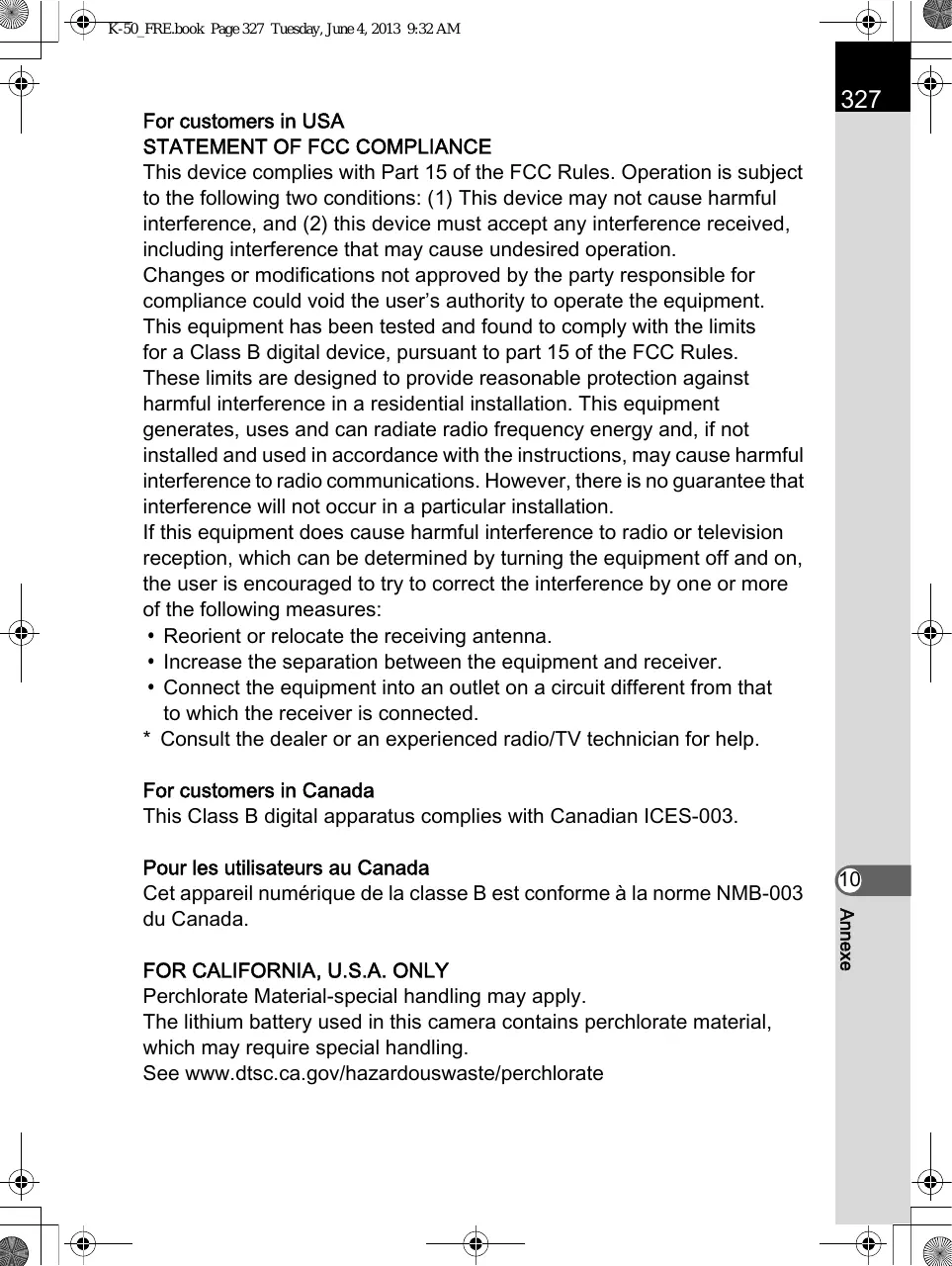
For customers in USA STATEMENT OF FCC COMPLIANCE
This device complies with Part 15 of the FCC Rules. Operation is subject to the following two conditions: (1) This device may not cause harmful interference, and (2) this device must accept any interference received, including interference that may cause undesired operation.
Changes or modifications not approved by the party responsible for compliance could void the user's authority to operate the equipment. This equipment has been tested and found to comply with the limits for a Class B digital device, pursuant to part 15 of the FCC Rules.
These limits are designed to provide reasonable protection against harmful interference in a residential installation. This equipment generates, uses and can radiate radio frequency energy and, if not installed and used in accordance with the instructions, may cause harmful interference to radio communications. However, there is no guarantee that interference will not occur in a particular installation.
If this equipment does cause harmful interference to radio or television reception, which can be determined by turning the equipment off and on, the user is encouraged to try to correct the interference by one or more of the following measures:
- Reorient or relocate the receiving antenna.
- Increase the separation between the equipment and receiver.
- Connect the equipment into an outlet on a circuit different from that to which the receiver is connected.
- Consult the dealer or an experienced radio/TV technician for help.
For customers in Canada
This Class B digital apparatus complies with Canadian ICES-003.
Perchlorate Material-special handling may apply.
The lithium battery used in this camera contains perchlorate material, which may require special handling.
See www.dtsc.ca.gov/hazardouswaste/perchlorate
Declaration of Conformity
According to 47CFR, Parts 2 and 15 for
Class B Personal Computers and Peripherals
We: PENTAX RICOH IMAGING AMERICAS CORPORATION
Located at: 633 17th Street, Suite 2600 Denver, Colorado 80202 U.S.A. Phone: 800-877-0155 FAX: 303-790-1131
Declare under sole responsibility that the product identified herein complies with 47CFR Parts 2 and 15 of the FCC rules as a Class B digital device. Each product marketed is identical to the representative unit tested and found to be compliant with the standards. Records maintained continue to reflect the equipment being produced can be expected to be within the variation accepted, due to quantity production and testing on the statistical basis as required by 47CFR §2.909. Operation is subject to the following two conditions: (1) This device may not cause harmful interference, and (2) This device must accept any interference received, including interference that may cause undesired operation. The above named party is responsible for ensuring that the equipment complies with the standards of 47CFR §15.101 to §15.109.
Product Name: Digital Camera
Model Number: K-50
Contact person: Customer Service Manager
Date and Place: May, 2013, Colorado
PENTAX RICOH IMAGING PENTAX House, Heron Drive, Langley, Slough, UK LTD. Berks SL3 8PN, U.K. (http://www.pentax.co.uk)
PENTAX RICOH IMAGING 633 17th Street, Suite 2600, Denver, Colorado 80202, AMERICAS CORPORATION U.S.A. (http://www.pentaximaging.com)
PENTAX RICOH IMAGING 1770 Argentina Road Mississauga, Ontario L5N 3S7, CANADA INC. CANADA (http://www.pentax.ca)
PENTAX RICOH IMAGING 23D, Jun Yao International Plaza, 789 Zhaojiabang CHINA CO., LTD. Road, Xu Hui District, Shanghai, 200032, CHINA (http://www.pentax.com.cn)
Brand : PENTAX
Model : K50
Category : Digital SLR Camera