
XENA 1800 HDU - Satellite TV receiver ASTON - Free user manual and instructions
Find the device manual for free XENA 1800 HDU ASTON in PDF.


| Product type | Satellite TV receiver |
| Brand | ASTON |
| Model | XENA 1800 HDU |
| Category | Satellite TV receiver |
| Reception | All free-to-air channels and encrypted programs (see attached table) |
| Antenna | Compatible with all types of LNB; control of 4 fixed, motorized or collective antennas (SMATV or IF/IF network) |
| Pointing assistance | Animated 3D graphic mode with audio signal |
| Connectors | Optical digital audio output in addition to standard connectors |
| Audio functions | Audio equalizer (volume, balance, treble, loudness), clock in standby |
| Navigation | Search for bouquets and channels by keywords, ultra-fast zapping, integrated digital teletext |
| Programming | Timer for scheduled standby, 8 programmable sequences for recording |
| Channel search | Automatic search for satellites and channels, instant sorting by criteria (encrypted/unencrypted) |
| List management | Updating and reorganizing channel lists by bouquet and satellite |
| Languages | Choice of menu language, audio and subtitles for multilingual channels |
| Program guide | Complete guide by hour, day, week and theme |
| Recording | Ultra-quiet 2.5" internal hard drive, digital video recorder with Time Shift, pause, fast forward, fast rewind, frame-by-frame playback |
| Time Shift function | Allows pausing live TV and resuming playback, with simultaneous recording |
| Commercial markers | Ability to mark and skip commercials during playback |
| General information | Digital satellite receiver designed for multimedia, refined aesthetics, combination of technology and power |
Frequently Asked Questions - XENA 1800 HDU ASTON
User questions about XENA 1800 HDU ASTON
0 question about this device. Answer the ones you know or ask your own.
Ask a new question about this device
Download the instructions for your Satellite TV receiver in PDF format for free! Find your manual XENA 1800 HDU - ASTON and take your electronic device back in hand. On this page are published all the documents necessary for the use of your device. XENA 1800 HDU by ASTON.
USER MANUAL XENA 1800 HDU ASTON
Digital Receiver Made by Aston
GIVE MEMORY to your eyes
[DVB-CICAM]
[Accessories]



aston®

Time Shift function
Keep up with the action
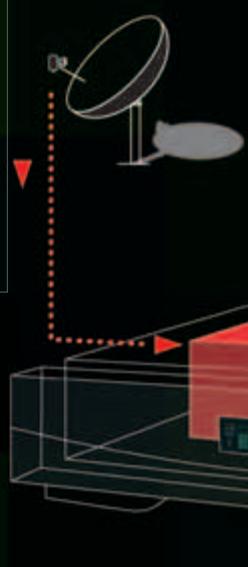
Something unexpected happens in the heat of the action! Push the pause button, and the hard drive will record the rest of the programme. When you return, you can pick up where you left the action, while recording continues.

PAUSE
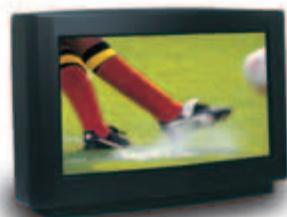
Designed for multi-media addicts, the ultra-silent internal 2.5" hard drive of this receiver will give you hours and hours of high quality digital programmes.
The revolutionary Xena® 1800 HD has the qualities of a true digital video recorder: Time Shift, markers to do away with advertisements, variable fast forward and rewind, quick motion reading, frame by frame, pause, freeze...
The piles of video recorders are a thing of the past, now is the moment for aesthetic refinement, the ultimate alliance of technology and power.
© Aston - Octobre 2003
Because the world is made of images*
300
Droits de reproduction interdits • Unauthorized reproduction is strictly prohibited

To enjoy those TV moments for always, just record them!



Main features of the Xena 1800 HD receiver




Find more about Aston
www.aston-france.com
To learn more about the Xena 1800 HD
RECEPTION
- Reception of all unscrambled channels
- Reception of scrambled programmes (see opposite table)
ANTENNA - Compatible with all LNB types
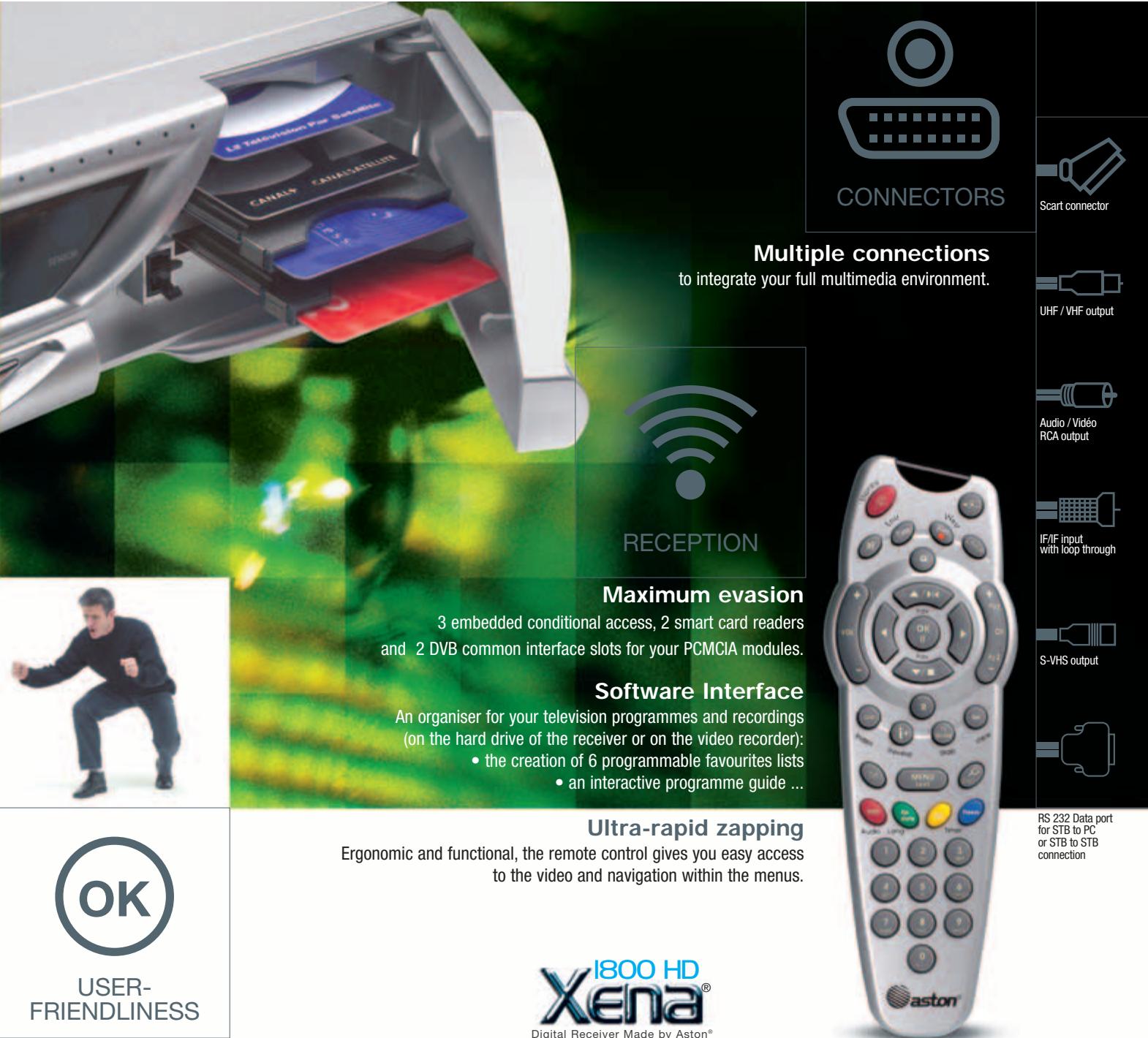
Control of 4 fixed, motorised or collective antennas (SMATV or IF/IF network) - Dish pointing aid in animated visual and audio 3D graphic mode CONNECTORS
-
In addition to the connectors mentioned in the opposite table, the Xena® 1800 is equipped with an optical digital audio output. ZAPPING
-
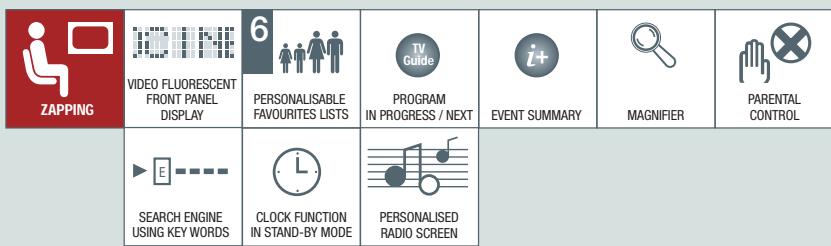
Clock function in stand-by mode
Audio equaliser (volume, balance, treble and loudness) - Bouquets and channels search, using key words
- Ultra-rapid navigation and zapping
Built-in digital teletext decoder - Timer for programmed stand-by USER-FRIENDLINESS
Automatic satellites and channels search
- Instant list sort according to selection criteria (unscrambled, scrambled...)
- Upgrade and reorganisation of lists of channels, by bouquet and satellite
- Choice of menu, audio and subtitle language for multilanguage channels
Full programme guide by hour, day, week, and according to theme
8 programmable sequences for recording (on video recorder or embedded hard drive) by means of direct selection or with the programme guide

aston
Because the world is made of images