
M-NAV650 - Navigation GPS NAVMAN - Free user manual and instructions
Find the device manual for free M-NAV650 NAVMAN in PDF.

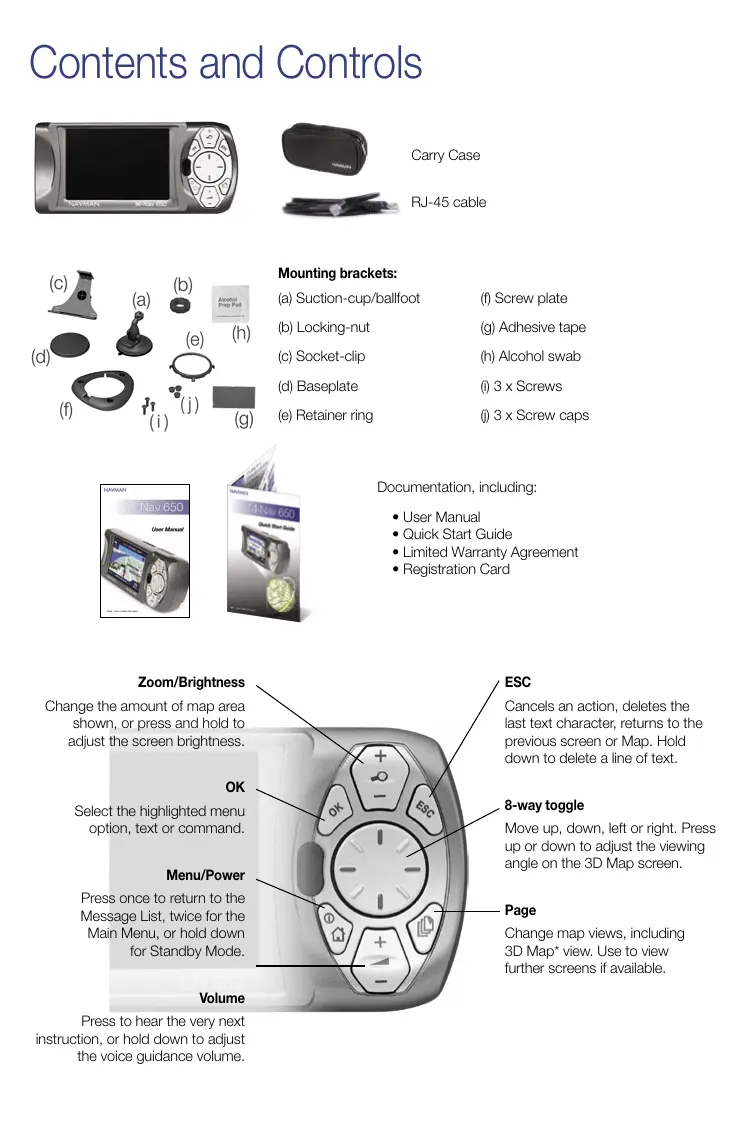

| Product type | Navigation GPS |
| Brand | NAVMAN |
| Model | M-NAV650 |
| Manufacturer | Navman NZ Limited (New Zealand), Navman Australia, Navman UK |
| Main functions | Road navigation, message receiving and sending, address and POI search, 3D display, zoom and brightness adjustment |
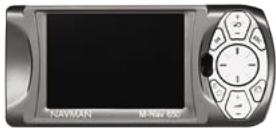
| Box contents | Mounting bracket (suction cup, plate, adhesive), RJ-45 cable, carry case, documentation |
| Power supply | Rechargeable lithium-ion battery via RJ-45 cable (power adapter not included) |
| Battery life | Approximately 4 hours of continuous use (estimated) |
| Screen | Color screen with zoom and brightness adjustment |
| Dimensions | Not specified in the manual |
| Weight | Not specified in the manual |
| Controls | 8-direction joystick, OK, Menu/Power, Volume, ESC, Page, Zoom/Brightness buttons |
| Map display | 2D and 3D views, view change via Page button |
| Messages | Receiving and sending predefined messages, navigation to the message location |
| Mounting | Suction cup or adhesive plate (included) with ball joint |
| Maintenance and cleaning | Wipe with a soft, dry cloth. Do not use abrasive products. |
| Safety | Use only the supplied accessories. Do not expose to moisture or extreme temperatures. |
| Spare parts and repairability | Spare parts (bracket, cable) are available from Navman customer service. Repair by authorized center. |
| Customer service | New Zealand: 0800 GPS FLEET, Australia: +61 2 9879 9000, United Kingdom: +44 1782 557950 |
Frequently Asked Questions - M-NAV650 NAVMAN
User questions about M-NAV650 NAVMAN
0 question about this device. Answer the ones you know or ask your own.
Ask a new question about this device
Download the instructions for your Navigation GPS in PDF format for free! Find your manual M-NAV650 - NAVMAN and take your electronic device back in hand. On this page are published all the documents necessary for the use of your device. M-NAV650 by NAVMAN.
USER MANUAL M-NAV650 NAVMAN
Setting a Destination
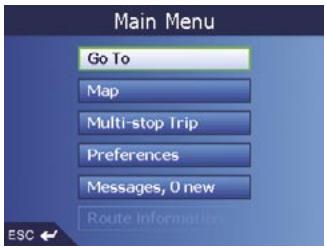
Click "Go To"
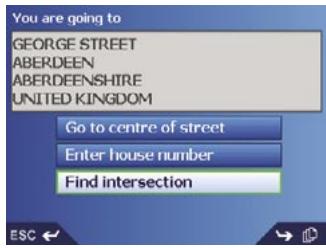
Make a selection
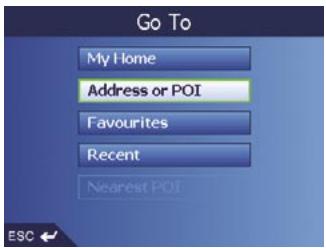
Click "Address or POI"
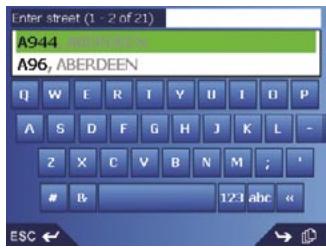
Select an intersection
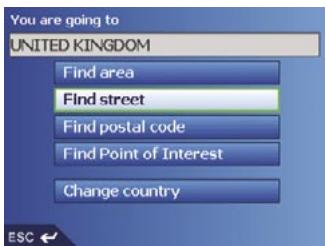
Click "Find street"
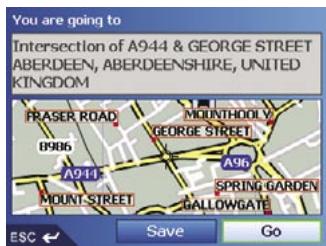
Click "Go"
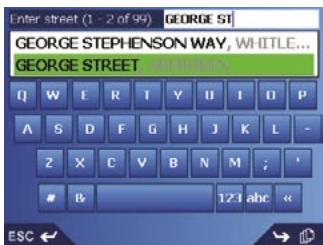
Select appropriate street
NAVMAN
Navman NZ Limited
7-21 Kawana Street, Northcote
PO Box 68 155 Newton
Auckland
New Zealand
Tel: +64 (0)9 481 0500
Customer Support: fleet/support@navman.com
Website: www.navman.com
Navman Wireless Australia
Navman Australia Pty. Ltd
Suite 2, 408 Victoria Rd
PO Box 479
Gladesville NSW 2111
AUSTRALIA
Tel: +61 2 9879 9000
Fax: +61 2 9879 9001
Website: www.navman.com
Navman Wireless UK
Innovation Centre 2
Keele University Science Park
Keele,Staffodshire,ST5 5NH
UNITED KINGDOM
Tel: +44 (0) 1782 55 79 50
Fax: +44 (0) 1782 55 79 79
Email: info@navmanwireless.co.uk
Website: www.navmanwireless.co.uk
Navman Wireless NZ
7-21 Kawana St, Northcote
PO Box 68 155 Newton
Auckland
New Zealand
Customer Support and Info:
0800 GPS FLEET (0800 477 353)
Email: wirelessnzsupport@navman.com
Website: www.navman.com
M-Nav 650
Quick Start Guide
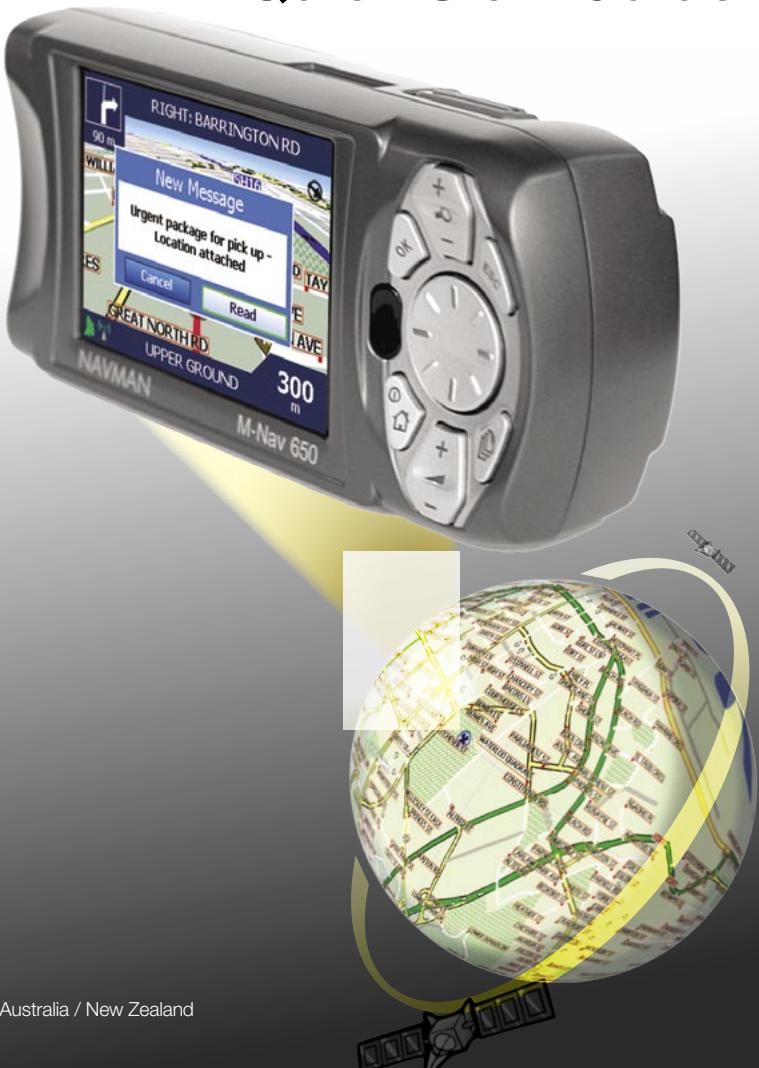
Contents and Controls
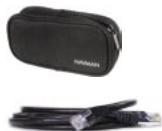
Carry Case
RJ-45 cable
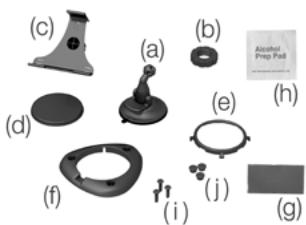
Mounting brackets:
(a) Suction-cup/ballfoot
(f) Screw plate
(b) Locking-nut
(g) Adhesive tape
(c) Socket-clip
(h) Alcohol swab
(d) Baseplate
(i) 3 × Screws
(e) Retainer ring
(j) 3 × Screw caps
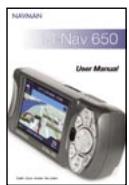
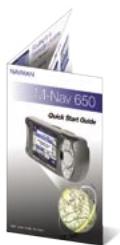
Documentation, including:
- User Manual
- Quick Start Guide
Limited Warranty Agreement - Registration Card
Zoom/Brightness
Change the amount of map area shown, or press and hold to adjust the screen brightness.
OK
Select the highlighted menu option, text or command.
Menu/Power
Press once to return to the Message List, twice for the Main Menu, or hold down for Standby Mode.
Volume
Press to hear the very next instruction, or hold down to adjust the voice guidance volume.
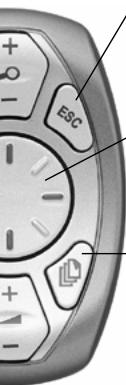
ESC
Cancels an action, deletes the last text character, returns to the previous screen or Map. Hold down to delete a line of text.
8-way toggle
Move up, down, left or right. Press up or down to adjust the viewing angle on the 3D Map screen.
Page
Change map views, including 3D Map* view. Use to view further screens if available.
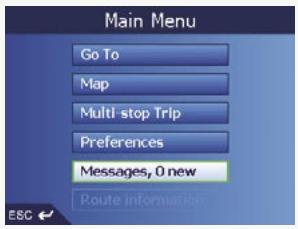
Routing to a Message Location
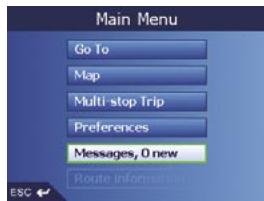
Select "Messages"
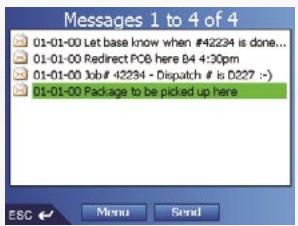
Select a Message
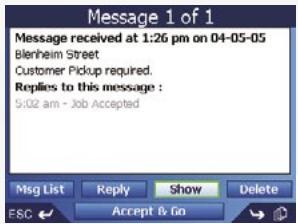
Select "Show" to save and confirm...
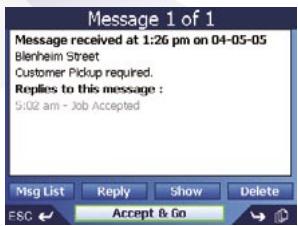
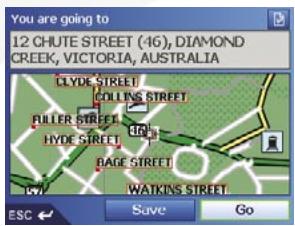
OR... Select "Accept & Go" to navigate NOW
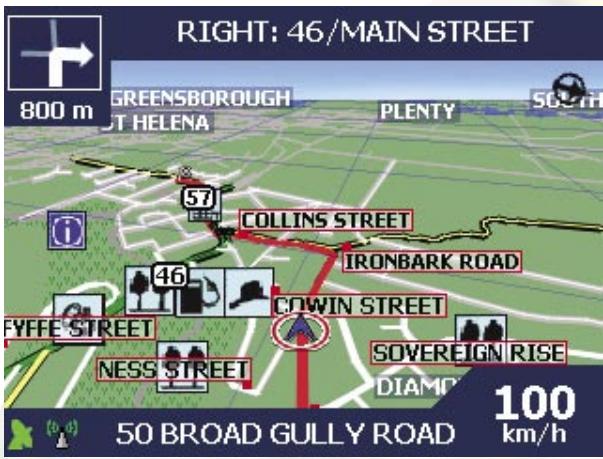
Sending a Message
Select "Messages"
Select "Send"
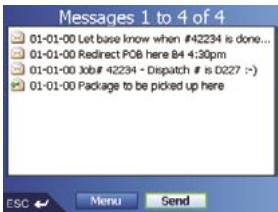
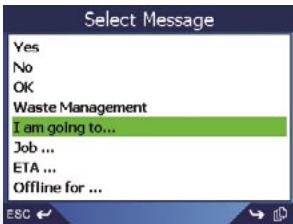
Select a Message
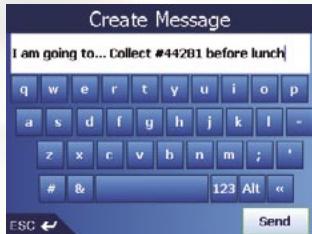
Edit and Select "Send"
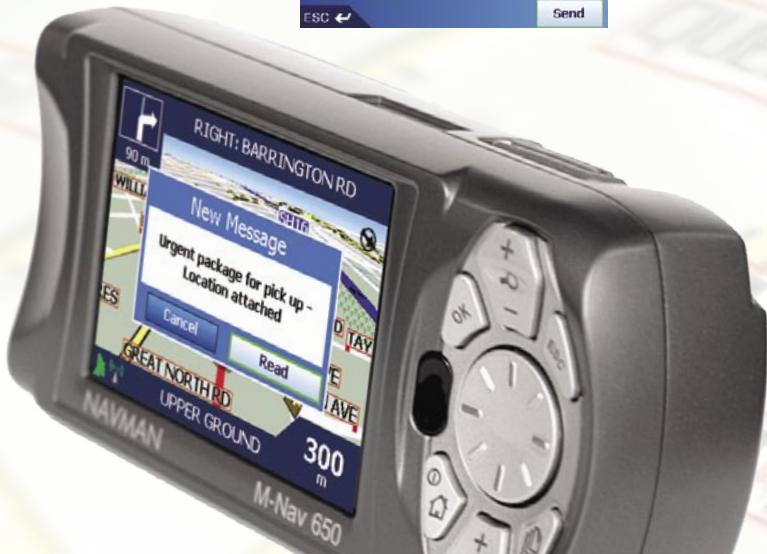
- Setting a Destination
- NAVMAN
- Navman NZ Limited
- Navman Wireless Australia
- Navman Wireless UK
- Navman Wireless NZ
- M-Nav 650
- Quick Start Guide
- Contents and Controls
- Mounting brackets:
- Zoom/Brightness
- OK
- Menu/Power
- Volume
- ESC
- 8-way toggle
- Page
- Routing to a Message Location
- Sending a Message
- Select "Messages"
Brand : NAVMAN
Model : M-NAV650
Category : Navigation GPS