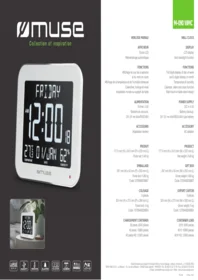
M 090 WMC C 5317 - Radio MUSE - Free user manual and instructions
Find the device manual for free M 090 WMC C 5317 MUSE in PDF.


| Product type | Wall clock with digital display |
| Brand | Muse |
| Model | M 090 WMC C 5317 |
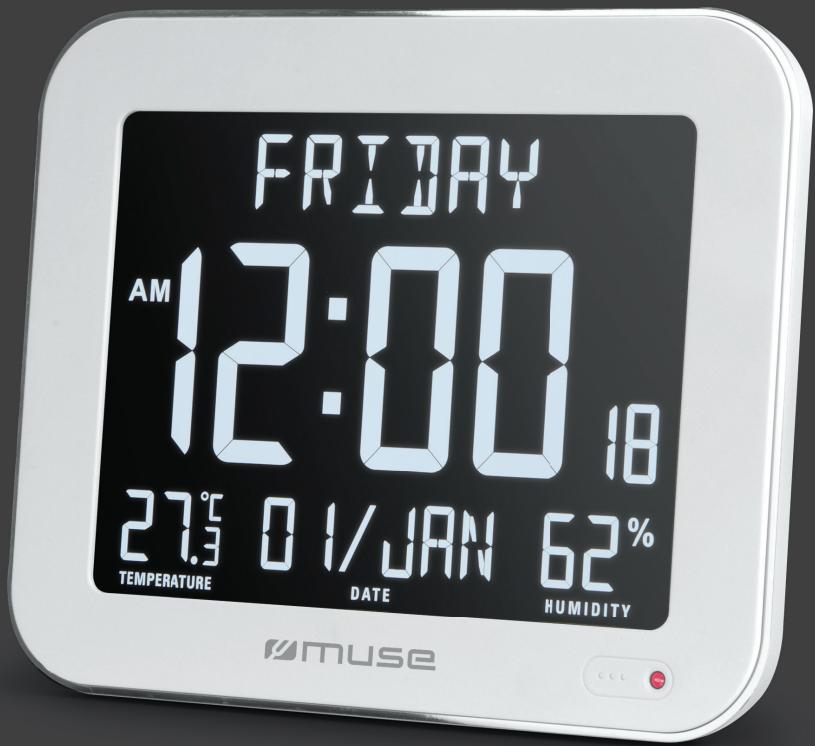
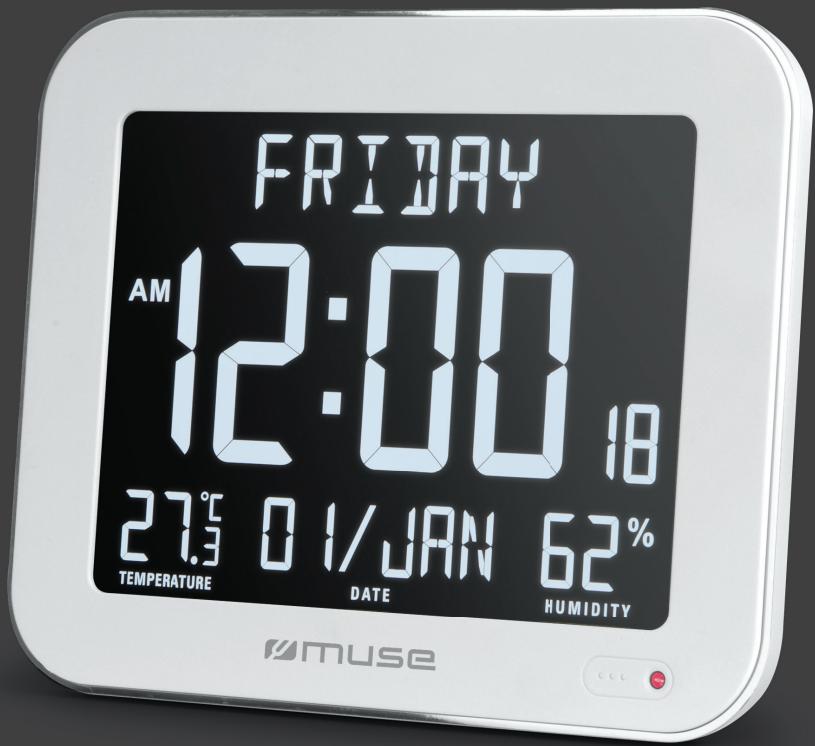
| Display | LCD screen with automatic backlight |
| Main functions | Day of week, month, indoor temperature, indoor humidity, calendar, clock, alarm |
| Temperature | Indoor temperature display |
| Humidity | Indoor humidity display |
| Main power supply | 4.5 V DC mains adapter (included) |
| Backup power supply | 2 AAA/R03/UM4 batteries (not included) |
| Installation | Wall mounting or table stand |
| Product dimensions | 177.5 mm (H) × 24.5 mm (D) × 220 mm (W) |
| Net weight | 0.48 kg |
| Package dimensions | 297 mm (H) × 50 mm (D) × 253 mm (W) |
| Gross weight | 0.89 kg |
| Included accessories | Mains adapter |
| Warranty | Consult the retailer |
| Care and cleaning | Wipe with a soft, dry cloth. Avoid excessive moisture. |
| Safety | Do not expose to water. Use only the supplied mains adapter. |
| Spare parts and repairability | Replacement batteries (AAA type). Adapter available. For any repairs, contact customer service. |
Frequently Asked Questions - M 090 WMC C 5317 MUSE
User questions about M 090 WMC C 5317 MUSE
0 question about this device. Answer the ones you know or ask your own.
Ask a new question about this device
Download the instructions for your Radio in PDF format for free! Find your manual M 090 WMC C 5317 - MUSE and take your electronic device back in hand. On this page are published all the documents necessary for the use of your device. M 090 WMC C 5317 by MUSE.
USER MANUAL M 090 WMC C 5317 MUSE
Collection of inspiration

LARGE
DISPLAY
#
HUMIDITY
#
TEMPERATURE
#
ALARM
12:00
CLOCK
31
CALENDAR
WALL MOUNTABLE
MOUNTABLE
AC
ADAPTOR
M-090 WMC
HORLOGE MURALE
AFFICHEUR
Ecran LCD
2X1.5V === AAA/R03/UM4
ACCESSOIRE
Adaptateur secteur
PRODUIT
177.5 mm (H) × 24.5 mm (P) × 220 mm (L)
Poids net: 0.48 kg
EMBALLAGE
297 mm (H) × 50 mm (P) × 253 mm (L)
Poids brut: 0.89 kg
Code: 3700460209827
COLISAGE
5 pièces
324 mm (H) × 273 mm (P) × 280 mm (L)
Poids brut: 5 kg
Code: 13700460209824
CHARGEMENT CONTAINER
Full digits display of day of week
and 3 digits display of month
Temperature & humidity
Calendar, alarm and clock function
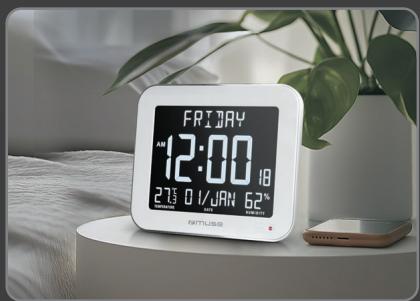
Wall mount or table stand design
POWER SUPPLY
DC in 4.5V
Battery backup:
2X1.5V === AAA/R03/UM4 type battery
ACCESSORY
AC adaptor
PRODUCT
177.5 mm (H) × 24.5 mm (W) × 220 mm (L)
Net weight: 0.48 kg
GIFT BOX
297 mm (H) × 50 mm (W) × 253 mm (L)
Gross weight: 0.89 kg
Code: 3700460209827
EXPORT CARTON
5 pieces
324 mm (H) × 273 mm (W) × 280 mm (L)
Gross weight: 5 kg
Code: 13700460209824
CONTAINER LOAD
20 ft: 5045 pieces
40 ft: 10900 pieces
40 ft HQ: 12920 pieces
MUSE
Collection of inspiration
LARGE
DISPLAY
#
HUMIDITY
#
TEMPERATURE
#
ALARM
12:00
CLOCK
31
CALENDAR
WALL MOUNTABLE
MOUNTABLE
AC
ADAPTOR
M-090 WMC
Wanduhr
RELOJ DE PARED
DISPLAY
DISPLAY
LCD-Display
Pantalla LCD
Code: 13700460209824
A EXPORTACION
5 piezas
324 mm (H) × 273 mm (D) × 280 mm (L)
Peso bruto: 5 kg
Brand : MUSE
Model : M 090 WMC C 5317
Category : Radio