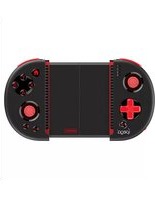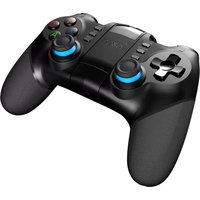


How to configure the shoot button on the IPEGA PG-9156 controller for a platform game?
Response Notice-Facile
The IPEGA PG-9156 controller has all the standard buttons (ABXY, triggers, d-pad), but the "shoot" function depends on the game itself and its control configuration.
Quick solution:
- First, check the game settings - Go into the options/controls of the platform game and check which button is assigned to the "shoot" action. Often, it's one of the ABXY buttons or a trigger (LB, RB, L1, L2).
- Reassign the button if necessary - Most modern games allow you to remap controls. If you prefer to use a different button, change it in the game settings.
- Use the Octopus app (advanced solution) - If the game does not recognize your controller or does not have a remapping option, install the free Octopus app (Google Play Store). It allows you to create custom profiles and precisely assign each button of the PG-9156 to the game's actions.
The PG-9156 is fully compatible with platform games - the issue is usually a misassignment of the shoot button in the game or system settings.