
APPWC02P - Webcam Approx - Free user manual and instructions
Find the device manual for free APPWC02P Approx in PDF.


| Product type | Webcam |
| Brand | Approx |
| Model | APPWC02P |
| Video resolution | 1920 x 1080 pixels (Full HD) |
| Refresh rate | 30 frames per second |
| Built-in microphone | Yes, with noise reduction |
| Focus | Automatic |
| Field of view | 70 degrees |
| Connectivity | USB 2.0 (integrated 1.5 m cable) |
| Compatibility | Windows, macOS, Linux, Chrome OS |
| Dimensions (L x H x D) | 80 x 50 x 50 mm |
| Weight | 100 g |
| Power supply | Via USB port (5V, 500 mA) |
| Mounting | Adjustable clip for monitor or tripod |
| Sensor | CMOS |
| Application | Video conferencing, streaming, remote work |
| Maintenance and cleaning | Clean the lens with a dry microfiber cloth |
| Safety | Do not expose to moisture or direct sunlight |
| Spare parts and repairability | Replace the USB cable if damaged |
| General information | 2-year warranty, made in China |
Frequently Asked Questions - APPWC02P Approx
User questions about APPWC02P Approx
0 question about this device. Answer the ones you know or ask your own.
Ask a new question about this device
Download the instructions for your Webcam in PDF format for free! Find your manual APPWC02P - Approx and take your electronic device back in hand. On this page are published all the documents necessary for the use of your device. APPWC02P by Approx.
USER MANUAL APPWC02P Approx
- USB2.0 Web Camera
- User manual
- CD with driver
4. DRIVER INSTALLATION
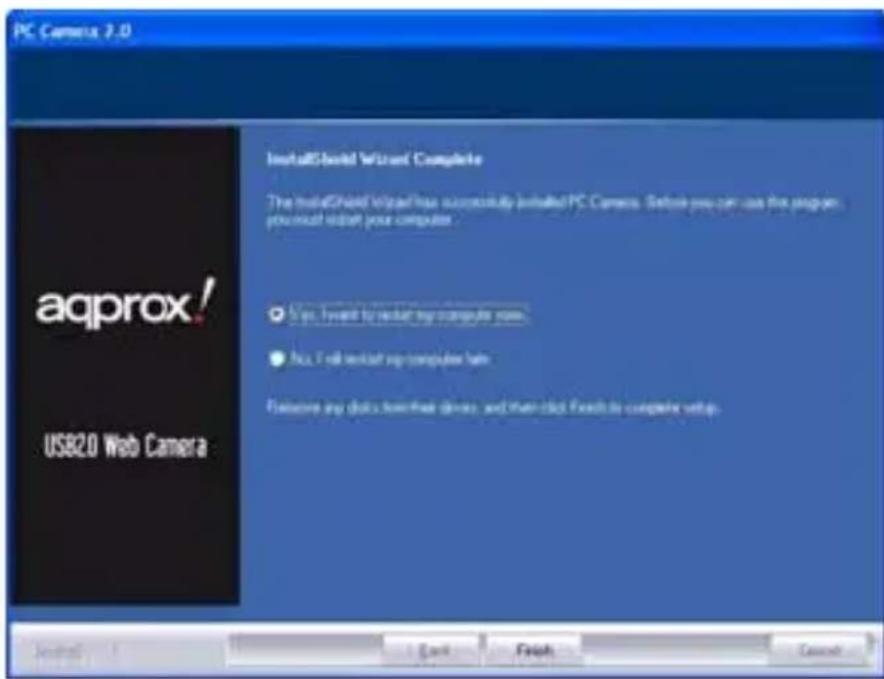
- Once the driver CD is put into CD-ROM, the computer screen will display the driver window. Select suitable driver menu and then the system will automatically install the web camera driver. The system shows the window just like below:


Click "Next". Click "Finish".
- Restart windows, plug the web camera USB cable into the computer USB port, and the system will automatically finish record and setup
- You can look for web camera program after installation
Run AMCAP.EXE, y ou can see y our own image. The resolution of the picture is adjustable. You can capture snapshot from the web camera for yourself or for your friends, family or customers at the other end of PC.
Notes:
- Please clean the camera lens with soft fa bric and n ever touch the focus w ith your ha nd, sharp tools or aggressive products.
- Avoid using web camera under ver y cold, hot, dust y or wet atmosphere.
- Avoid dropping the web camera as serious fa II will lead to the destruction of the camera lens.
- Led light will be red when the digital web camera is ready to work.
1. SPECIFICATIONS DU PRODUIT

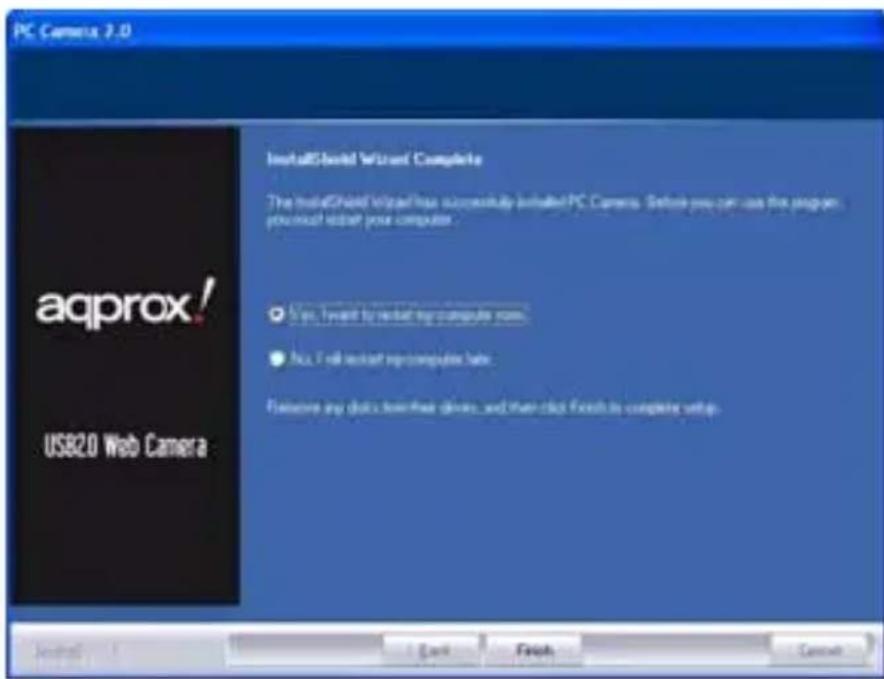
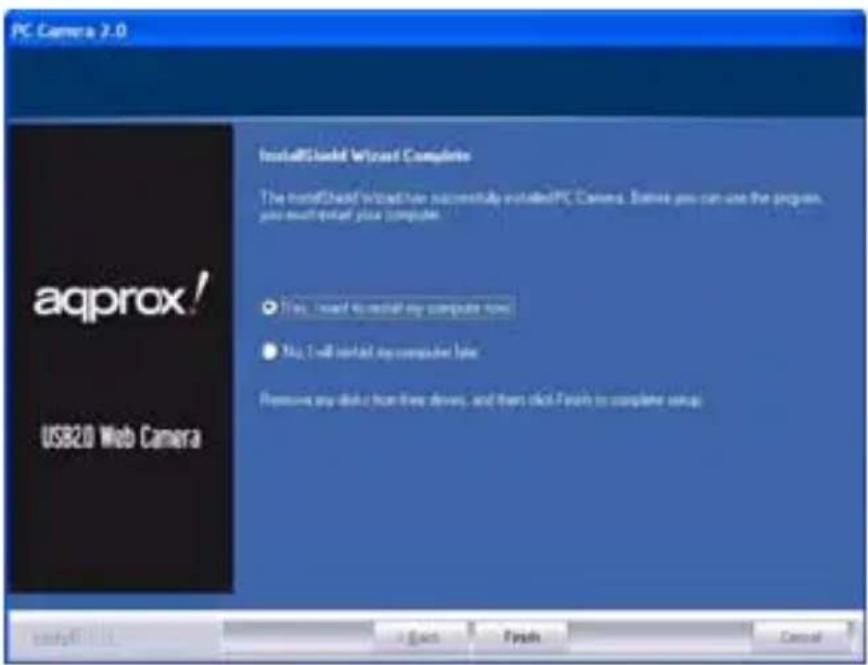
Cliccare su "Next". Quindi su "Finish".


Brand : Approx
Model : APPWC02P
Category : Webcam