Approx APPWC02B - Webcam

APPWC02B - Webcam Approx - Free user manual and instructions

Find the device manual for free APPWC02B Approx in PDF.

📄 27 pages English EN Download 💬 AI Question 10 questions ⚙️ Specs
Notice Approx APPWC02B - page 8
Pick your language and provide your email: we'll send you a specifically translated version.
Product type HD Webcam
Brand Approx
Model APPWC02B
Video resolution Full HD 1080p (1920 x 1080)
Frame rate 30 frames per second
Microphone Built-in microphone with noise reduction
Field of view 70 degrees
Focus Manual (focus ring)
Connection USB 2.0 (integrated 1.5 m cable)
Compatibility Windows, macOS, Linux, Chrome OS
Power supply Via USB port (5 V, 500 mA)
Dimensions (W x D x H) 80 mm x 50 mm x 50 mm
Weight 100 g
Mounting clip Universal clip for monitor or tripod
Care and cleaning Clean with a soft, dry cloth. Avoid solvents.
Safety Do not expose to moisture or extreme temperatures.
Spare parts and repairability No user-serviceable parts. Contact customer service.
General information Indoor use. Operating temperature: 0-40°C.

Frequently Asked Questions - APPWC02B Approx

How to install the Approx APPWC02B webcam?
Plug the webcam into a USB port on your computer. The operating system will automatically detect the device. No additional drivers are needed for Windows 10/11, macOS, or Linux. You can then use it with applications like Zoom, Skype, or Teams.
The webcam is recognized but the image is black?
Check that the lens is not obstructed by a cover or sticker. Also make sure that the application you are using has selected the Approx webcam as the video source in its settings. If the problem persists, restart the computer.
Can I use this webcam with a tripod?
Yes, the Approx APPWC02B webcam has a removable clip that screws onto a standard tripod (1/4-inch thread). Simply remove the clip to reveal the screw hole.
How to clean the webcam lens?
Use a slightly damp microfiber cloth (clean water) to gently wipe the lens. Never use chemicals or abrasive cleaners. Make sure the webcam is unplugged before cleaning.
The webcam has no microphone or the sound is very low?
The webcam has a built-in microphone. Check in your system audio settings that the 'Approx APPWC02B' microphone is selected and the volume is adequate. Move away from noise sources and make sure nothing is blocking the mic (small hole near the lens).
What are the exact dimensions of the webcam?
The dimensions of the Approx APPWC02B webcam are approximately 80 mm wide, 50 mm high, and 50 mm deep (without the clip). With the clip attached, the height may vary depending on the opening.
Can I use the webcam for live streaming?
Yes, the webcam is compatible with streaming software like OBS Studio, Streamlabs, or XSplit. It offers 1080p resolution at 30 fps, which is sufficient for quality streaming. Make sure you have good lighting for best results.
How to focus the image on the Approx webcam?
Focus is manual. Turn the ring around the lens to adjust sharpness. If the image remains blurry, ensure the distance from the subject is at least 20 cm.
What to do if the webcam is not detected by the computer?
Try another USB port. If it still isn't recognized, plug it into another computer to test. If it works elsewhere, the issue is with your PC (drivers, faulty port). Restart the computer and check for Windows updates.
Does the webcam have configuration software?
No, the Approx APPWC02B webcam does not include proprietary software. Basic adjustments (brightness, contrast, saturation) can be made through the settings of the application you are using (e.g., in Zoom or Windows camera settings).

User questions about APPWC02B Approx

0 question about this device. Answer the ones you know or ask your own.

Ask a new question about this device

The email remains private: it is only used to notify you if someone responds to your question.

No questions yet. Be the first to ask one.

Download the instructions for your Webcam in PDF format for free! Find your manual APPWC02B - Approx and take your electronic device back in hand. On this page are published all the documents necessary for the use of your device. APPWC02B by Approx.

USER MANUAL APPWC02B Approx

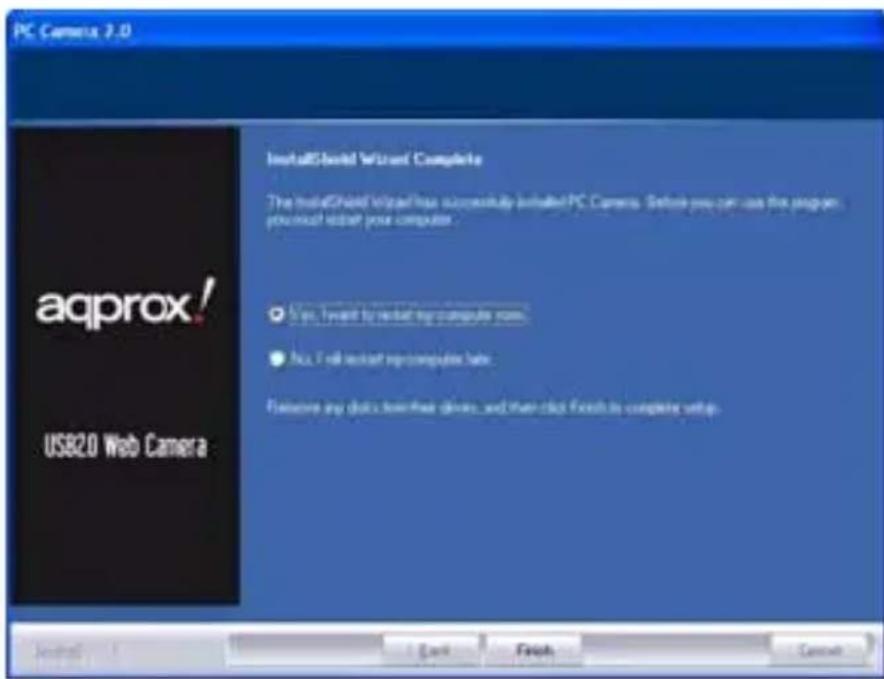
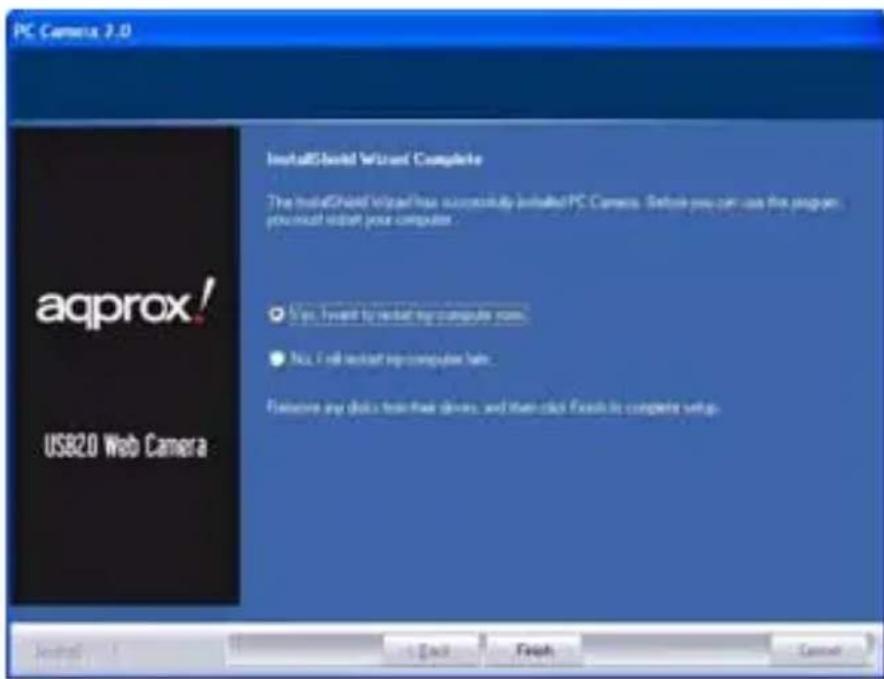
PC Camera 2.0 aqprox! USB2.0 Web Camera InstallShield Wizard Complete The InstallShield Wizard has successfully installed PC Camera. Before you can use the program you must install your computer. ● Yes, I will install any computer now. ● No, I will install any computer now. Remove any disk from their drive, and then click fixes to complete setup.

  • IBM PC computer or notebook with USB port
  • Pentium 300 or higher CPU
  • Windows® 98/ ME/ 2000/ XP/ VISTA/ 7; Linux; MAC
  • CD-ROM drive
  • Memory >64M
  • Graphics card supporting VGA DIRECTX

3. PACK CONTENT

  • USB2.0 Web Camera
  • User manual
  • CD with driver

4. DRIVER INSTALLATION

  1. Once the driver CD is put into CD-ROM, the computer screen will display the driver window. Select suitable driver menu and then the system will automatically install the web camera driver. The system shows the window just like below:

PC Camera 2.0 aqprox! USB2.0 Web Camera Welcome to the InstallShield Wizard for PC Camera The InstallShield Wizard will install PC Camera on your computer. To continue, click Next + Back Next > Cancel

PC Camera 2.0 aqprox! USB2.0 Web Camera InstallShield Wizard Complete The InstallShield Wizard has successfully installed PC Camera. Before you can use the program you must install your computer. ✓ Yes, I will launch your computer now. ● No, I will install your computer now. Remove any disks from these devices, and then click Advanced to complete setup.

Click "Next". Click "Finish".

  1. Restart windows, plug the web camera USB cable into the computer USB port, and the system will automatically finish record and setup
  2. You can look for web camera program after installation

Run AMCAP.EXE, y ou can see y our own image. The resolution of the picture is adjustable. You can capture snapshot from the web camera for yourself or for your friends, family or customers at the other end of PC.

Notes:

- Please clean the camera lens with soft fa bric and n ever touch the focus w ith your ha nd, sharp tools or aggressive products.

- Avoid using web camera under ver y cold, hot, dust y or wet atmosphere.

- Avoid dropping the web camera as serious fa II will lead to the destruction of the camera lens.

- Led light will be red when the digital web camera is ready to work.

1. SPECIFICATIONS DU PRODUIT

PC Camera 2.0 aqprox! US820 Web Camera InstallShield Wizard Complete The InstallShield Wizard has successfully installed PC Camera. Before you can use the program, you must install your computer. ○ Yes, I will install any computer name. ● No, I will install any computer name. Browse any data from these devices and then click Finish to complete setup.

PC Camera 2.0 aqprox! USB2.0 Web Camera Installed Wizard Complete The installed Wizard has successfully installed PC Camera. Before you can use the program you must install your computer. ● Yes, I will launch any computer now. ● No, I will install any computer now. Remove any data from their drivers and then click Finish to complete setup.

PC Camera 2.0 aqprox! USB2.0 Web Camera InstallShield Wizard Complete The installed Wizard has successfully installed PC Camera. Before you can use the program, you must install your computer. ● Yes, I need to install my computer type ● No, I will install my computer type Remove any disk from three drives, and then click Finals to complete setup

Cliccare su "Next". Quindi su "Finish".

PC Camera 2.0 aqprox! USB2.0 Web Camera InstallShield Wizard Complete The InstallShield Wizard has successfully installed PC Camera. Before you can use the program, you must install your computer. ✓ Yes, I want to install your computer name. ● No, I will install your computer name. Remove any disk from their drives, and then click Finish to complete setup.

Table of contents Click a title to access it
Manual assistant
Powered by Anthropic
Waiting for your message
Product information

Brand : Approx

Model : APPWC02B

Category : Webcam