SW103 - Chime Nordväl - Free user manual and instructions
Find the device manual for free SW103 Nordväl in PDF.


User questions about SW103 Nordväl
0 question about this device. Answer the ones you know or ask your own.
Ask a new question about this device
Download the instructions for your Chime in PDF format for free! Find your manual SW103 - Nordväl and take your electronic device back in hand. On this page are published all the documents necessary for the use of your device. SW103 by Nordväl.
USER MANUAL SW103 Nordväl
natural_image
Smartwatch displaying a colorful app interface with icons on the screen (no readable text or symbols)English
NORDVÄL
NORDVAL.
Your smart technology friends.
Copyright © 2021 TJM Supplies B.V. All rights reserved. Nordväl® is the registered trademark of TJM Zwerink Holding B.V.
HELLO,
Thank you for purchasing the Nordväl SW103 smartwatch.
Let's get started!
TABLE OF CONTENTS
Declaration of Conformity 2
What's in the box 4
Get to know your smartwatch 4
App 5
Getting started with your smartwatch 5
Frequently asked questions 10
Specifications 12
DECLARATION OF CONFORMITY
Product information
For the following
Product: Smartwatch
Type: SW103

Declaration and applicable standards
TJM Supplies B.V. hereby declares that the type of smartwatch SW103 series conforms to:
Directive EMC 2014/53/EU, RoHS directive (2011/65/EU) and its amendment directive 2015/863/EU on the restriction of the use of certain hazardous substances in electronic equipment.
The full text of the EU declaration of conformity can be found at the following internet address: www.nordval.eu/declaration-of-conformity/
Importer
Company:
Address:
TJM Supplies B.V.
Zompstraat 8
8102 HX Raalte
The Netherlands
Email:
info@tjmsupplies.nl
Phone number:
+31 85-0402973
Business license number:
72016981
VAT number:
NL858946439B01
Nordväl® is the registered trademark of TJM Zwerink Holding B.V.
Specifications are subject to change without notice.
Copyright © 2021 TJM Supplies B.V.
All rights reserved.
Manufactured in China
WHAT'S IN THE BOX
Please check the box for each of the following items before using your smartwatch:
▶ Nordväl SW103 smartwatch
▶ USB magnetic charger
▶ User guide
GET TO KNOW YOUR SMARTWATCH

text_image
1,69 inch touchscreen Control button Power on, activate screen, zoom and scroll. Heart rate sensor Charging contact 4APP
Android
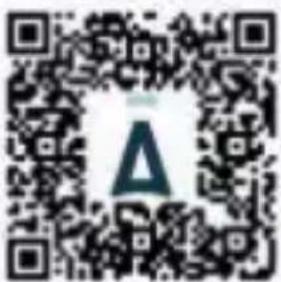
Open the Google Play Store and search "Da Fit" to download and install the app. You can also scan the QR code down below for a direct download link.
text_image
QR code with a central logo containing a stylized 'A' and a circular symbol above it.ios
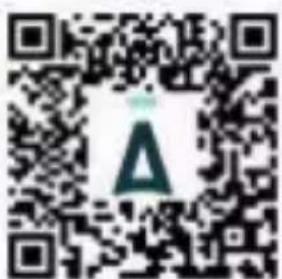
Open the App Store and search "Da Fit" to download and install the app. You can also scan the QR code down below for a direct download link.
text_image
QR code with a central logo featuring a stylized 'A' in green and white.GET STARTED WITH YOUR SMARTWATCH
Power-on
Plug in the charger to charge the smartwatch prior to use, press the control button for 3 seconds.
Connect the smartwatch to your phone
Open the Da Fit app on your smartphone and follow the next steps:
- Click on "Add Device" (image 1).
When using an Android smartphone, you can connect the smartwatch directly to your smartphone through the Bluetooth settings. - Click on your device named "SW103" in the device list (image 2).
When using an iPhone, your phone will show a Bluetooth pairing request. You can click on Bluetooth "Pairing" to confirm the Bluetooth link (image 3). - You are now connected and ready to use your smartwatch.

text_image
Not connected with smartwatch Marketable Access Delete Other UpgradeImage 1 Image 2

text_image
Add device SW103B HA:632H212931 Please add your smartwatch from the site Description is required.
text_image
SW103B FA:85/07.2120.NI ShutterImage 3 (iOS)

Functions
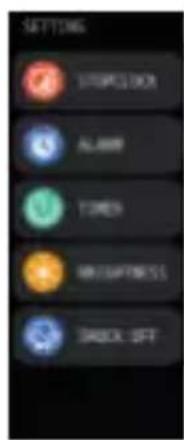
Turn on the smartwatch to open the main menu. Here you will find the following functions:
Smartwatch interface

text_image
SETTING STOCKBOX ALABR TIMES MINTERTS BACKOUT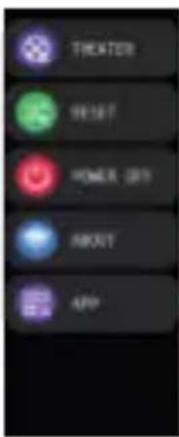
text_image
THICKER SHIFT POWER GRID ABOUT APP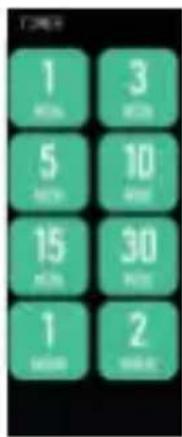
text_image
1 16:00 3 17:00 5 18:00 10 15 16:00 30 17:00 1 2 16:00
text_image
YOUR HEAT NETED ! 1:20 pm ● 路加 132 5755 6884 CALL
text_image
PICKERS CHART 00:30:00 AT Home 200000 10.30 ● Rock 21000 80
text_image
STOPPELOCK 00:08.00 LAP1 00:08:30 LAP2 00:02:45 LAP3 00:03:50App interface

text_image
4:35 Today Groups Groups Groups Groups Groups Groups Groups Groups Groups Groups Groups Groups Groups Groups Groups Groups Groups Groups Groups Groups Groups Groups Groups Groups Groups Groups Groups Groups Groups Groups Groups Groups Groups Groups Groups Groups Groups Groups Groups Groups Groups Groups Groups Groups Groups Groups Groups Groups Groups Groups Categories Categories Categories Categories Categories Categories Categories Categories Categories Categories Categories Categories Categories Categories Categories Categories Categories Categories Categories Categories Categories Categories Categories Categories Categories Categories Categories Categories Categories Categories Categories Categories Categories Categories Categories Categories Categories Categories Categories Categories Categories Categories Categories Categories Categories Categories Categories Categories Categories Categories Categories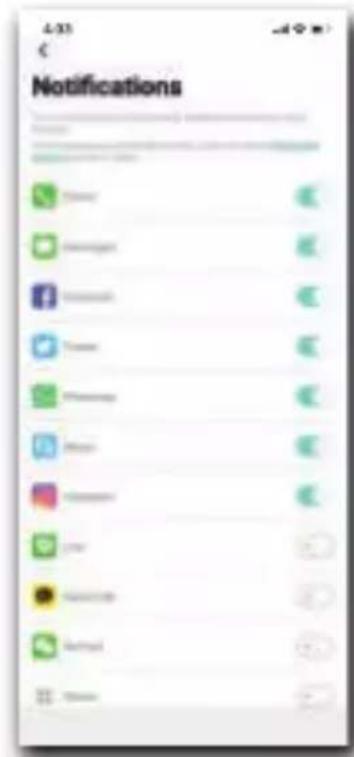
text_image
4:35 € Notifications
text_image
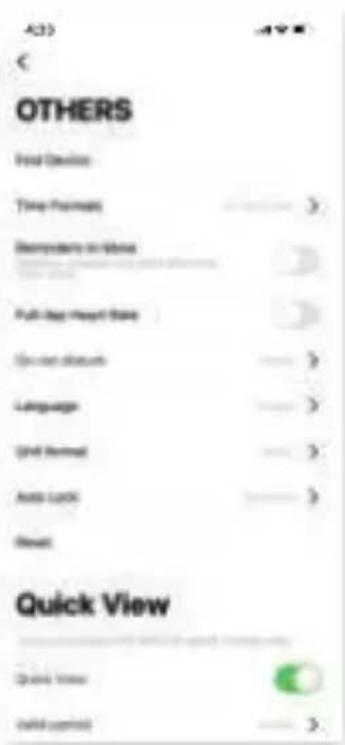
4/3) < OTHERS Final Device Time Post Descriptive in Status Full-Day Impact State Current Status Language Grip Normal Auto Lock Quick View Quick View Default Control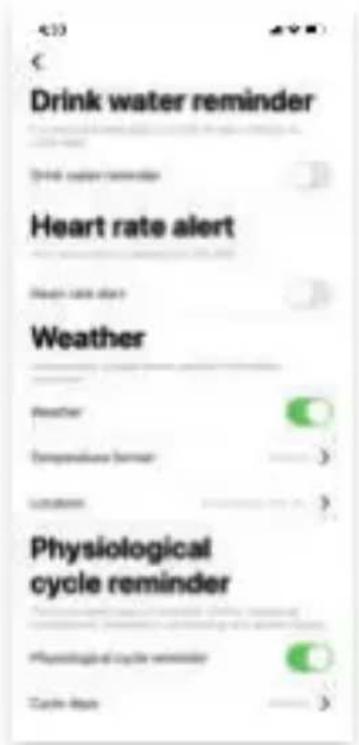
text_image
Drink water reminder Heart rate alert Weather Physiological cycle reminder
text_image
4.33 Weather Weather Temperature limit Temperature Physiological cycle reminder Physiological cycle reminder Cycle limit Maximum Cycle limit Last Time limit limit limit Maximum Cycle limit Saturday limit Physiological cycle reminderFREQUENTLY ASKED QUESTIONS
My smartwatch disconnects after a while.
If the “Da fit” app is restricted to stay active in the background, the device may be disconnected from your phone and requires reconnecting. The app can be configured to stay active in the background by changing your phone’s settings in the “Da Fit” app.
I am not receiving push messages.
Allow the app to send push notifications in the app settings.
Is my smartwatch waterproof?
Yes. The smartwatch has an IP67 waterproof rating. This means it can be immersed in water up to 1m deep for 30 minutes.
Is there a quick screen wake-up activation for my smartwatch?
Yes. There is a smart wake-up activation by moving your wrist.
How can I remove my smartwatch in the app?
You can easily disconnect the device by clicking "remove device" in the app.
Note for iOS users: after removing the device from the app, go to
to forget the smartwatch from your smartphone.
How long is my smartwatch covered under warranty?
We provide a 24 month warranty on all our products after purchase (with some exceptions). Unfortunately, we cannot treat products that have become defective due to incorrect use, fall damage, water damage, etc.
Is your question not answered?
The frequently asked questions, solutions and tips are answered above. If your question is not listed, you can visit:
www.nordval.eu/sw103-faq/
SPECIFICATIONS
| Product name Nordväl SW103 | |
| Size / weight 44.4x36x10.2mm / 47g | |
| Chip processor GR5515 | |
| Flash memory RAM 64KB, ROM 64MB | |
| Touchscreen 1,69 inch touchscreen, 240x280 pixels | |
| Bluetooth 5.1 Bluetooth Low Energy Chip | |
| G-Sensor Yes | |
| Heartrate sensor Tianyi Hexin HRS3300 (Built in) | |
| Battery capacity 190 mAh, Lithium polymer battery | |
| Battery duration Use 5-7 days, standby for 25 days | |
| Charging time / type | 2.5 hours / magnetic charger |
| Waterproof rate IP67 | |
| App compatibility Android 4.4 or higher, iOS 8.0 or higher | |
| App language | EN, NL, DE, FR, ES, ITA, PT, KR, RU, AR, ZH |
| User interface language | EN, NL, DE, FR, ES, RU, JA, AR, ZH |
NORDVAL.
Your smart technology friends.
Copyright © 2021 TJM Supplies B.V. All rights reserved. Nordväl® is the registered trademark of TJM Zwerink Holding B.V.
NORDVAL
Smart technology